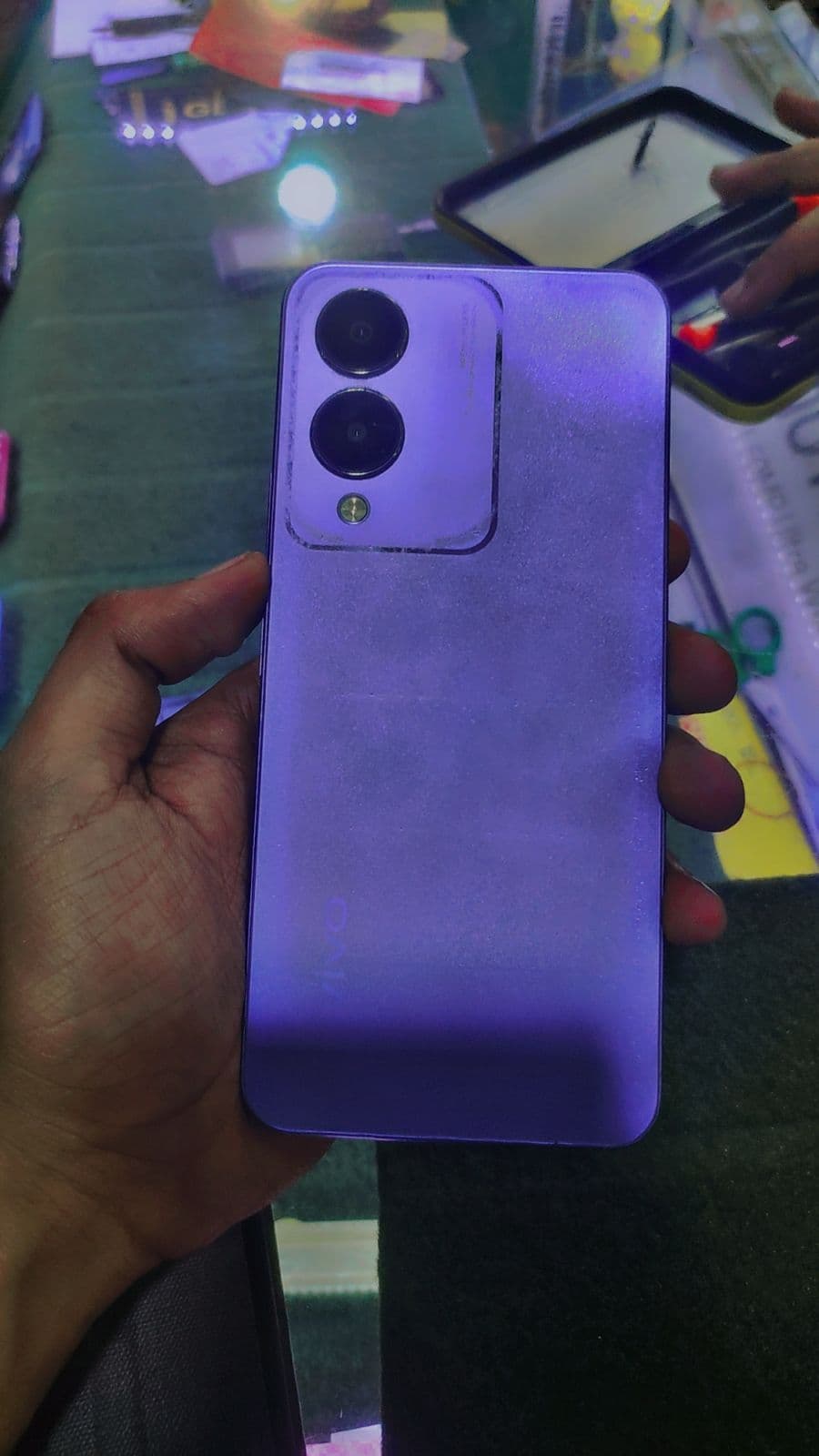
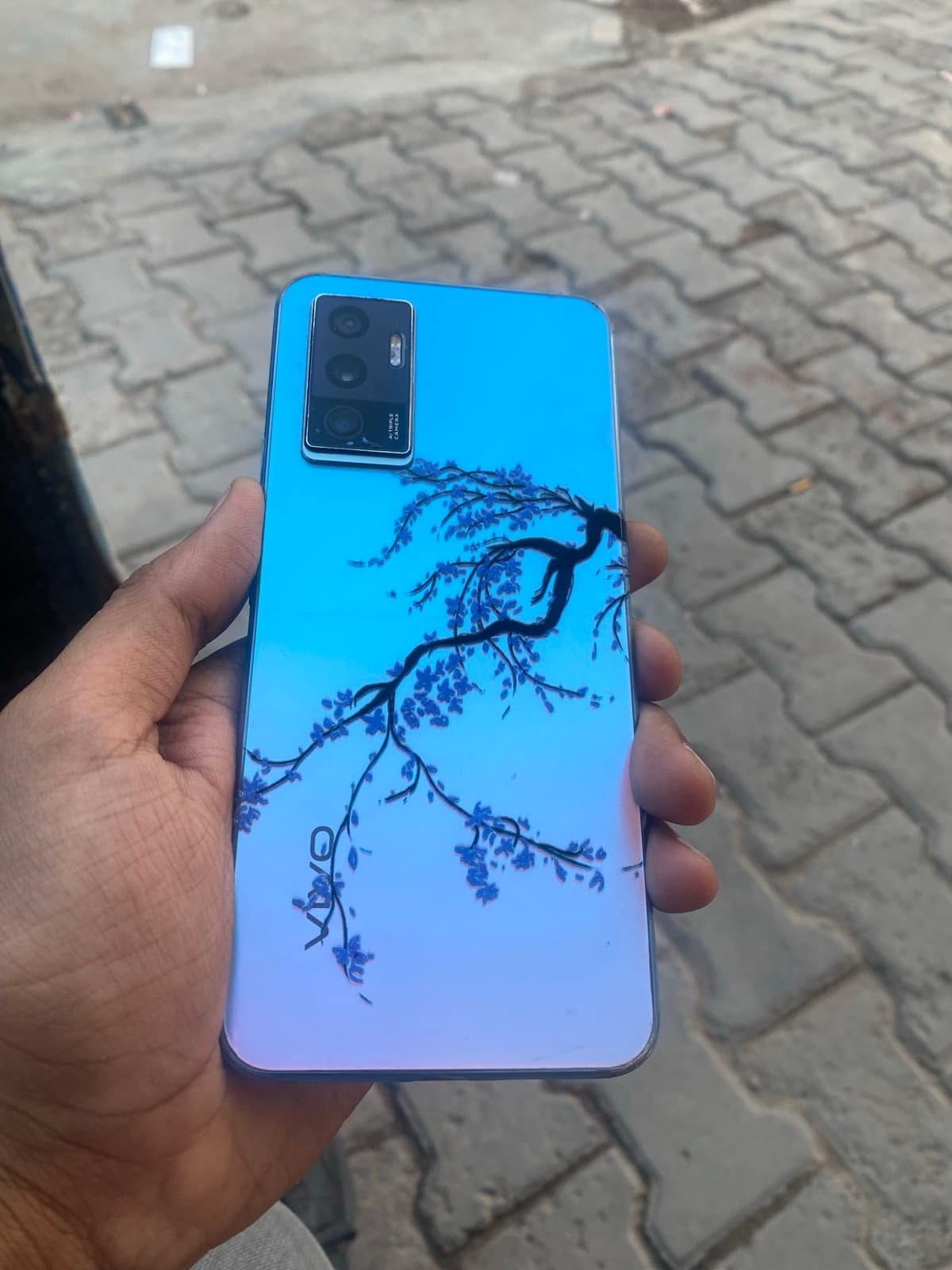
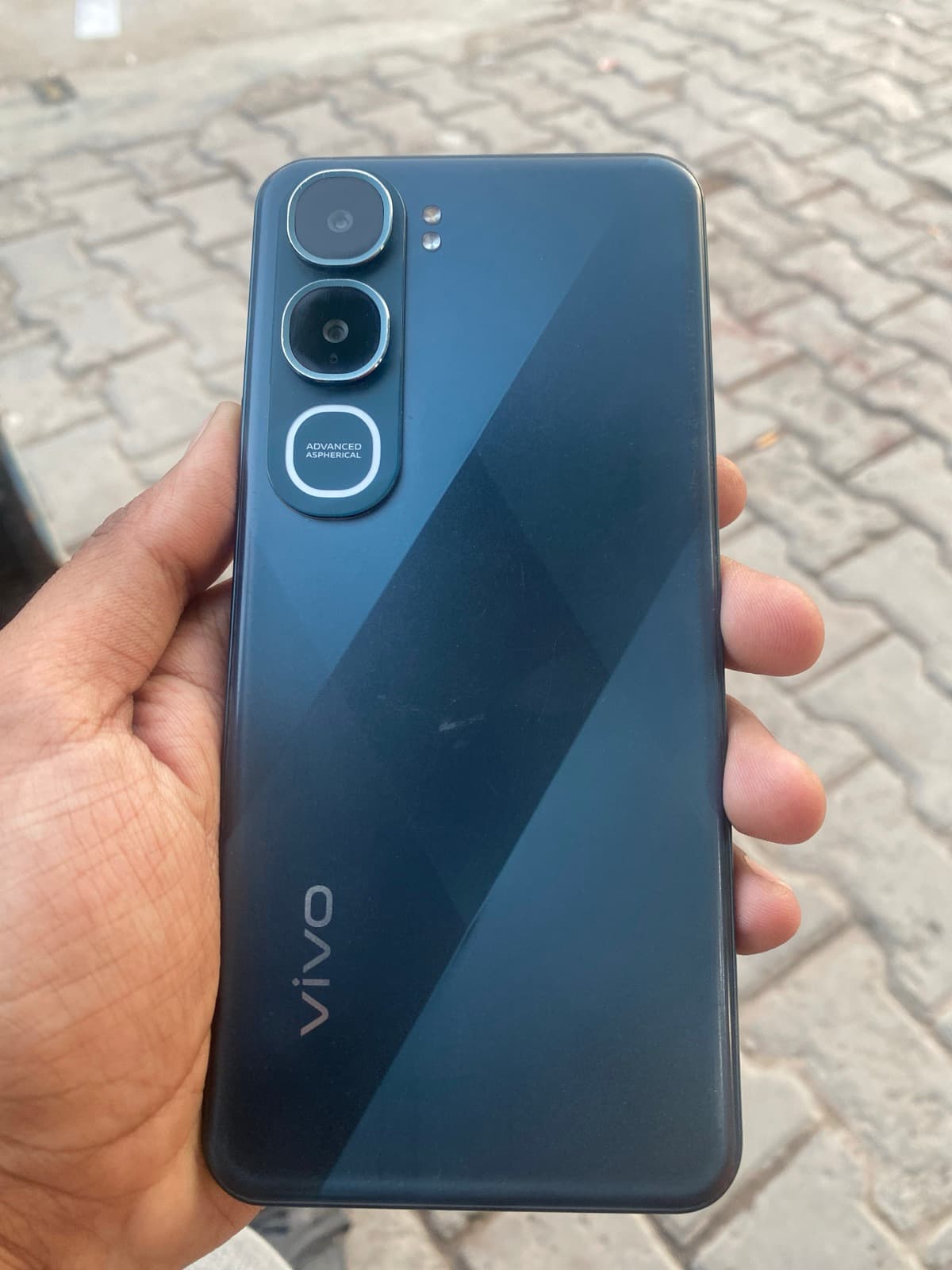
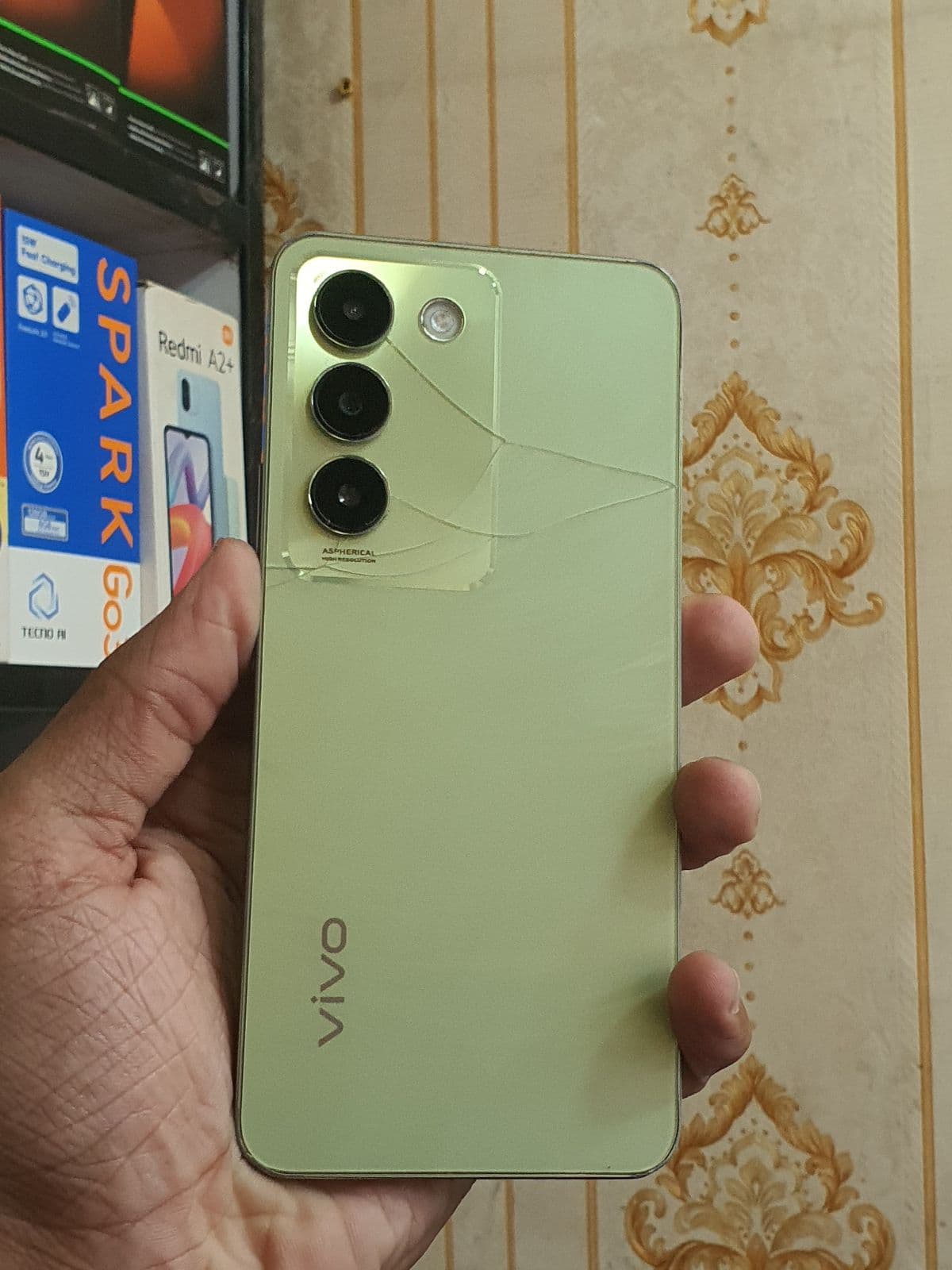
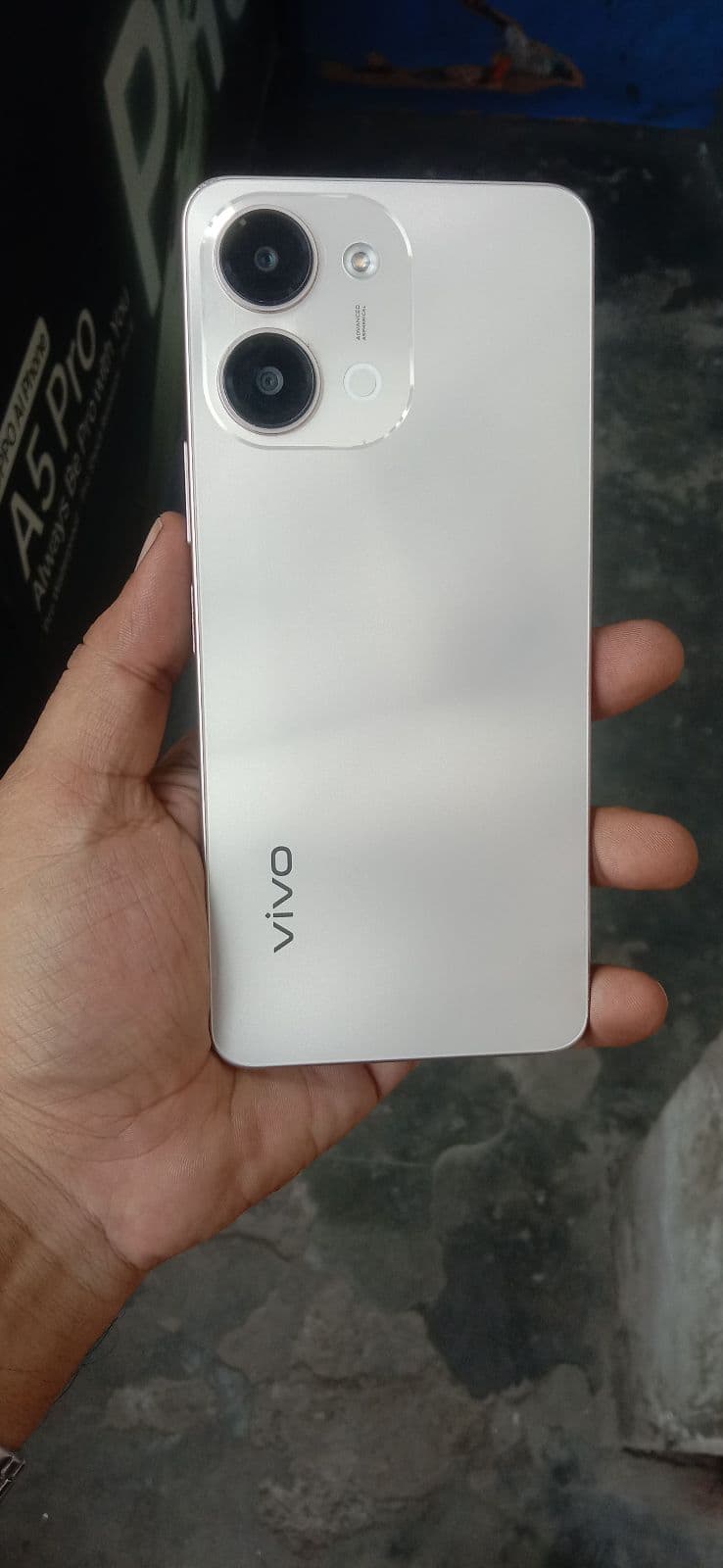
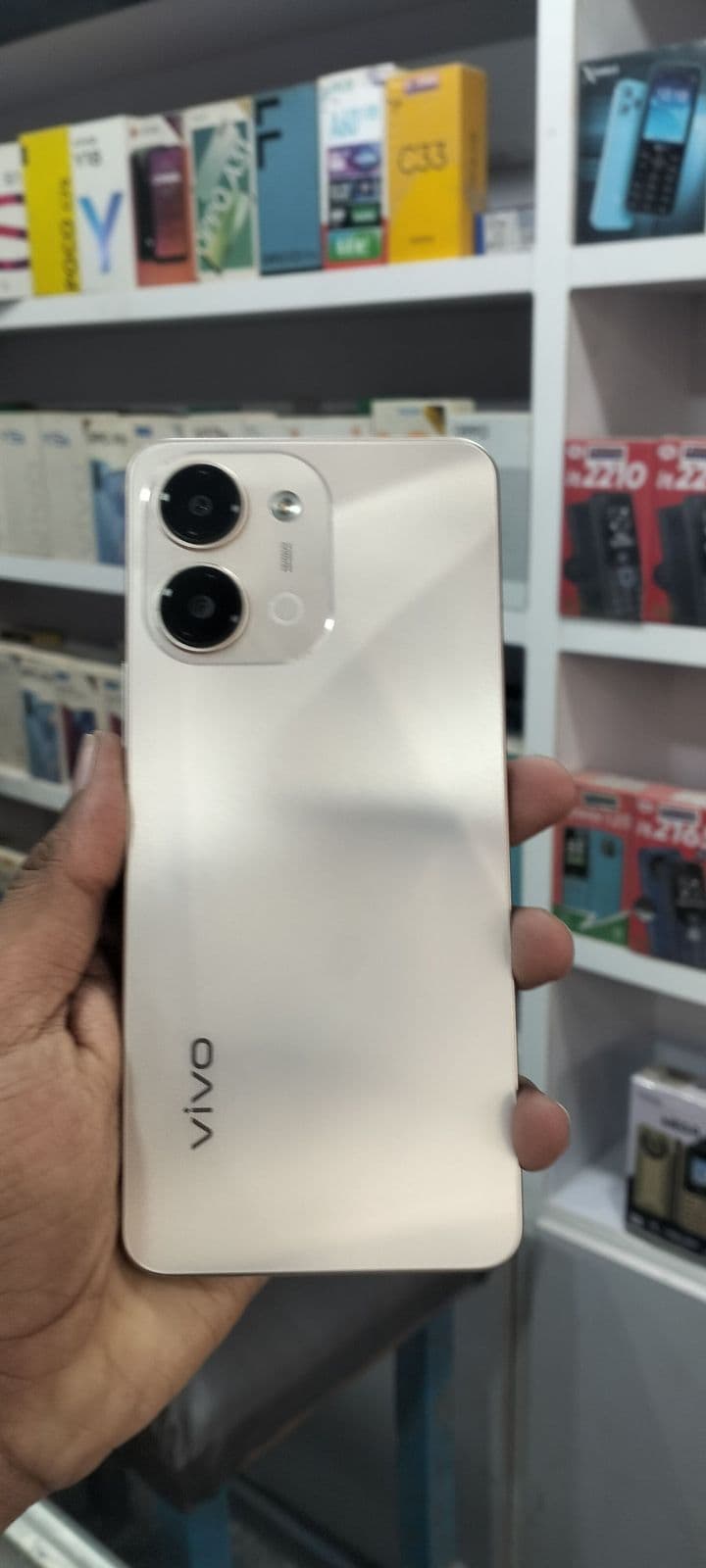
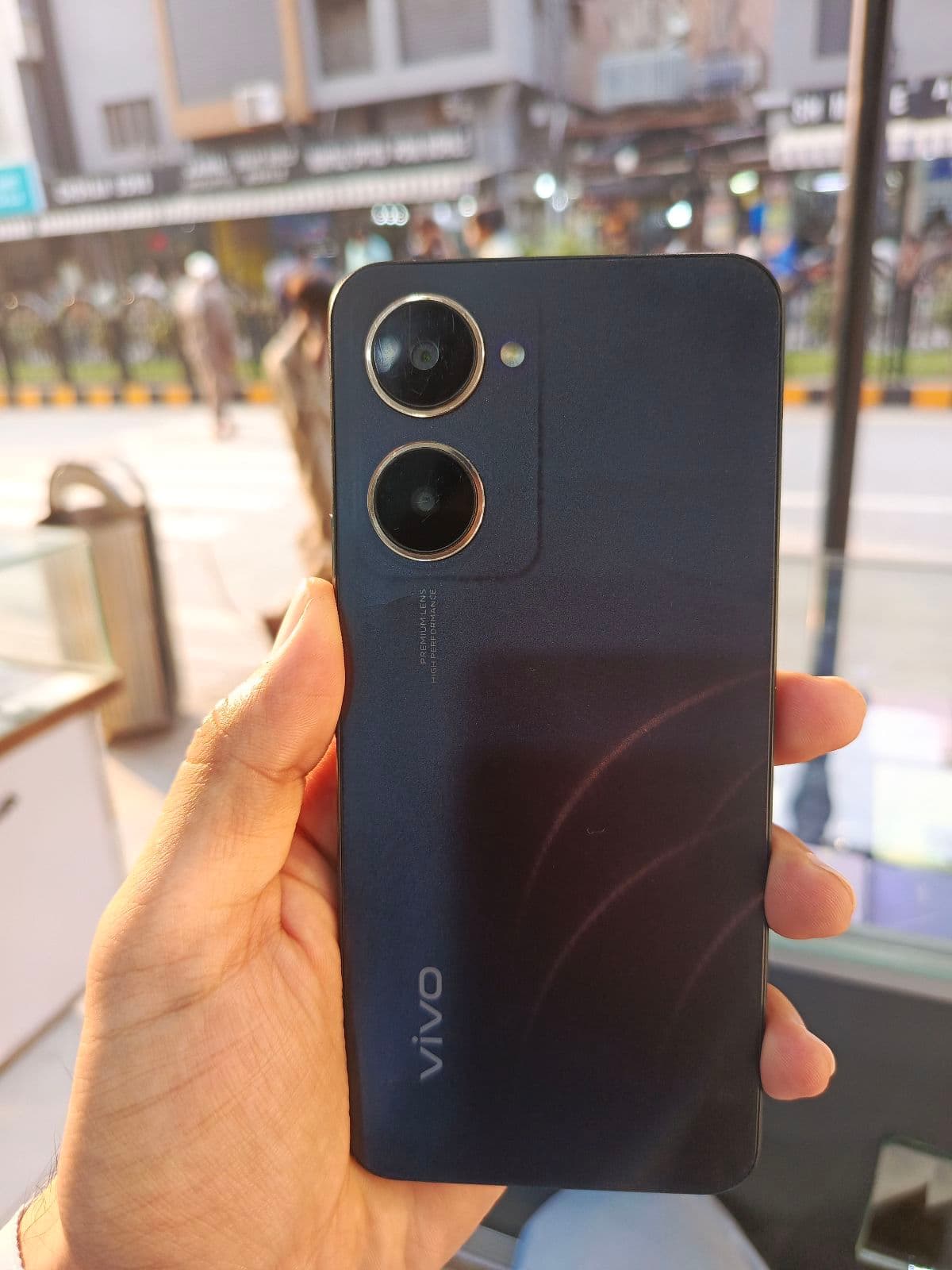
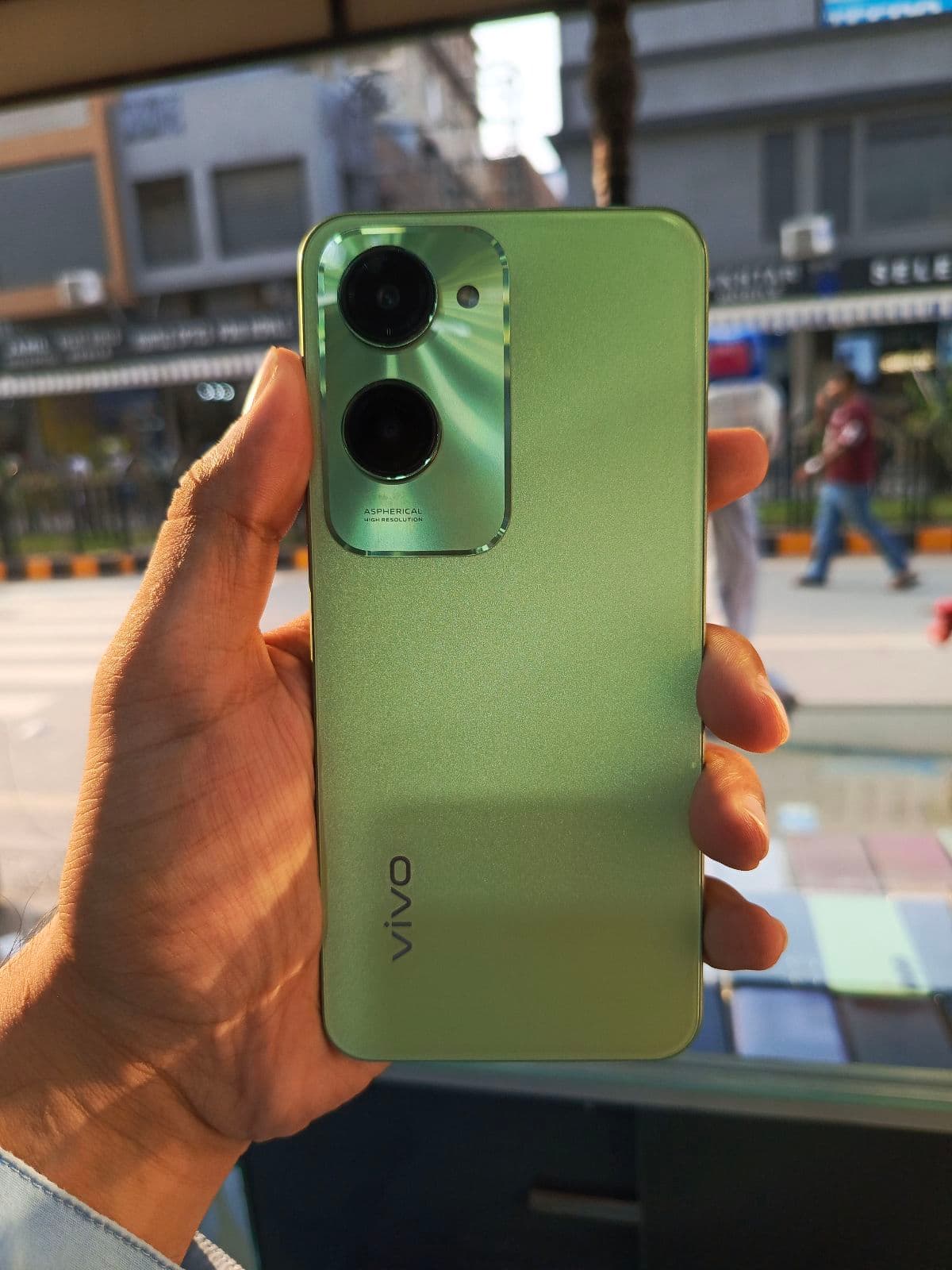
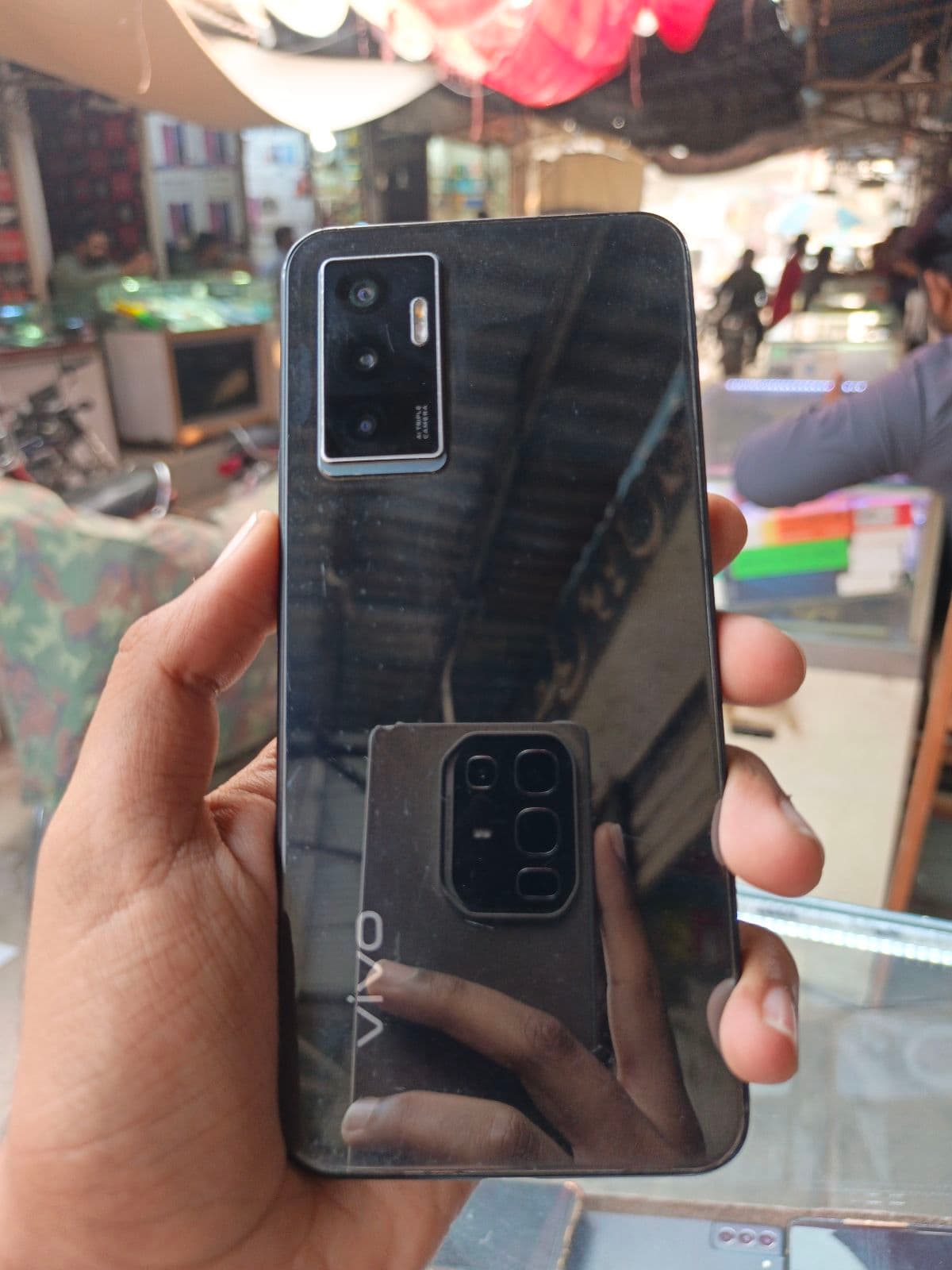
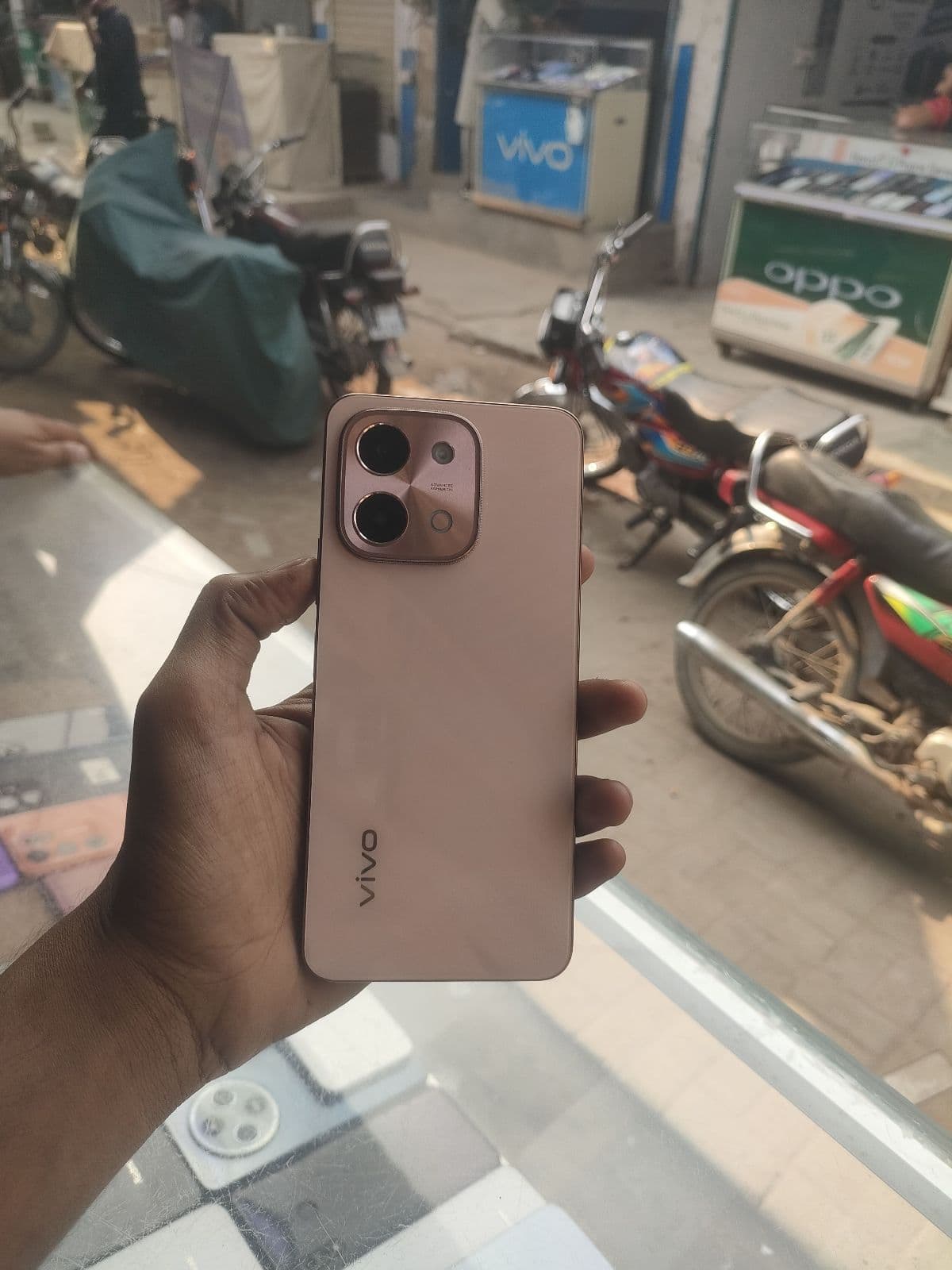
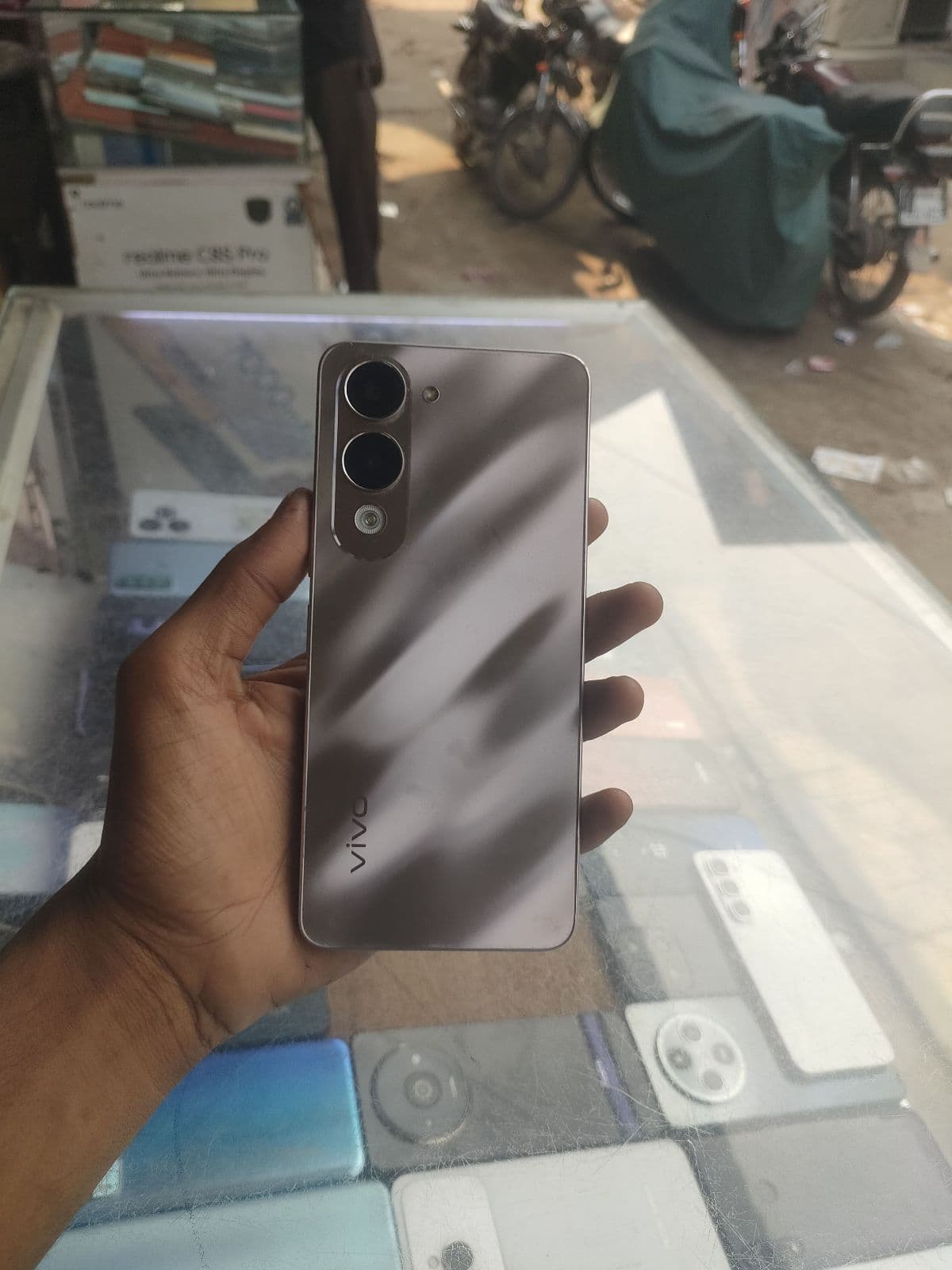

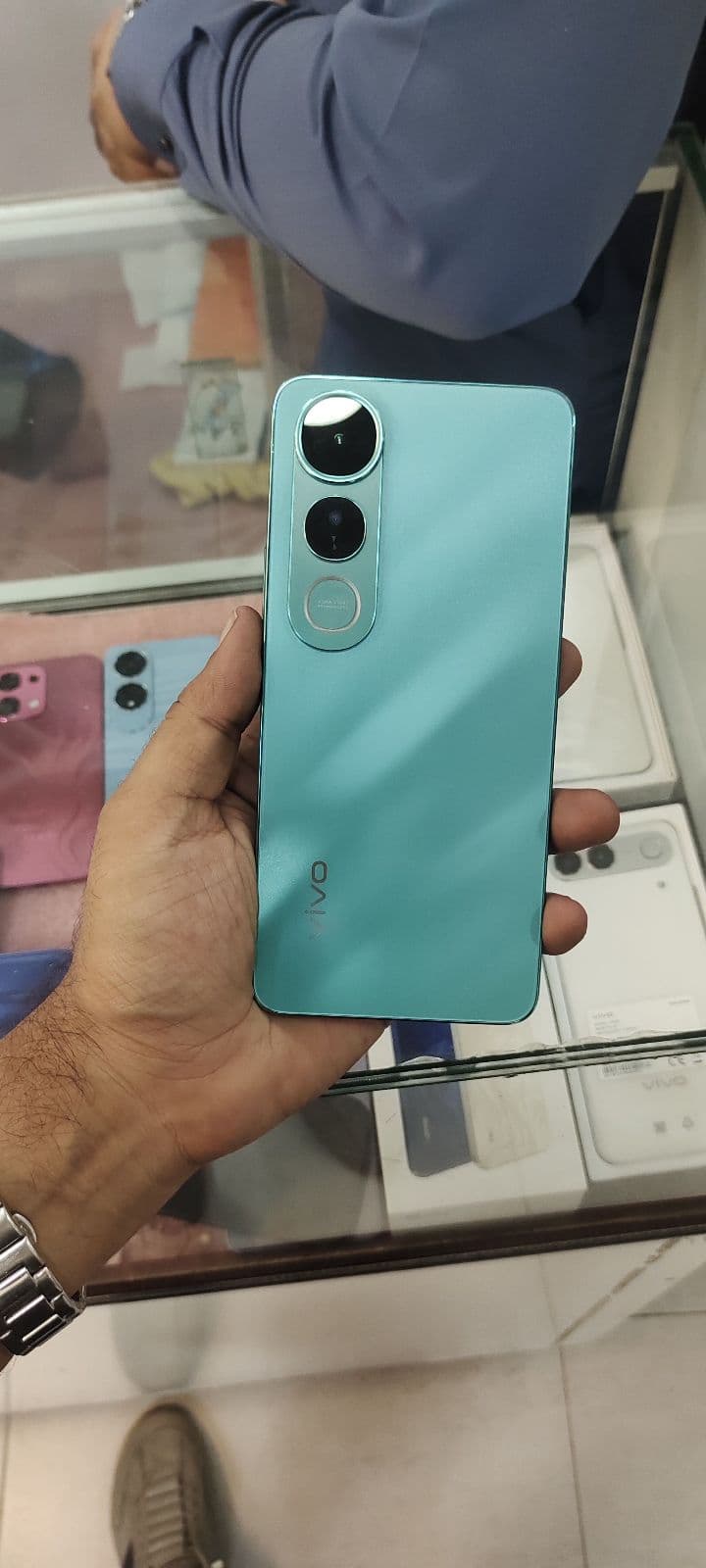



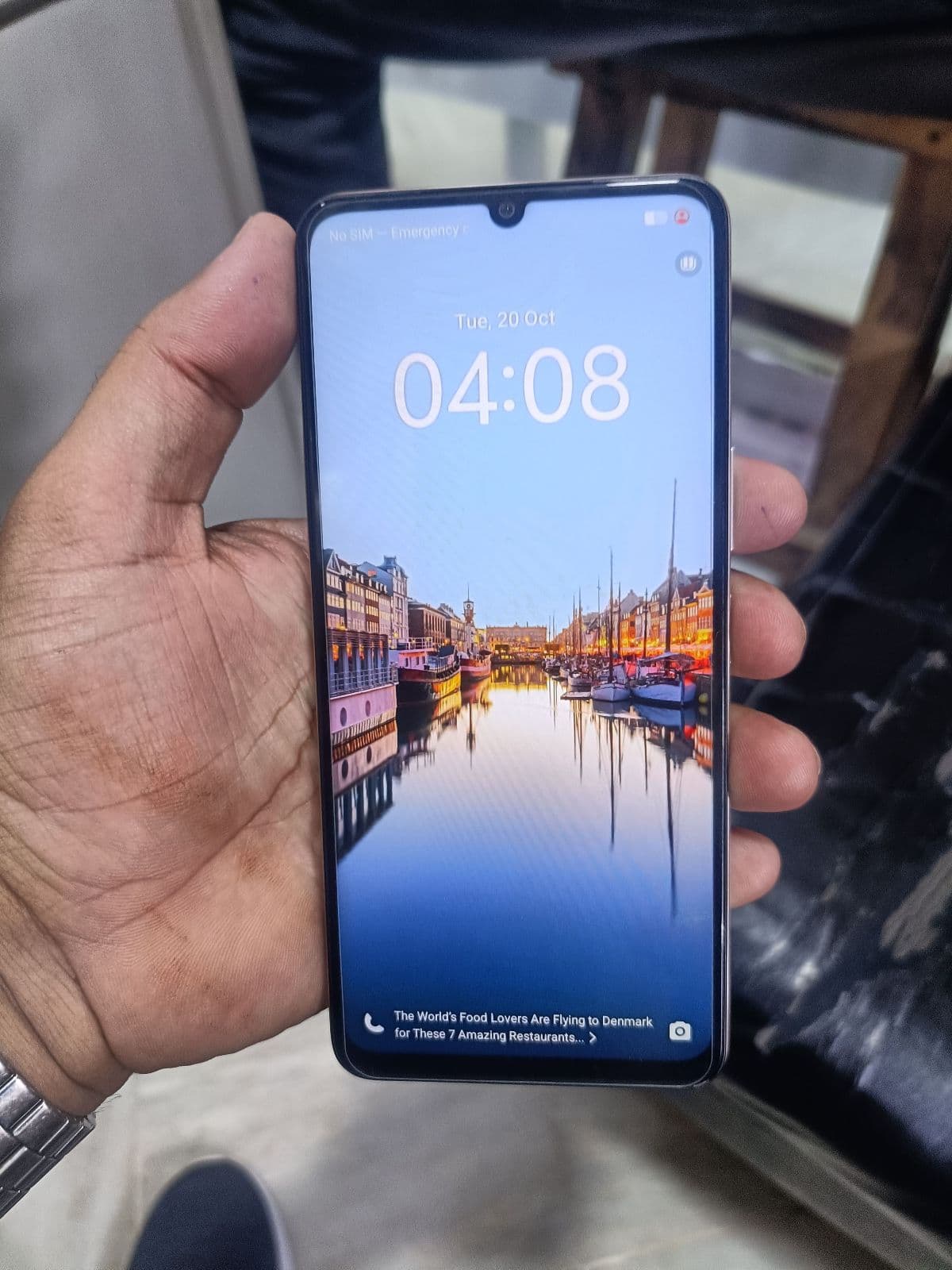


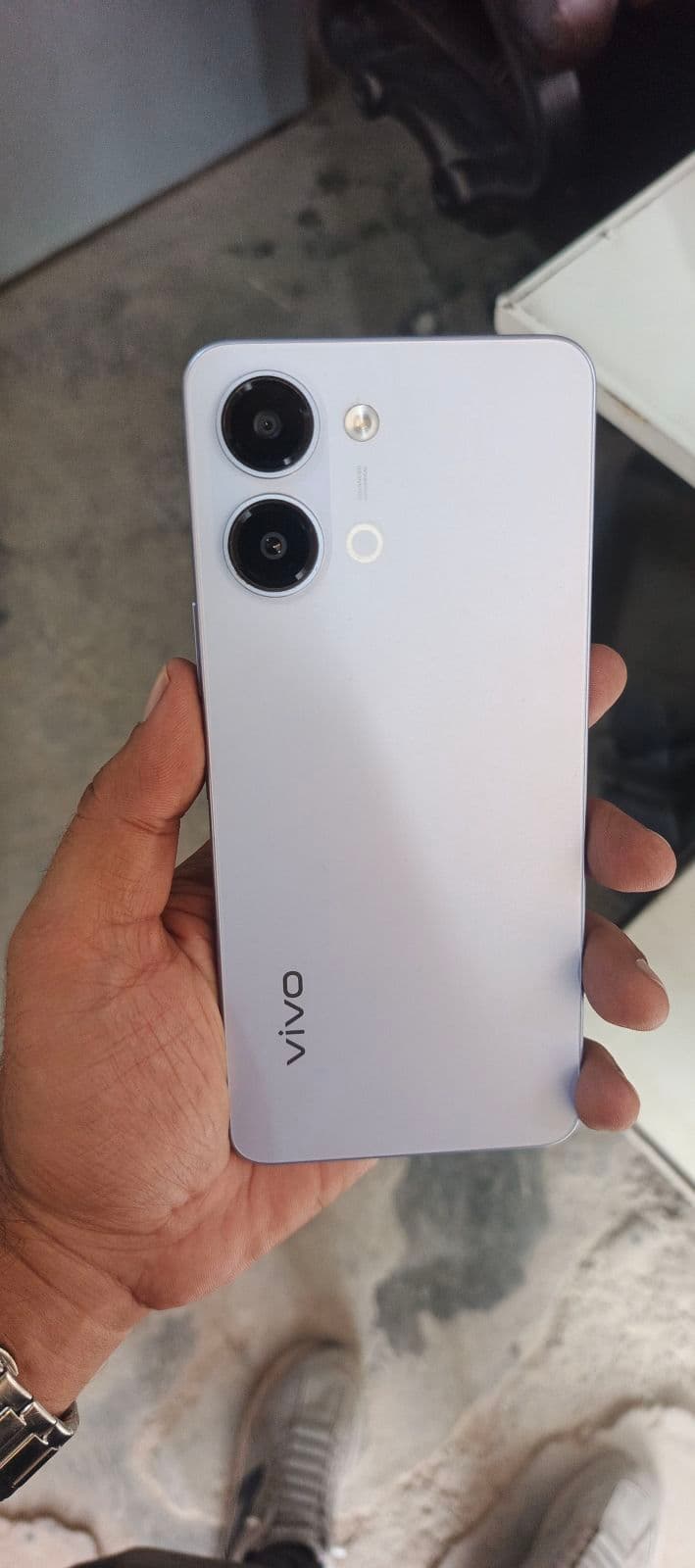


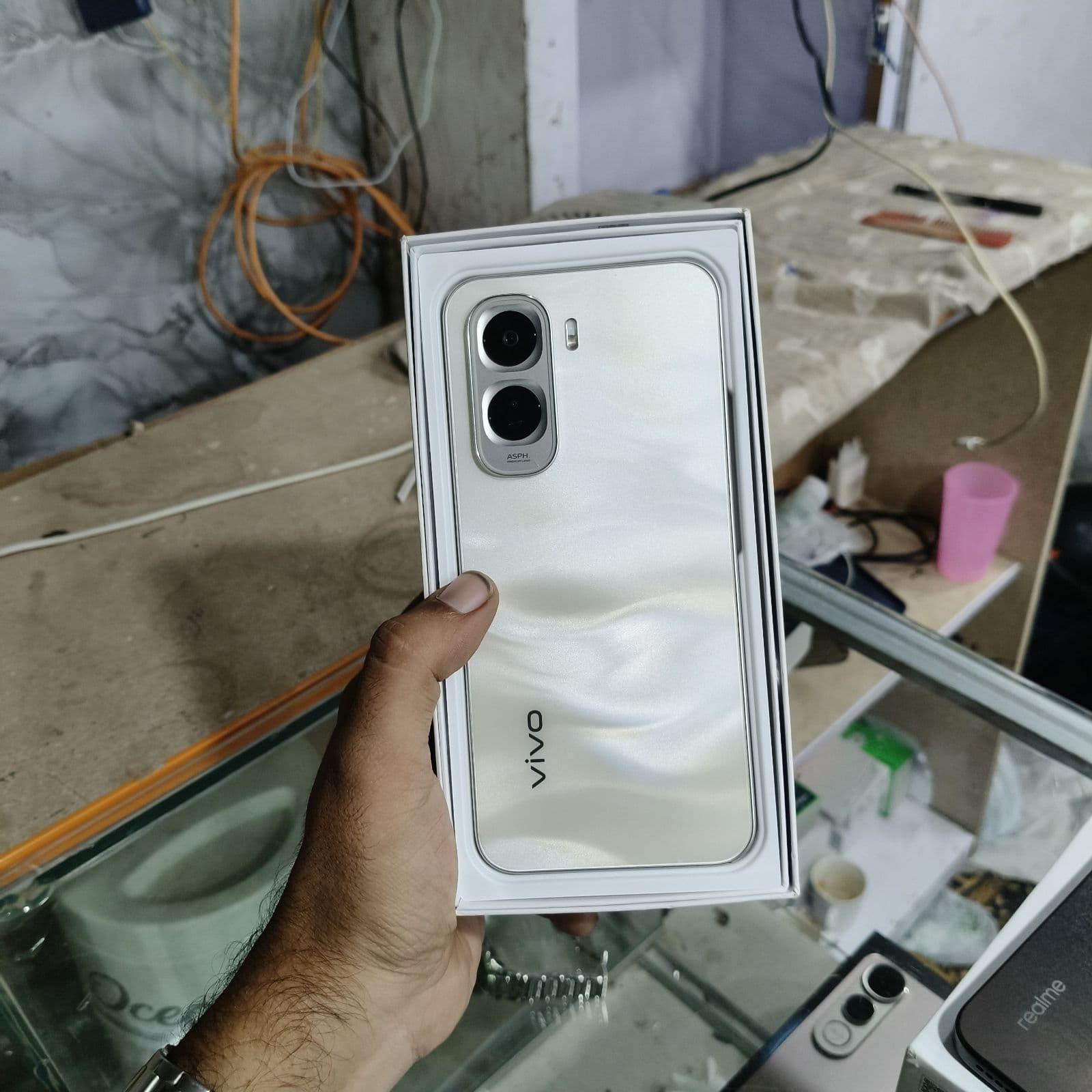
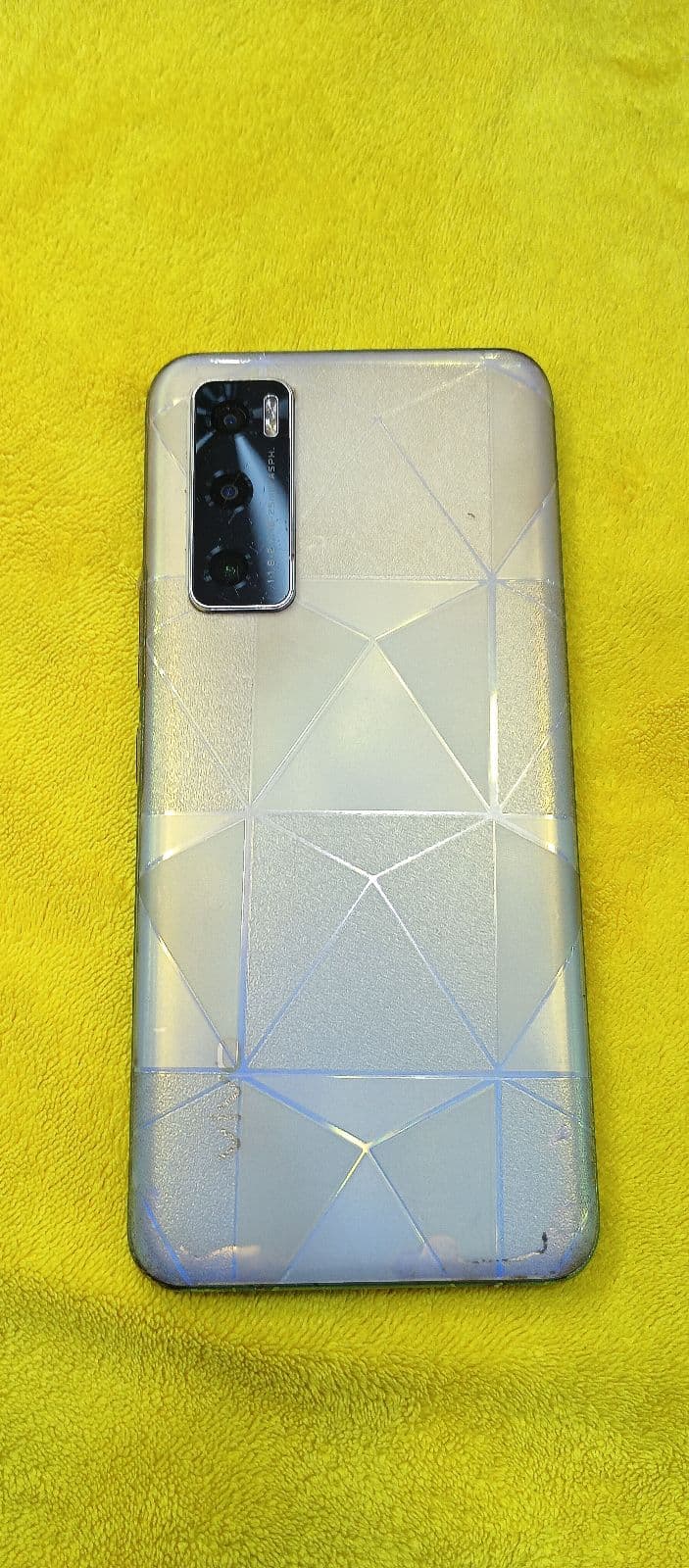






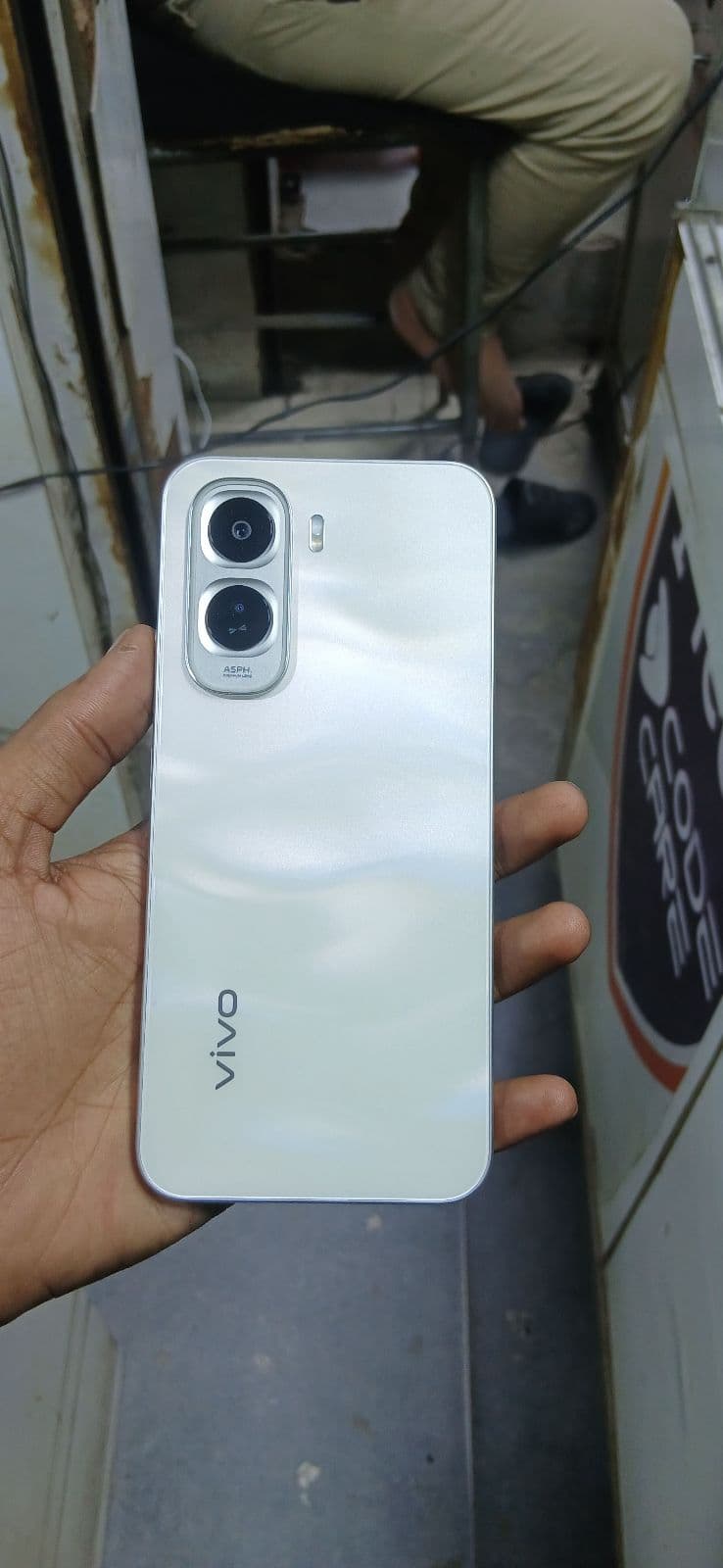
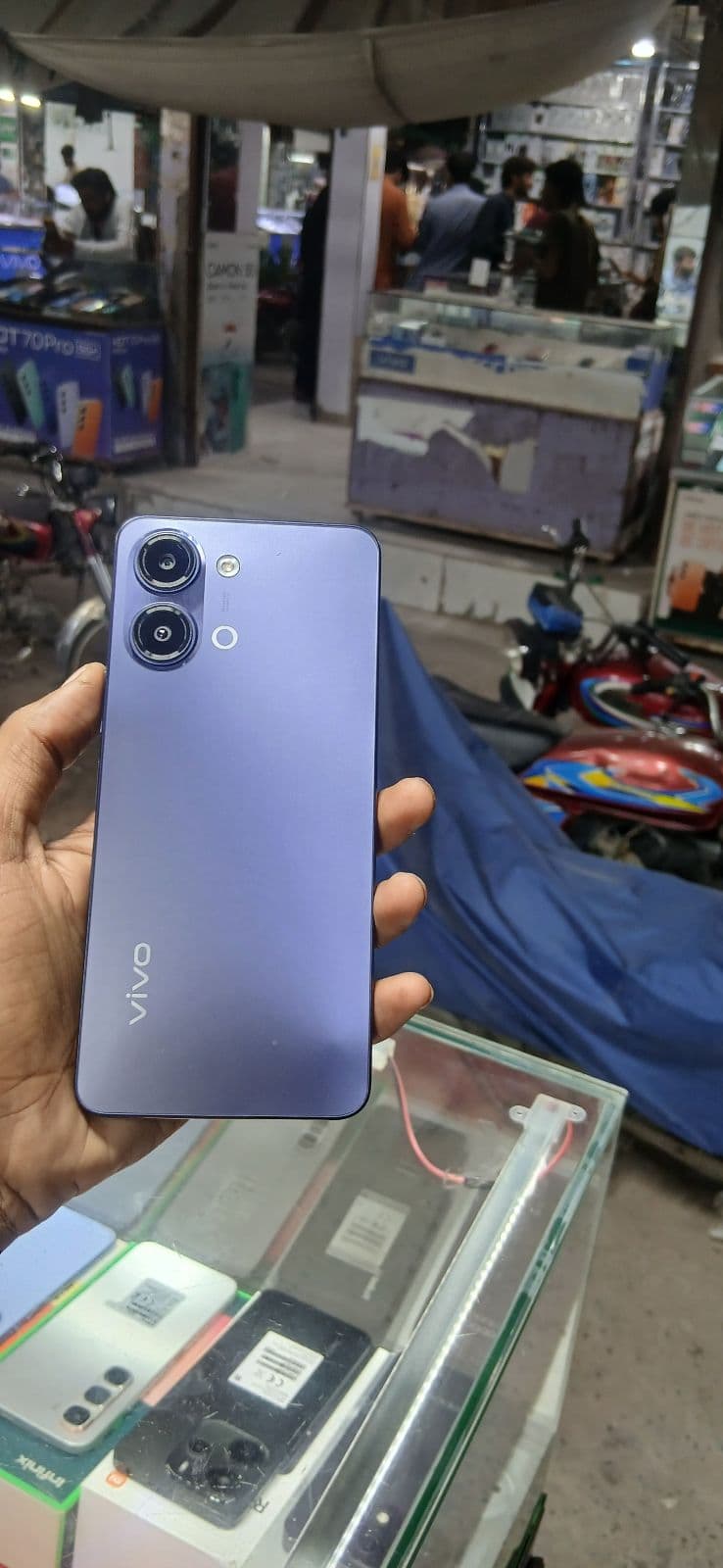
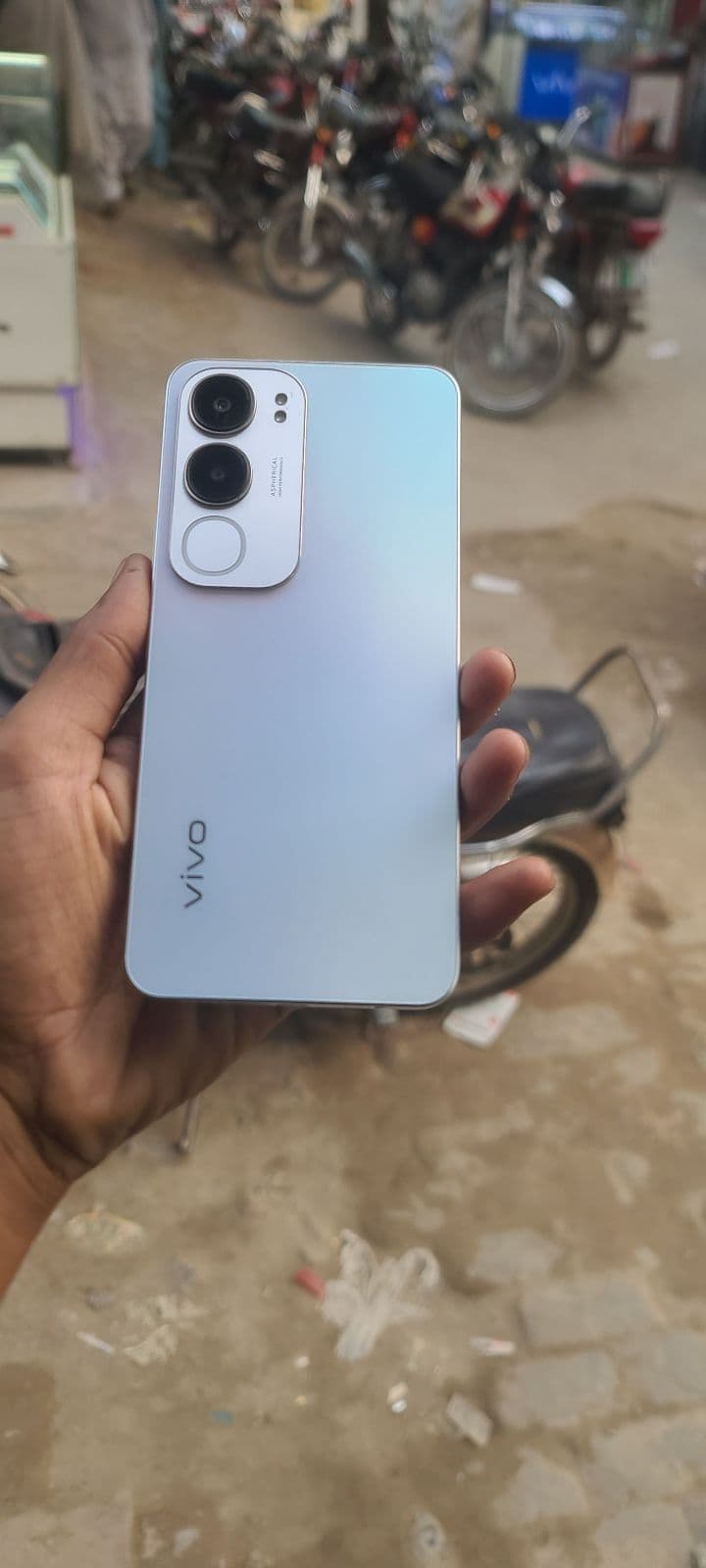

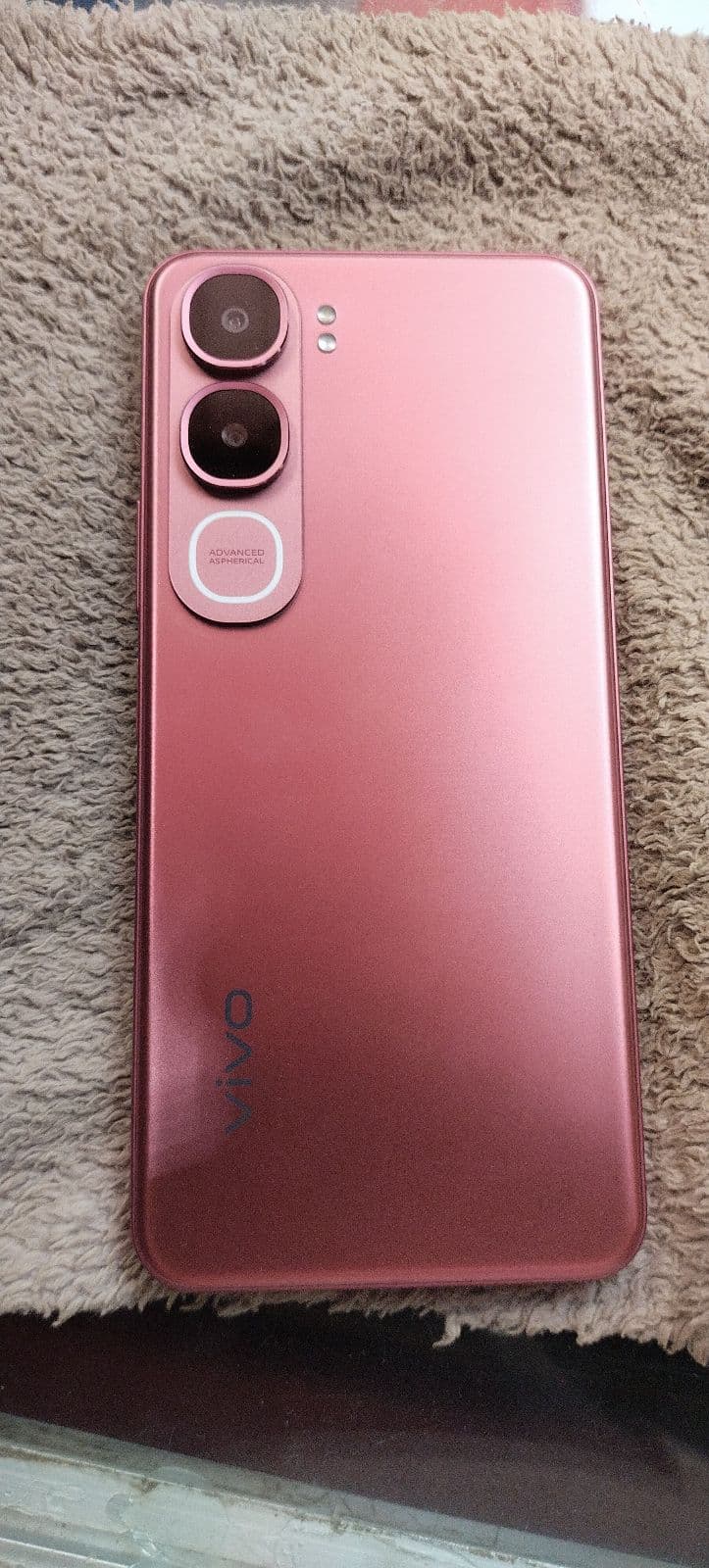








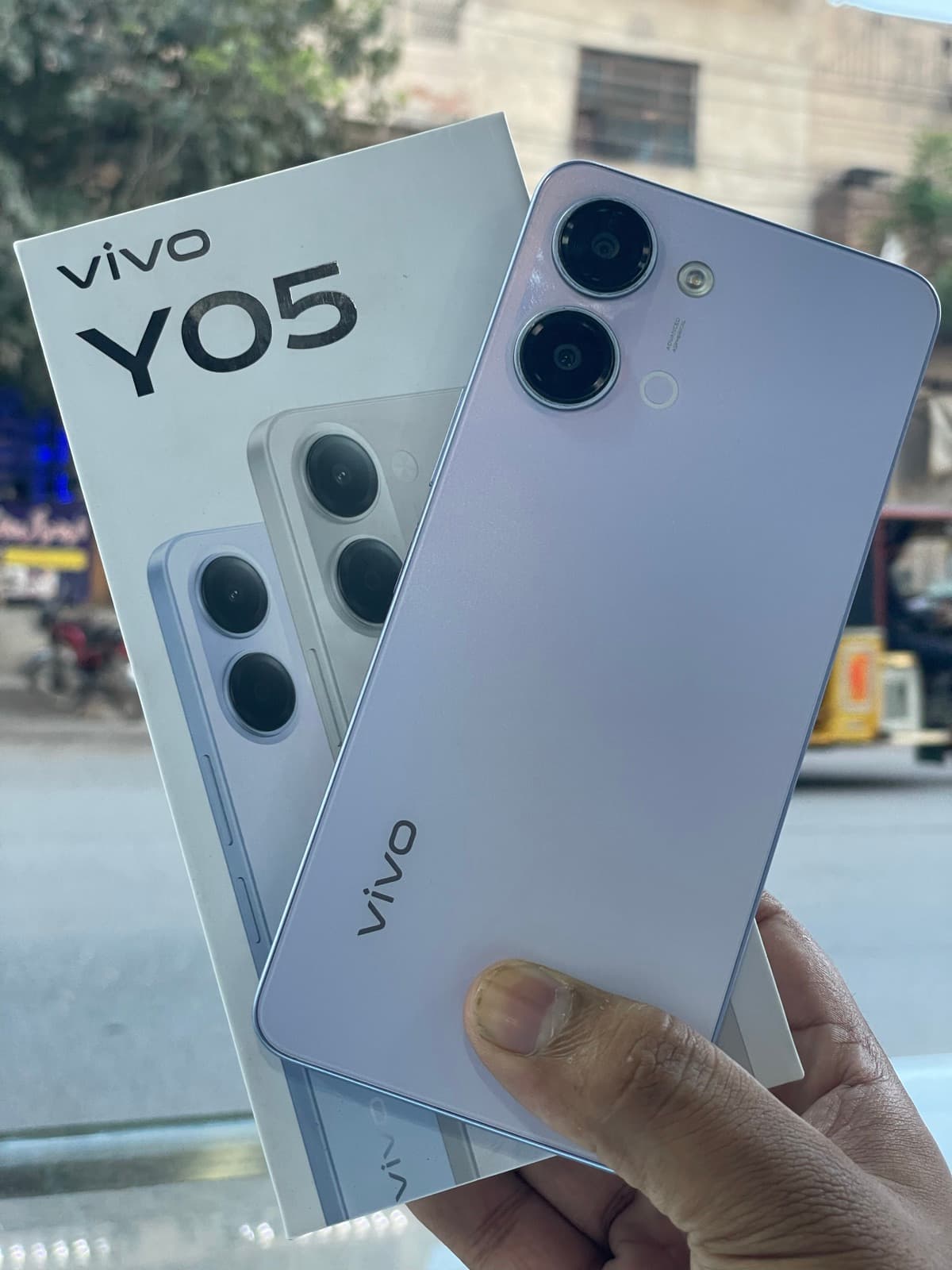
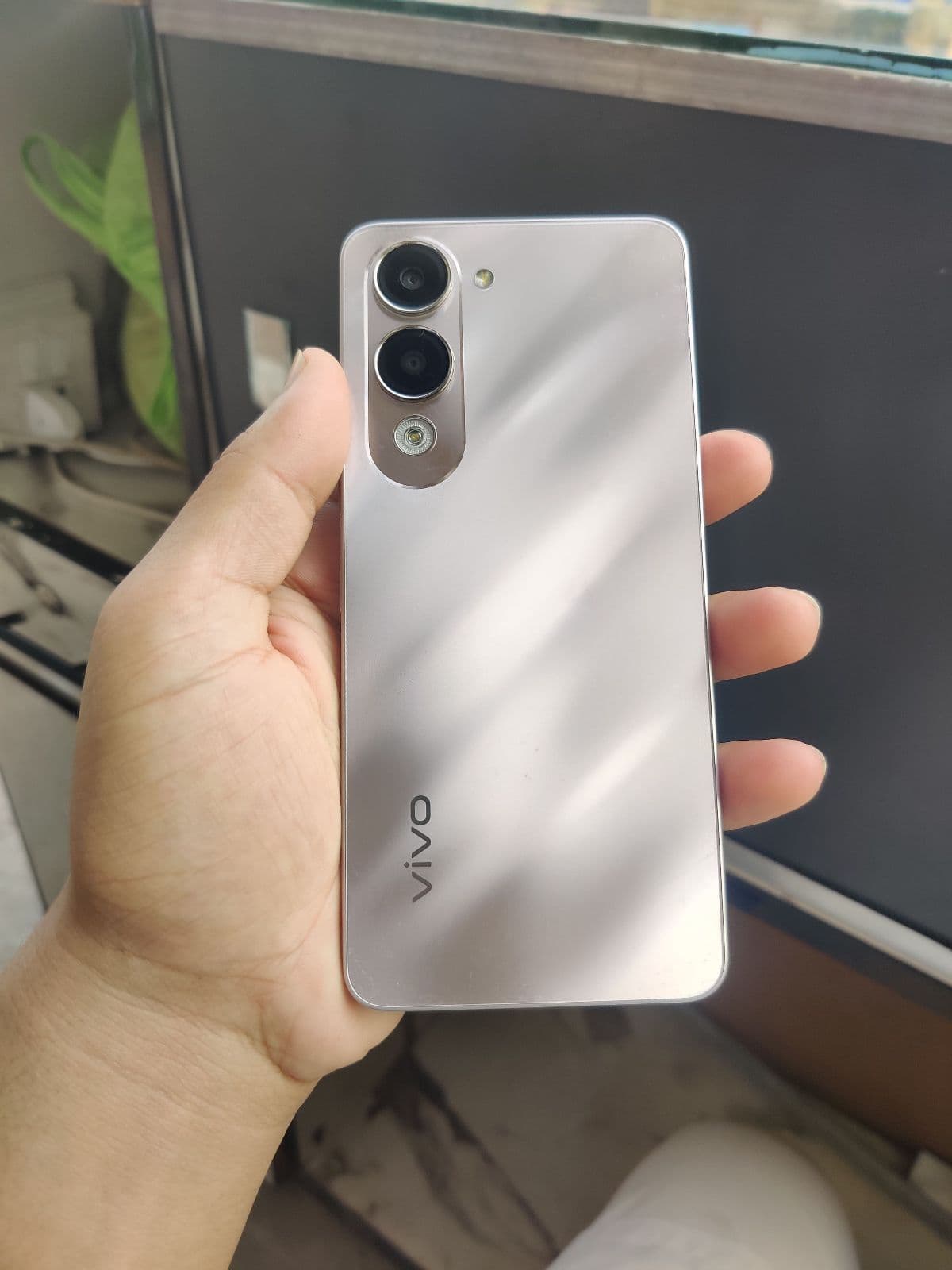


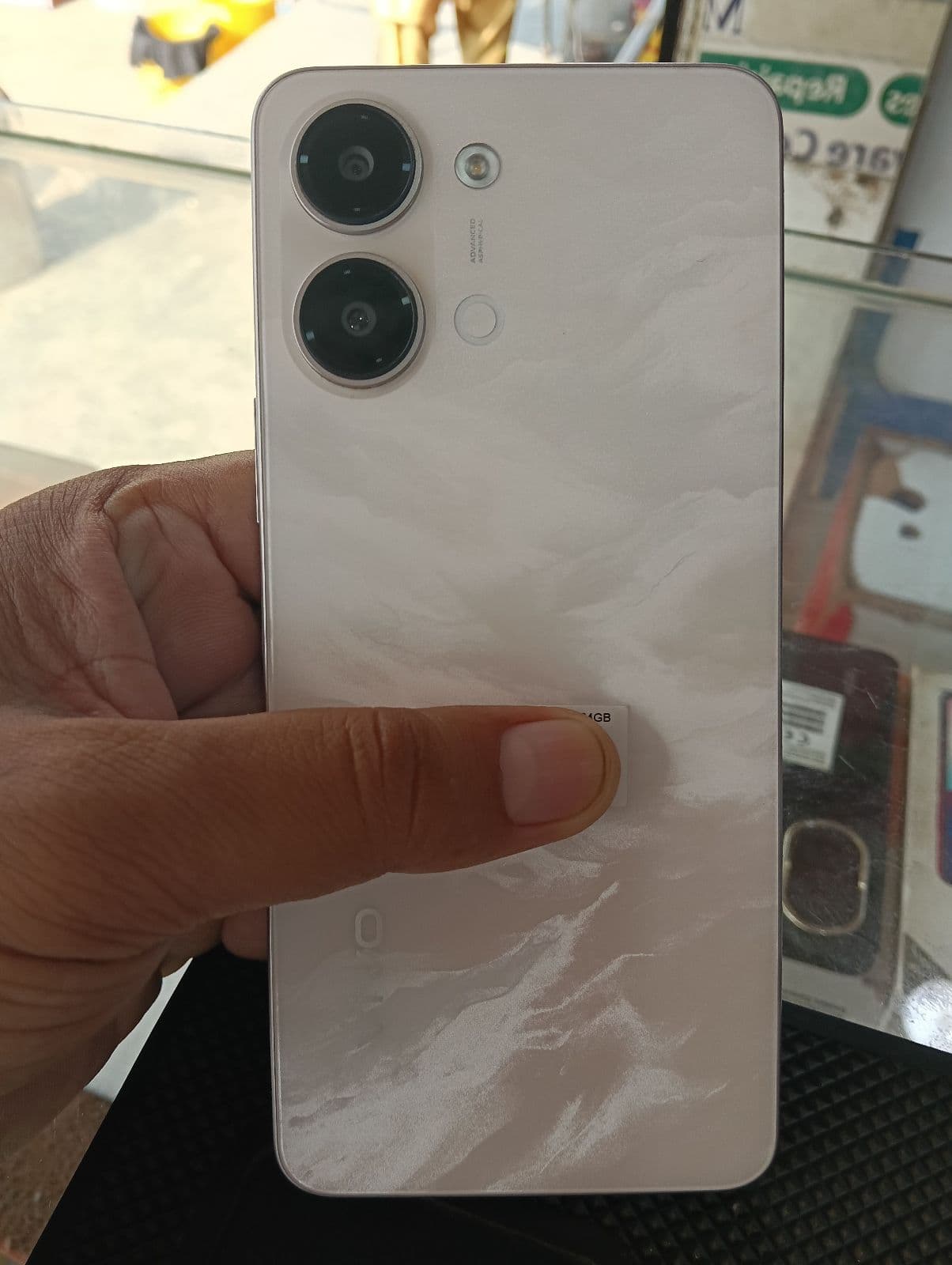

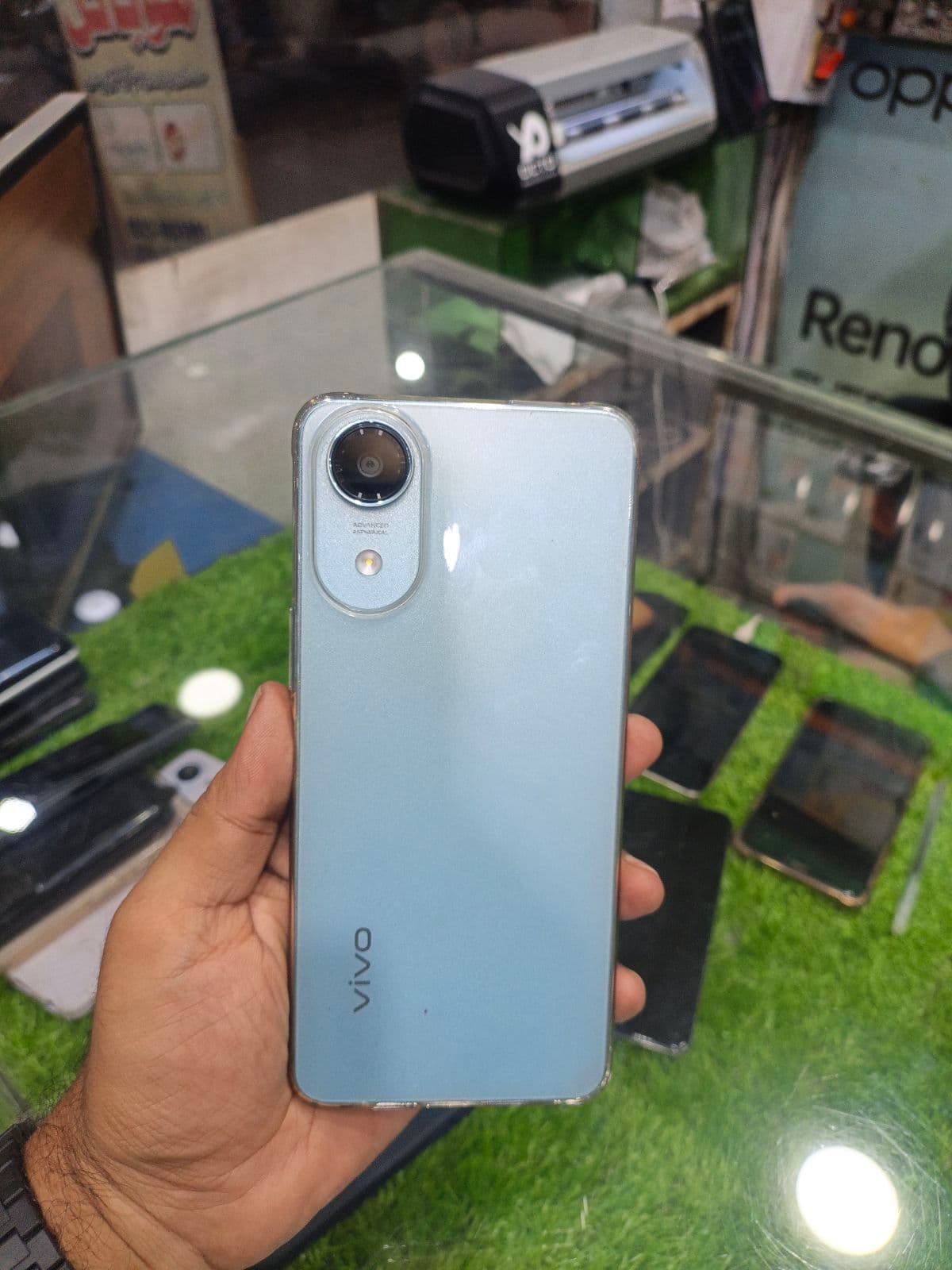
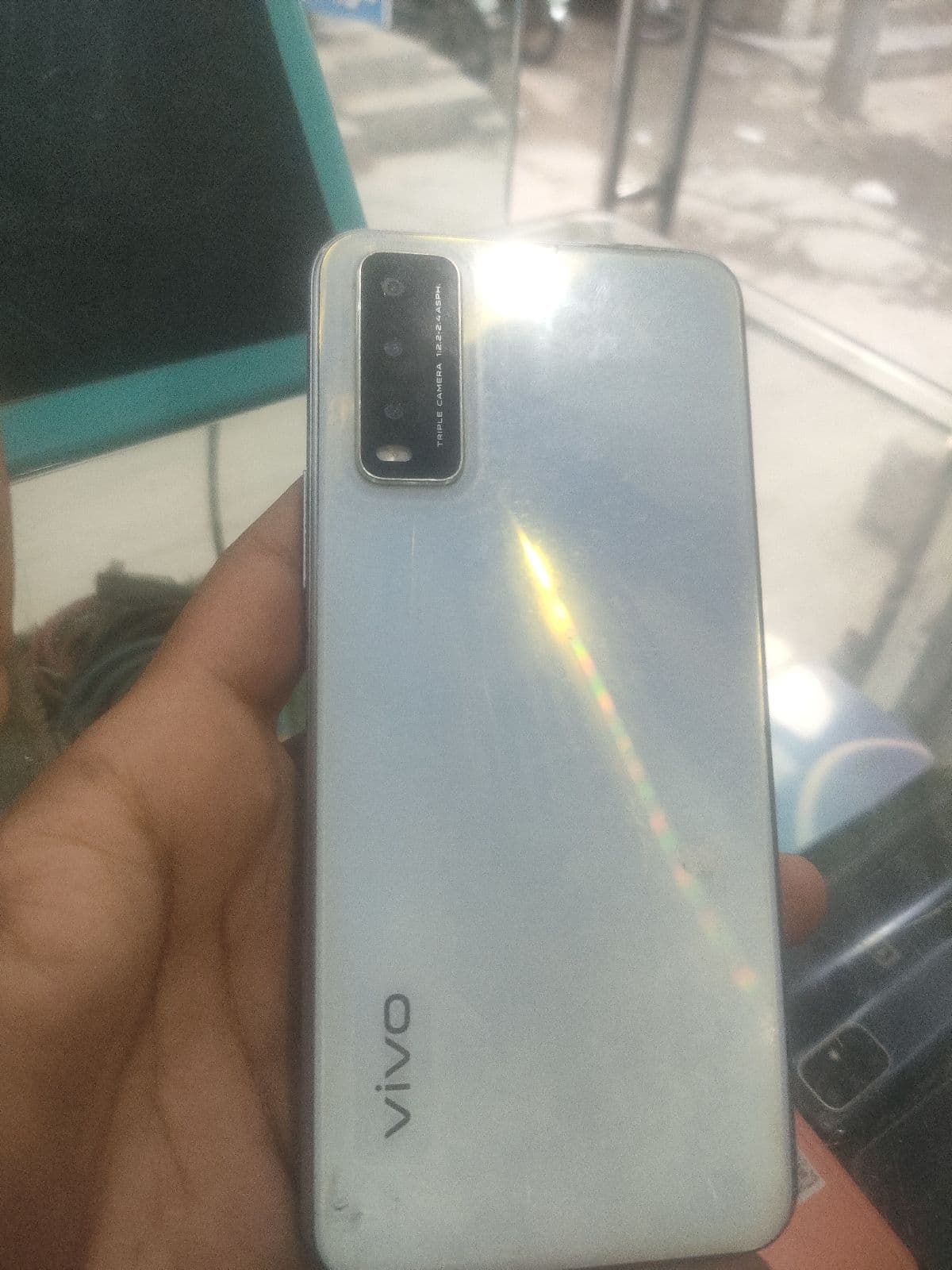


Vivo Y, V and X series explained
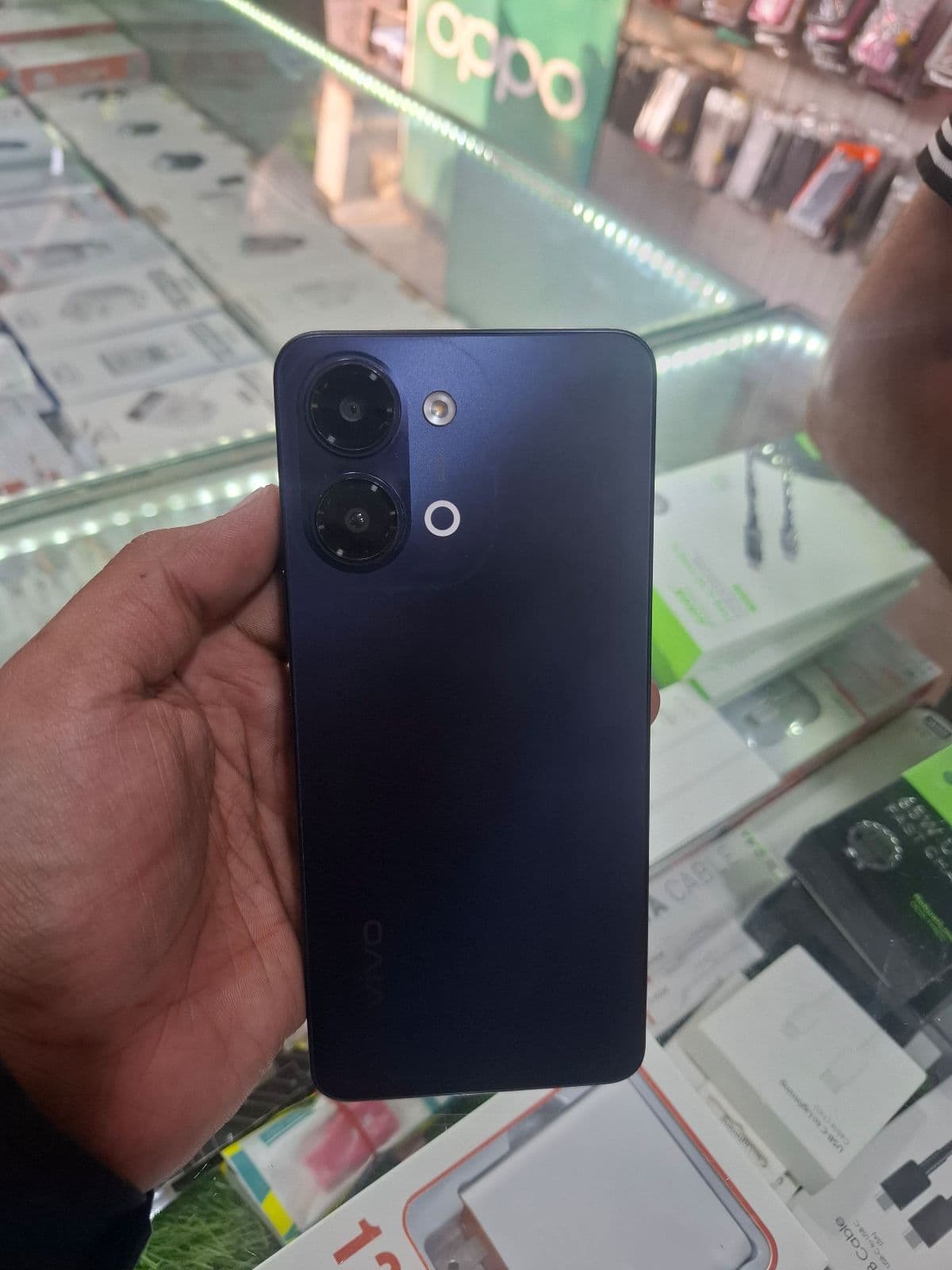
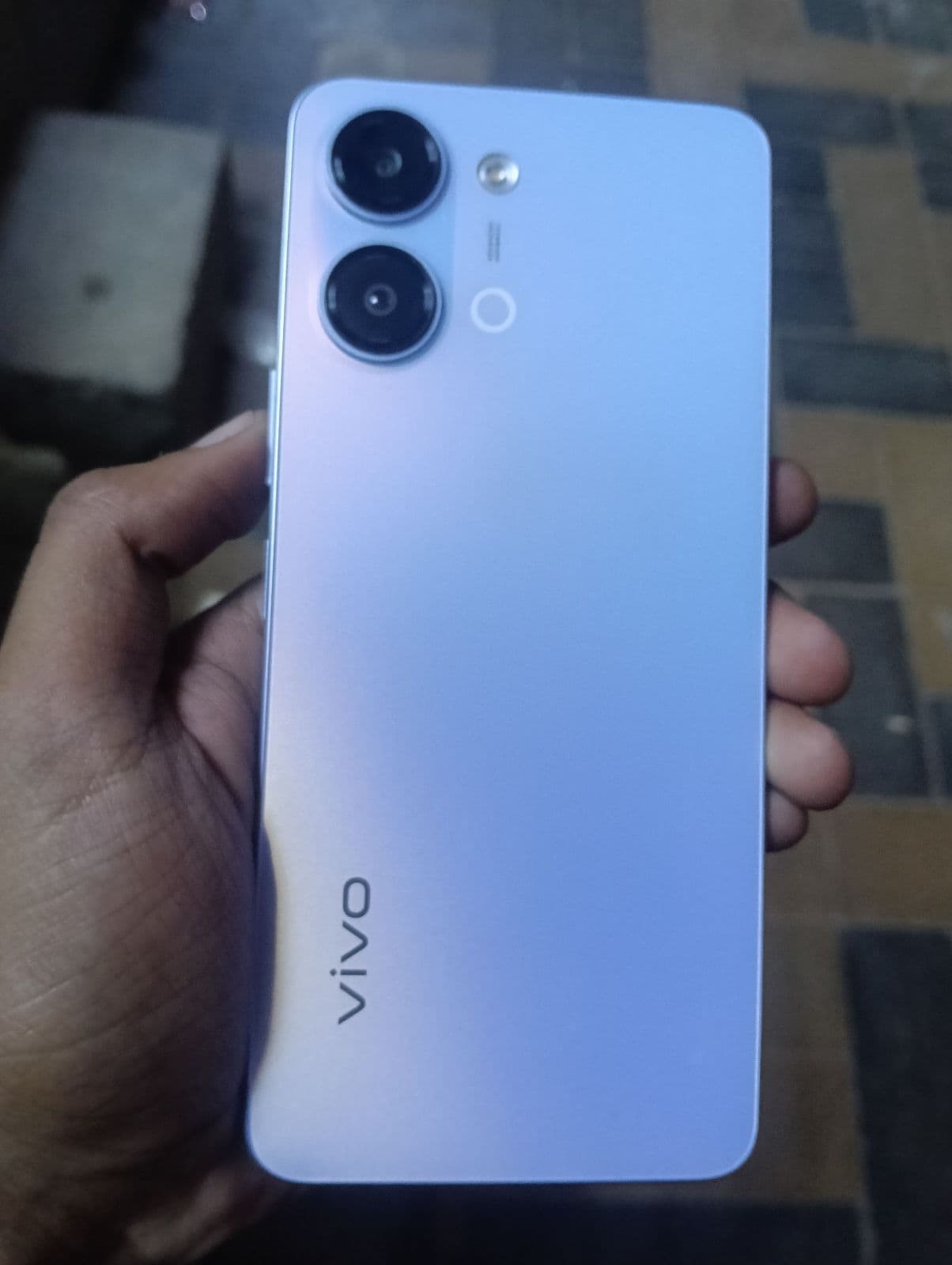
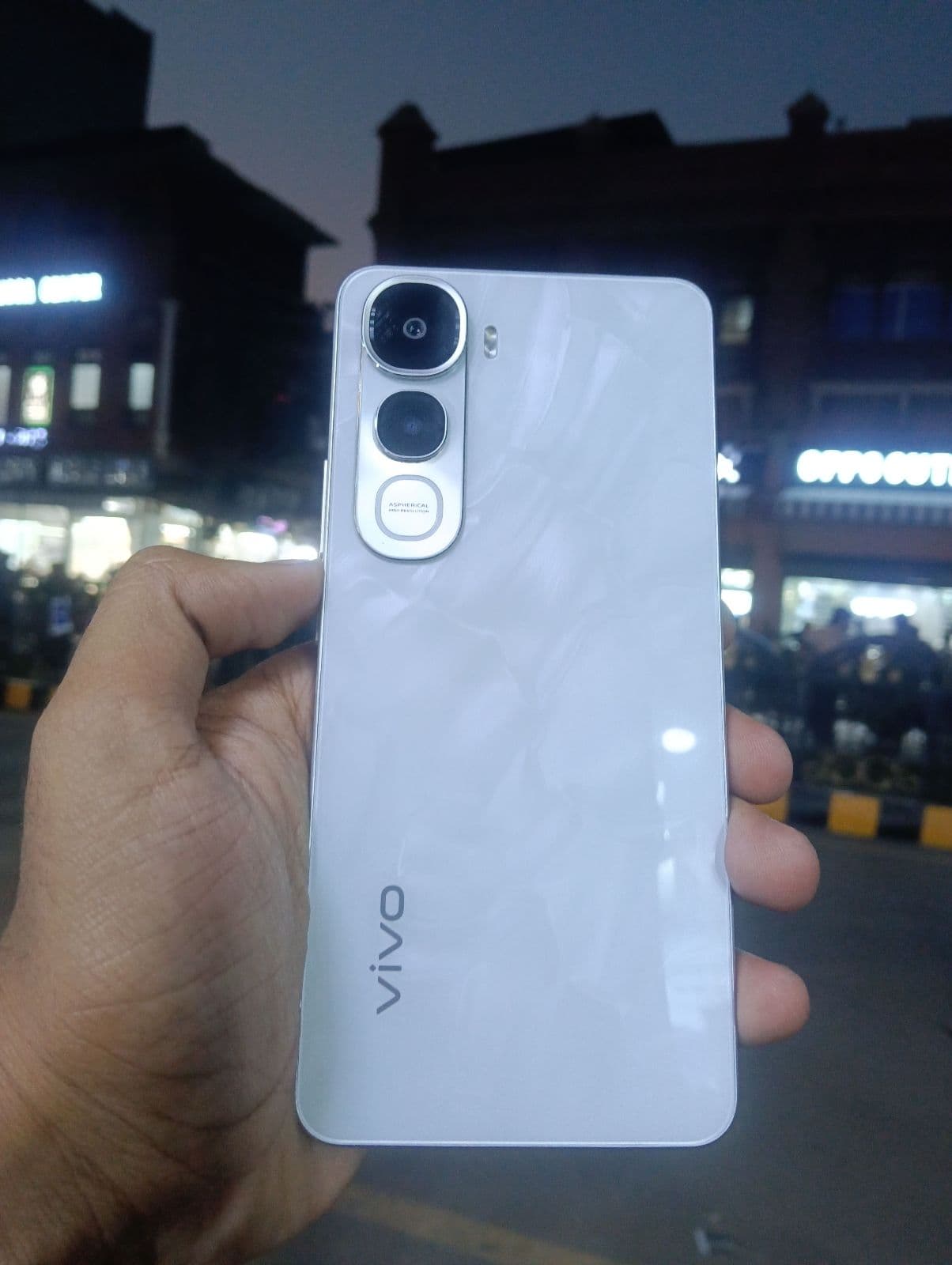
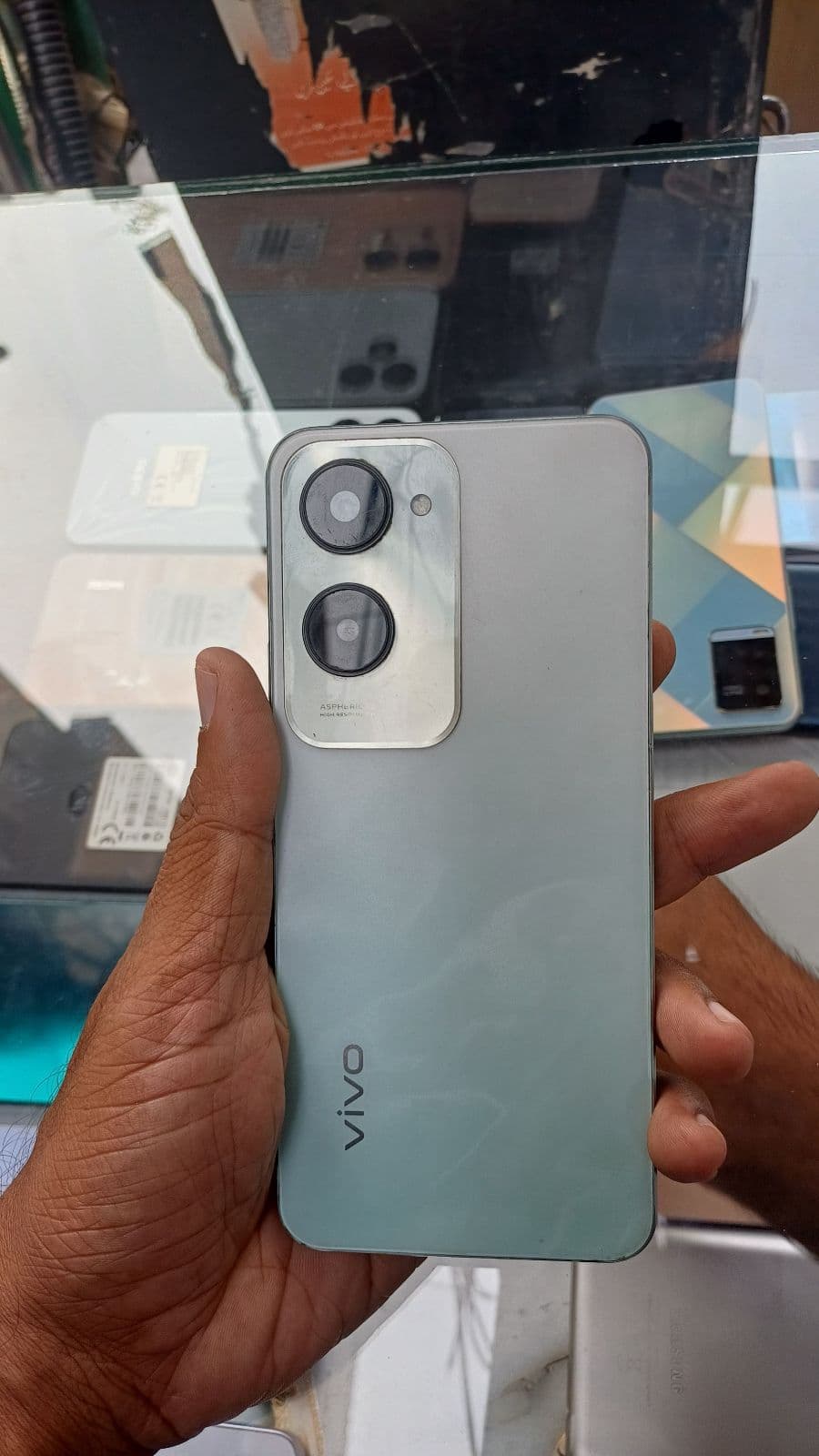
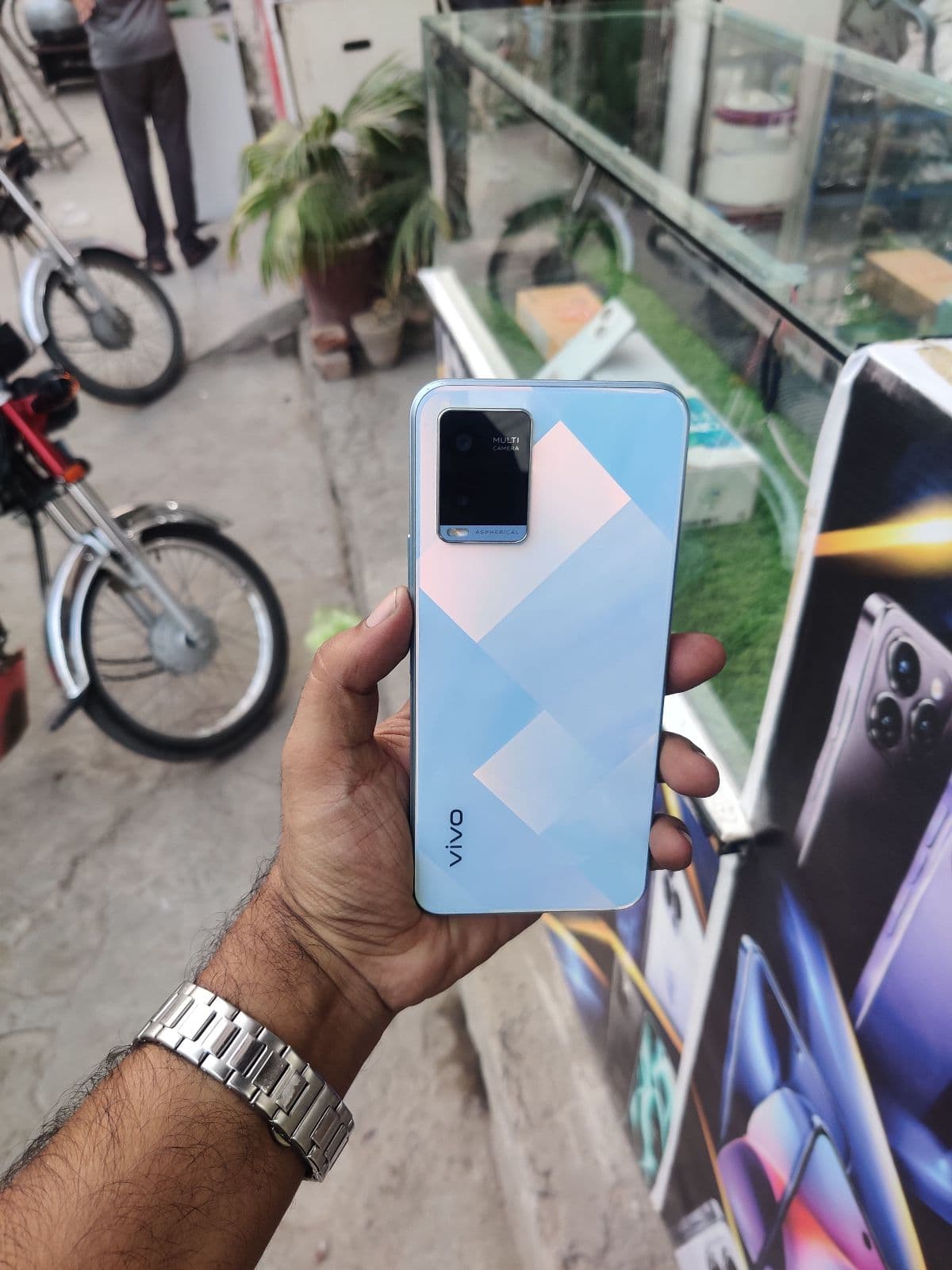
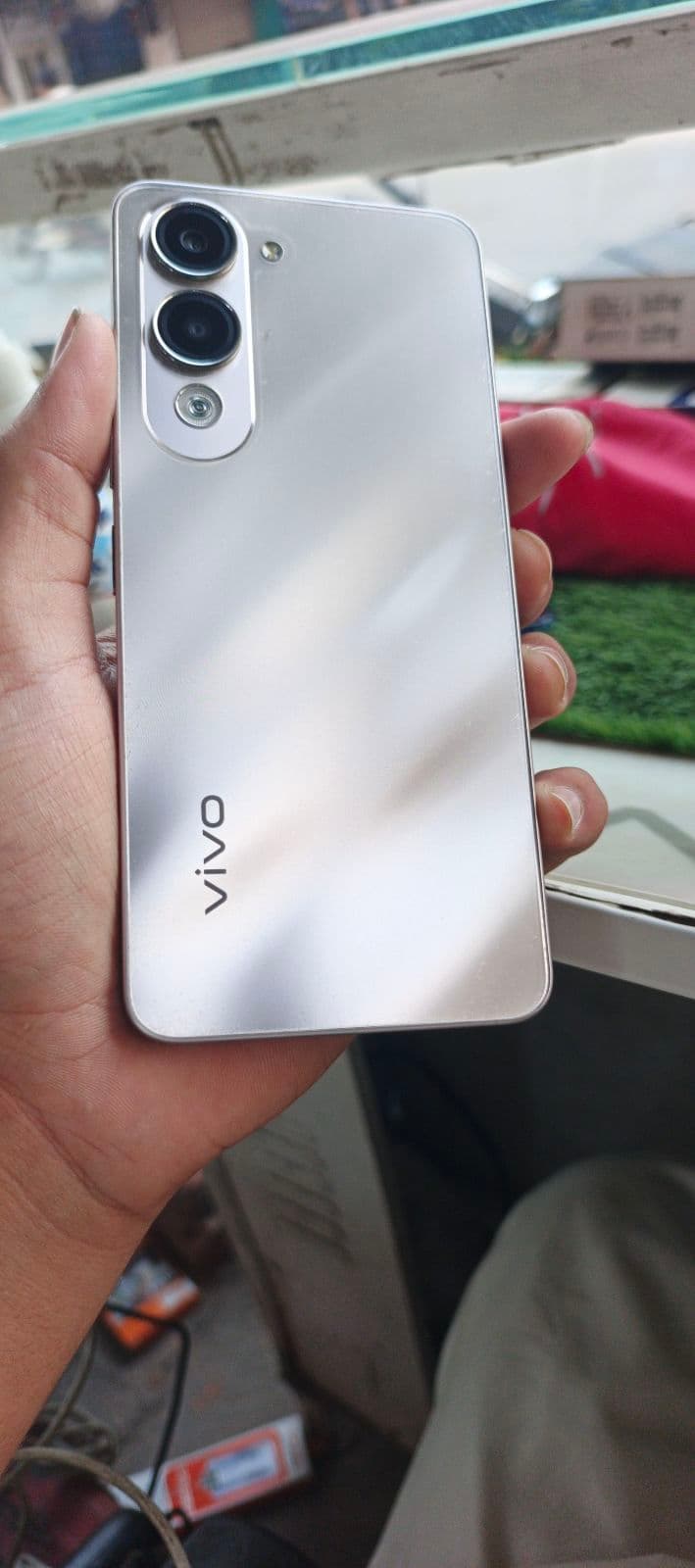
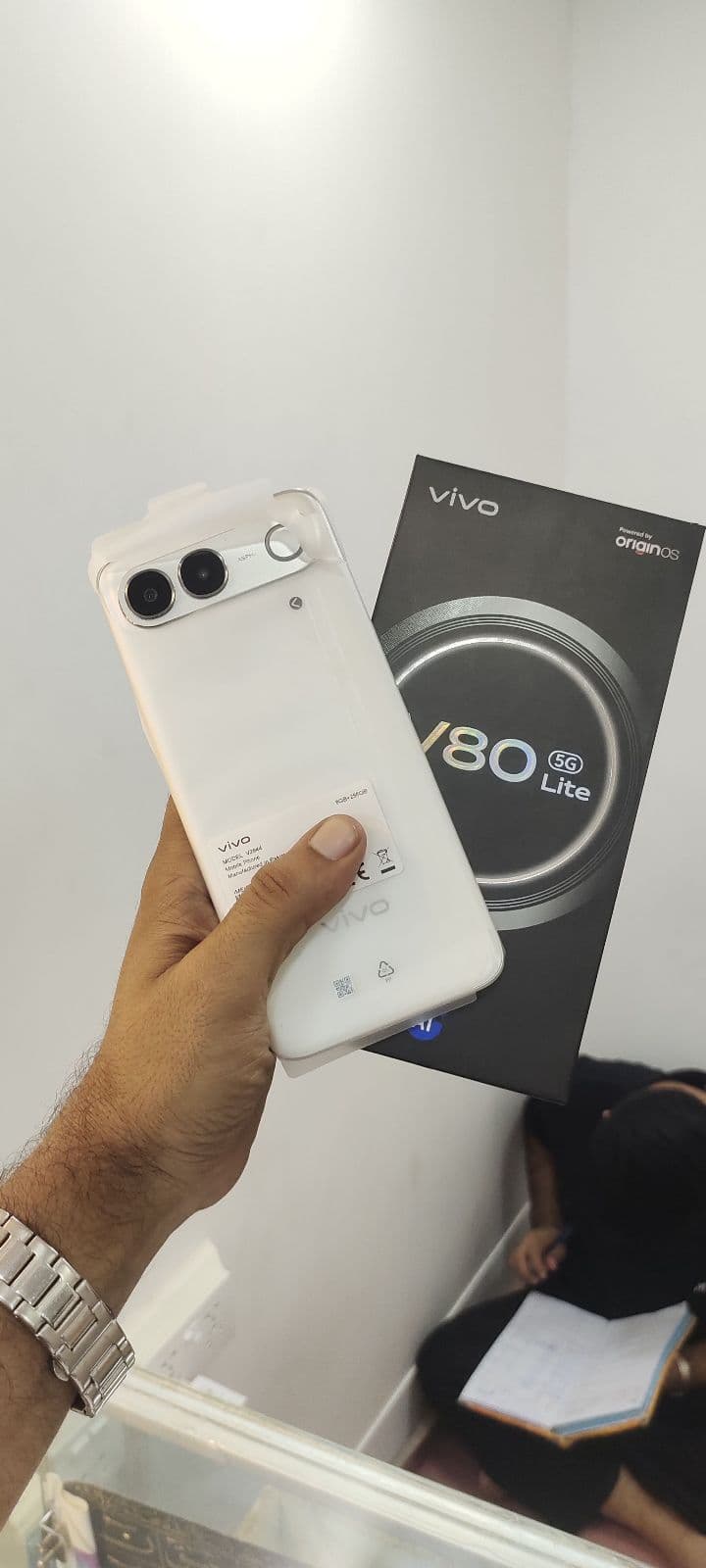
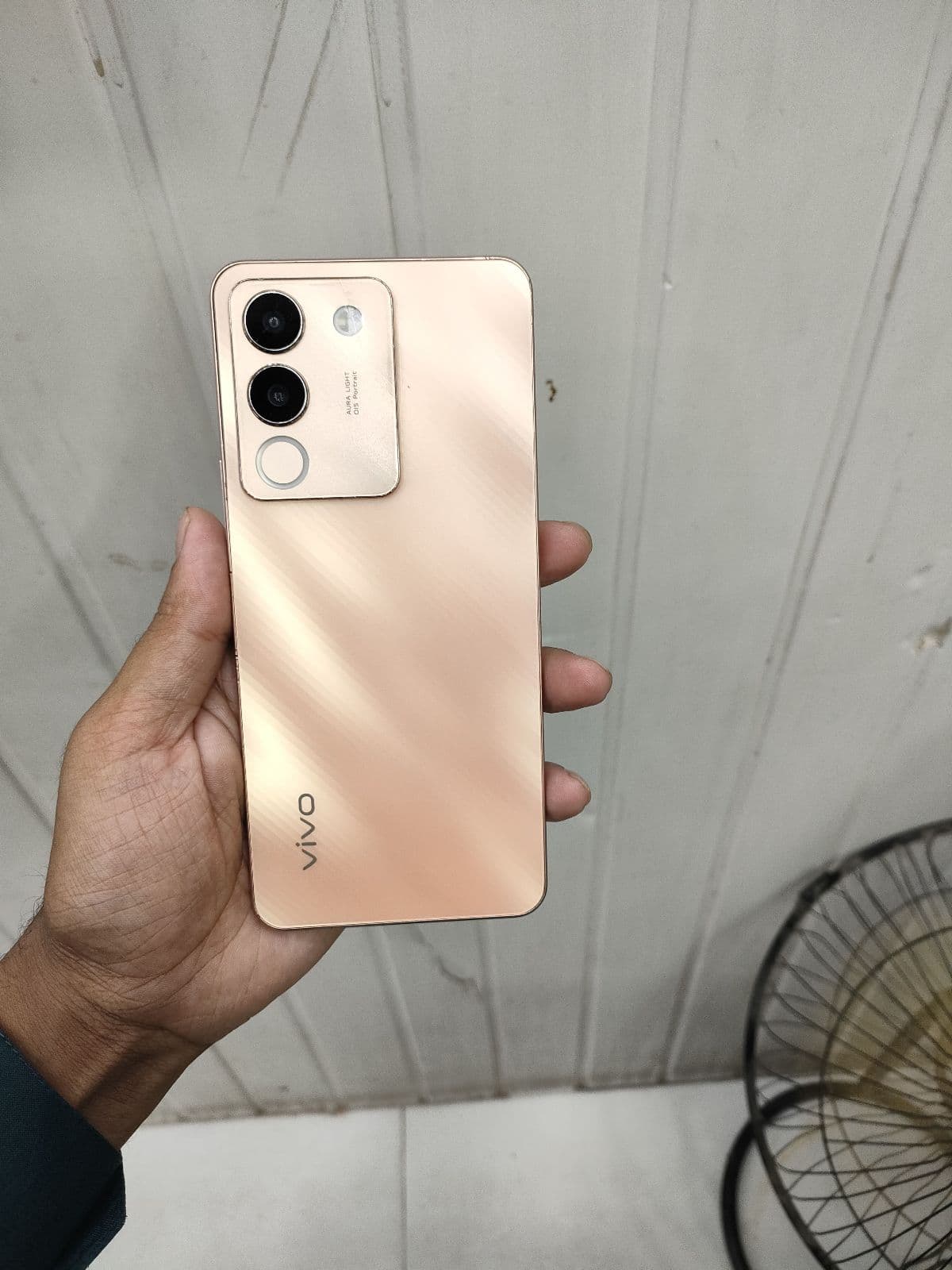
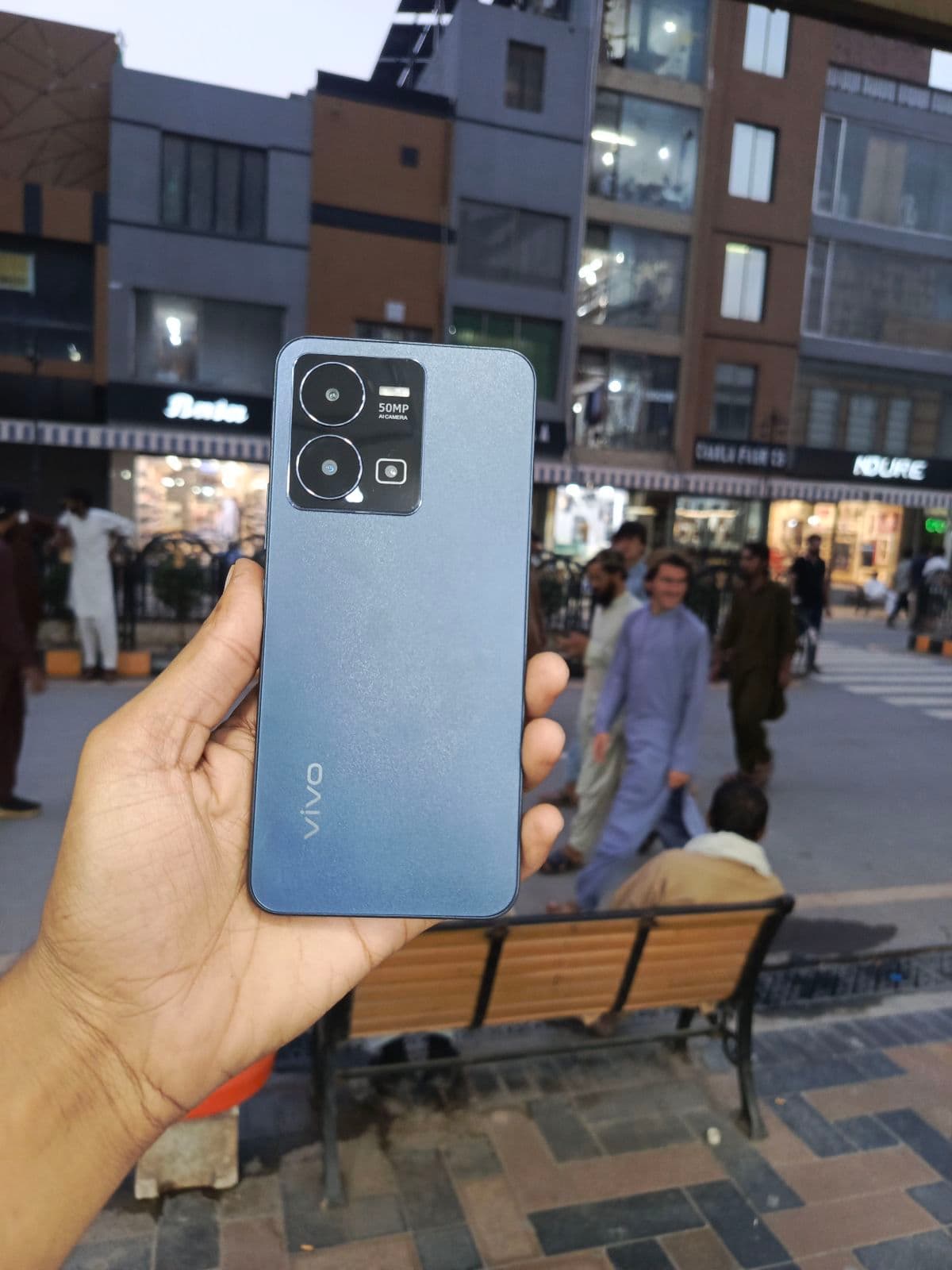
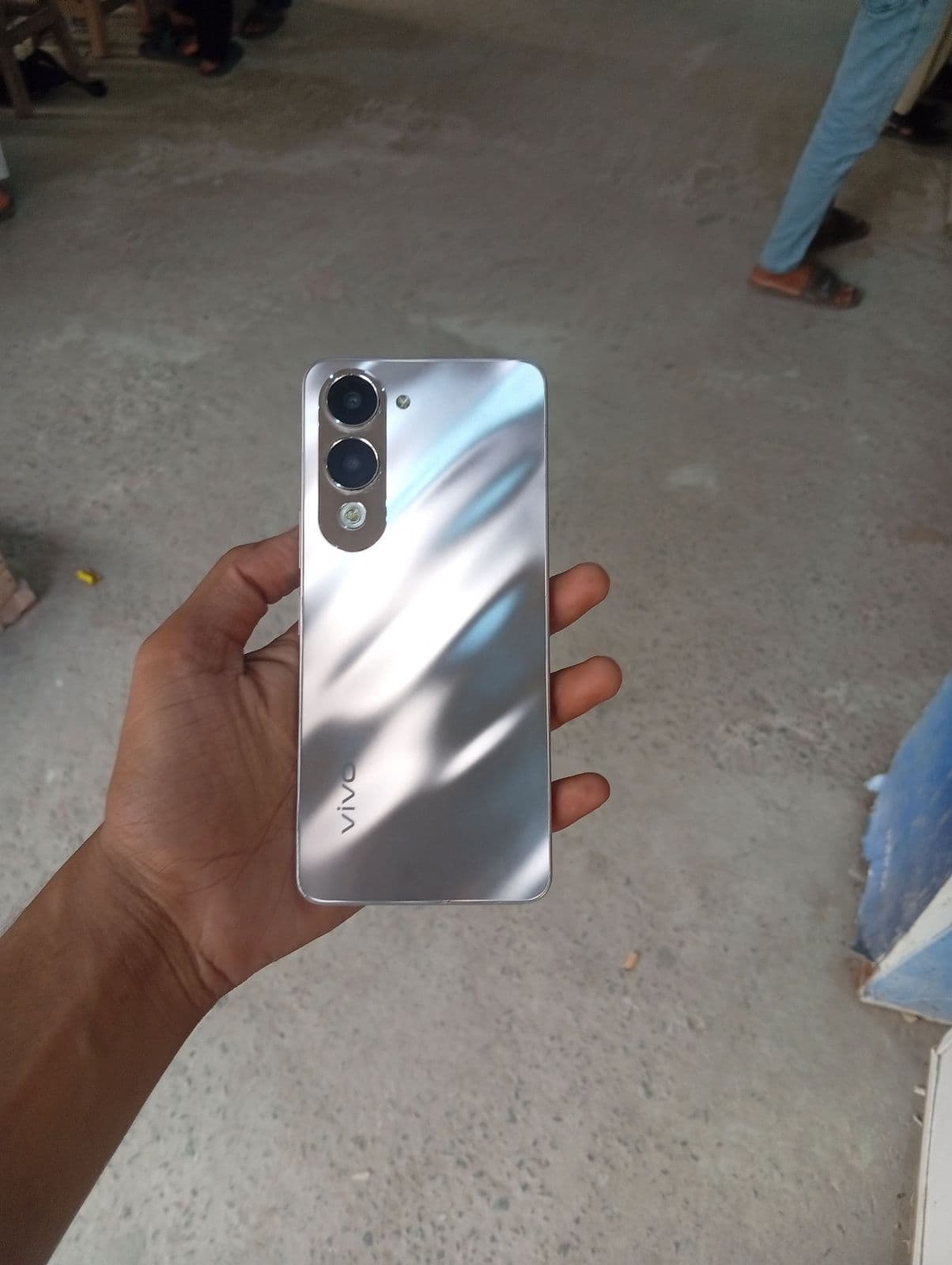
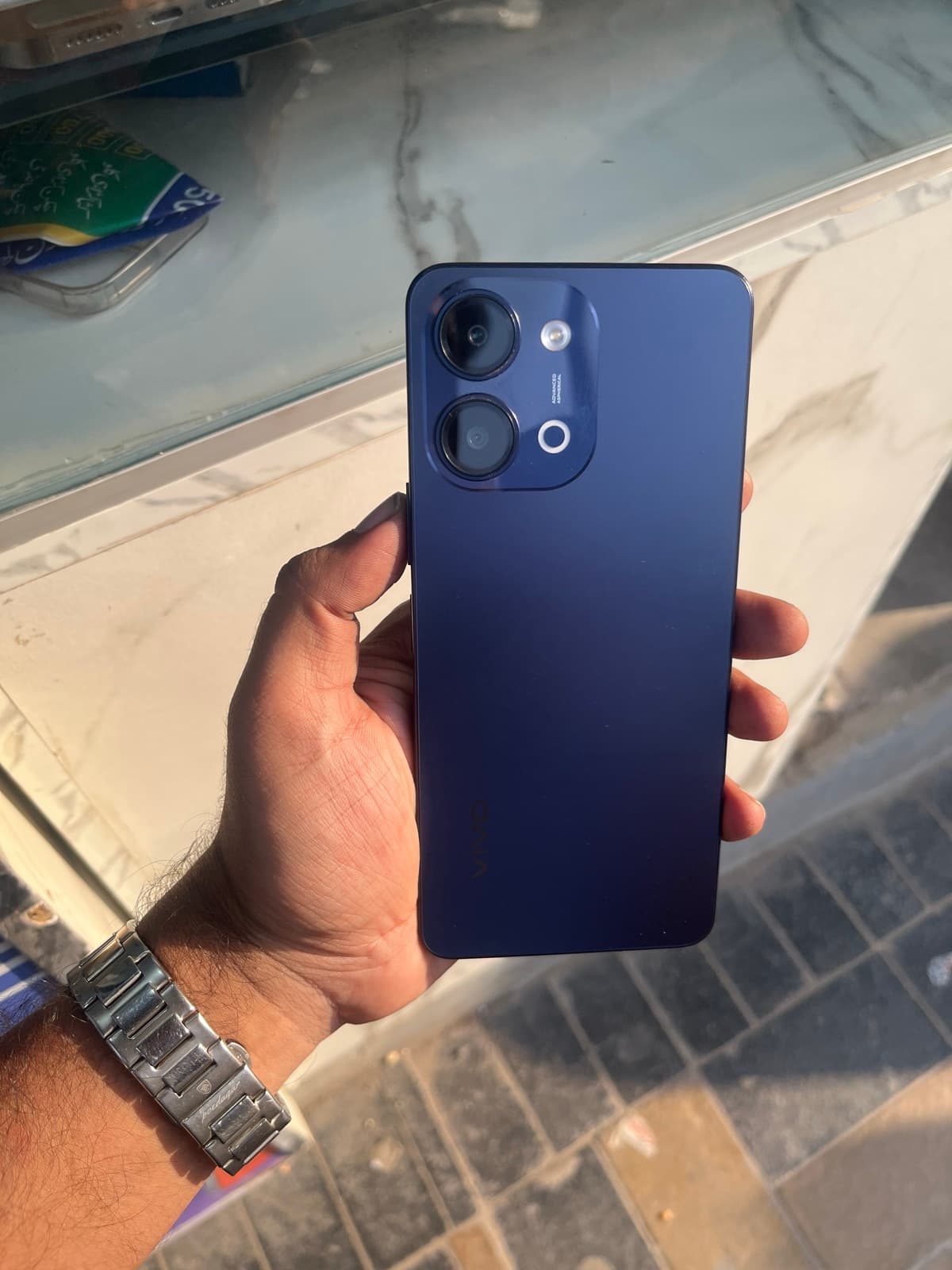
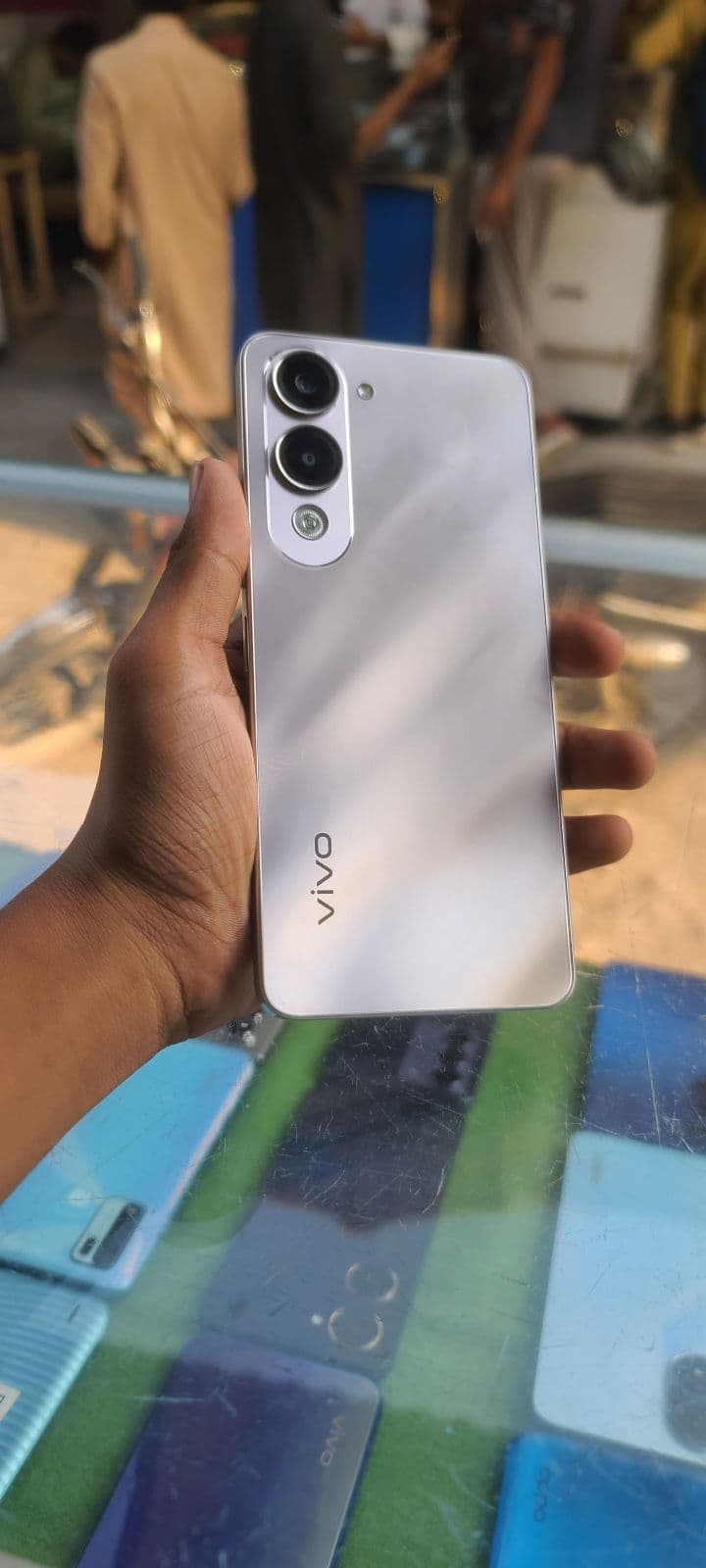
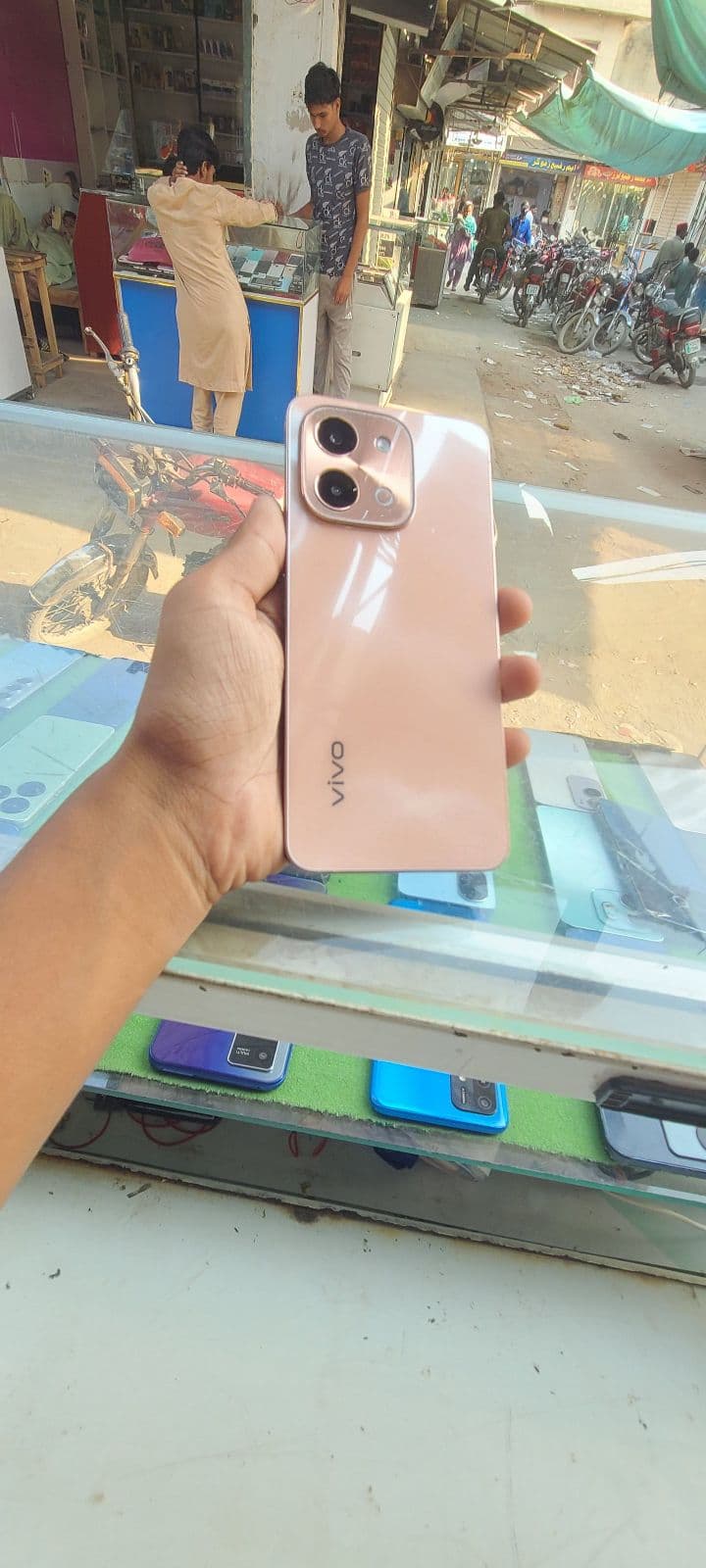
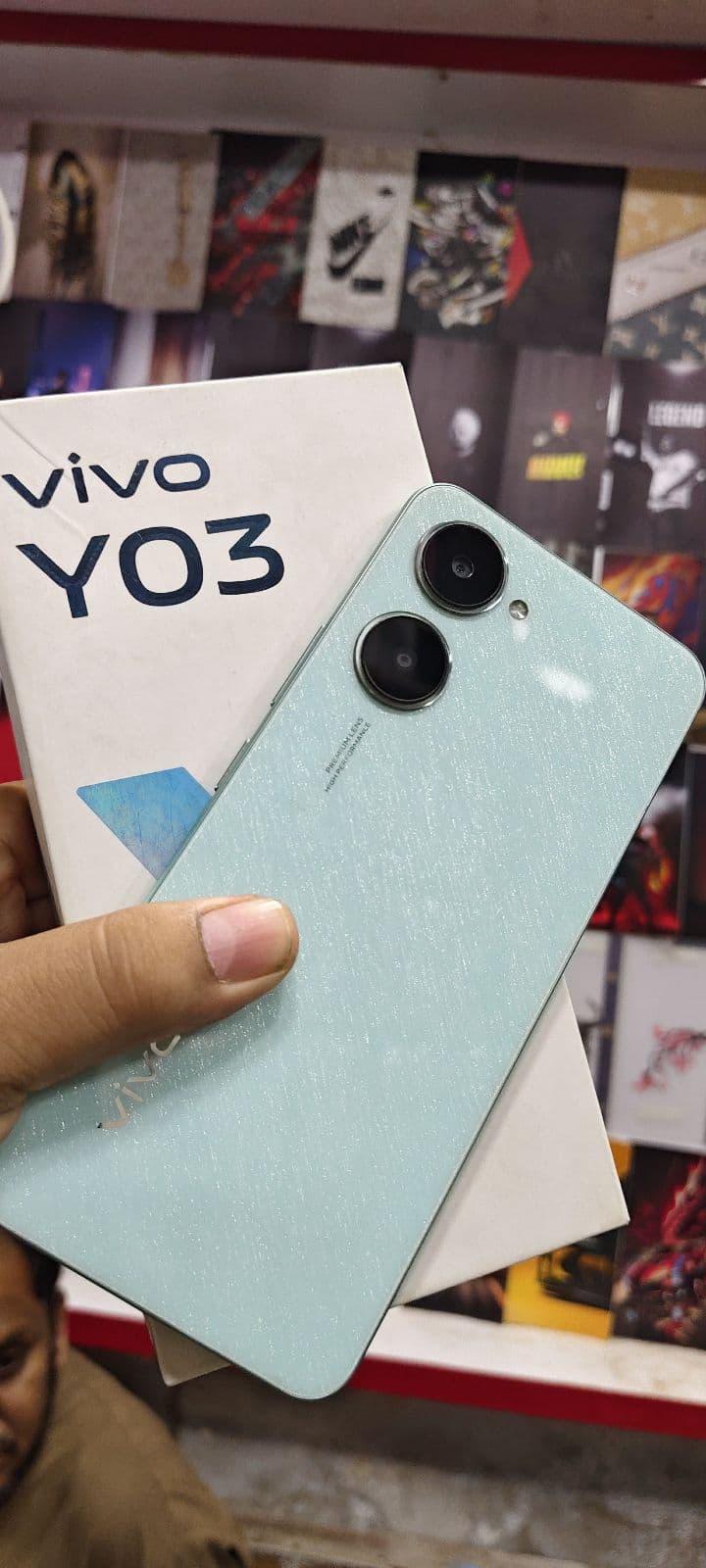
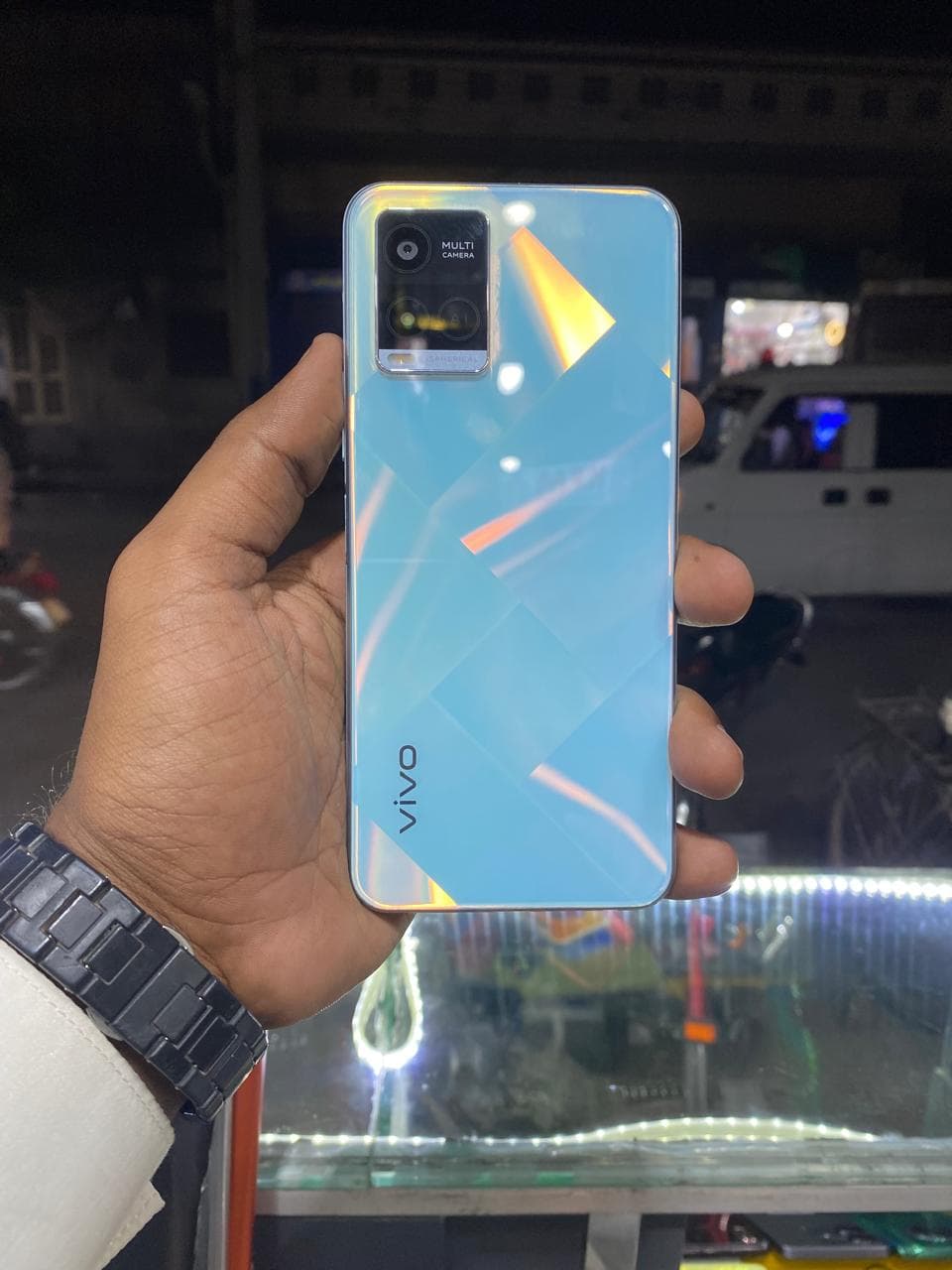
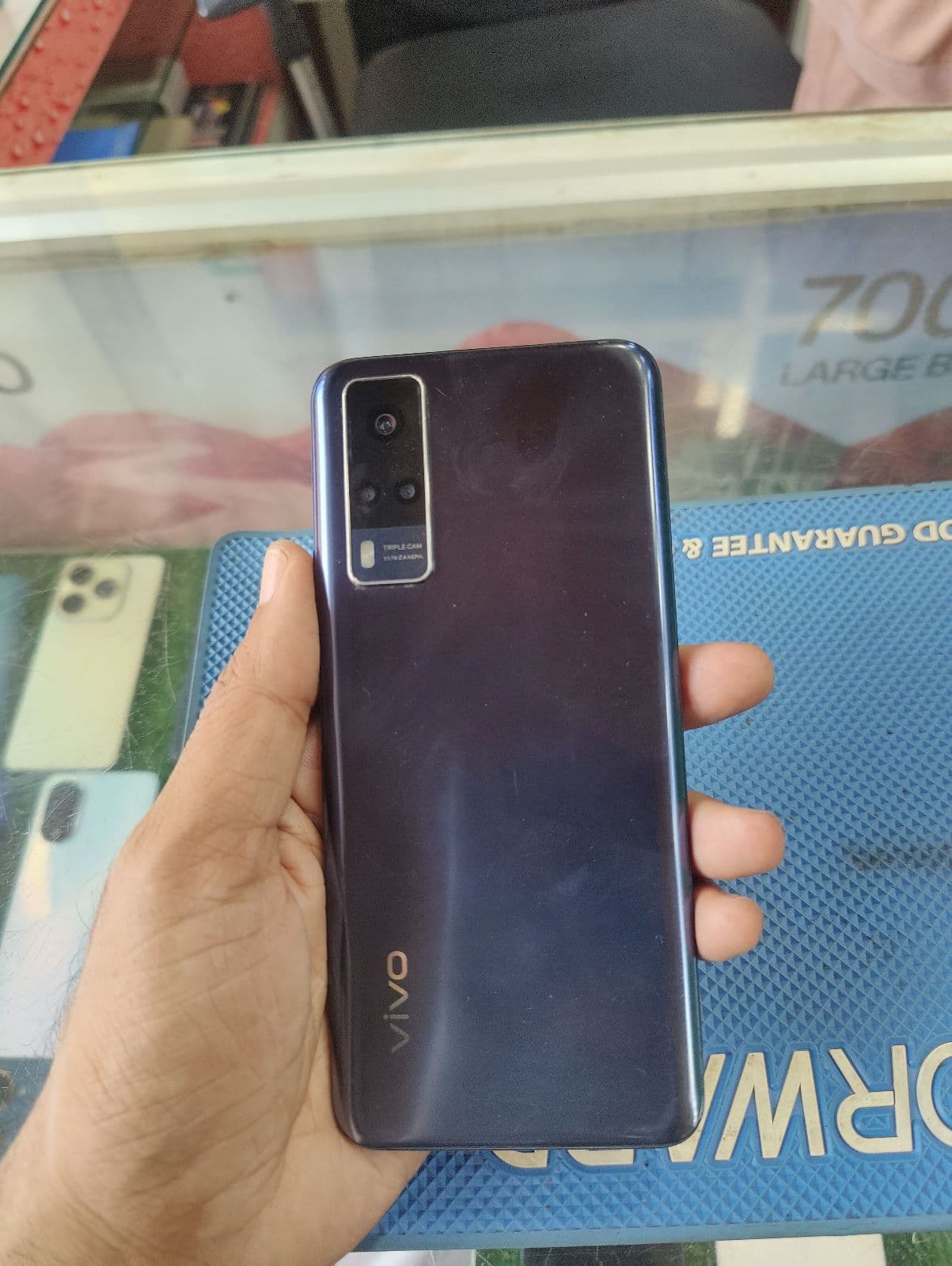
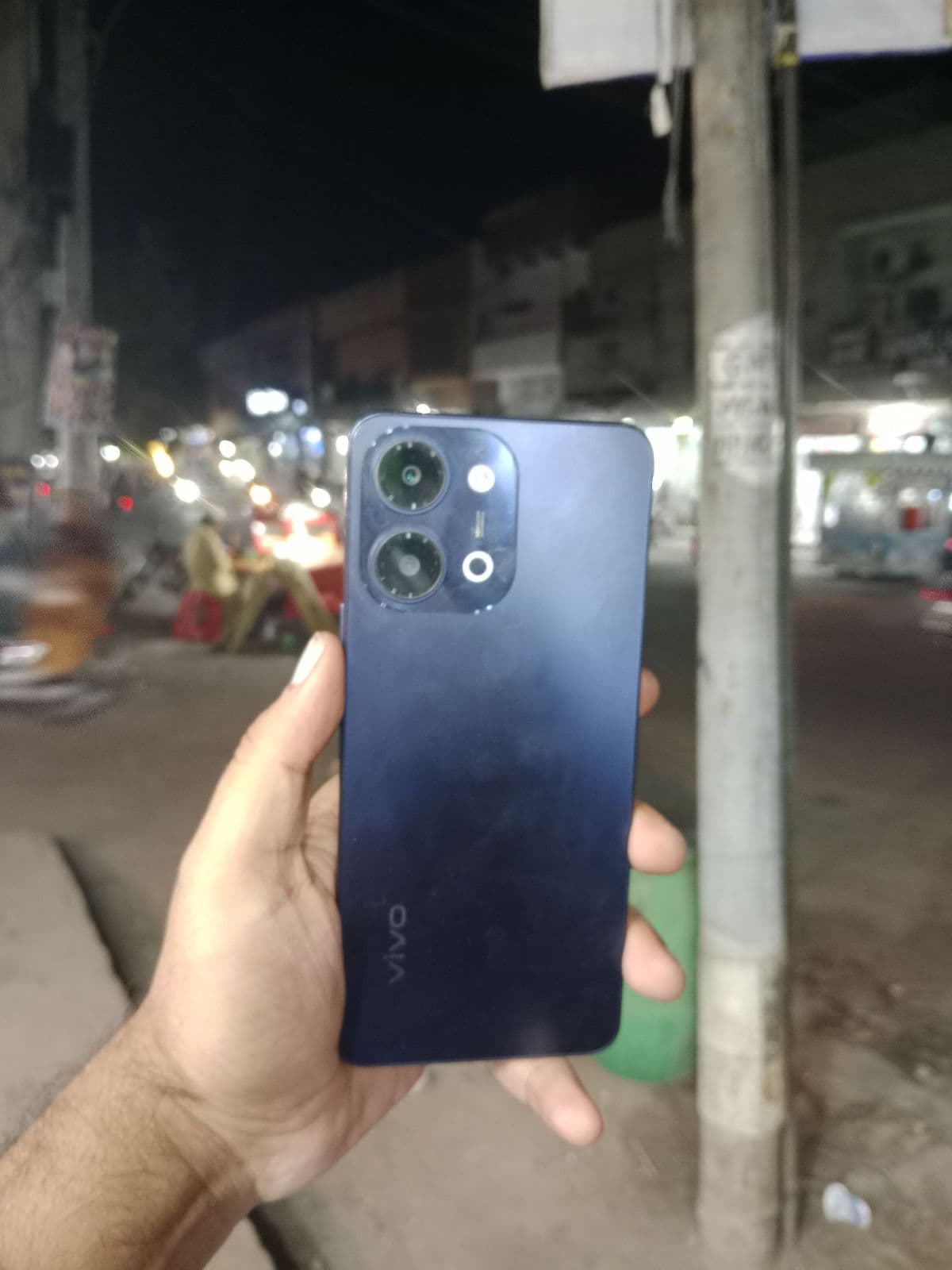
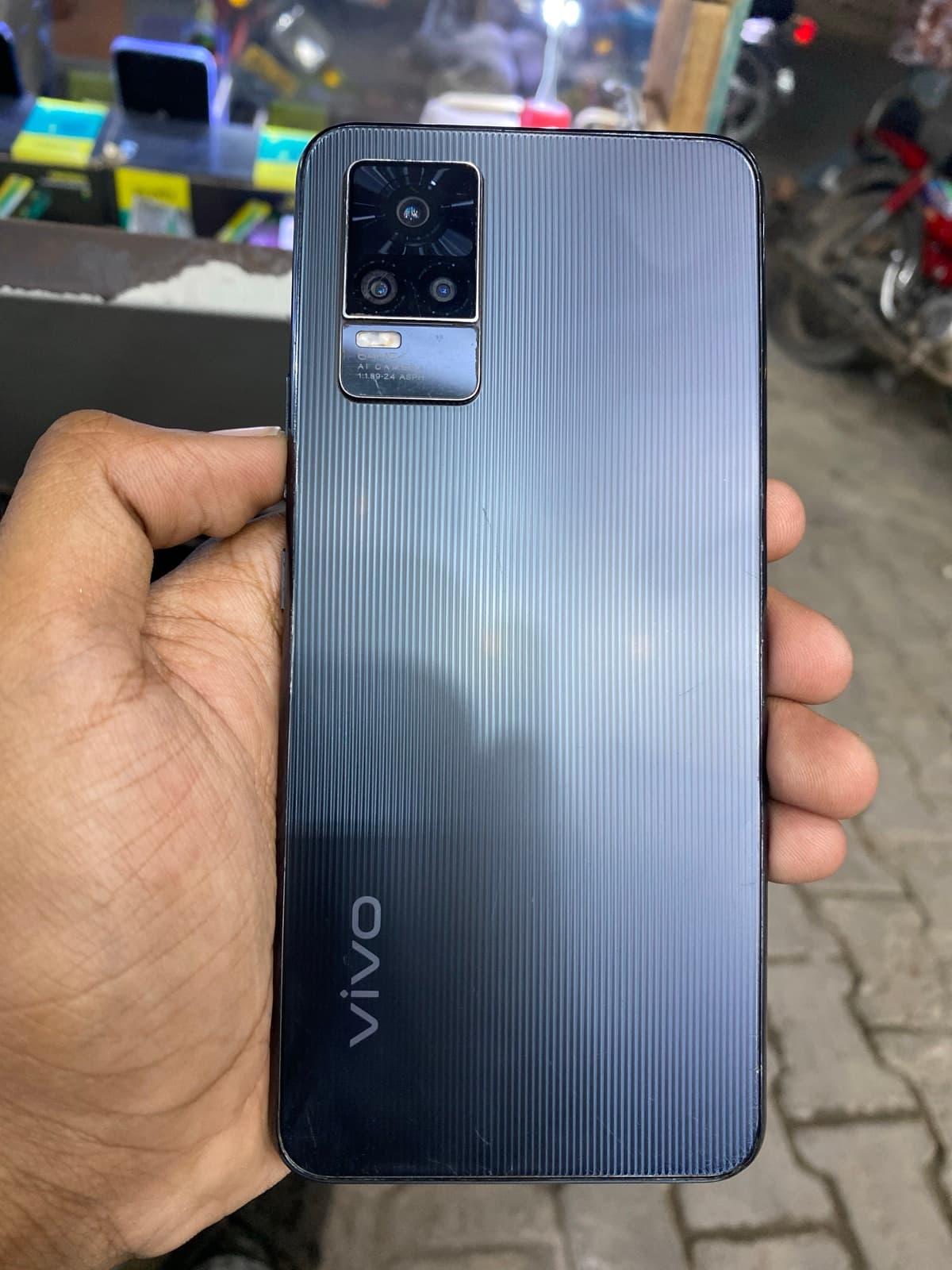
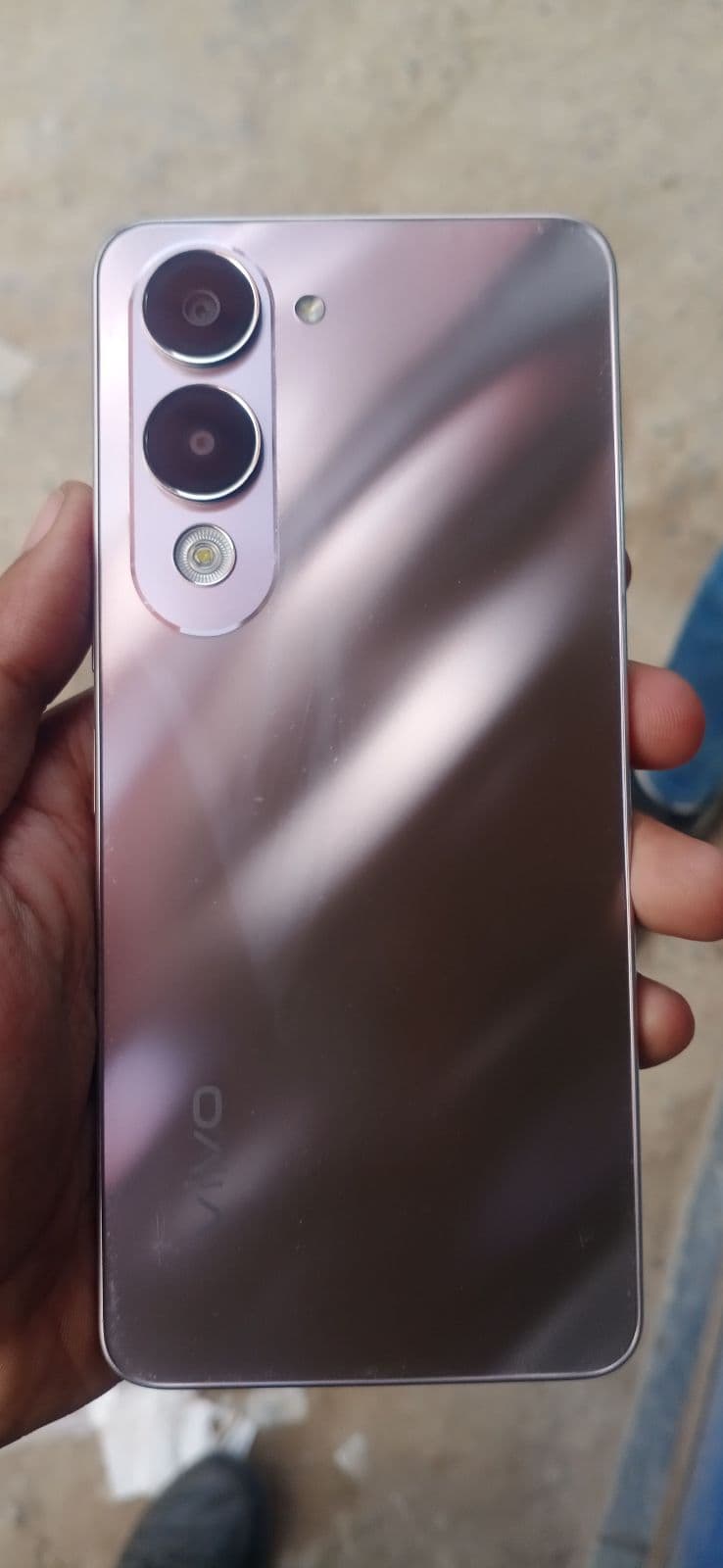
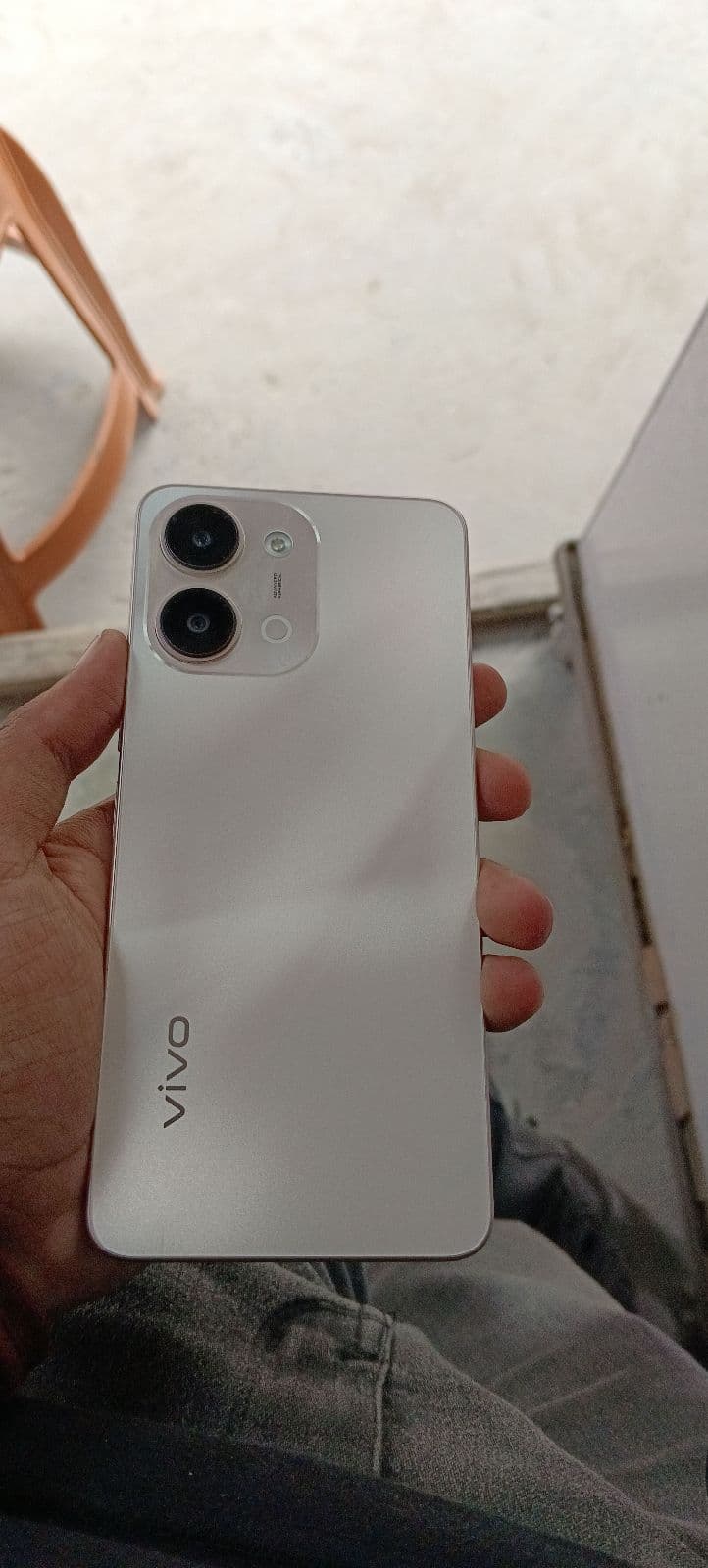
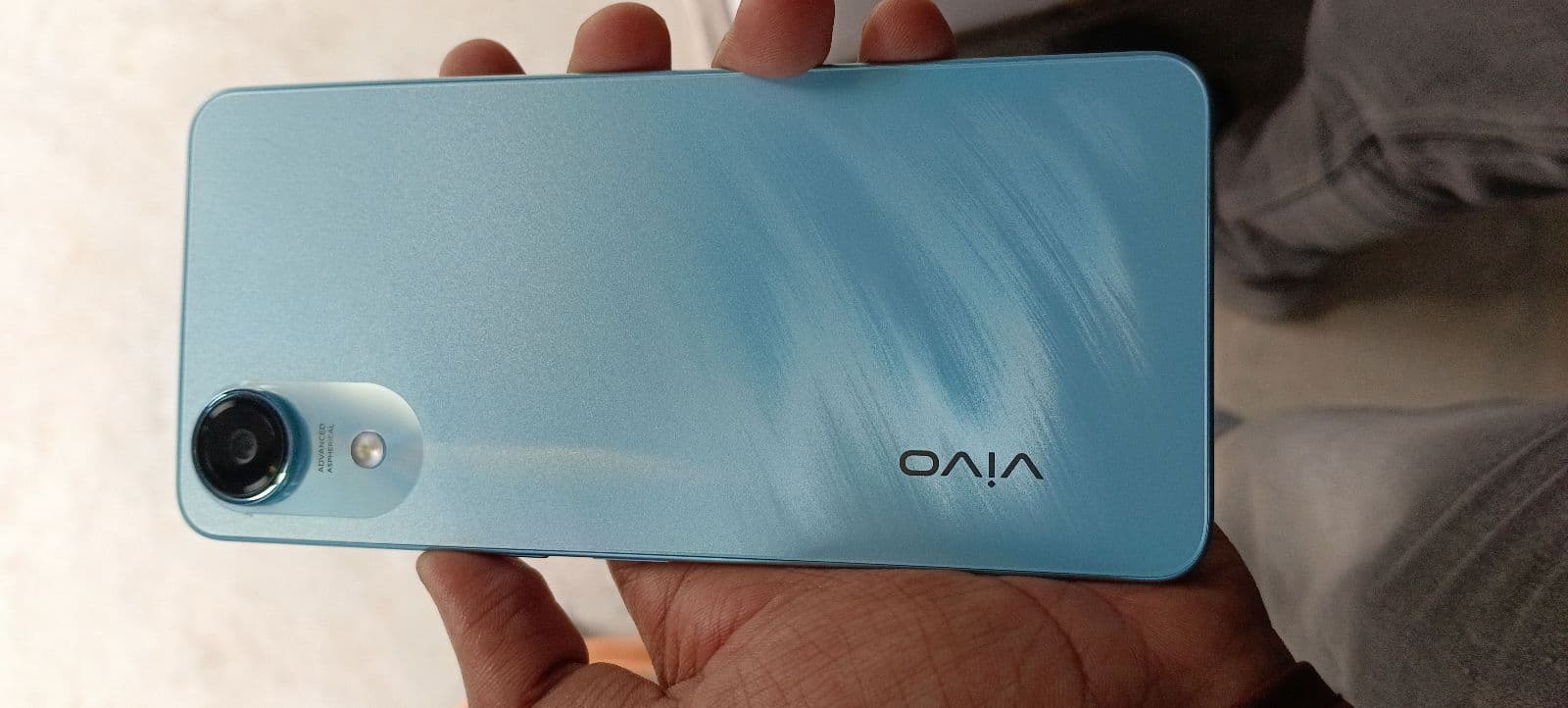
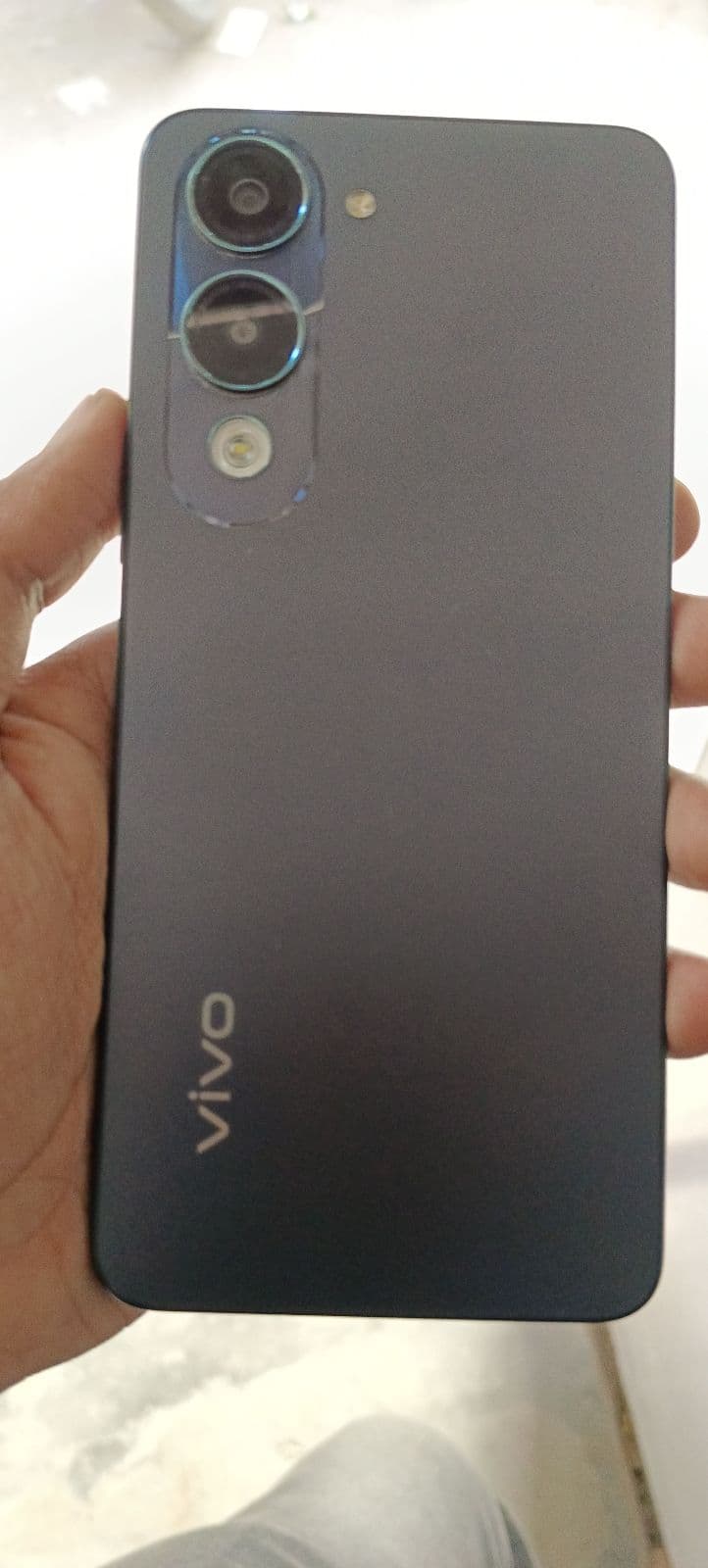
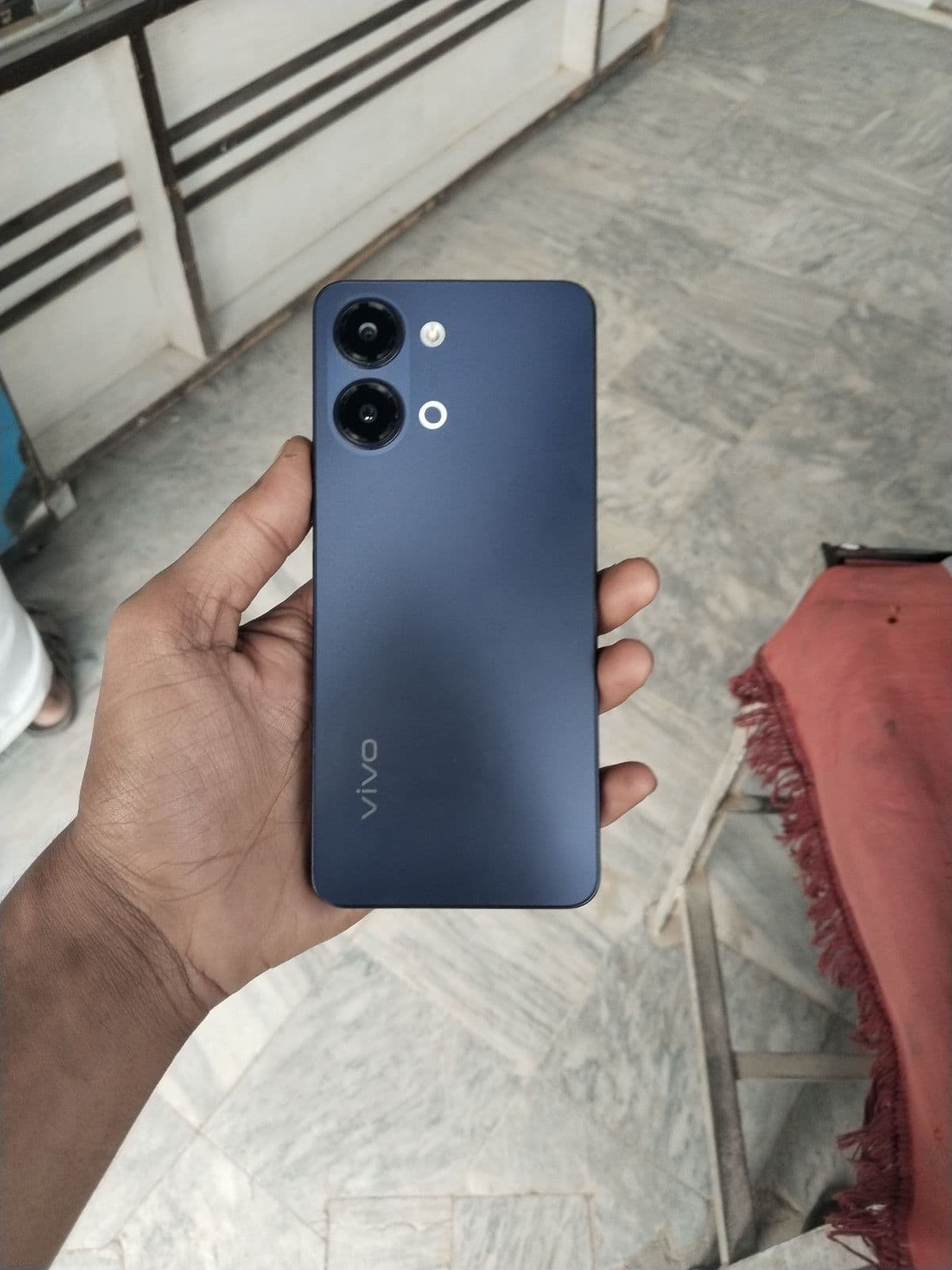
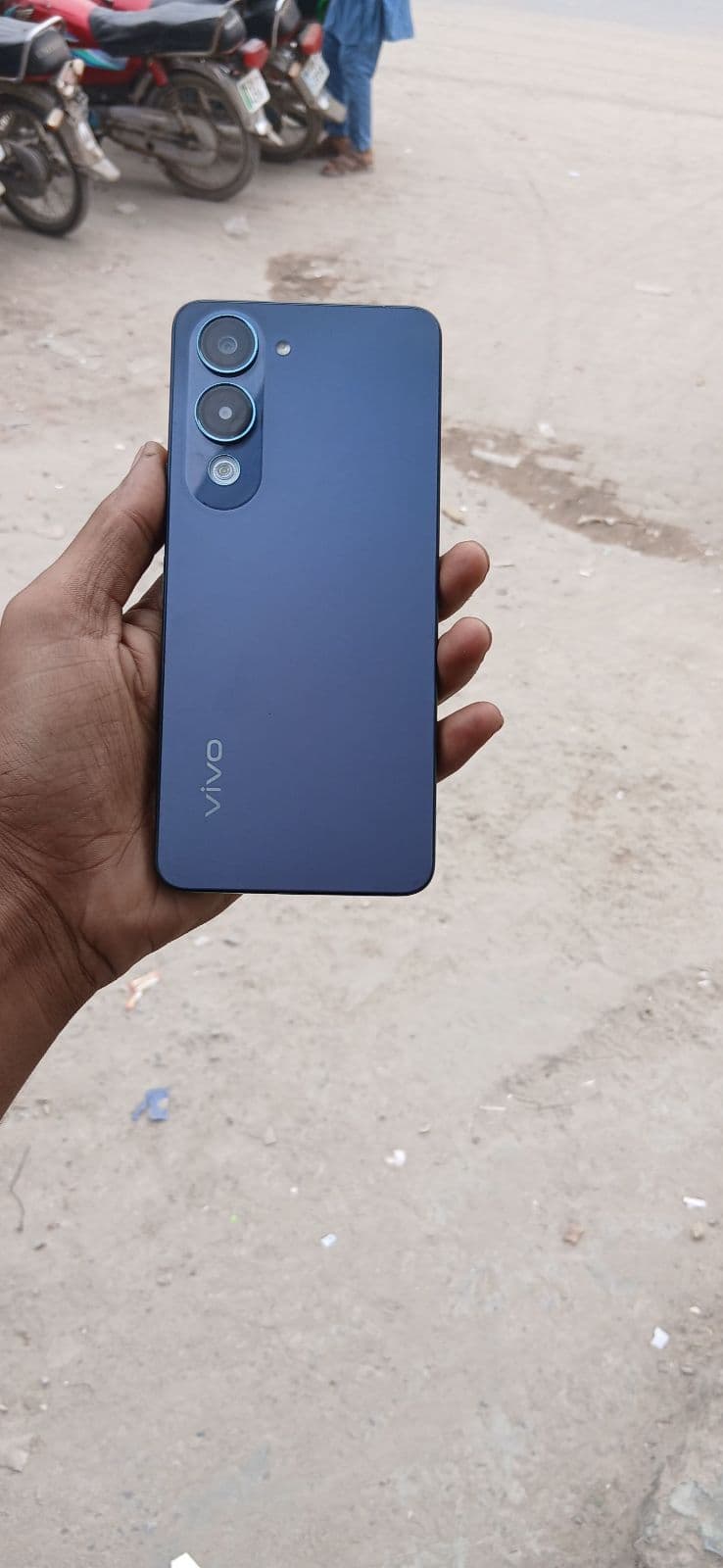
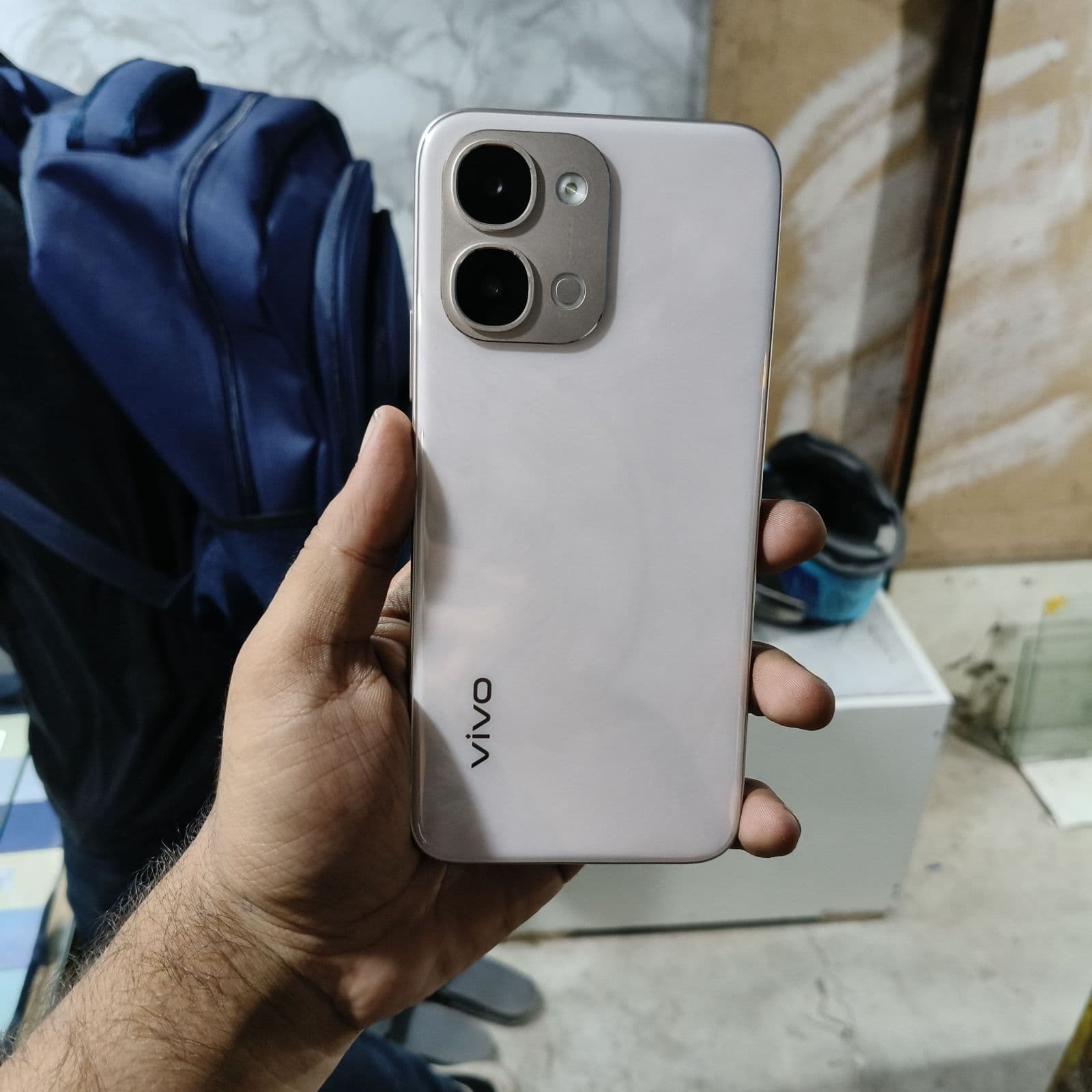
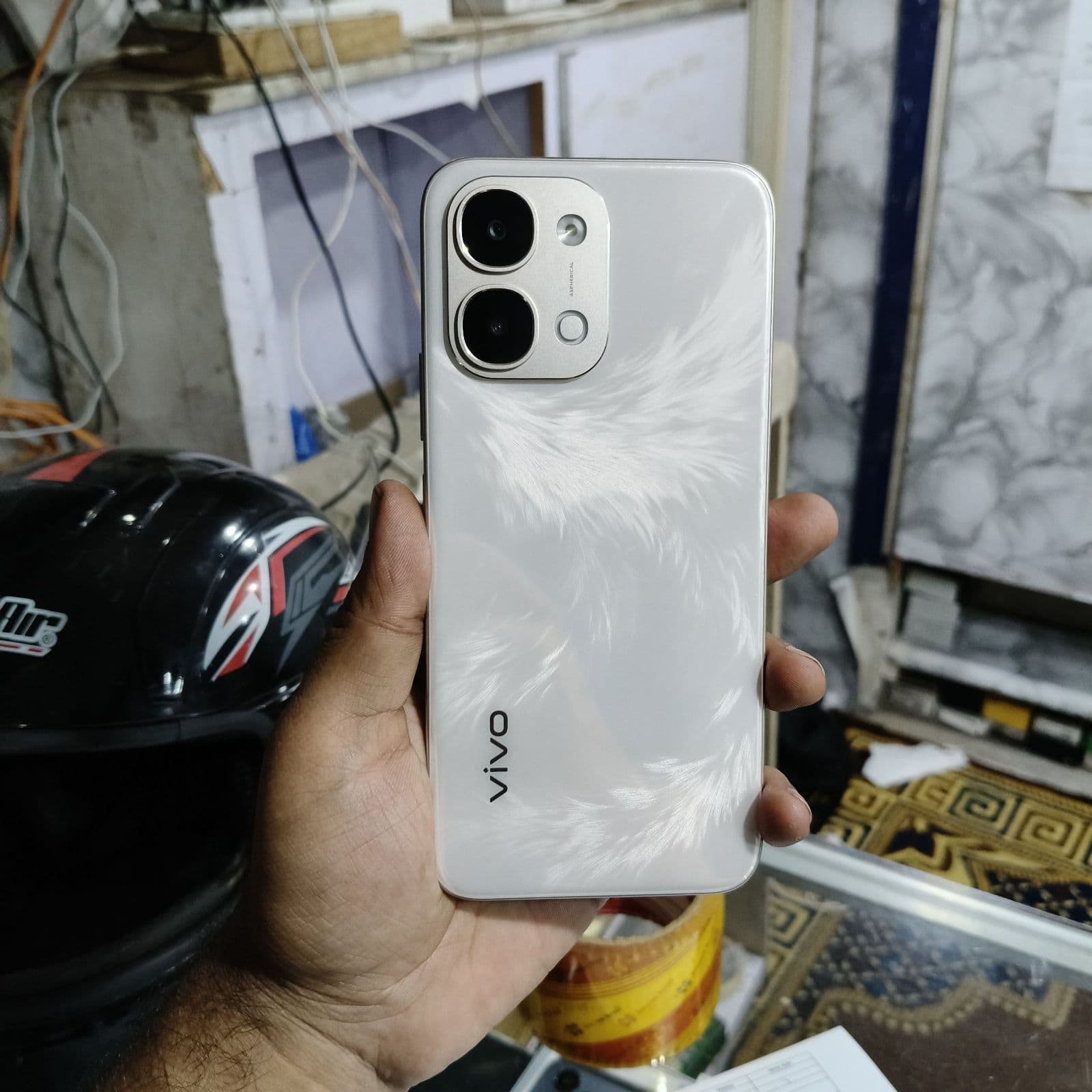
Vivo organises its phones into three main families, each aimed at a different buyer.
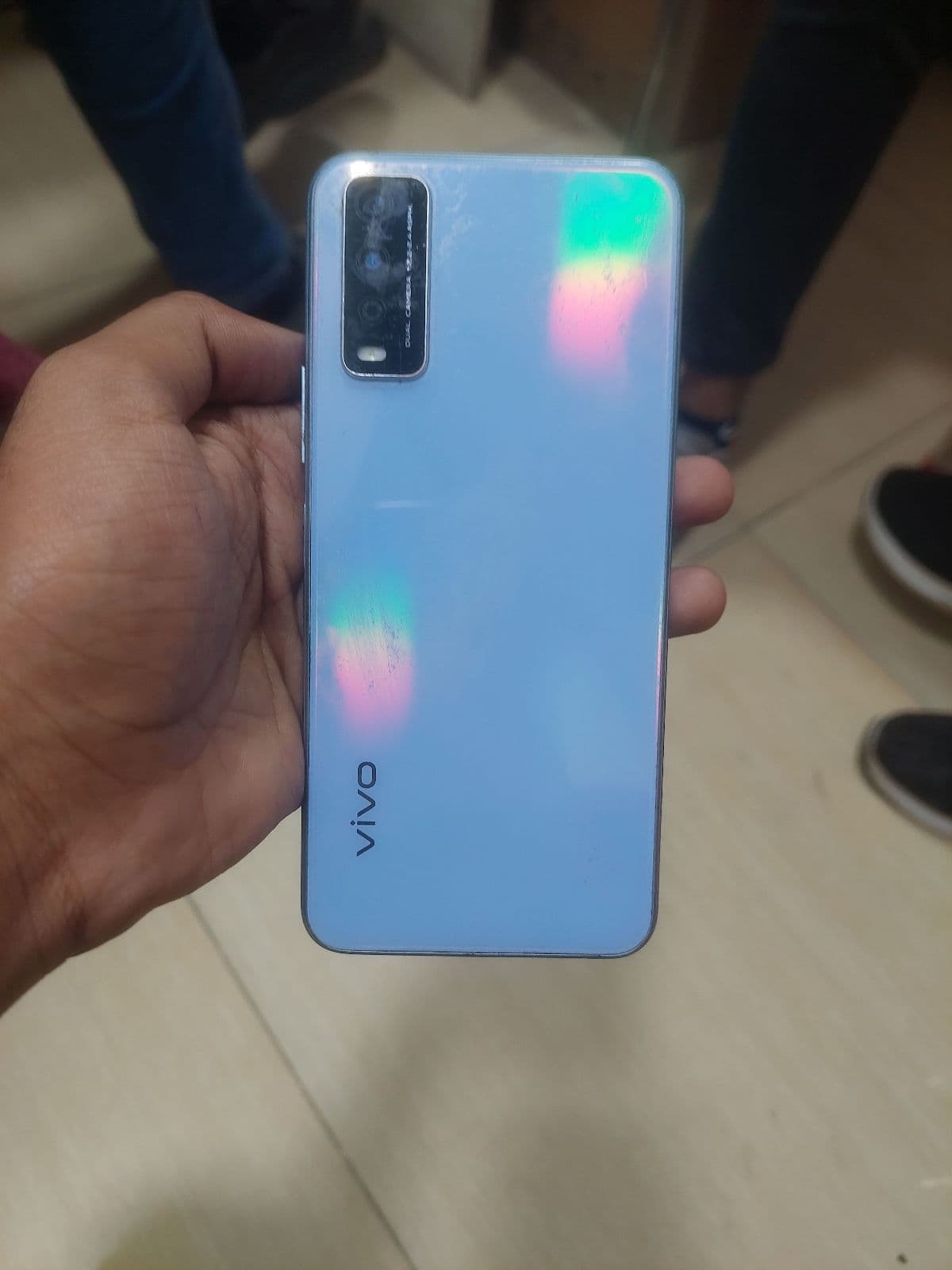
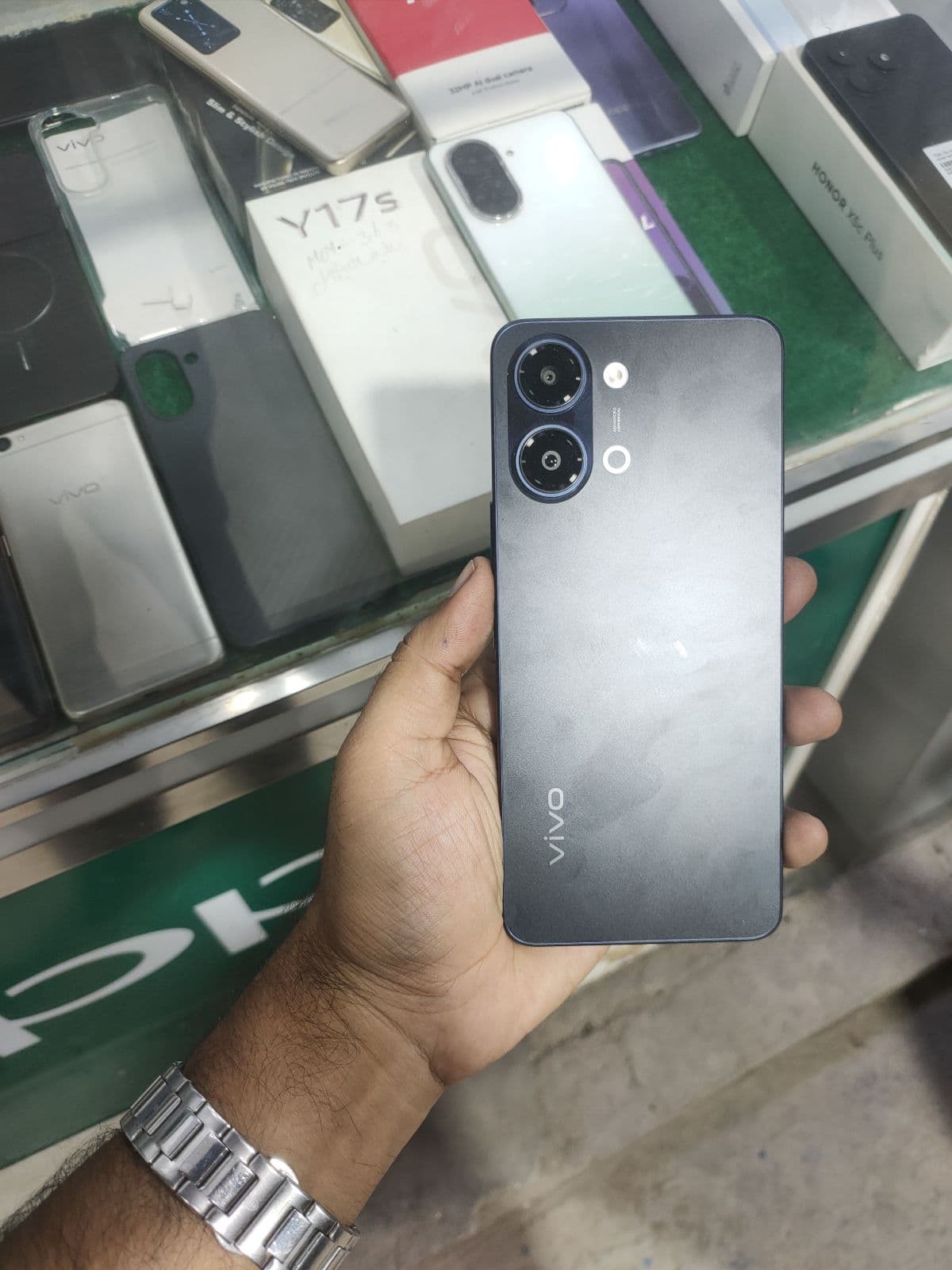
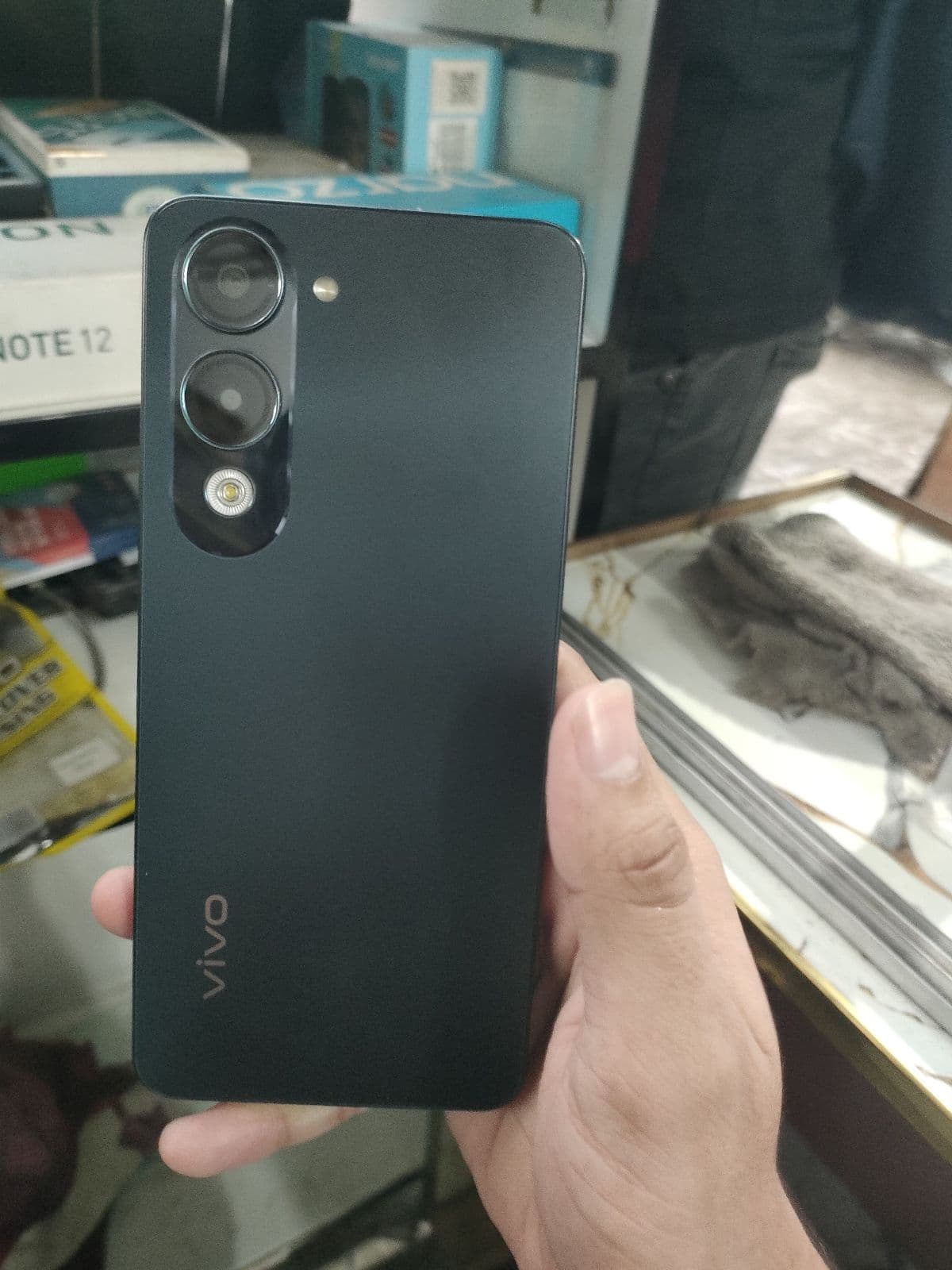
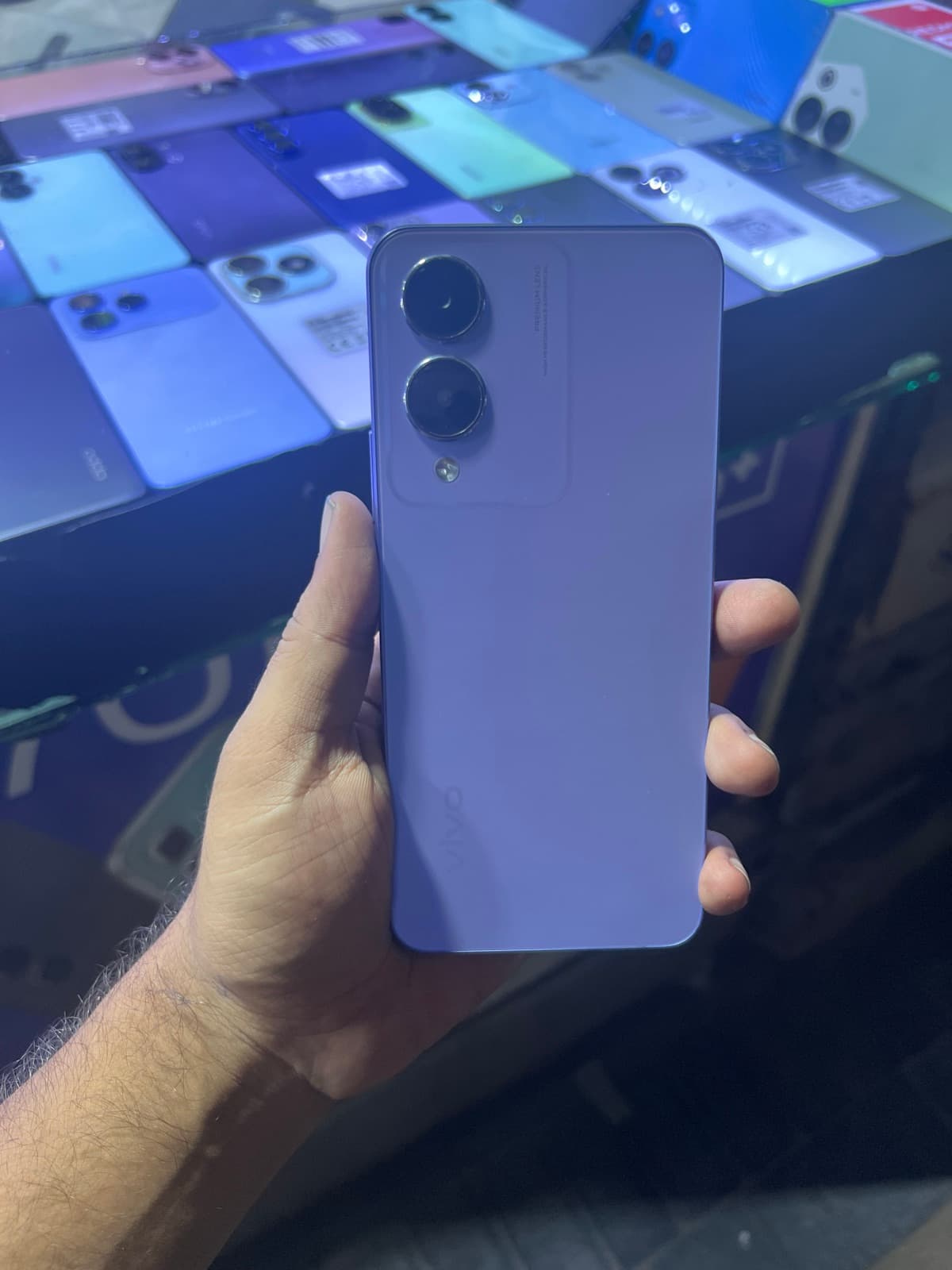
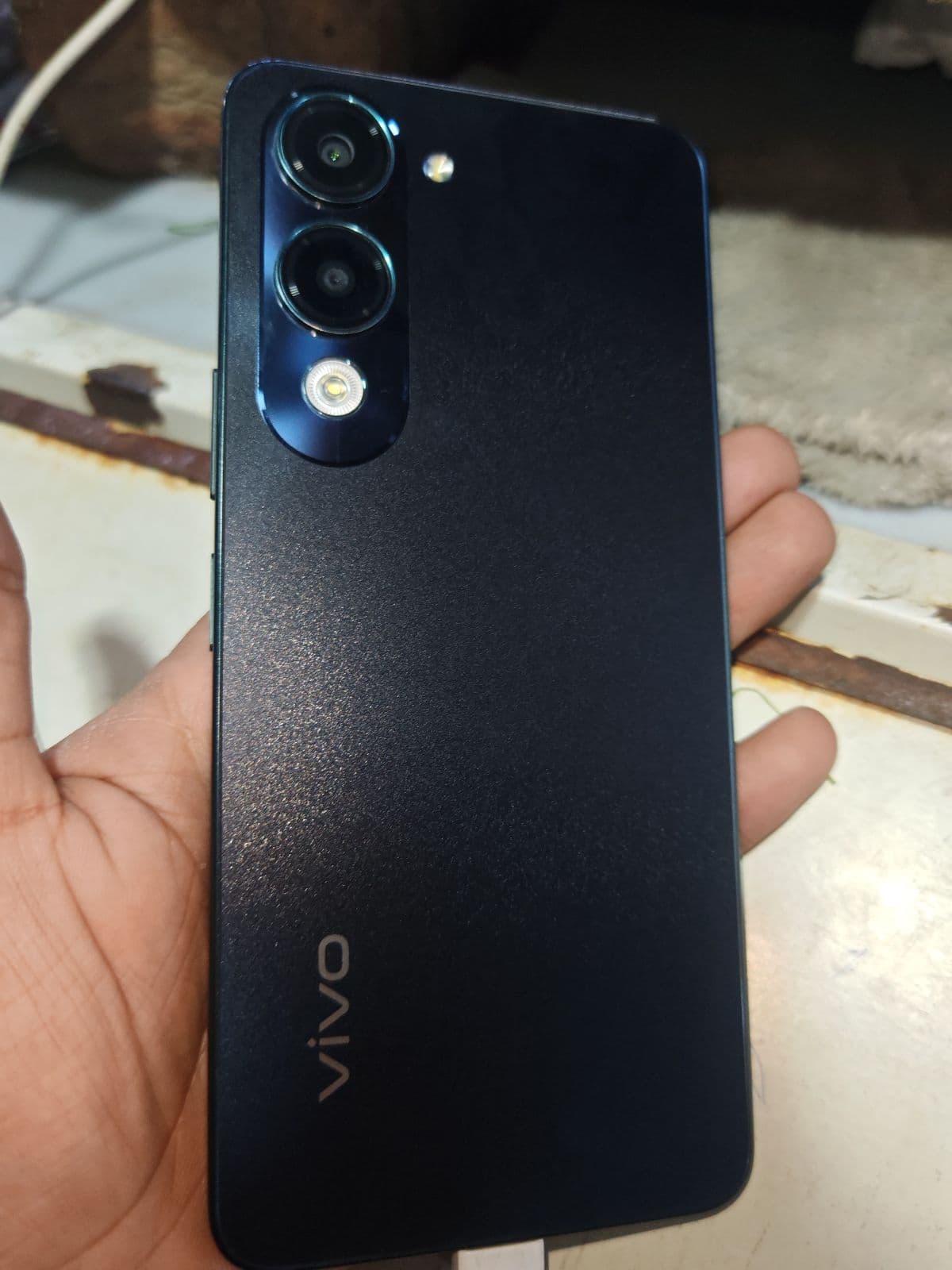
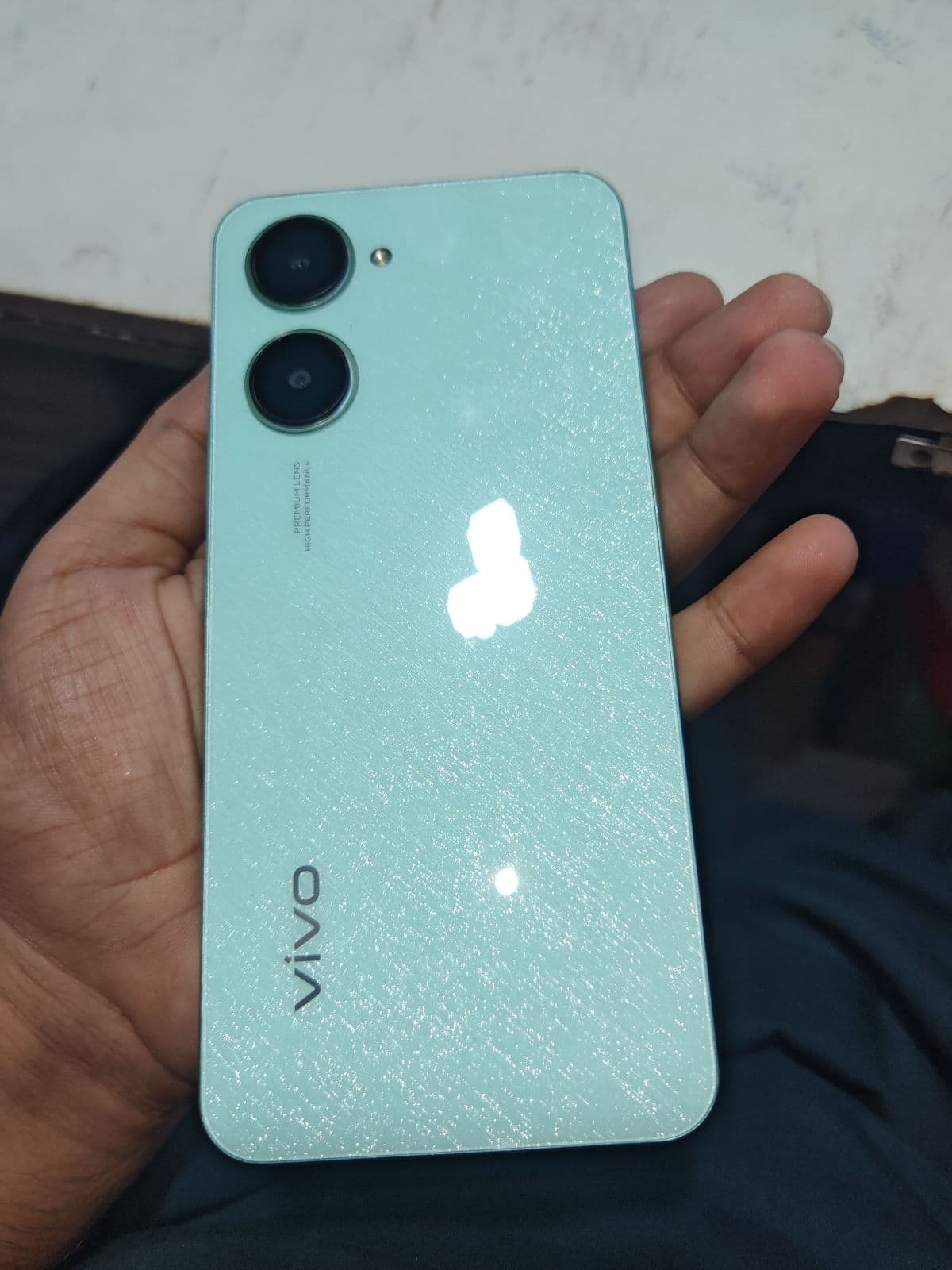
- ✓Y series — affordable everyday phones with big batteries and reliable performance; the Y20, Y21, Y15 and Y33 are very common in the local market.
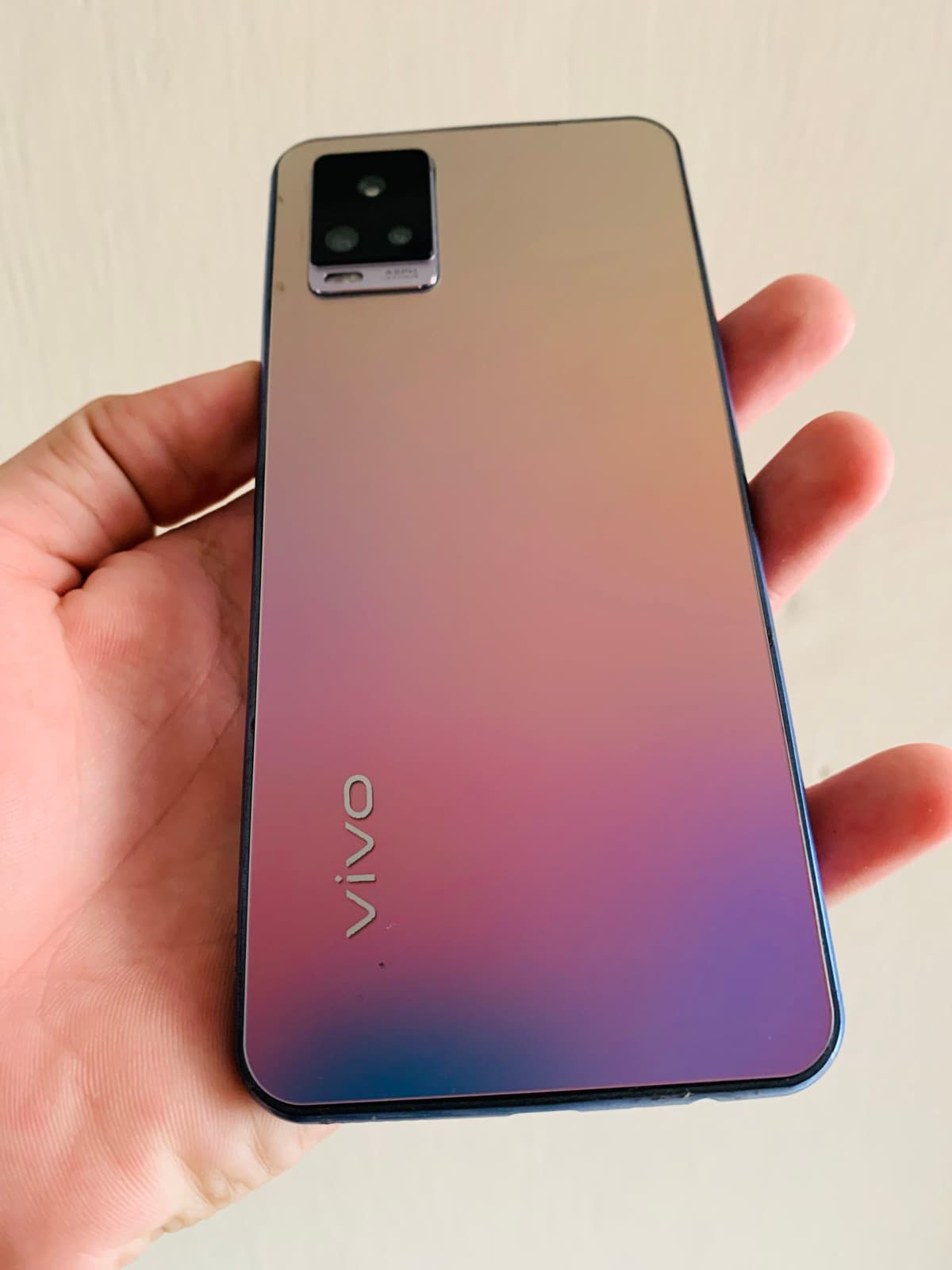
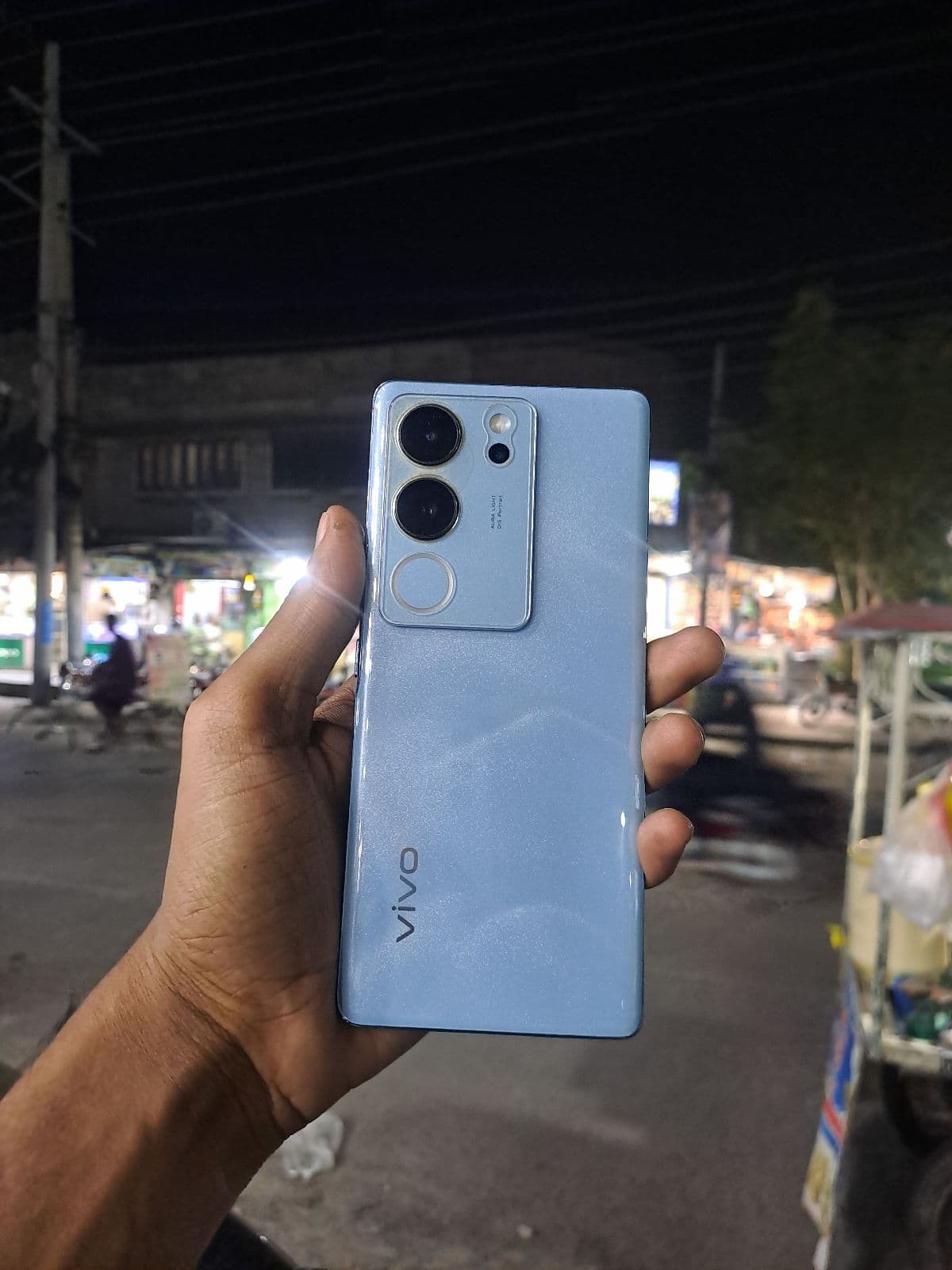
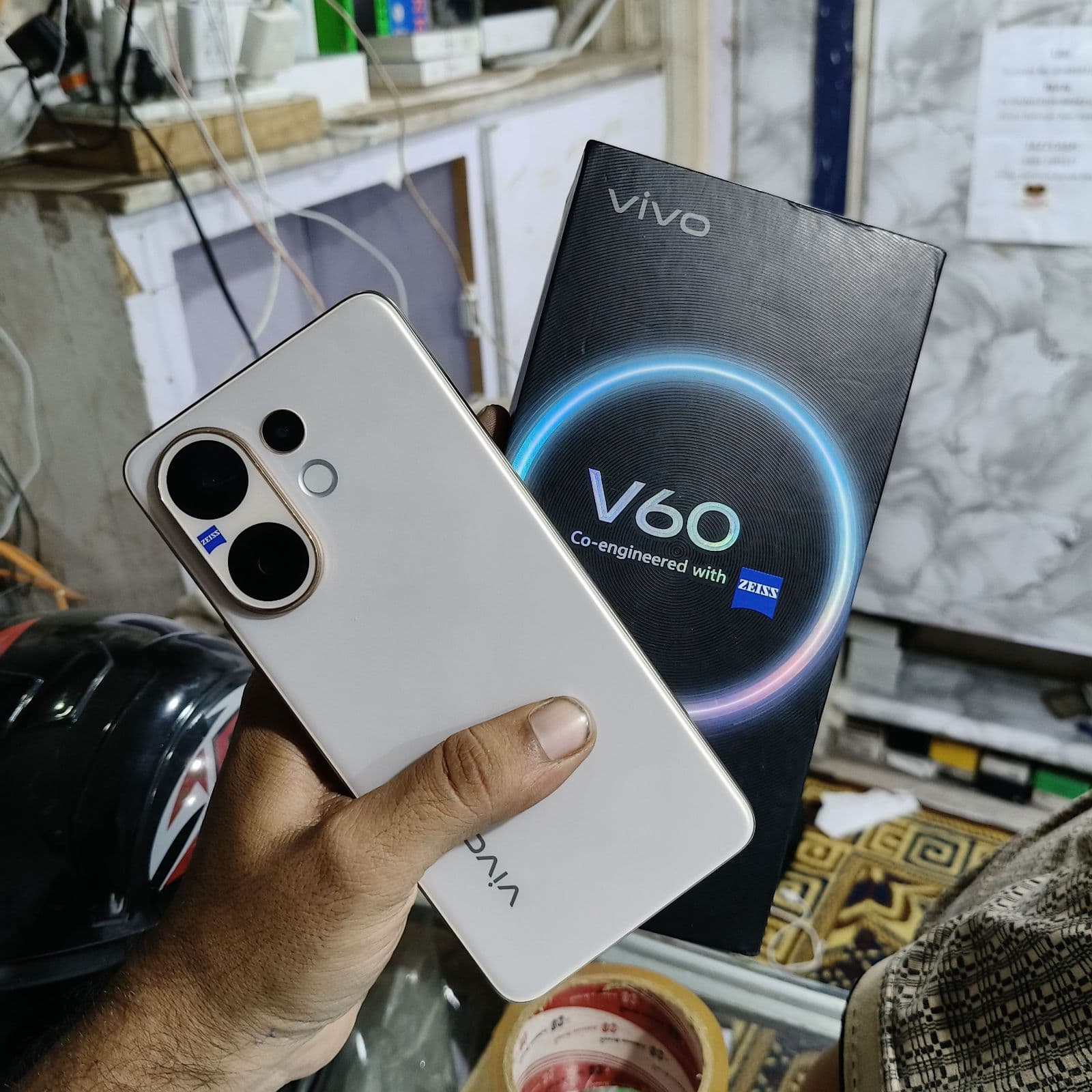
- ✓V series — stylish mid-rangers built around strong selfie and portrait cameras; the V20, V21 and V23 are popular with photo-focused buyers.
- ✓X series — Vivo’s premium flagship line with advanced cameras, often co-engineered with Zeiss, for buyers who want high-end imaging used.
- ✓iQOO — Vivo’s performance sub-brand for gaming; less common used but worth considering if you want raw speed at a lower price.
Funtouch OS software experience
Vivo phones run Funtouch OS over Android, a feature-rich interface with smooth animations and plenty of customisation. On a used Vivo, open Settings to check the Funtouch OS and Android version so you know how current the software is, keeping in mind that budget Y series phones usually receive fewer major updates than V and X models. Make sure the device is signed out of the previous owner’s Vivo and Google accounts, test that the app drawer, themes and gestures behave normally, and review any pre-installed apps that you may want to disable for a cleaner experience.
Cameras and charging on used Vivo phones
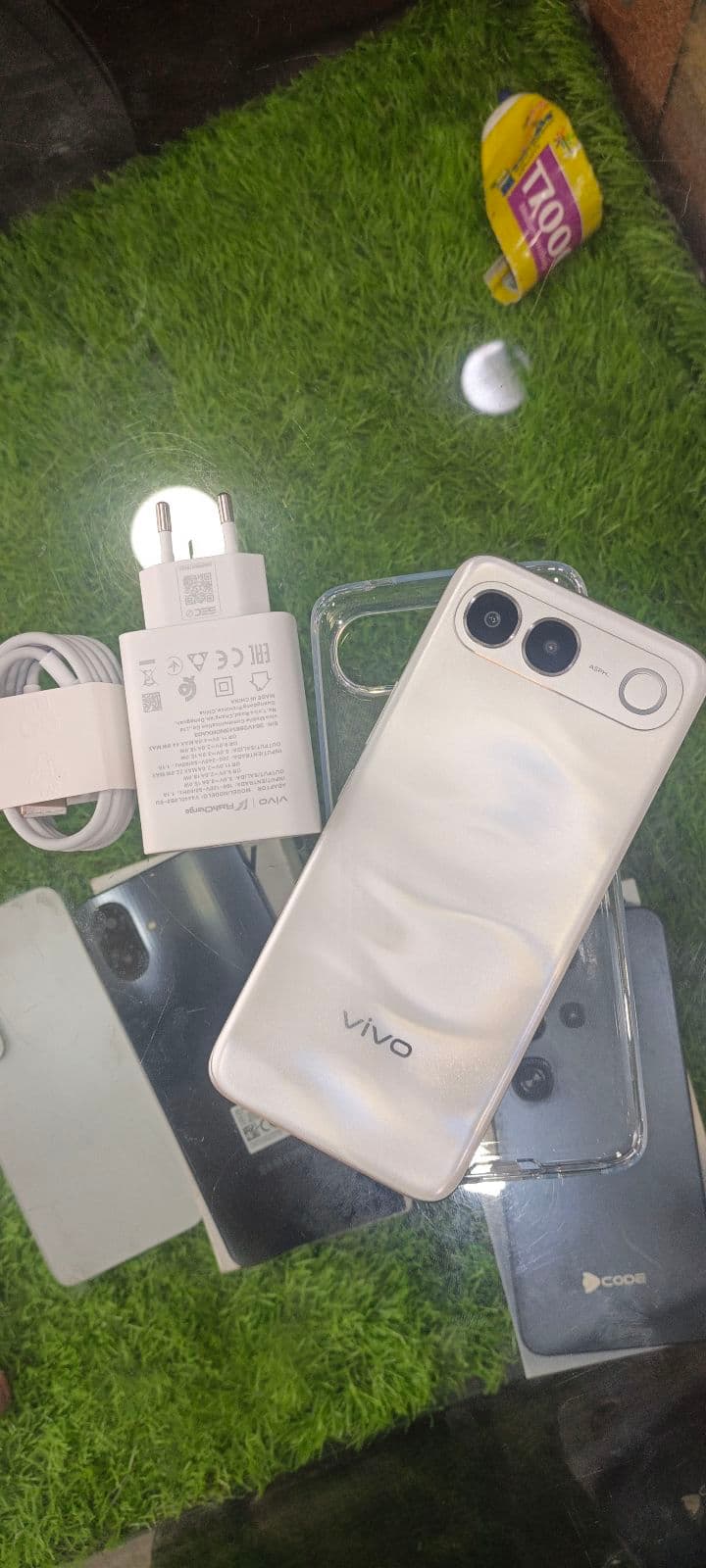
Cameras are Vivo’s signature strength, especially selfies and portrait modes on the V series and pro-grade imaging on the X series. Test both the front and rear cameras in good and low light, check that portrait blur, night mode and the flash all work, and look for any spots or focus issues that suggest lens damage. On charging, many Vivo phones support fast charging, so confirm it works at full speed with the original Vivo charger and cable. Check that the battery comfortably lasts a day of normal use and that the phone does not overheat while charging.
What to check on a used Vivo
A short, Vivo-focused checklist helps you buy with confidence.
- ✓Vivo account lock — confirm the phone is signed out so it cannot be remotely locked by the previous owner.
- ✓Front and rear cameras — test selfies, portrait, night mode and flash, since cameras are a key Vivo selling point.
- ✓Charging and battery — confirm fast charging with the original charger and check all-day battery life.
- ✓Display and fingerprint — look for tint, dead pixels or burn-in and confirm the in-display or side fingerprint works.
- ✓IMEI and PTA status — verify the IMEI on the PTA DIRBS portal to confirm approval or any pending tax.
Value and PTA status in Faisalabad
Vivo phones are popular in Faisalabad for offering good cameras and battery life at fair prices, and the Y series in particular holds steady demand for budget buyers. Before buying, confirm the PTA status: an approved Vivo works on Jazz, Zong, Telenor and Ufone without restrictions, while a non-PTA unit is cheaper but may need DIRBS tax to keep accepting local SIMs. Compare several similar Y, V or X listings on Mehfoz to judge a fair price, and factor any pending tax into your real total cost before you commit.