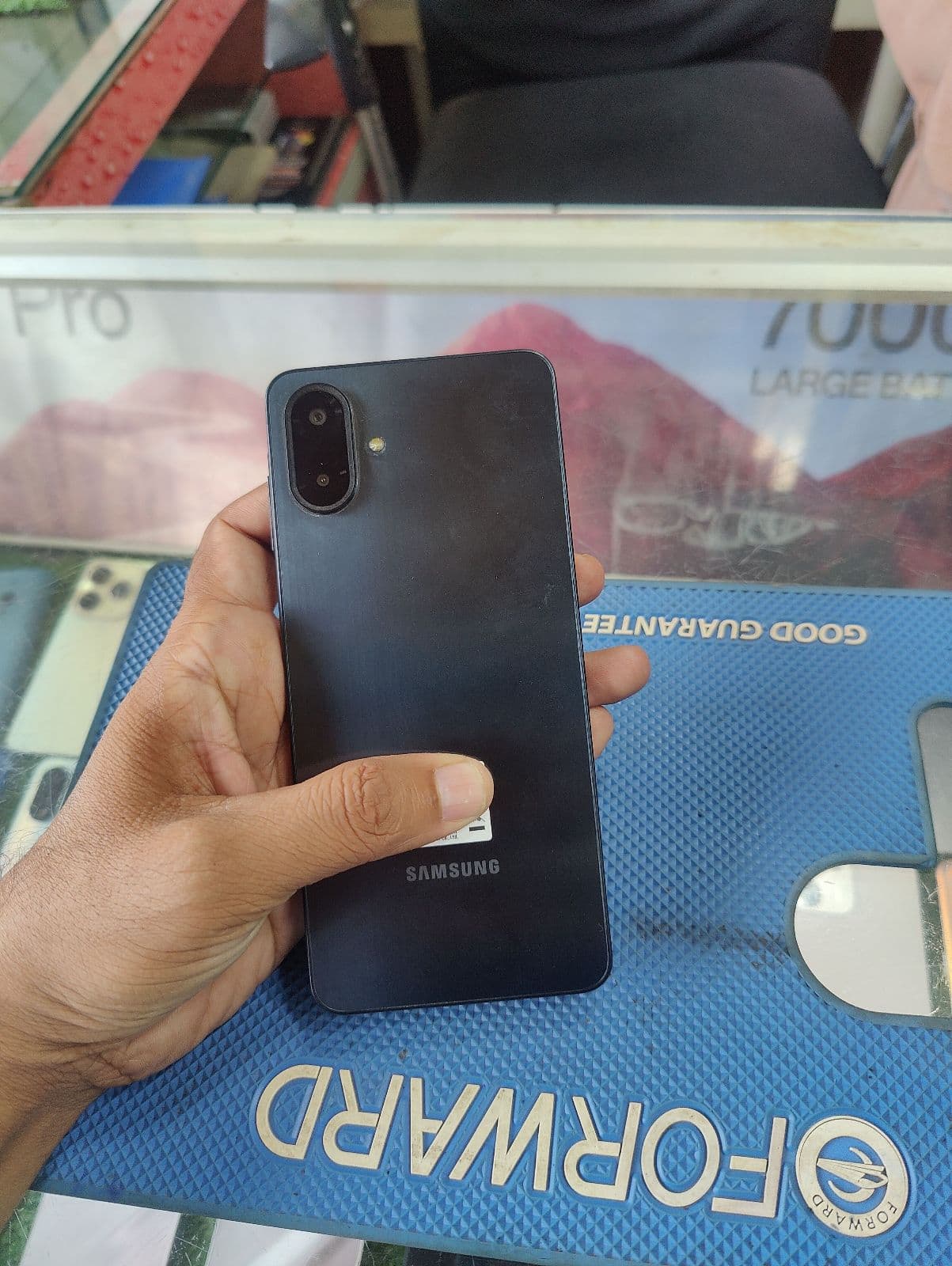
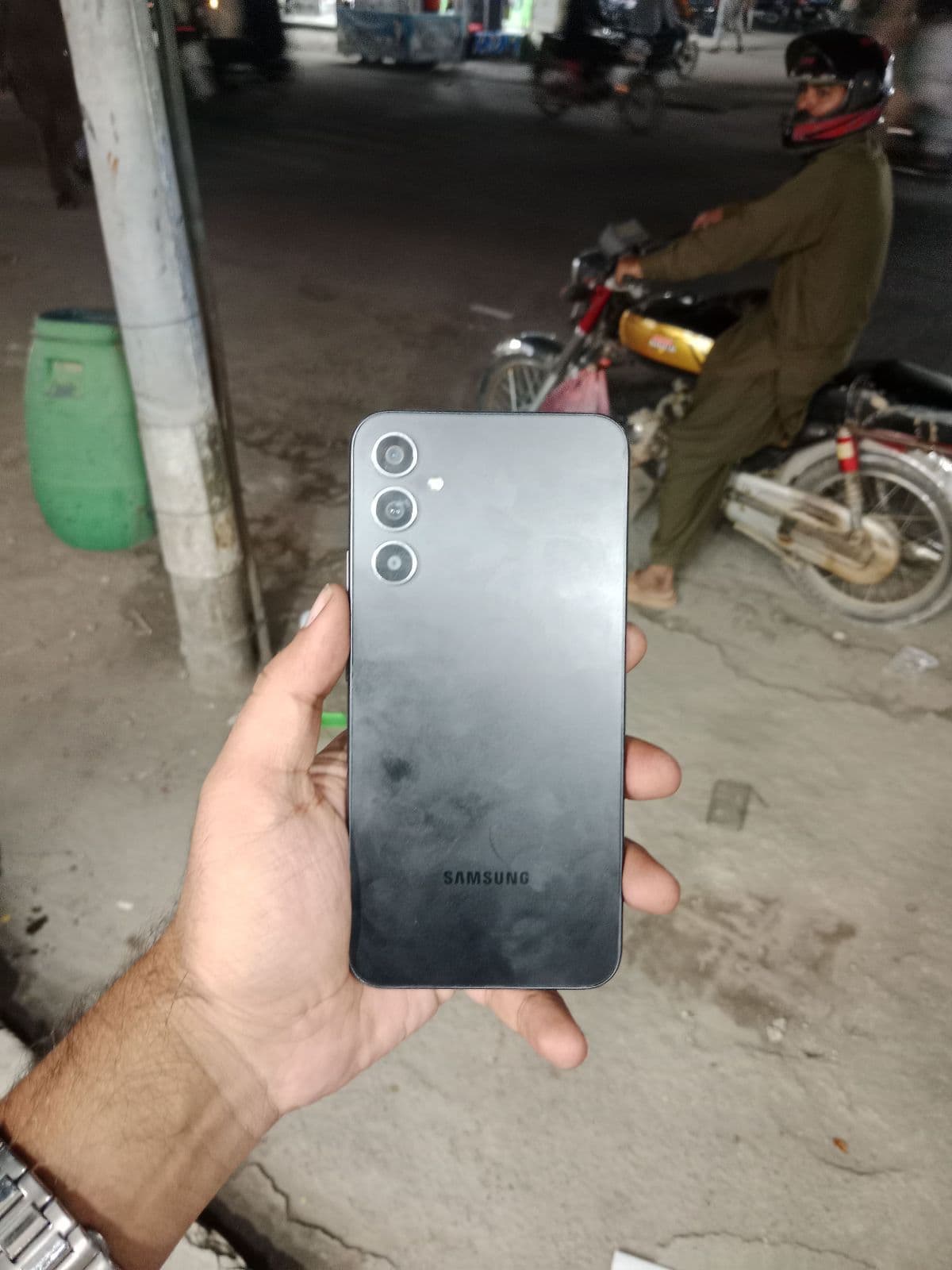
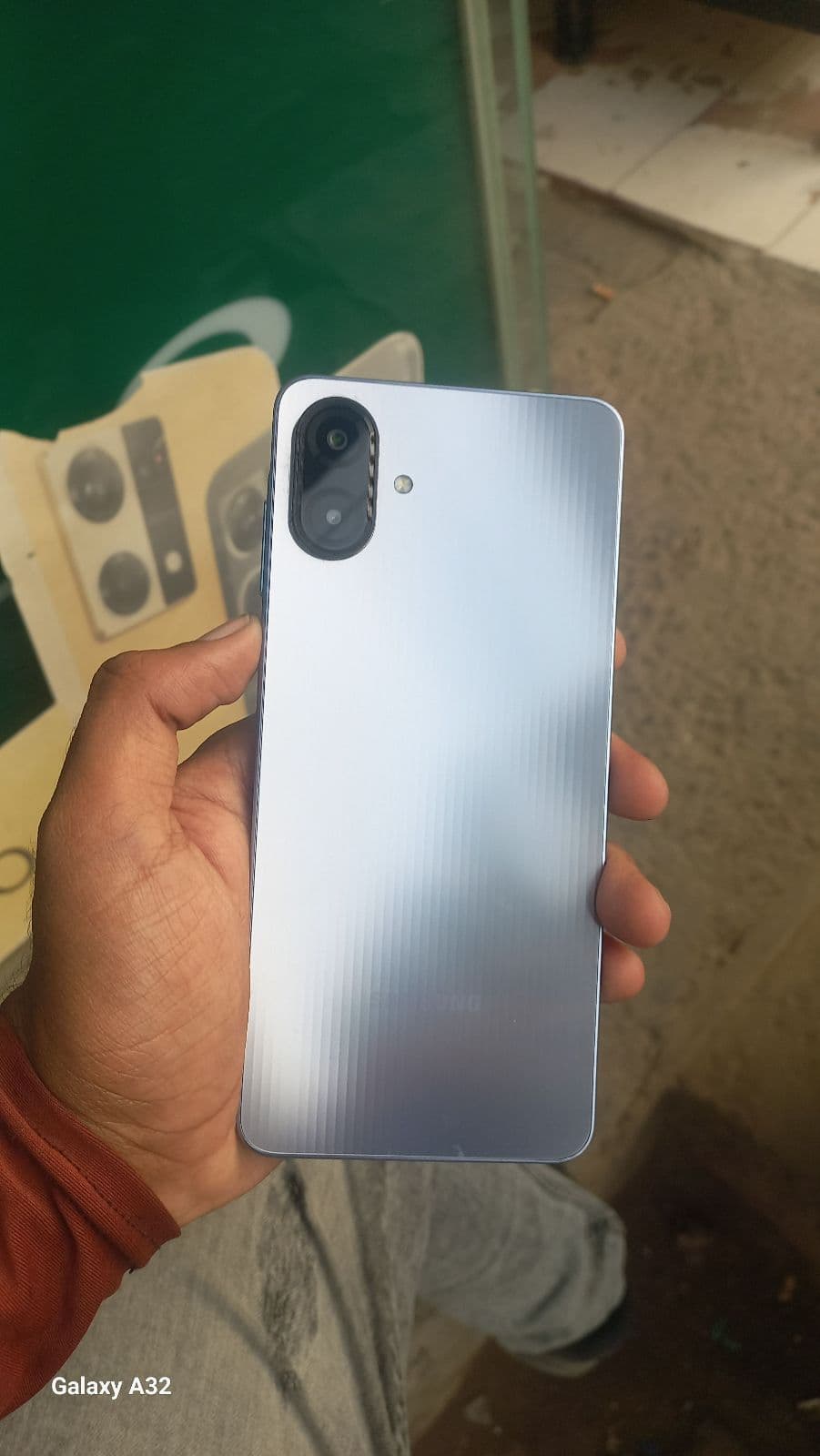
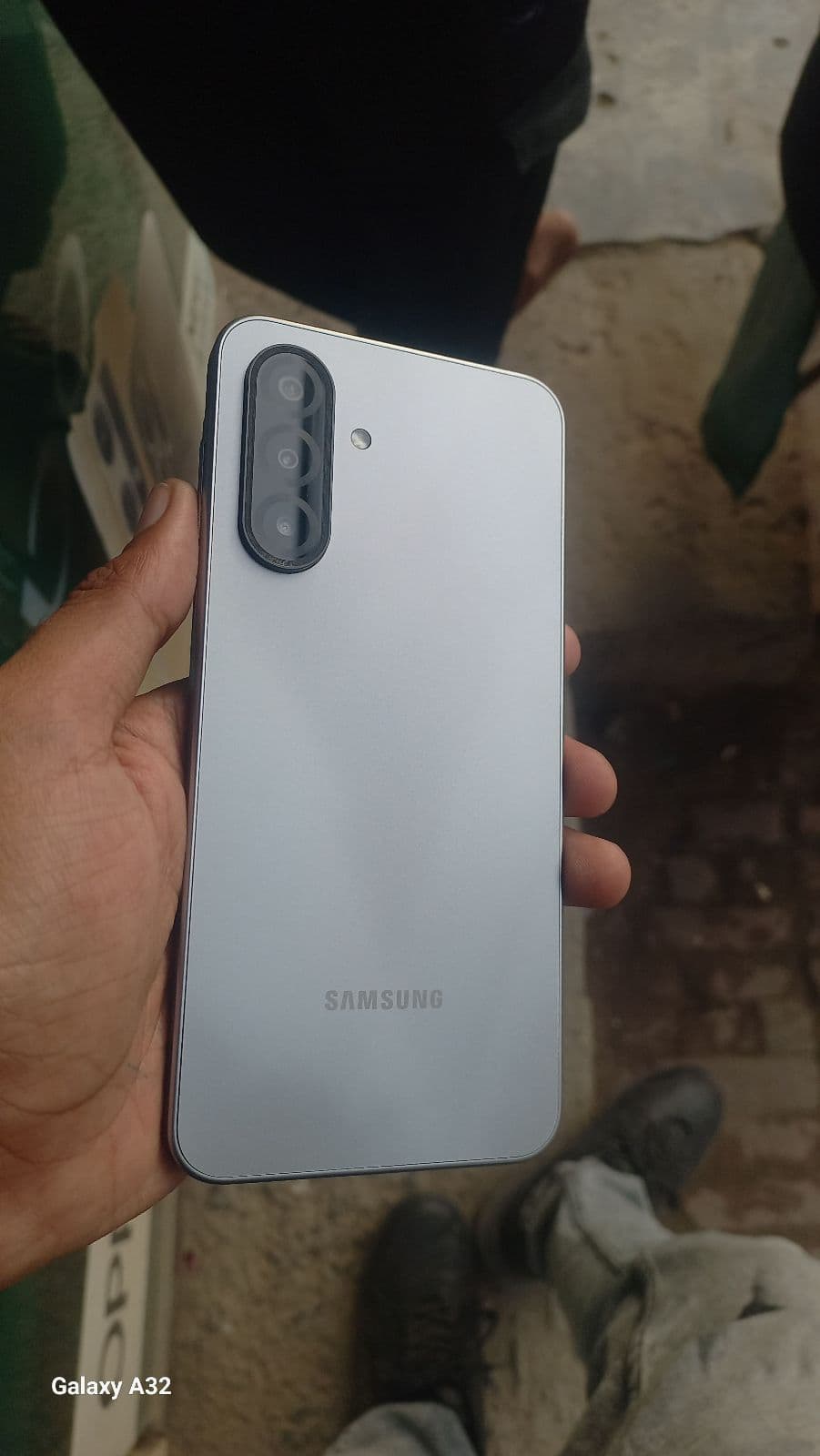
Samsung Galaxy lineup explained
Samsung sells across very different price tiers, so knowing the series helps you match a phone to your budget and needs.
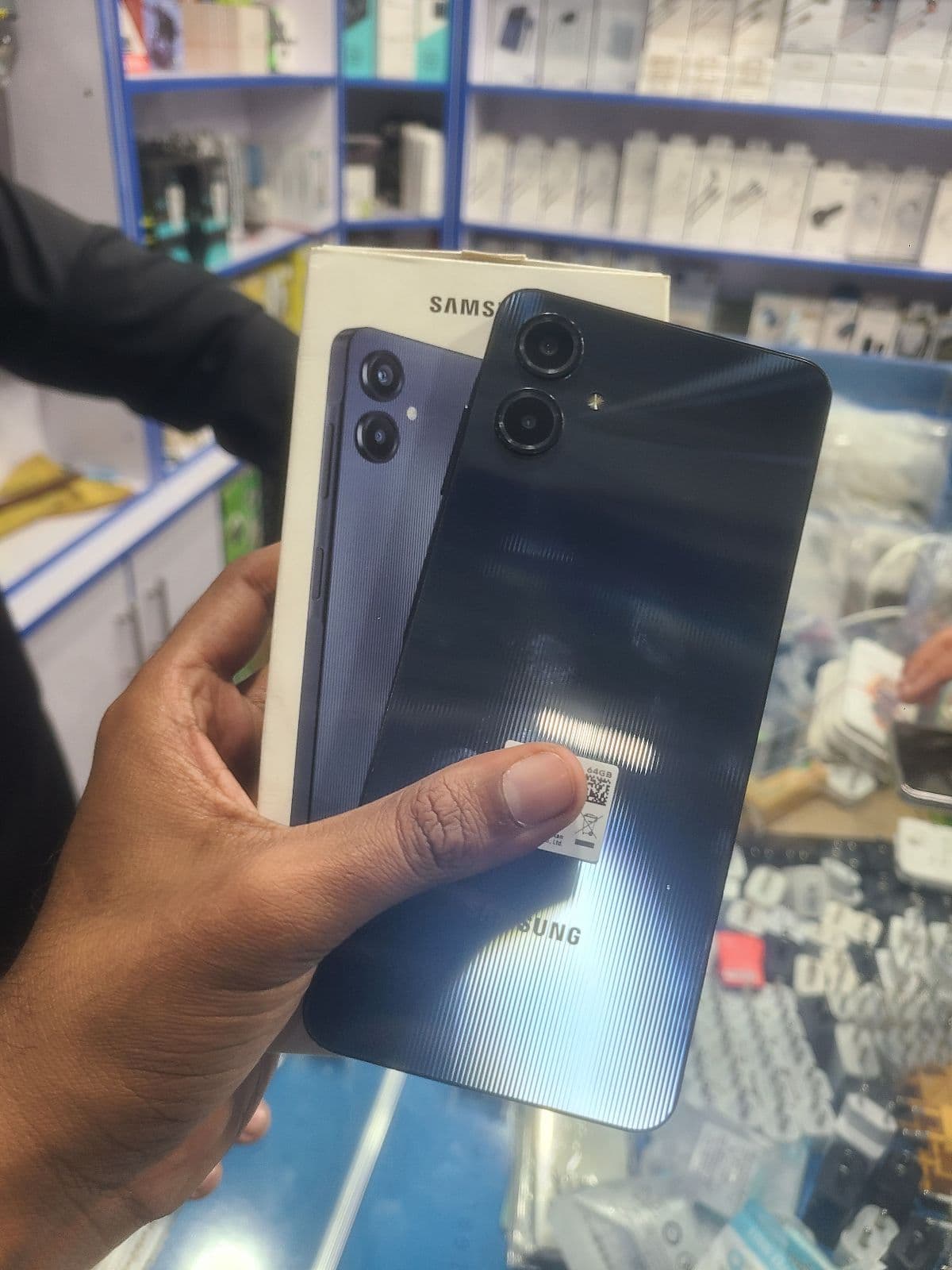
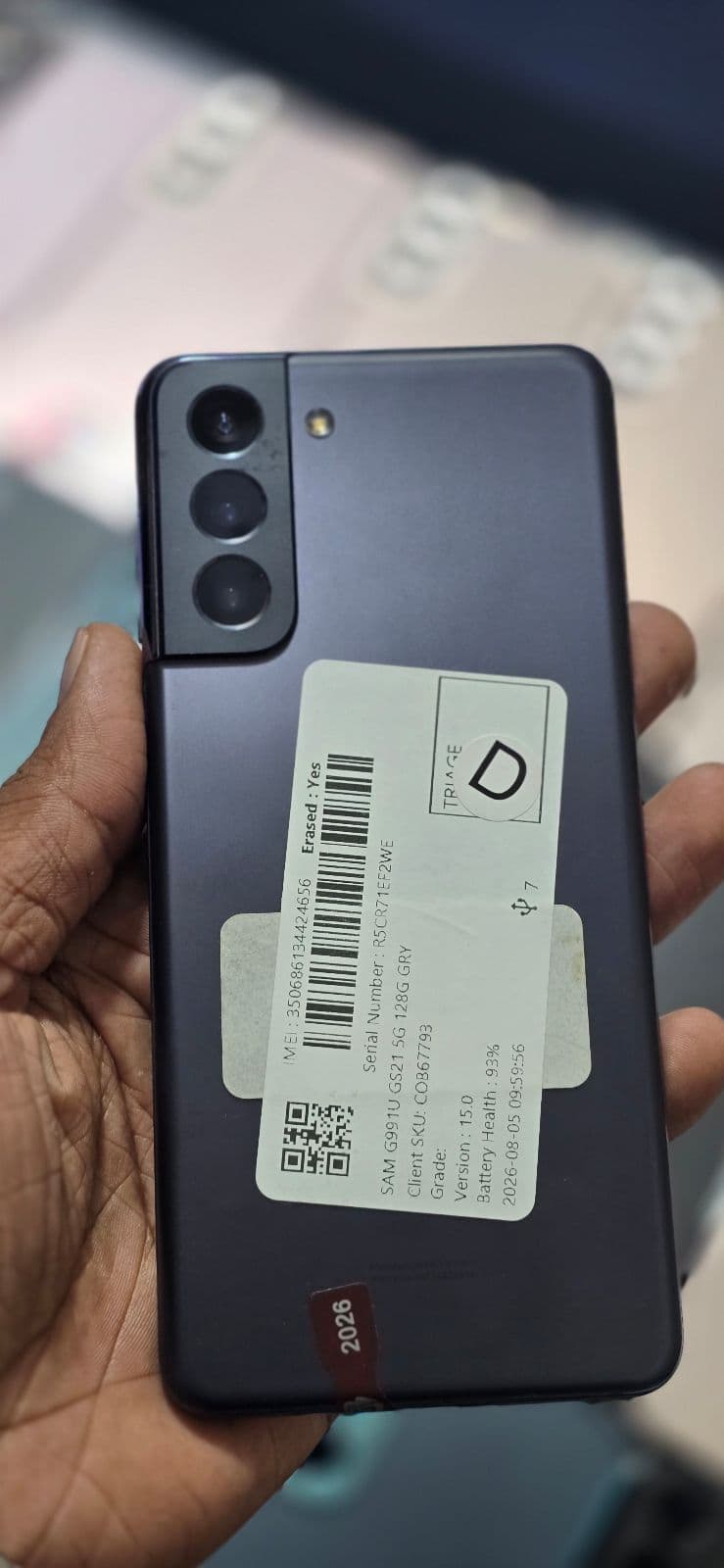
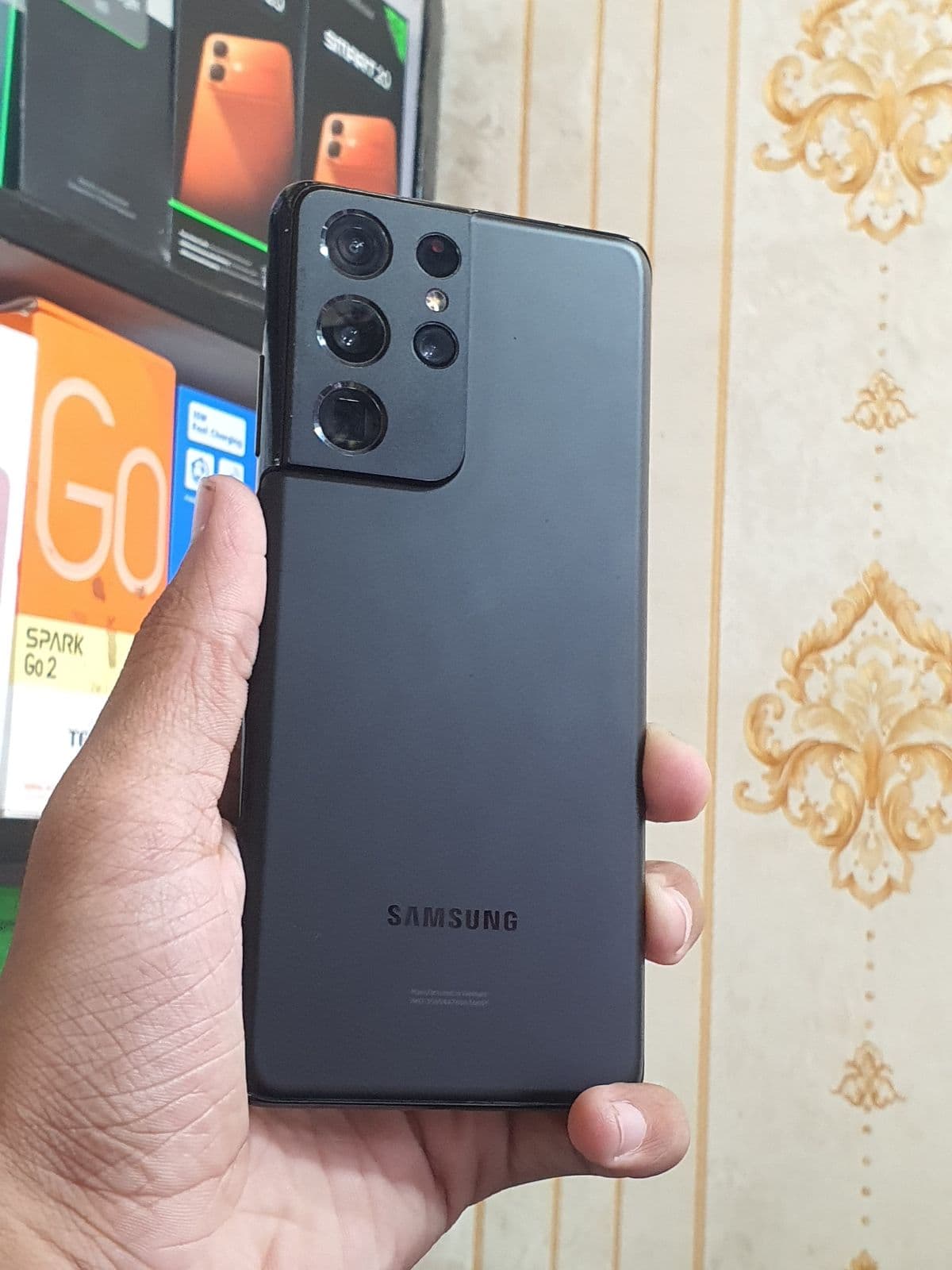
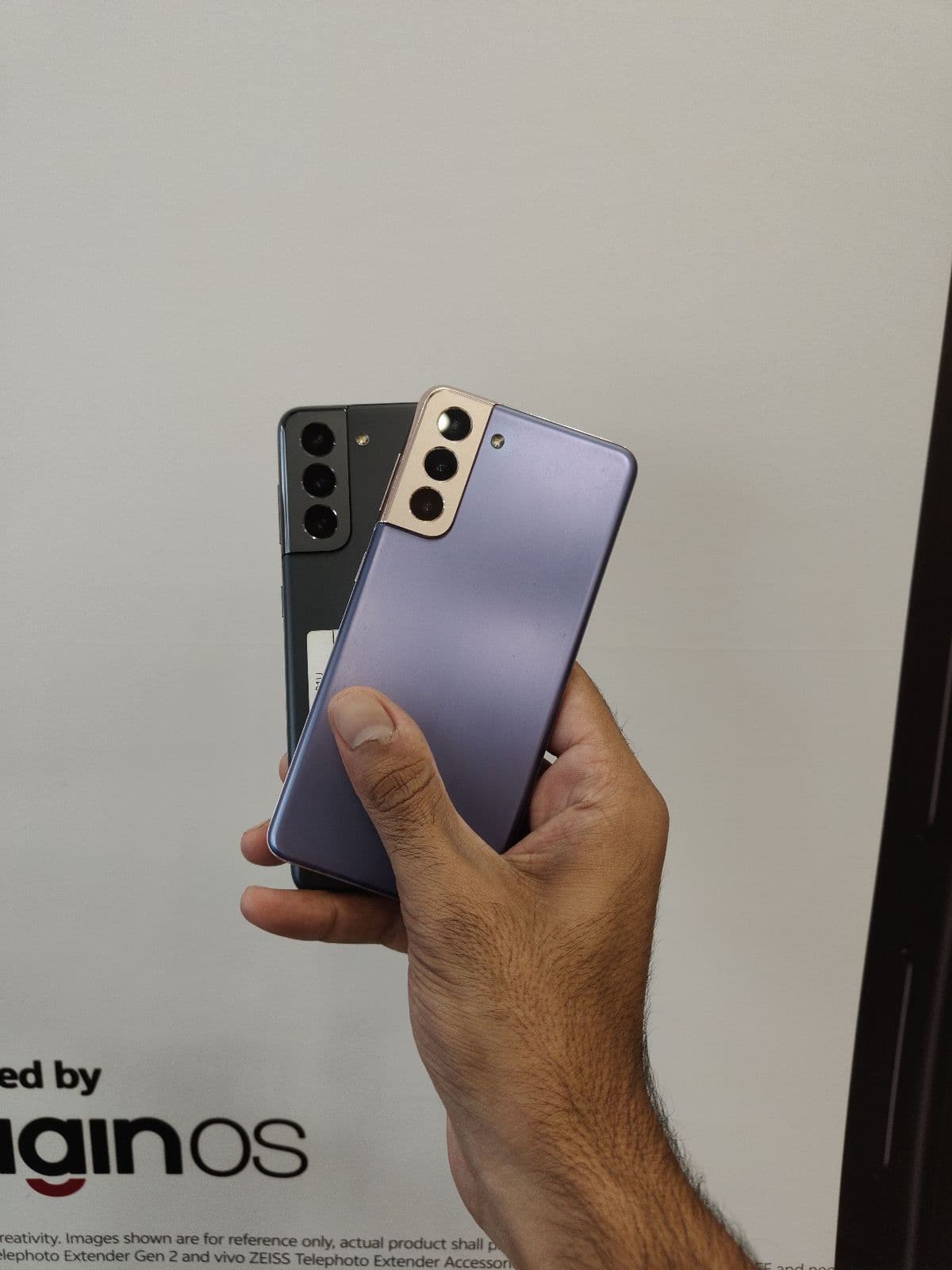
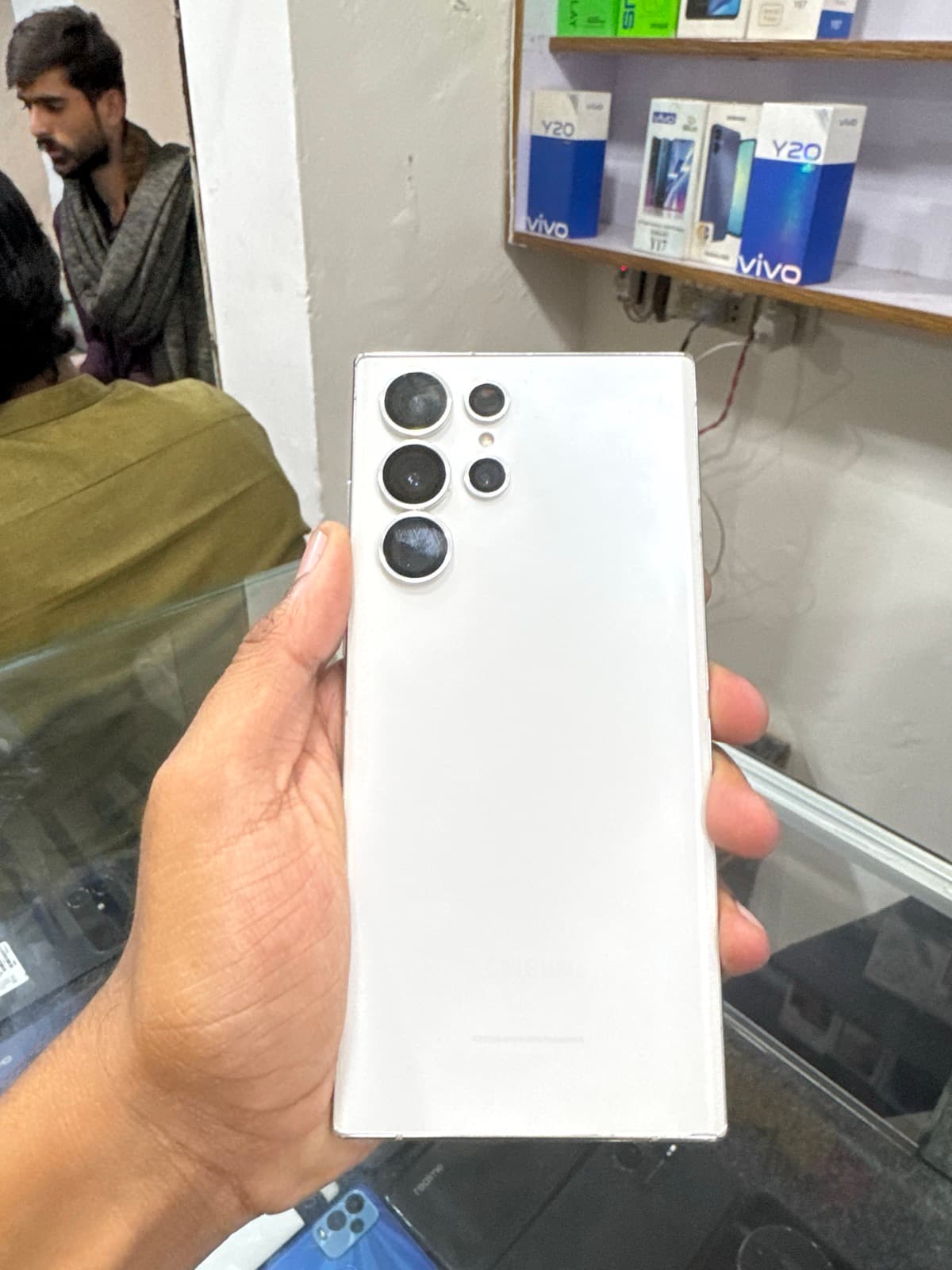
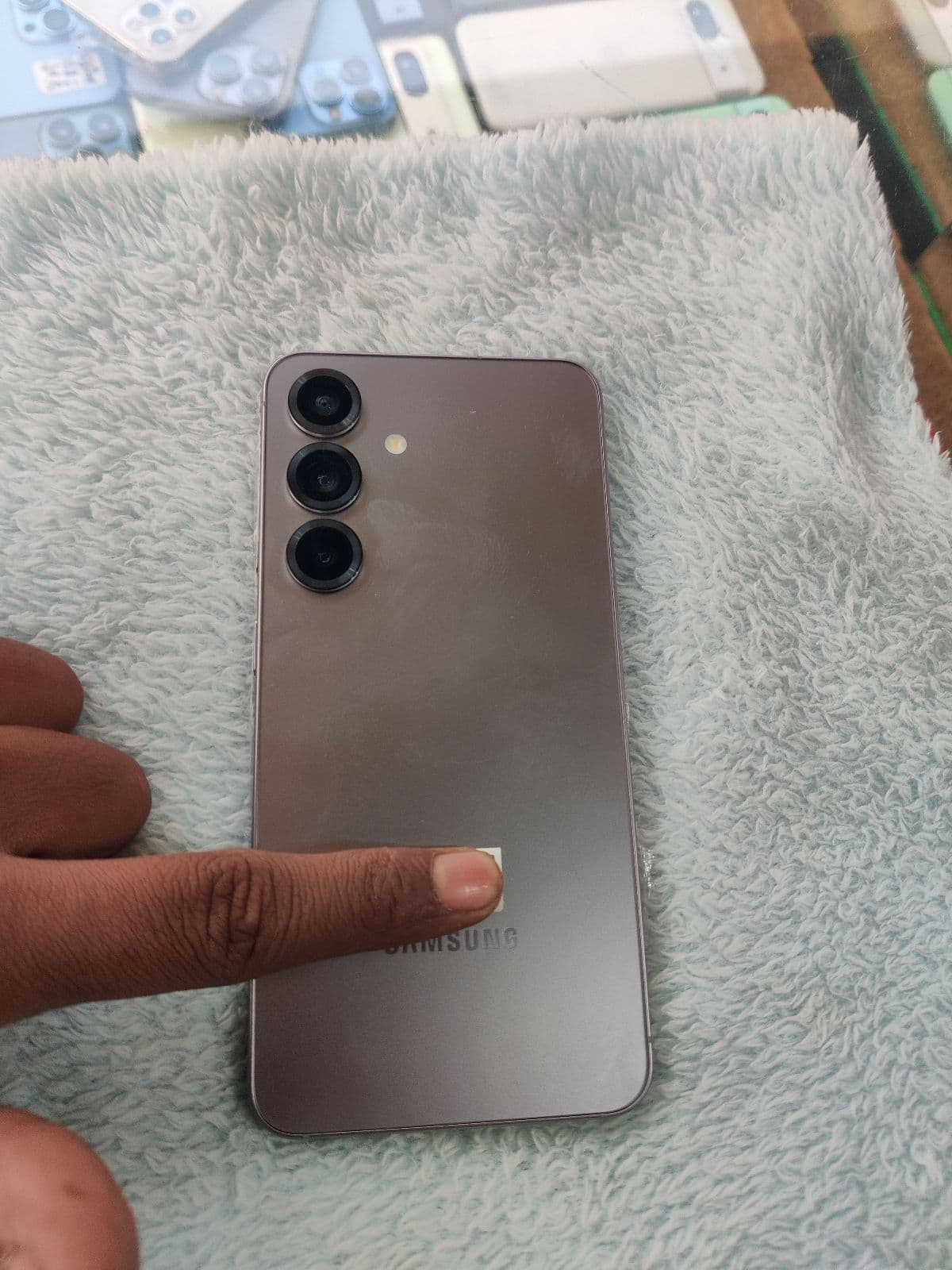
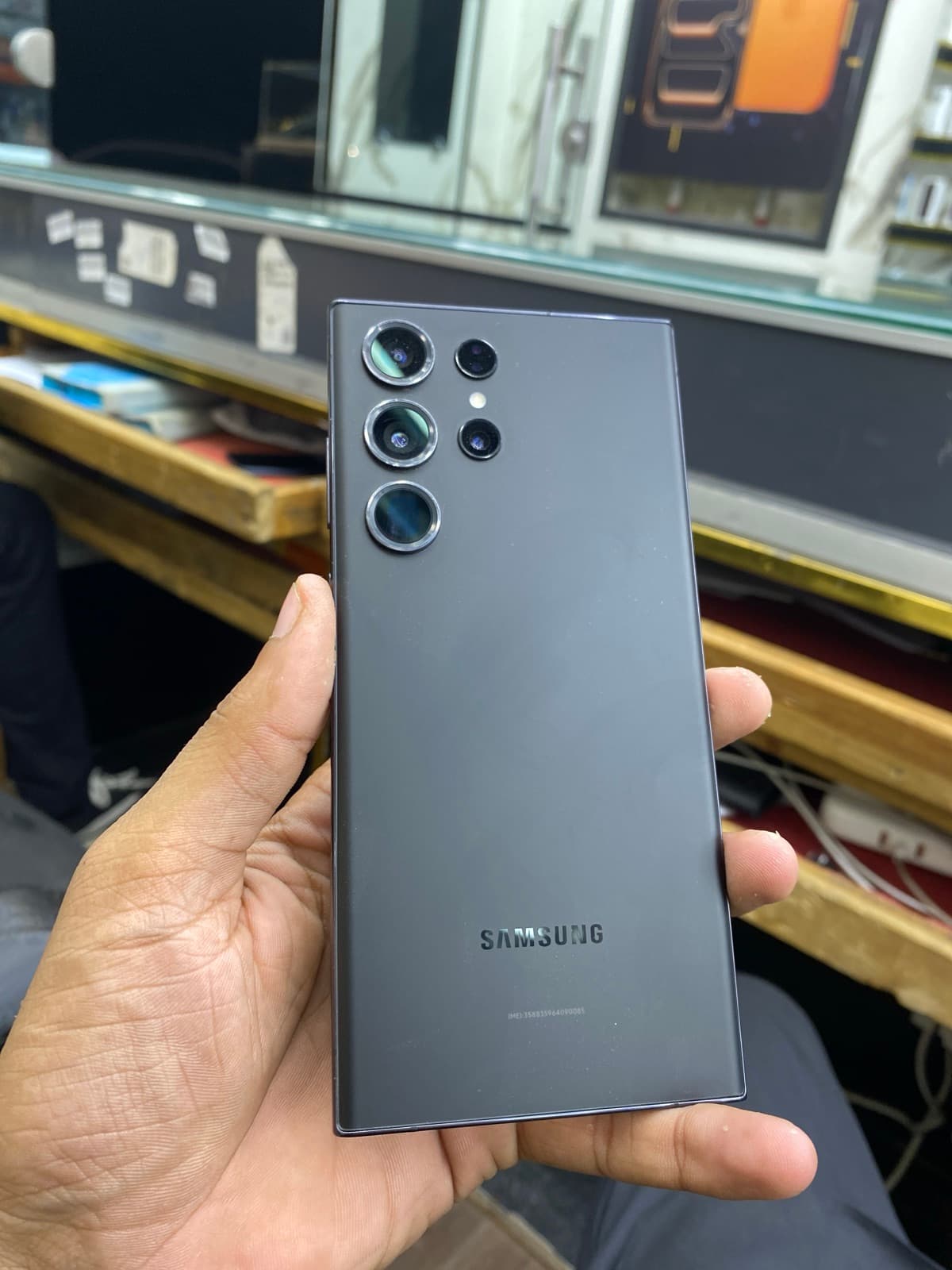
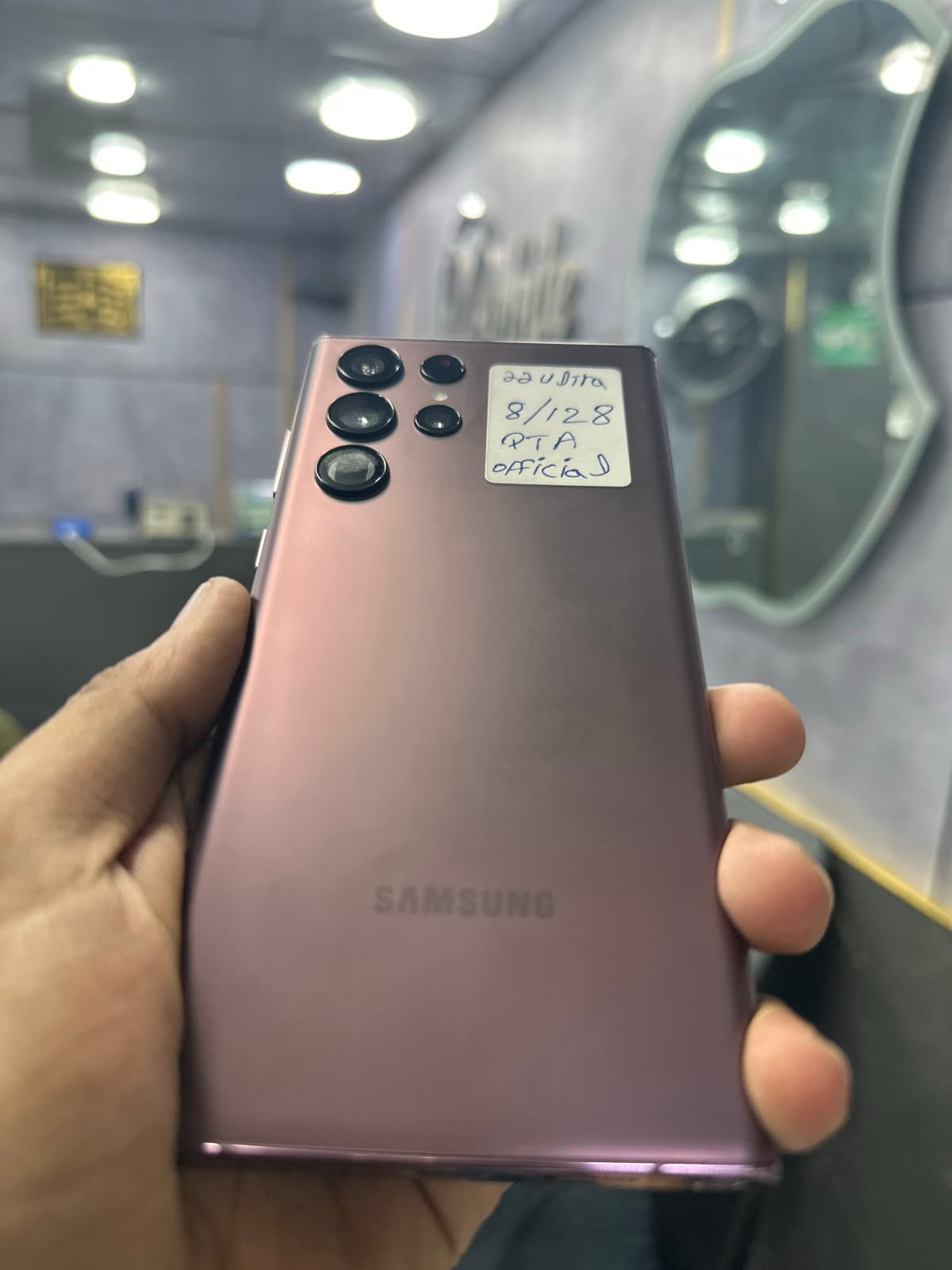
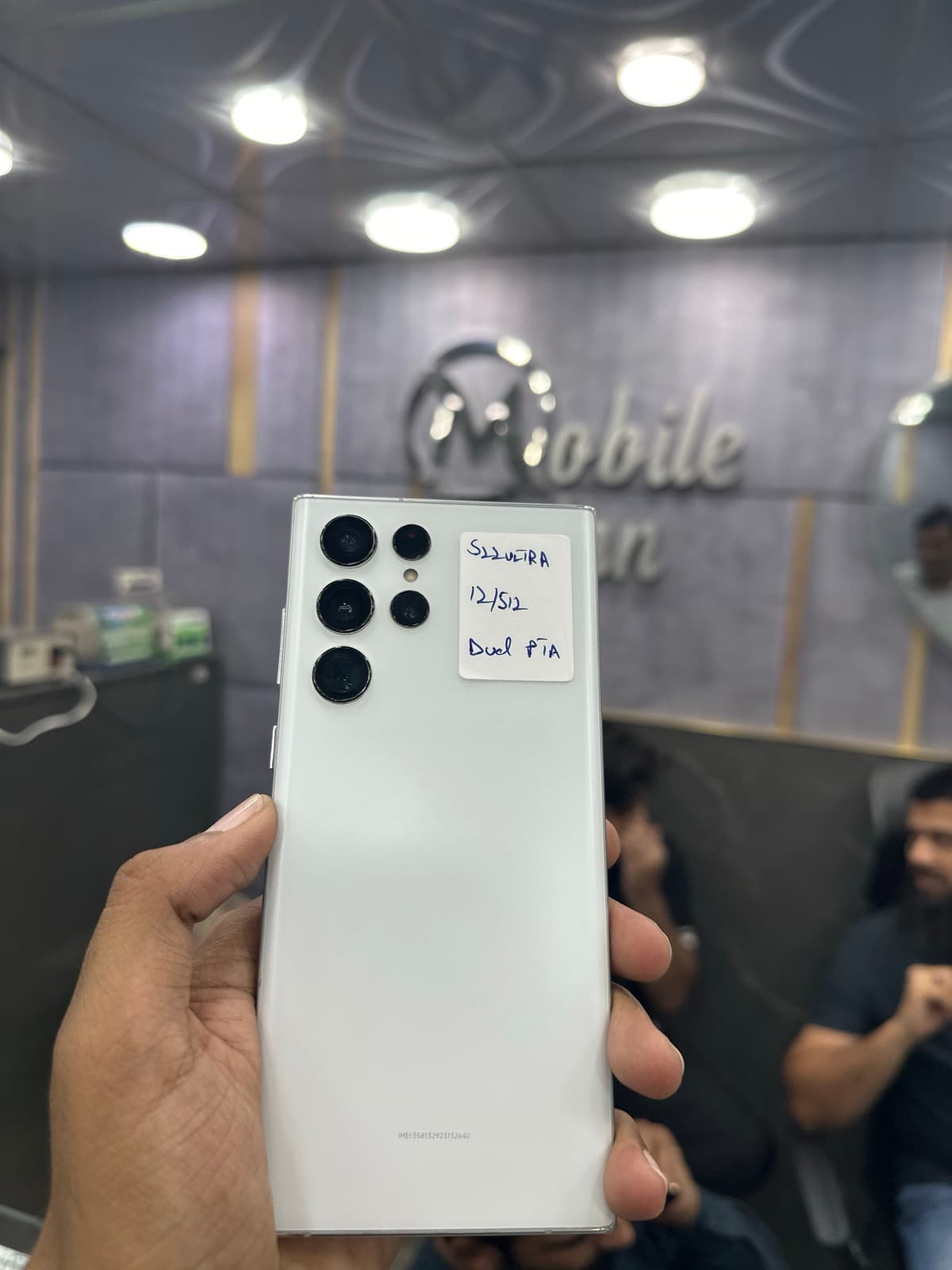
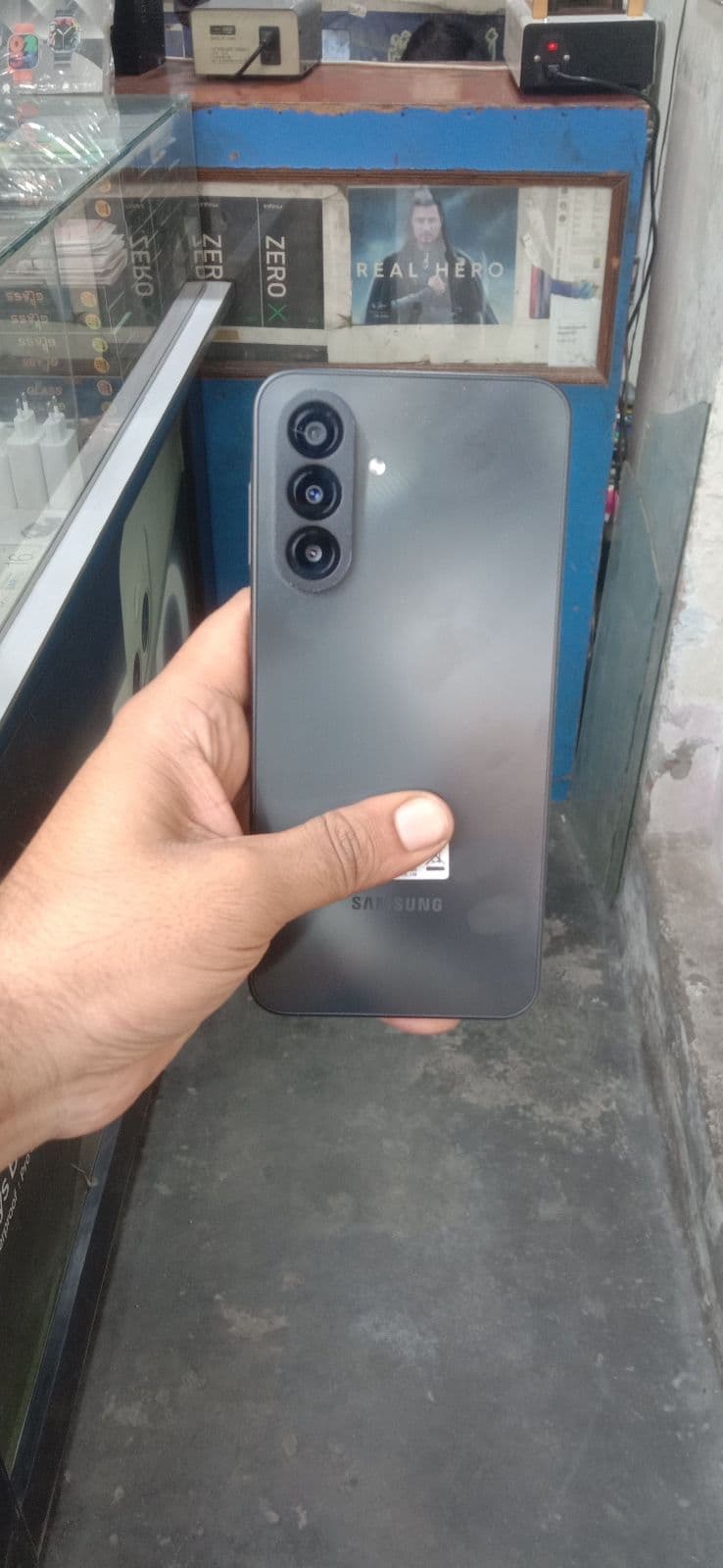
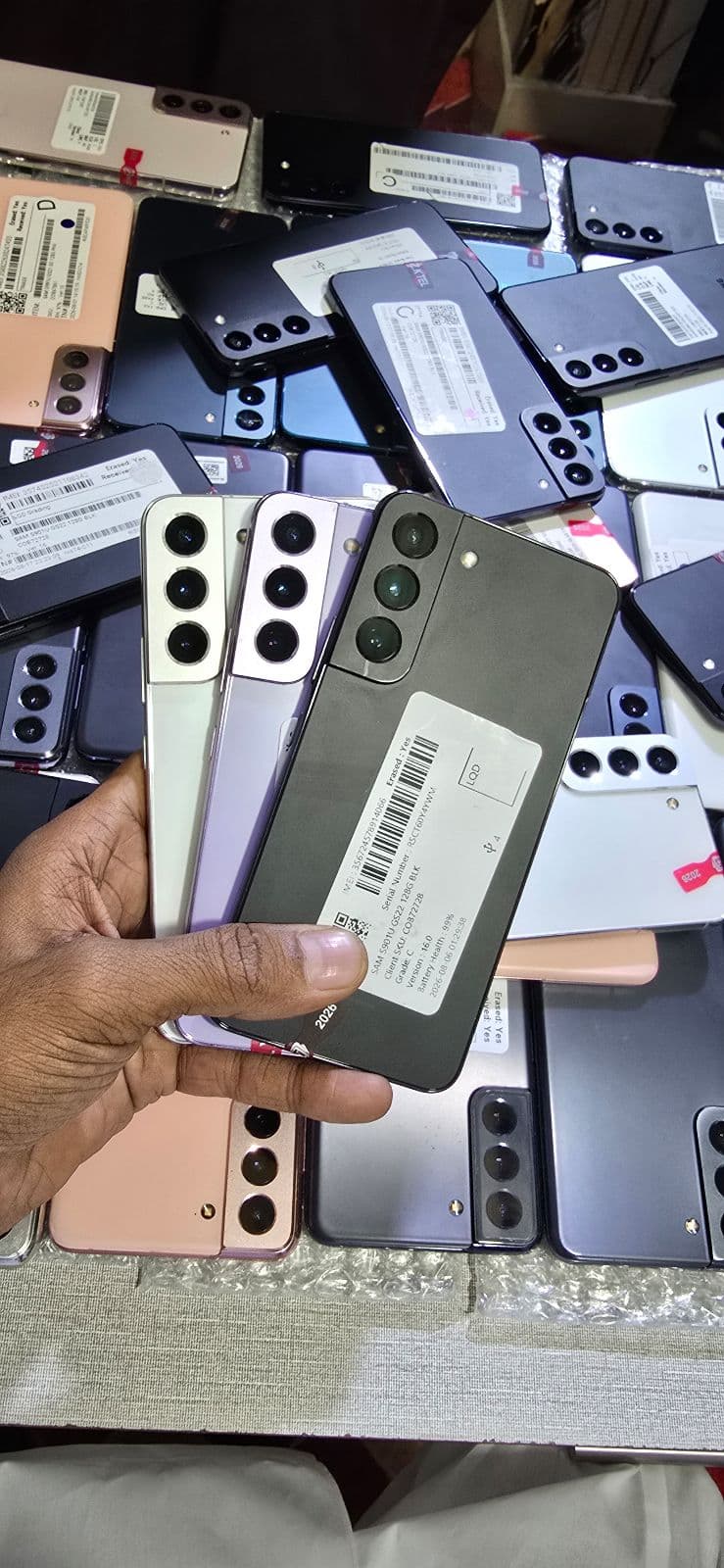
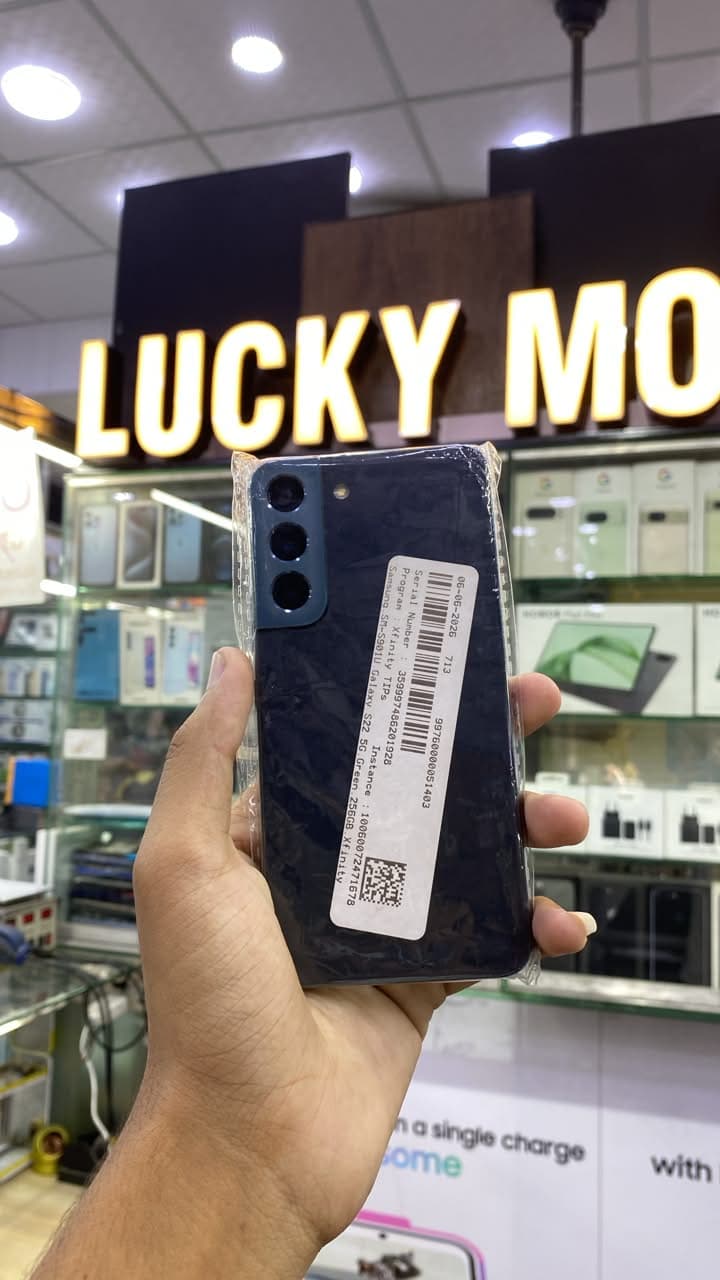
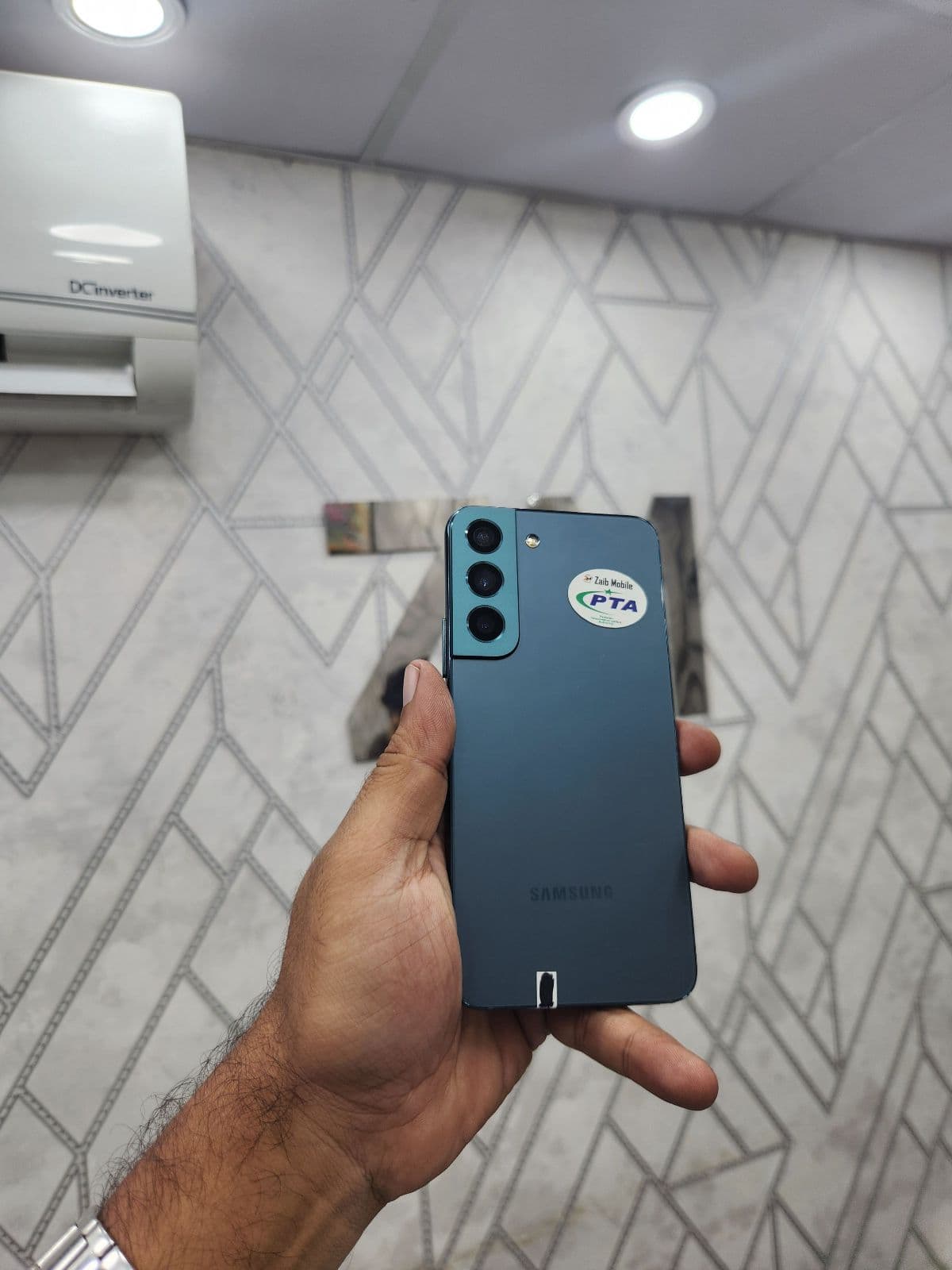
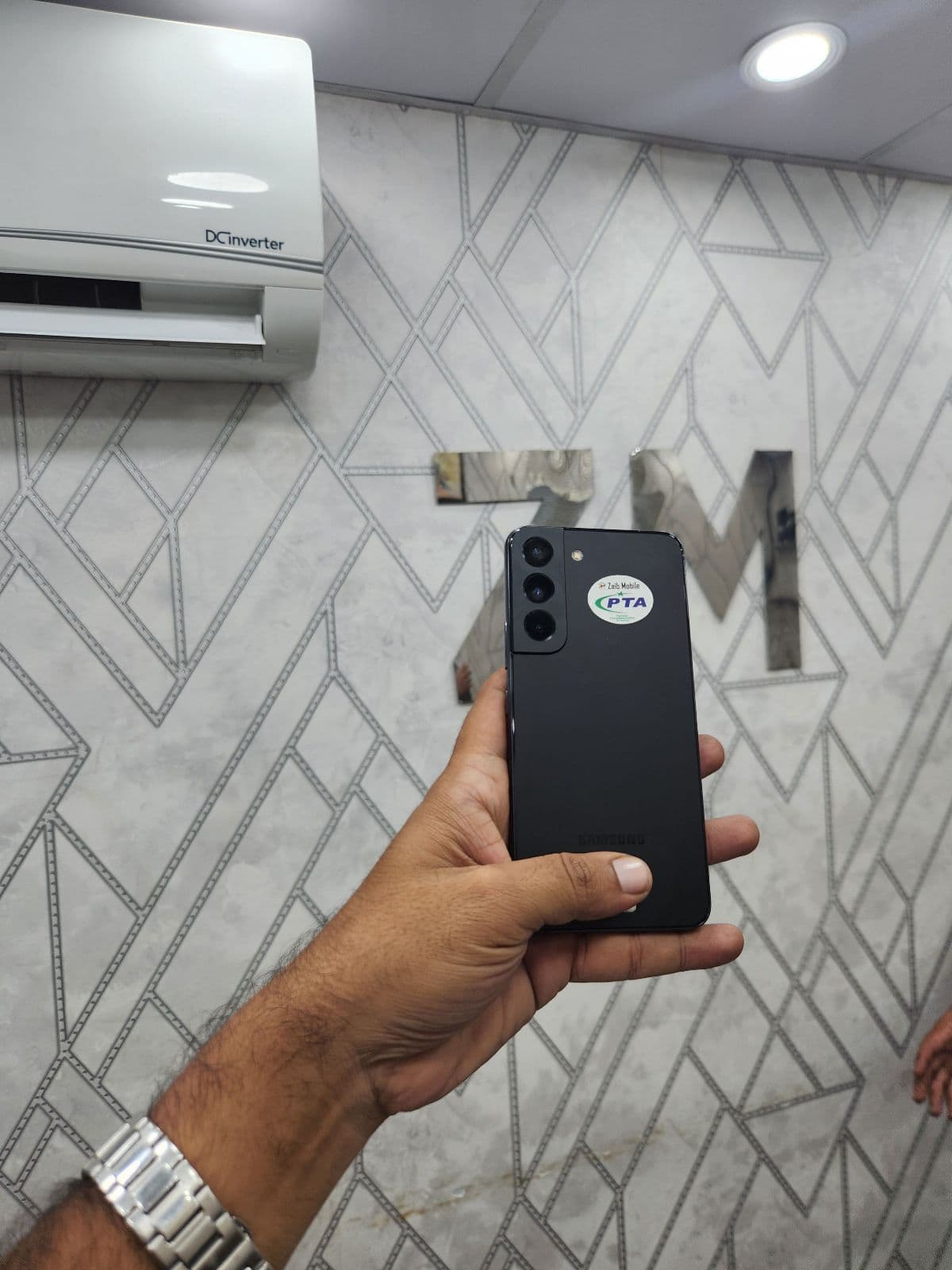
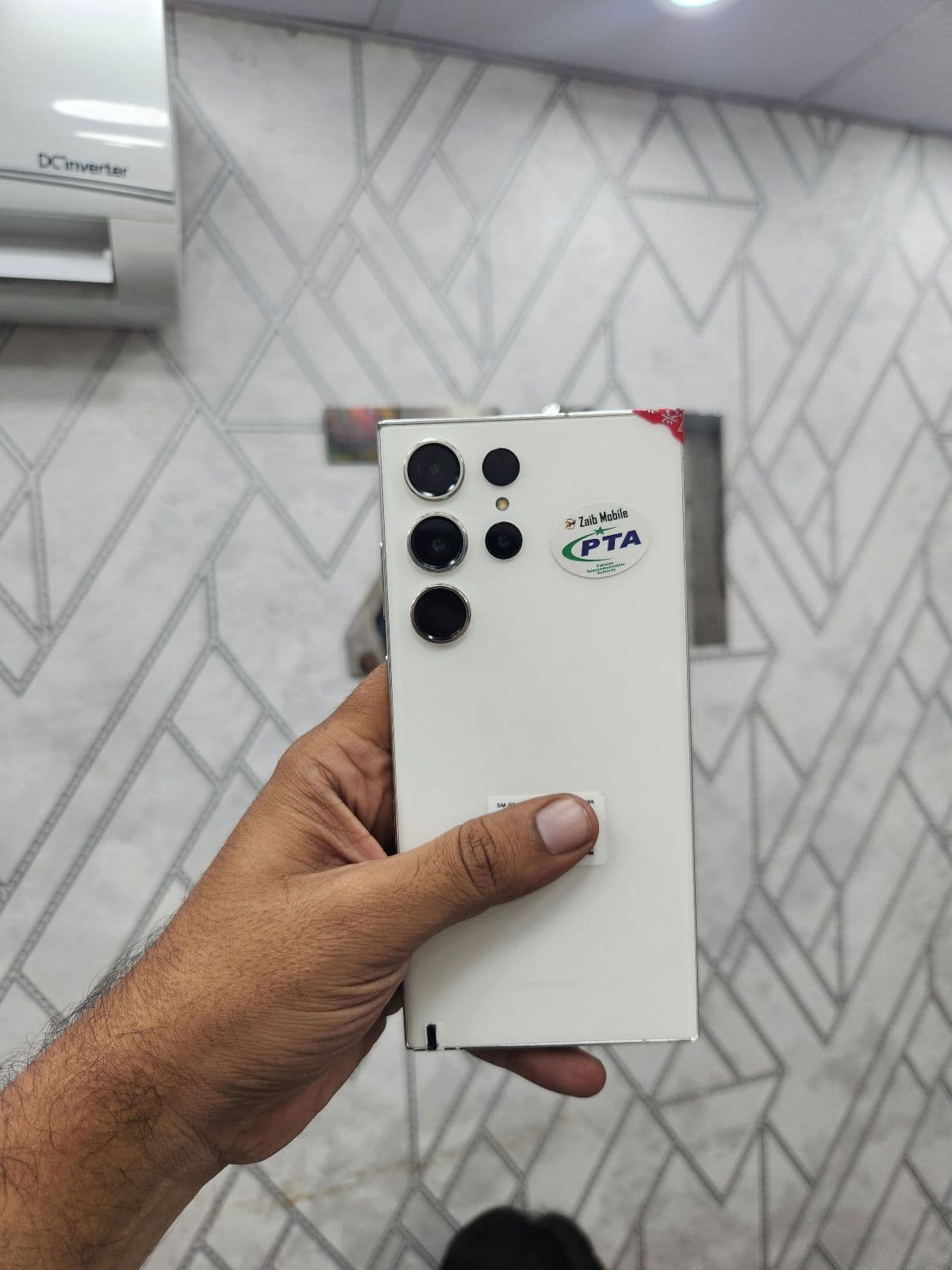
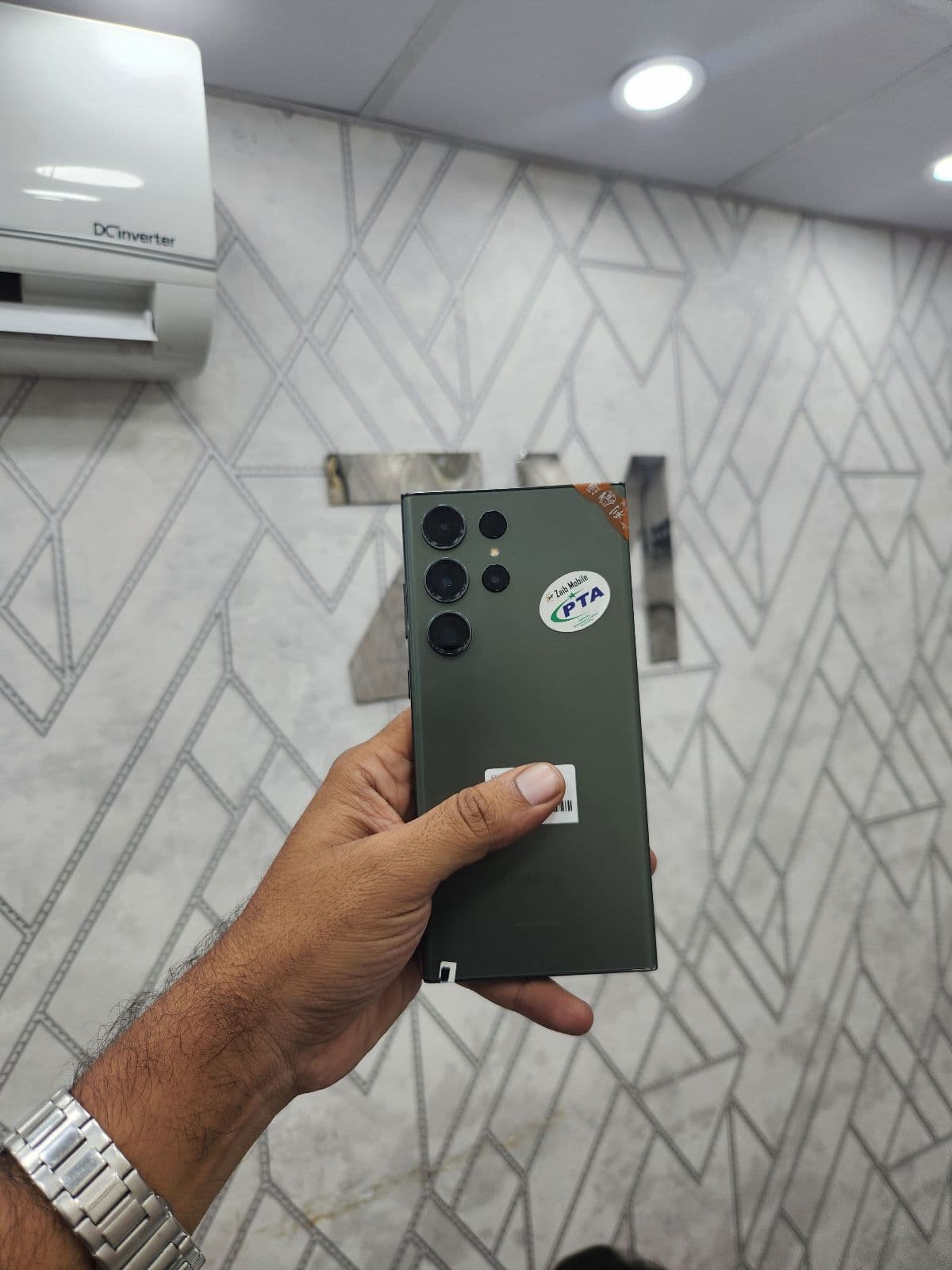
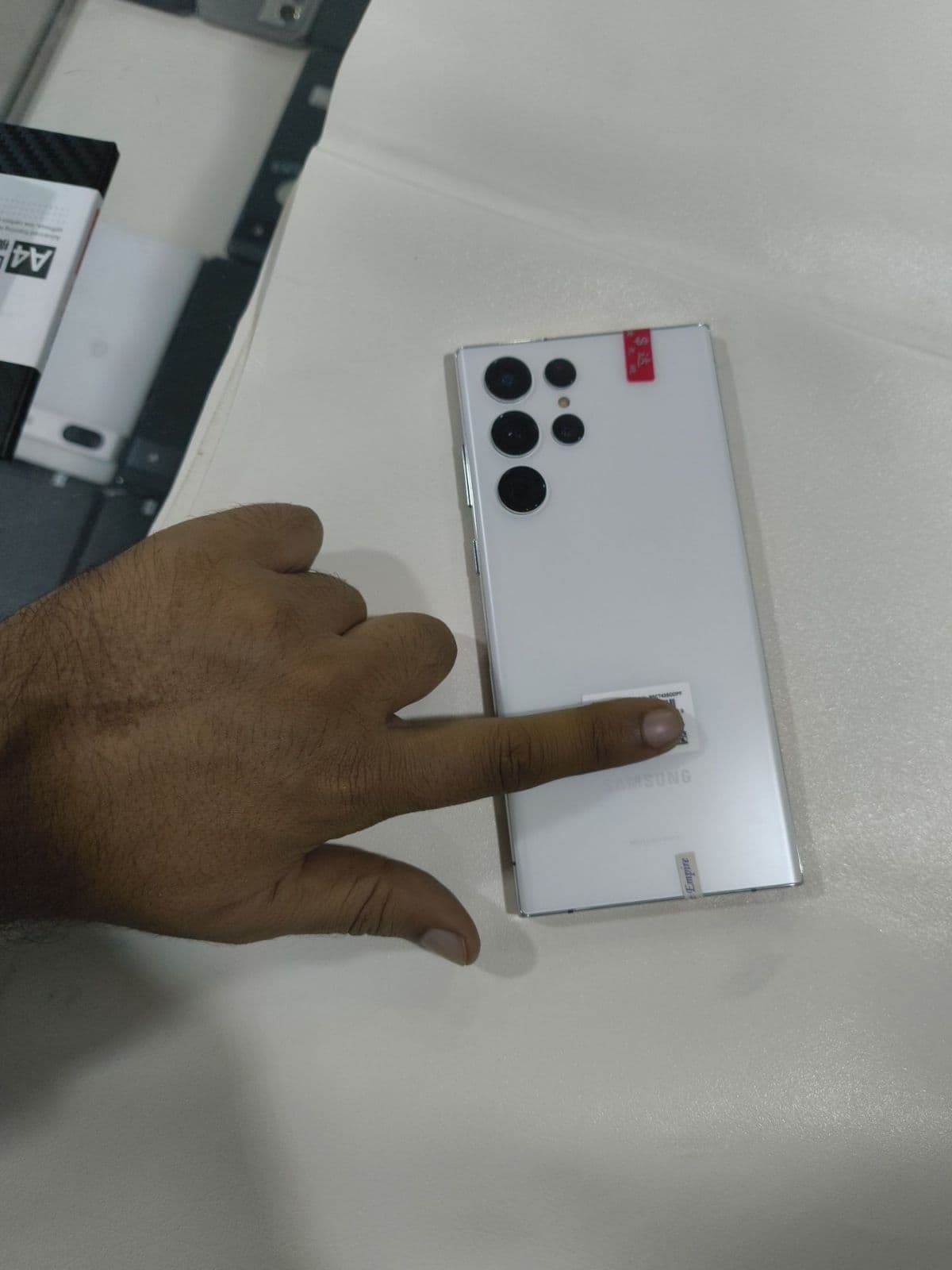
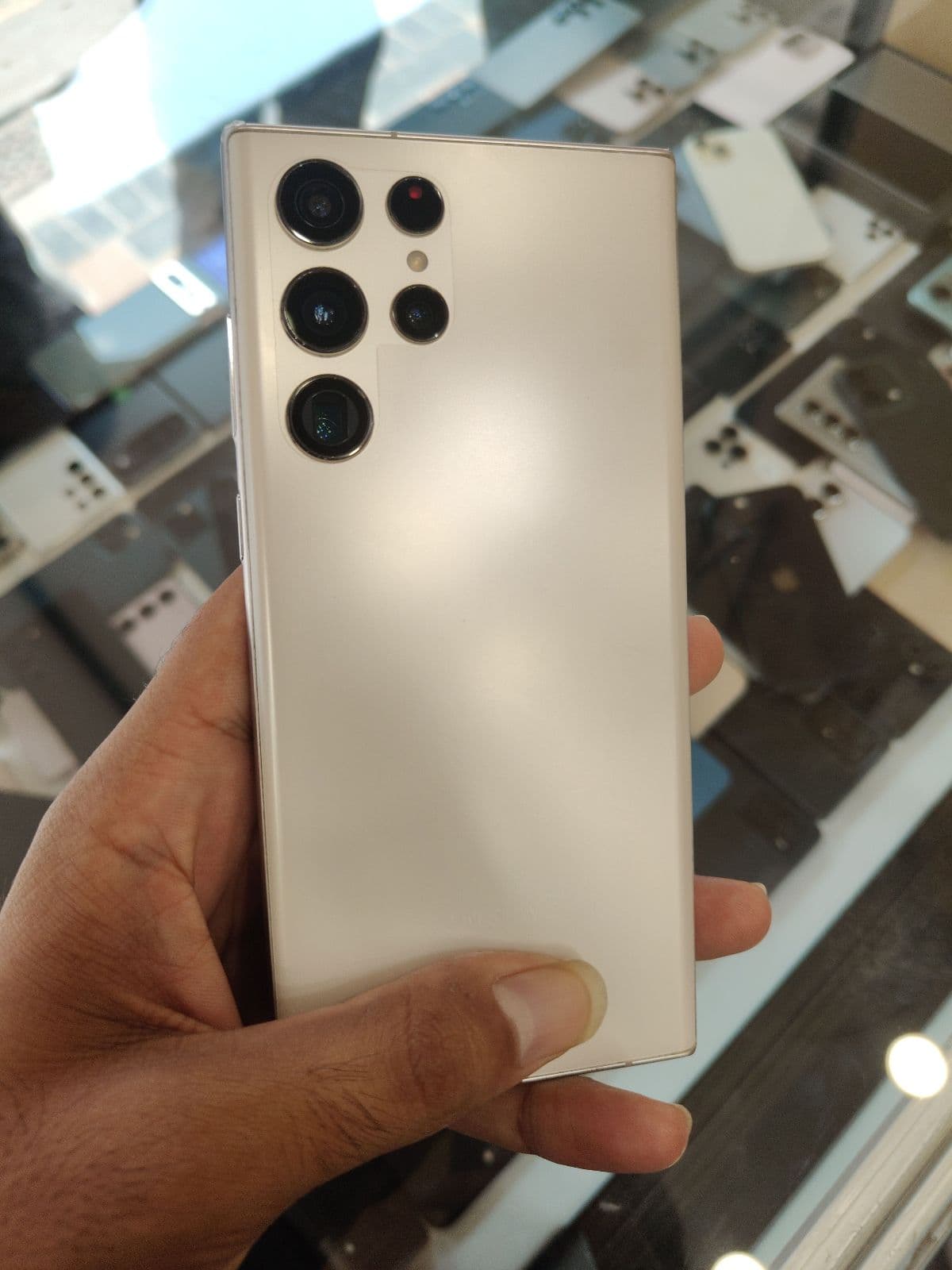
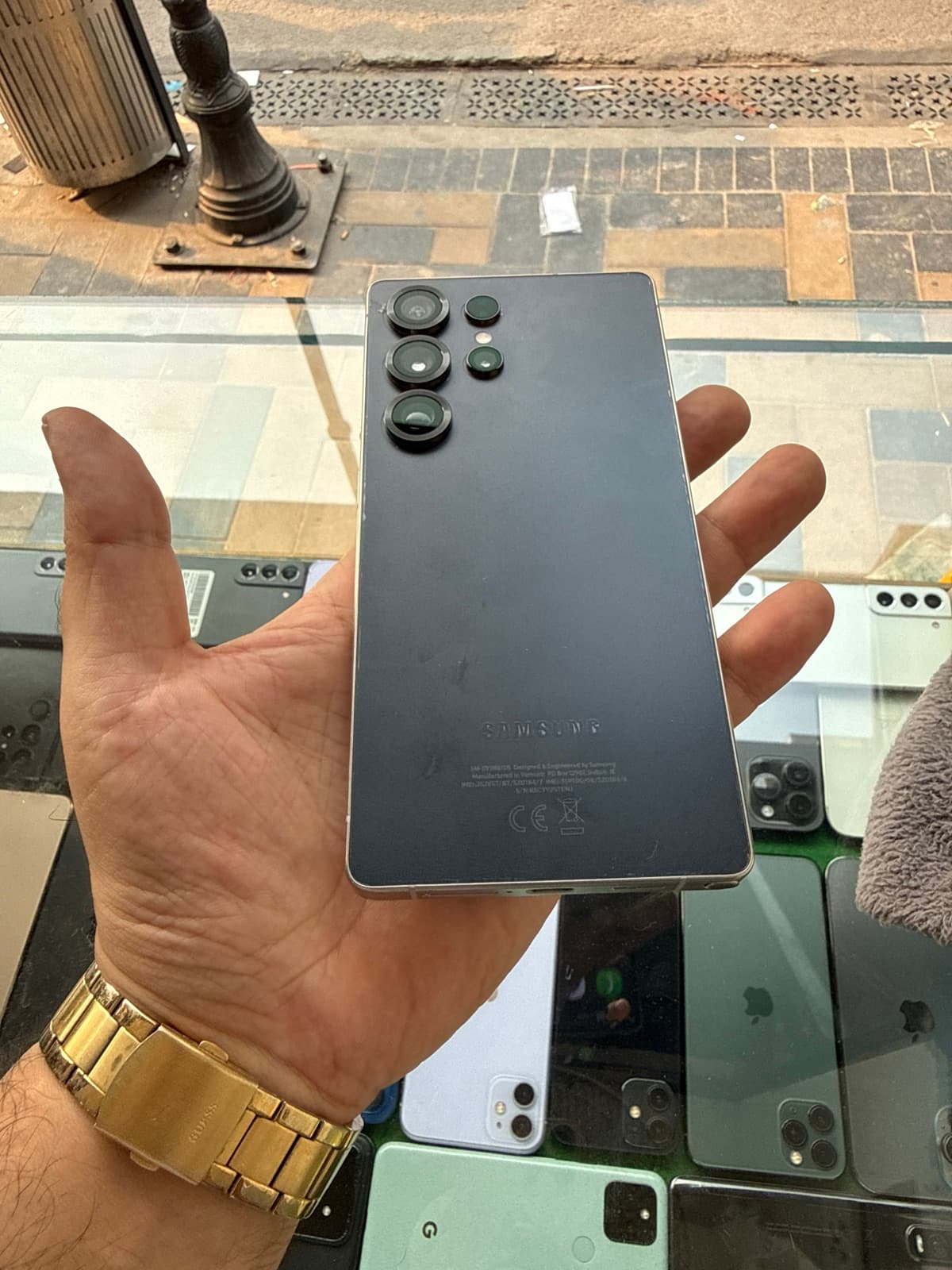
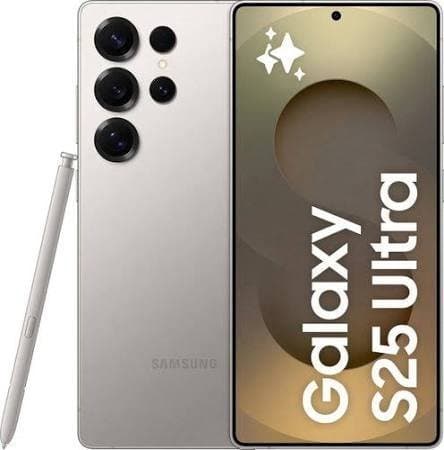
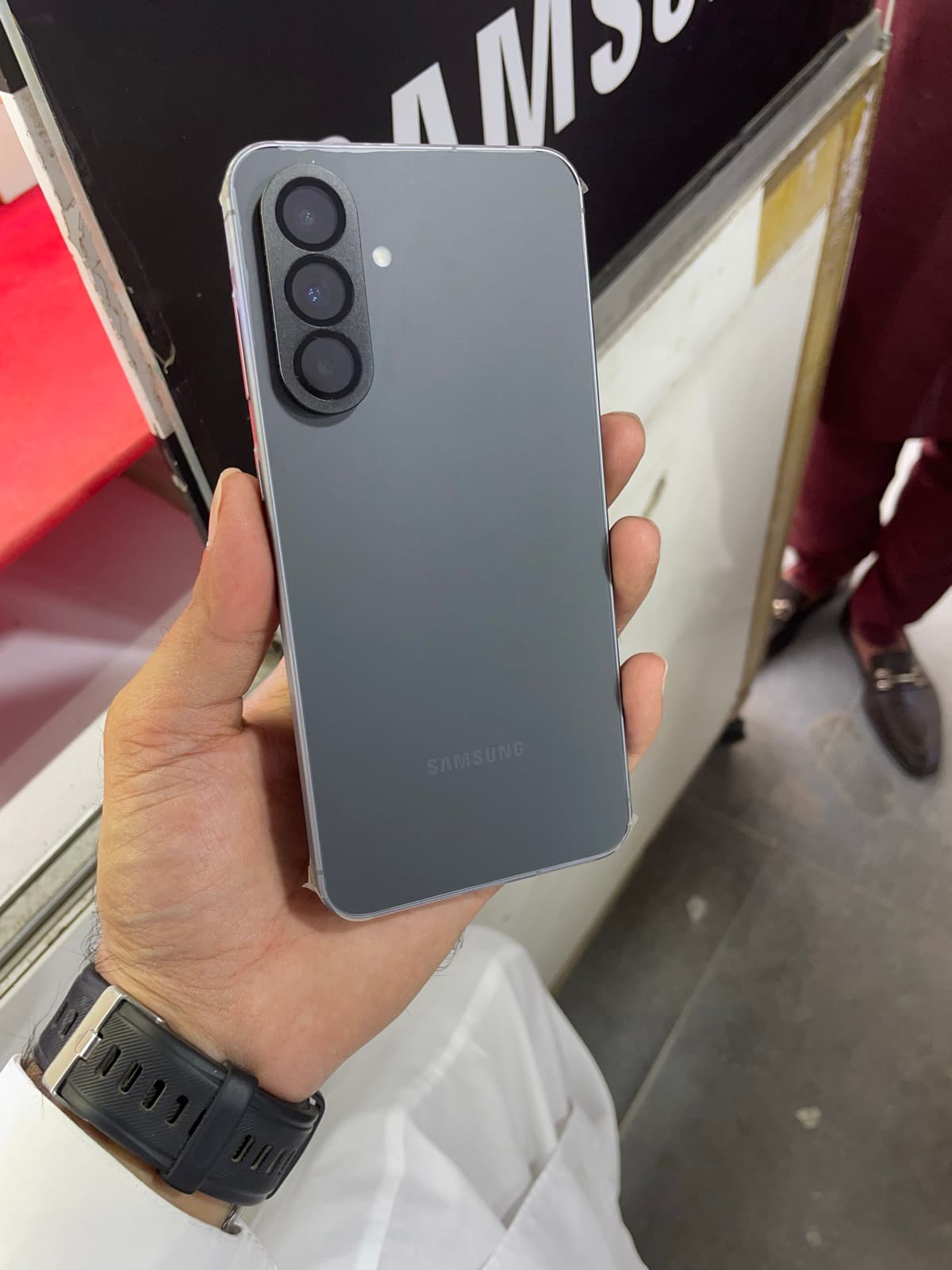
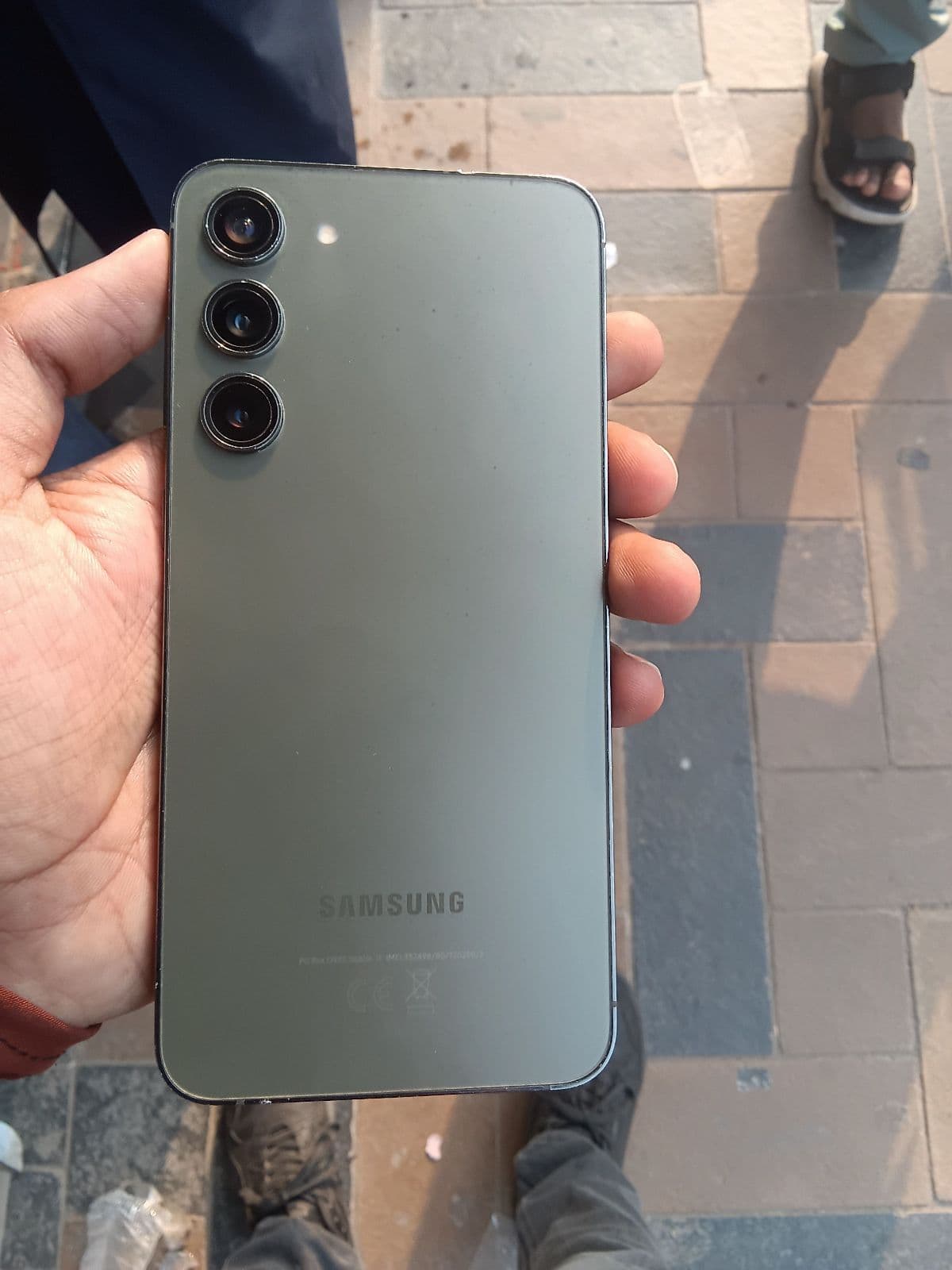
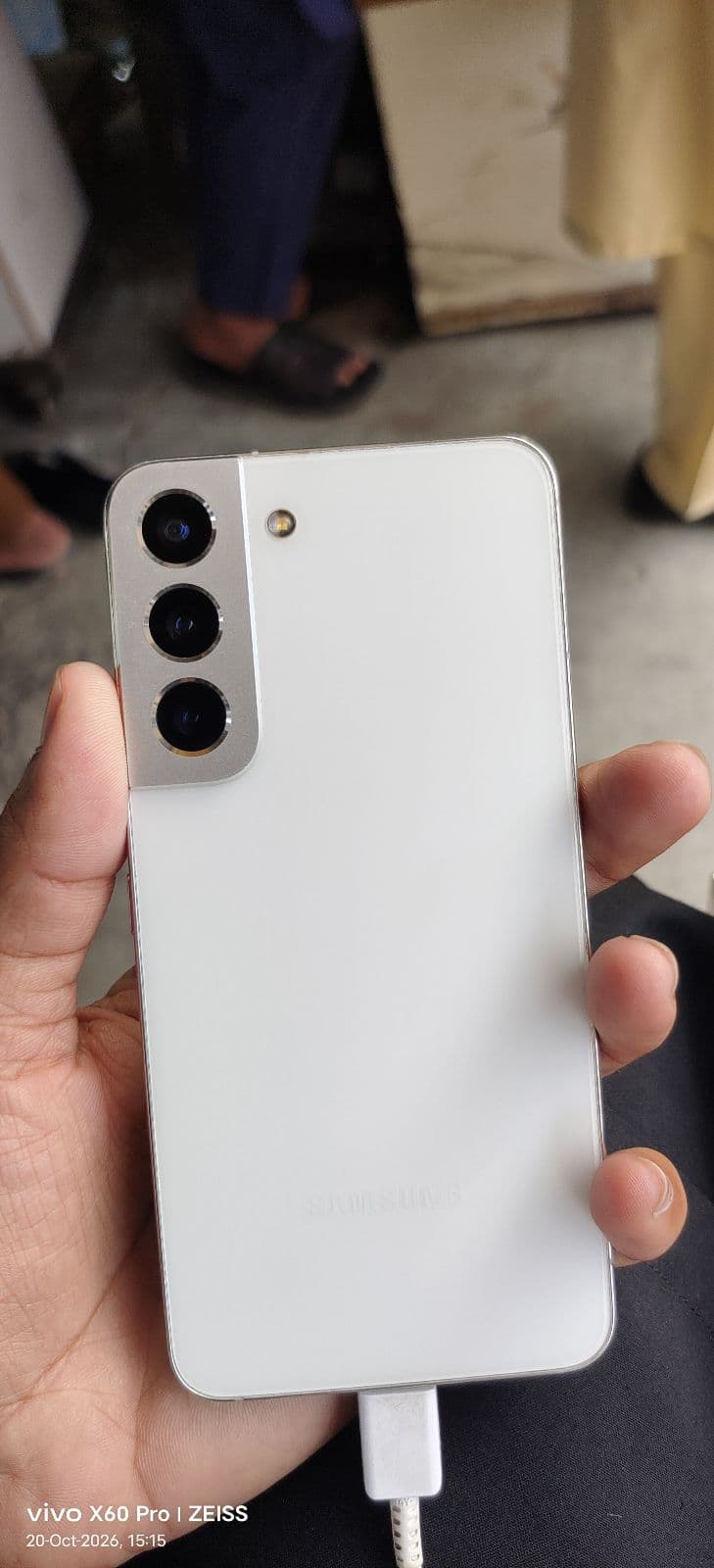
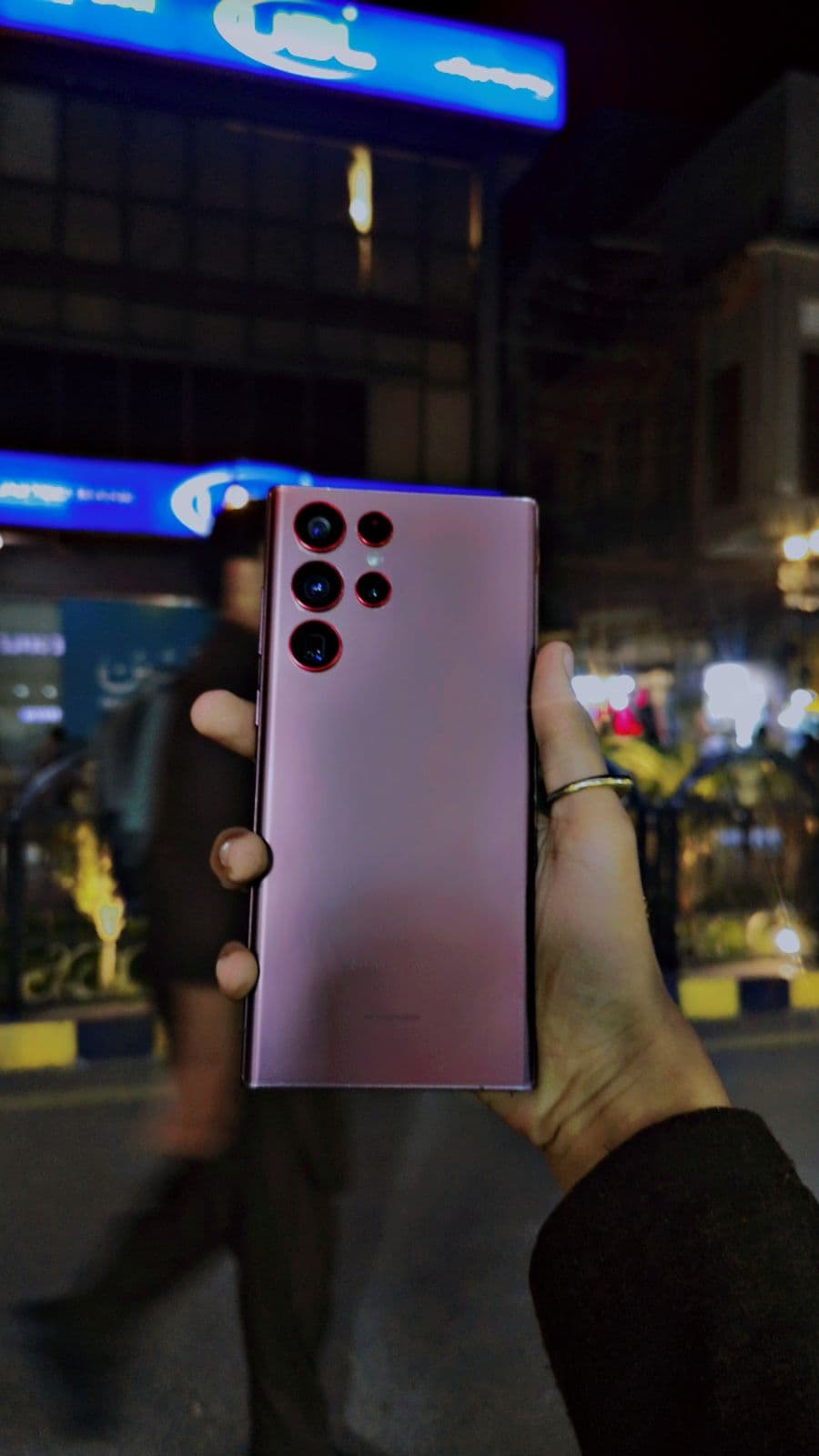
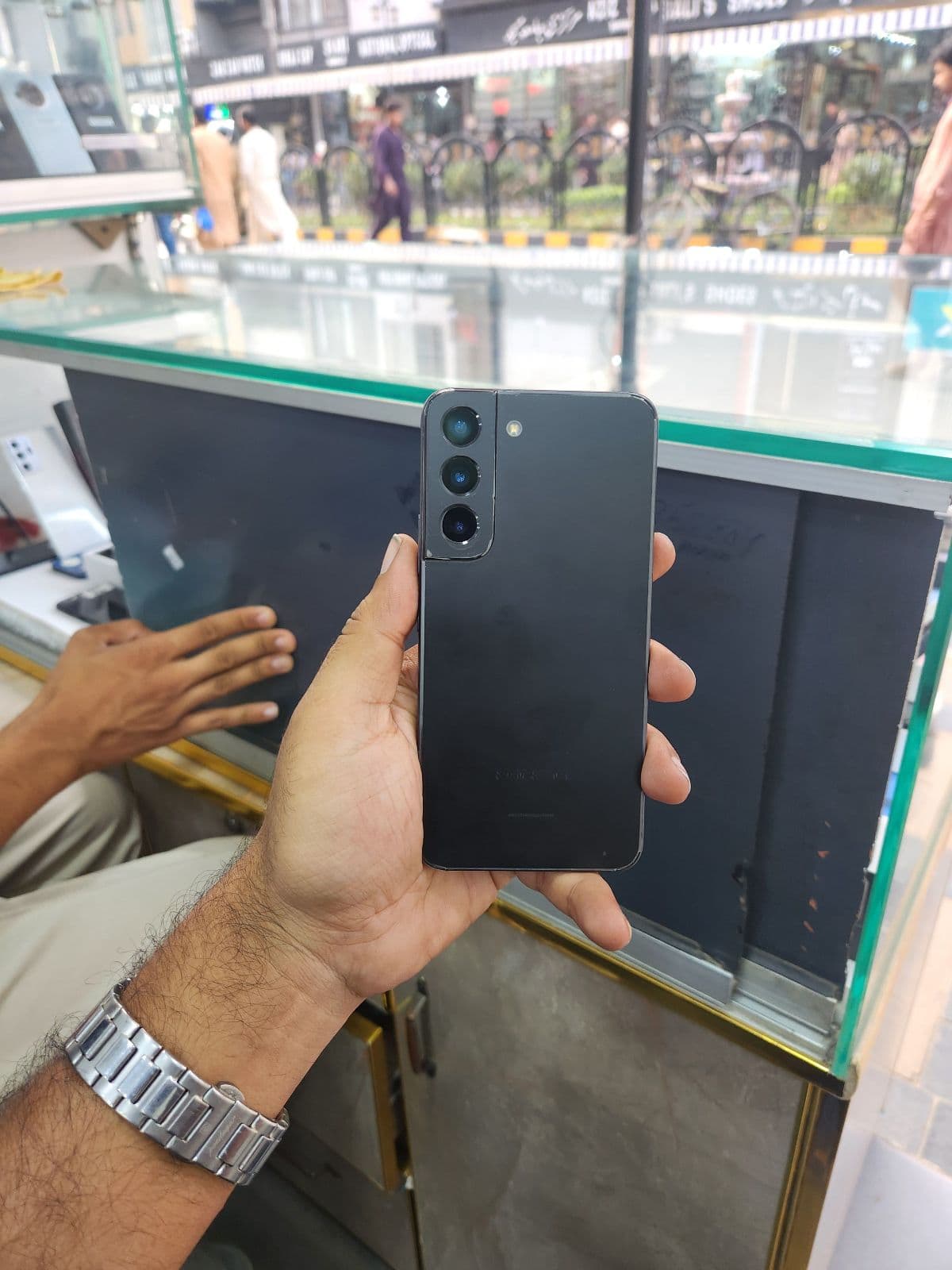
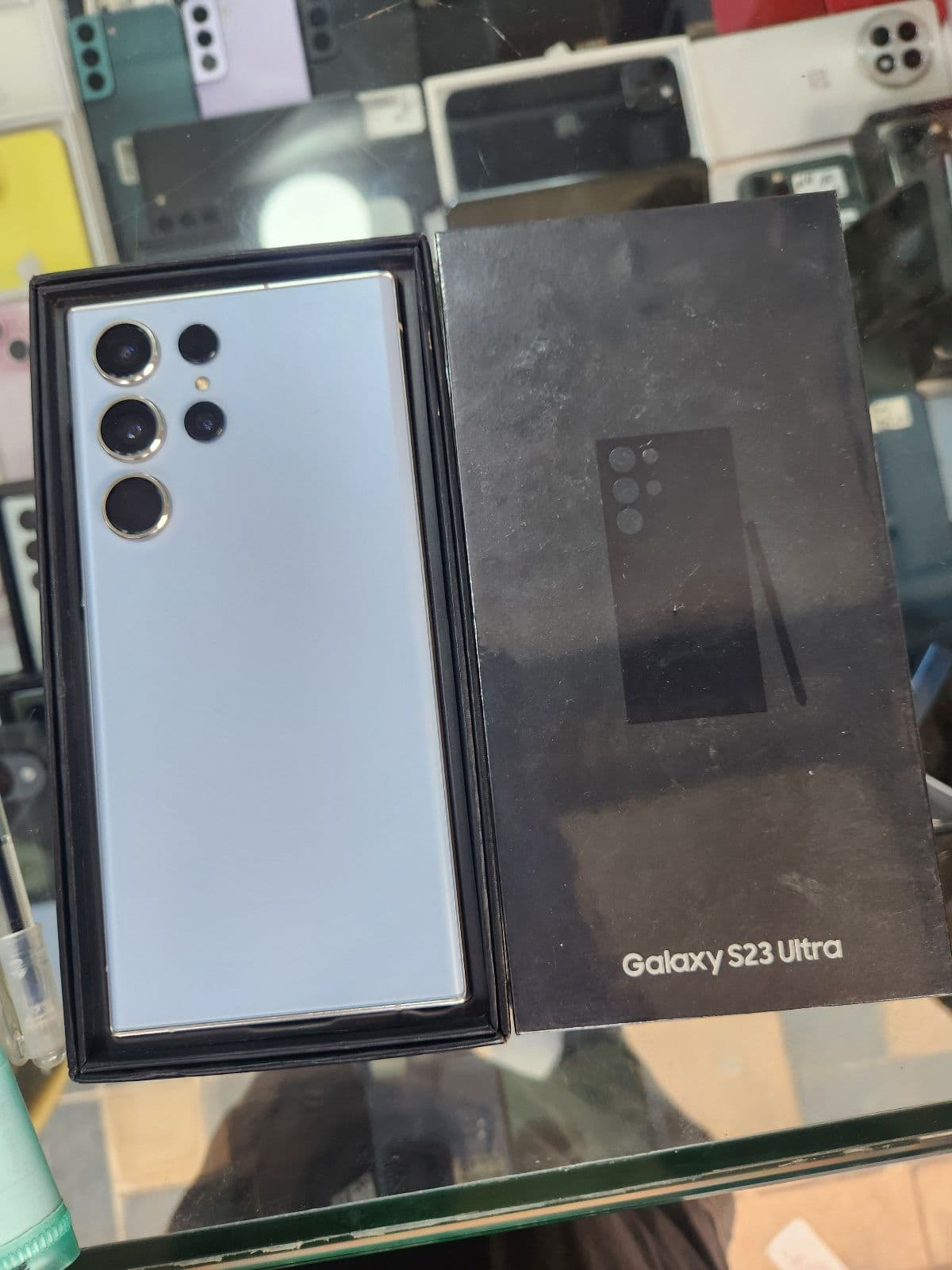
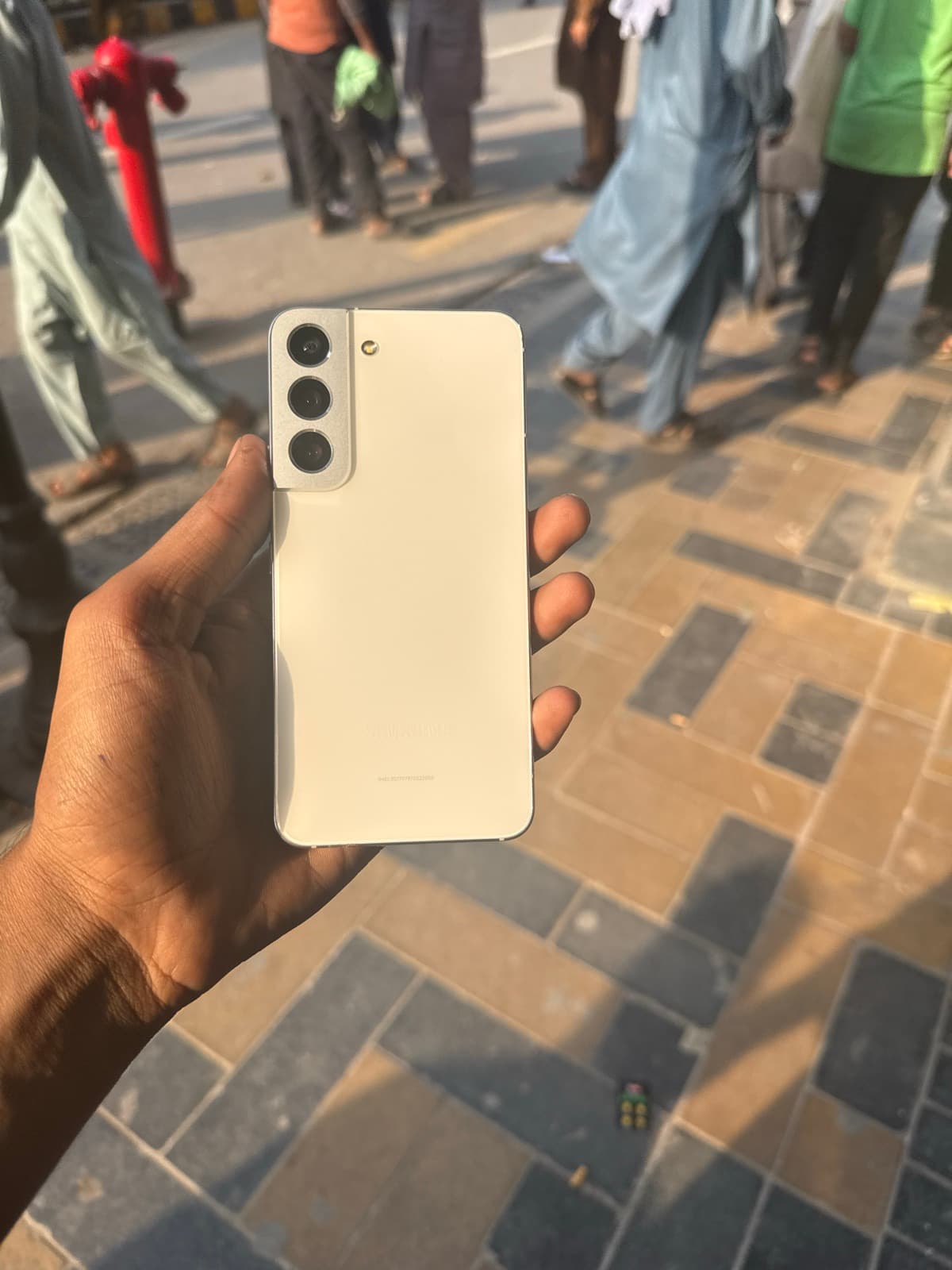
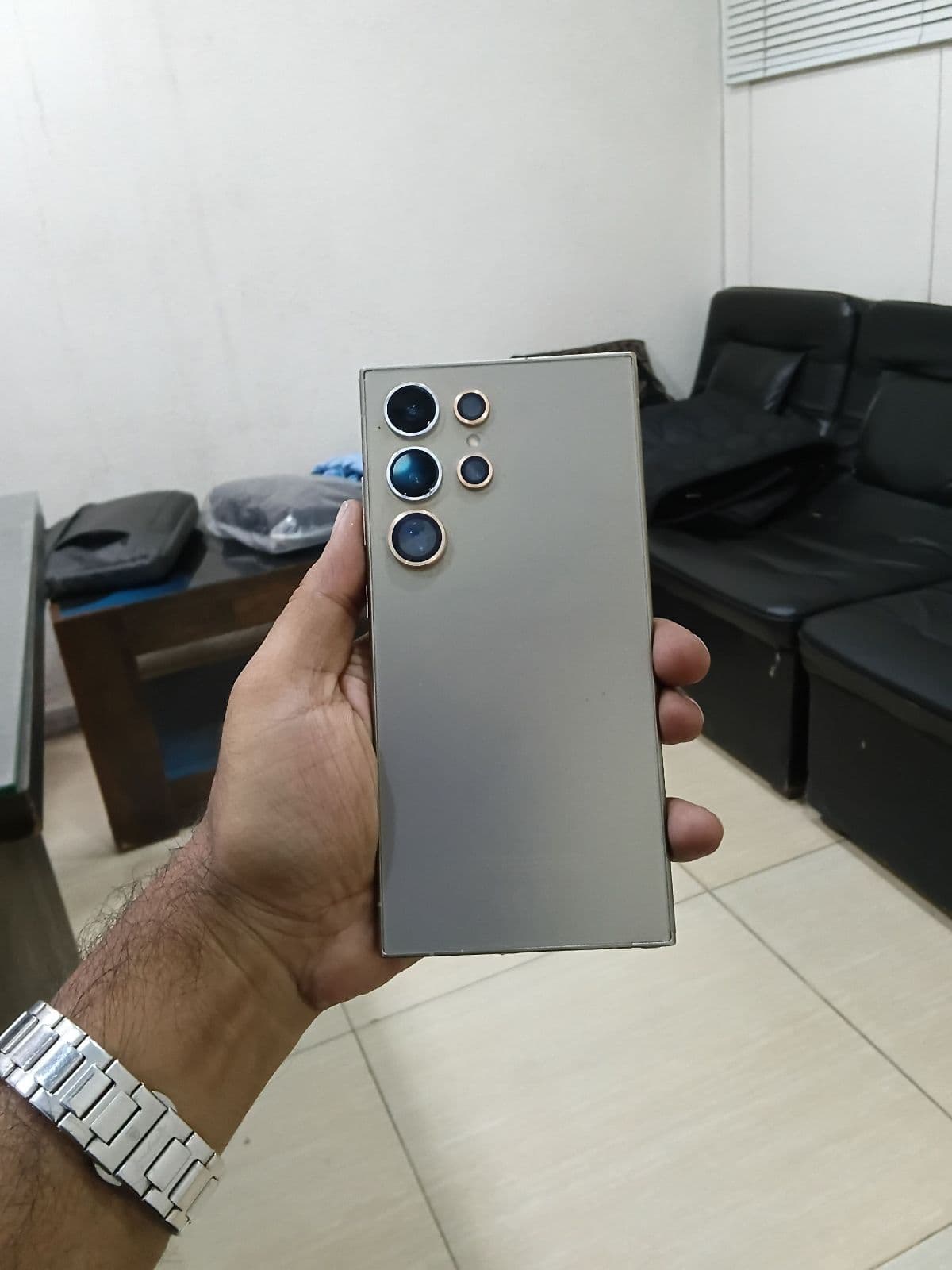
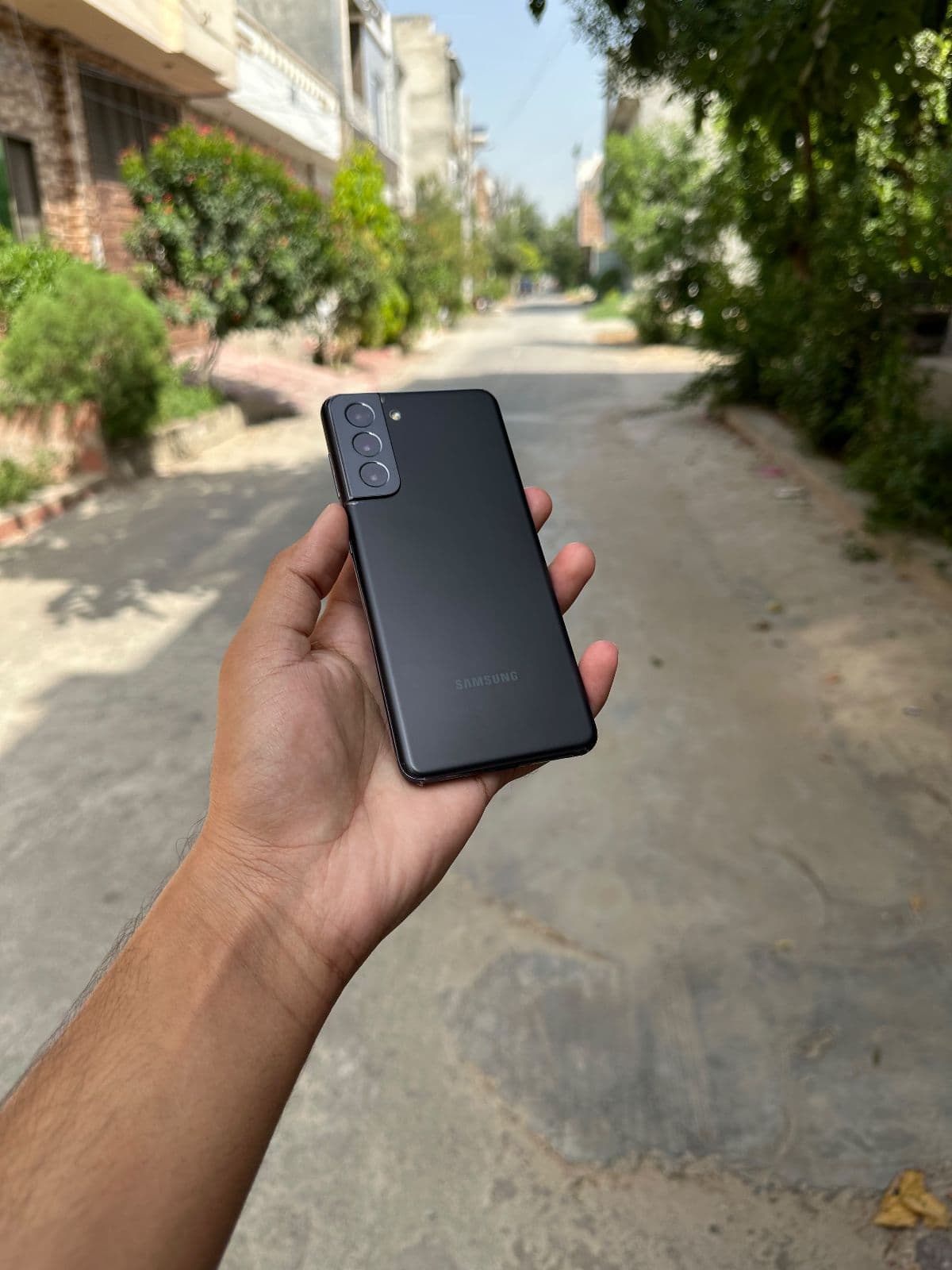
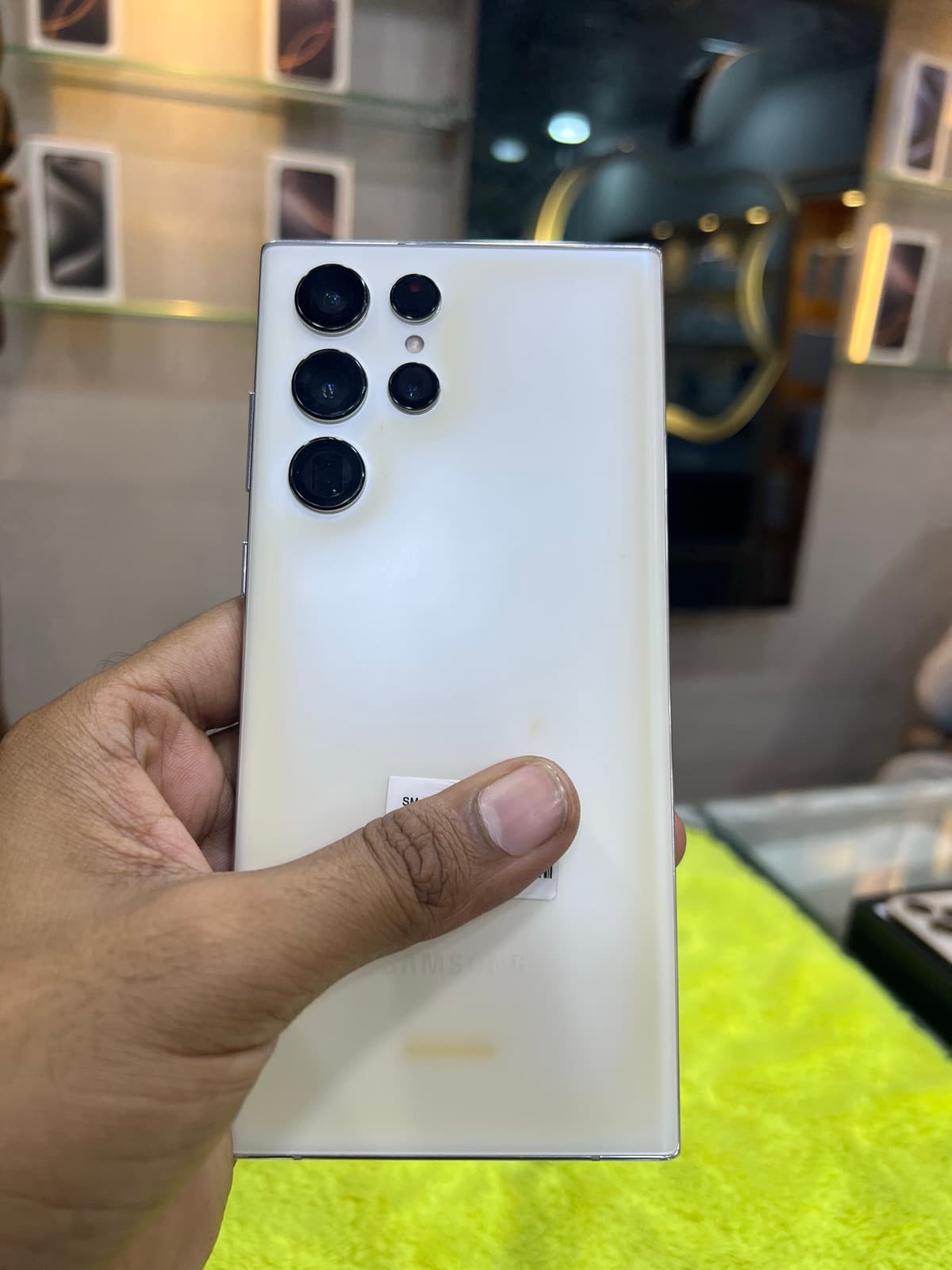
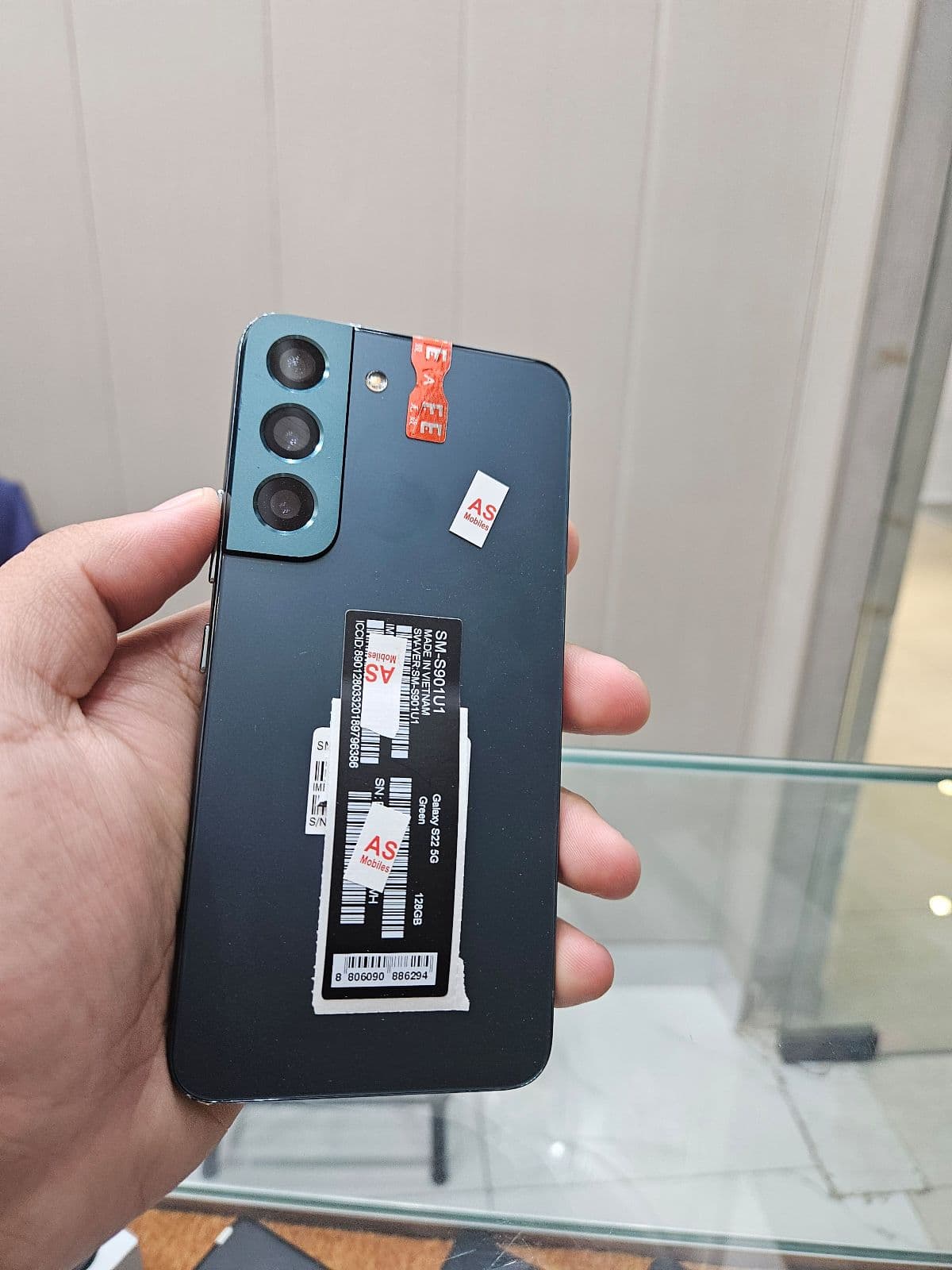
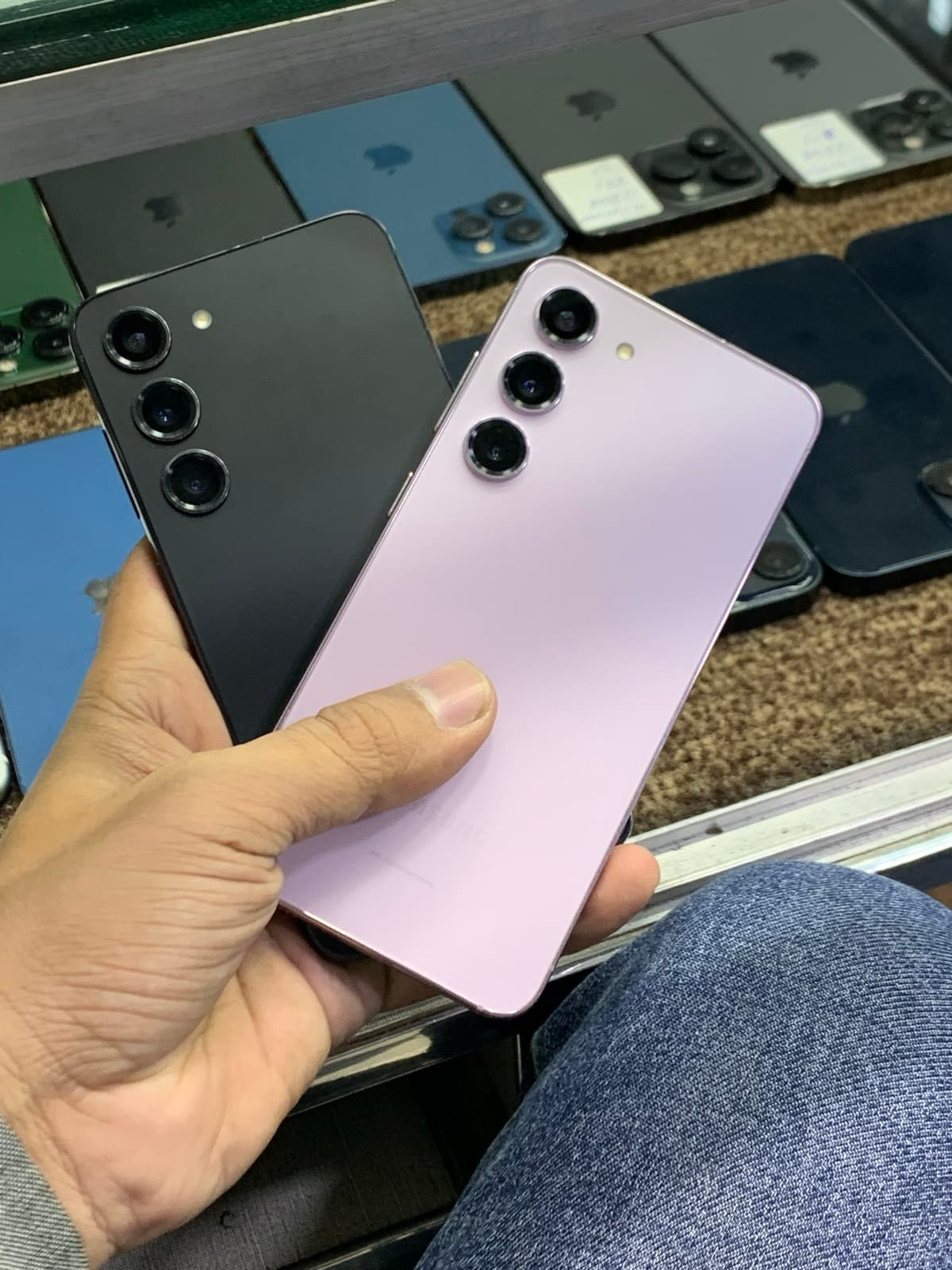
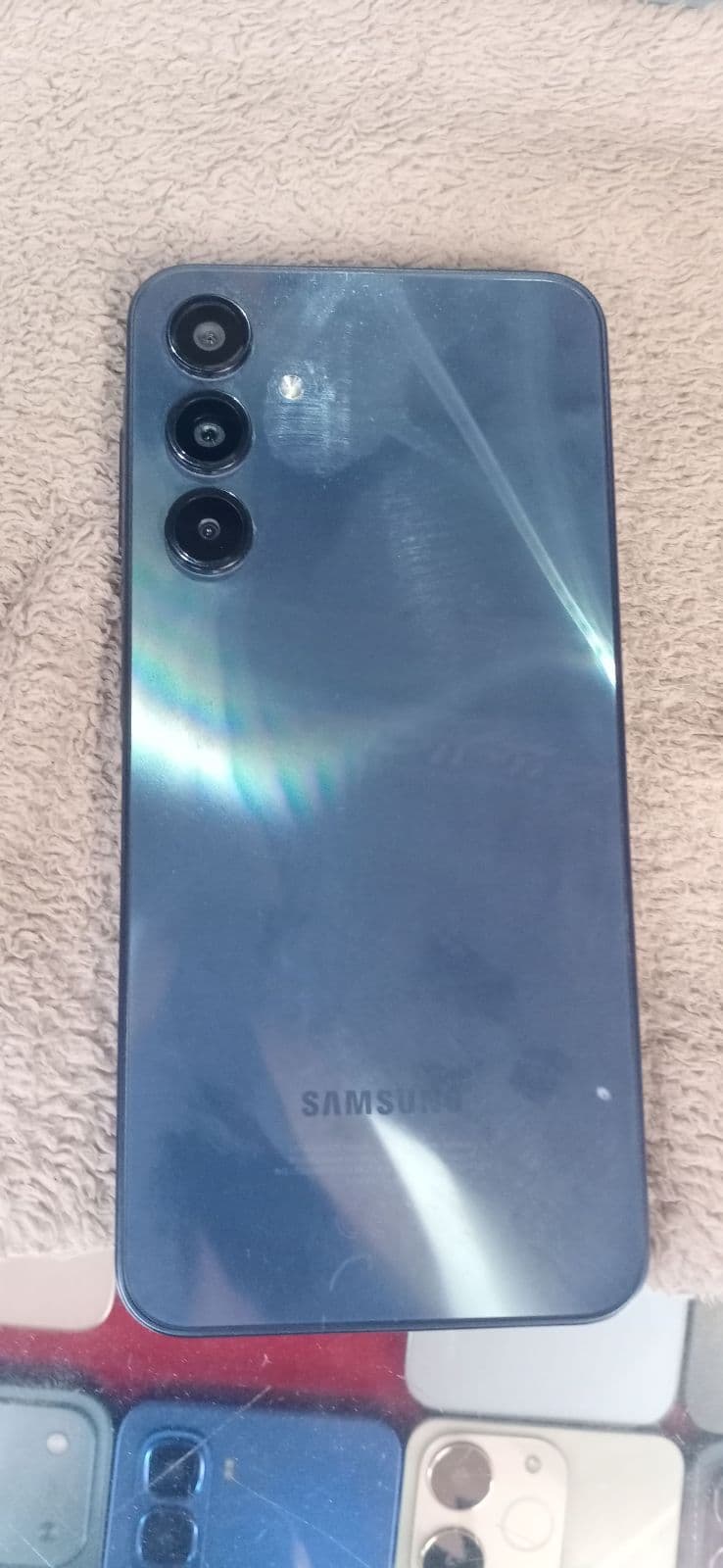
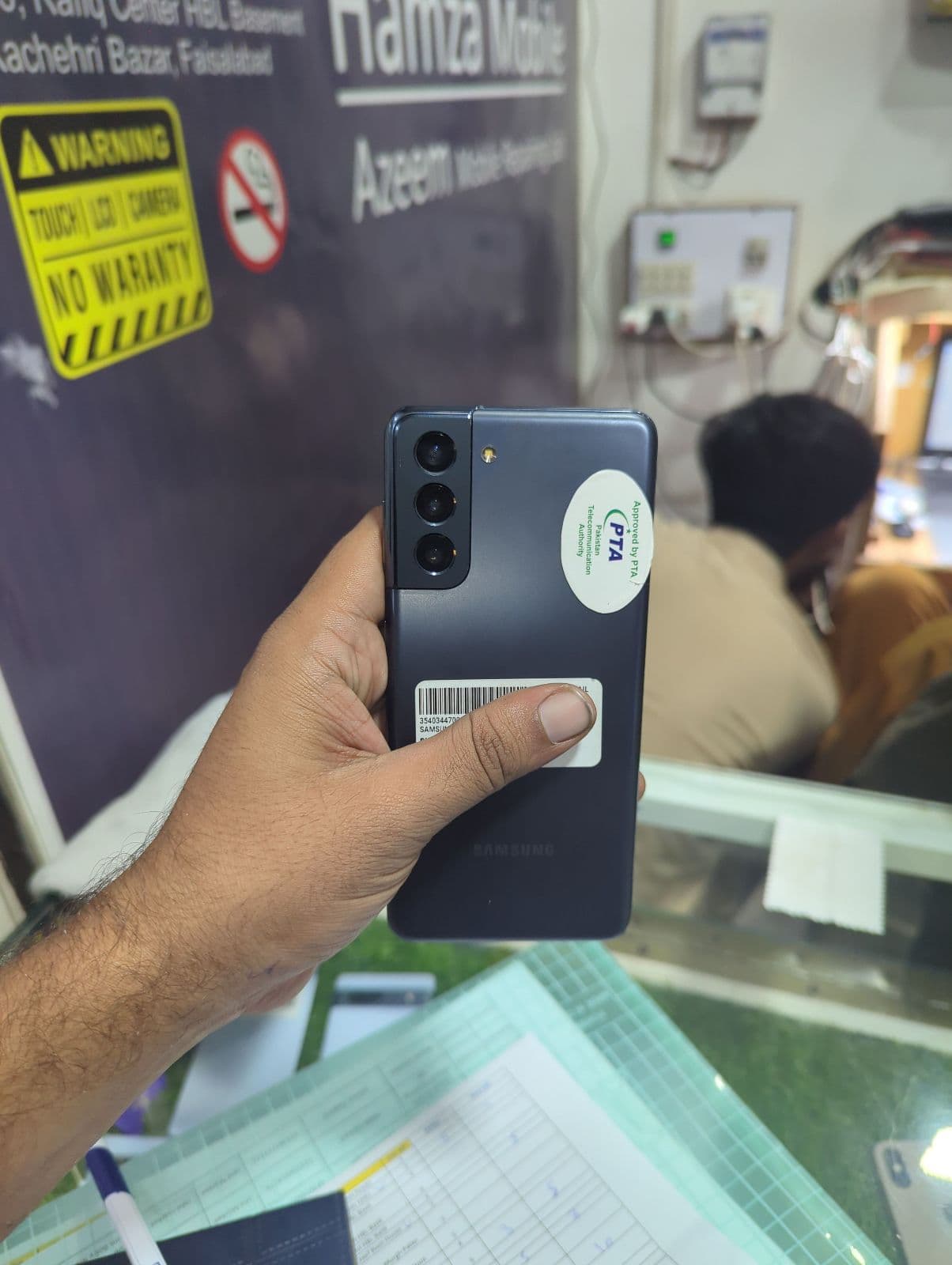
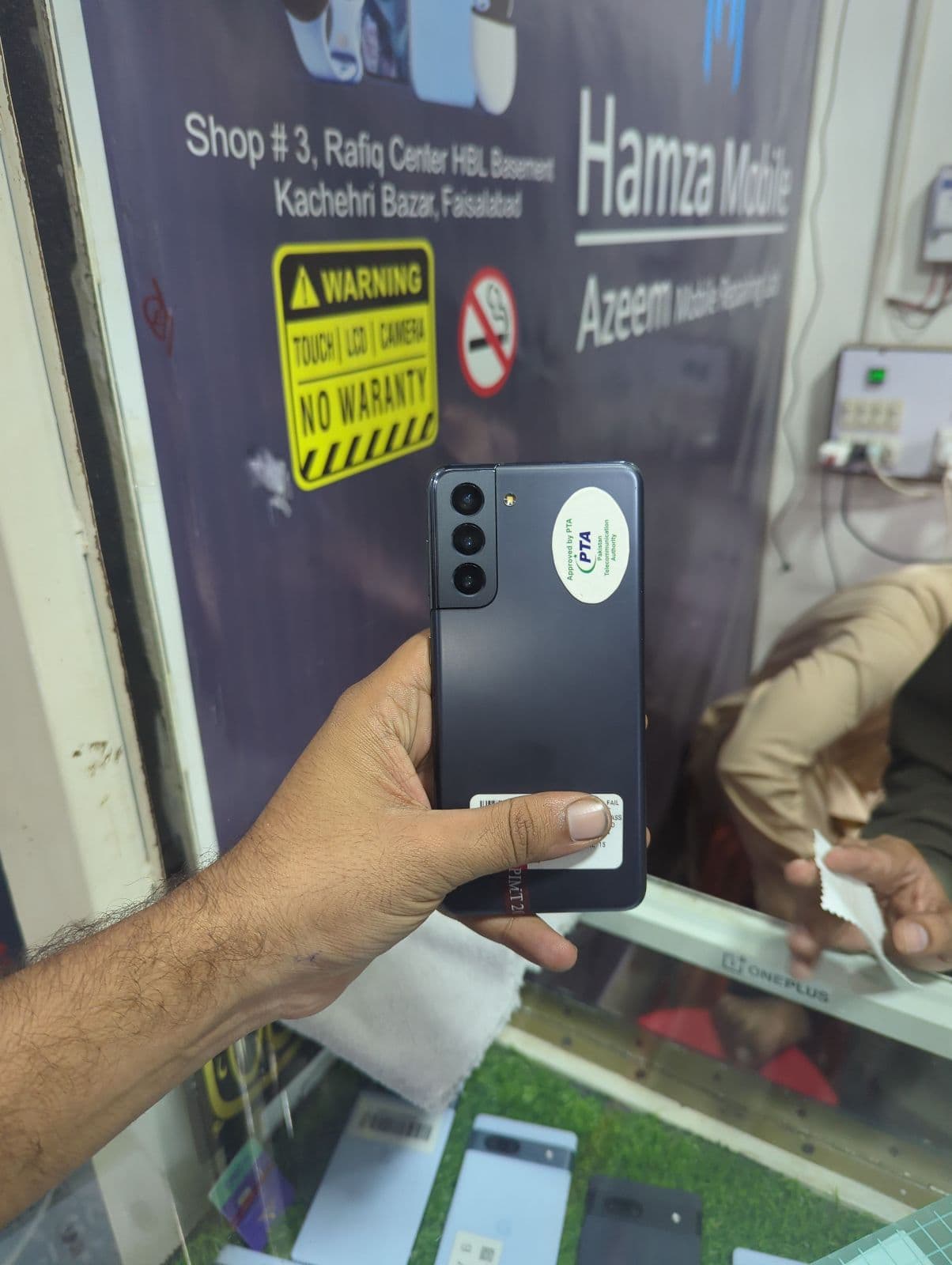
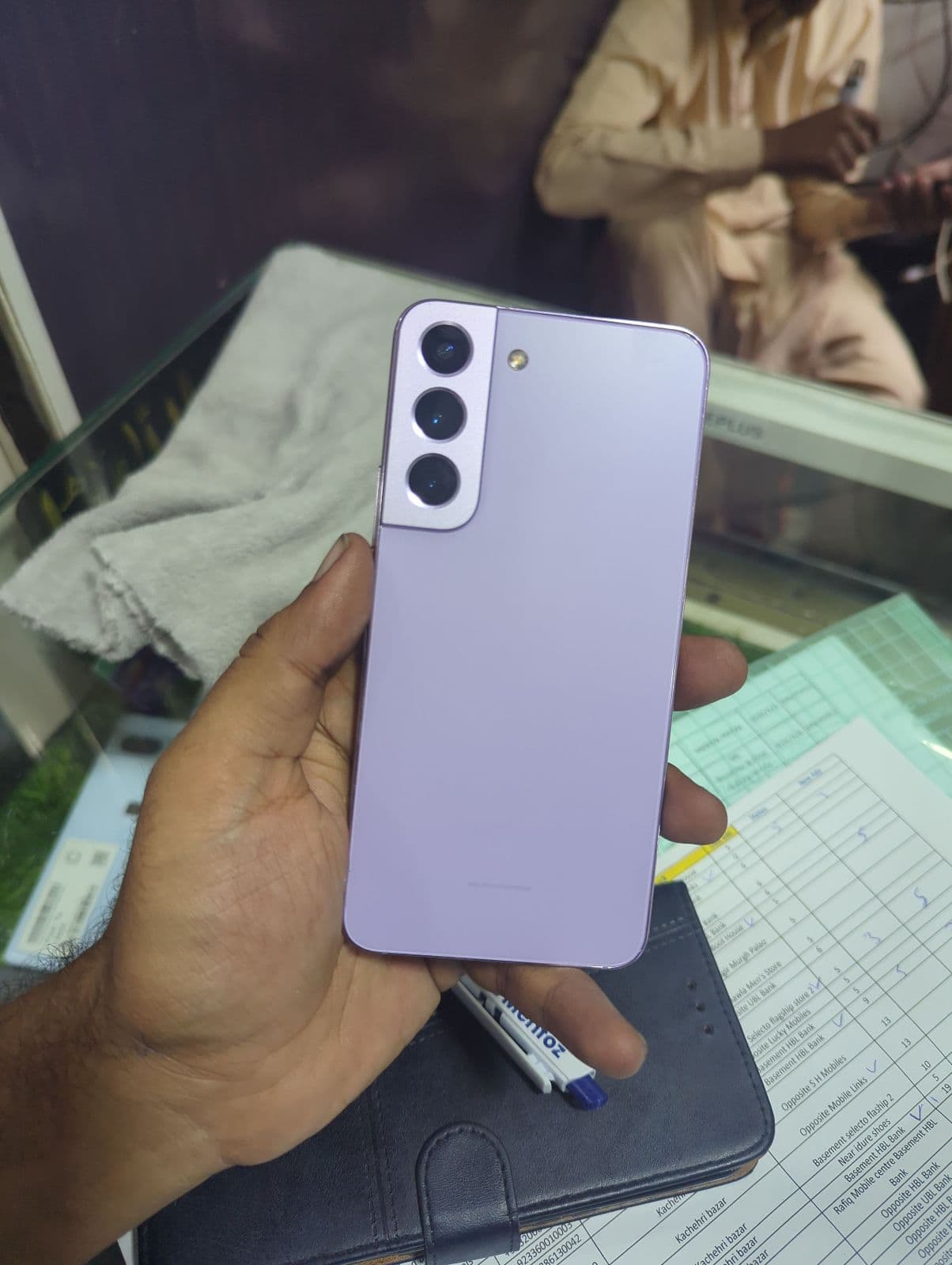
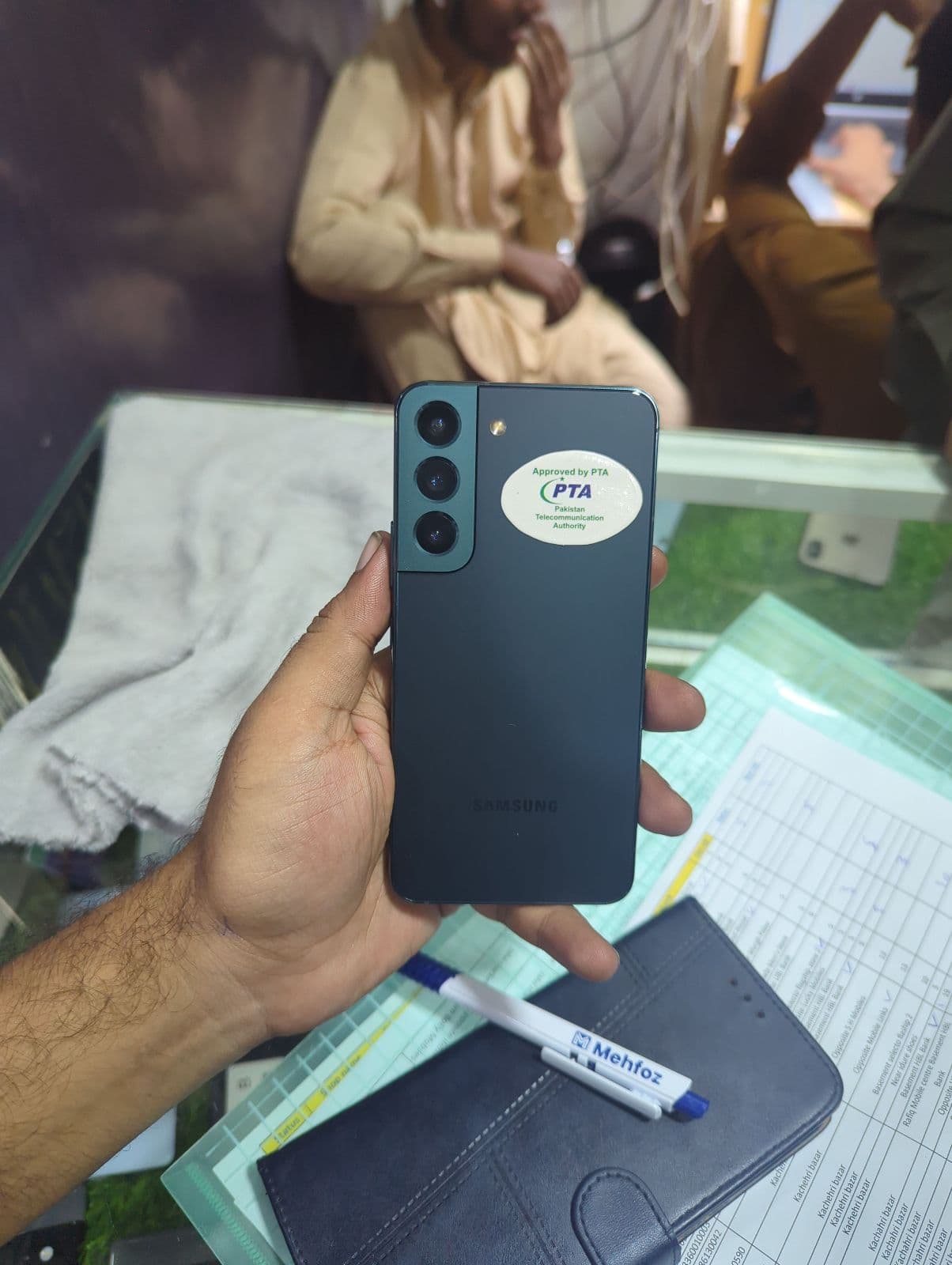
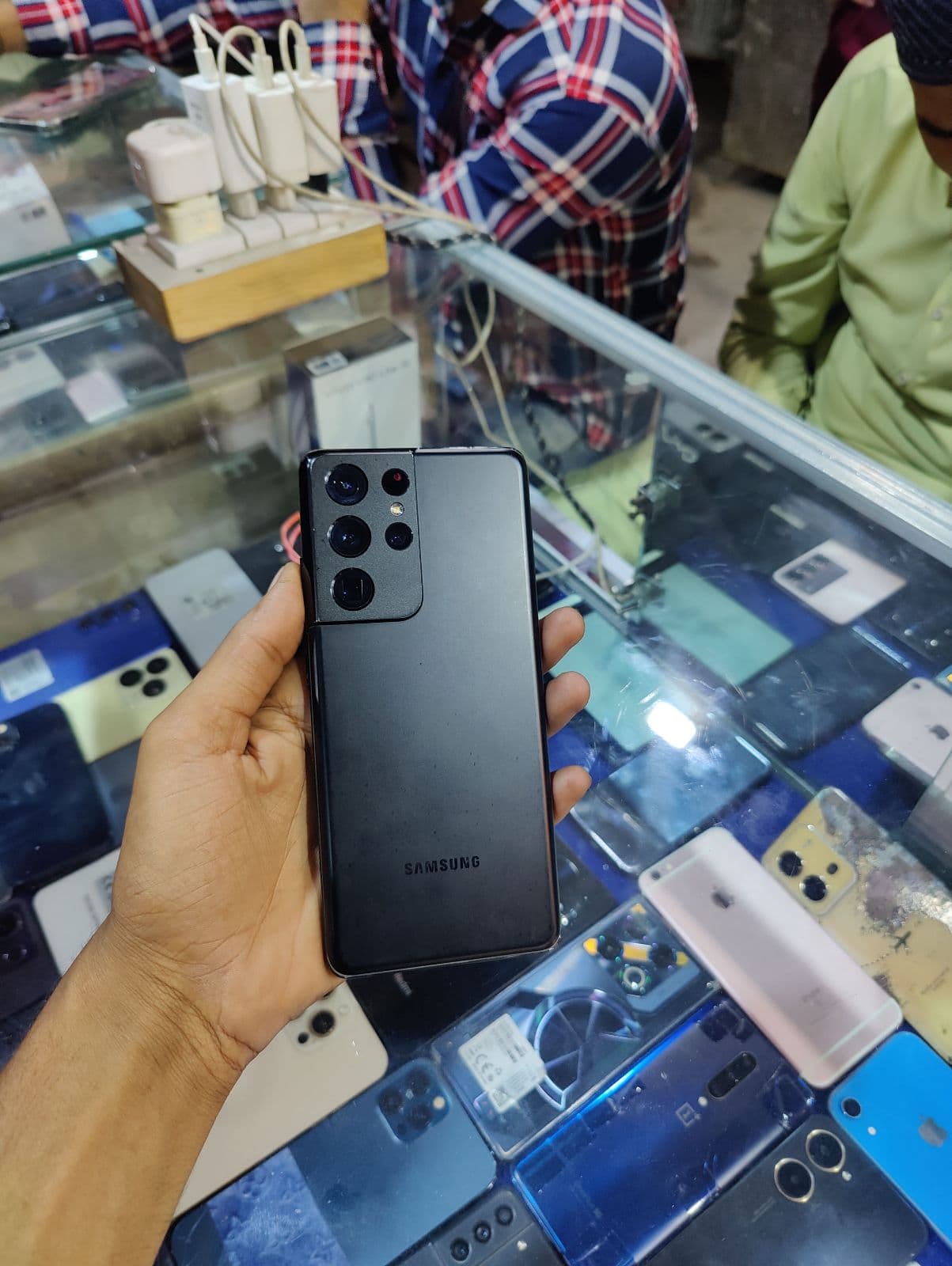
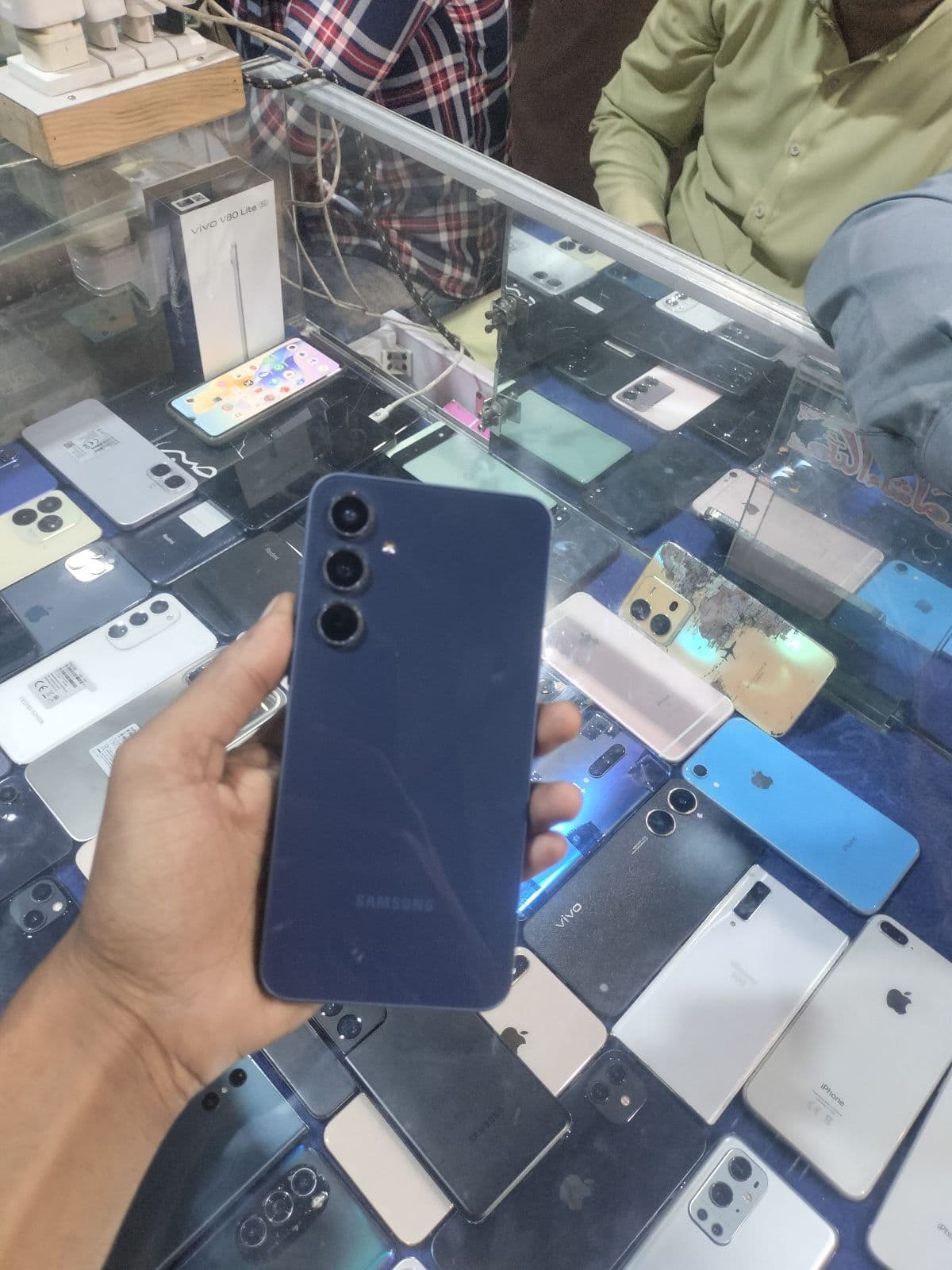
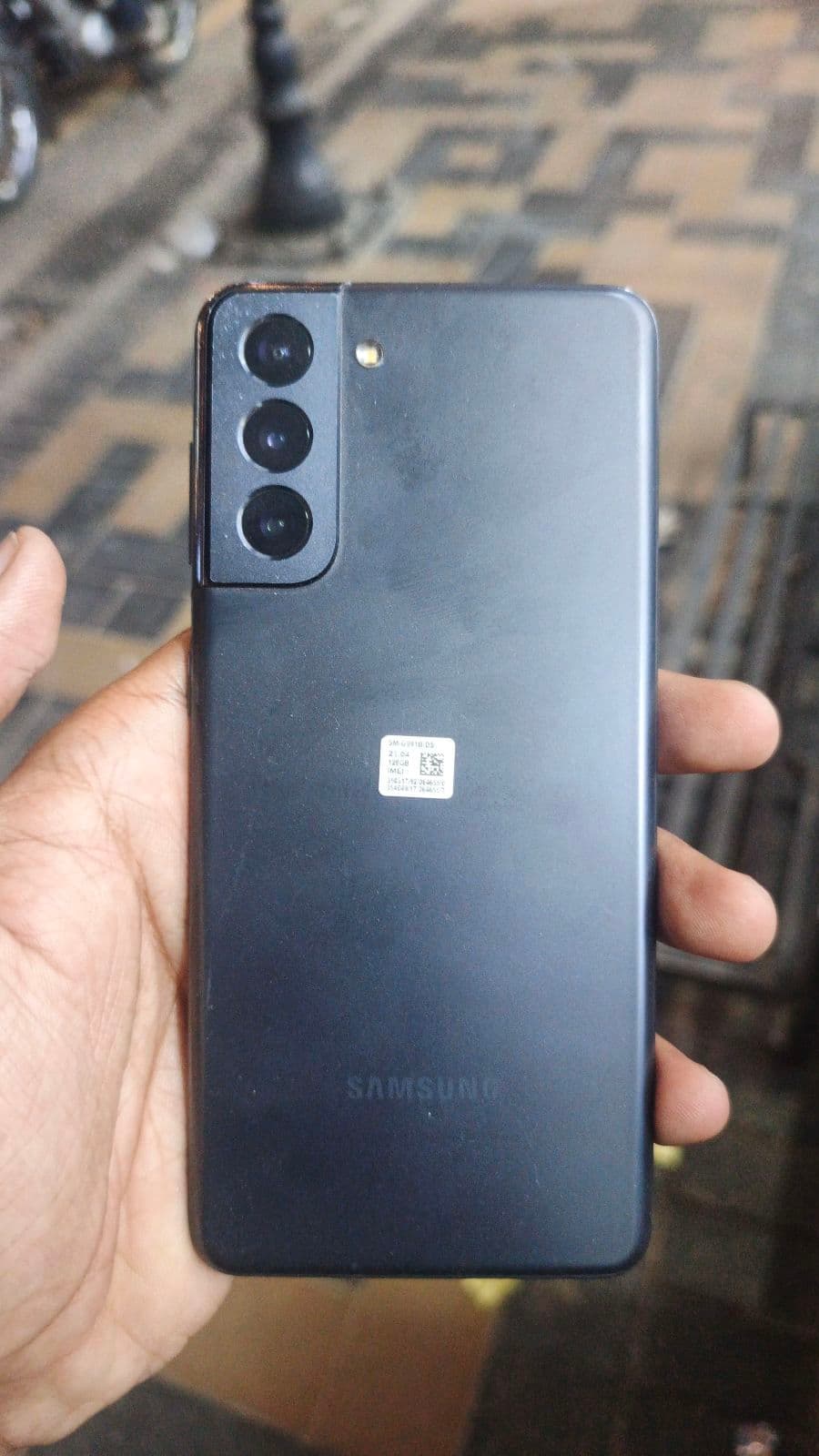
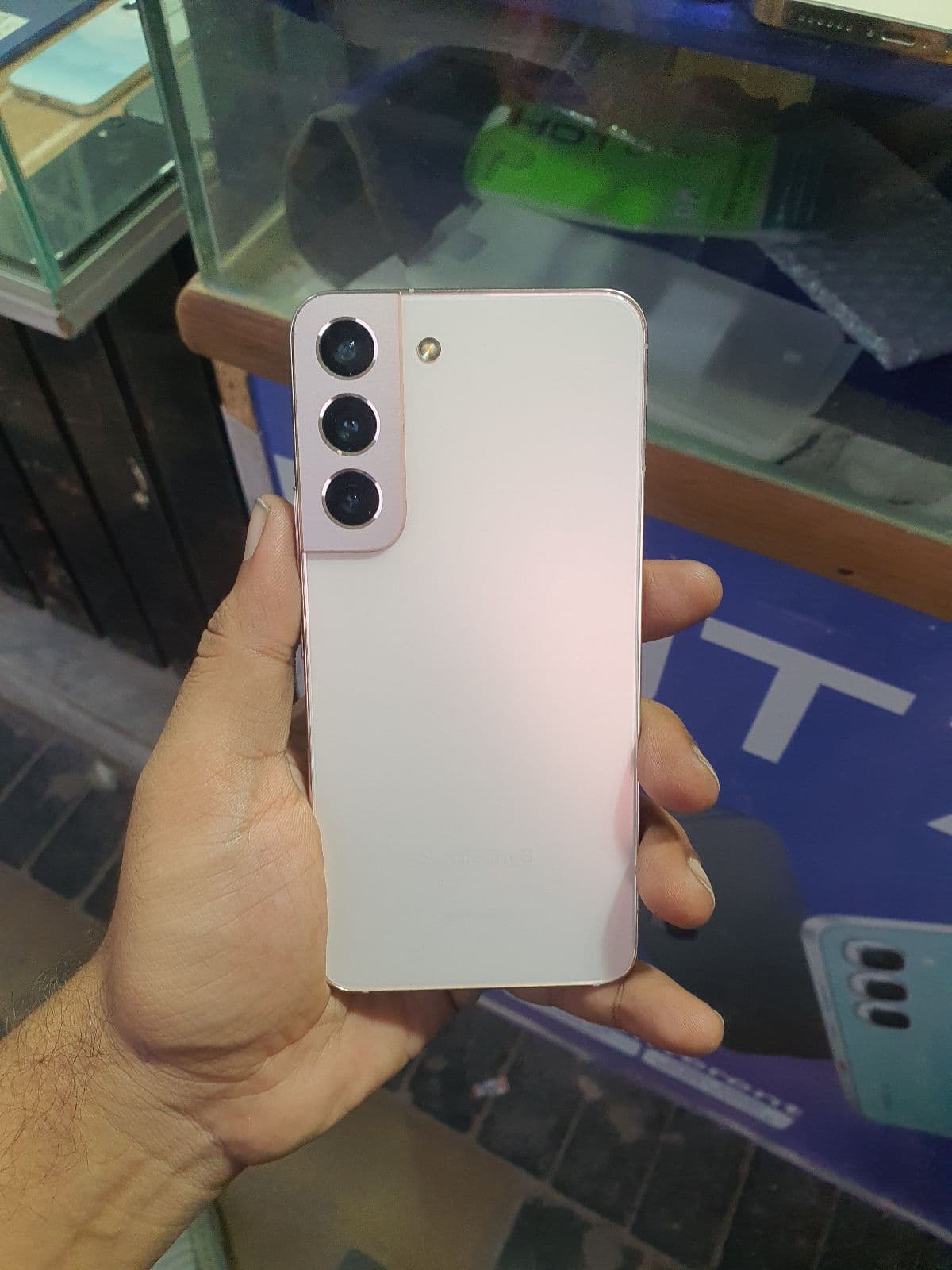
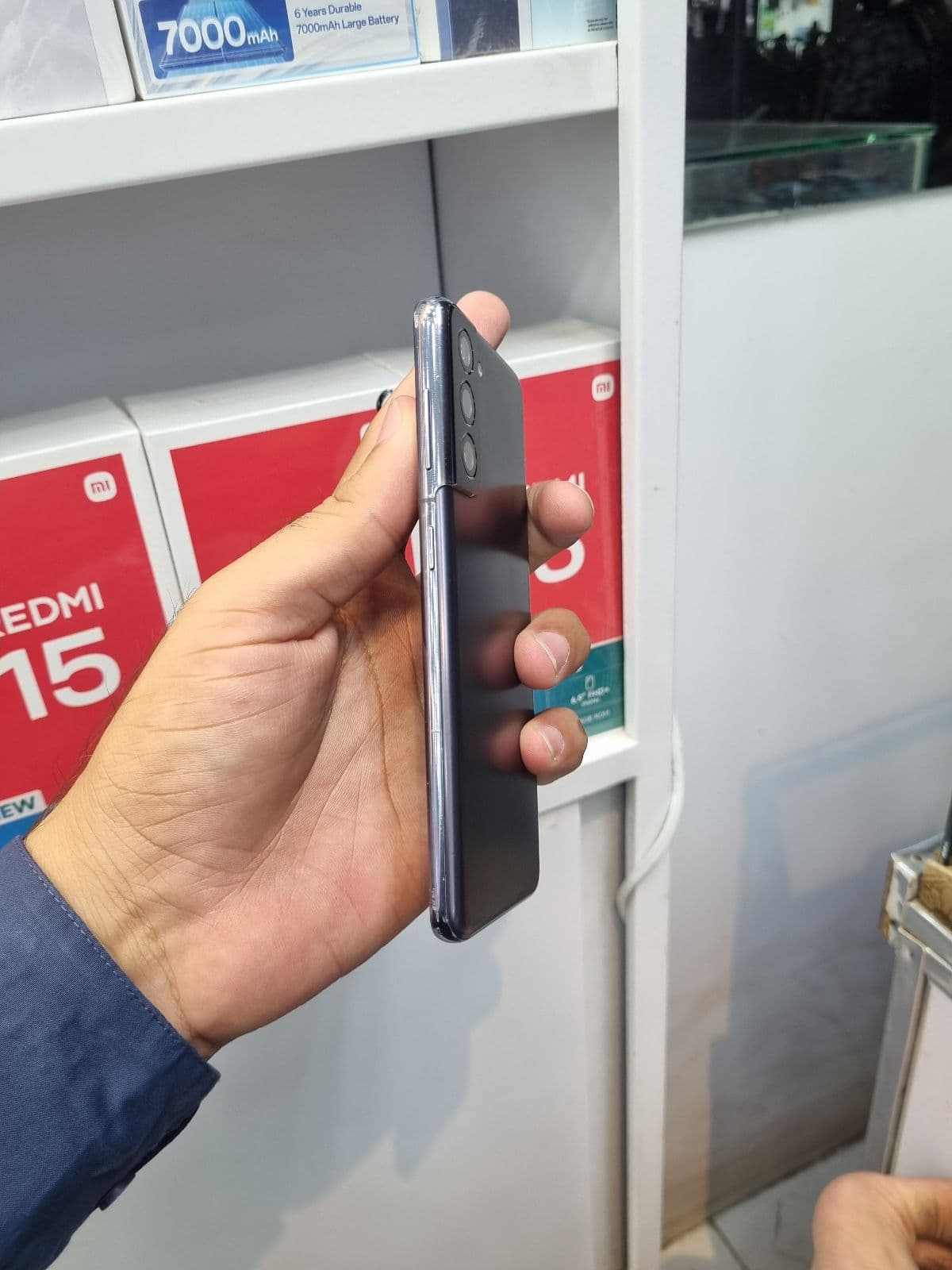
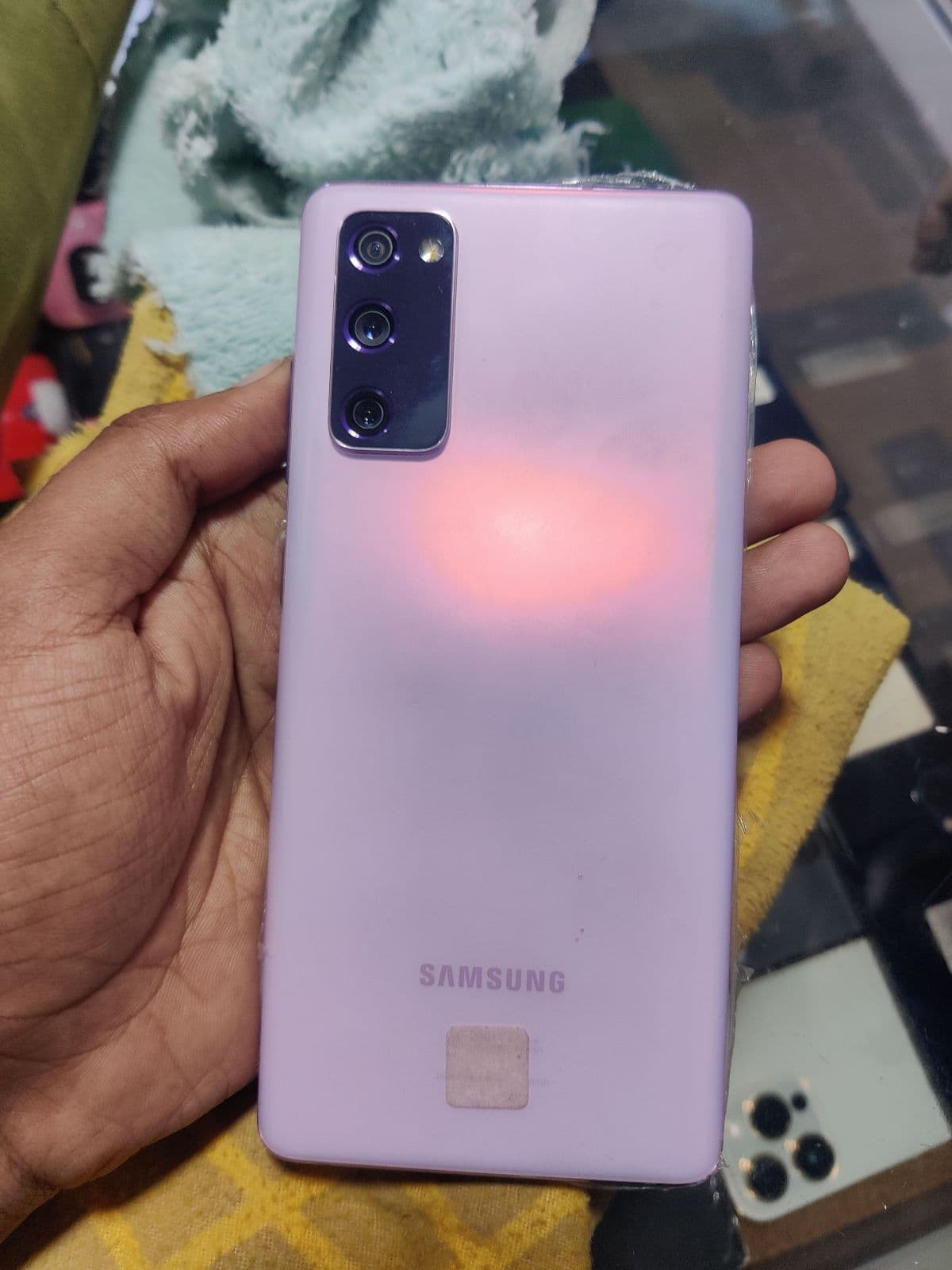
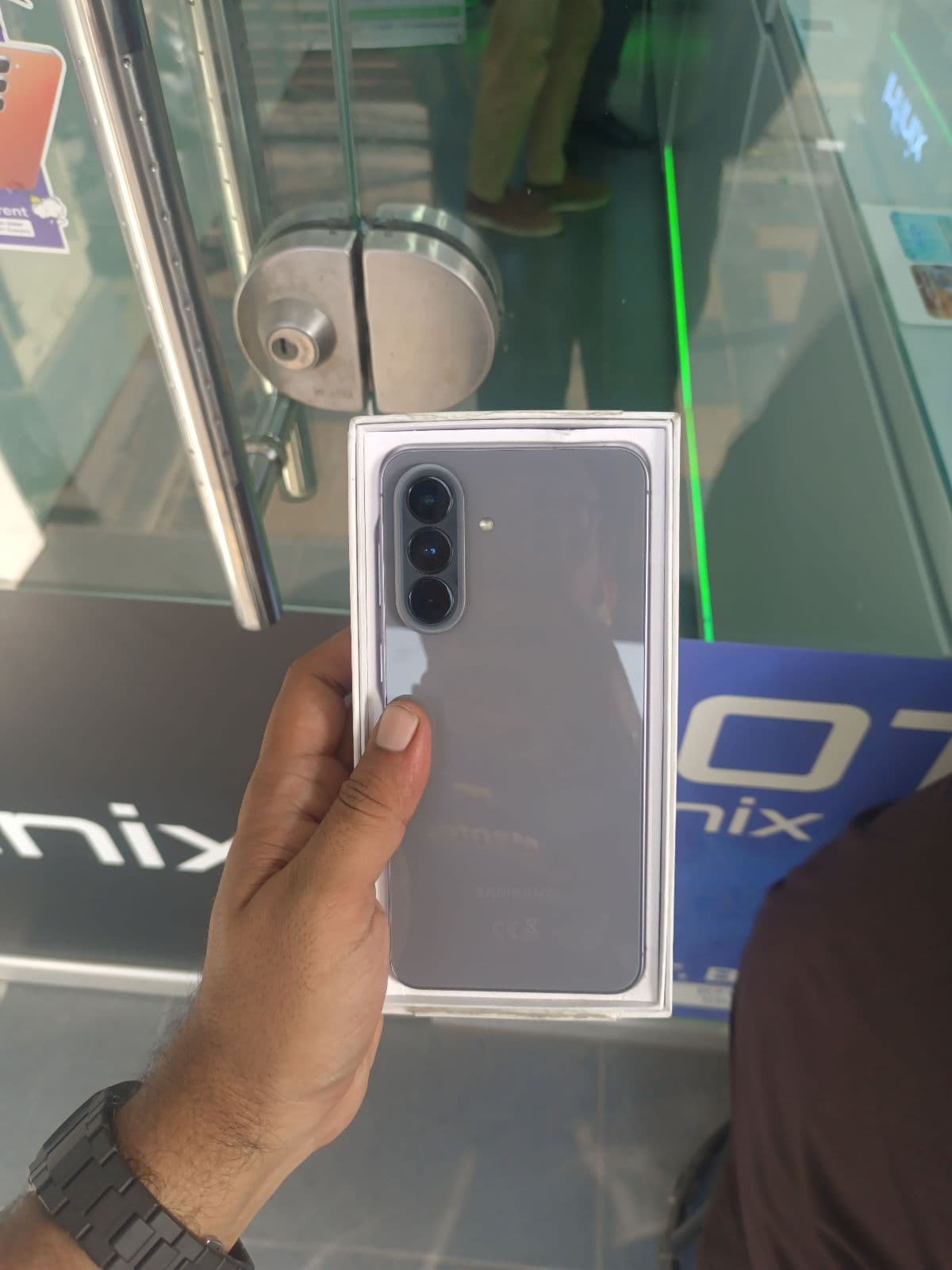
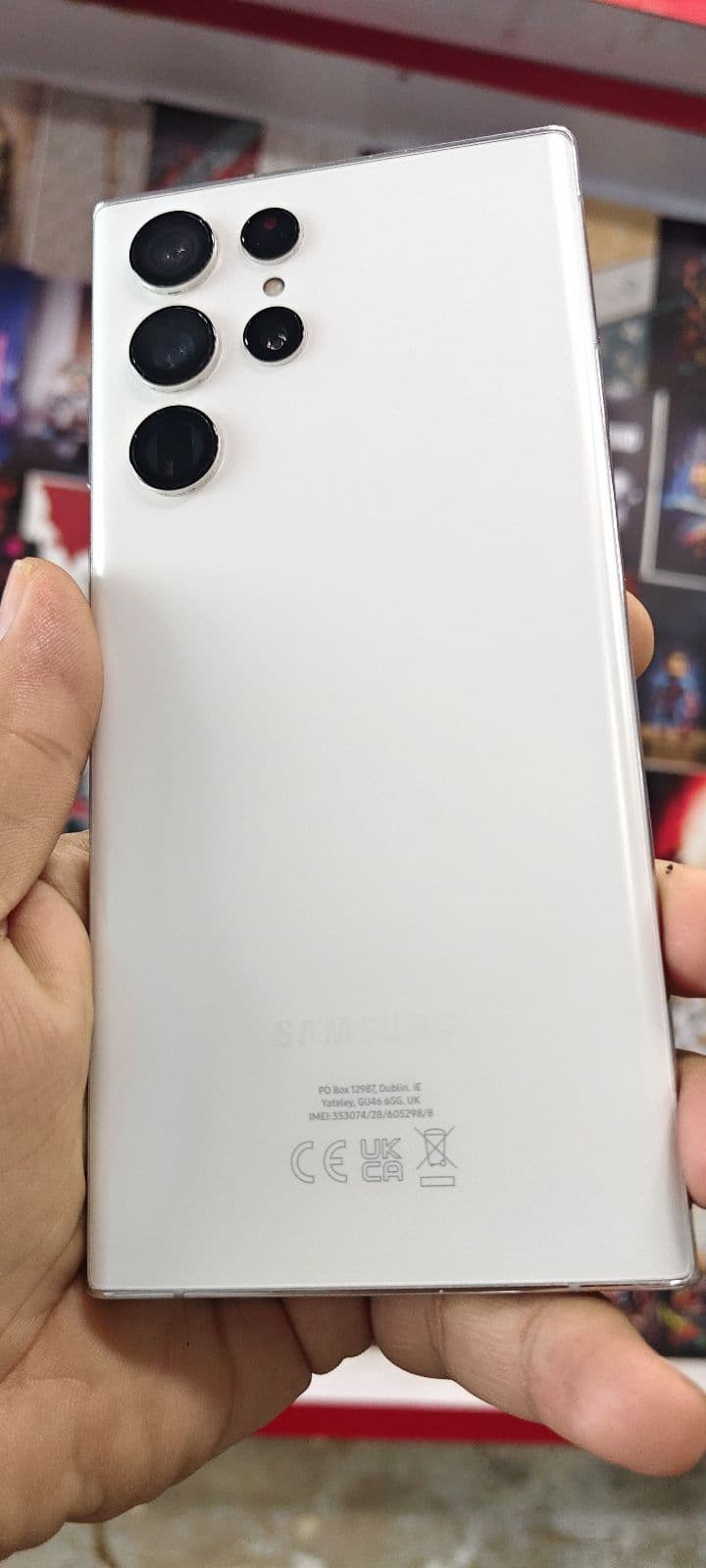
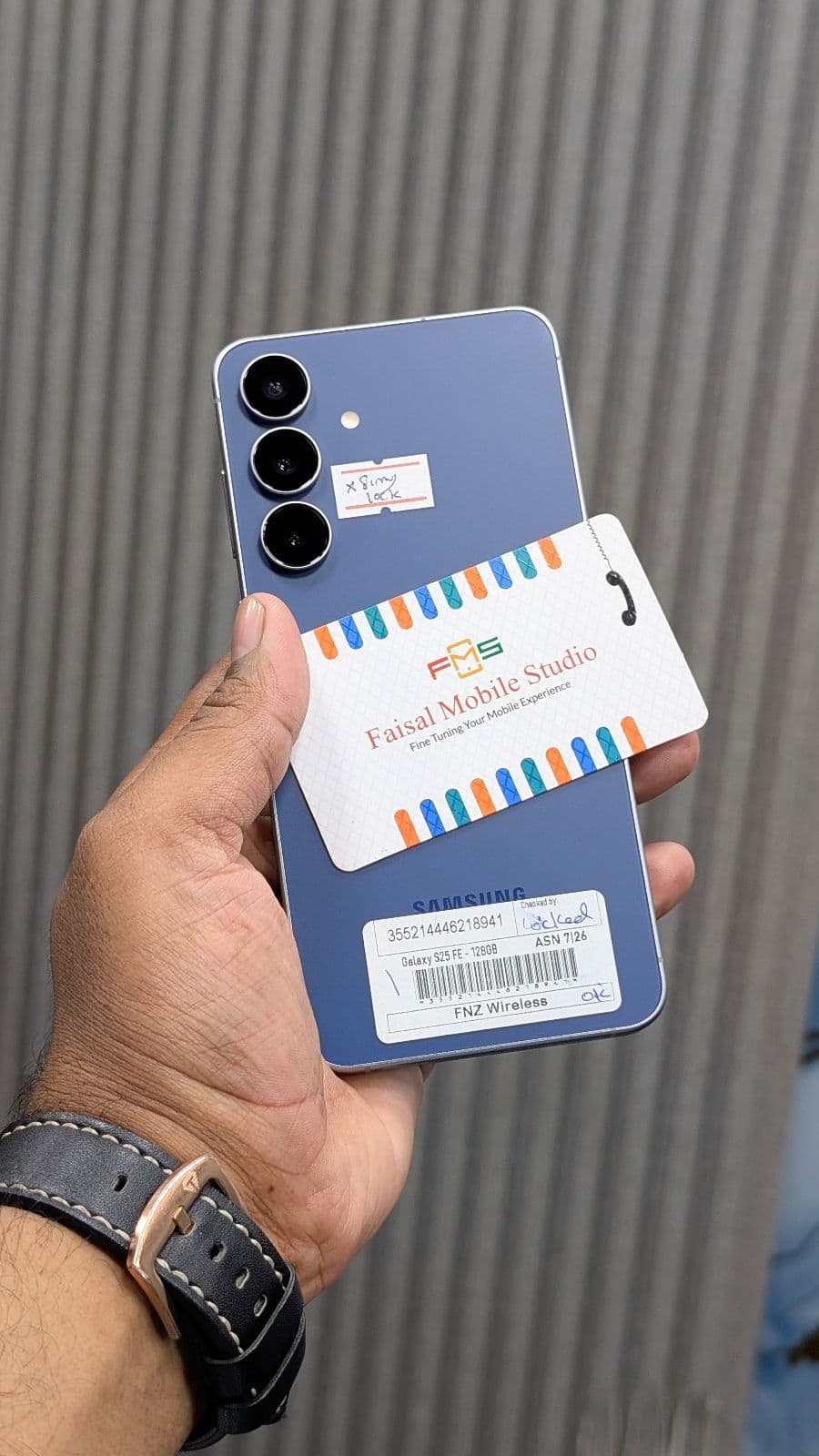
- ✓Galaxy S series — flagship performance, the best AMOLED panels and top cameras; popular used picks include the S21, S22 and S20 FE.
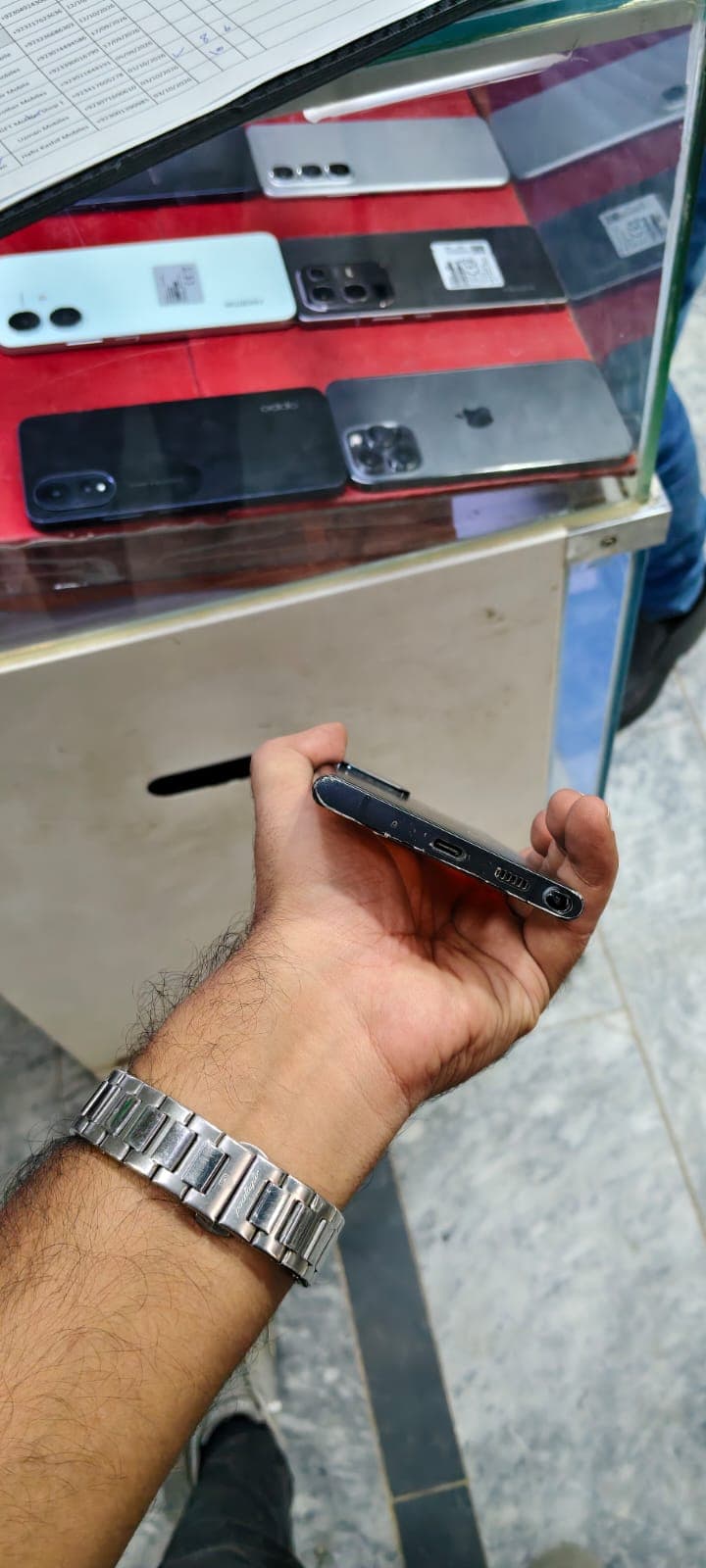
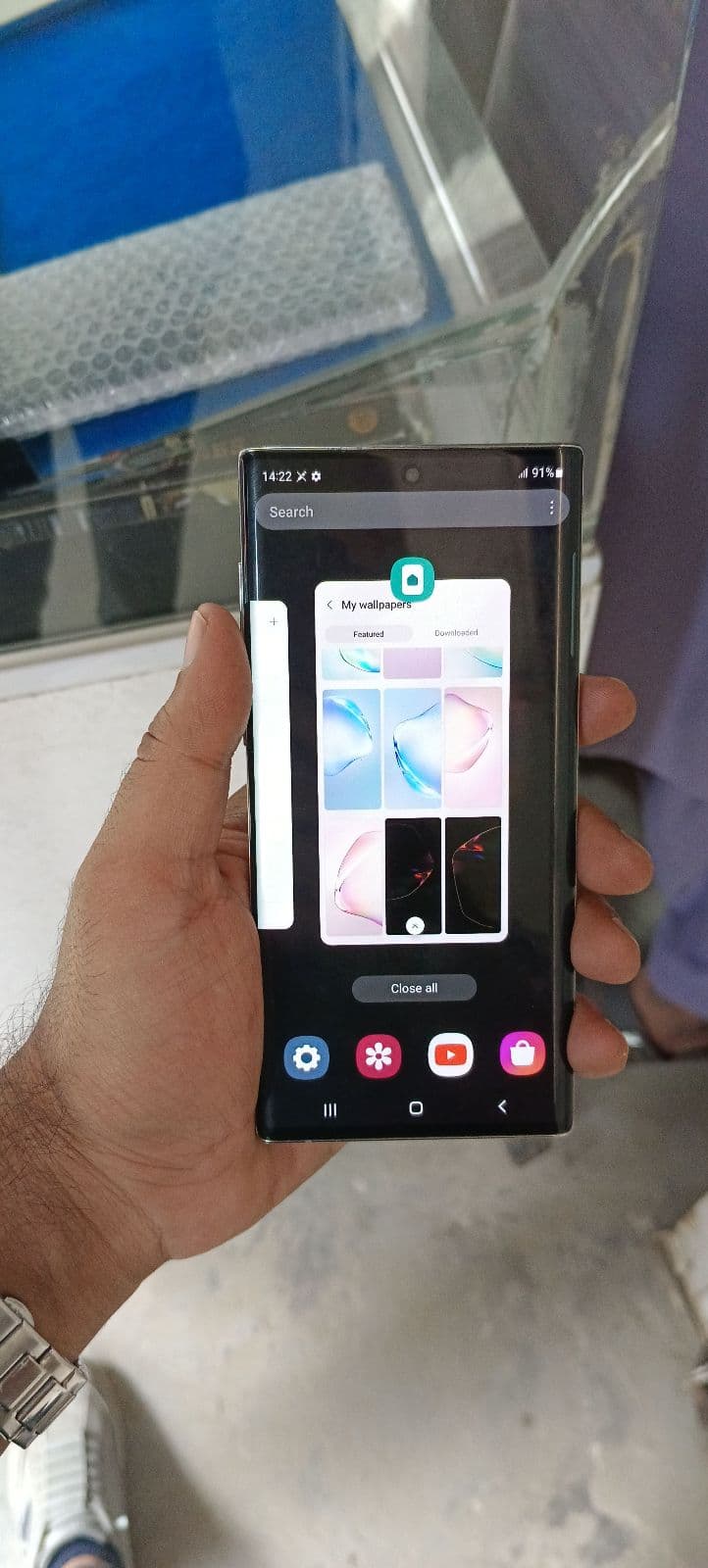
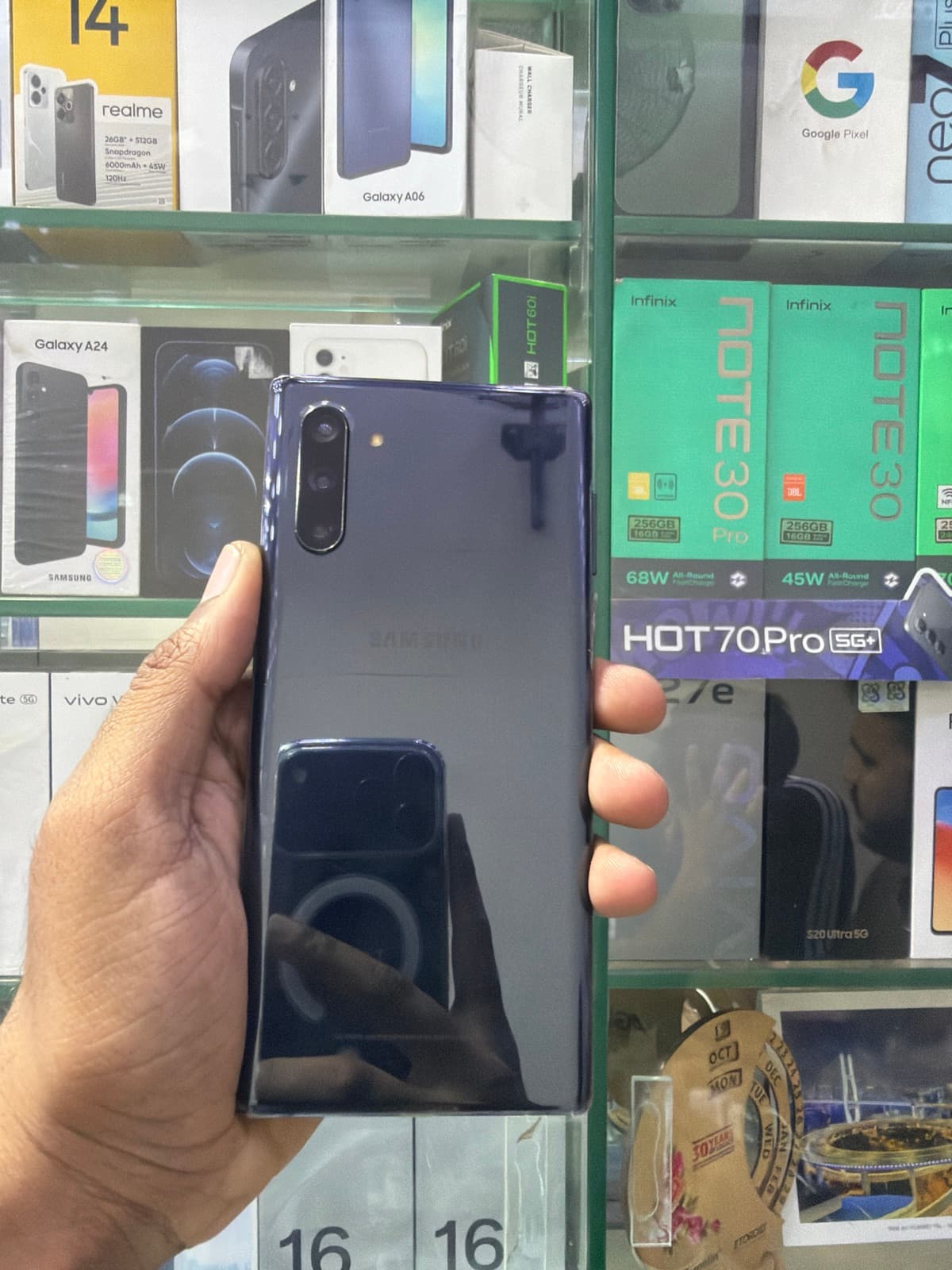
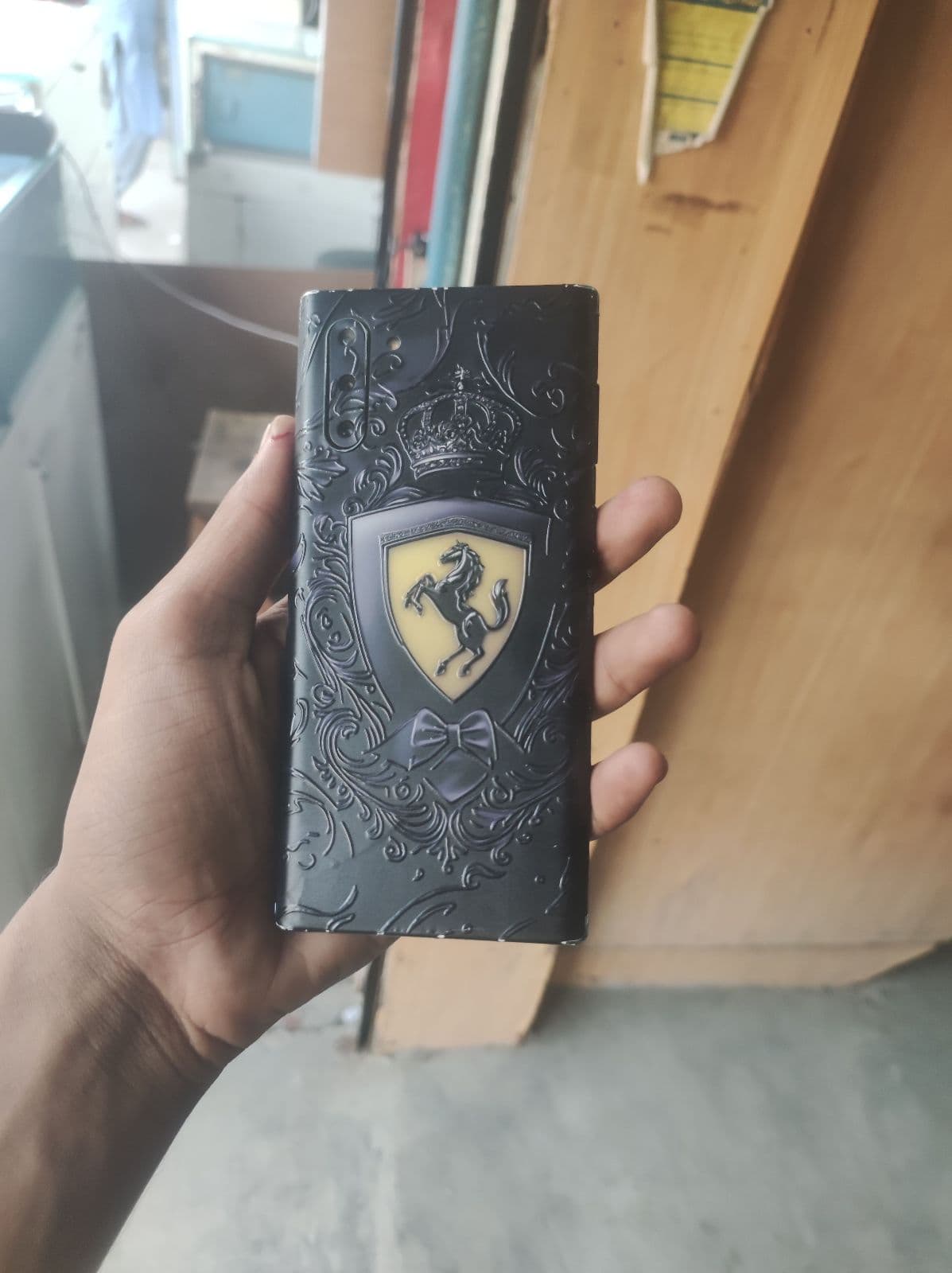
- ✓Galaxy Note series — large screens with the S Pen for note-taking; the Note 10 and Note 20 still hold a loyal following.
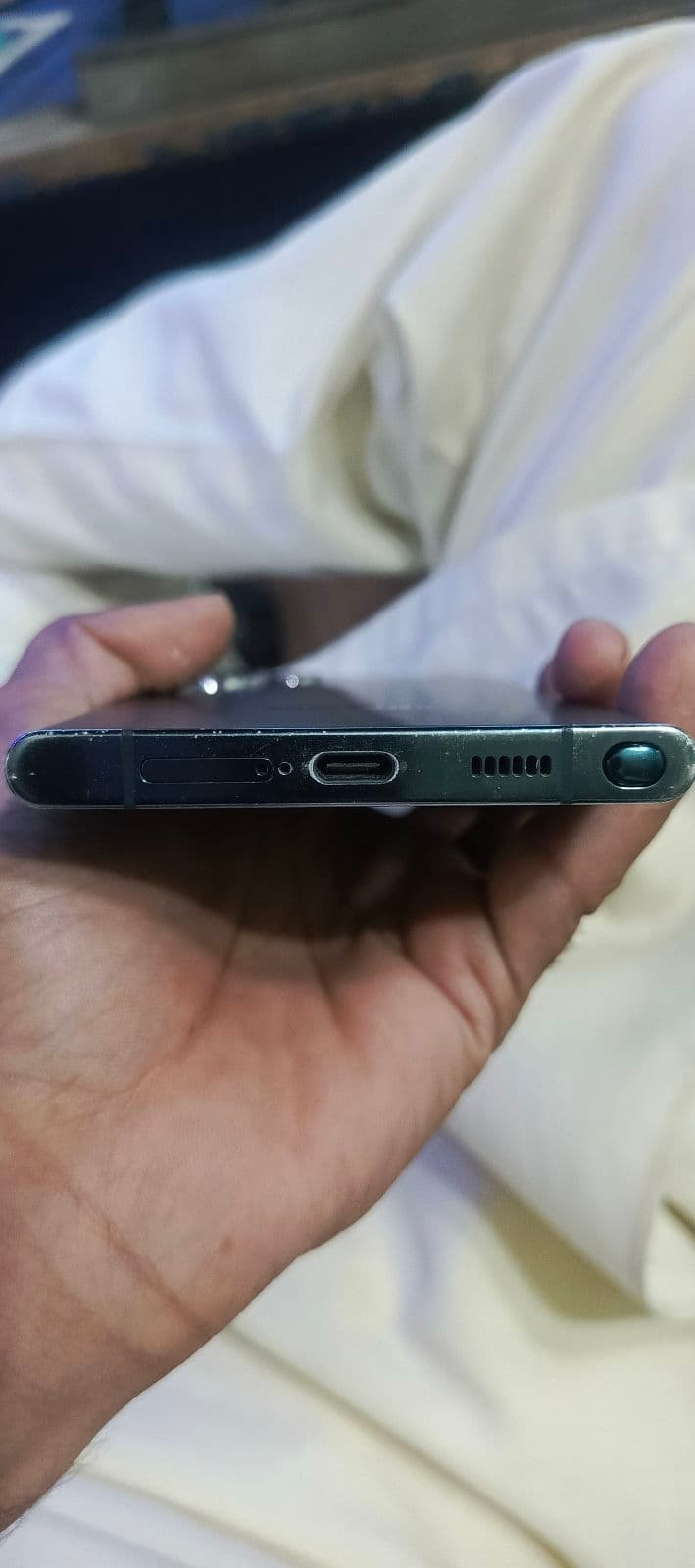
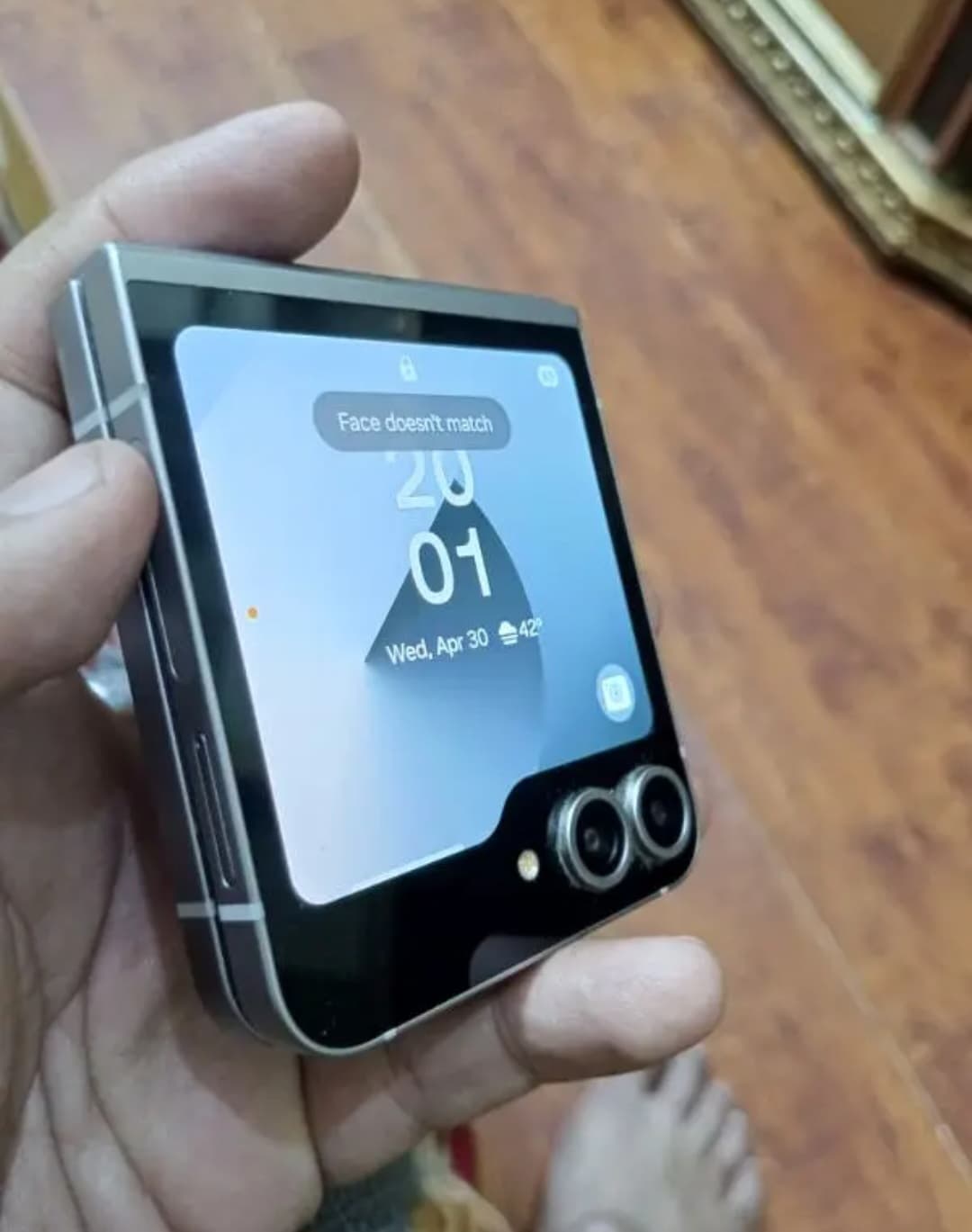
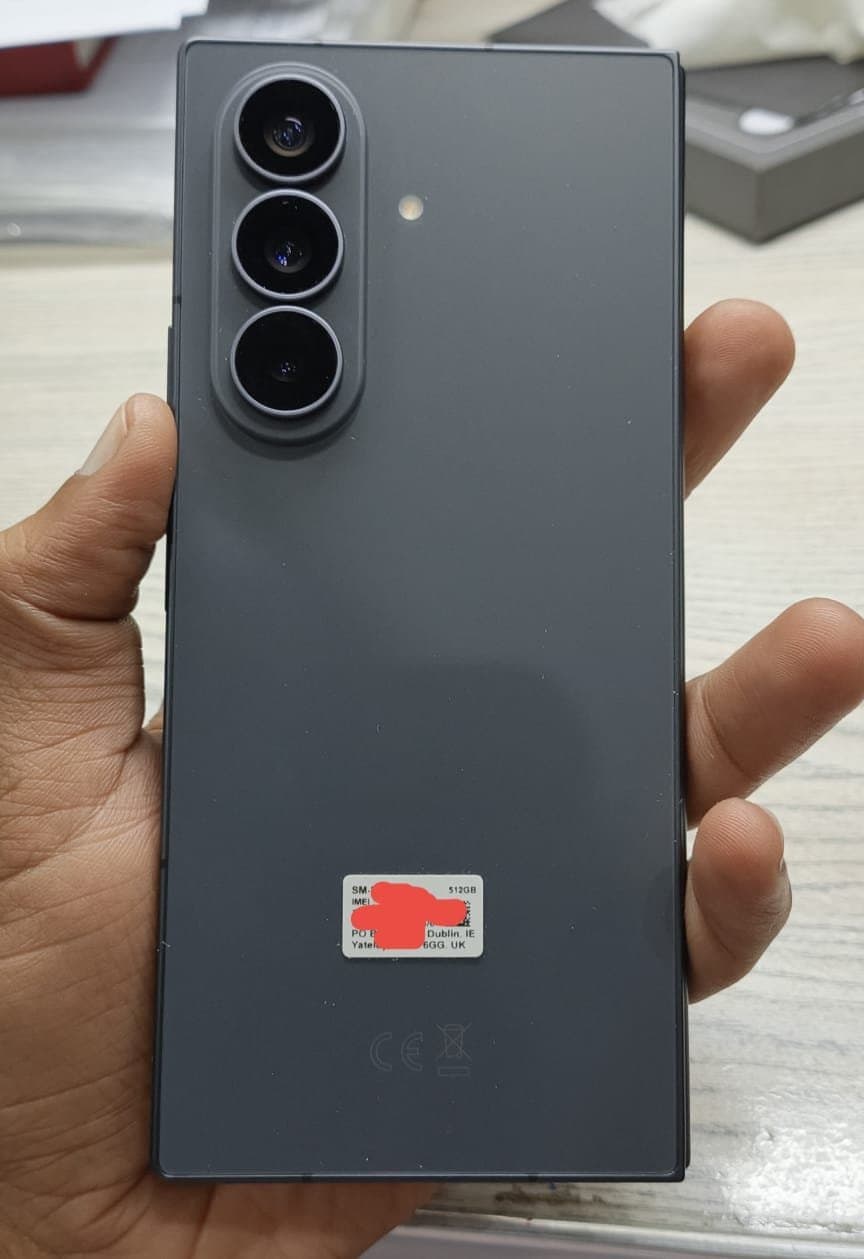
- ✓Galaxy Z series — foldables like the Z Flip and Z Fold; check hinge and crease condition carefully when buying used.
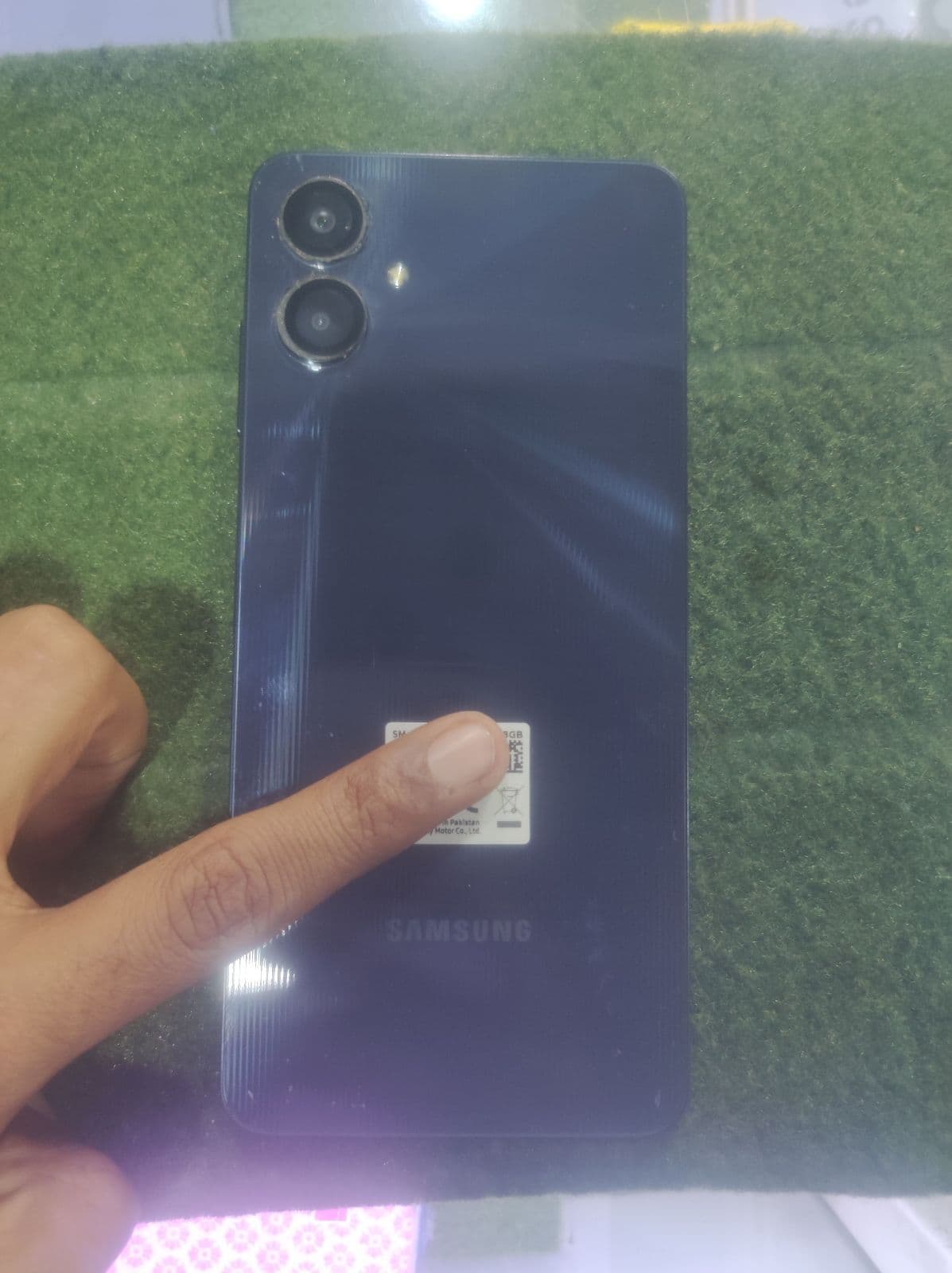
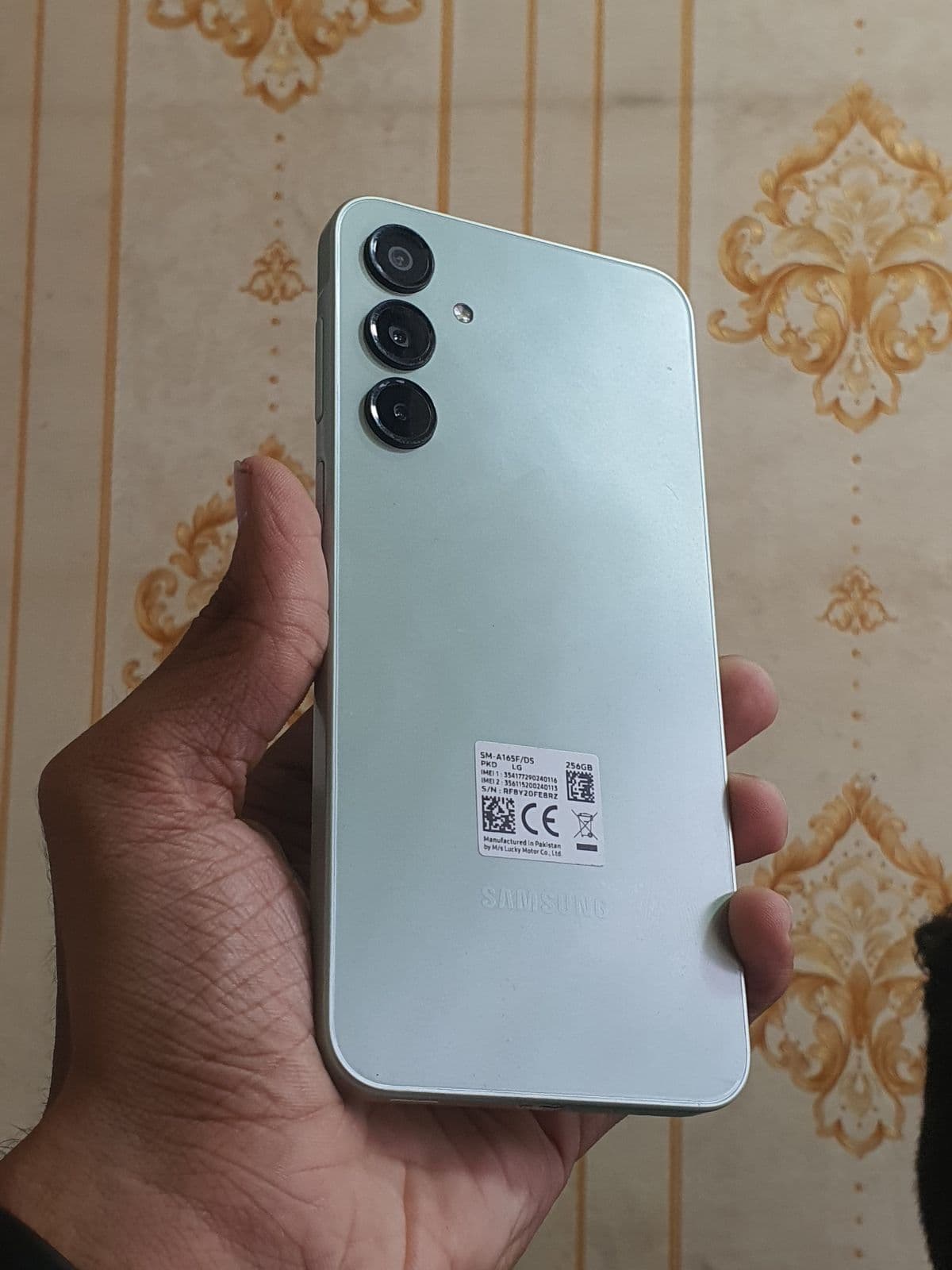
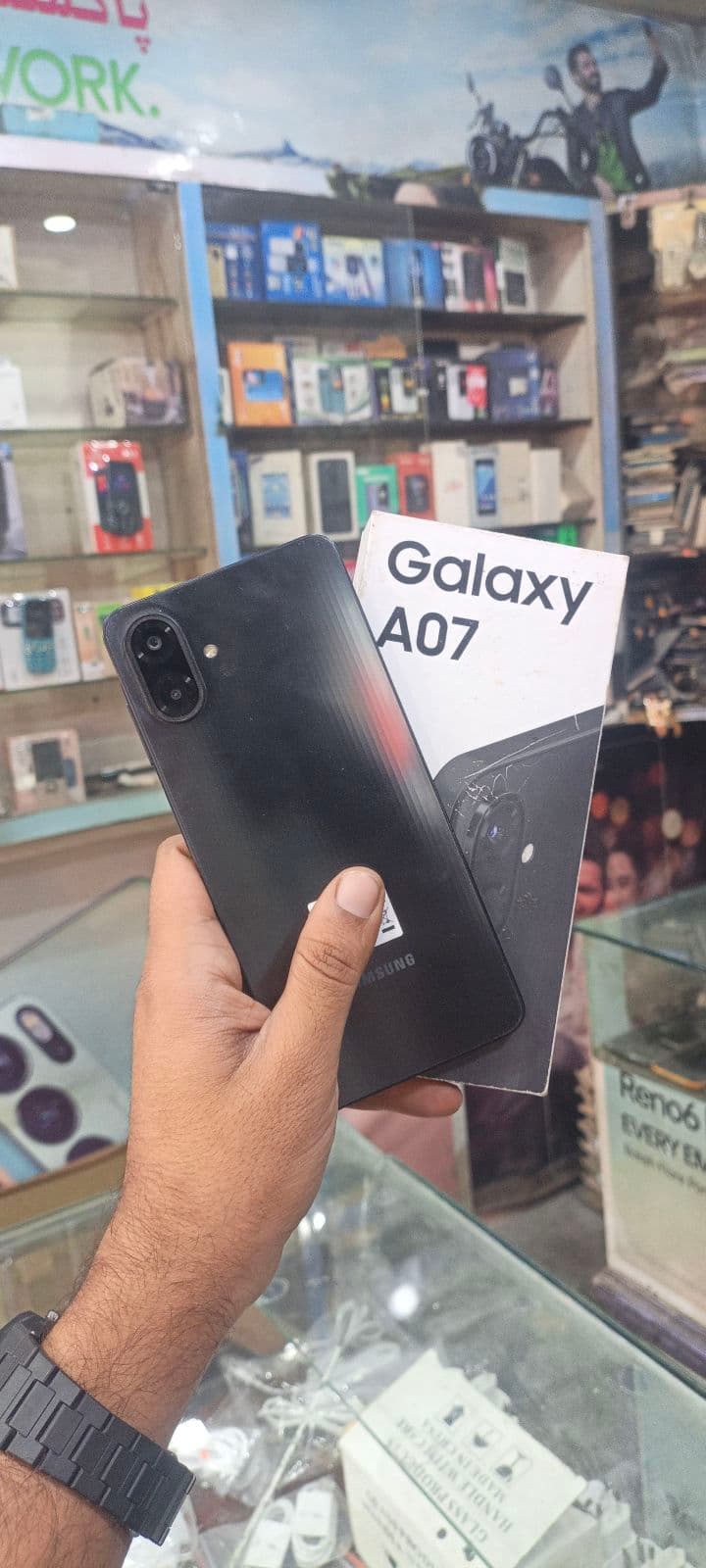
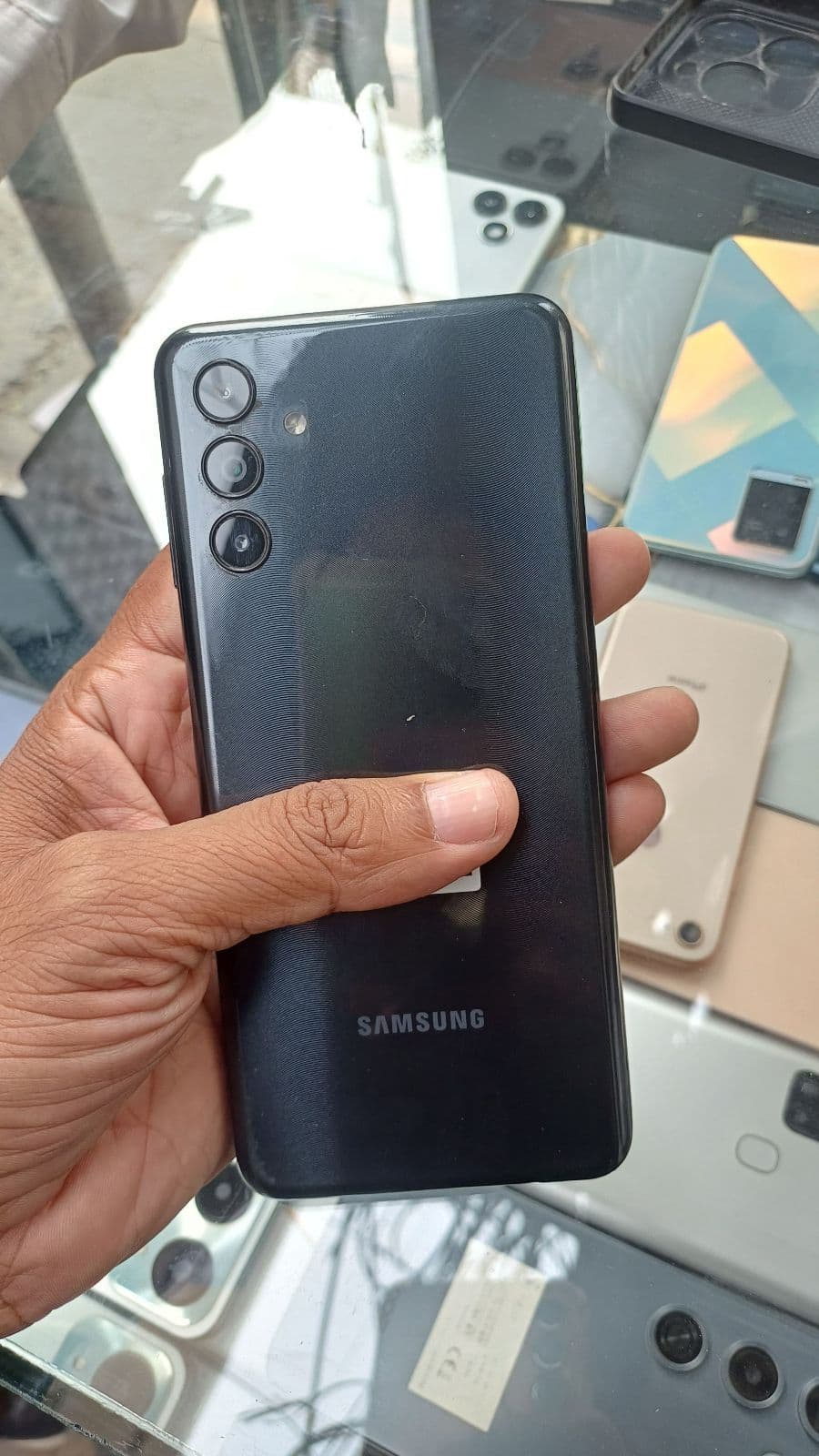
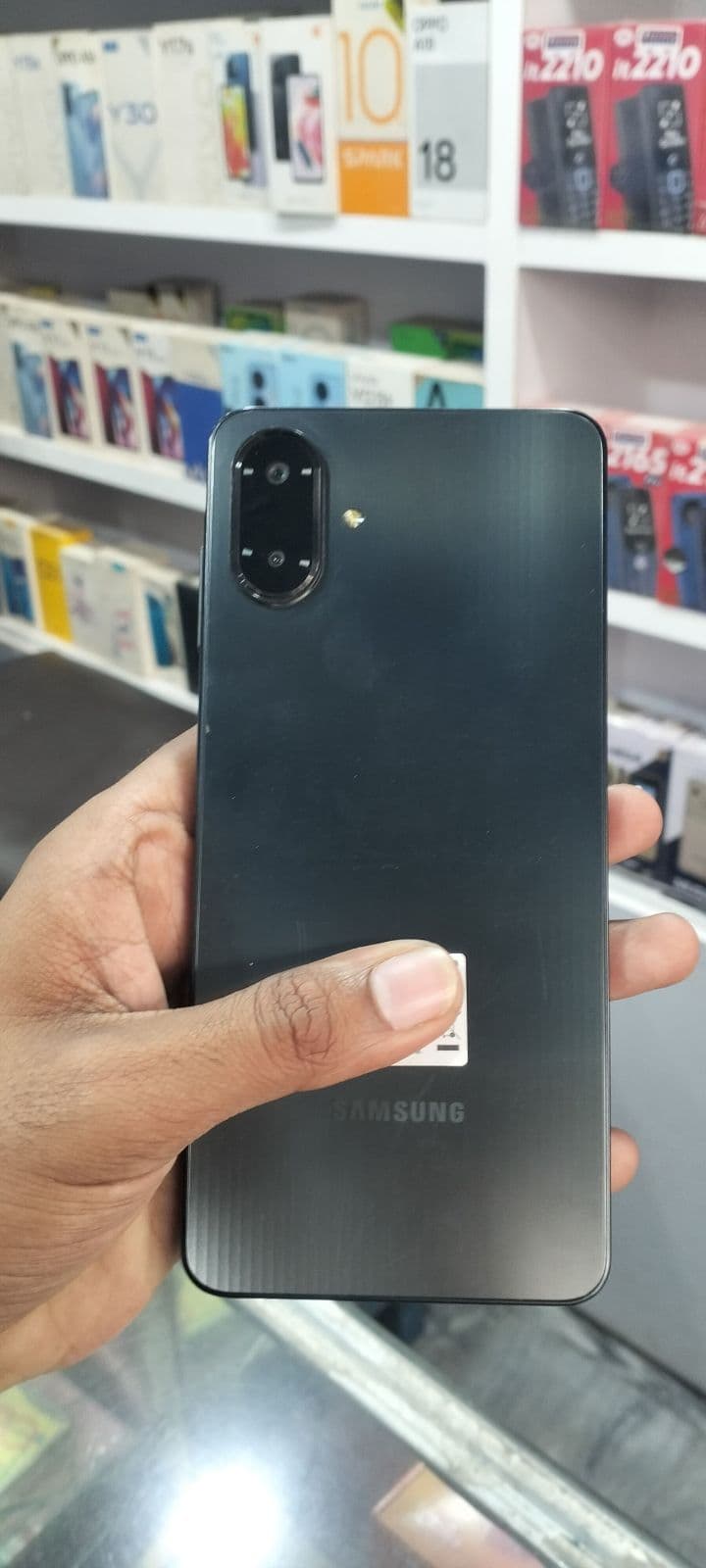
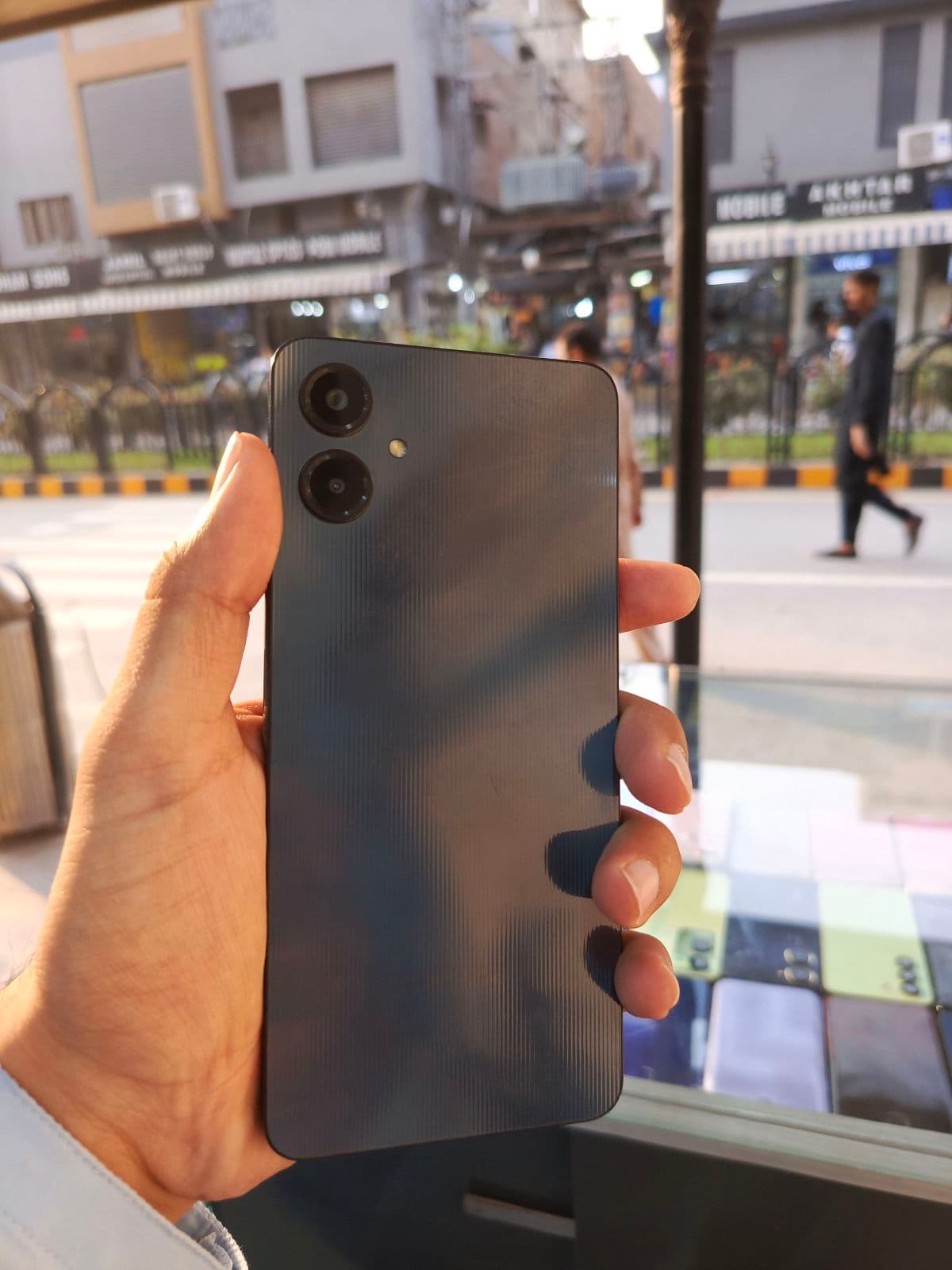
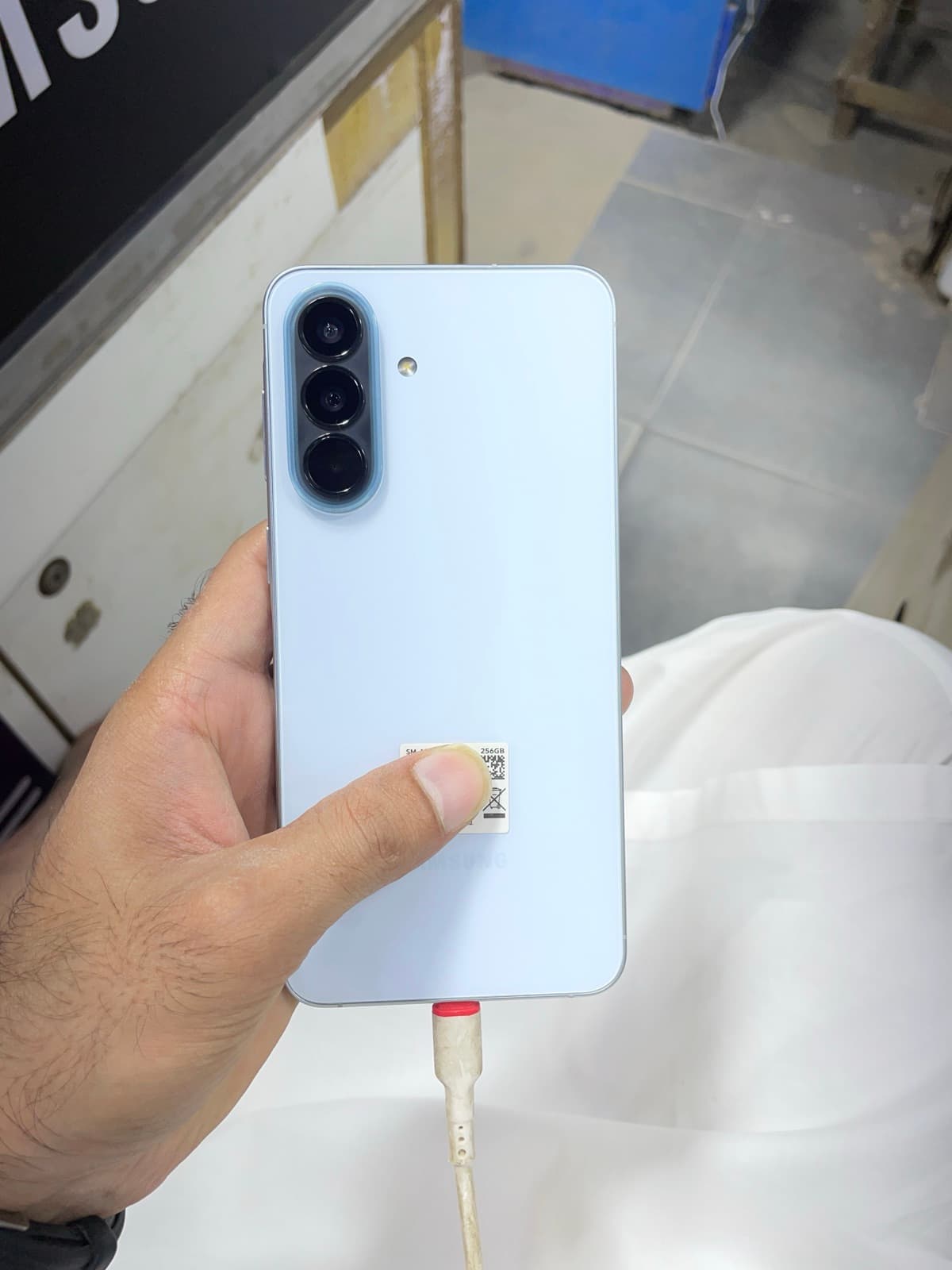
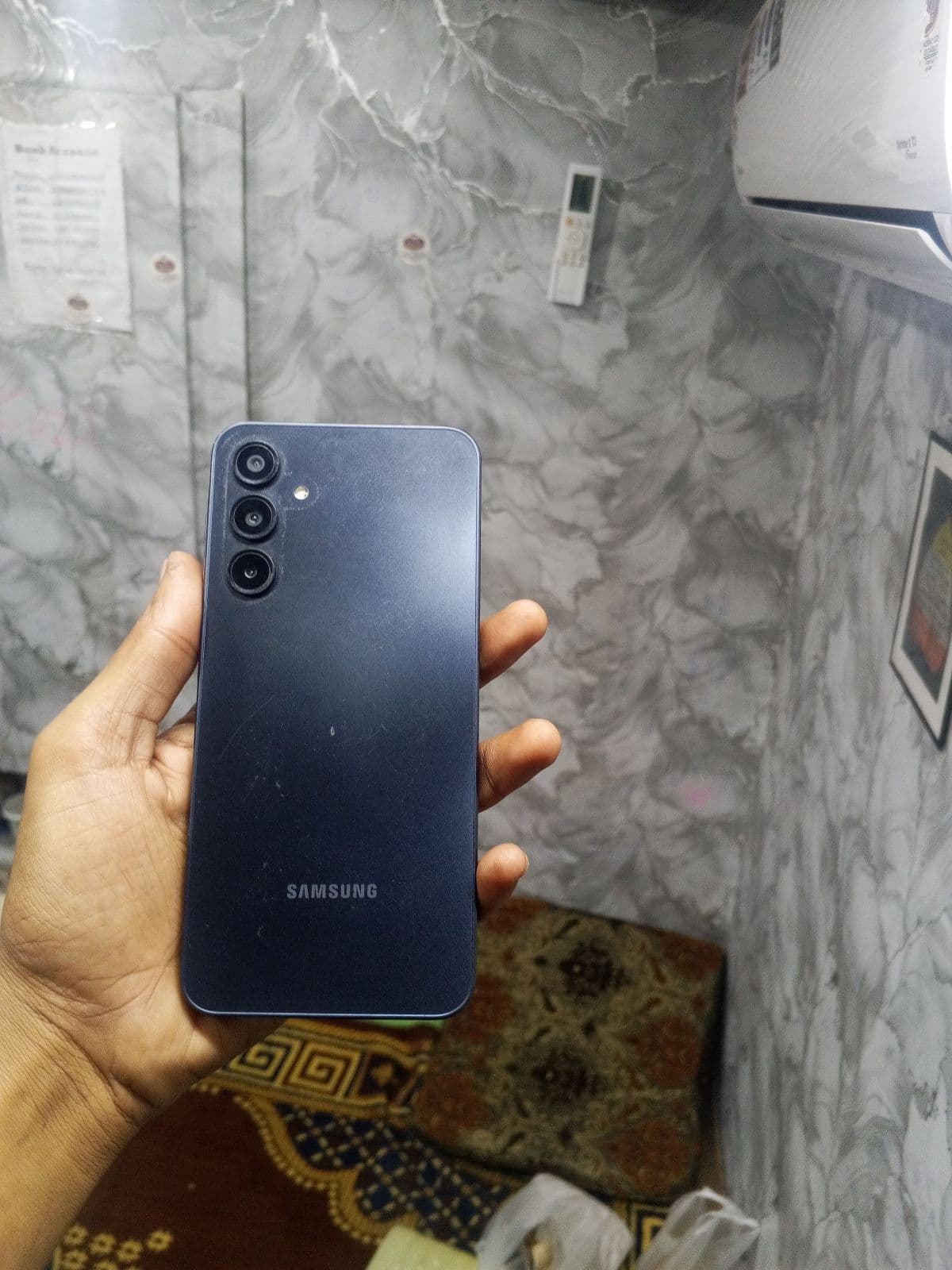
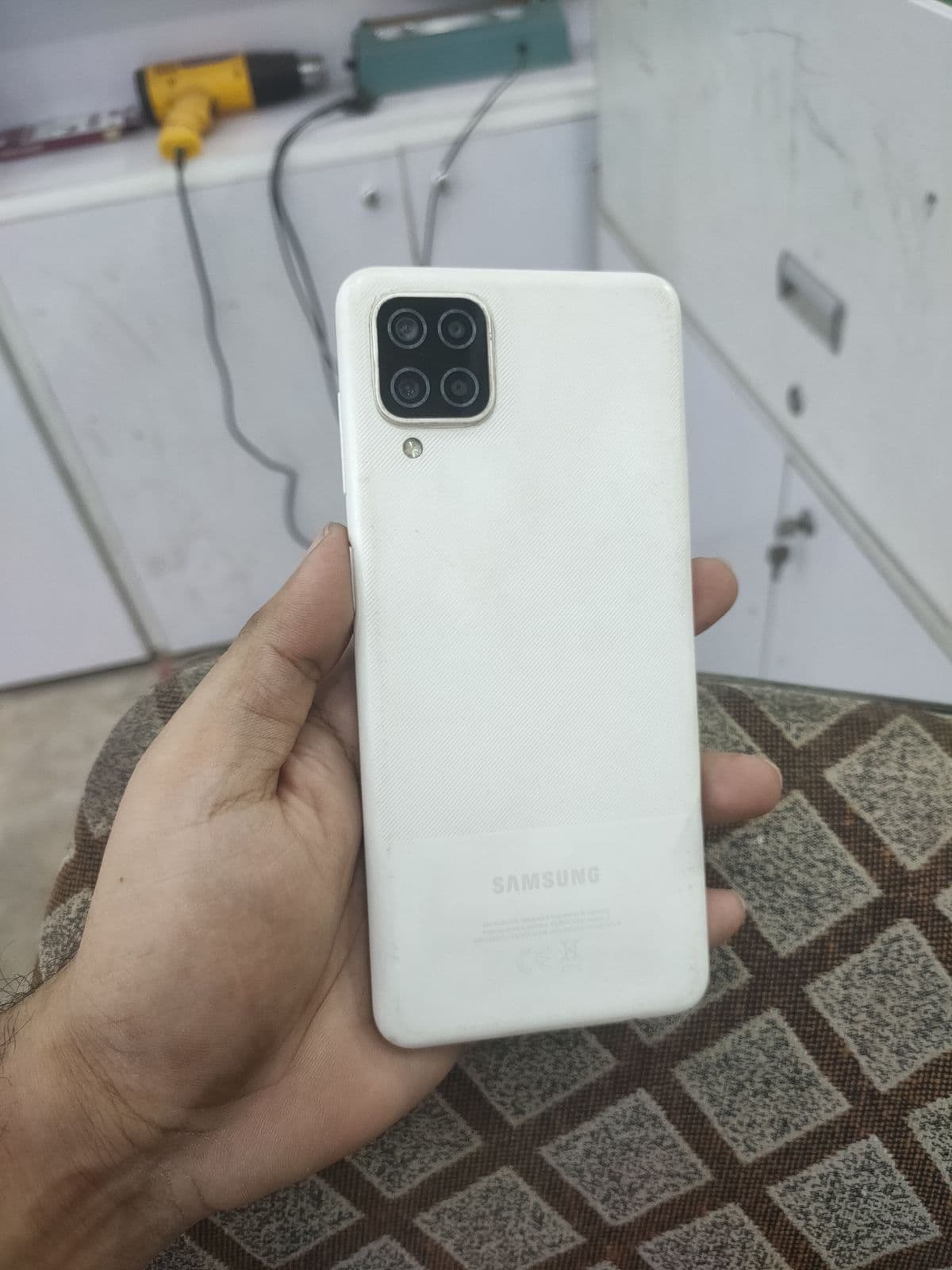
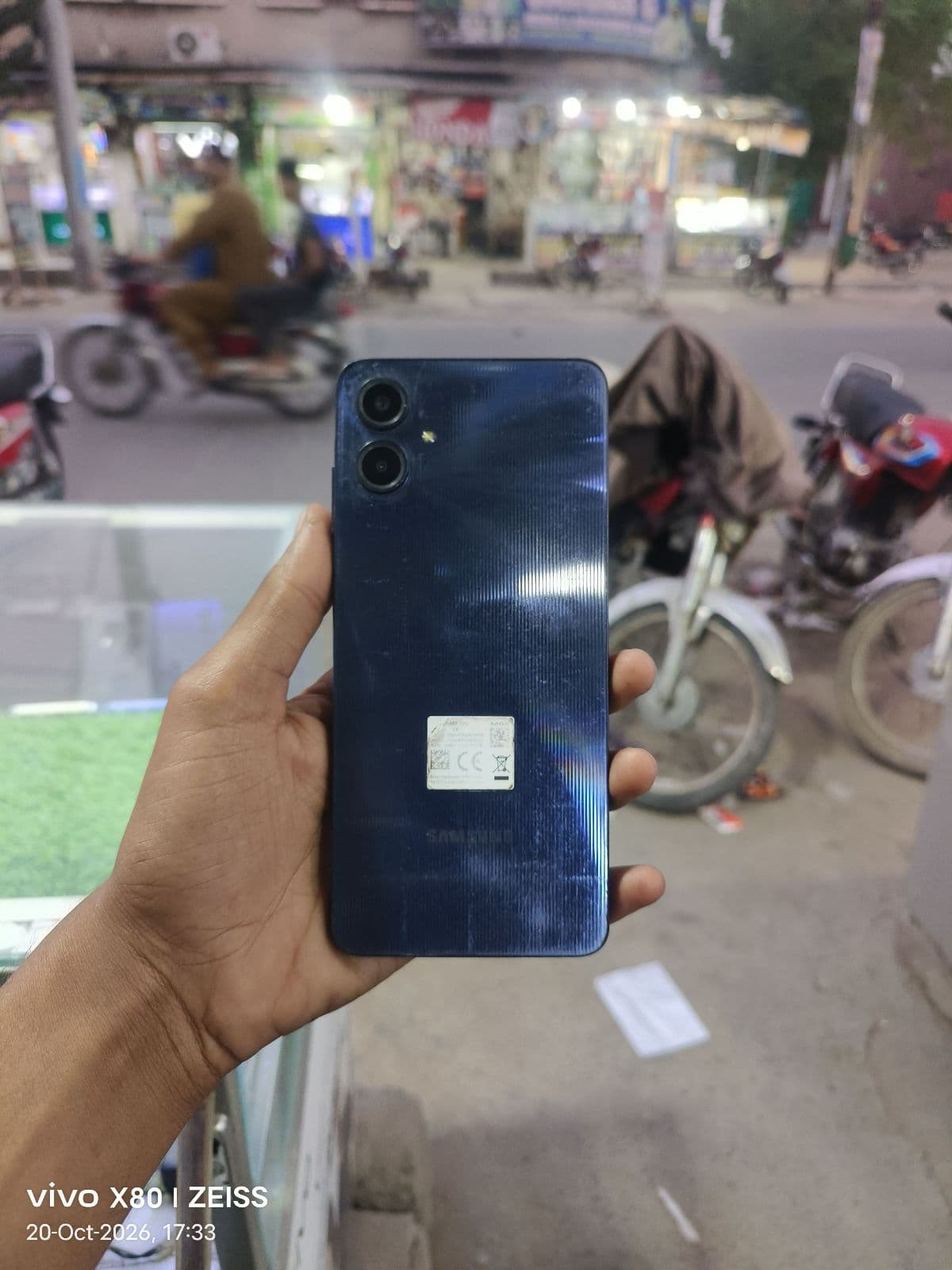
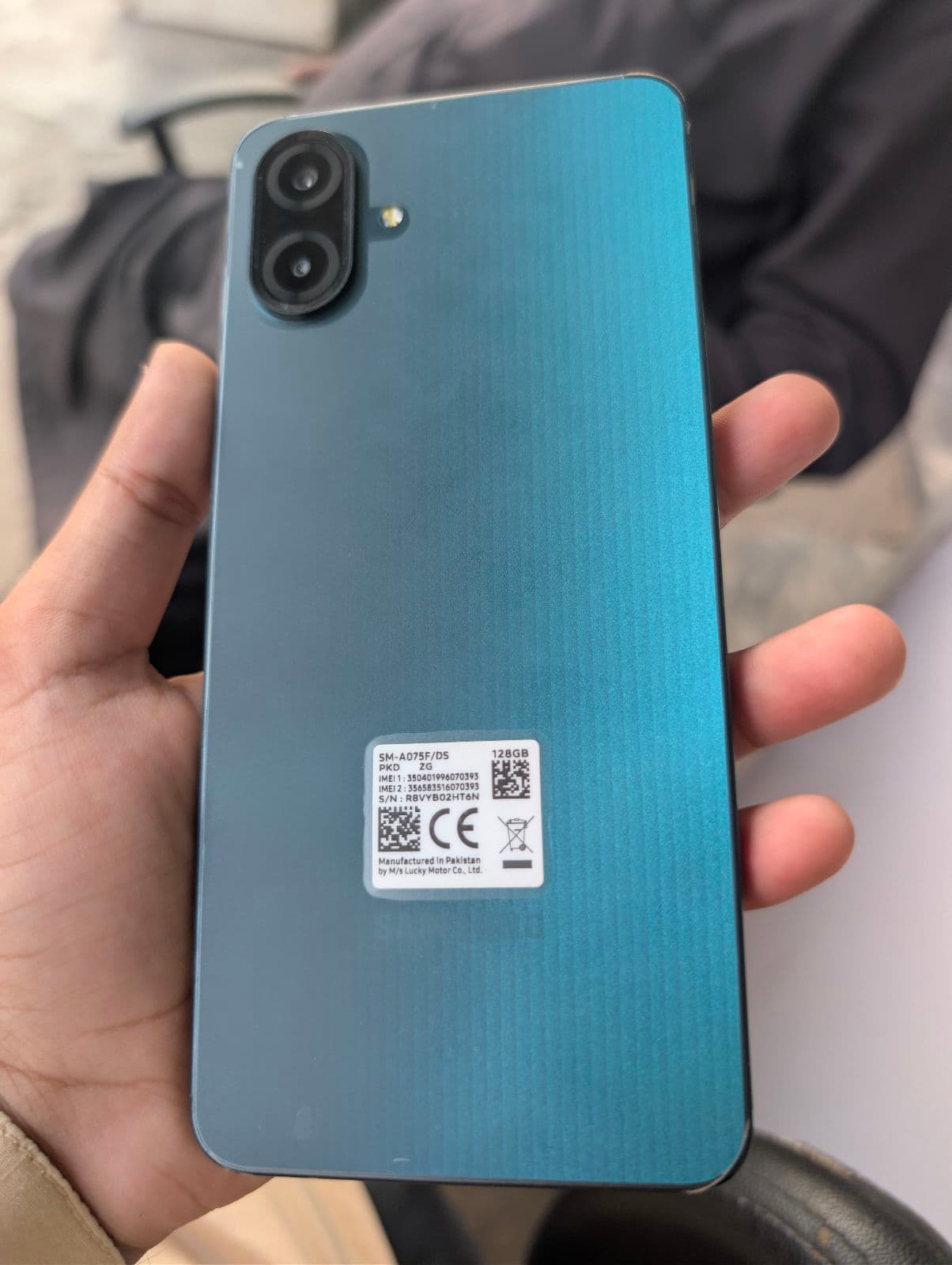
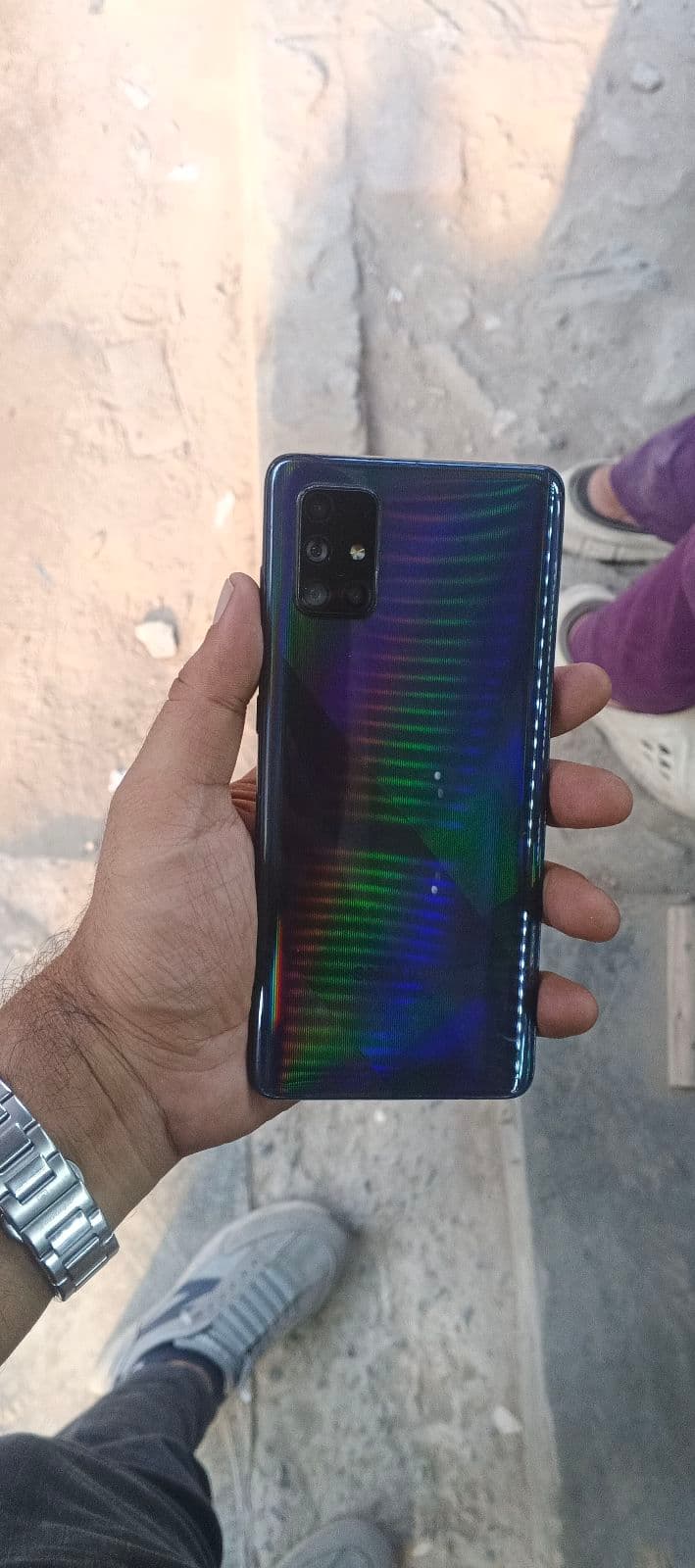
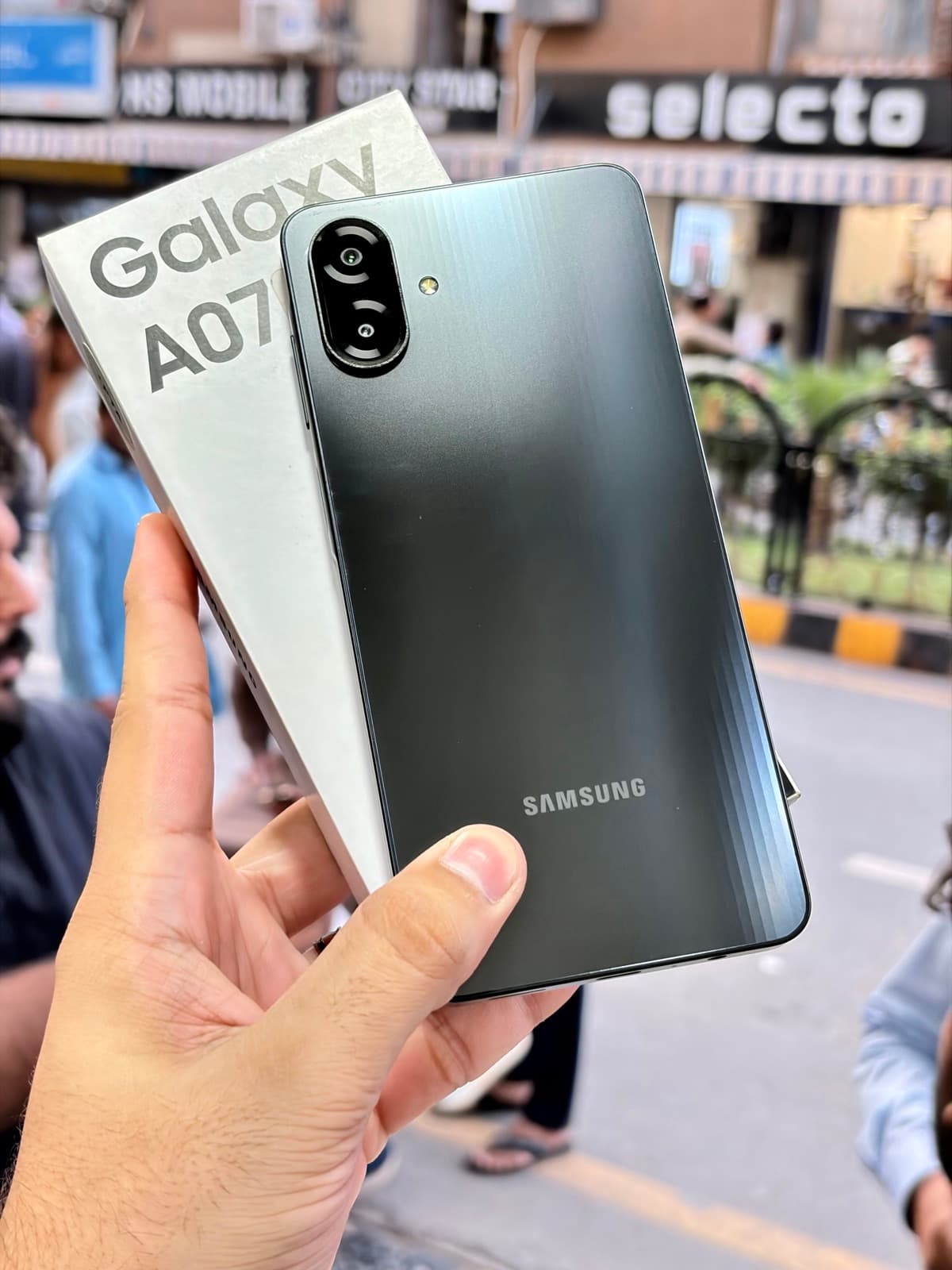
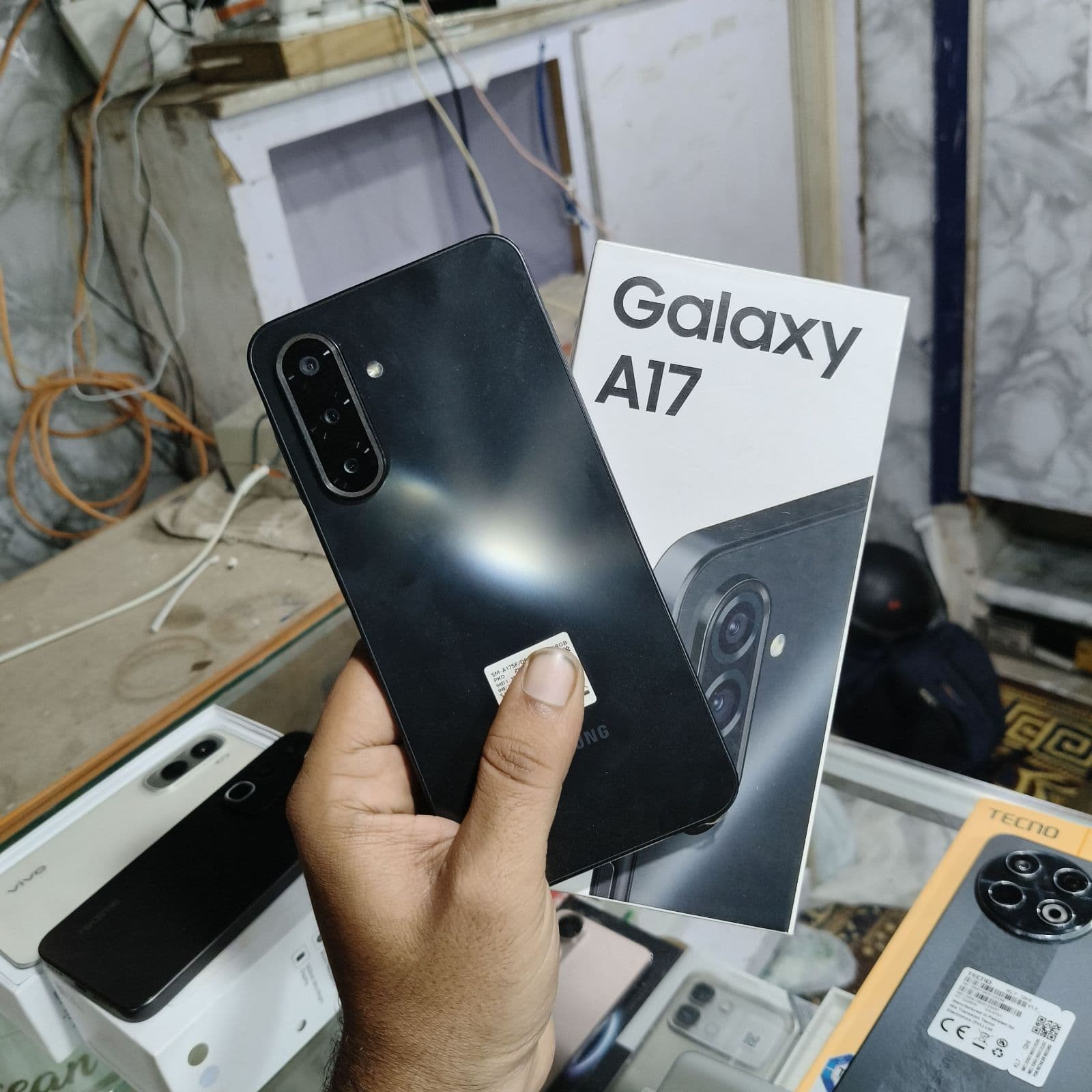
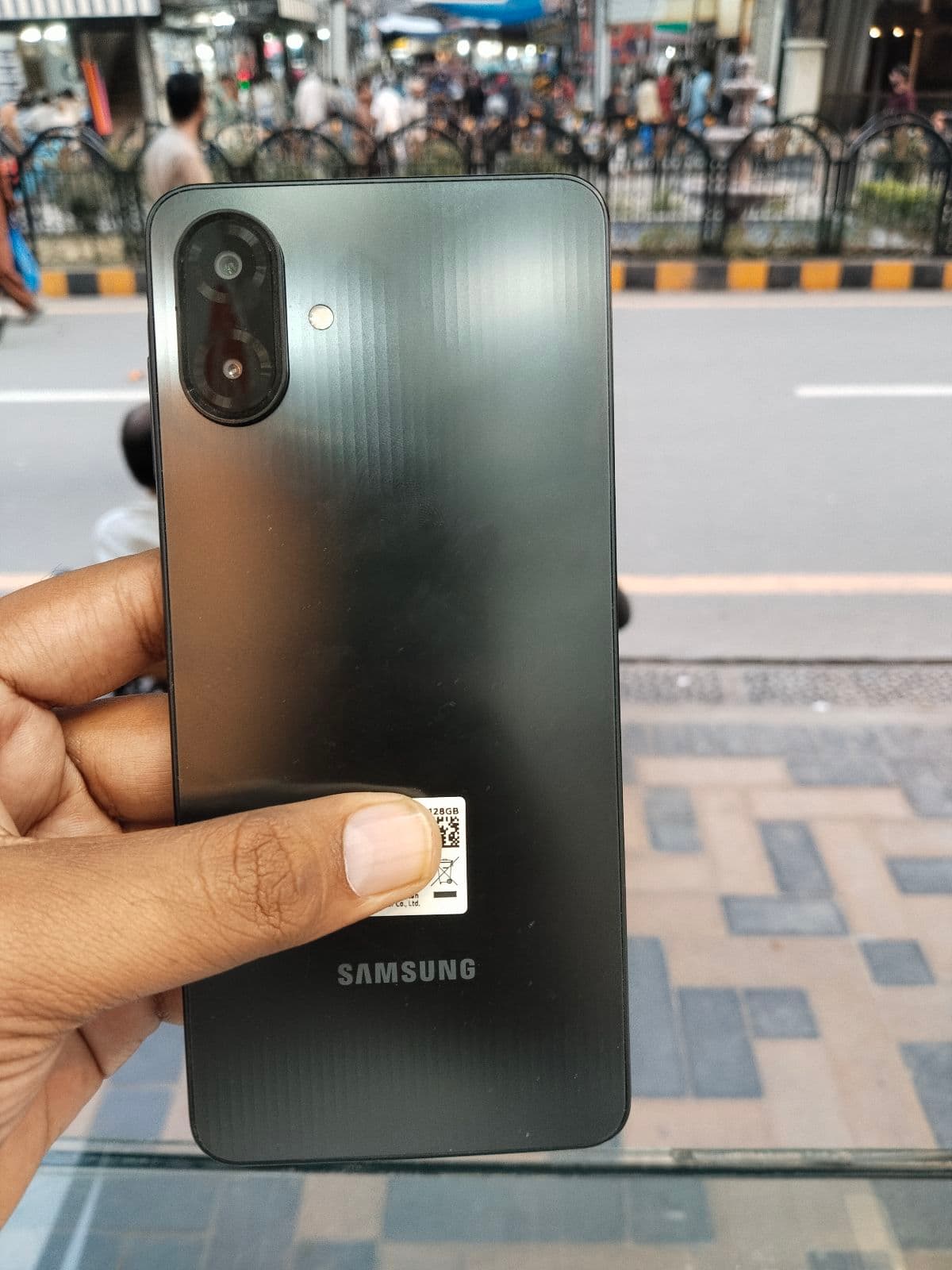
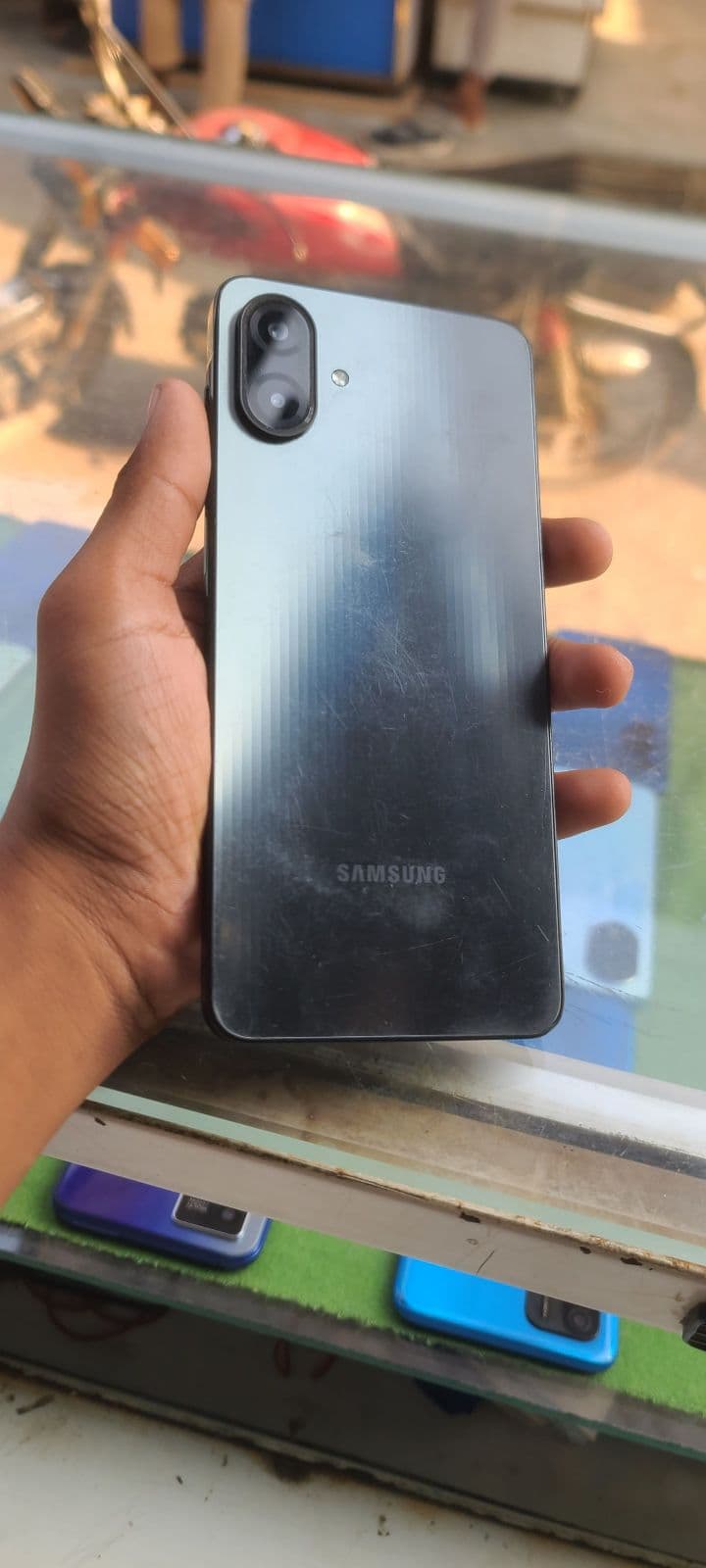
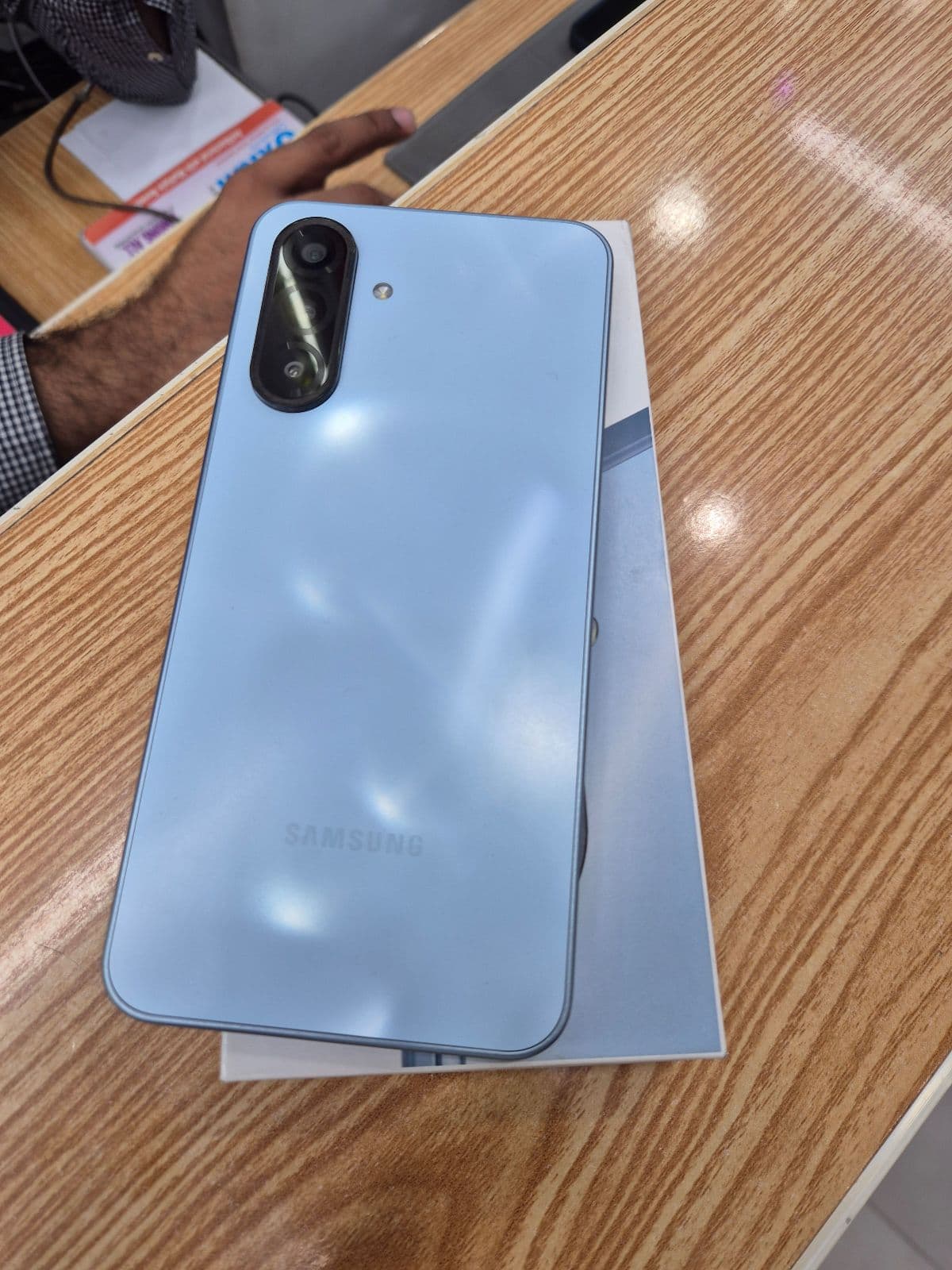
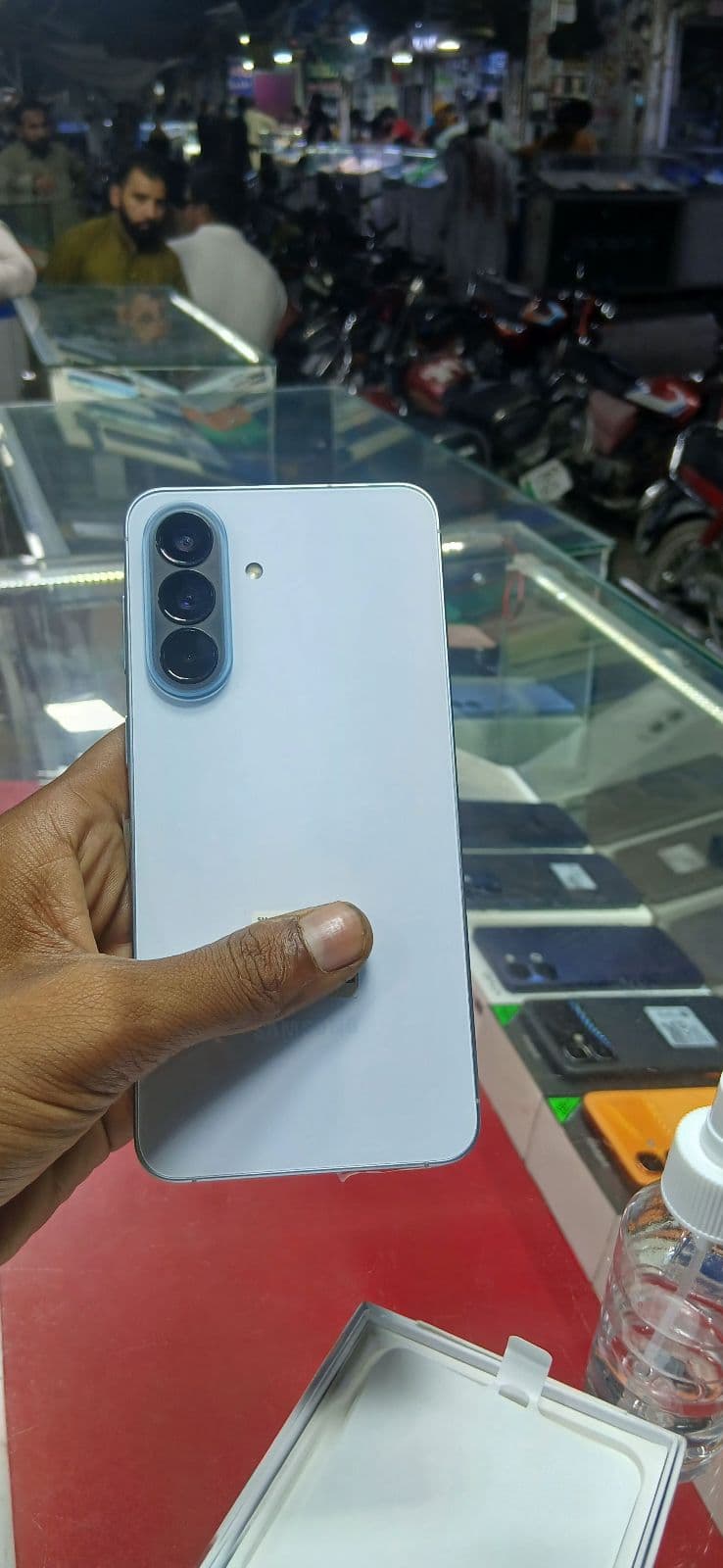
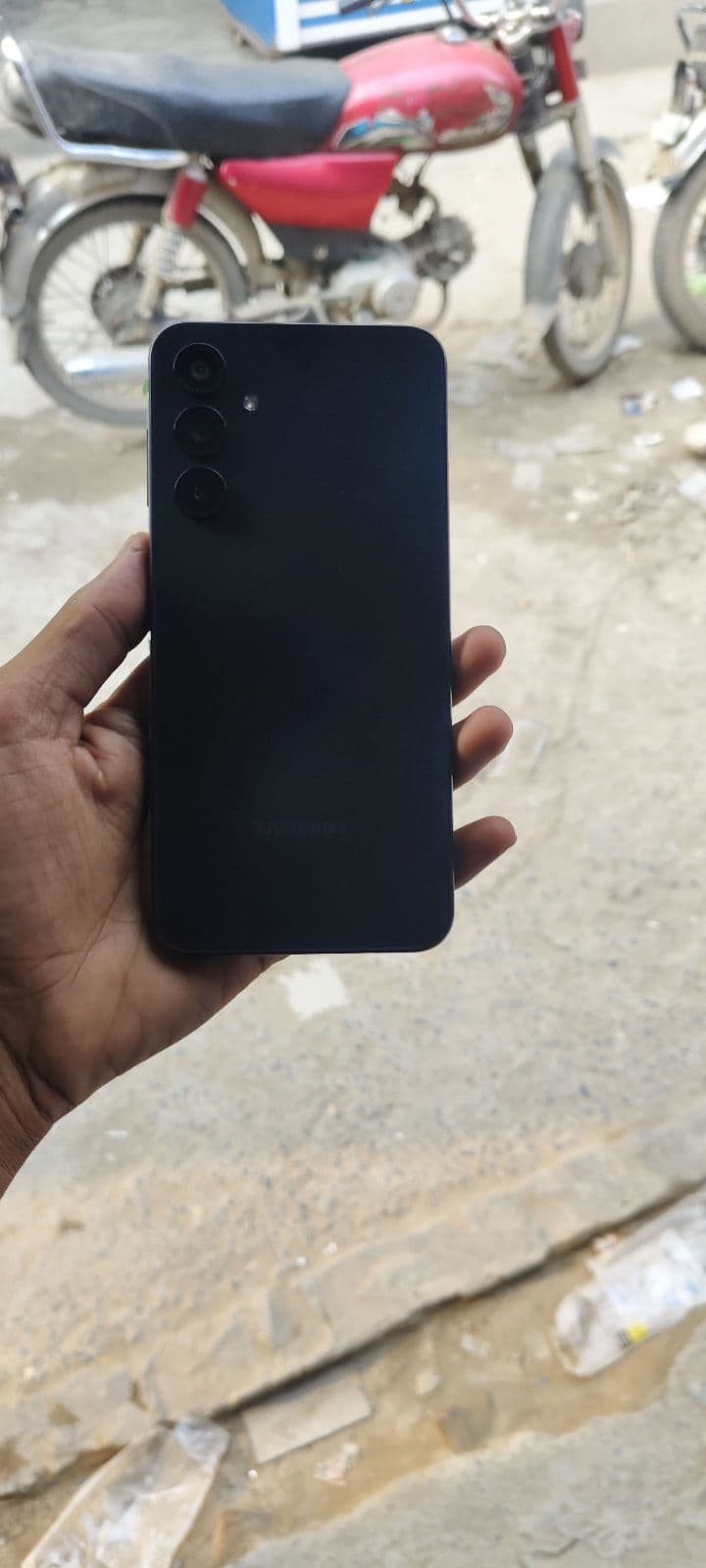
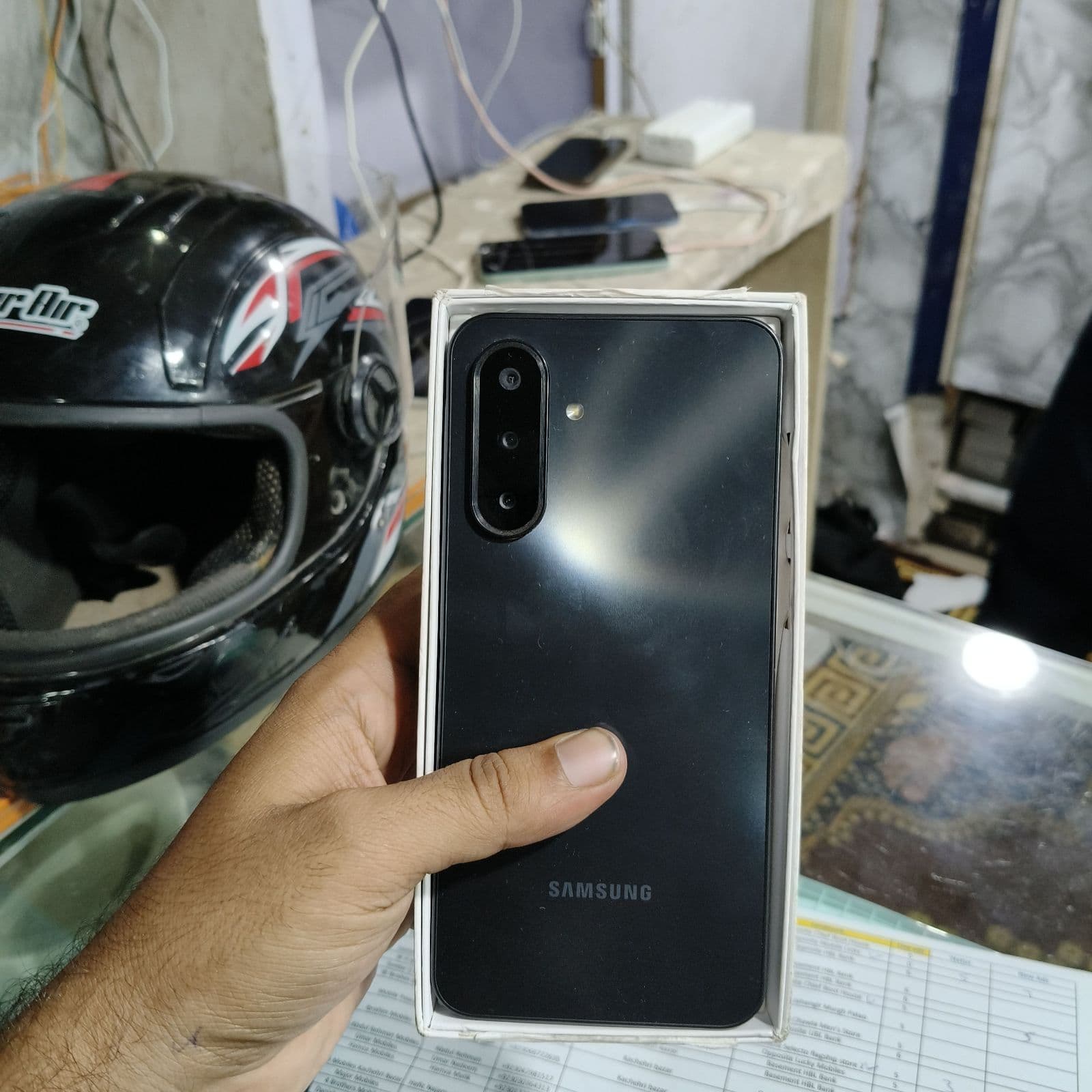
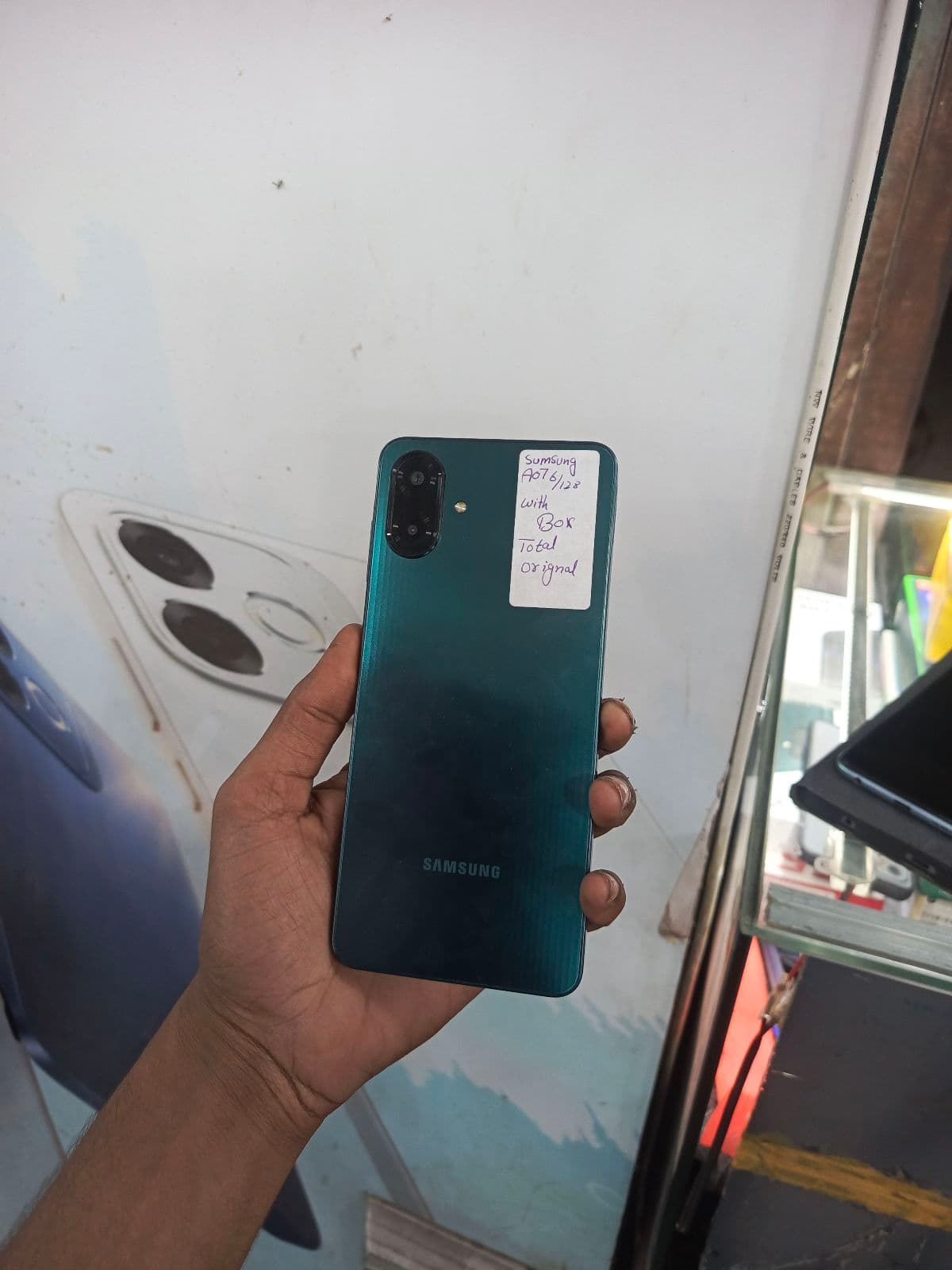
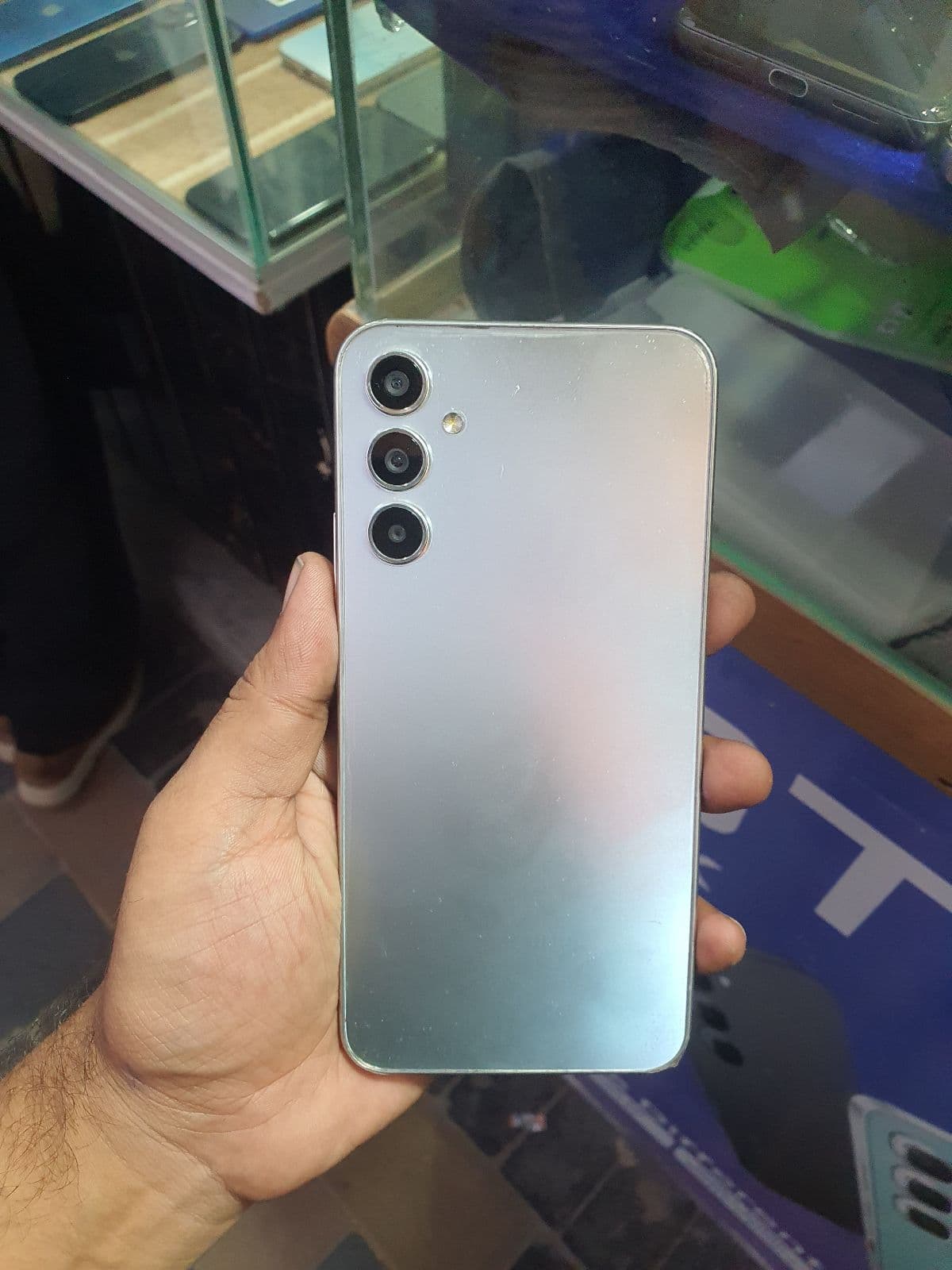
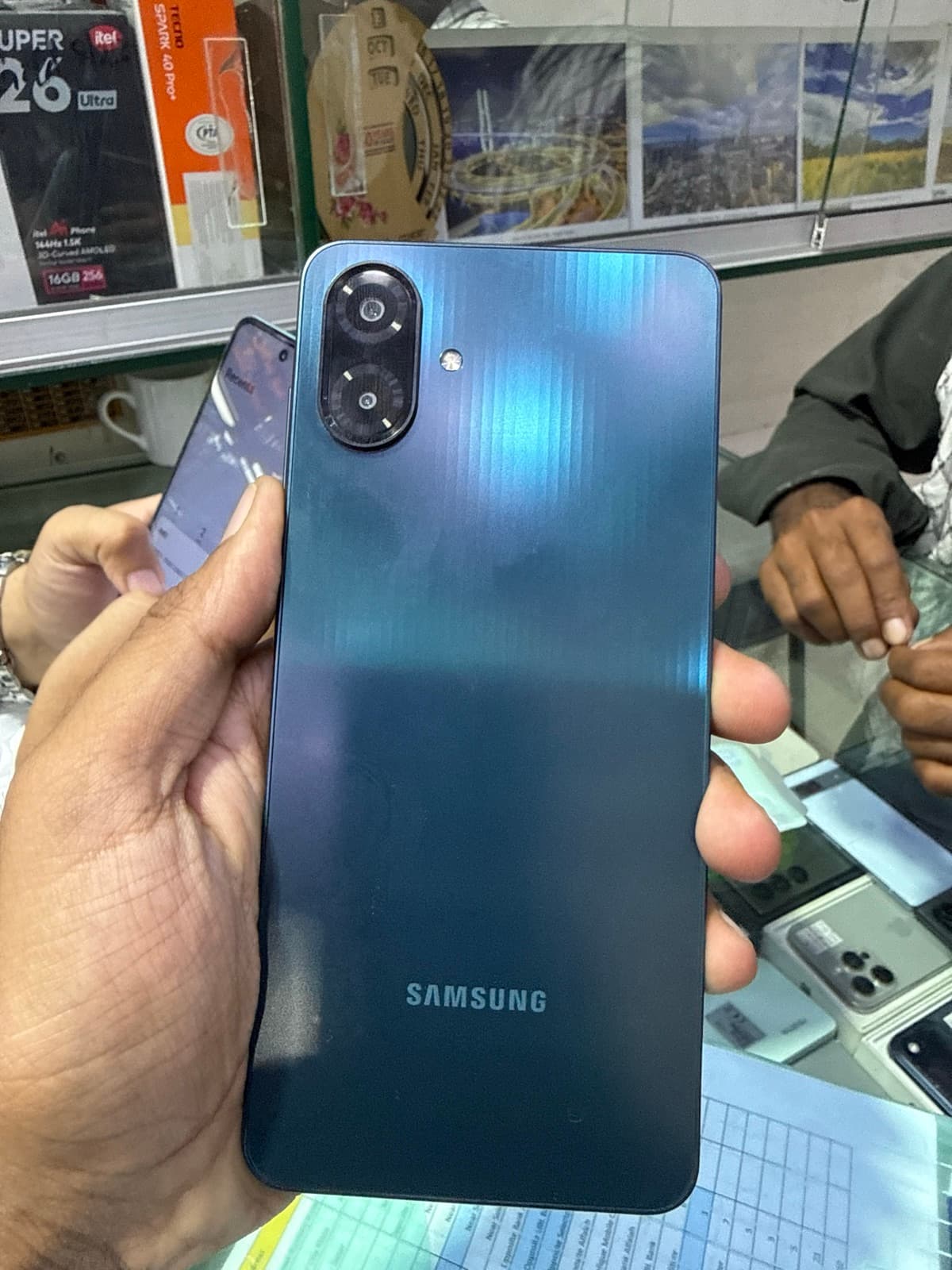
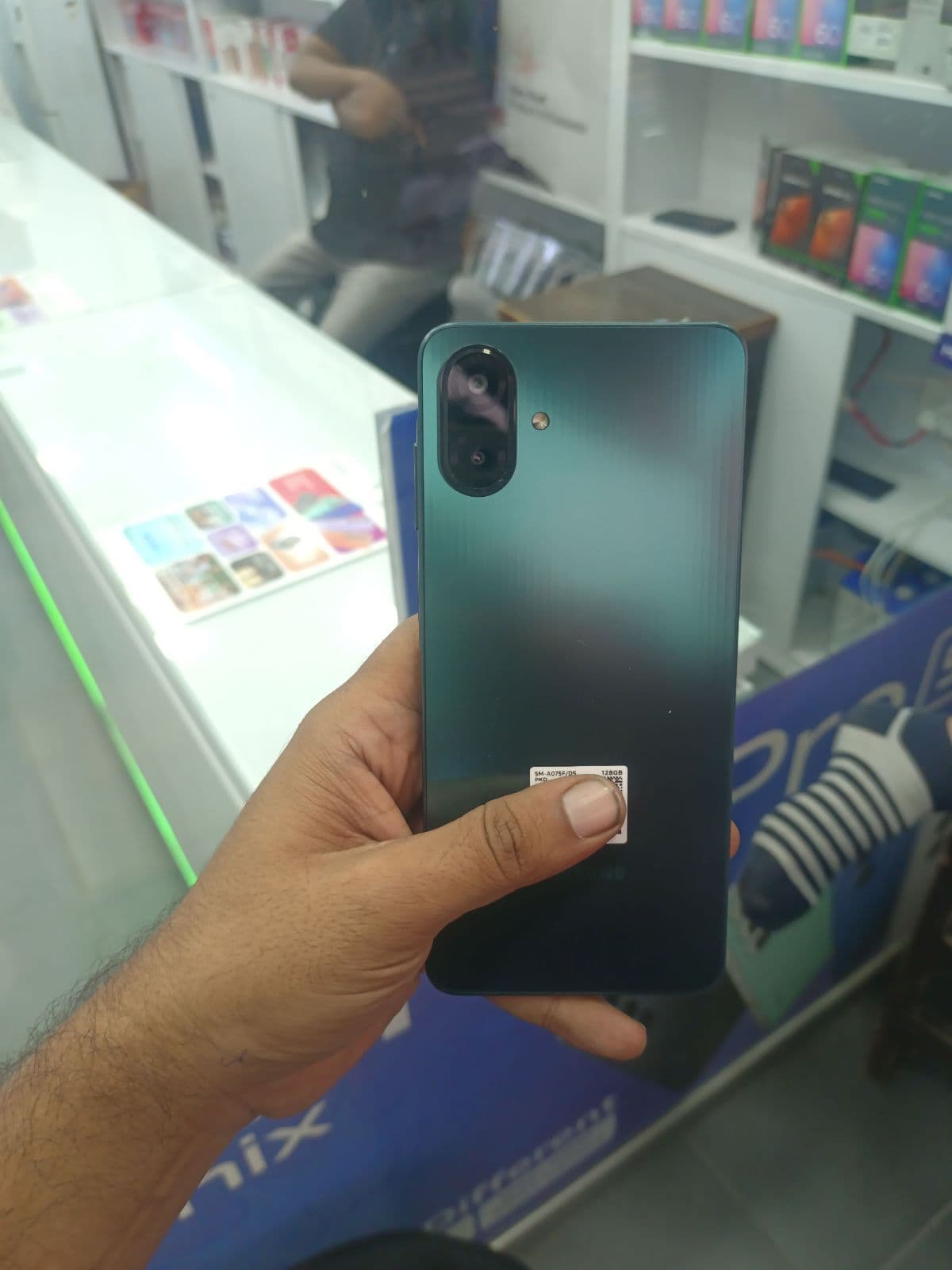
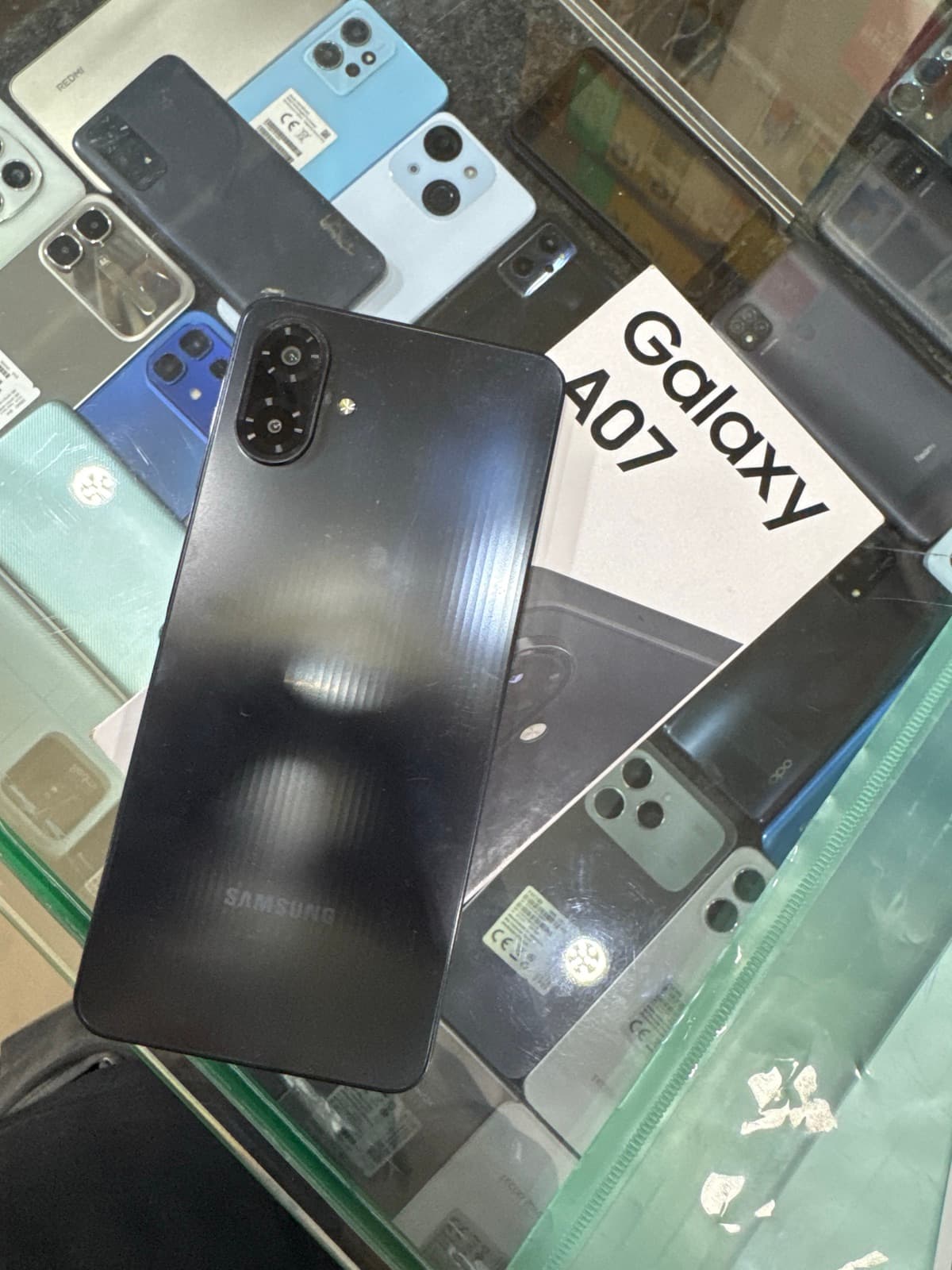
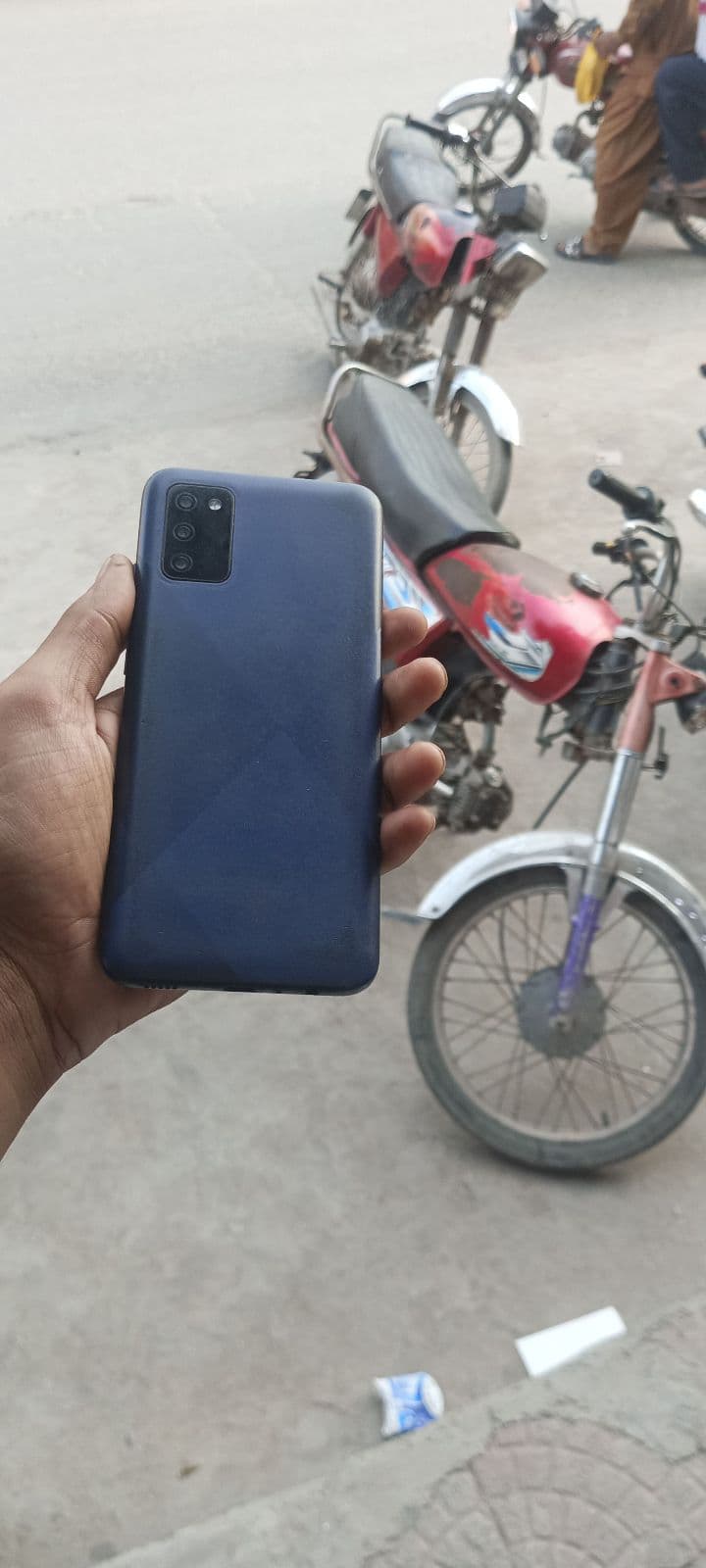
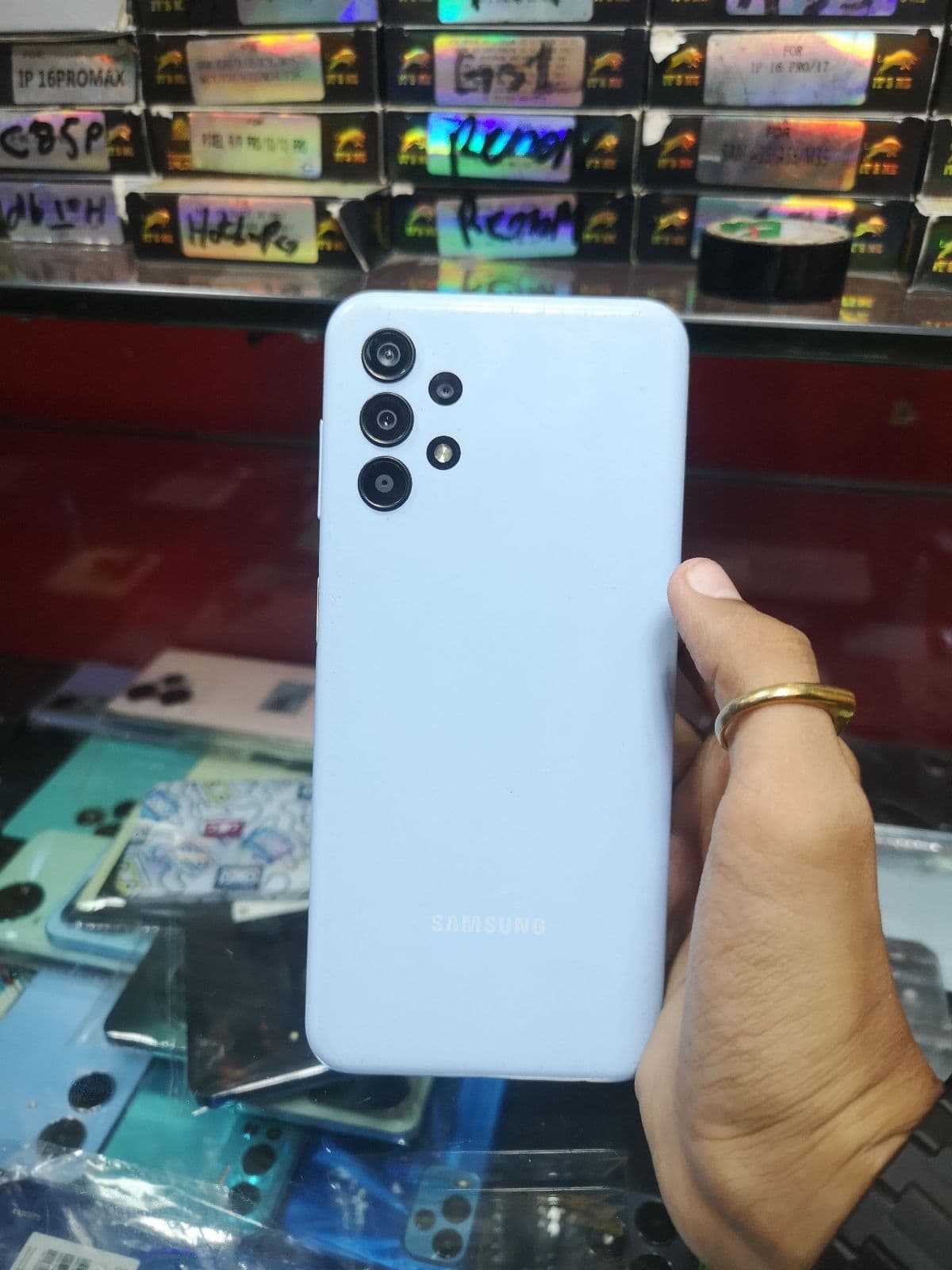
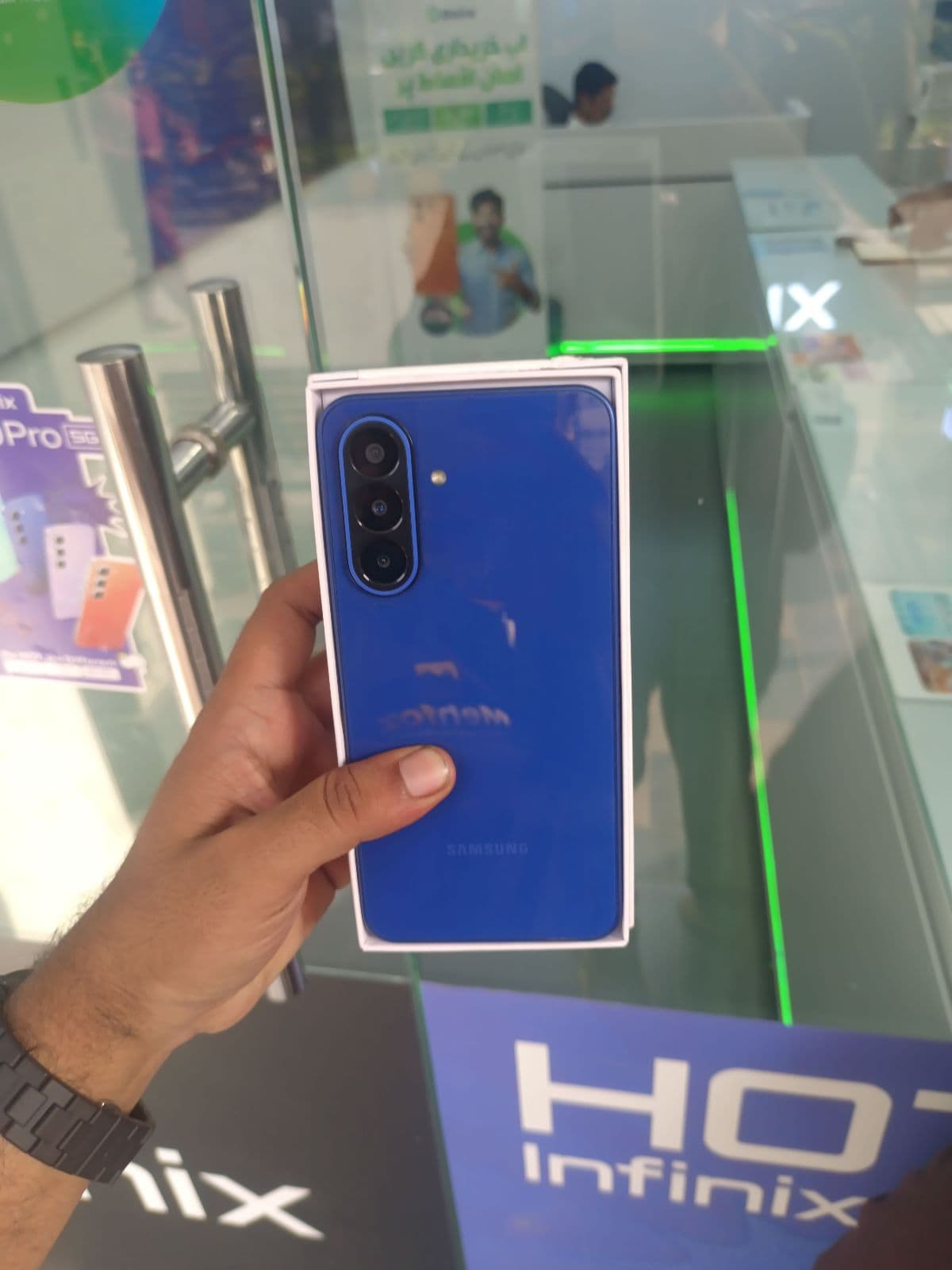
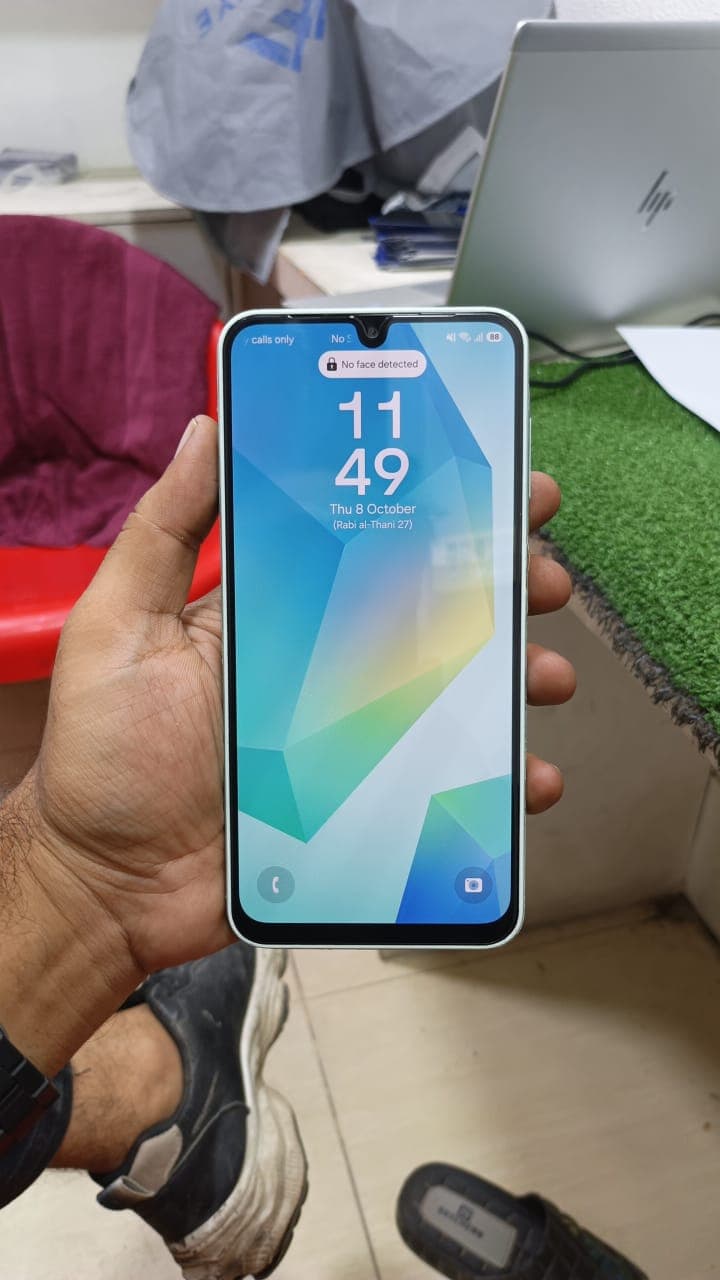
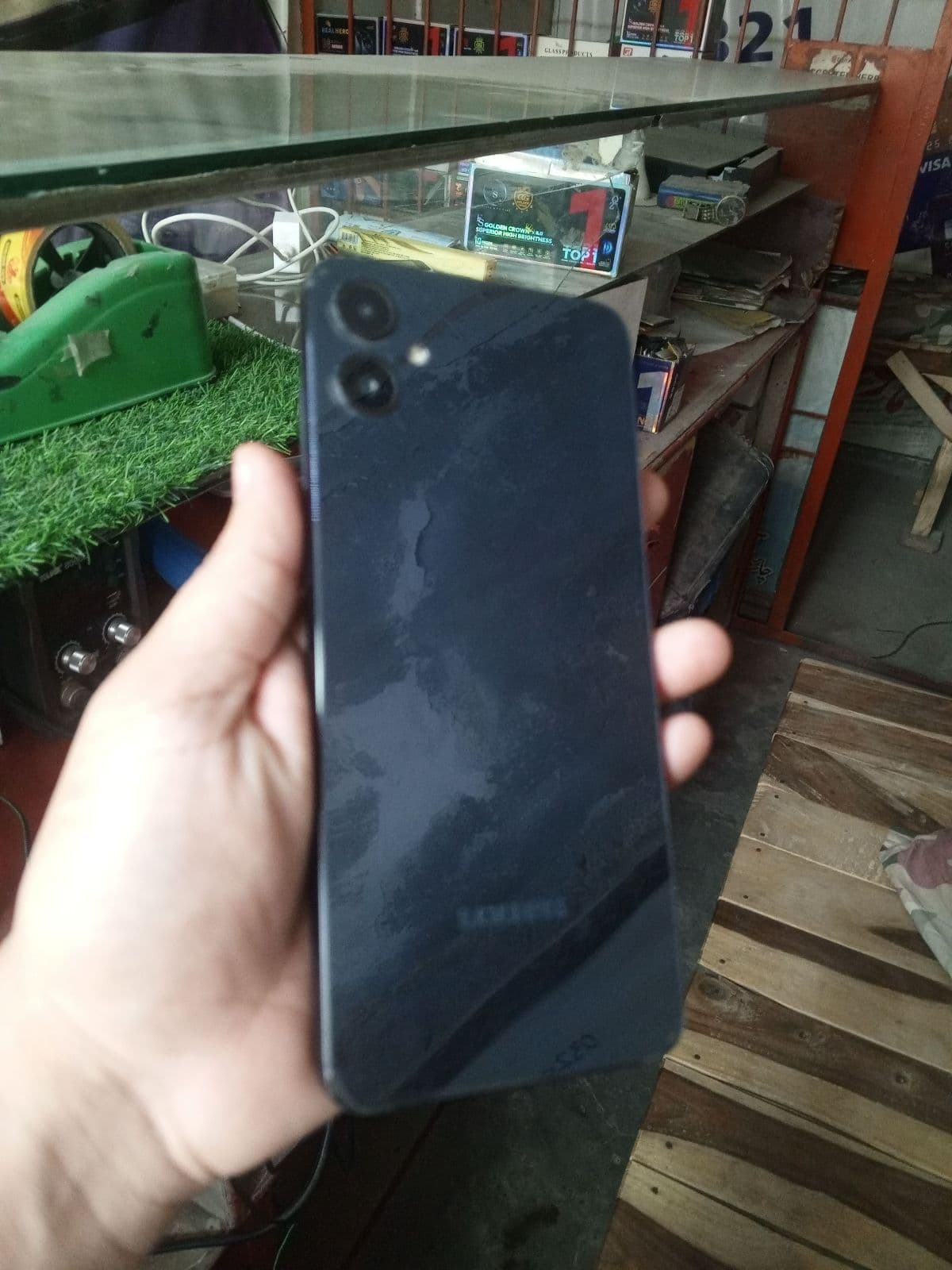
- ✓Galaxy A series — strong mid-range value with big batteries; the A52, A32 and A50 are common in the Faisalabad market.
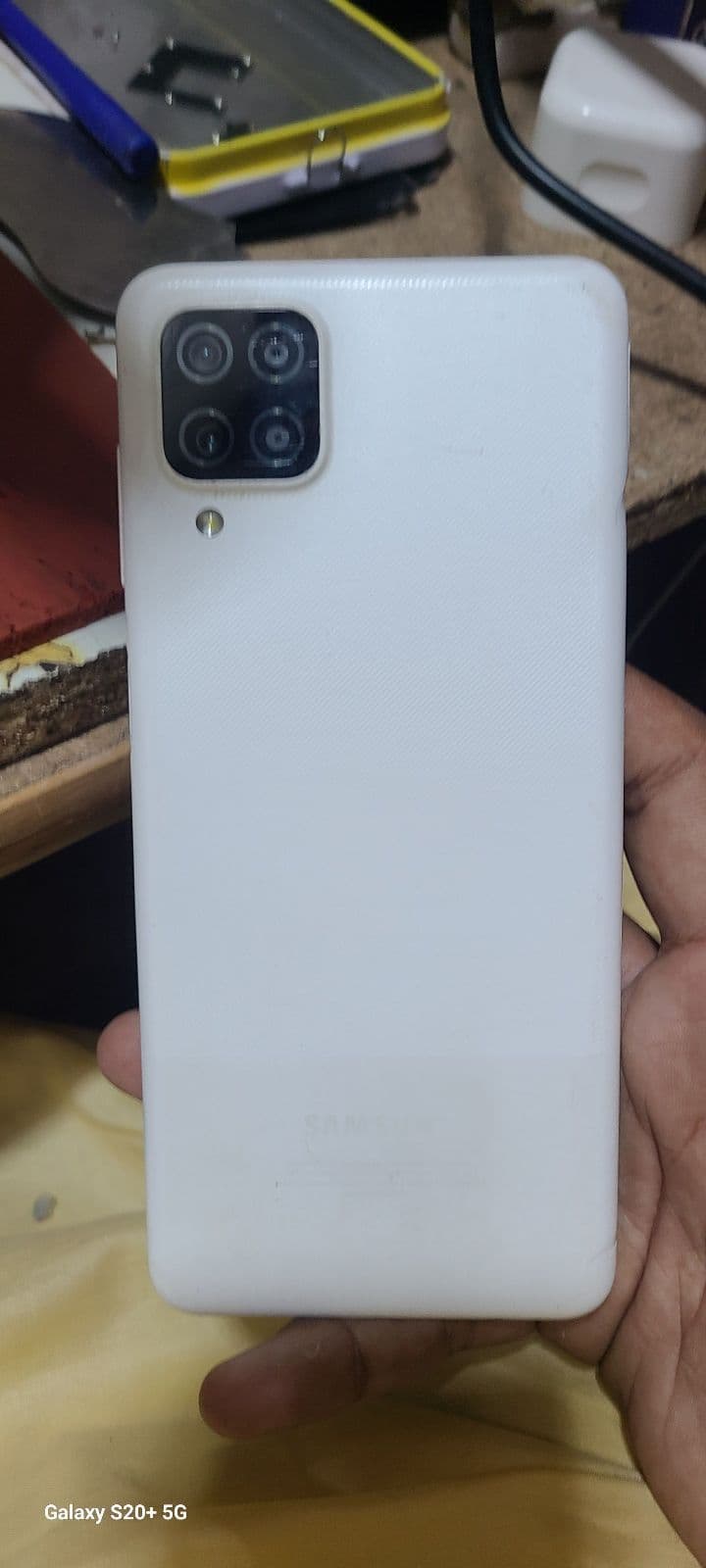
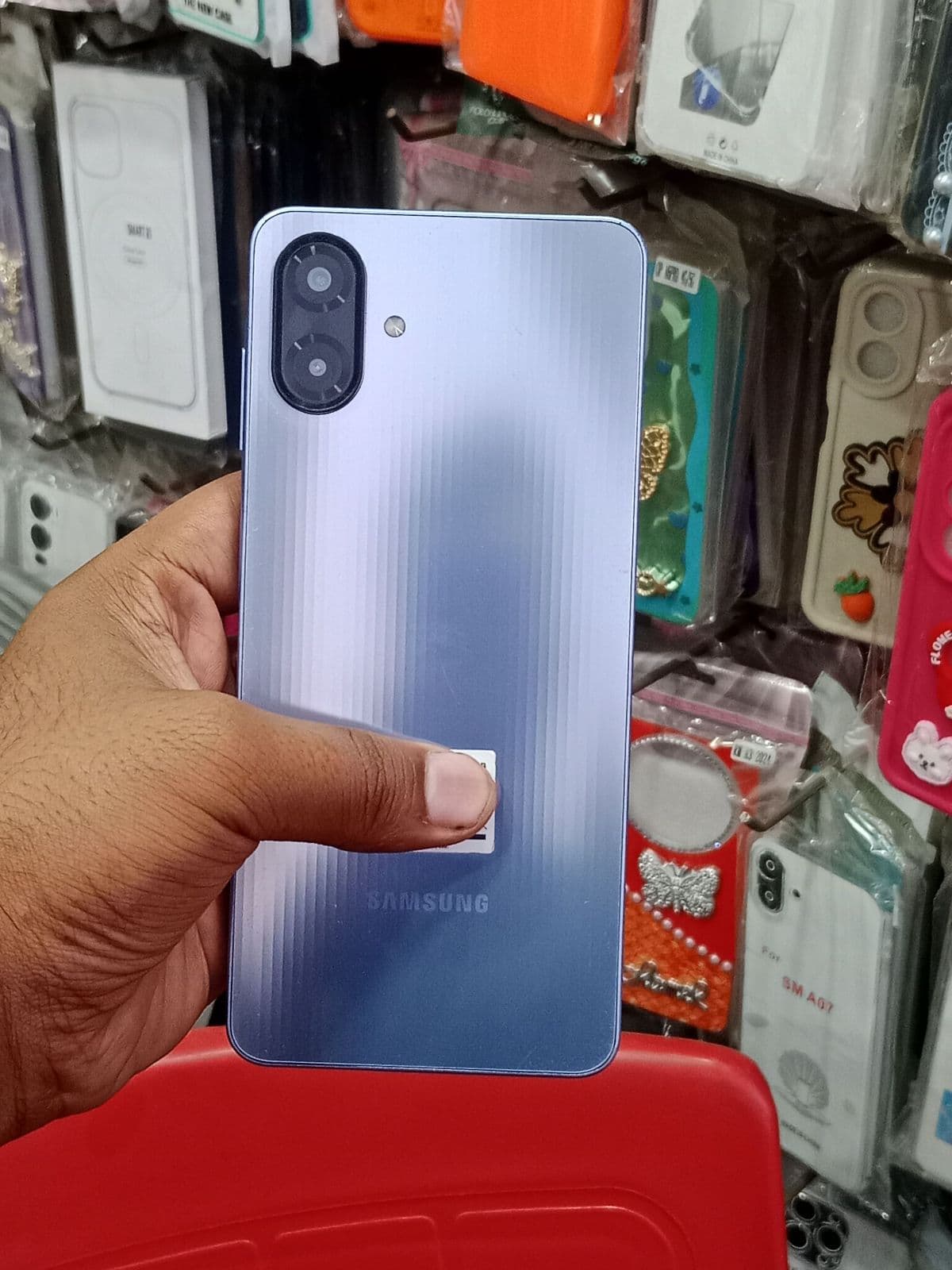
- ✓Galaxy M series — battery-focused budget phones such as the M31 and M21, often the cheapest reliable Samsung option.
AMOLED display, One UI and update support
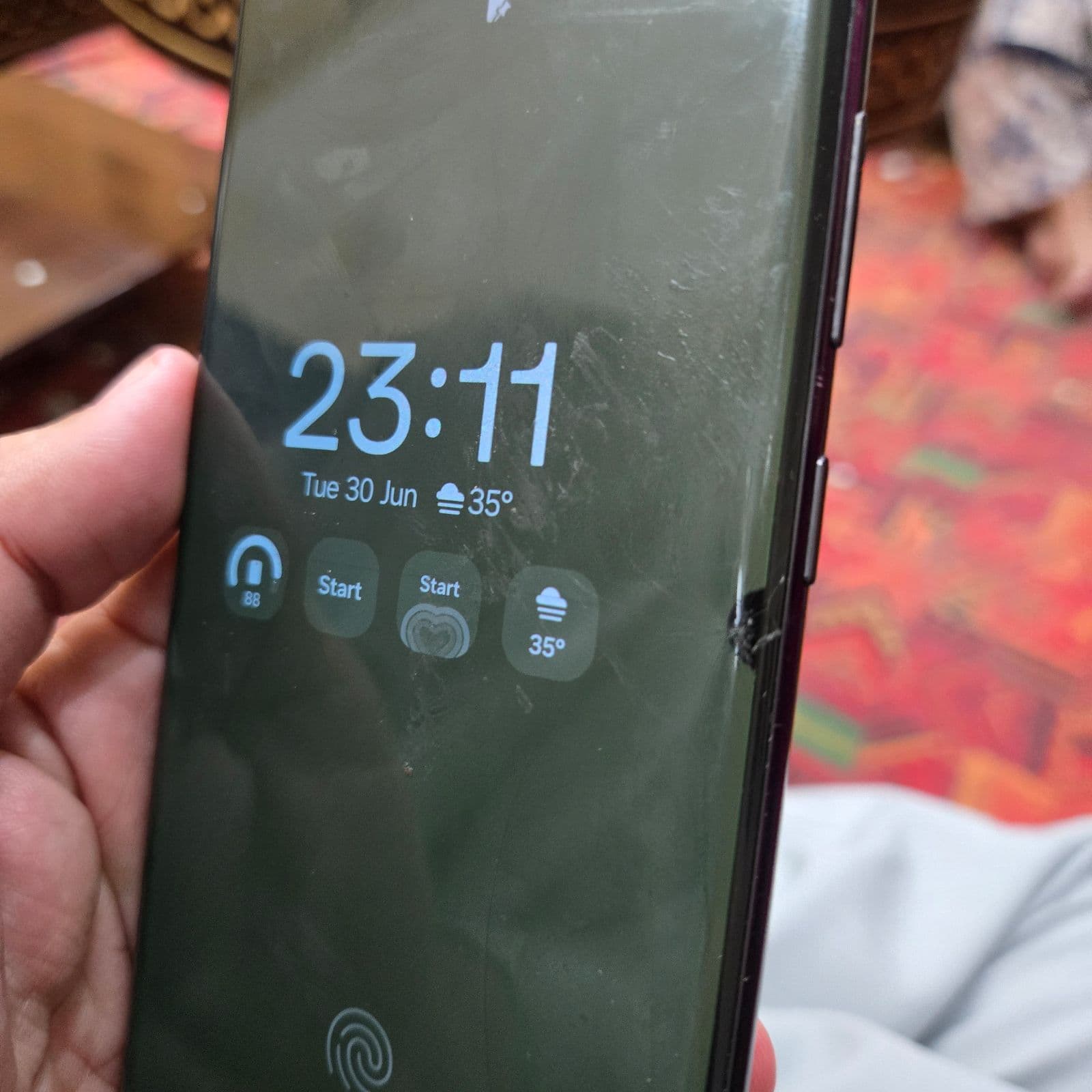
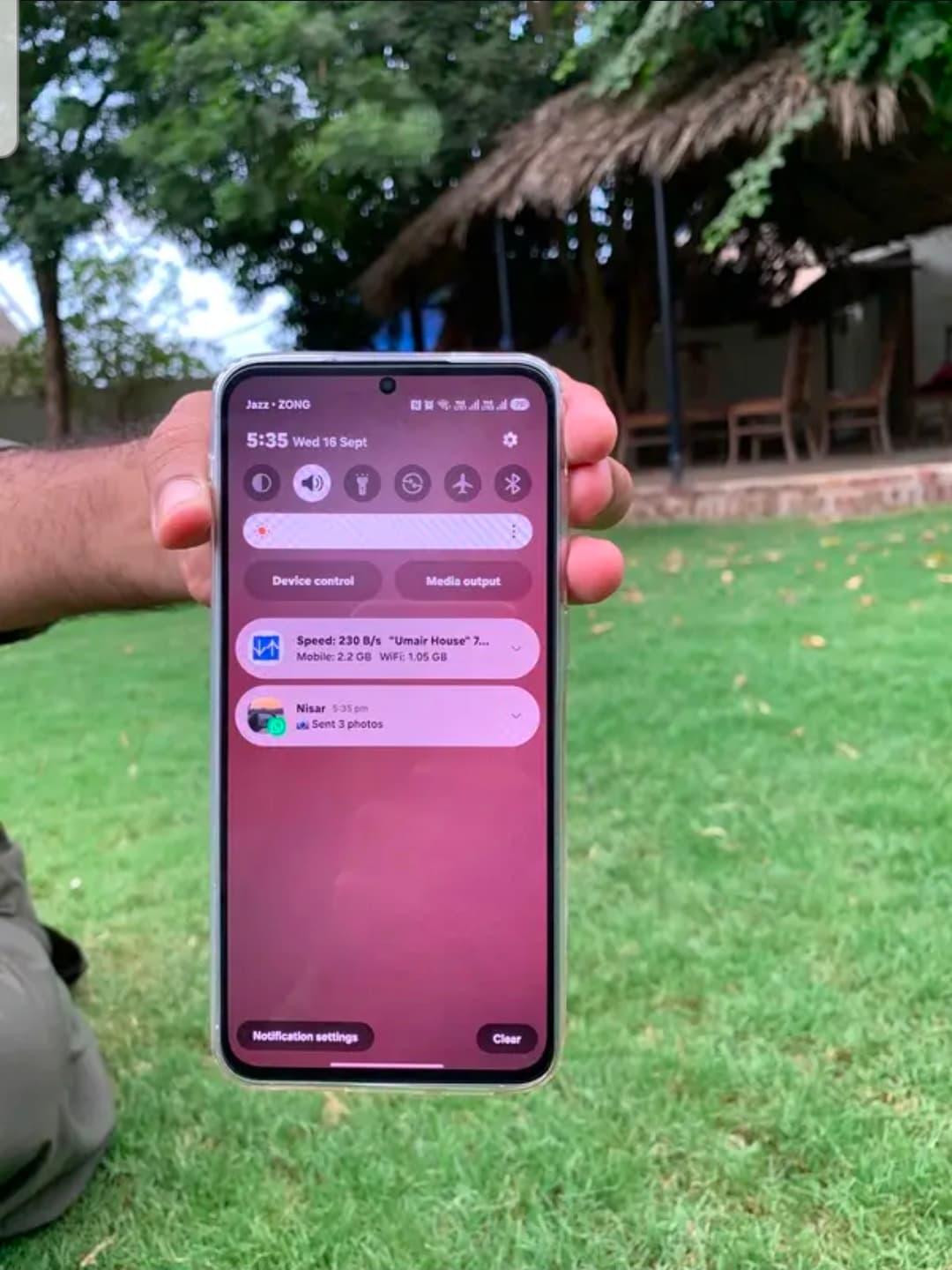
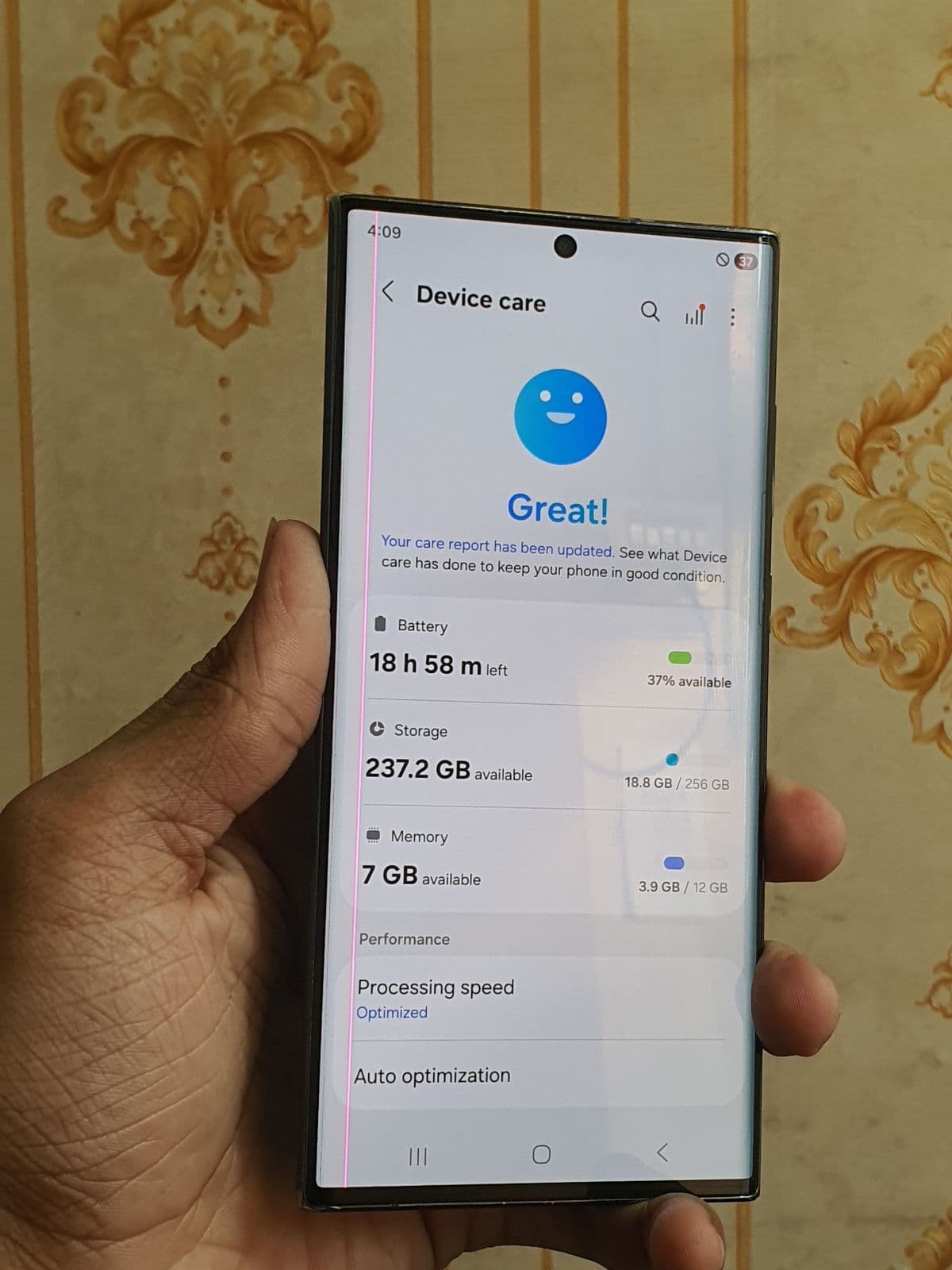
Samsung’s Super AMOLED screens are a key reason buyers choose Galaxy phones, so the display deserves extra attention on a used unit. Look closely for green or pink tints, dead pixels, dark patches and screen burn-in, especially on older flagships. On the software side, Samsung runs One UI over Android and now offers long update windows on newer models — recent S-series phones promise several years of OS and security updates, while older A and M phones may already be near the end of support. Confirm the current One UI and Android version in Settings, and check that Samsung account features and Knox are not blocking the device.
Battery life and charging on used Galaxy phones
Galaxy A and M phones are known for large batteries, but capacity drops with age and heavy use. Check how quickly the battery drains during normal use and whether the phone gets unusually hot while charging. Samsung does not show a simple battery health percentage like iPhones, so ask the seller about charge cycles, request the original charger, and during an inspection the device can be tested under load to estimate real-world endurance.
Common checks before buying a used Samsung
A few Samsung-specific checks save you from costly surprises after the deal.
- ✓Samsung account lock — make sure the previous owner has signed out, otherwise the phone can be remotely locked.
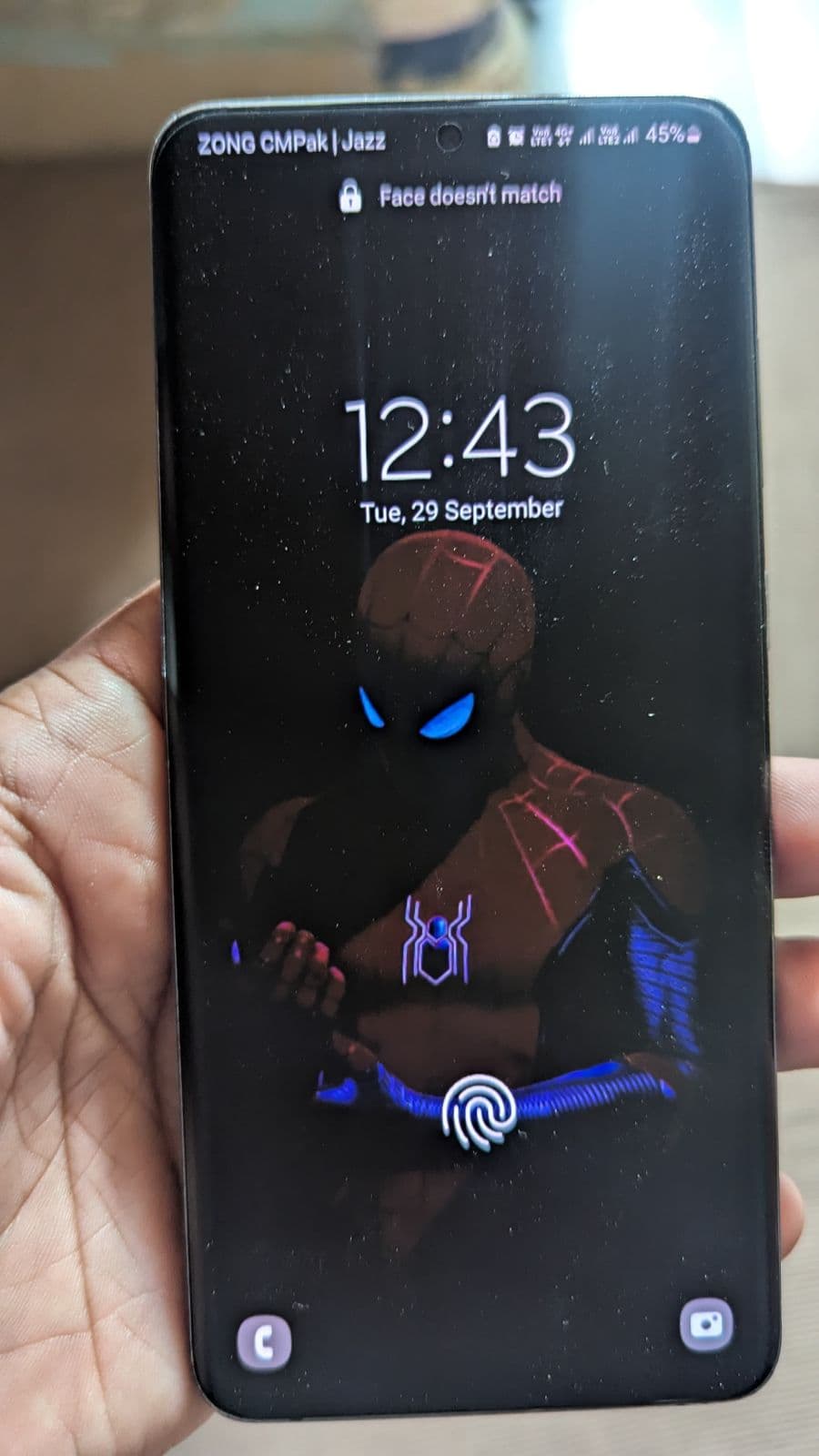
- ✓In-display fingerprint — on S and A flagships, confirm the under-screen sensor unlocks reliably.
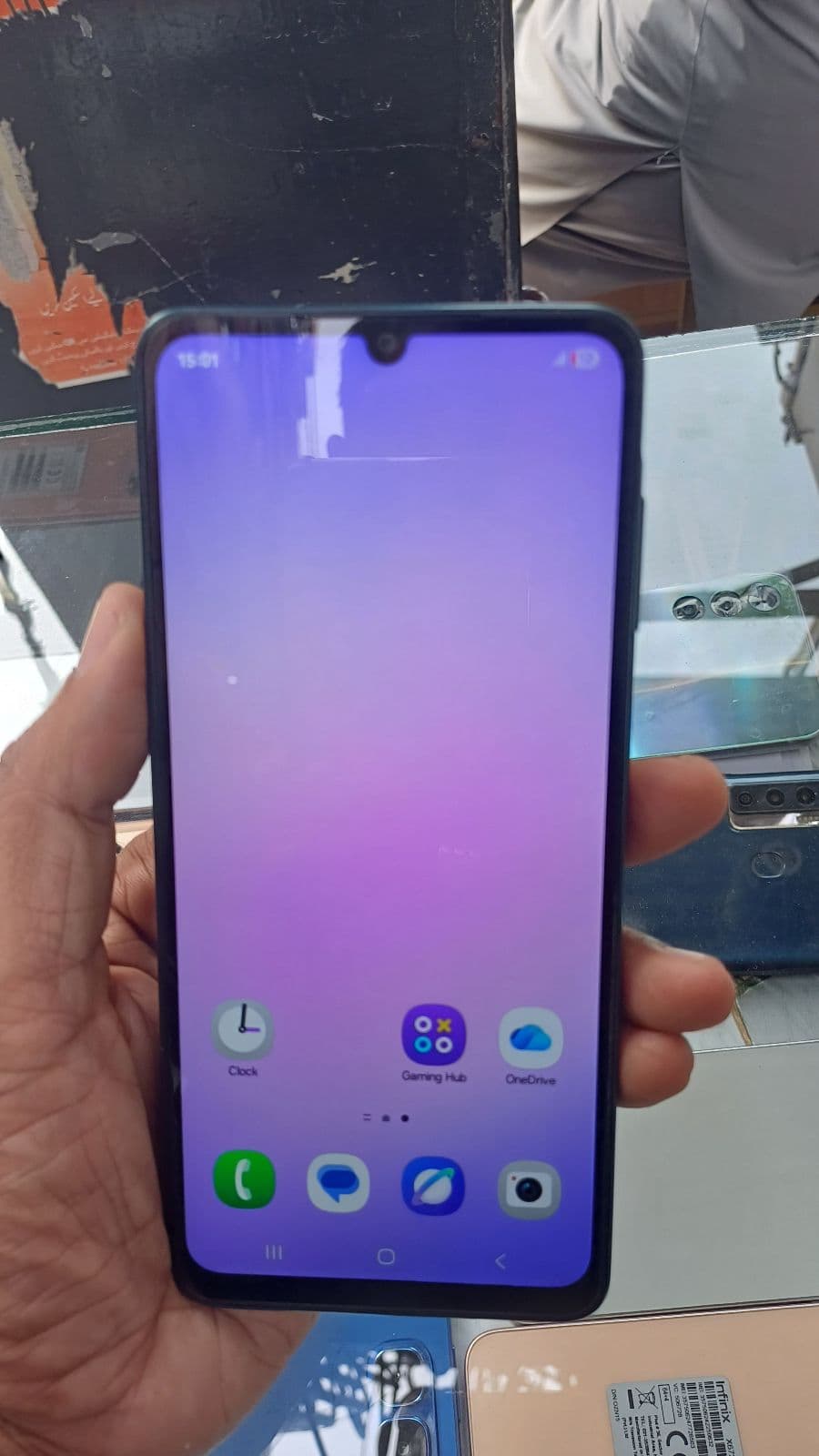
- ✓Screen and frame — inspect for AMOLED tint, burn-in and any signs of a non-genuine replacement panel.
- ✓Water-resistance — opened or repaired flagships may have lost their IP rating; ask about repair history.
- ✓IMEI and PTA status — verify the IMEI on the PTA DIRBS portal to confirm approval or any pending tax.
PTA status and using Samsung on local networks
A PTA approved Samsung works on Jazz, Zong, Telenor and Ufone without SIM restrictions, while a non-PTA unit is cheaper up front but may stop accepting local SIMs until tax is paid. Confirm the exact PTA status before agreeing a price, and factor any DIRBS tax into your final budget. For dual-SIM Galaxy models also check that both SIM slots are detected, since this is easy to overlook during a quick meeting.