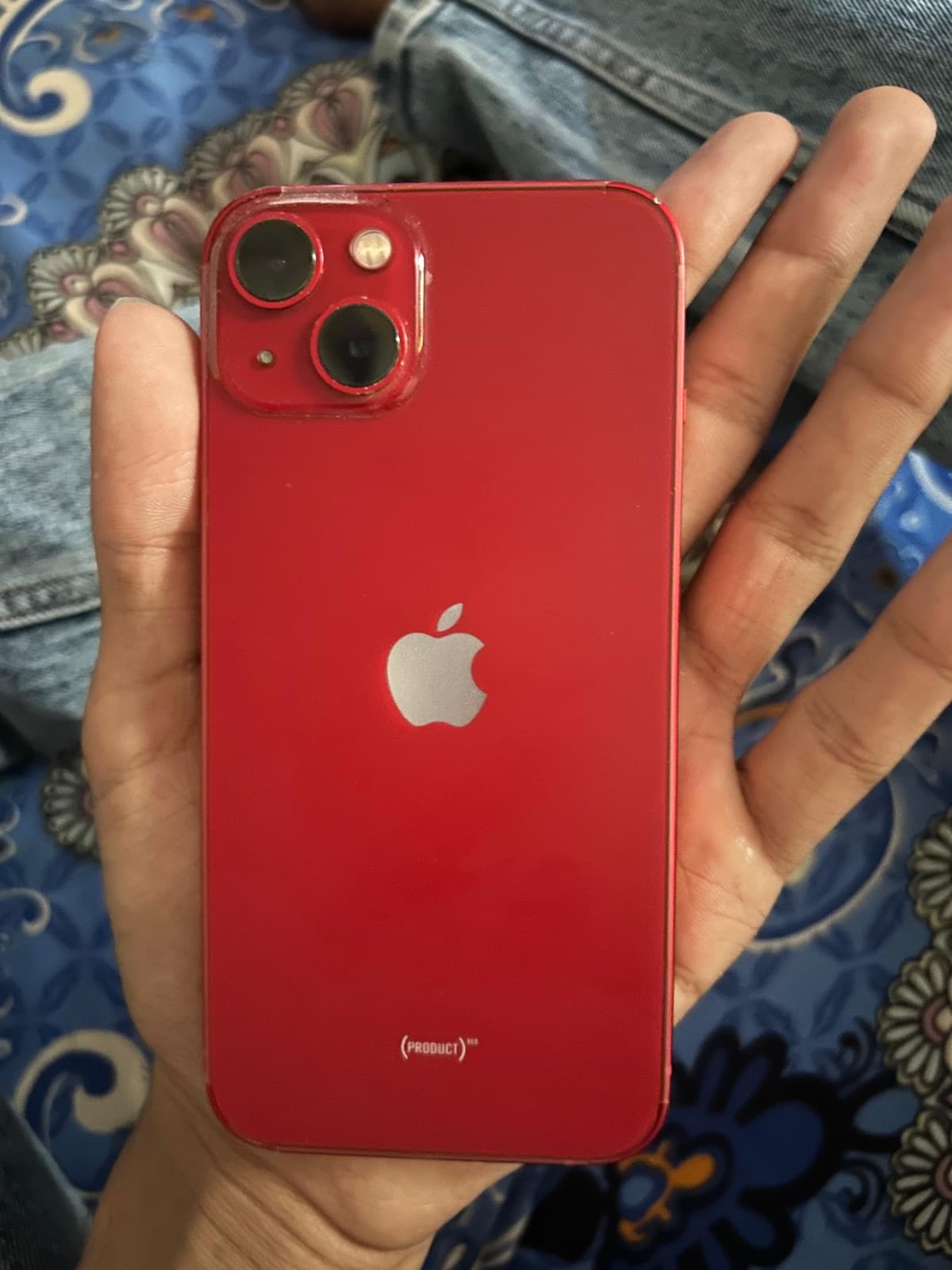
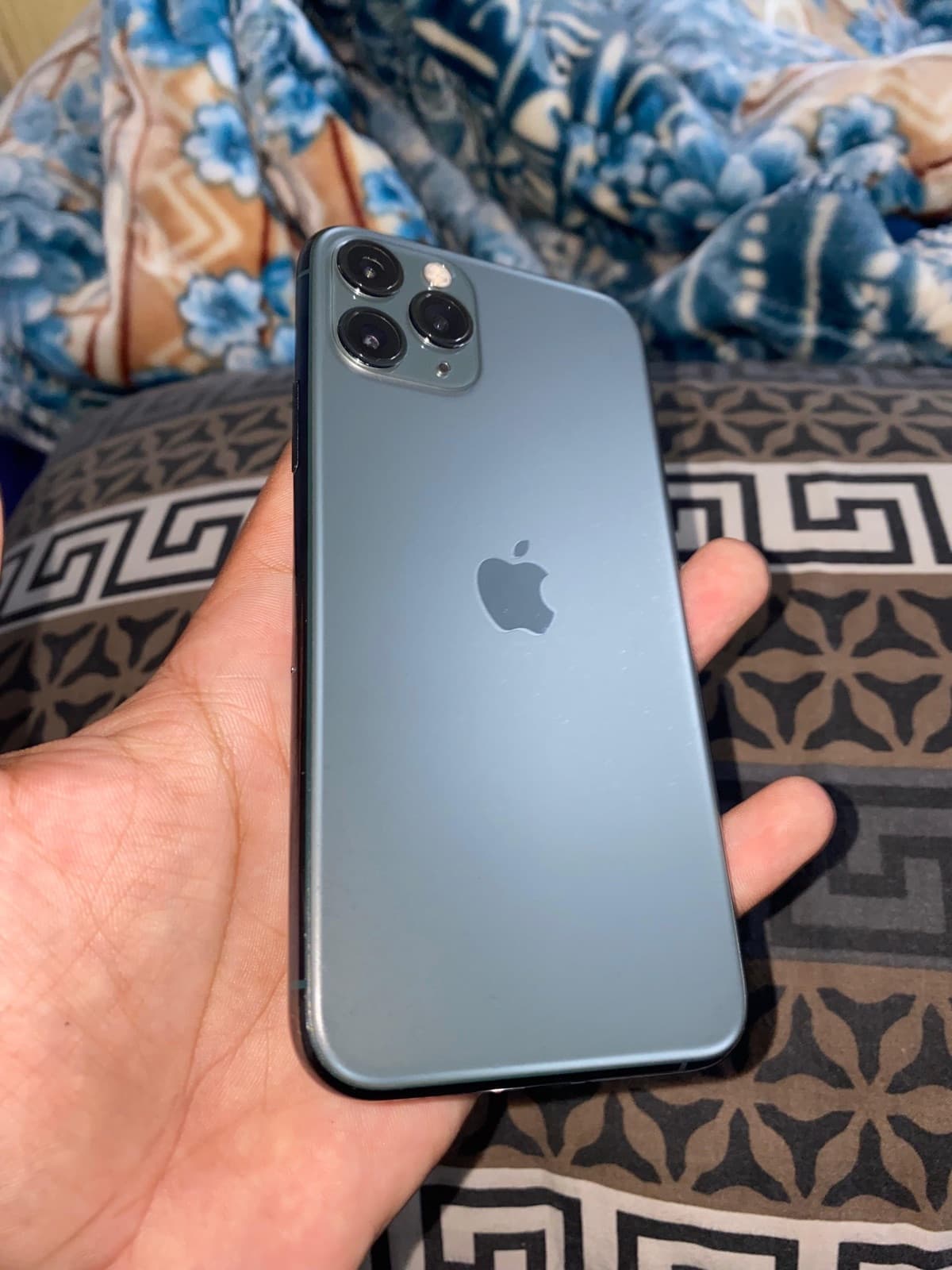
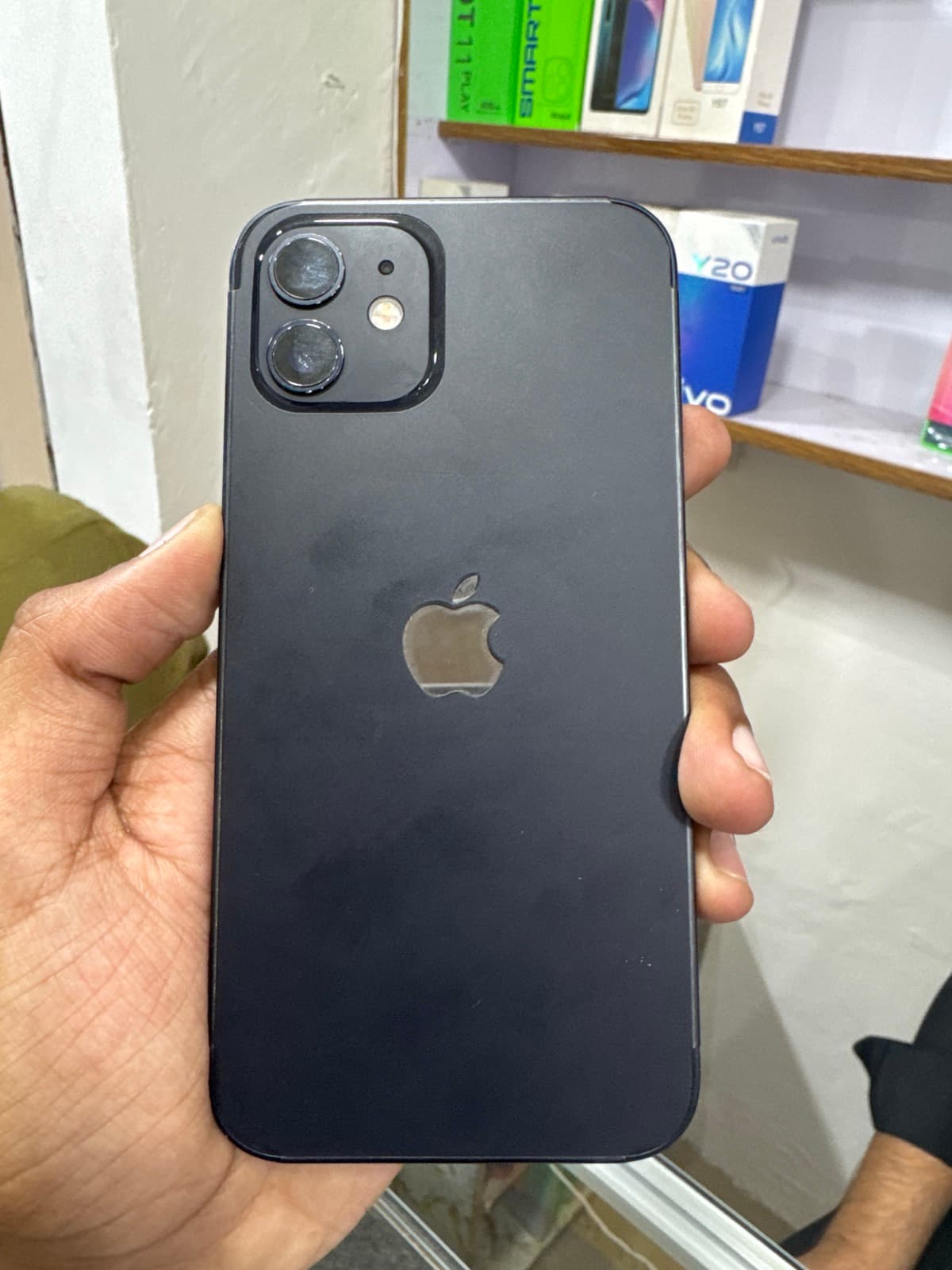
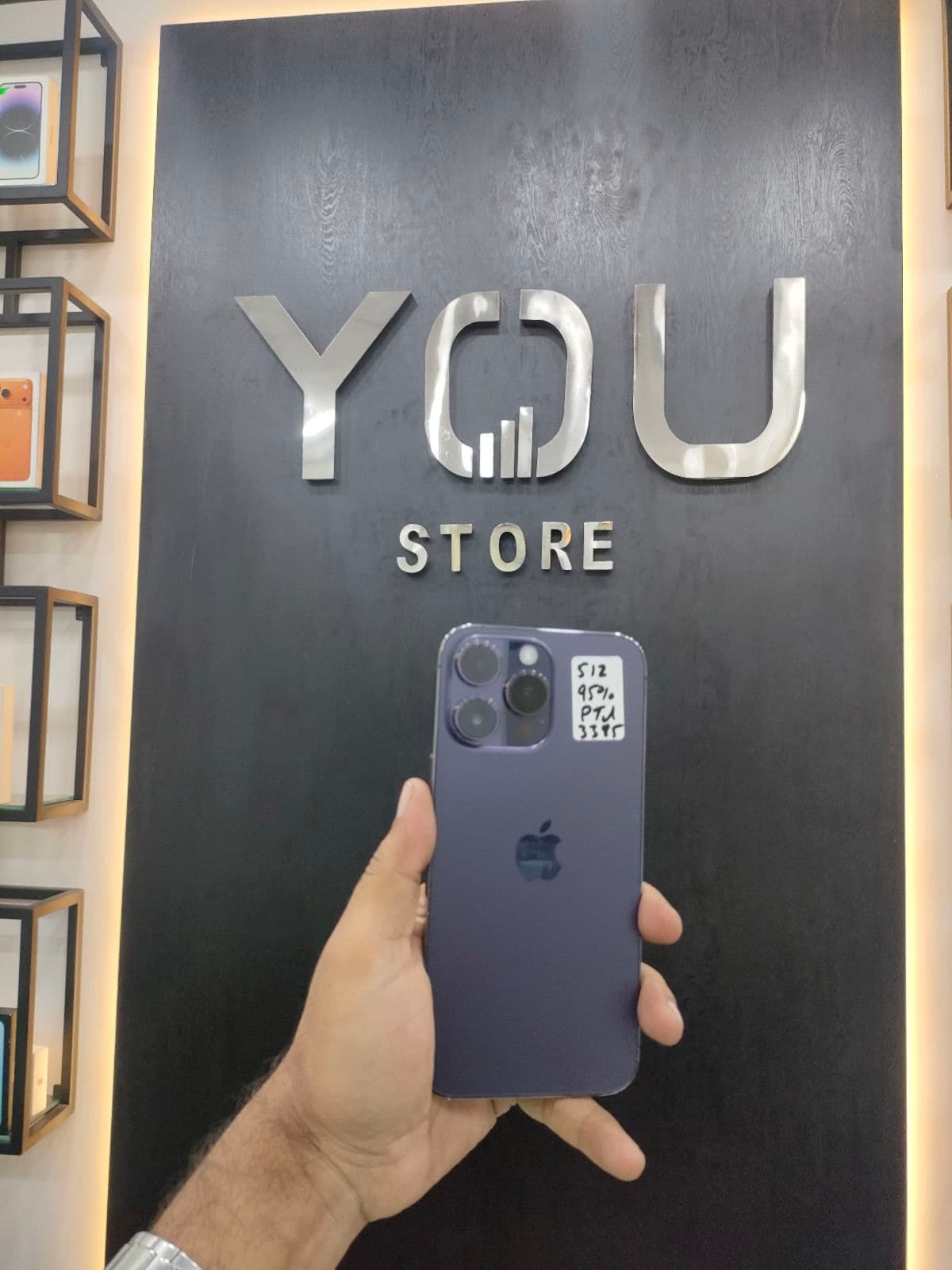
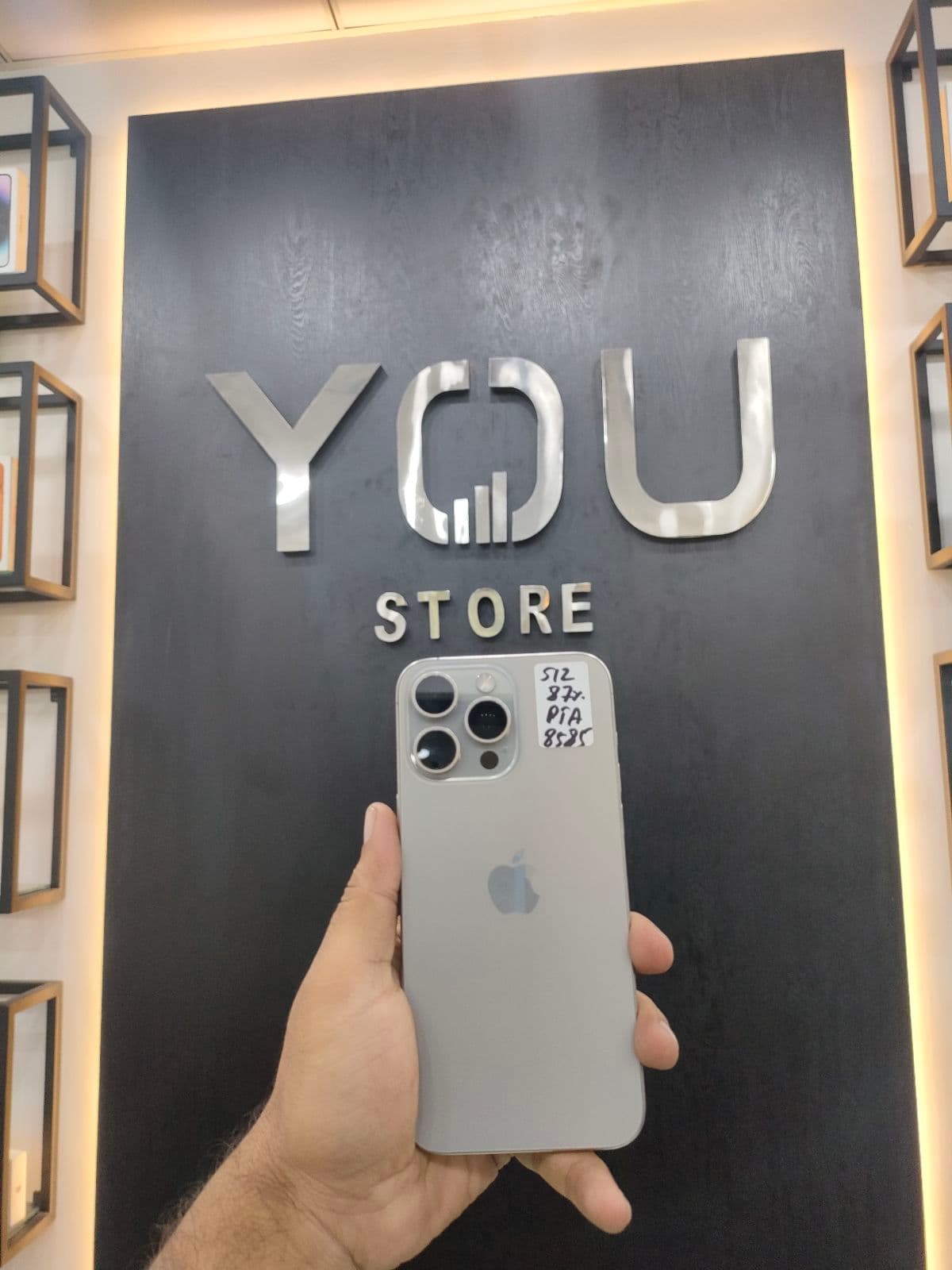
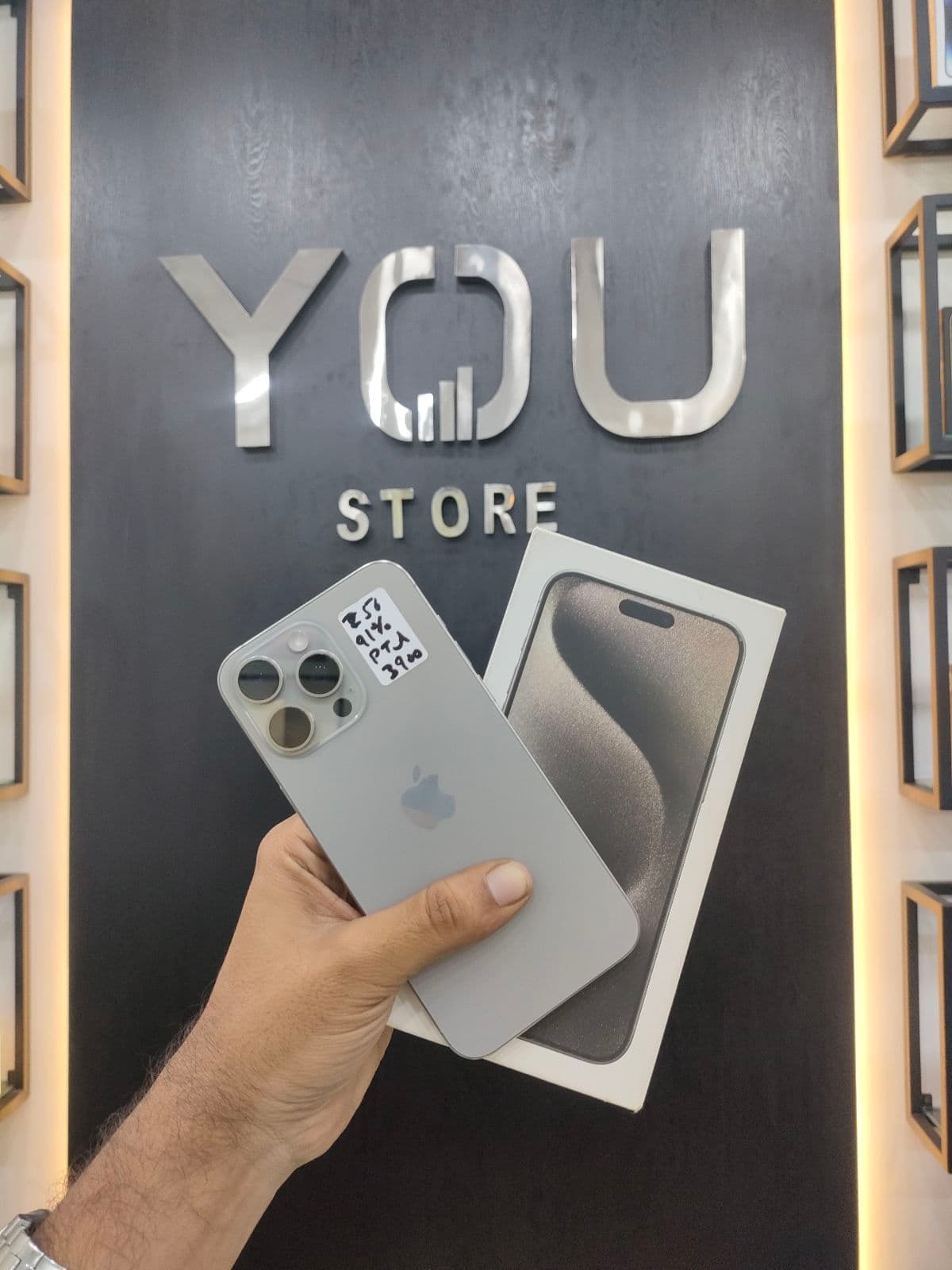
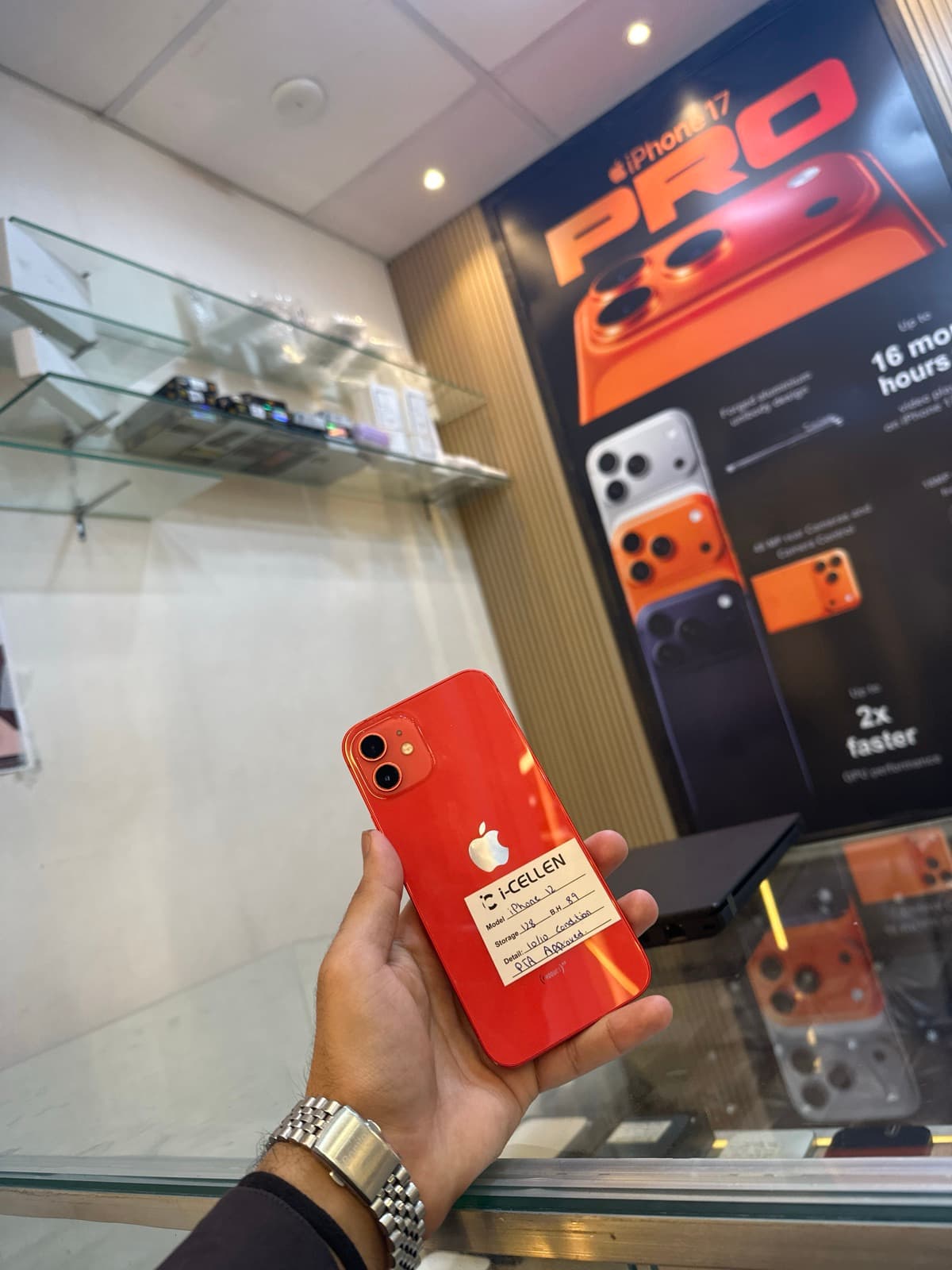
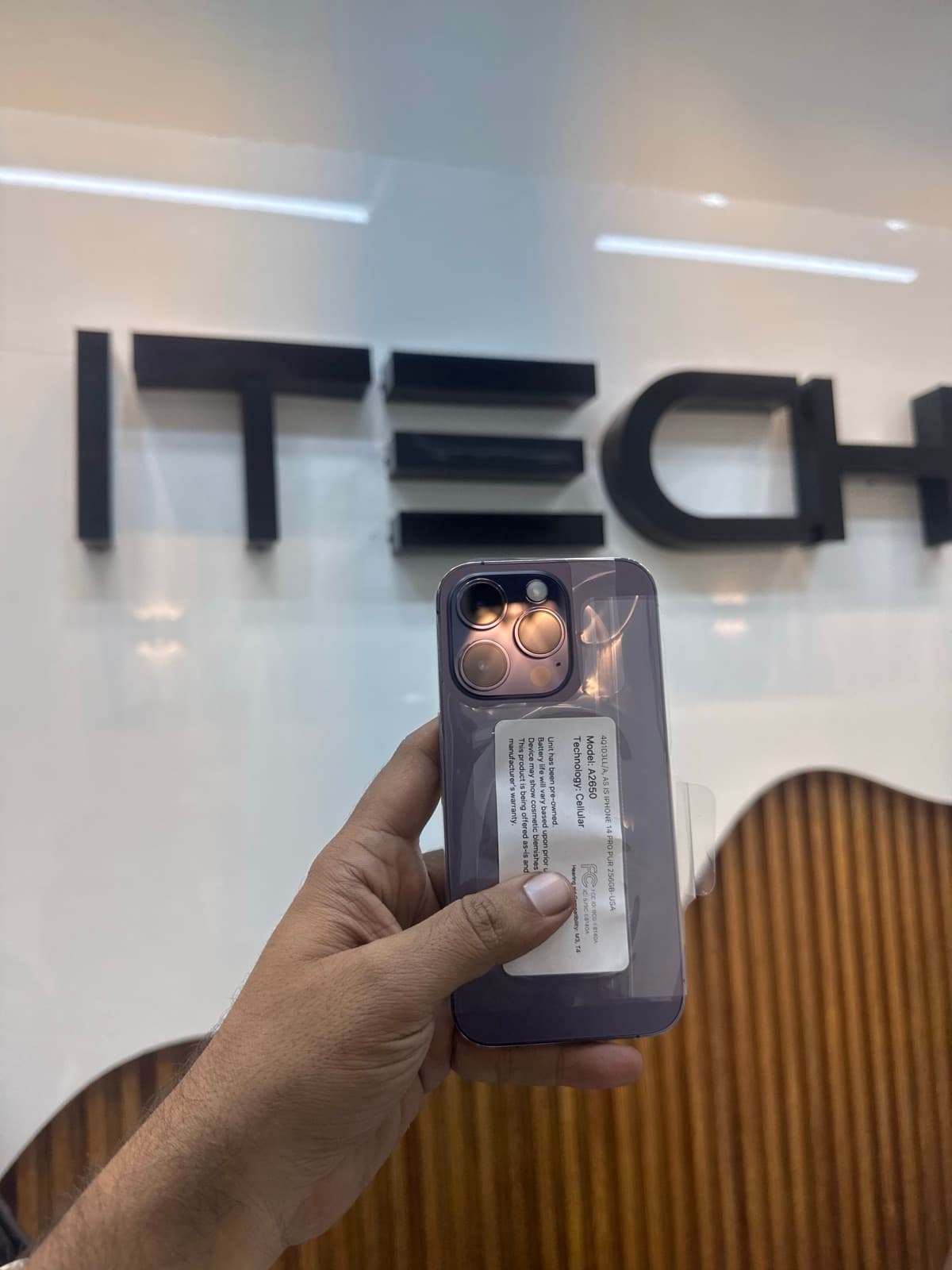
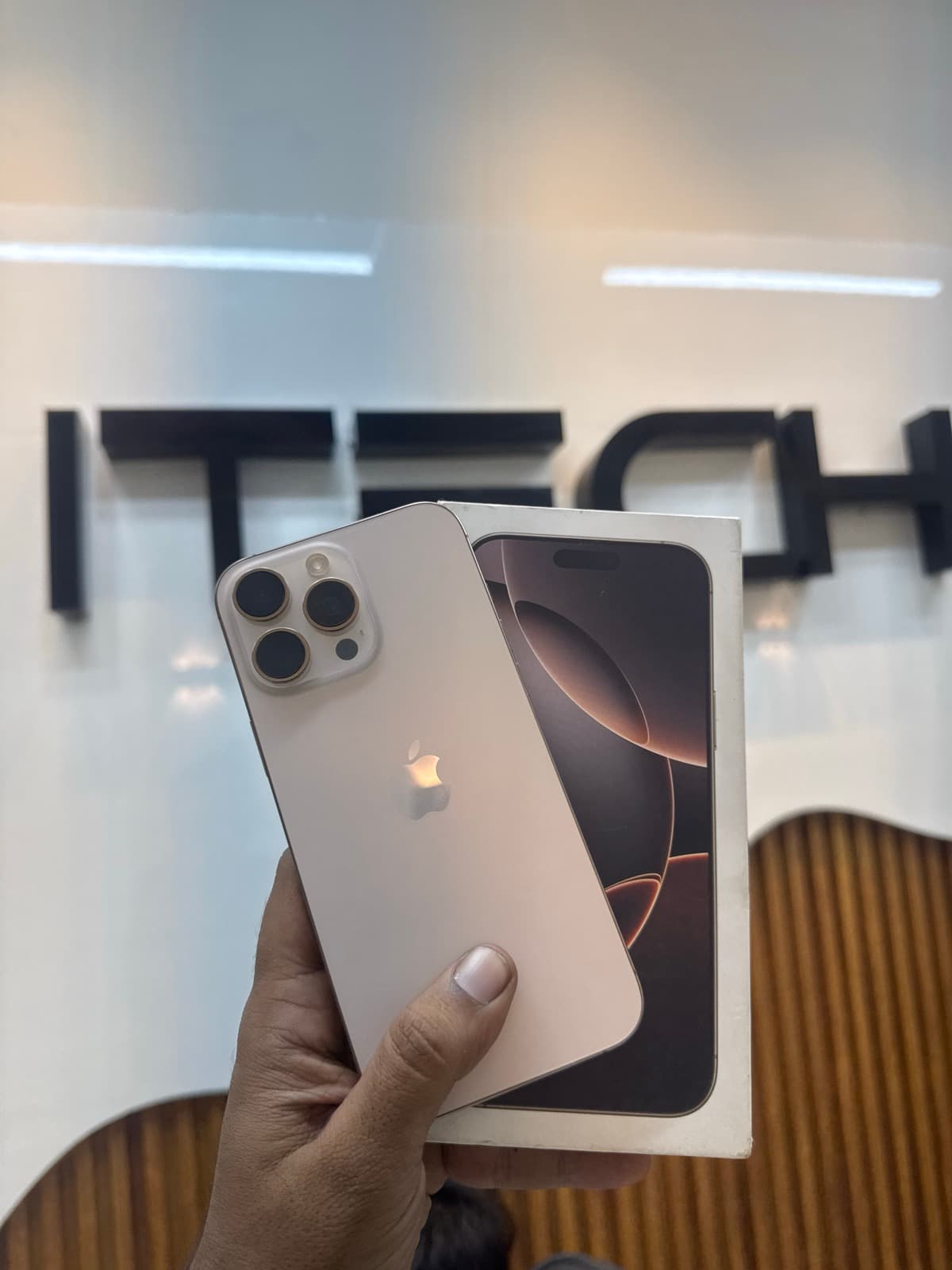
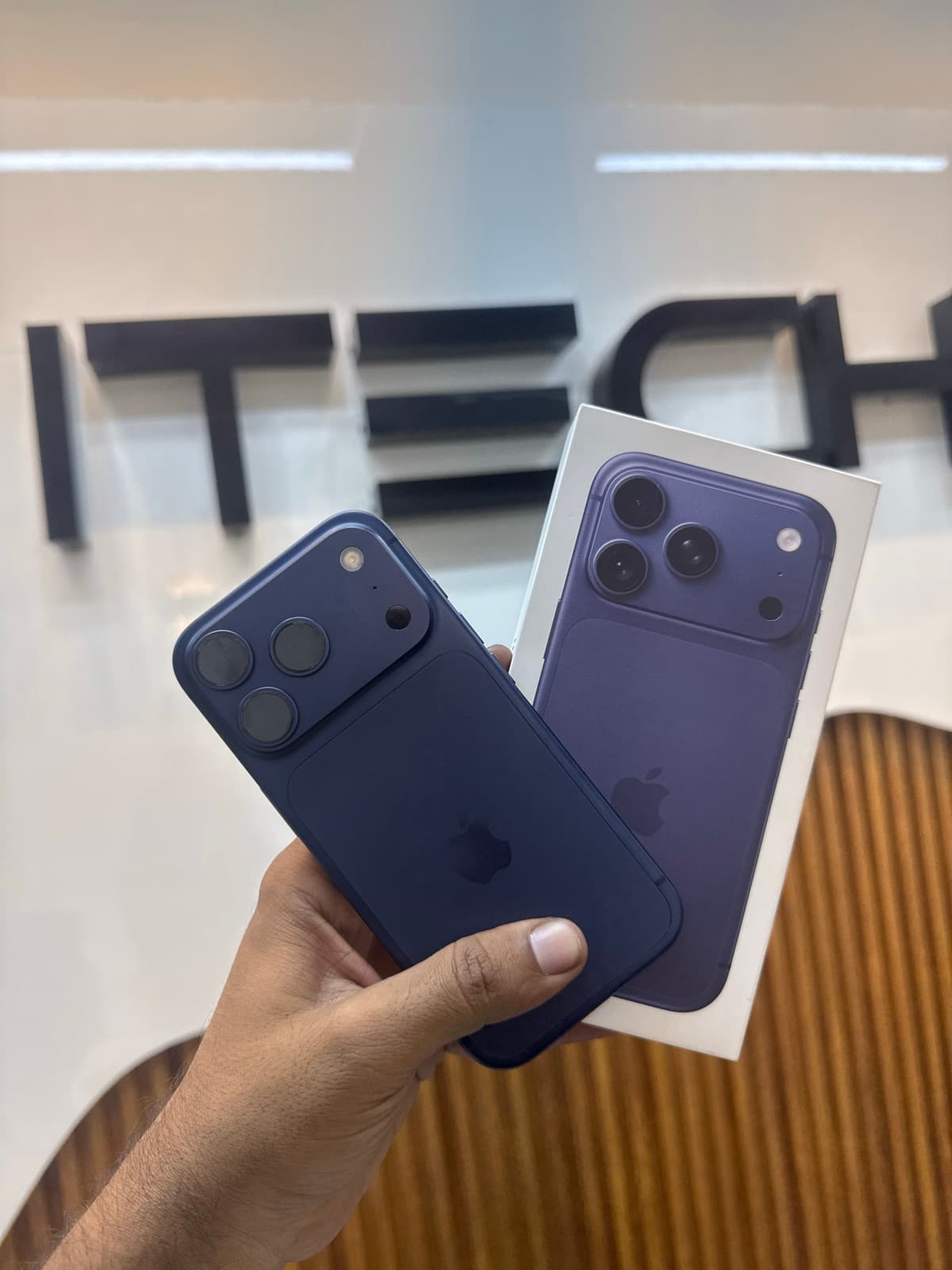
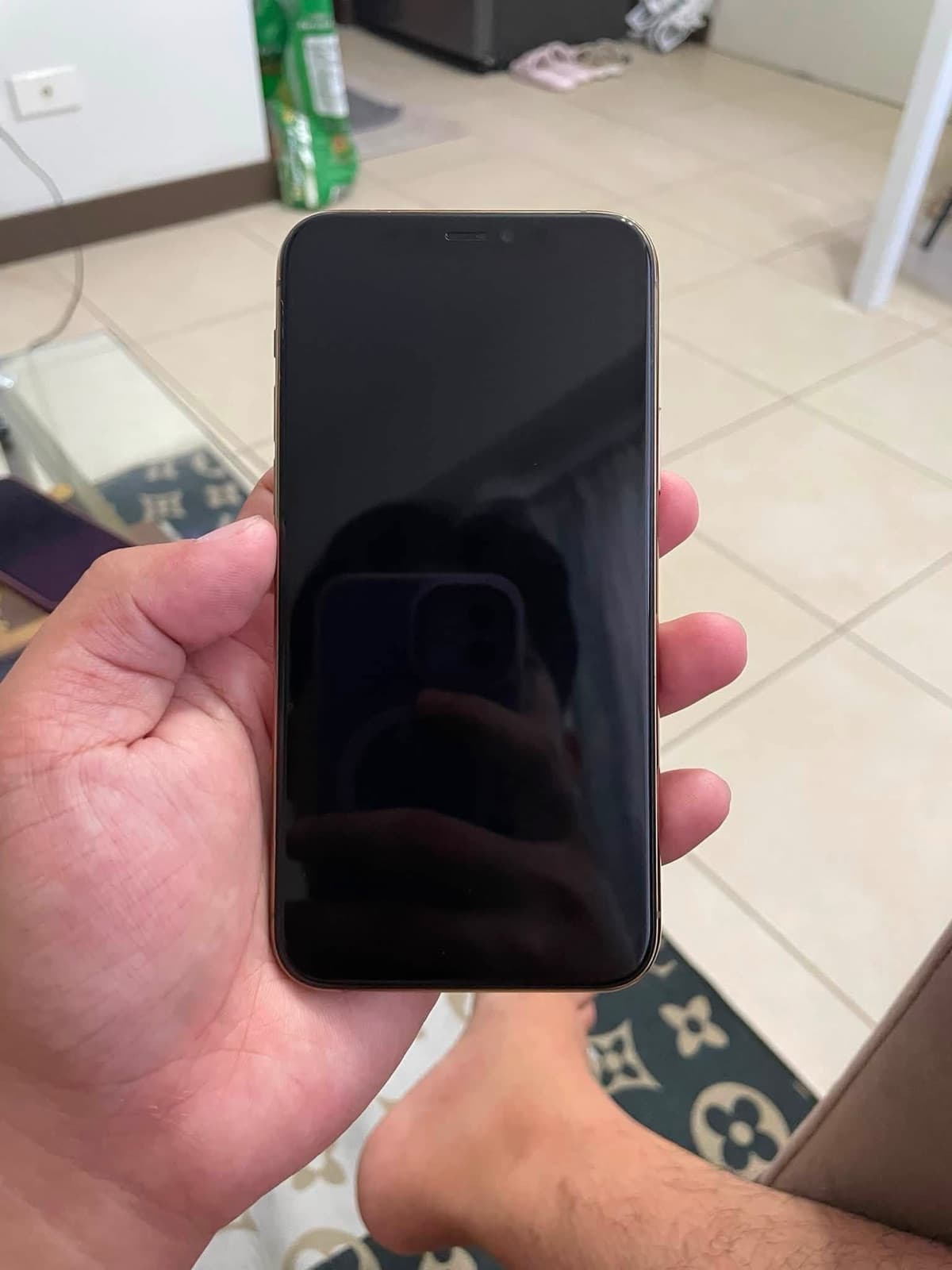
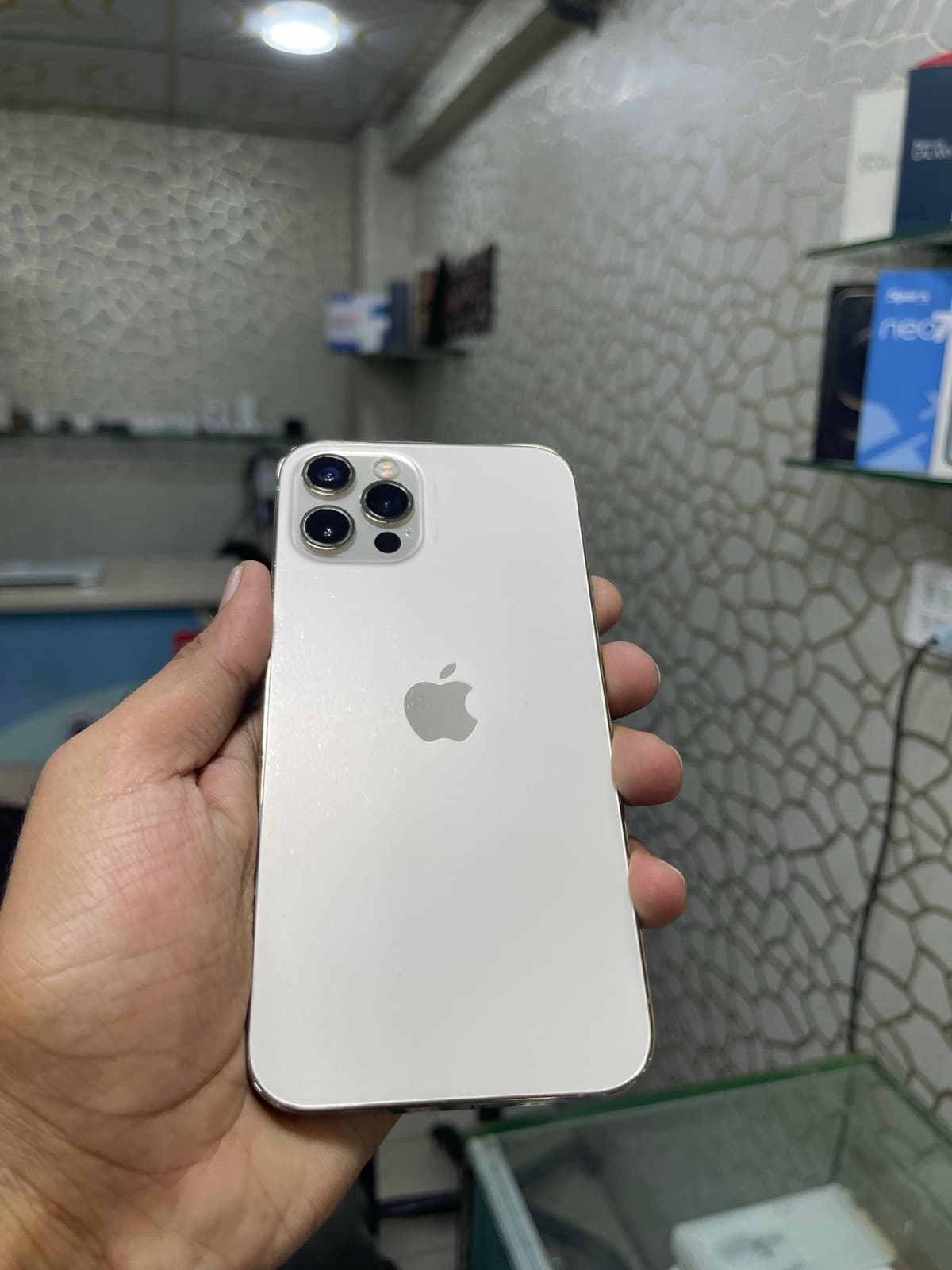
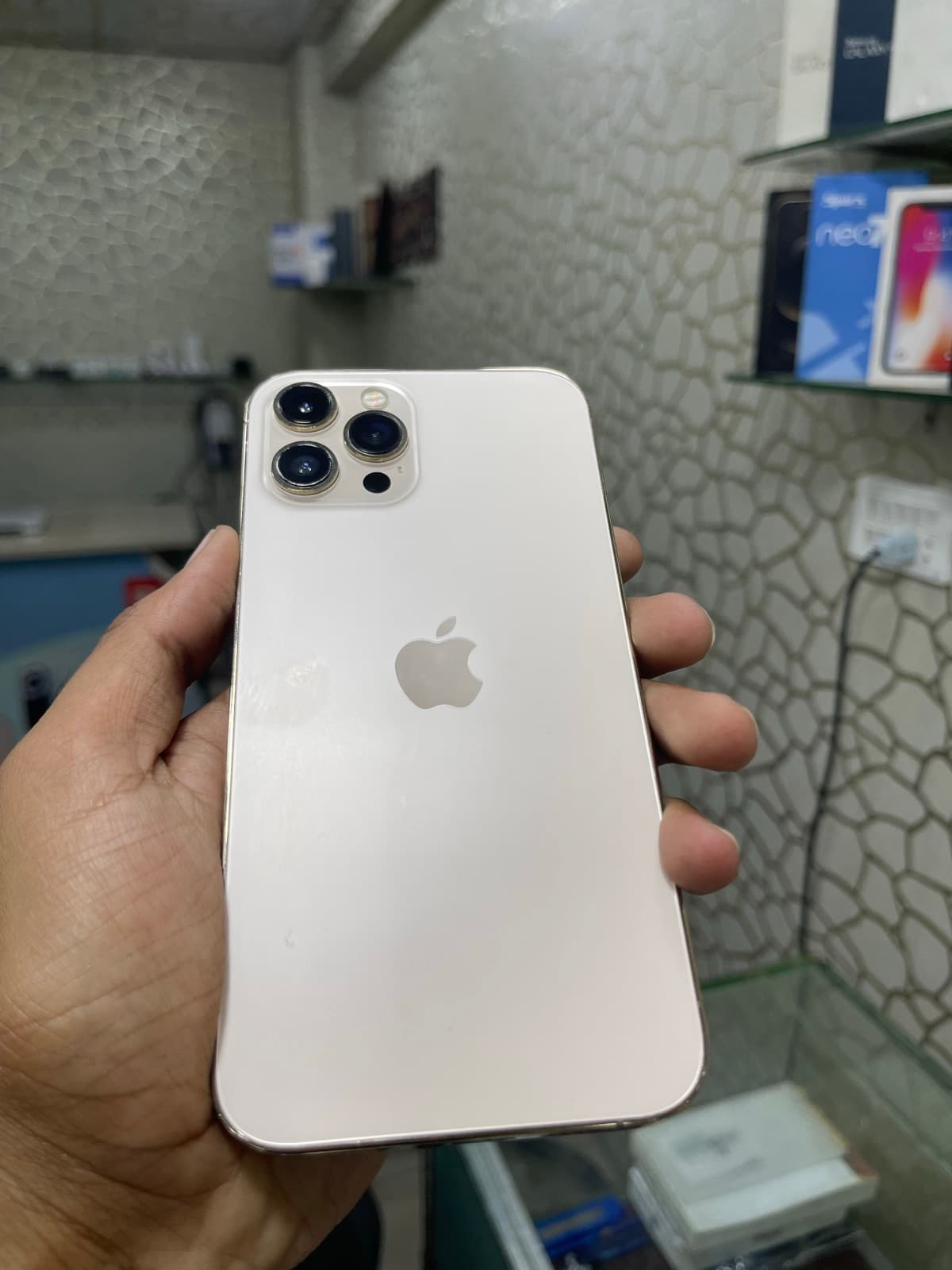
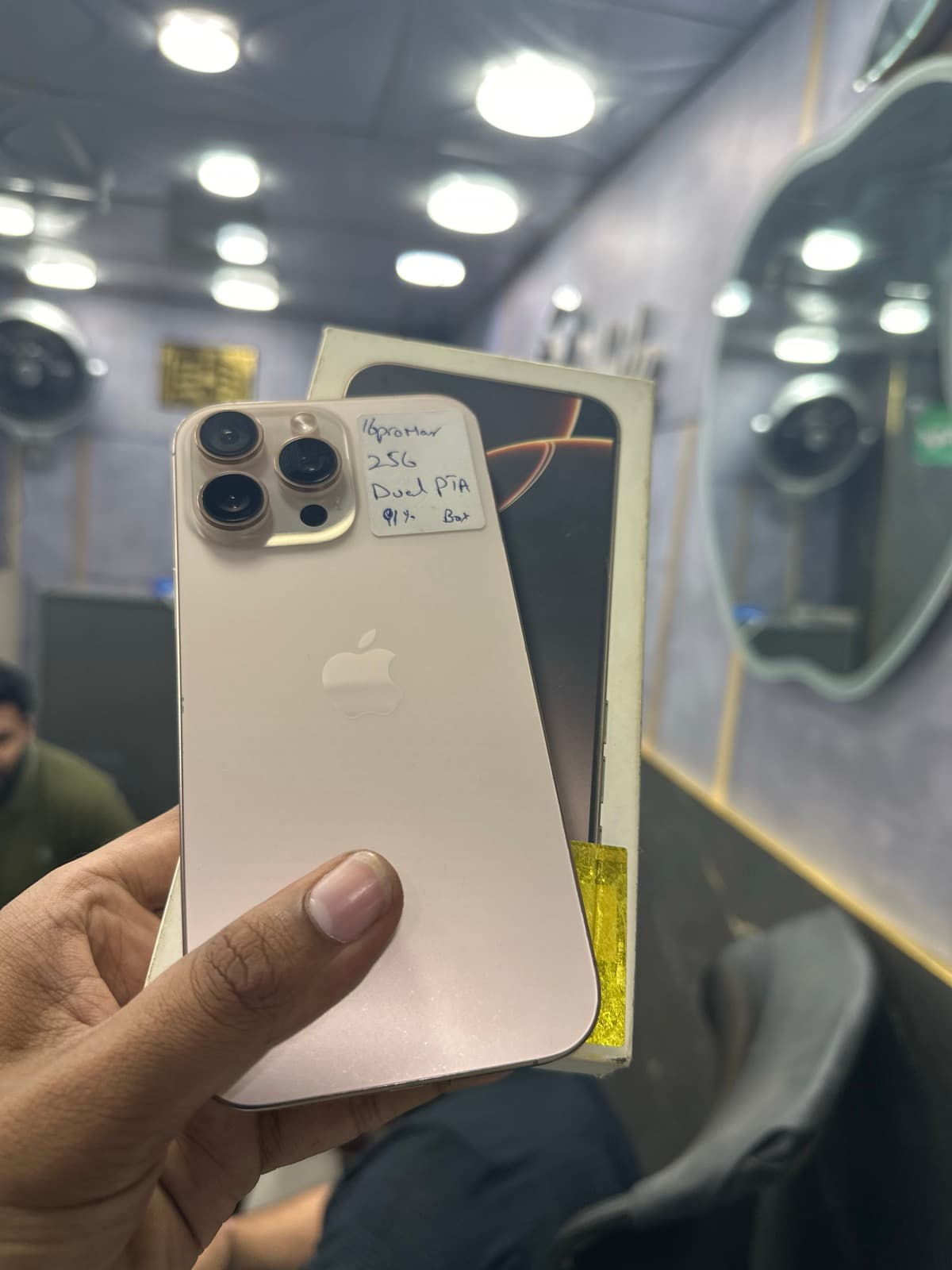
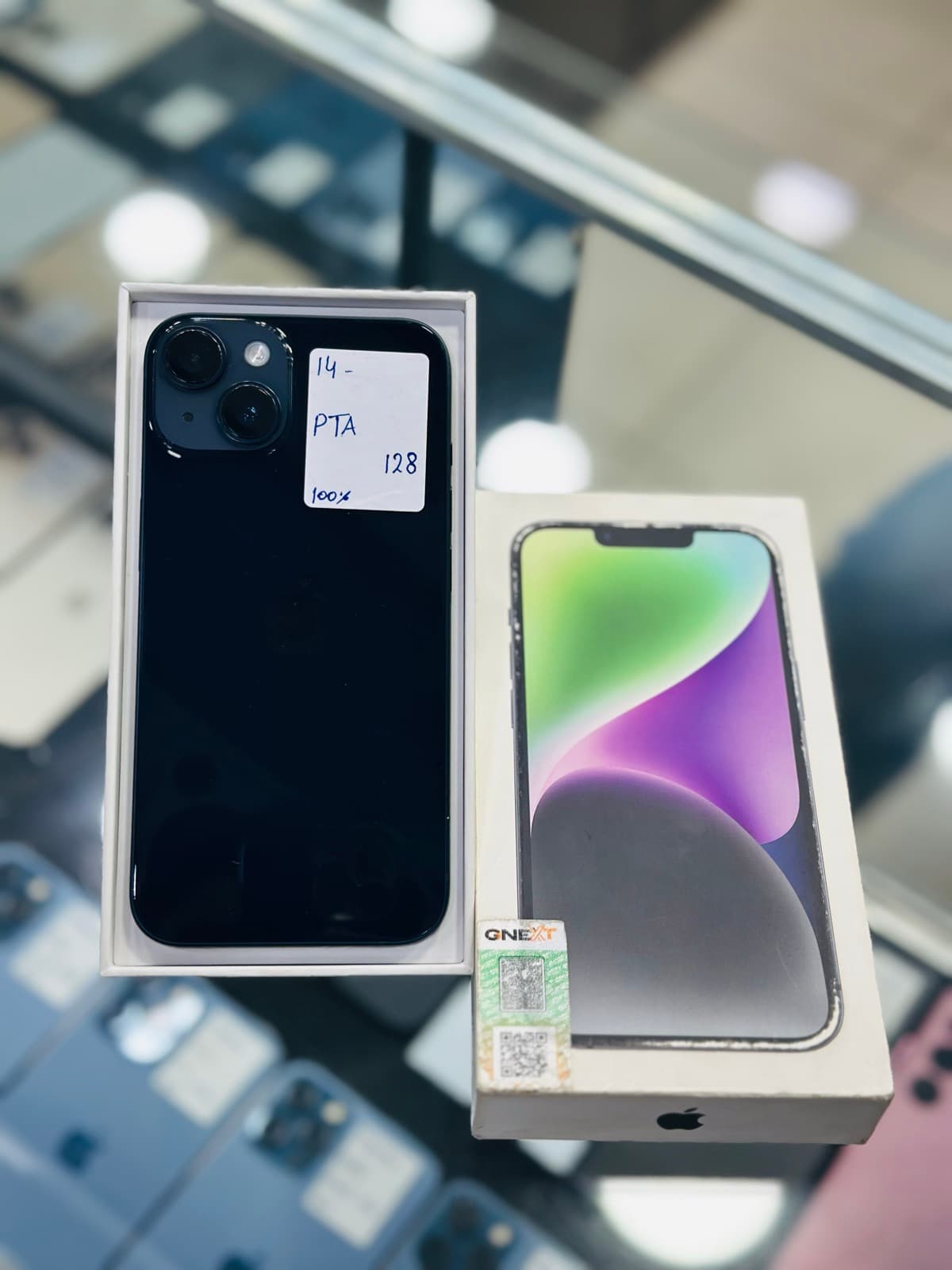
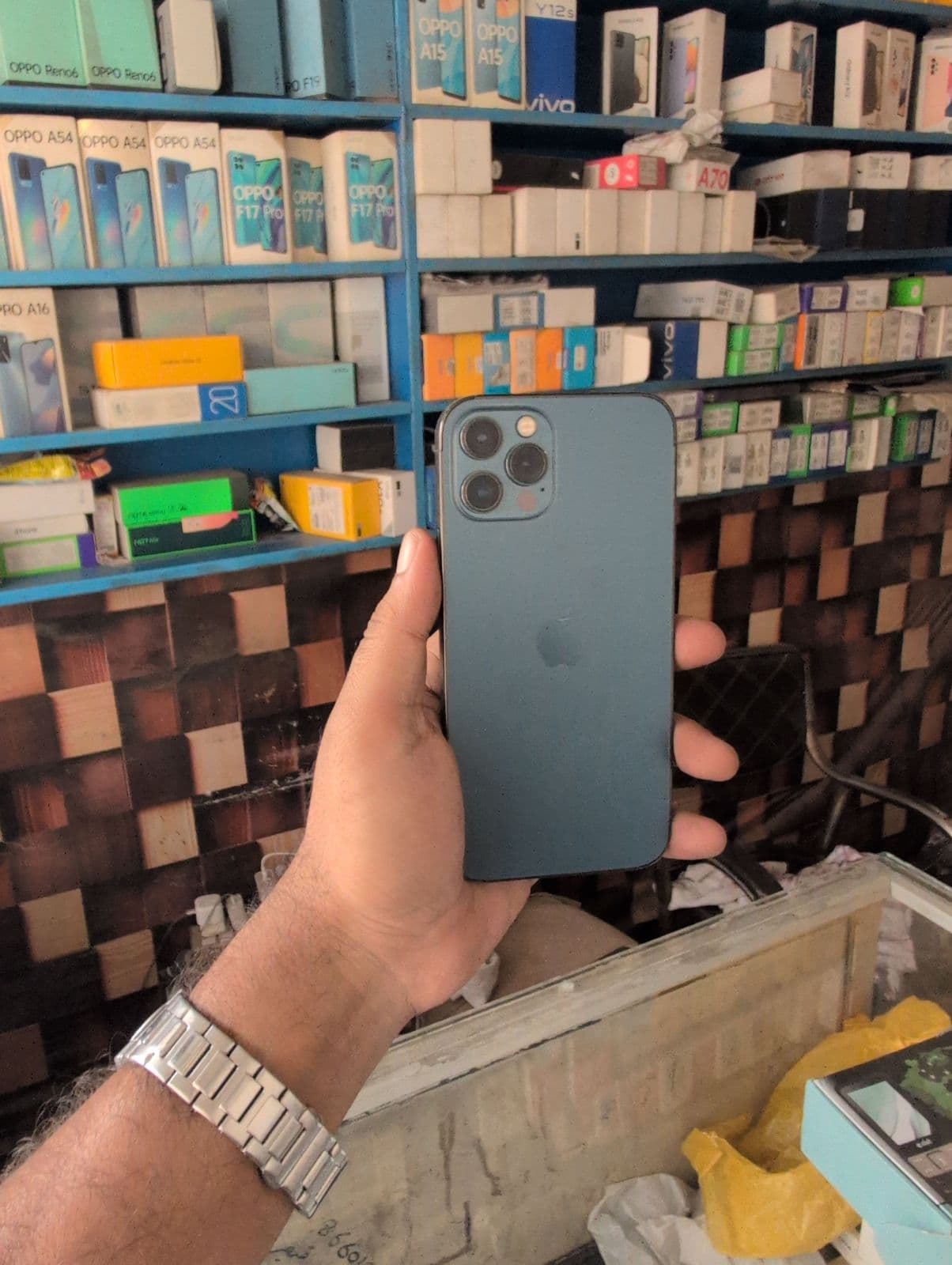
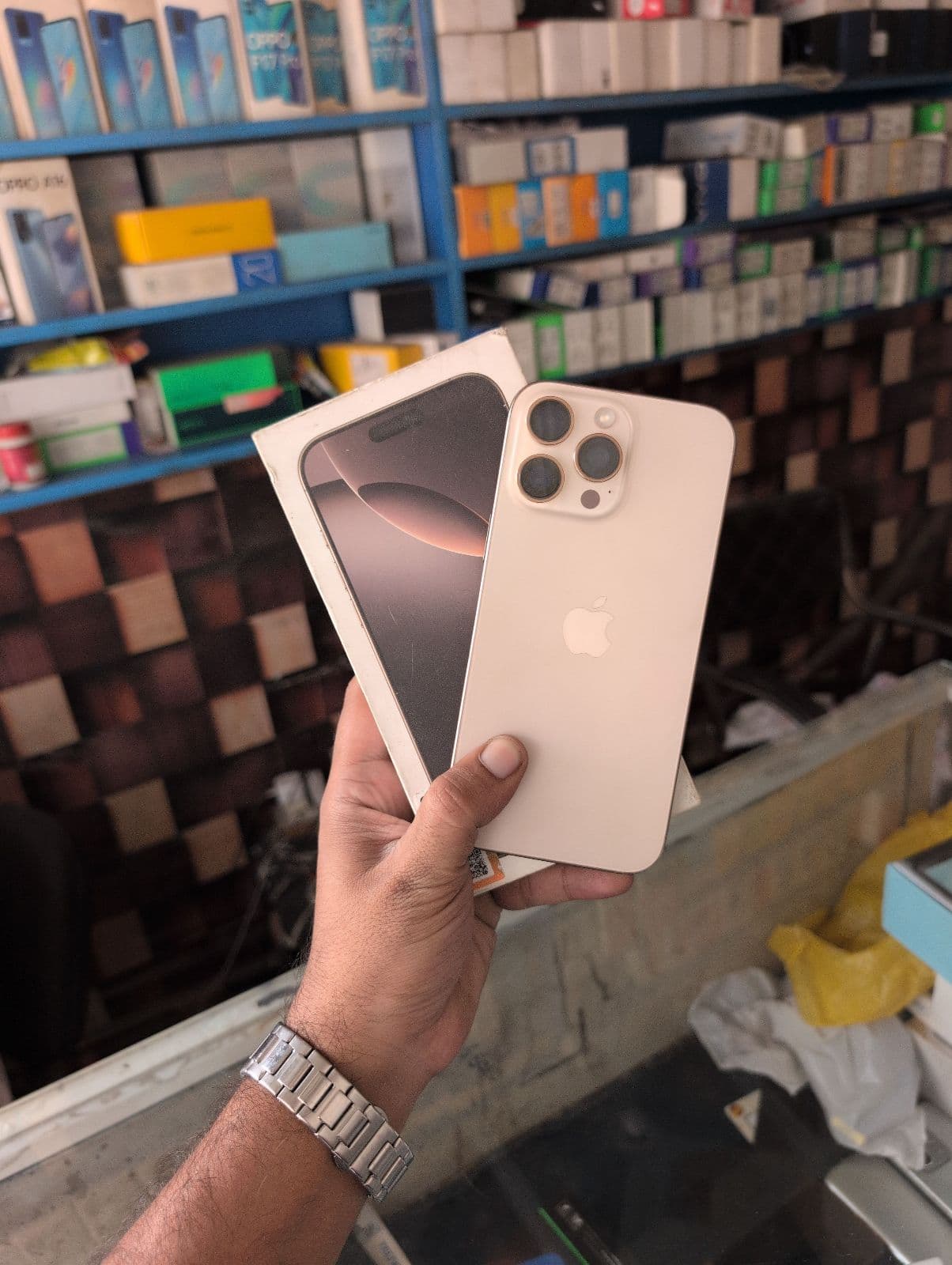
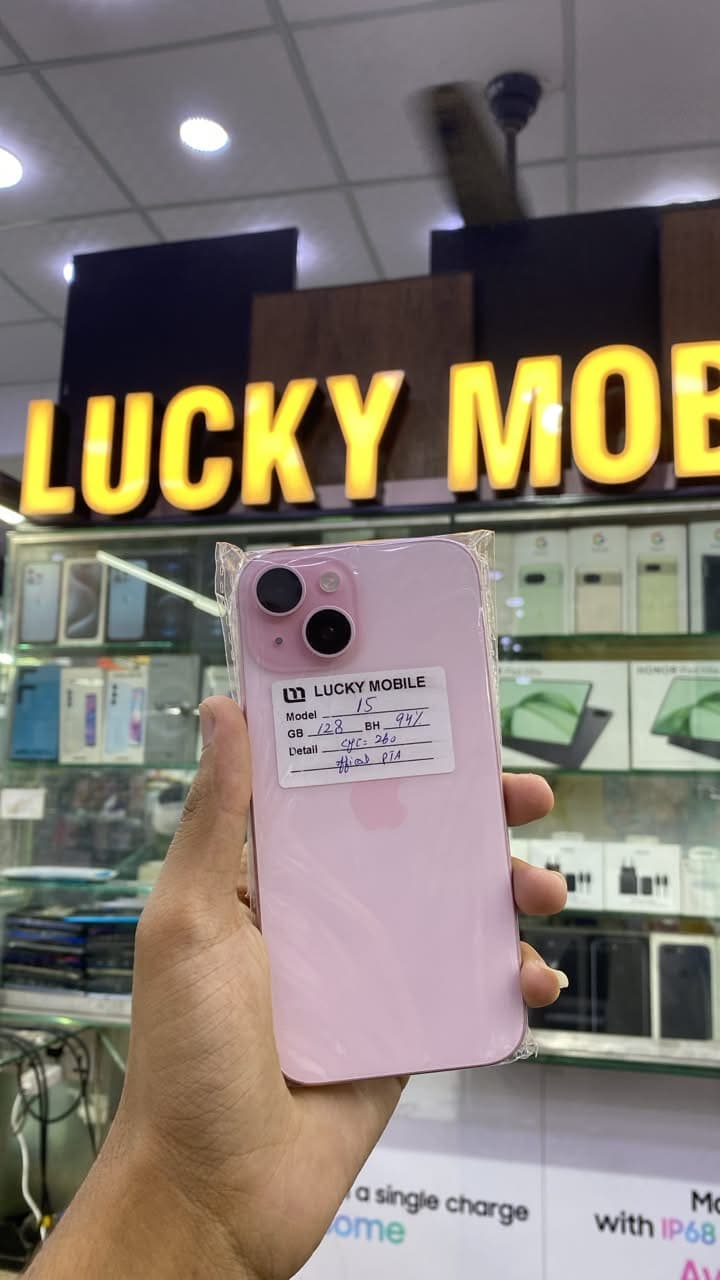
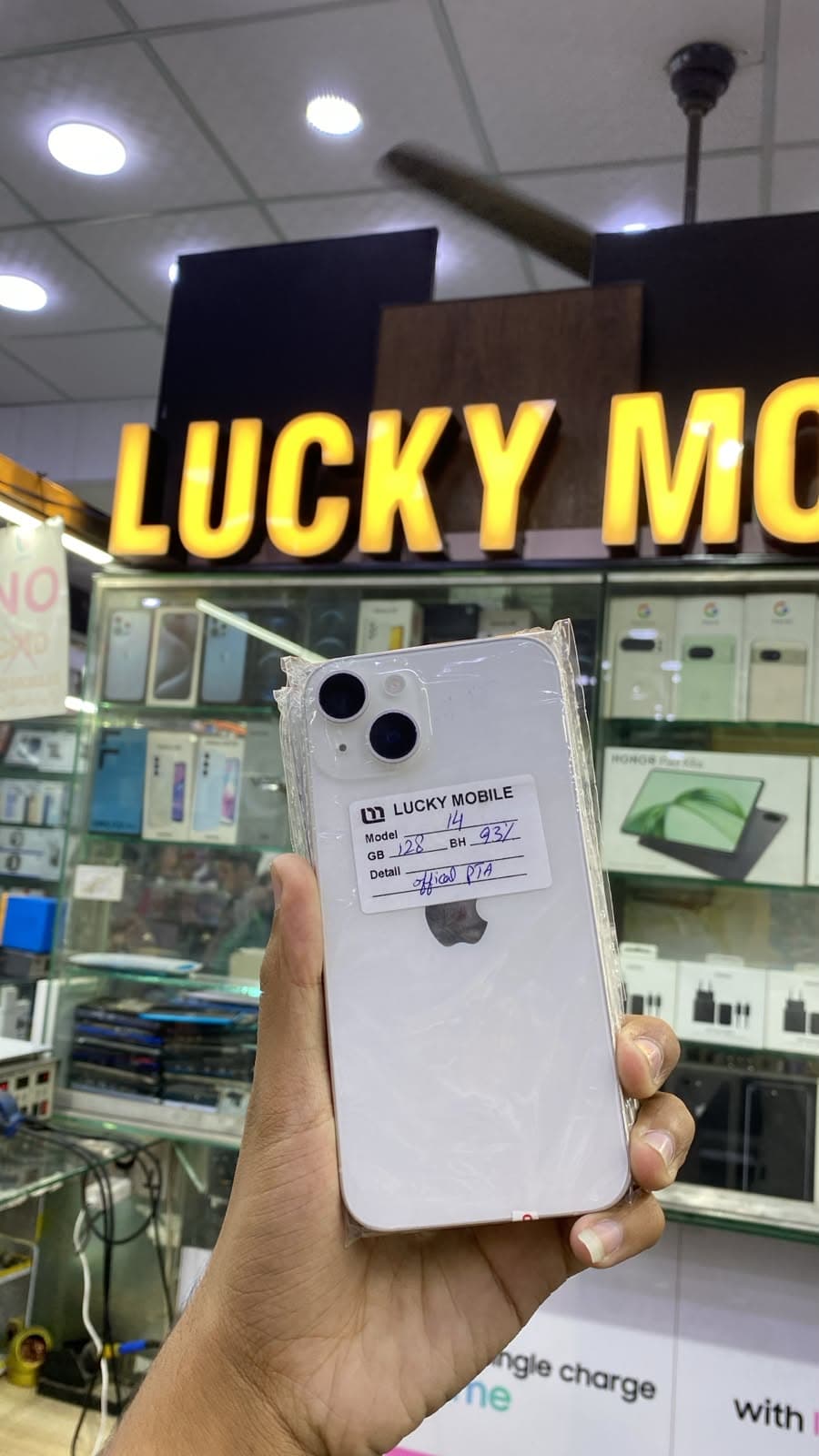
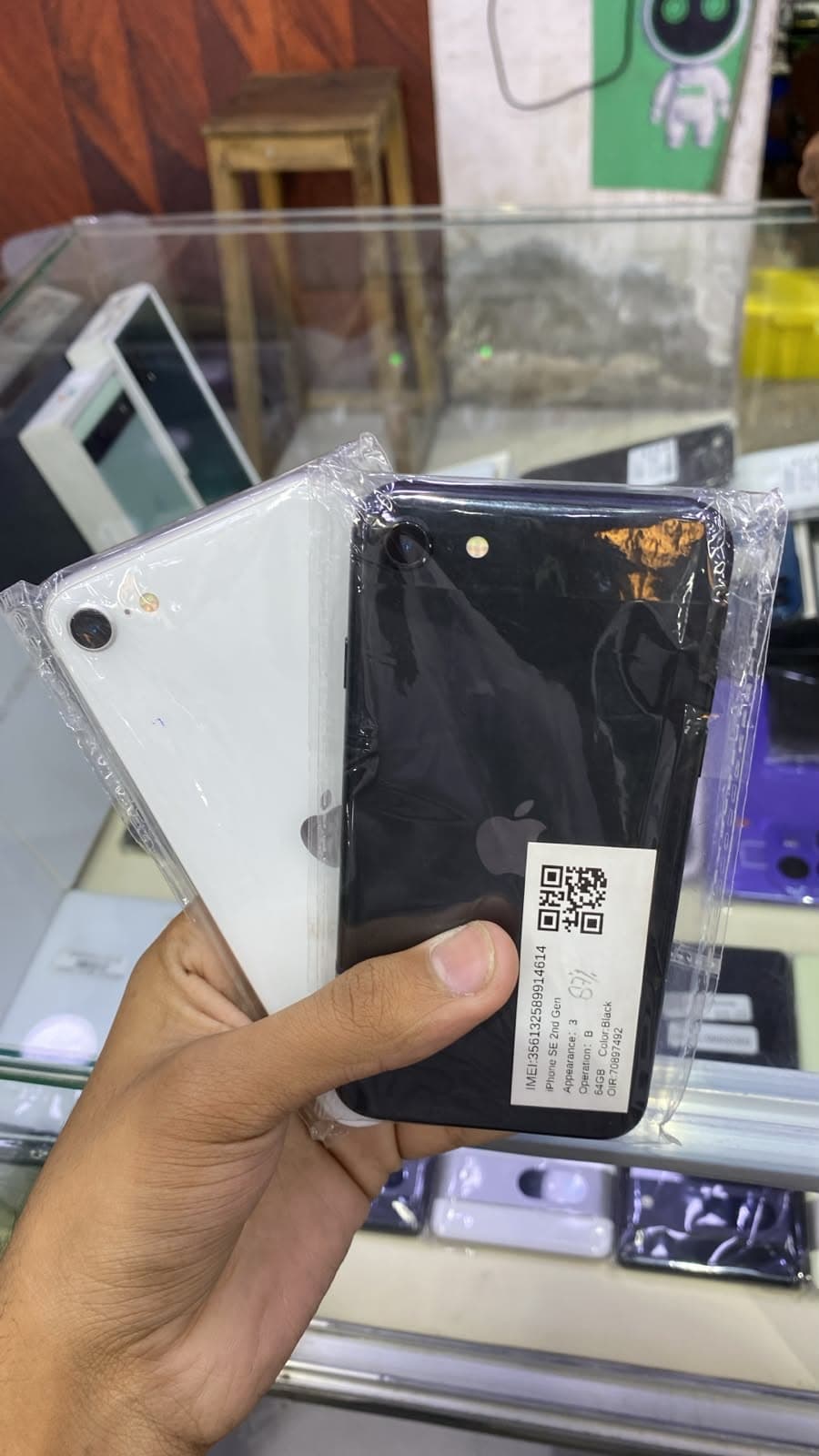
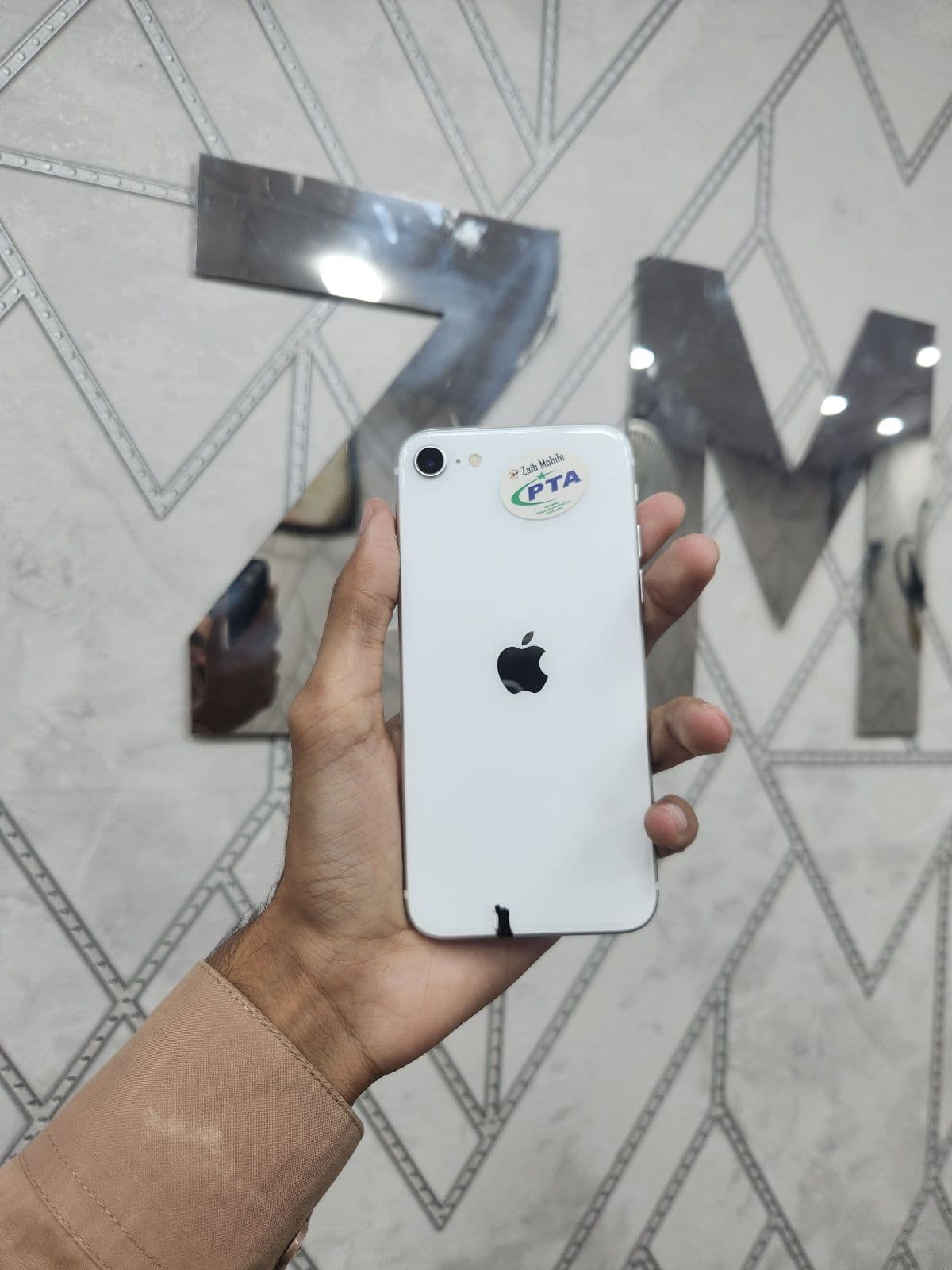
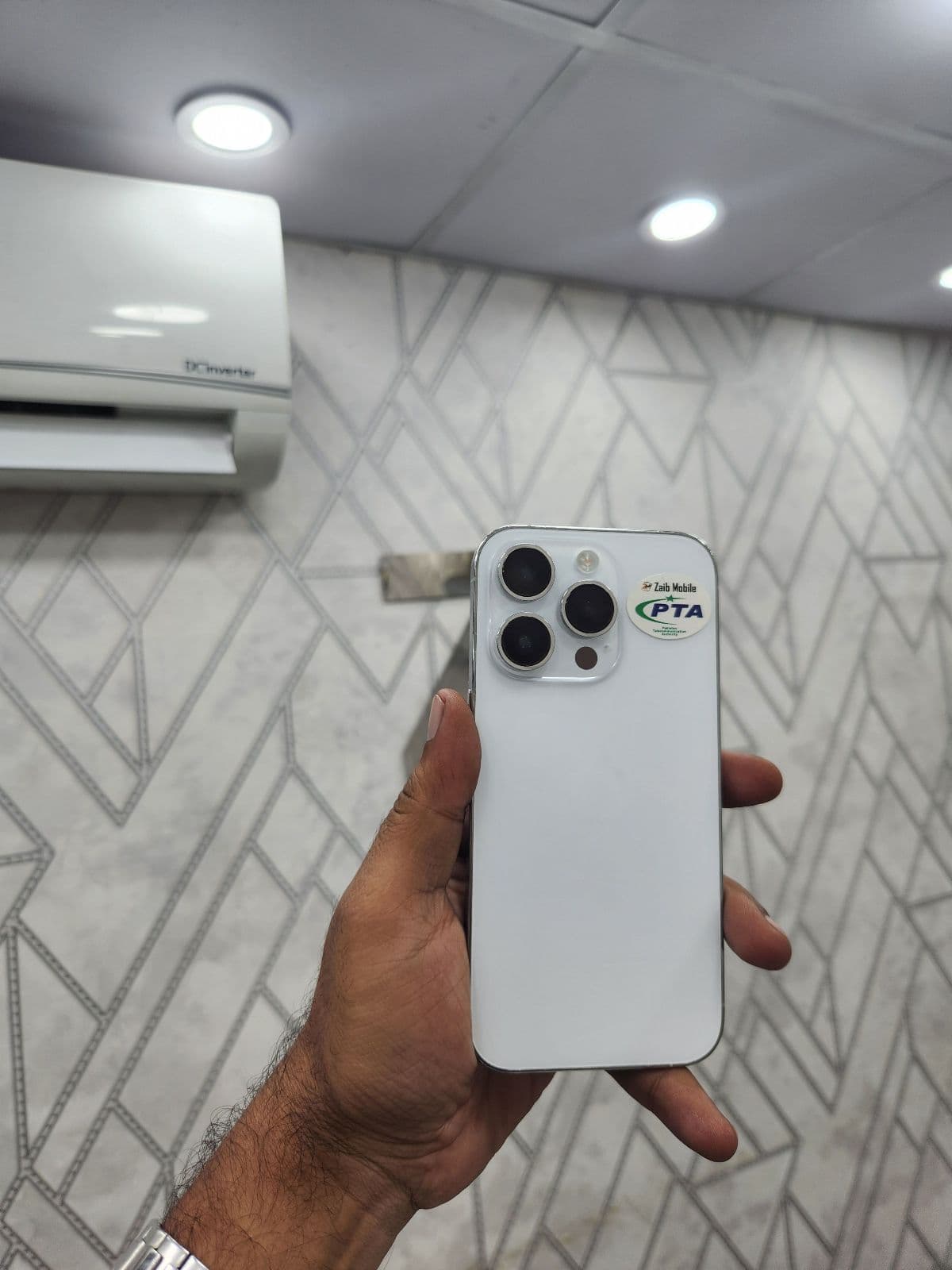
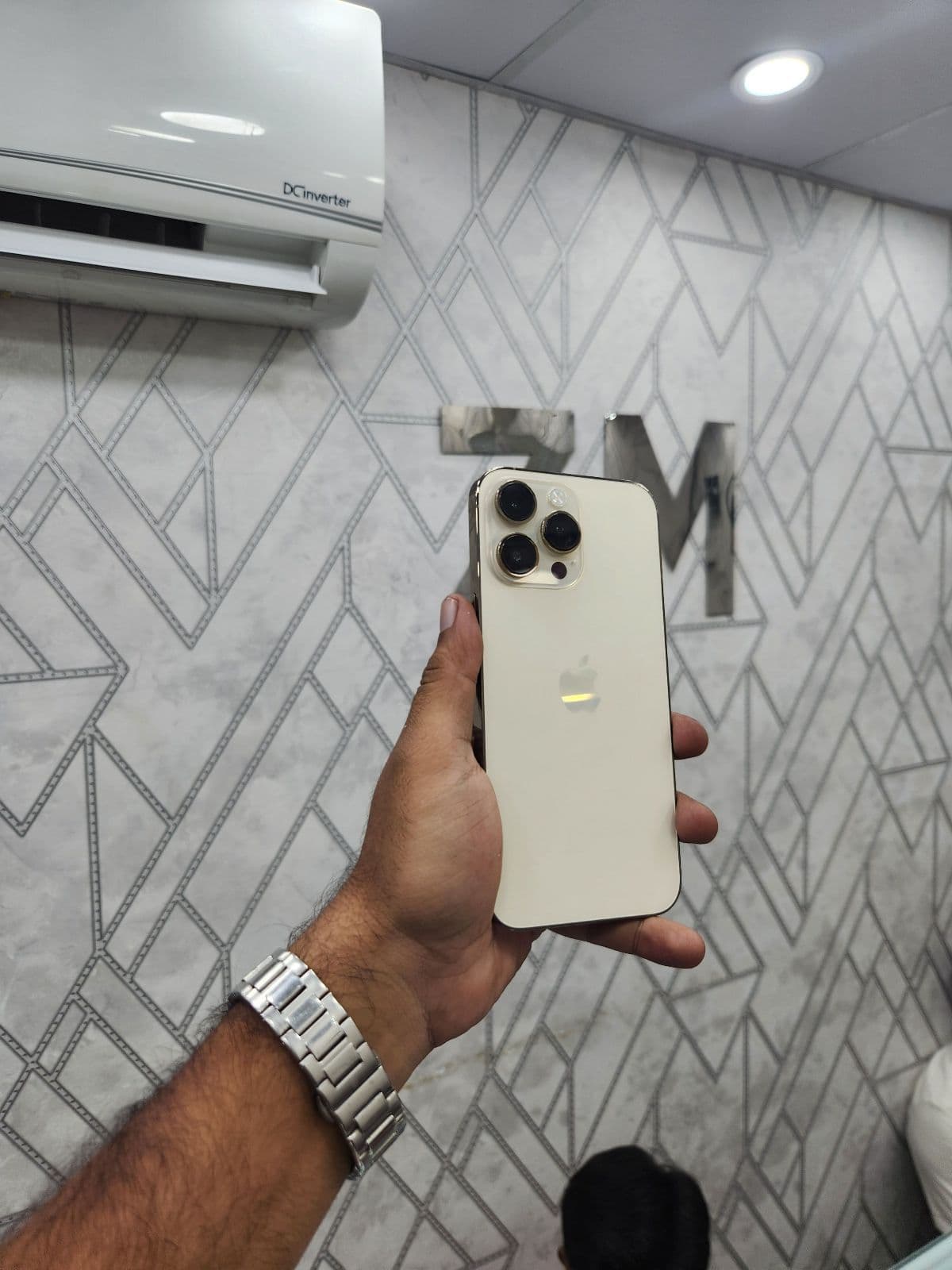
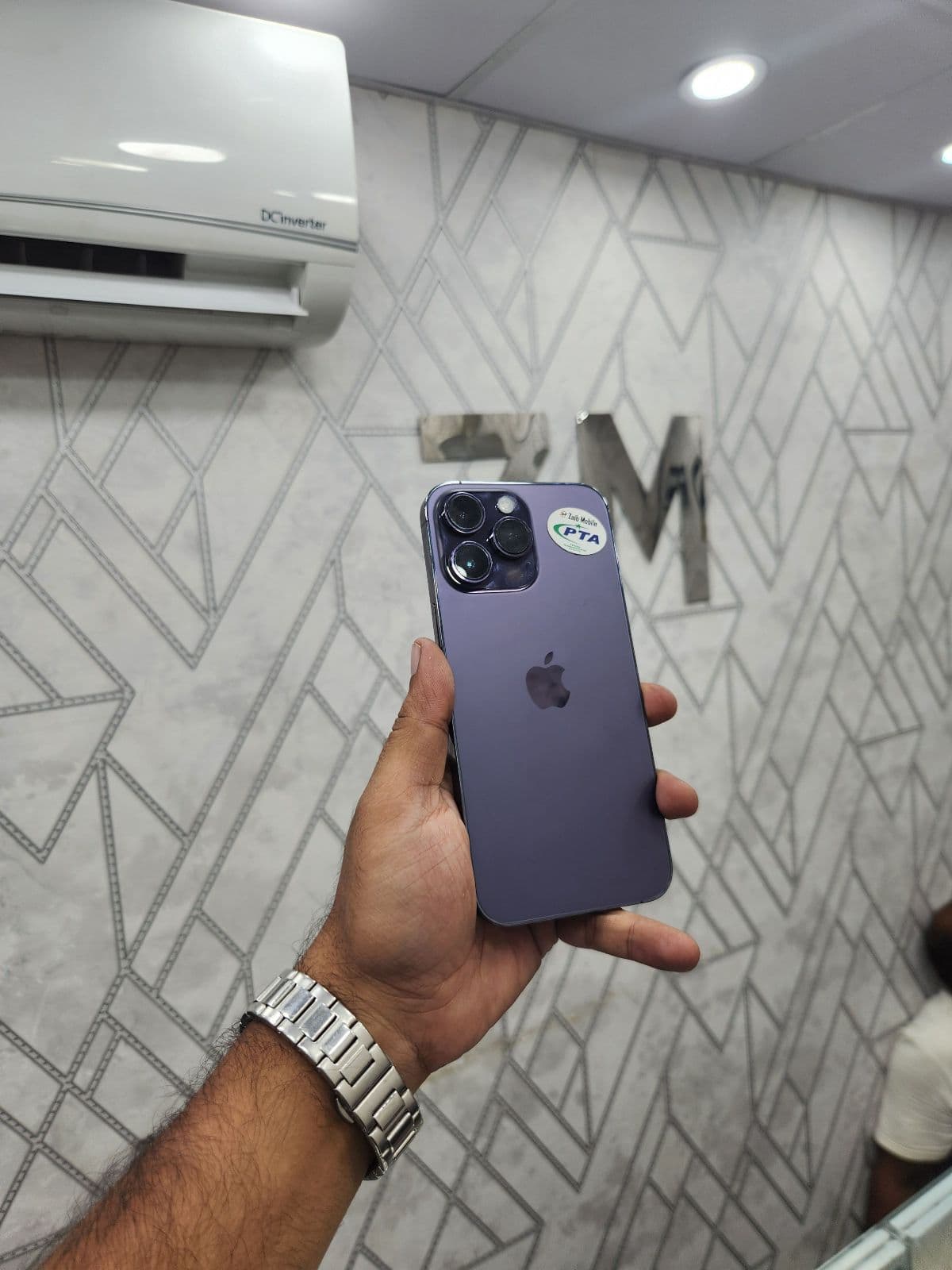
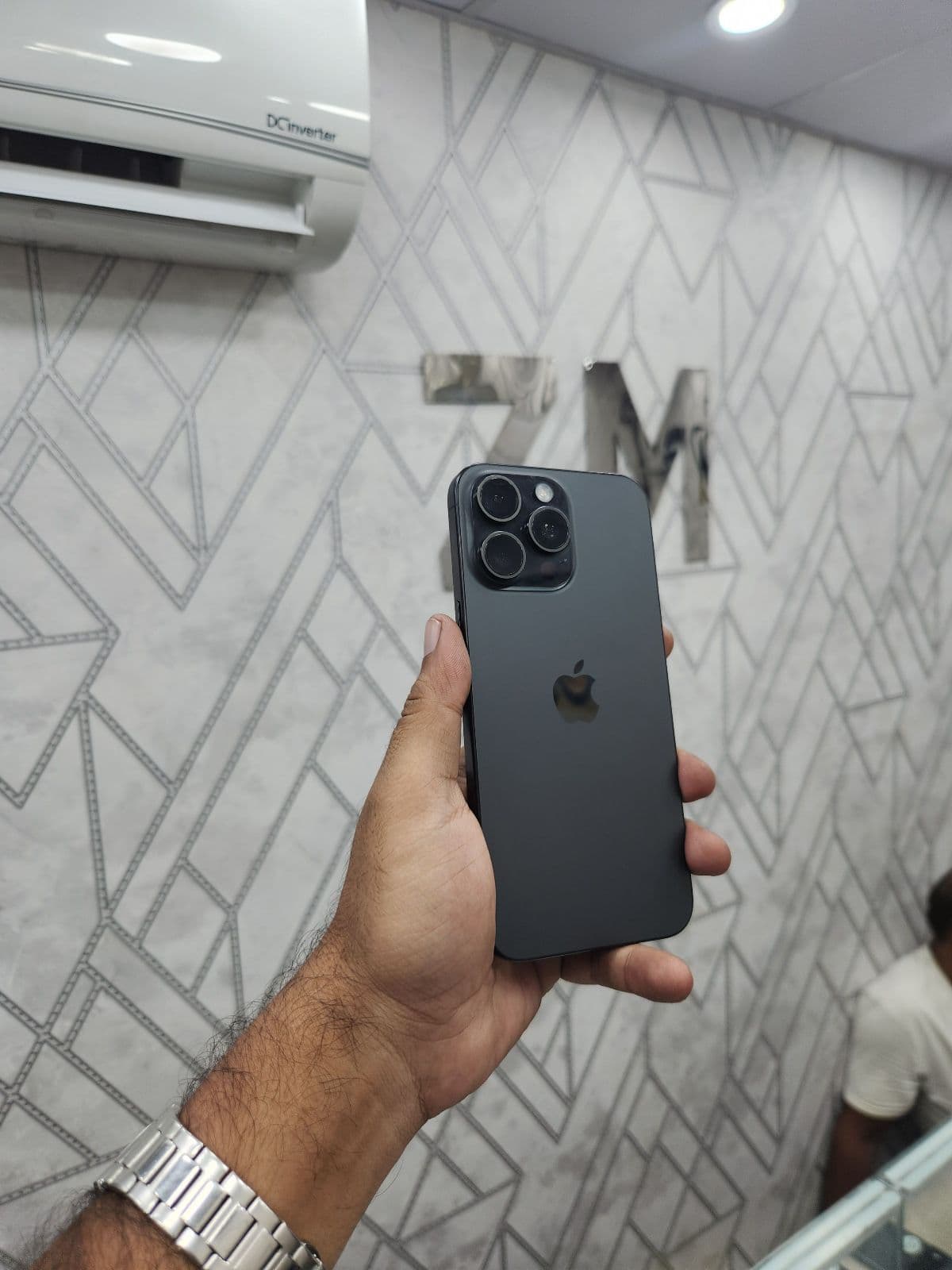
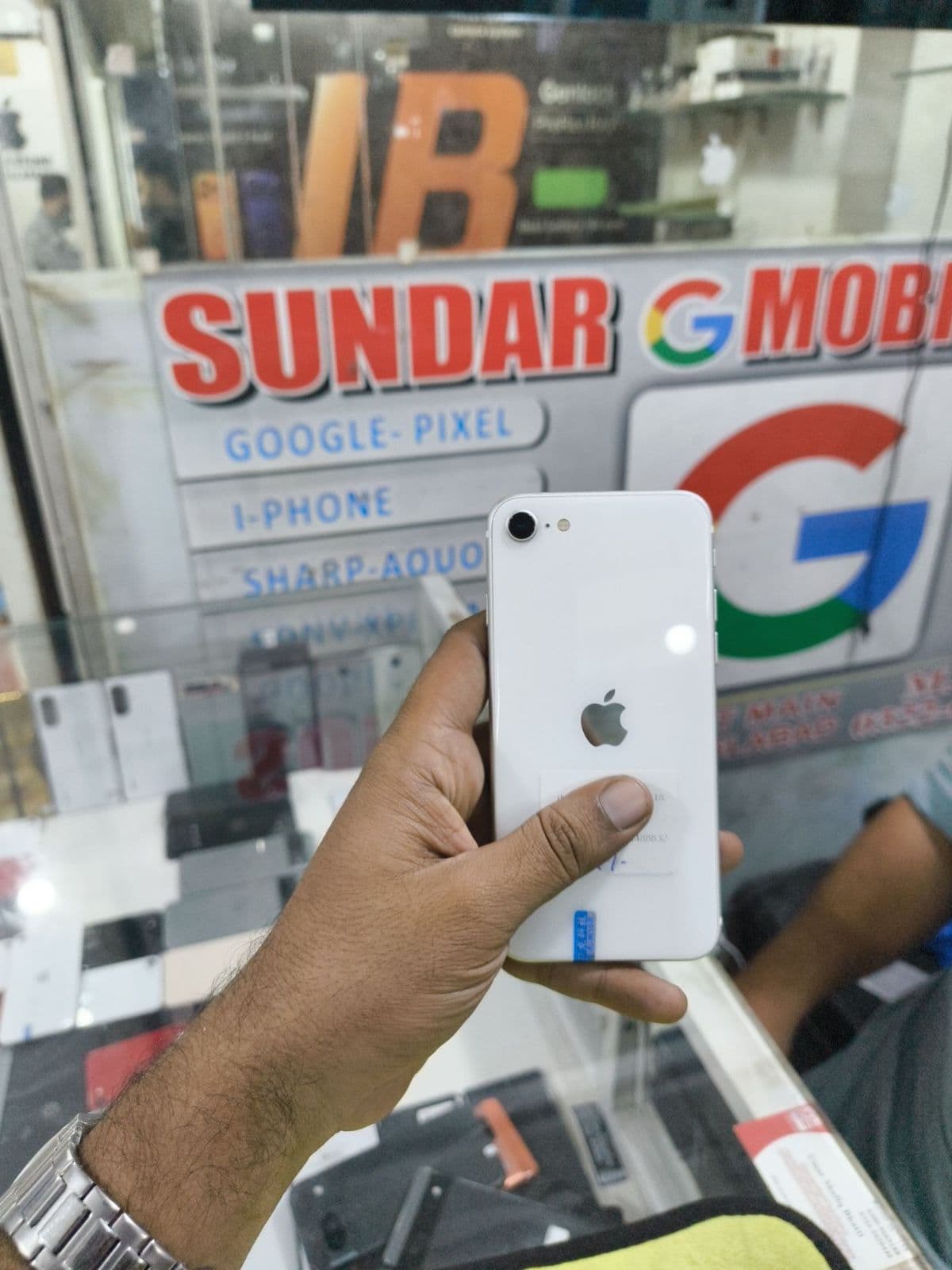
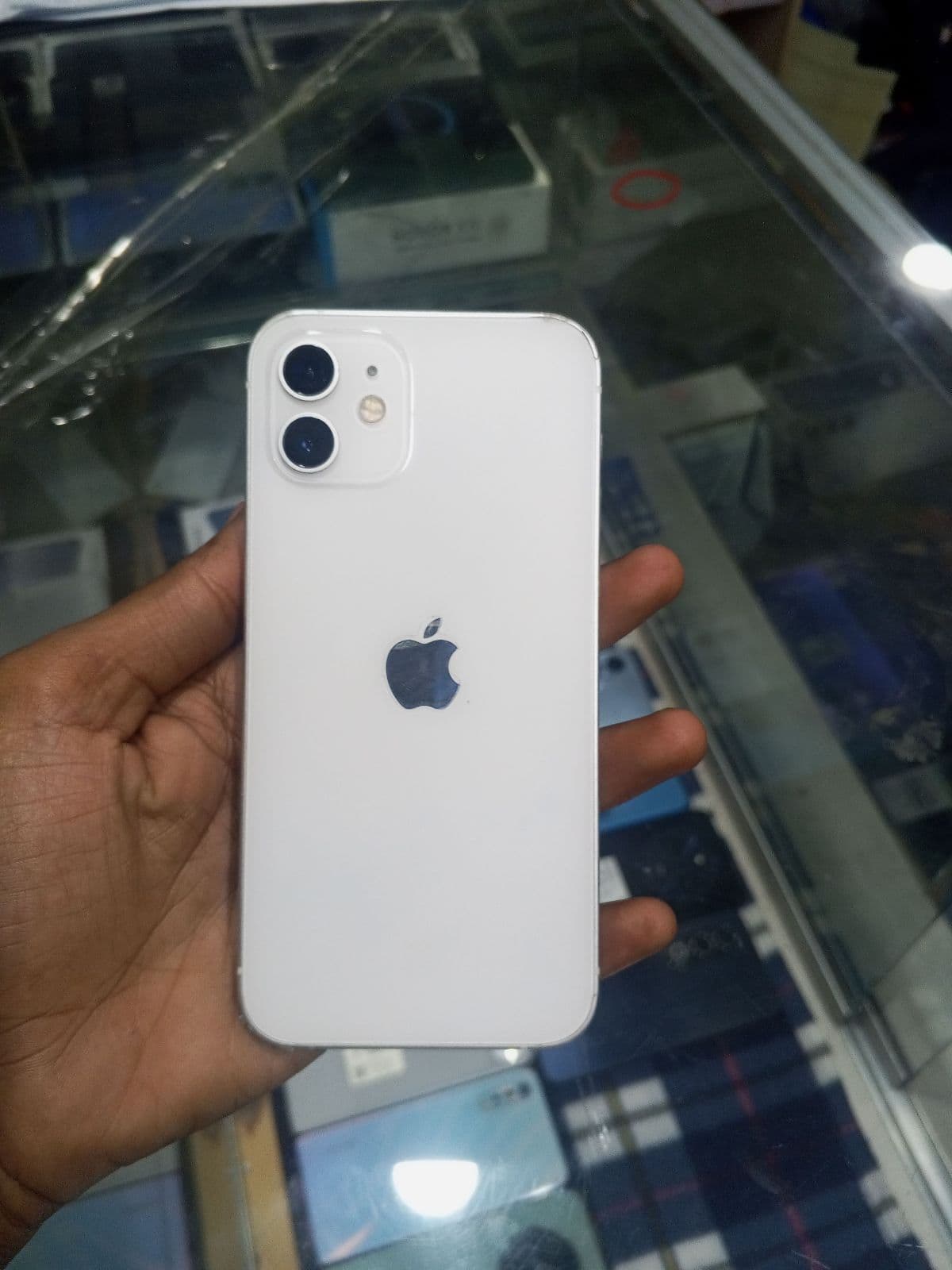
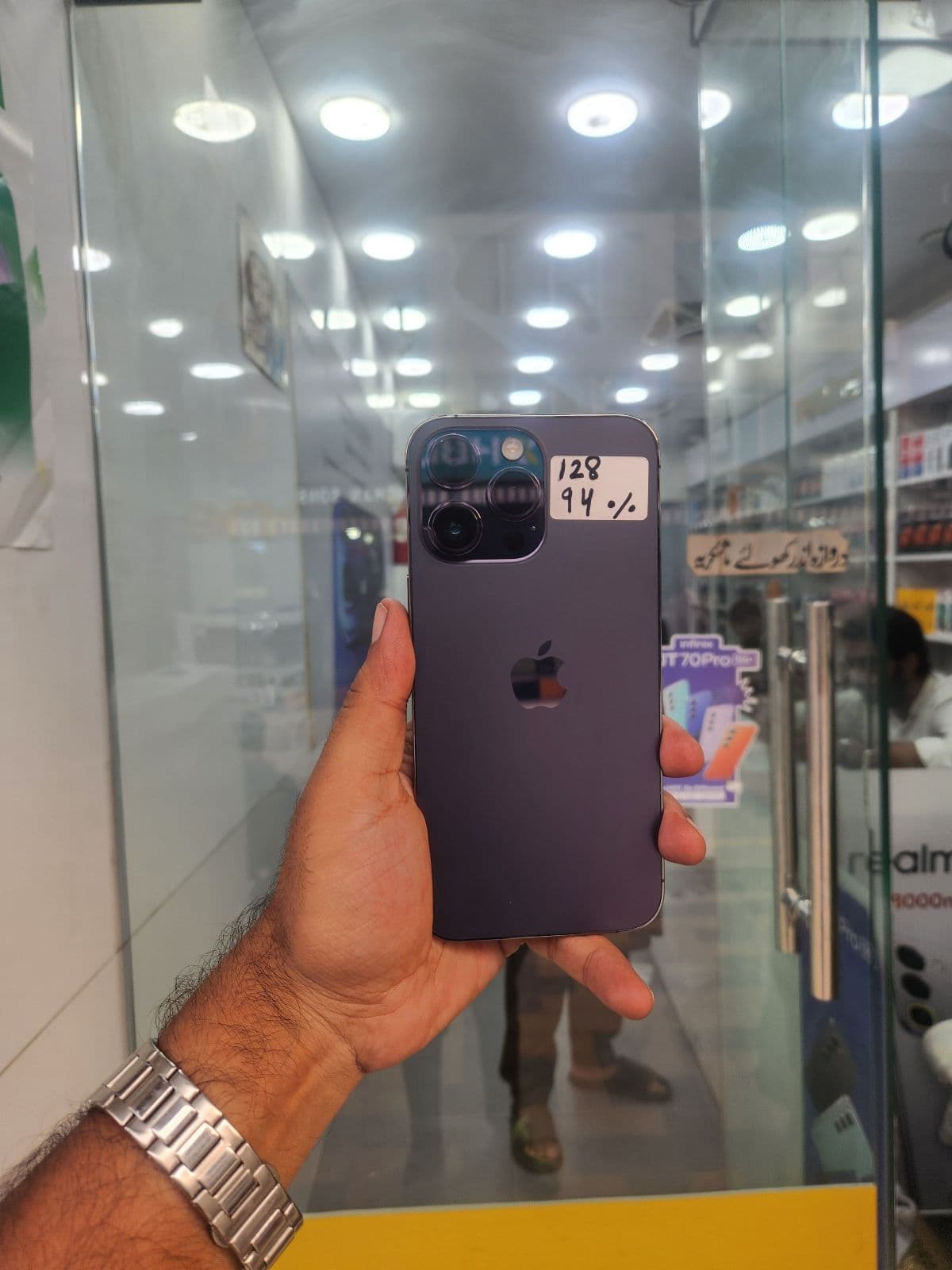
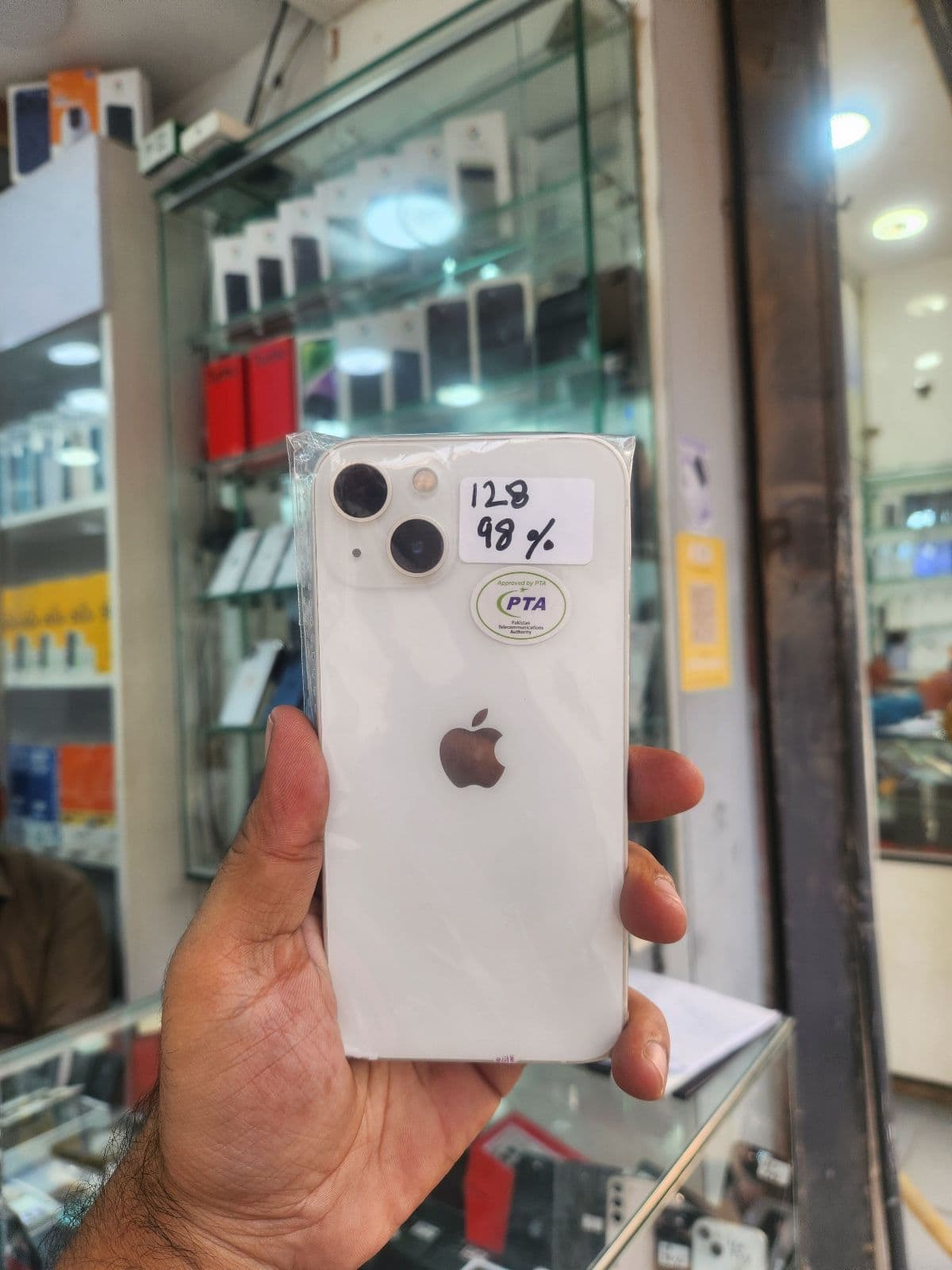
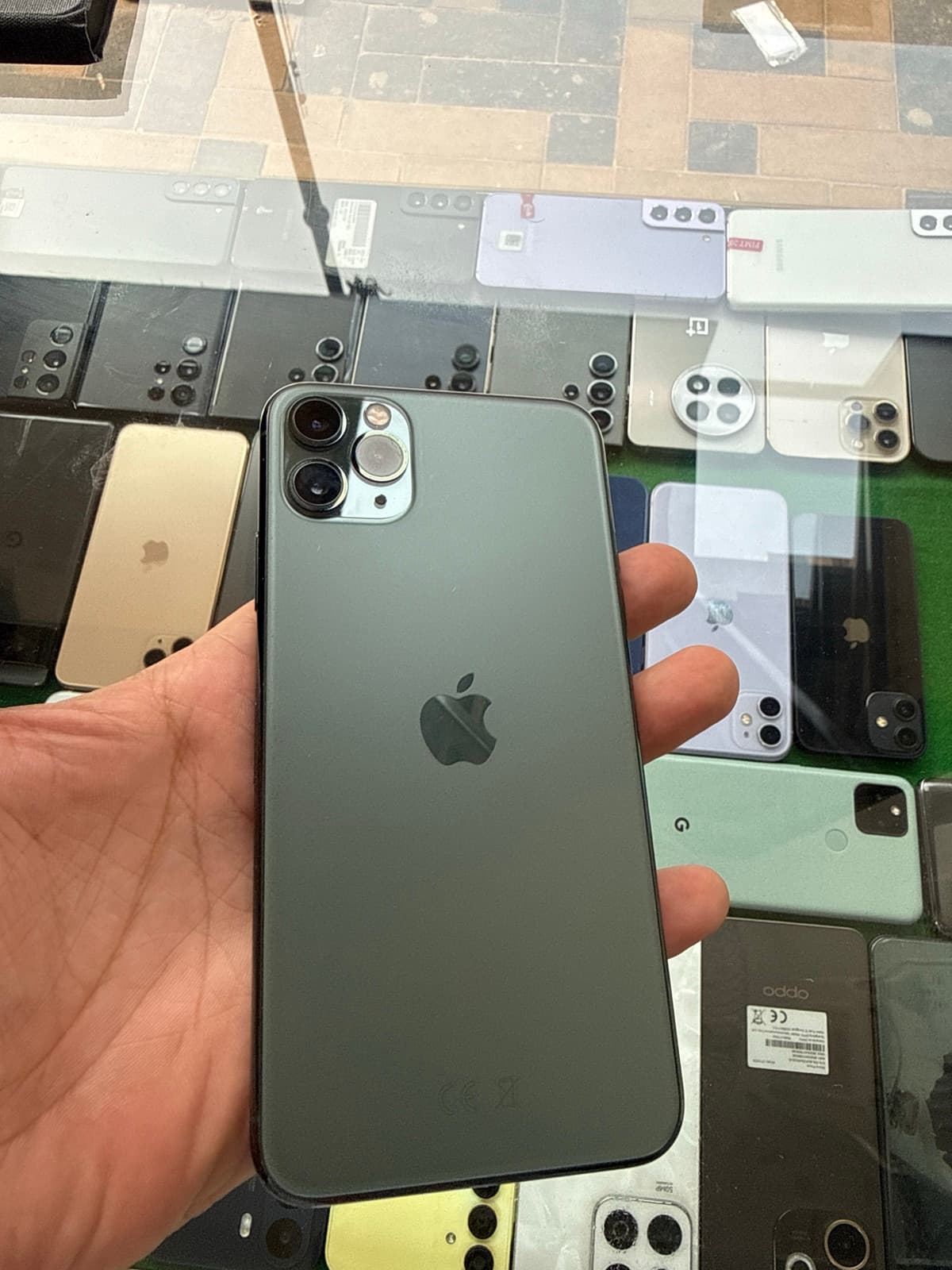
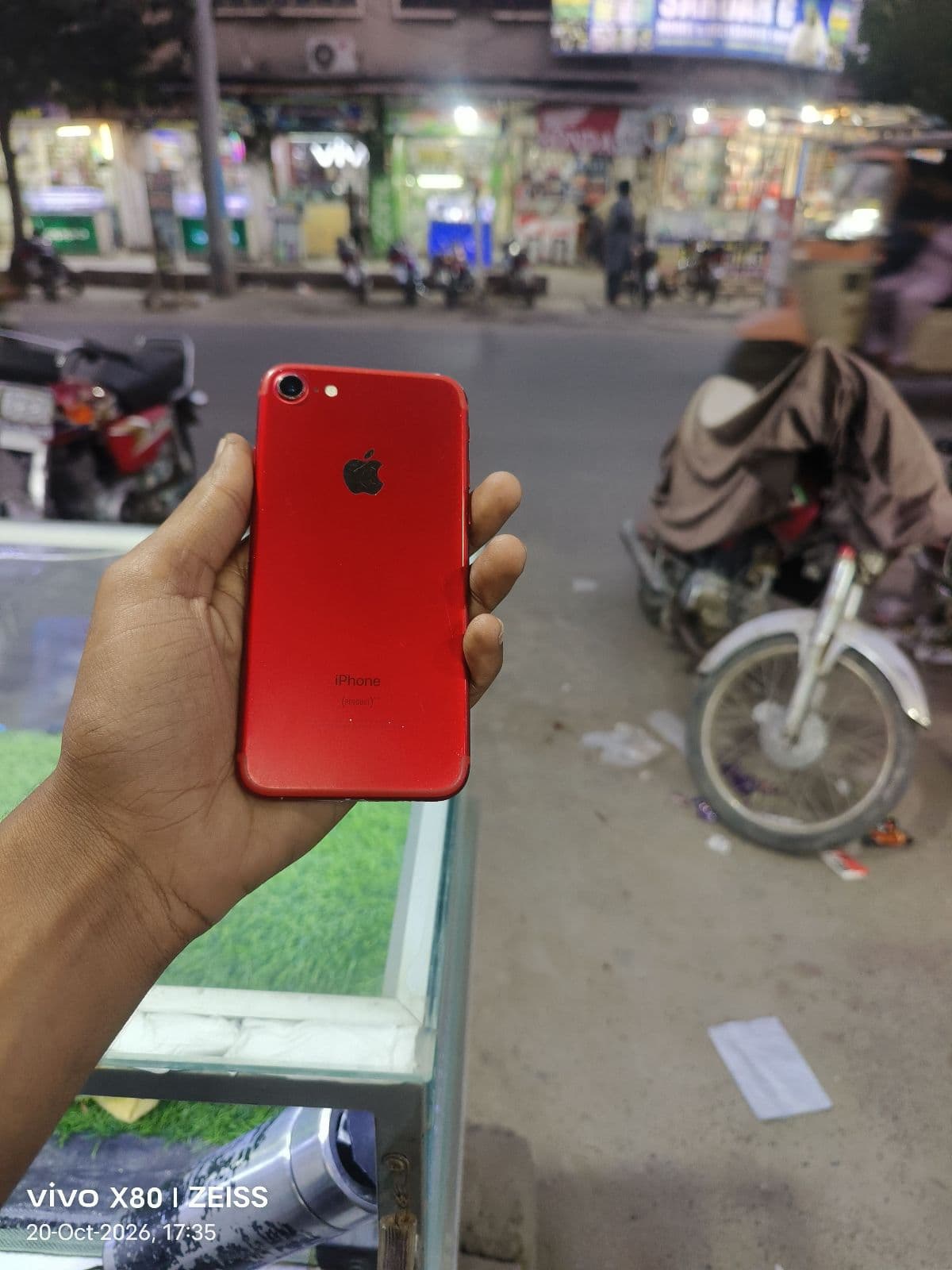
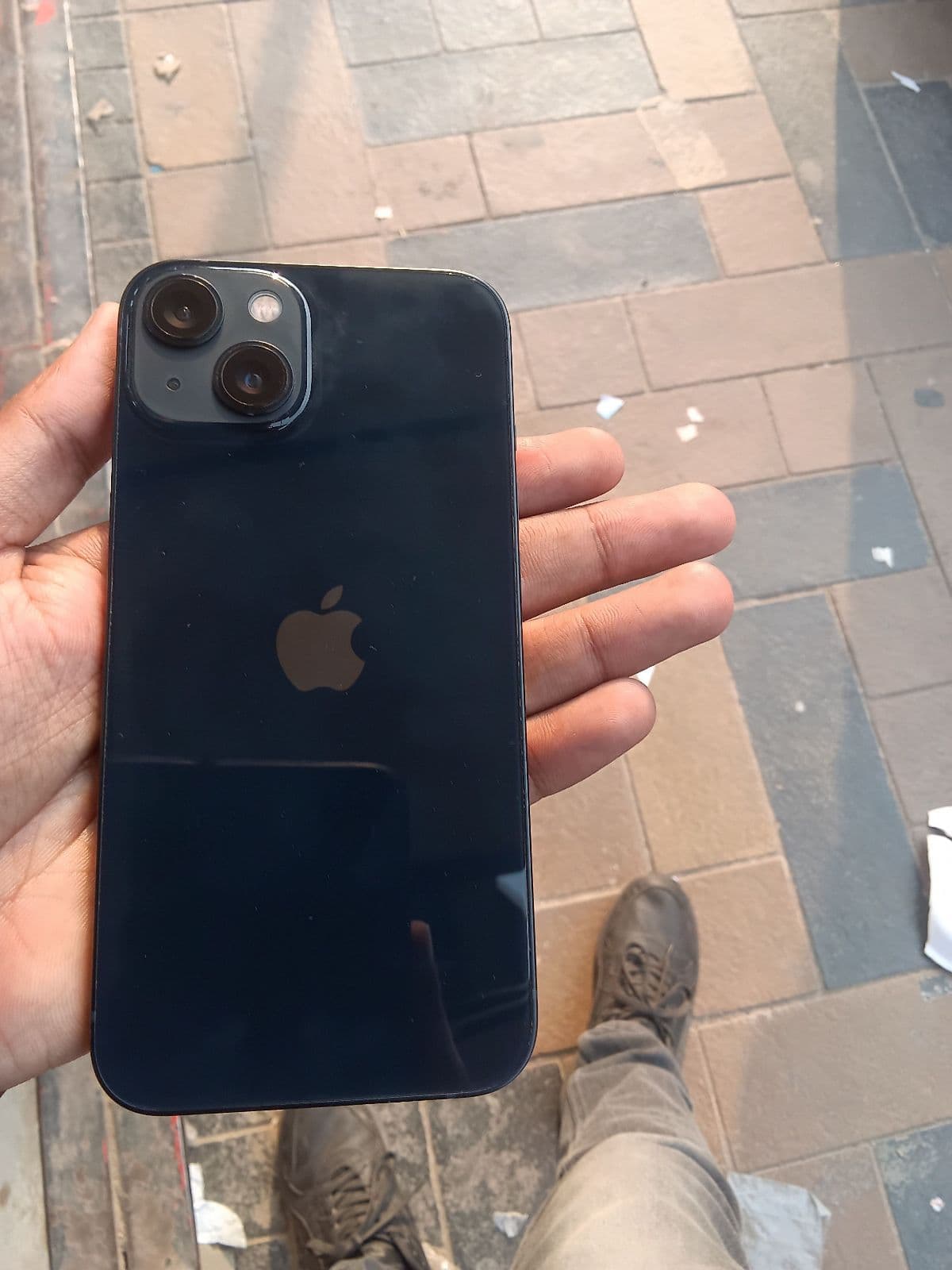
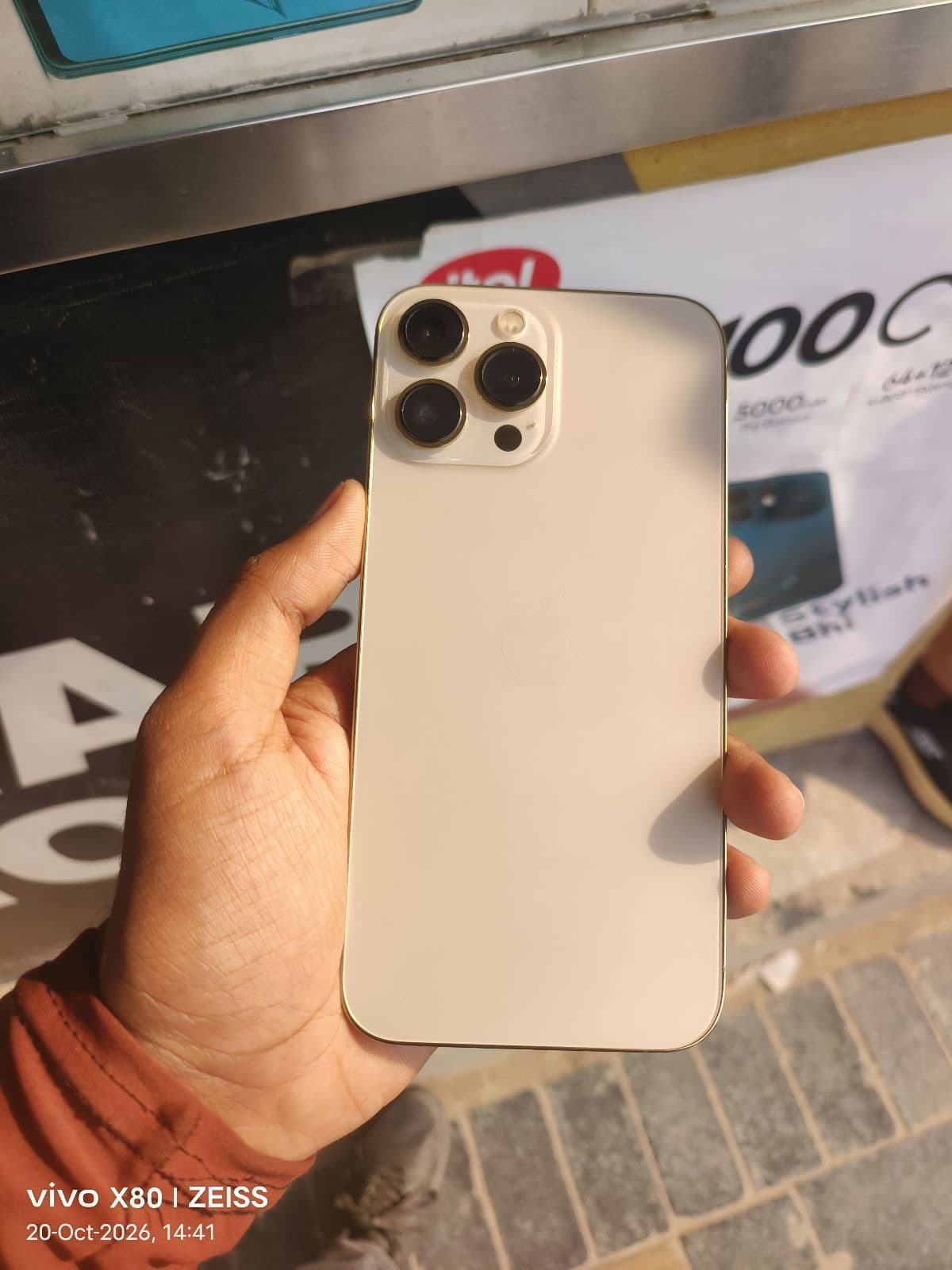
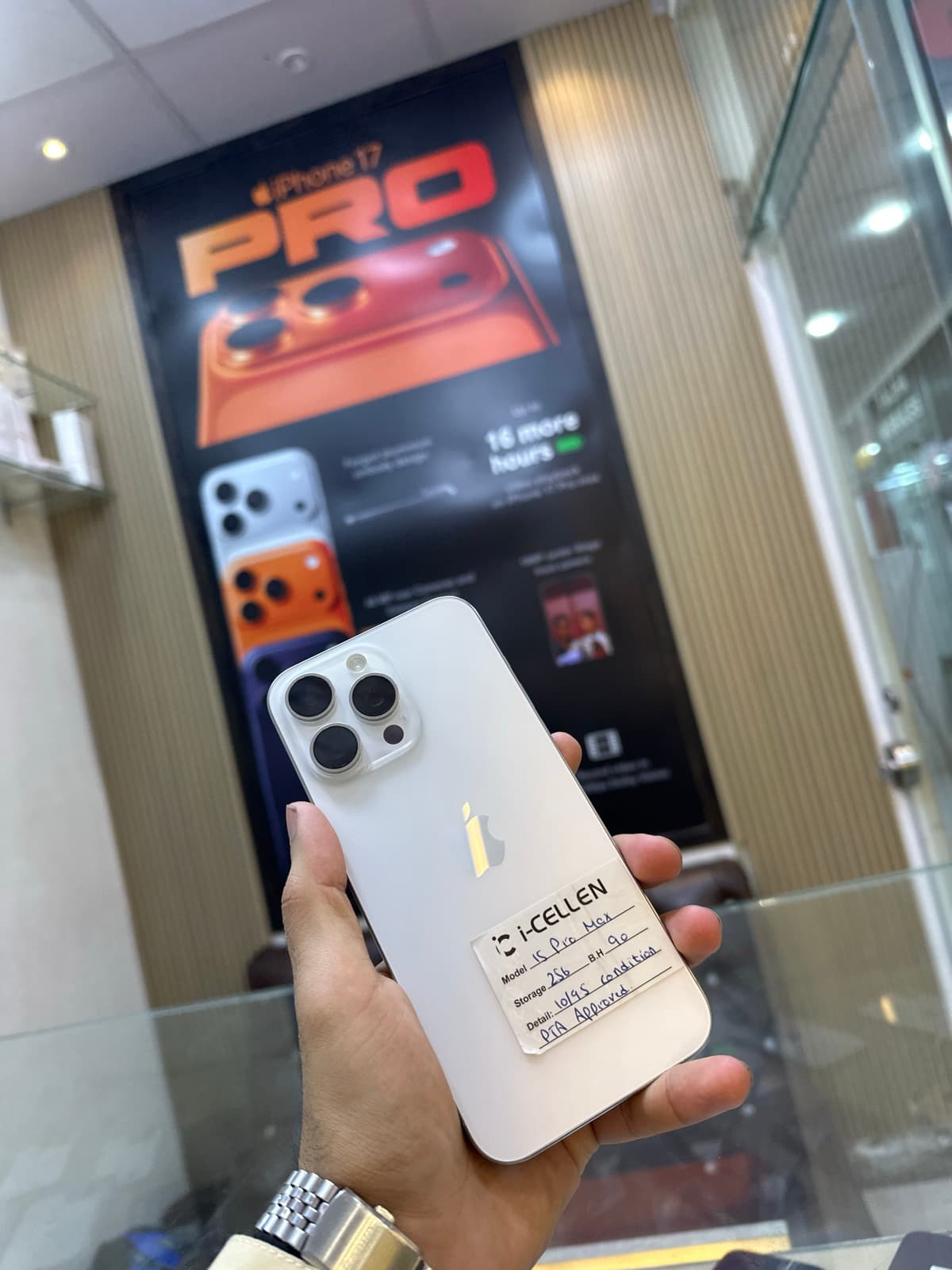
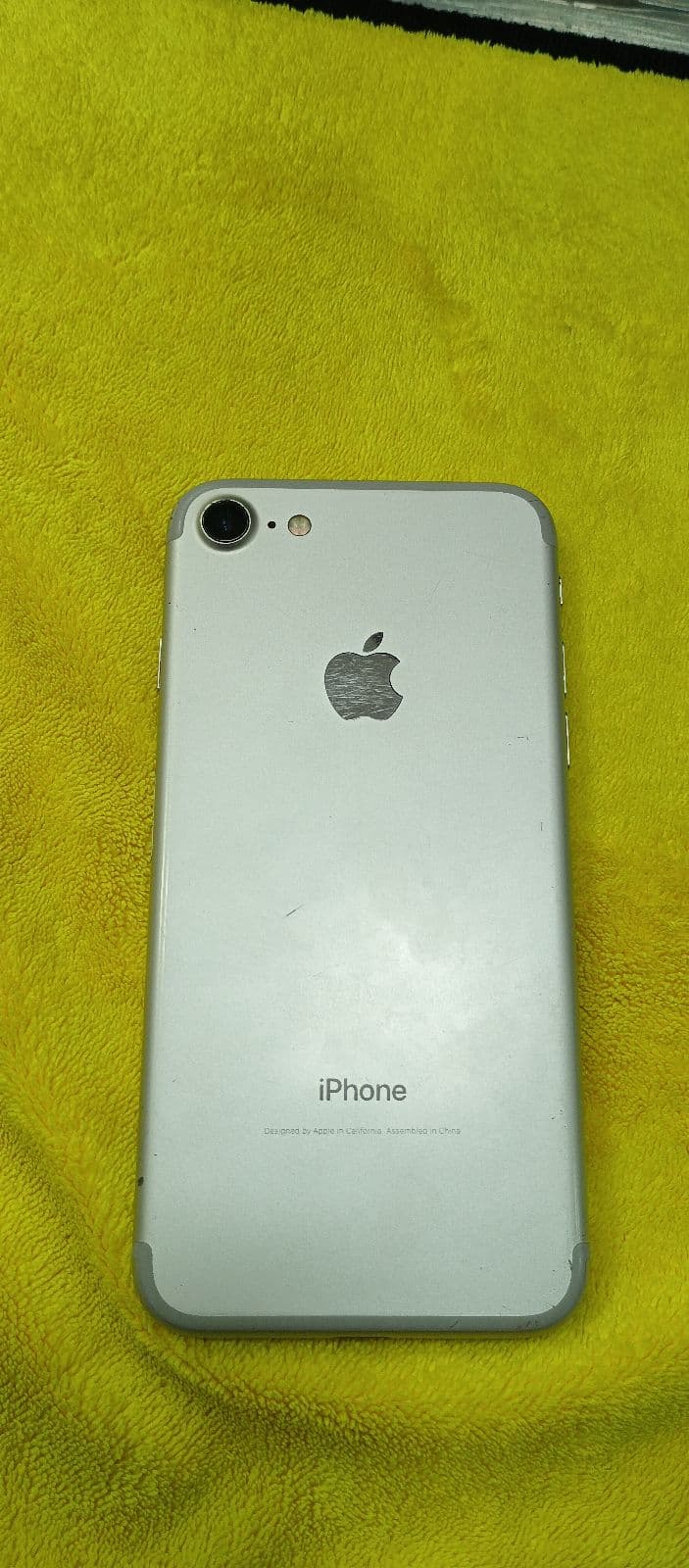
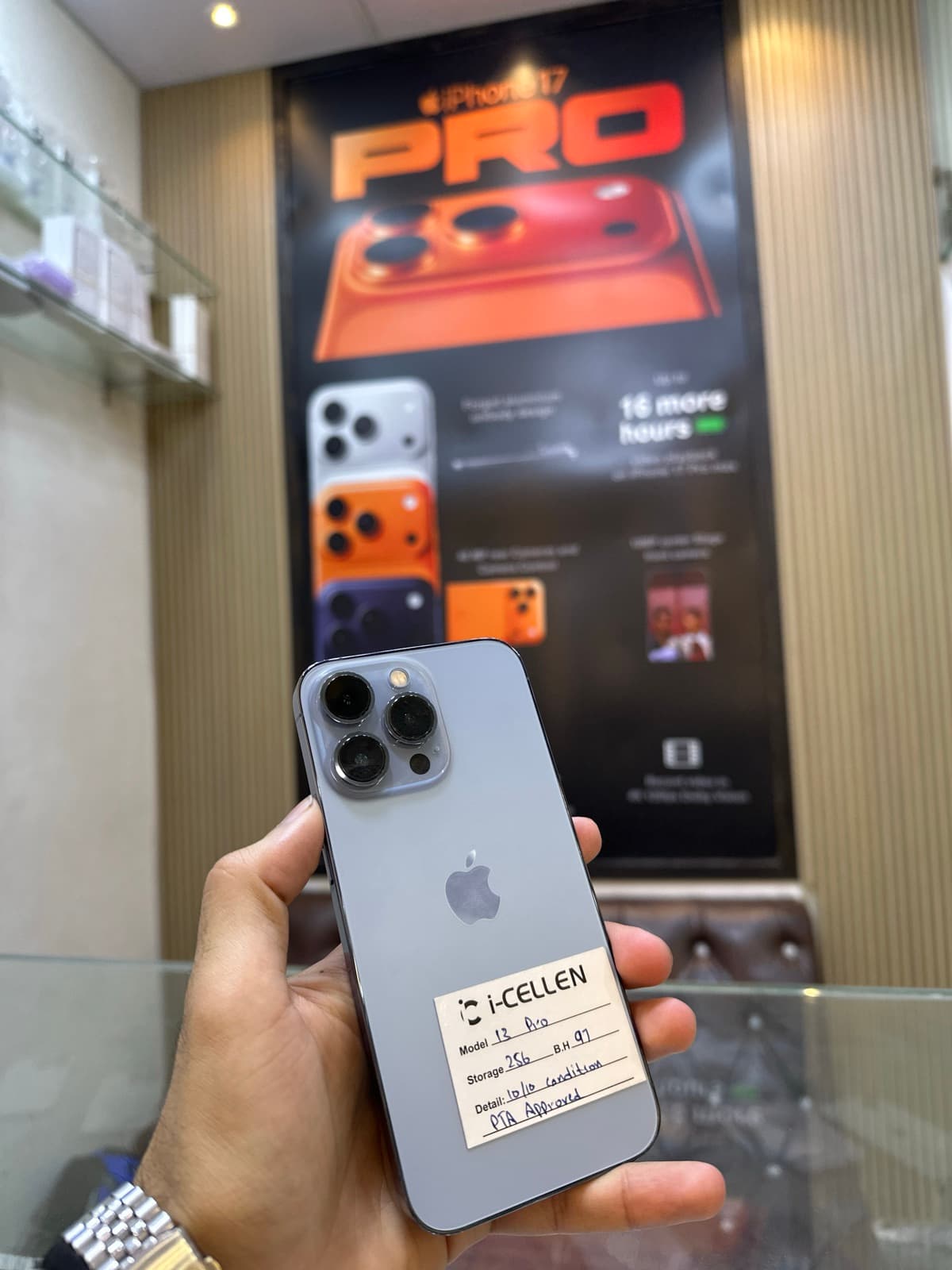
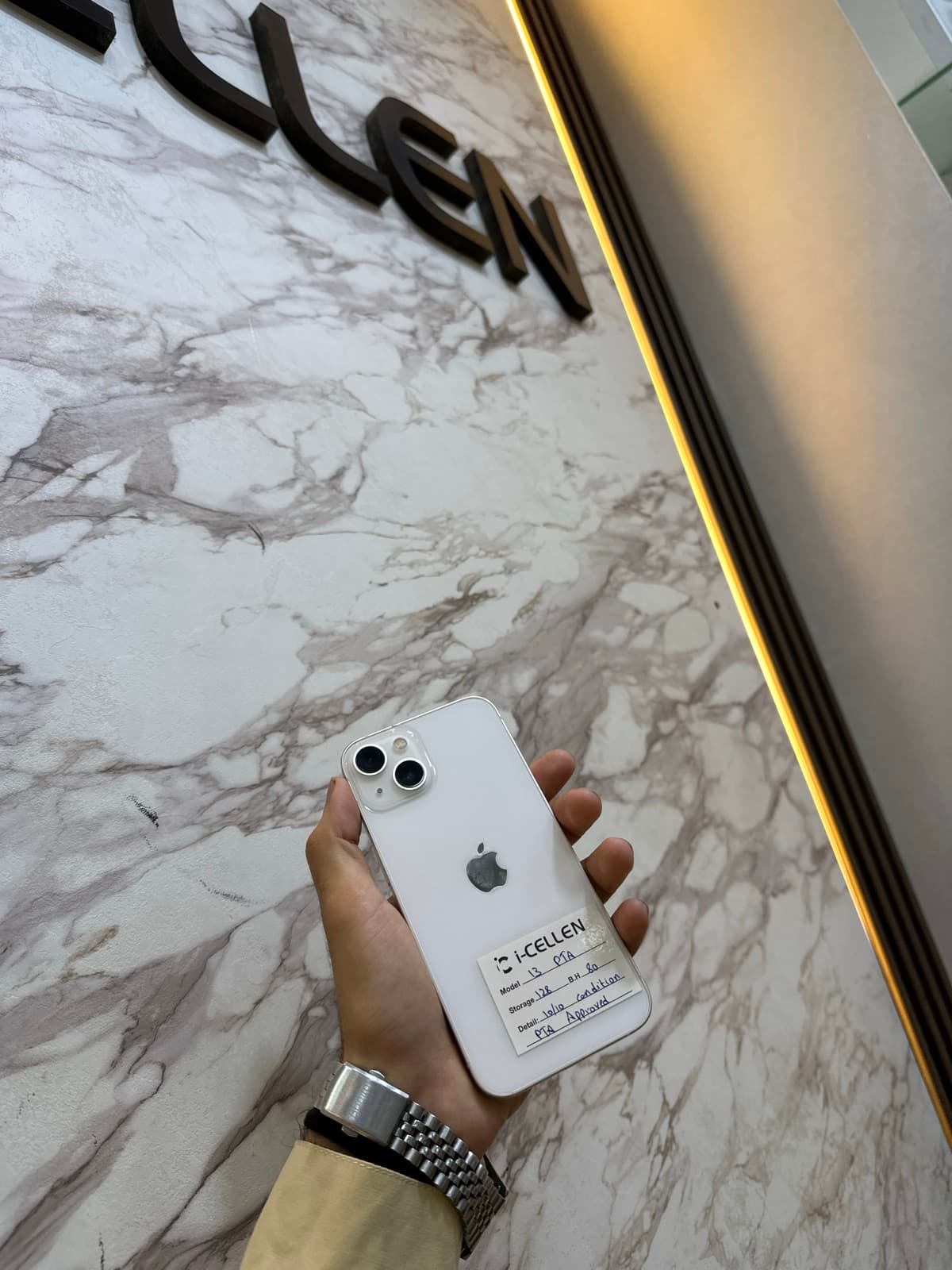
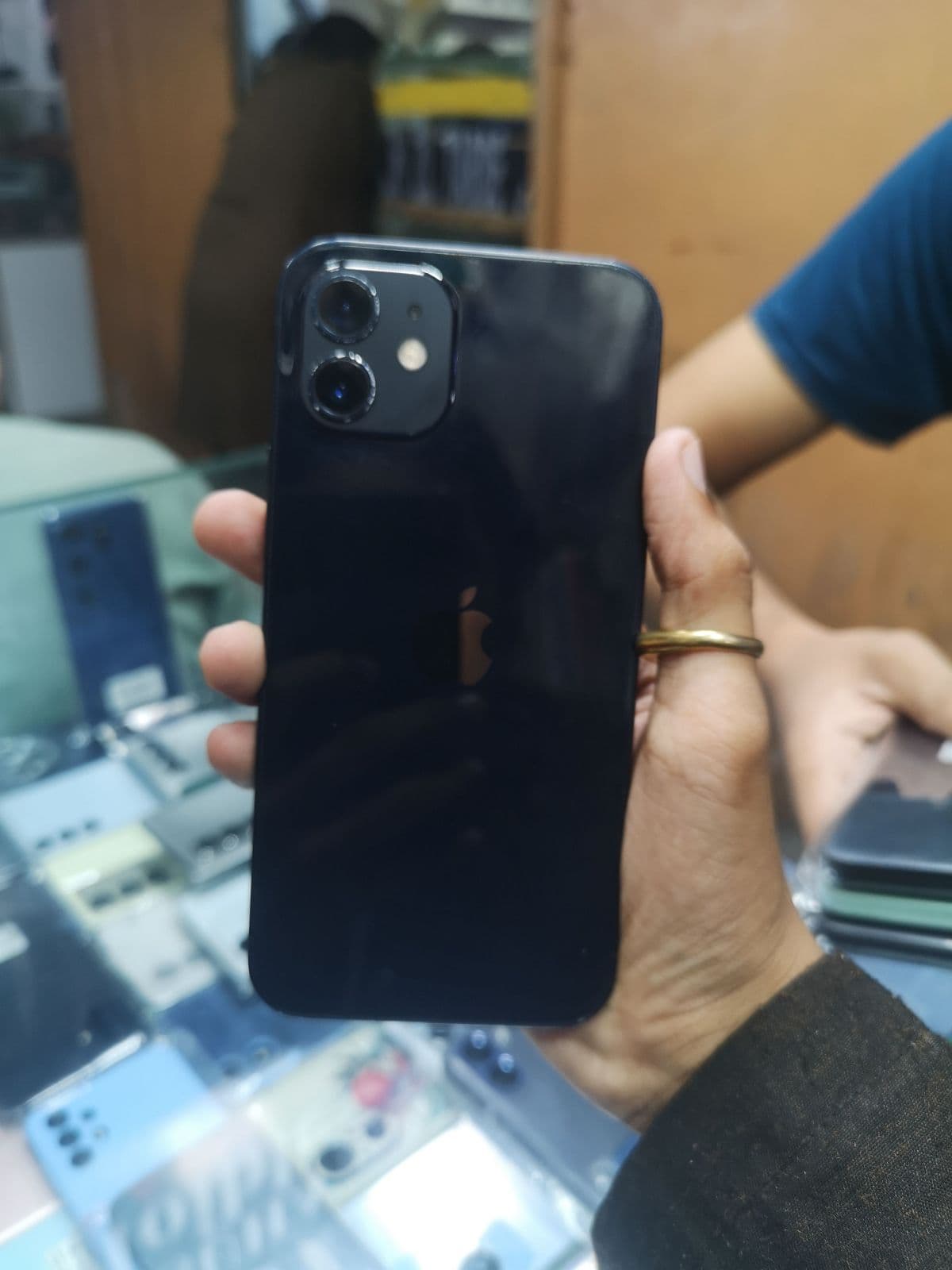
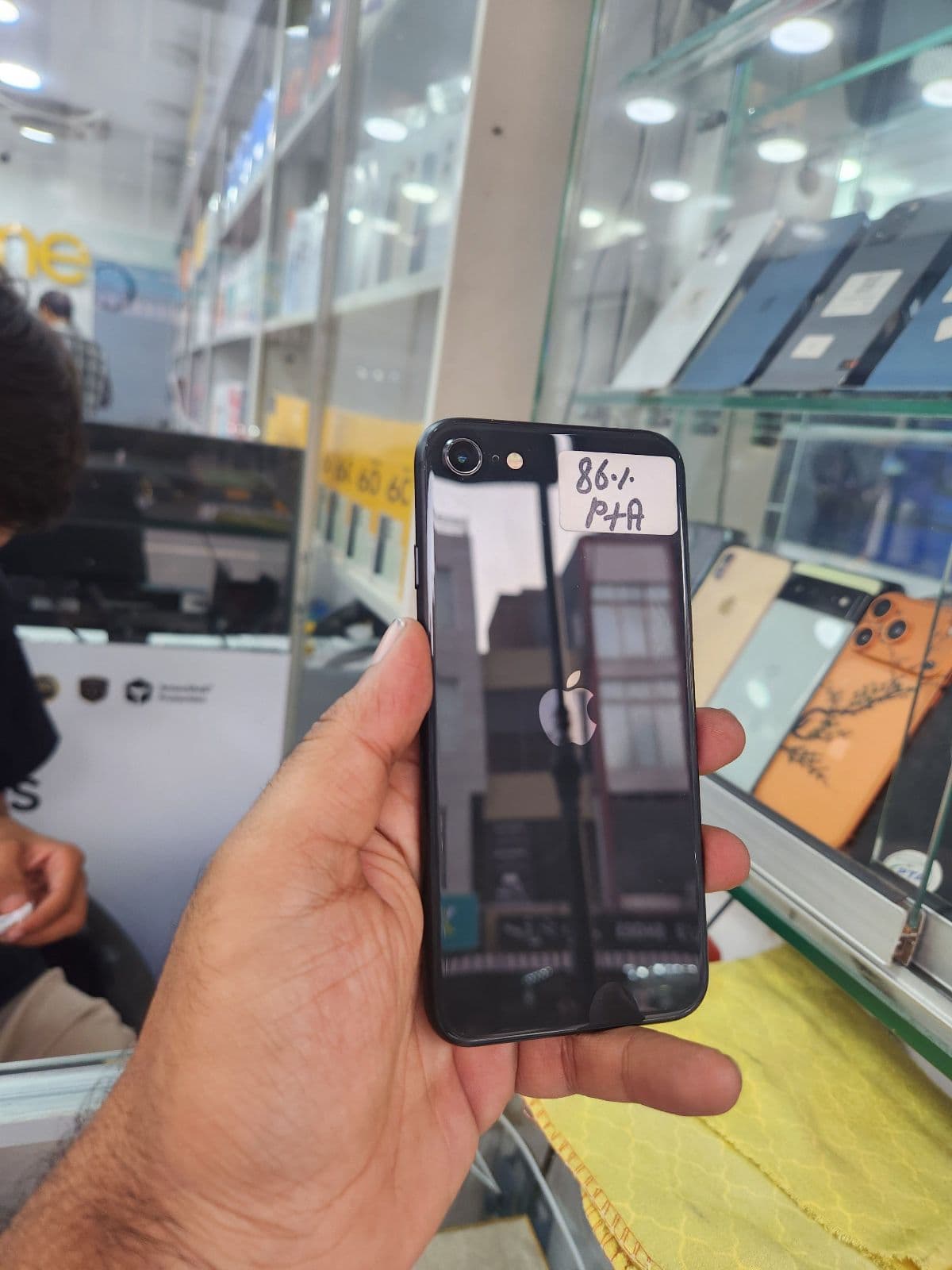
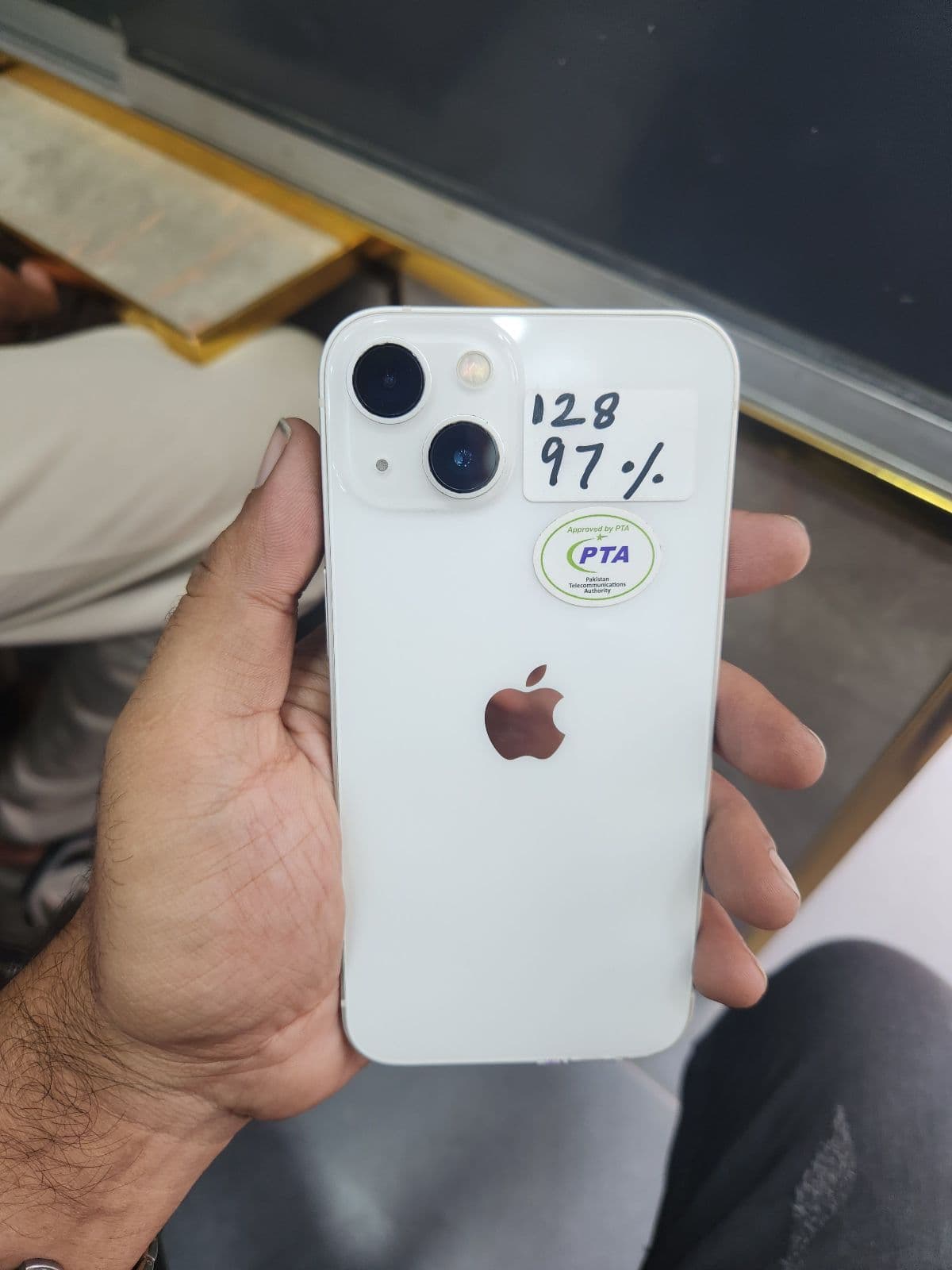
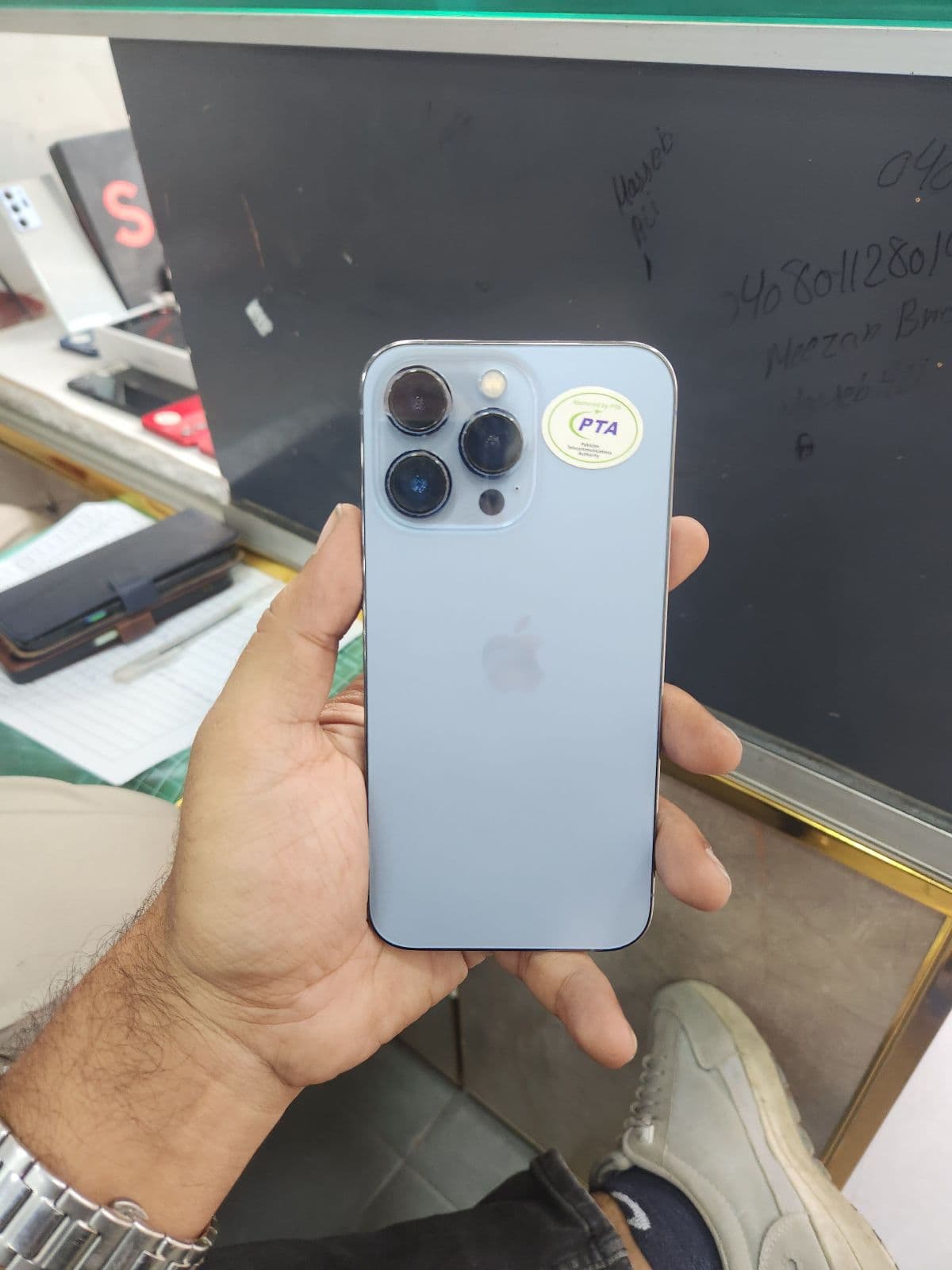
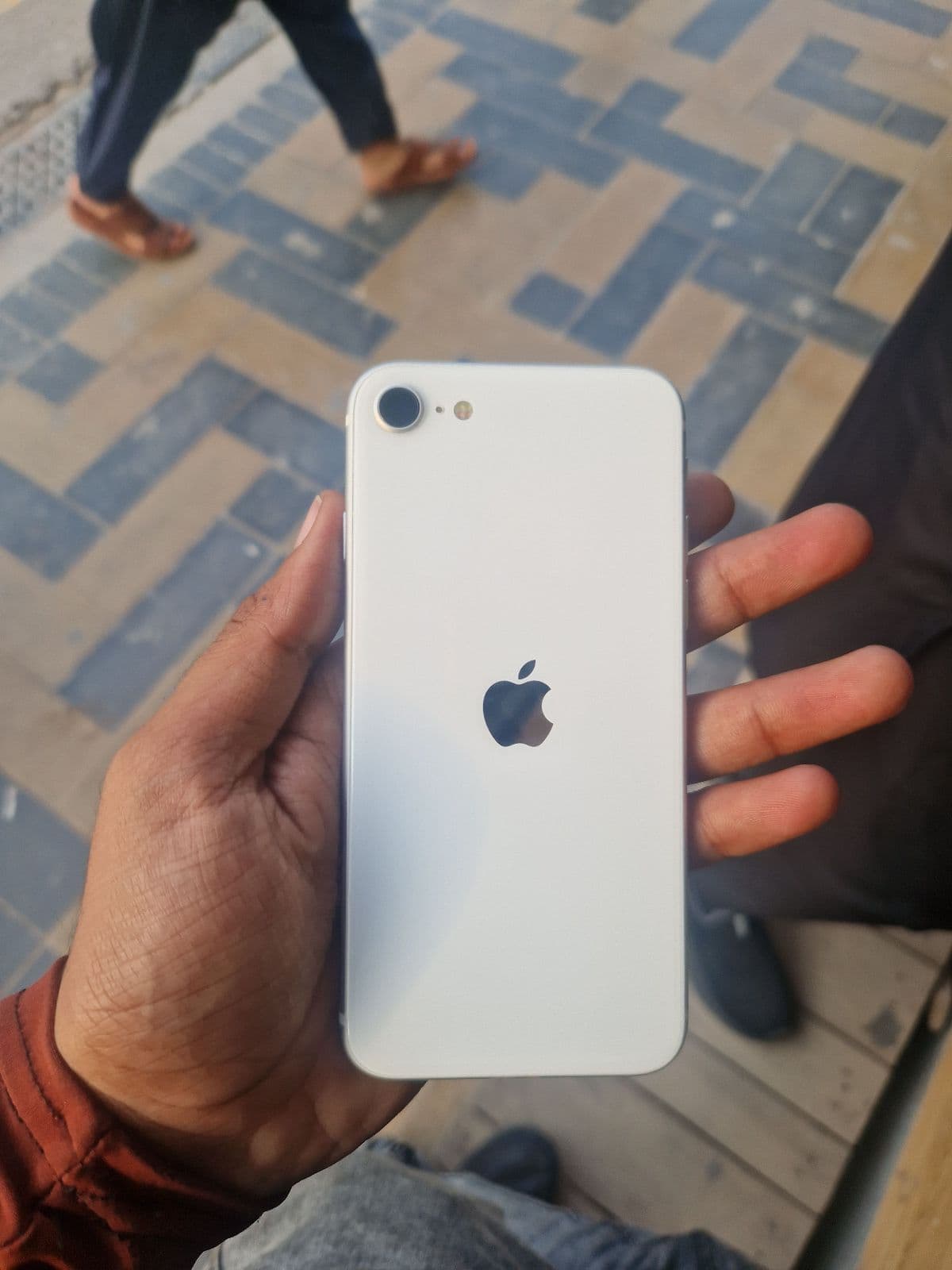
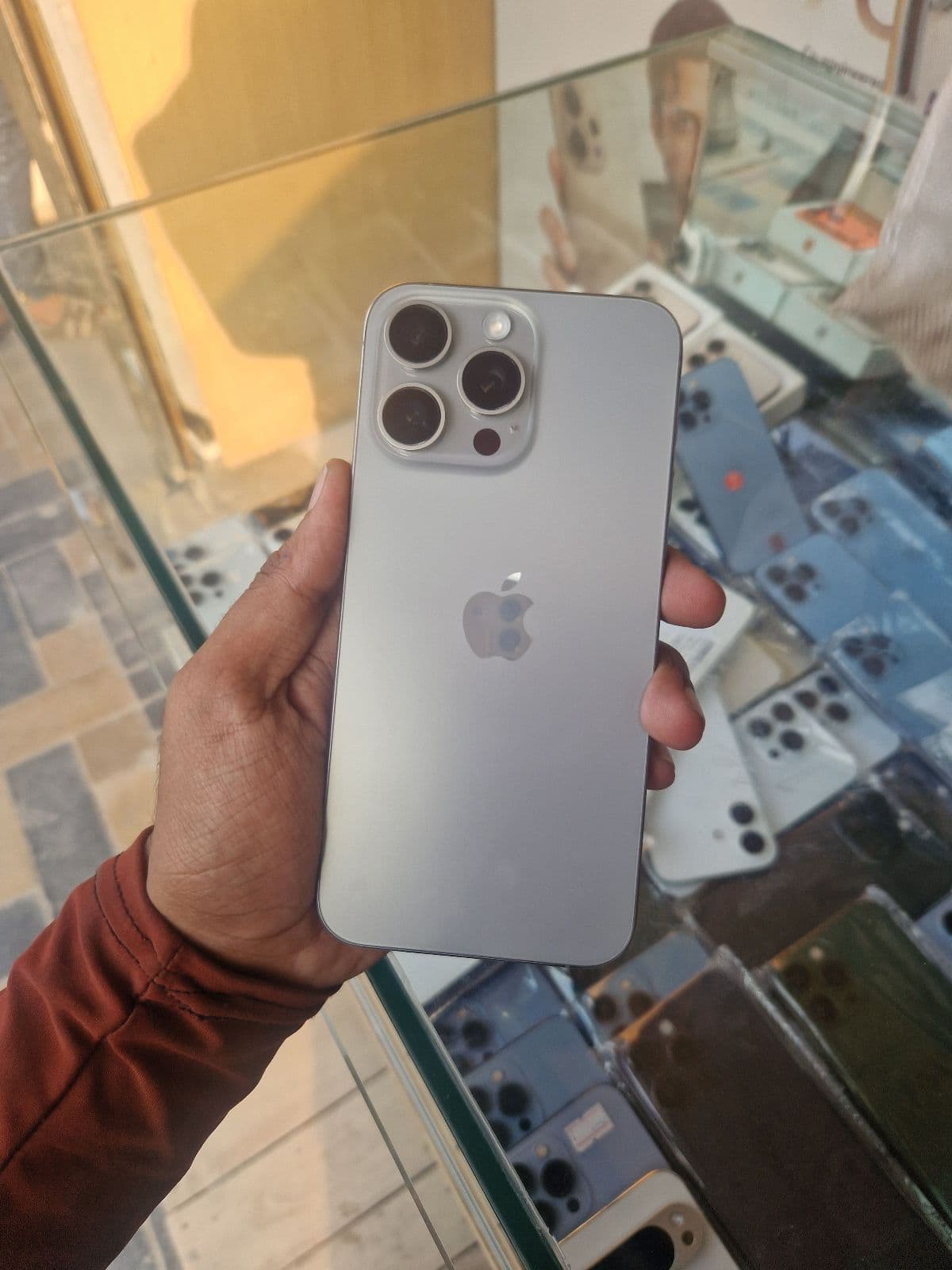
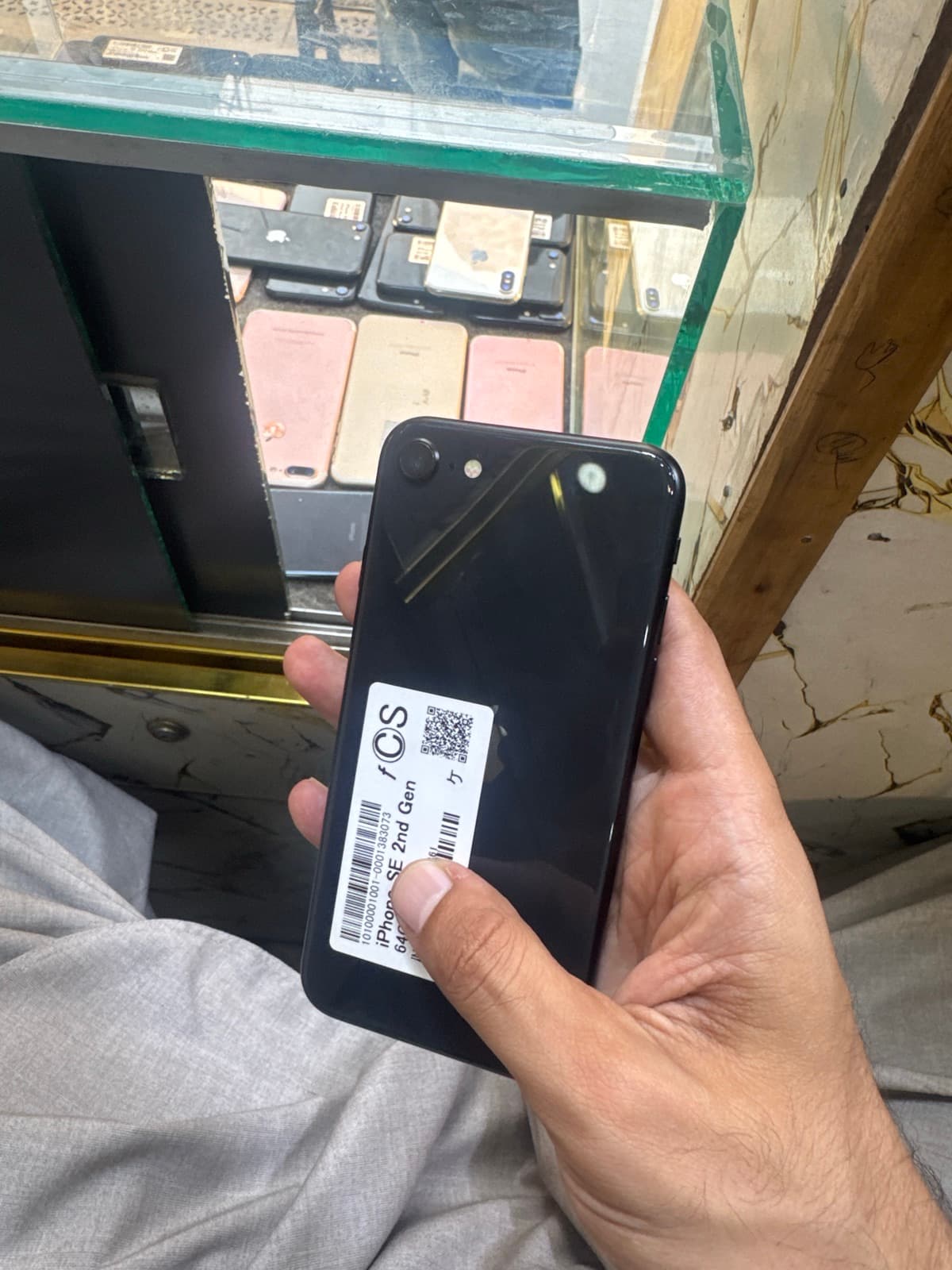
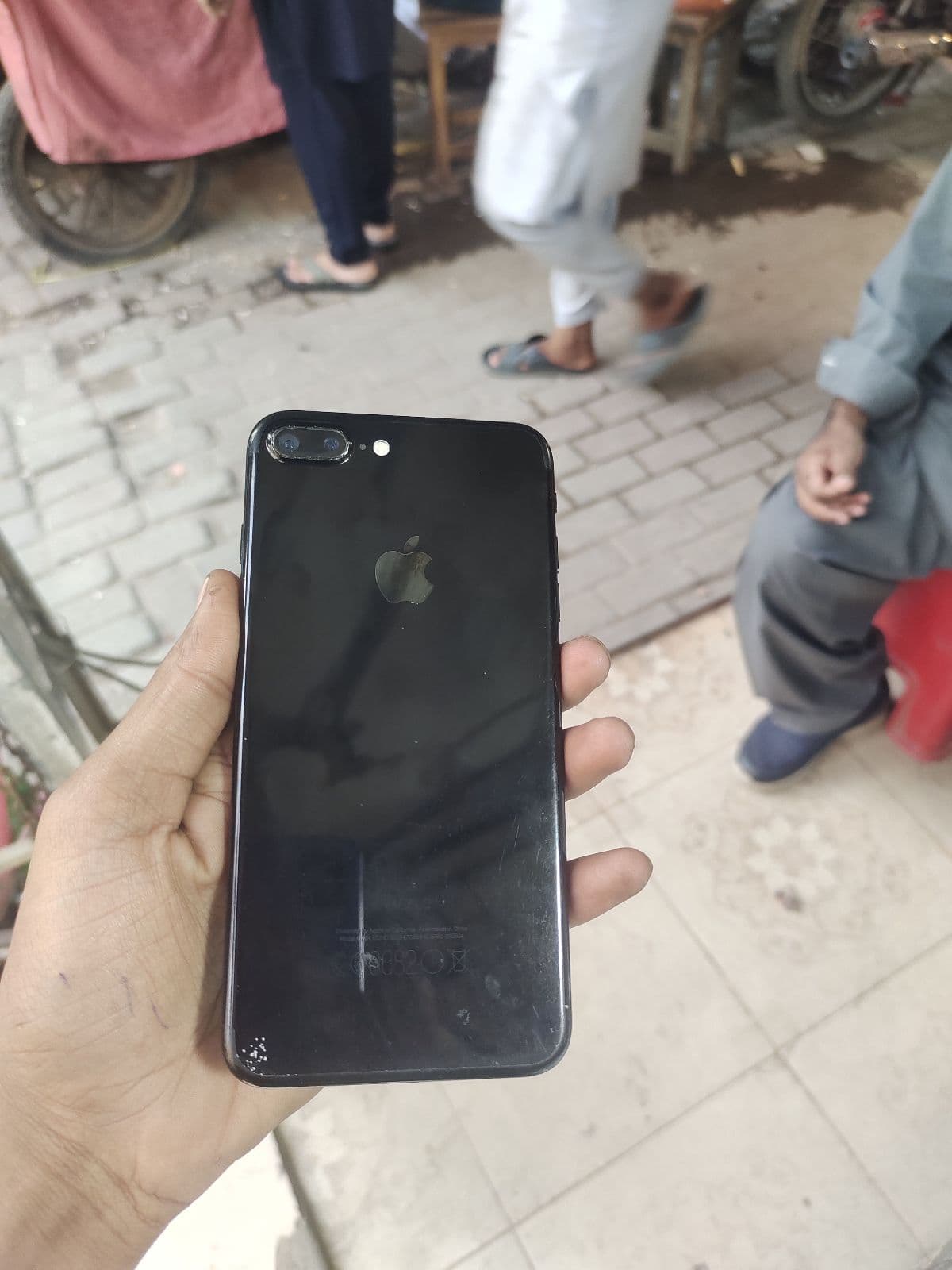
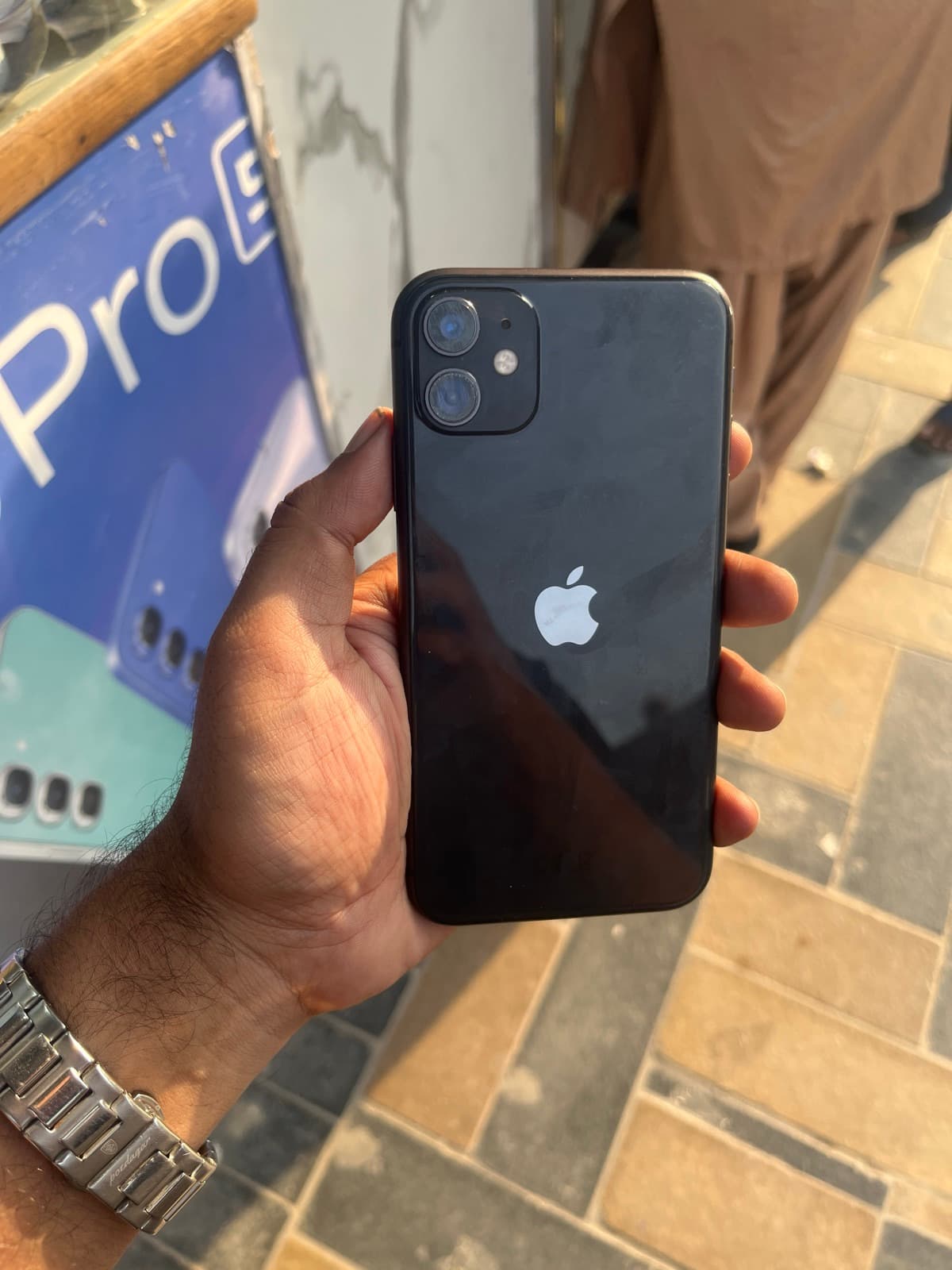
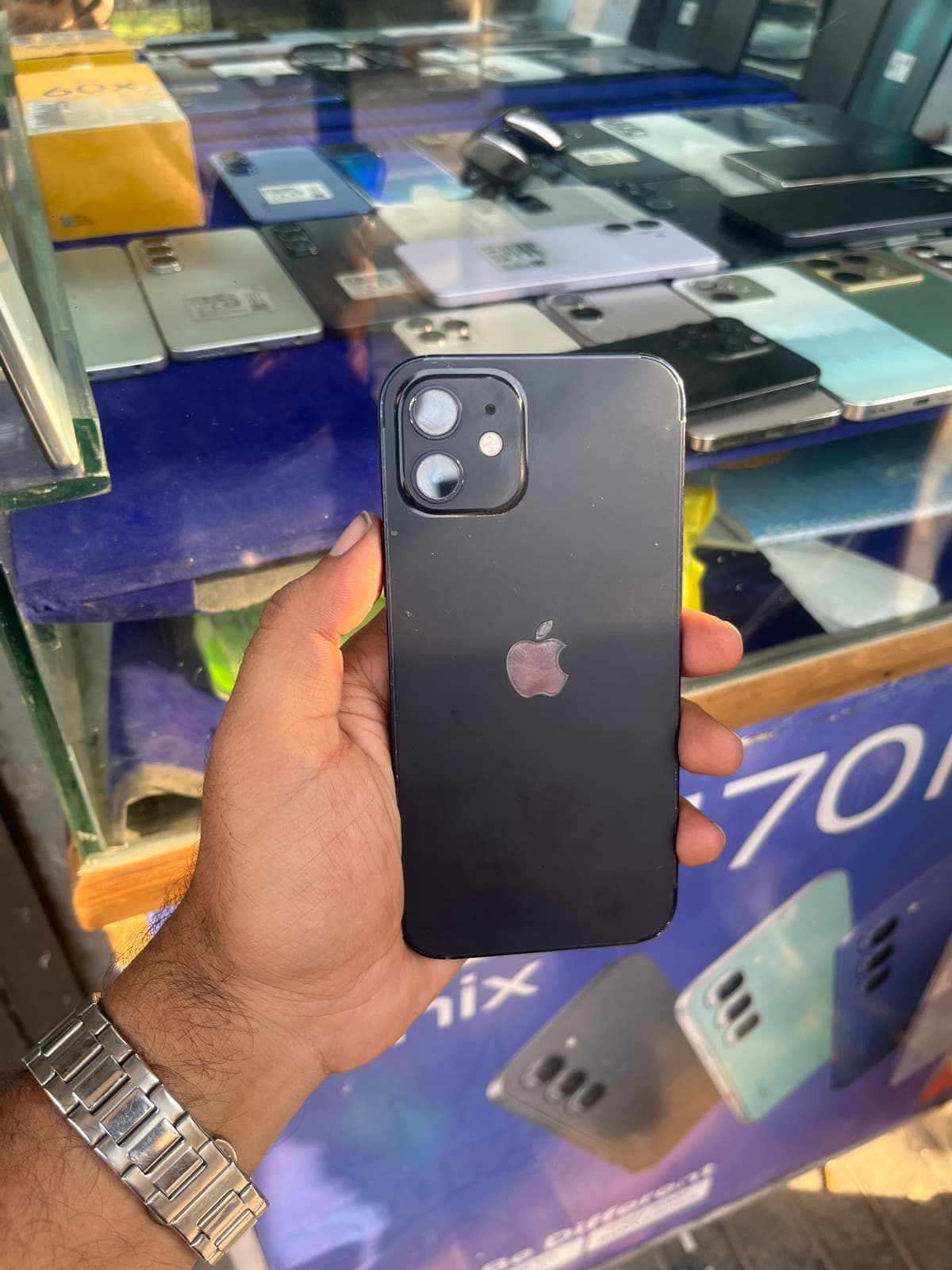
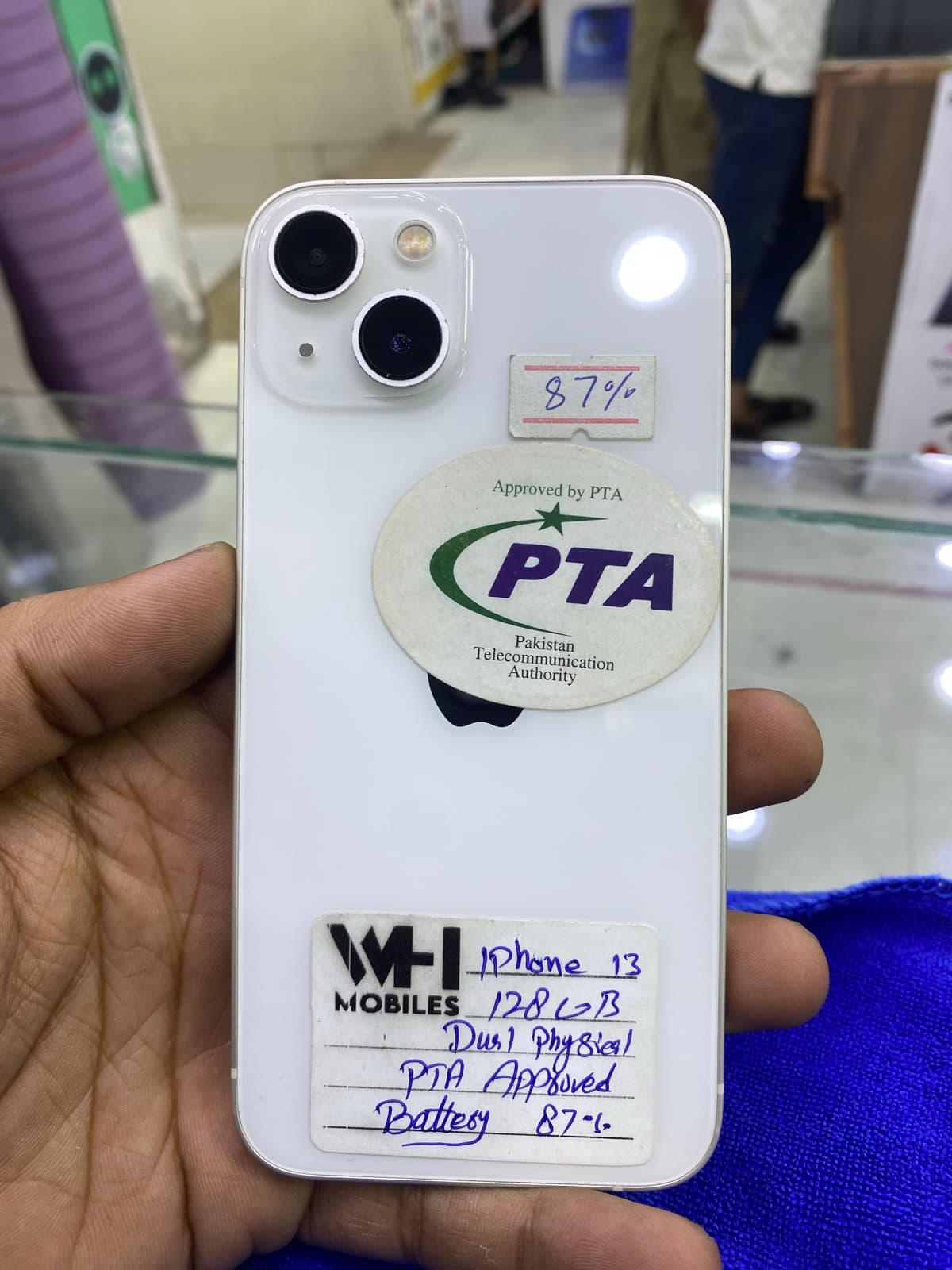
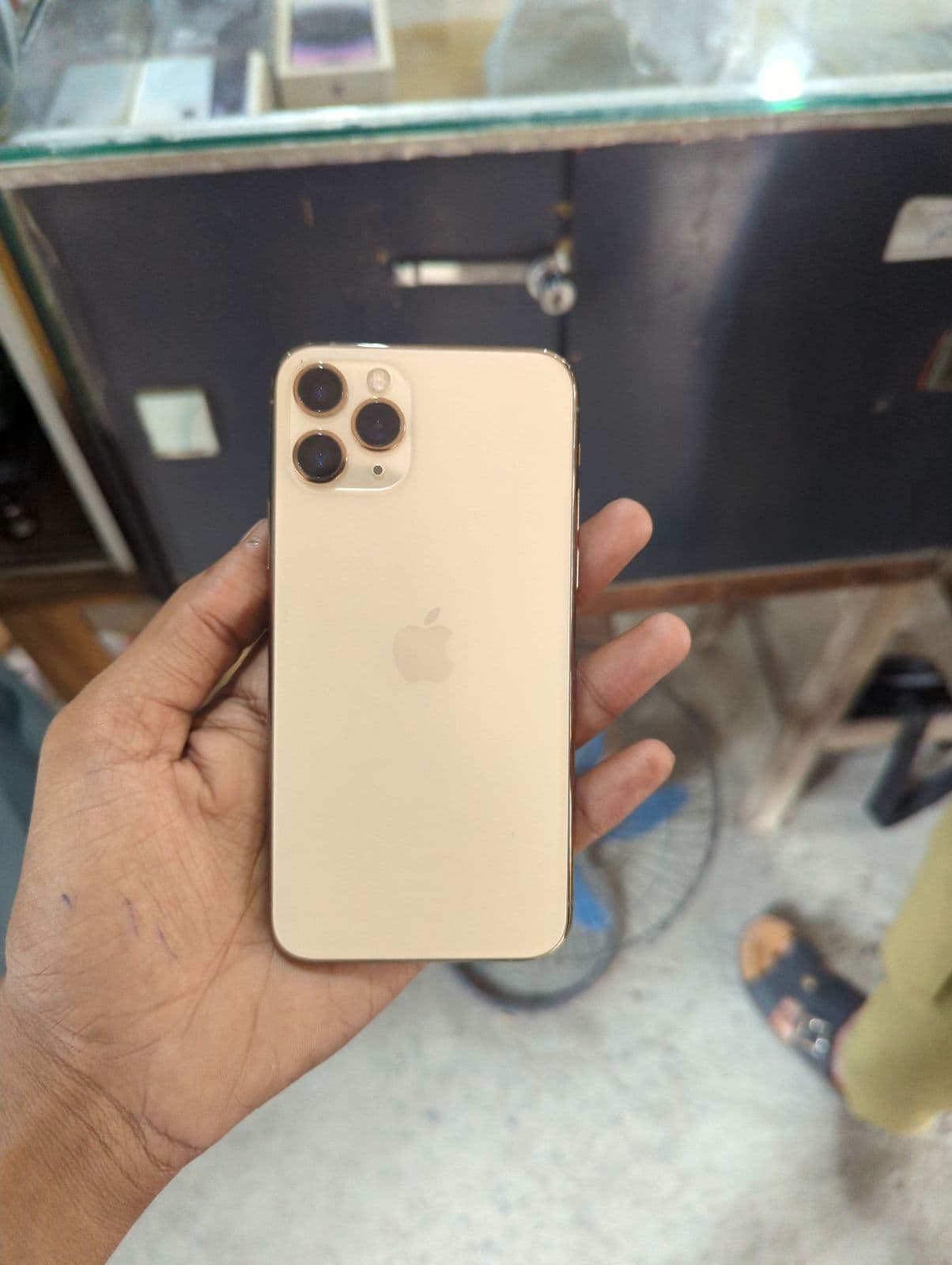
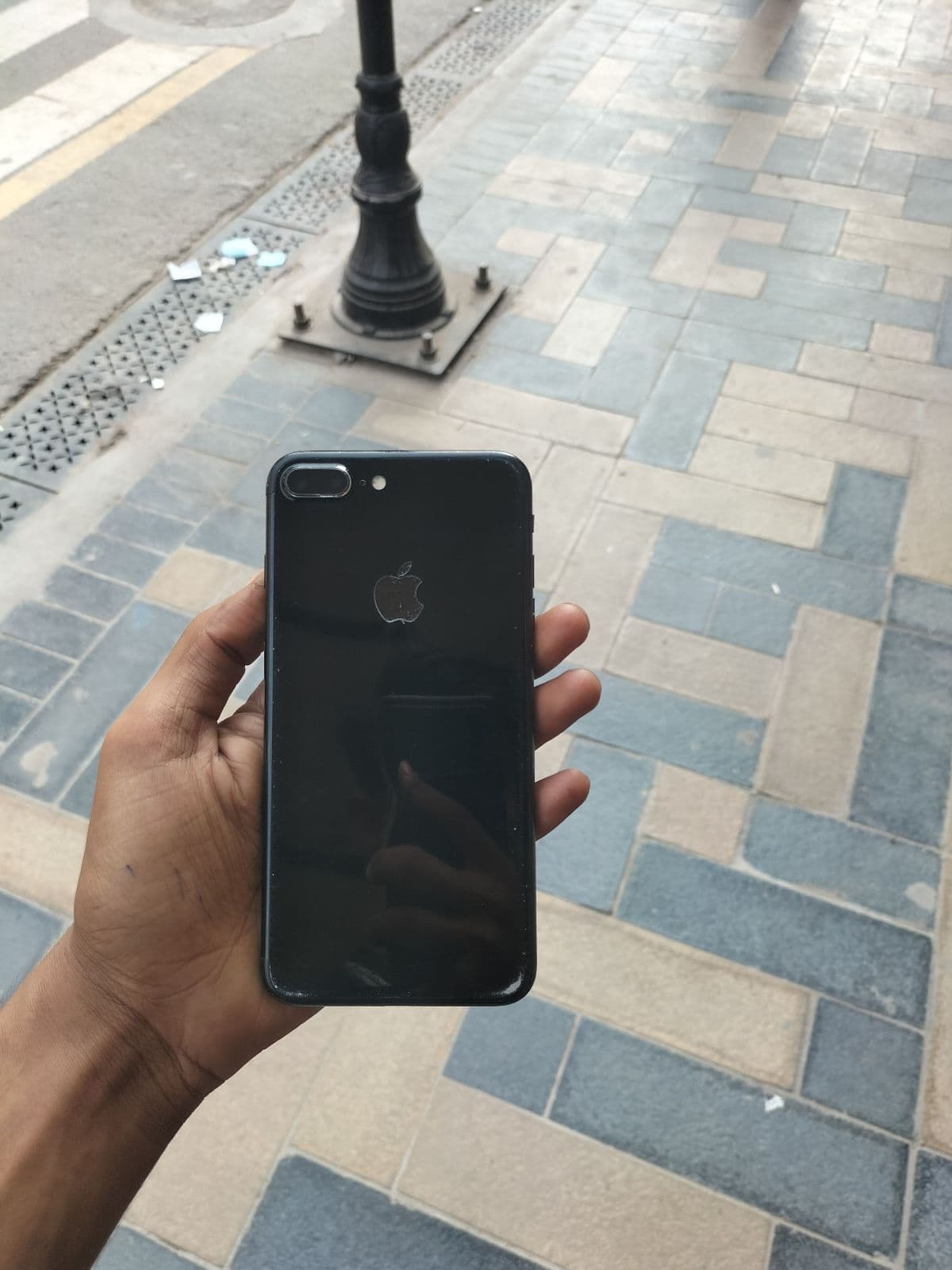
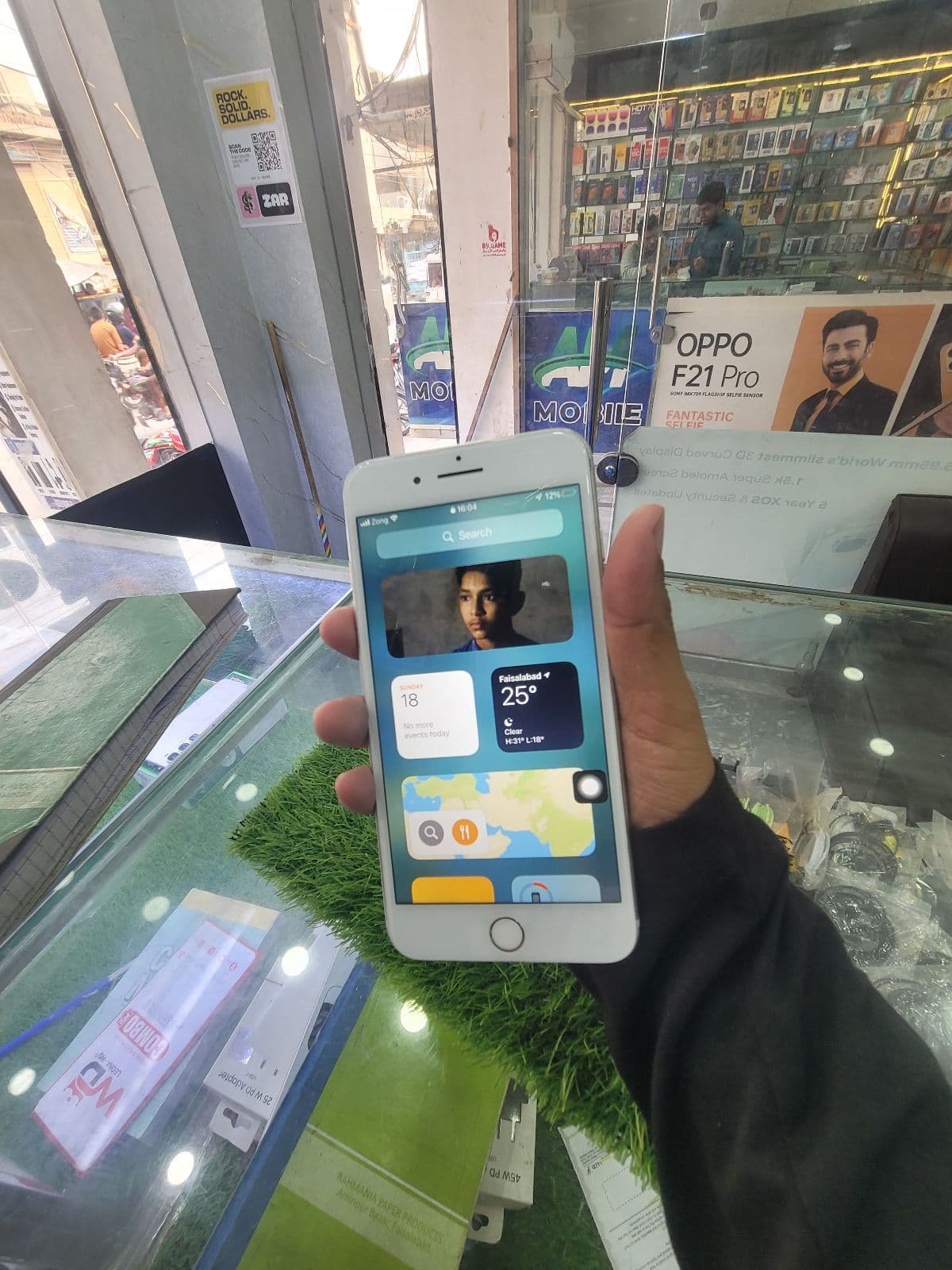
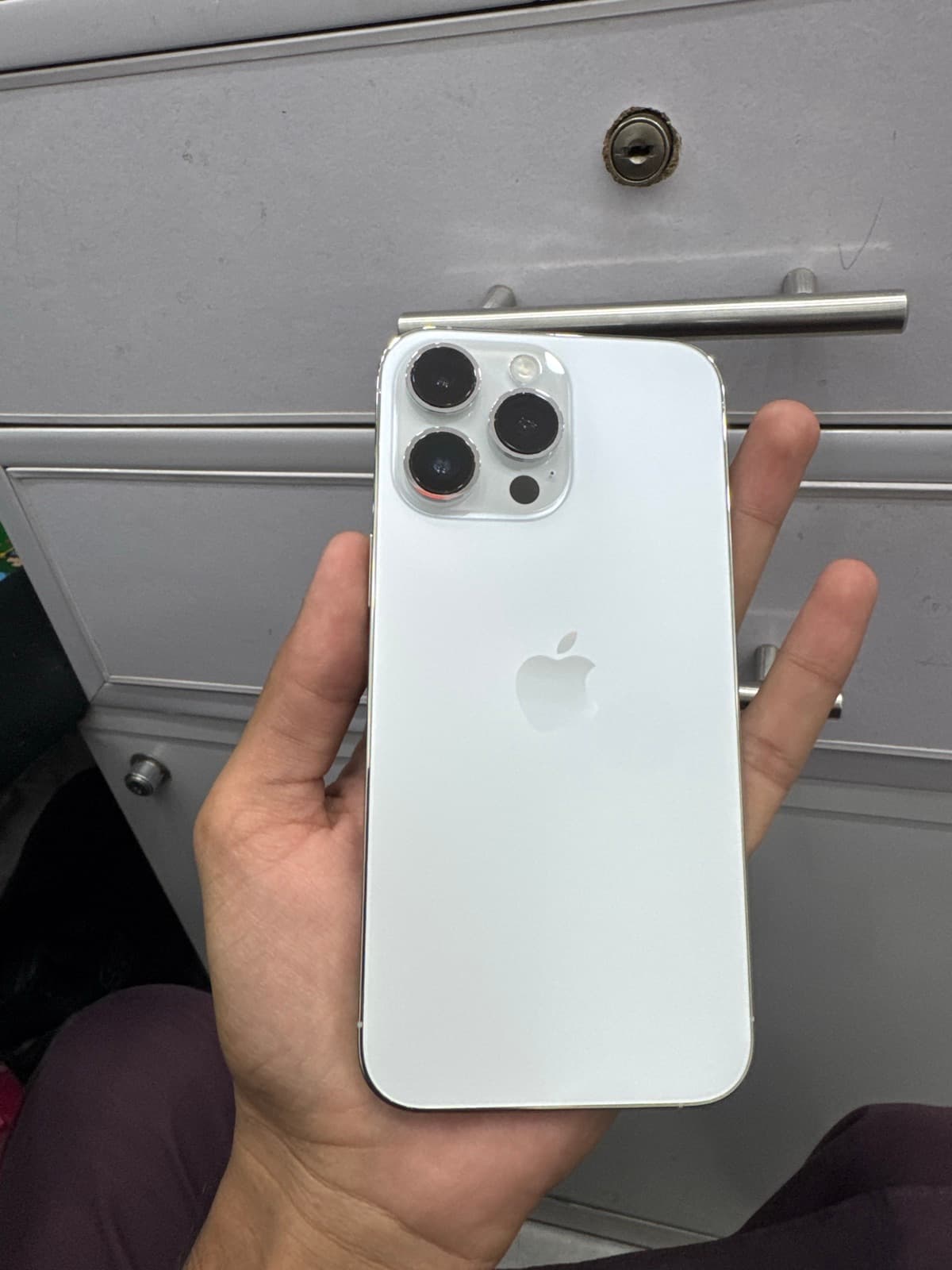
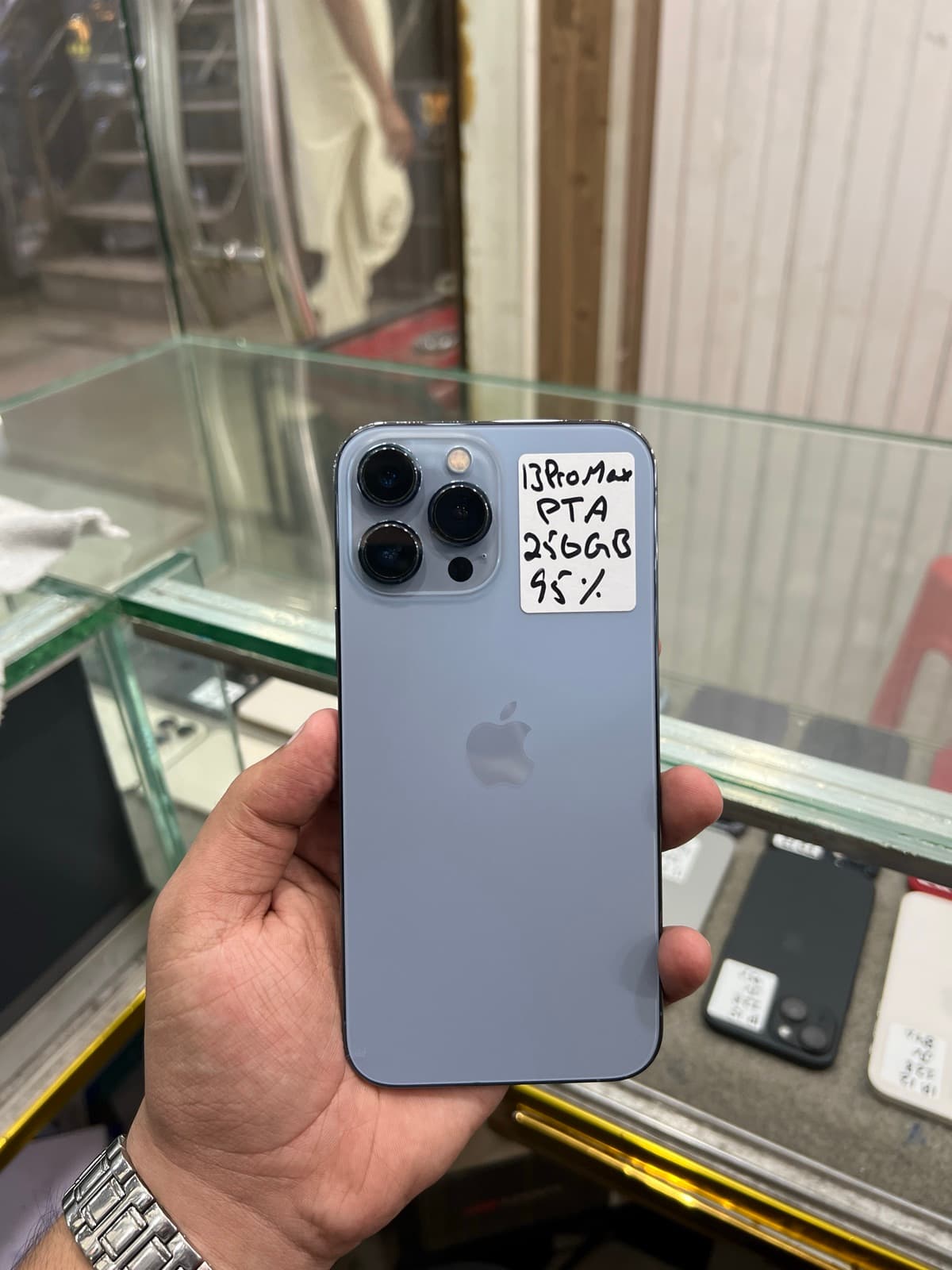
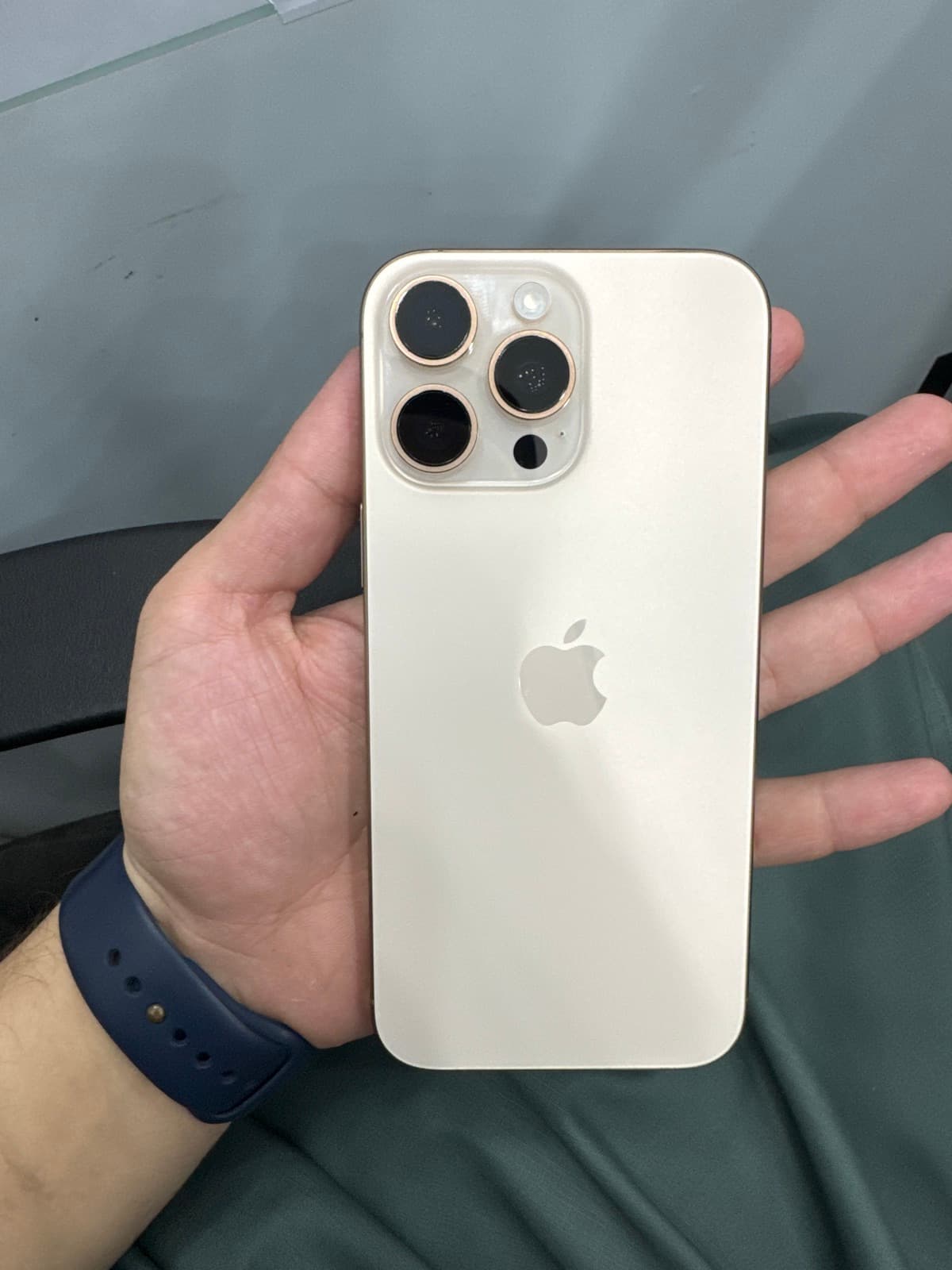
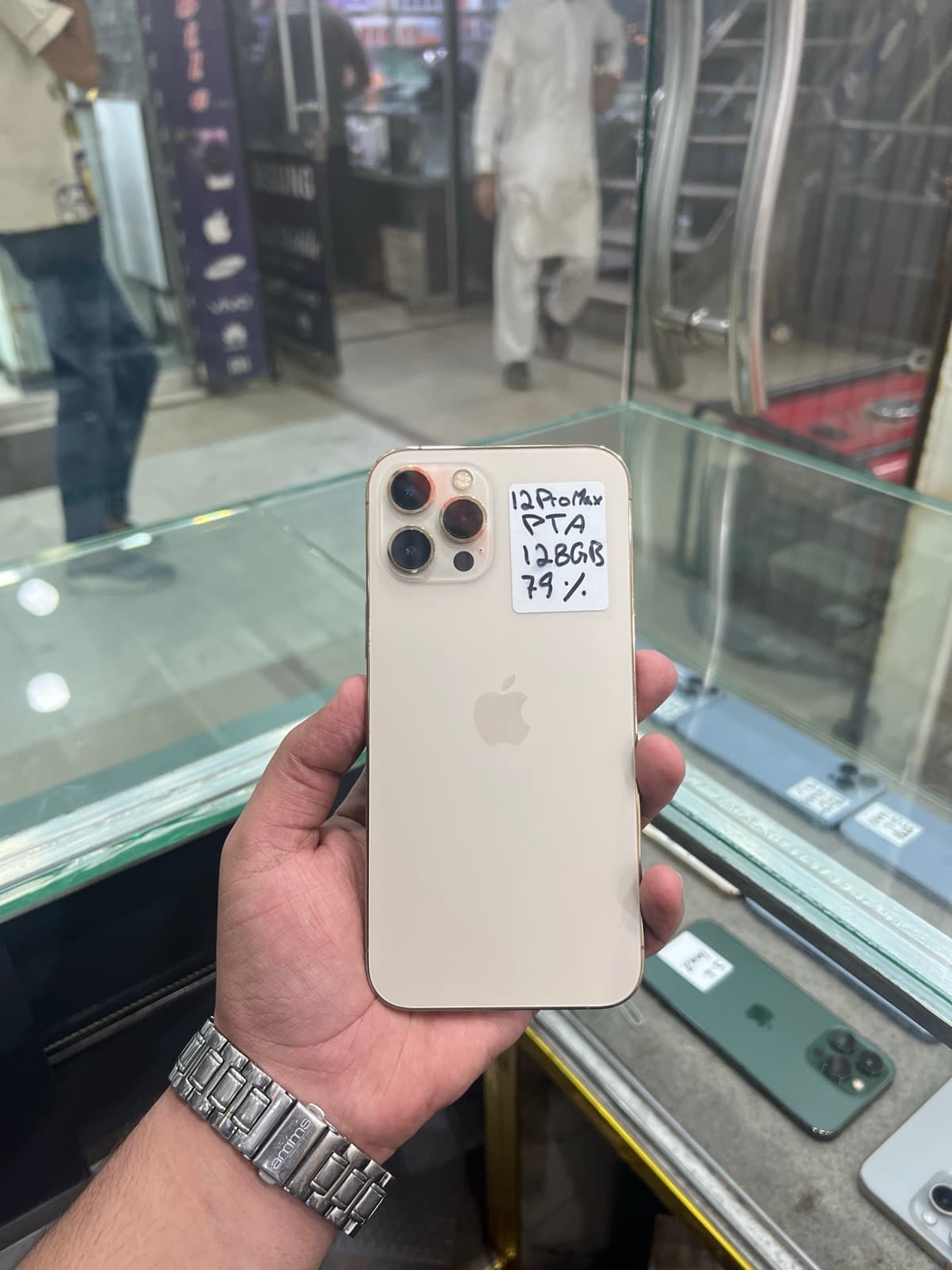
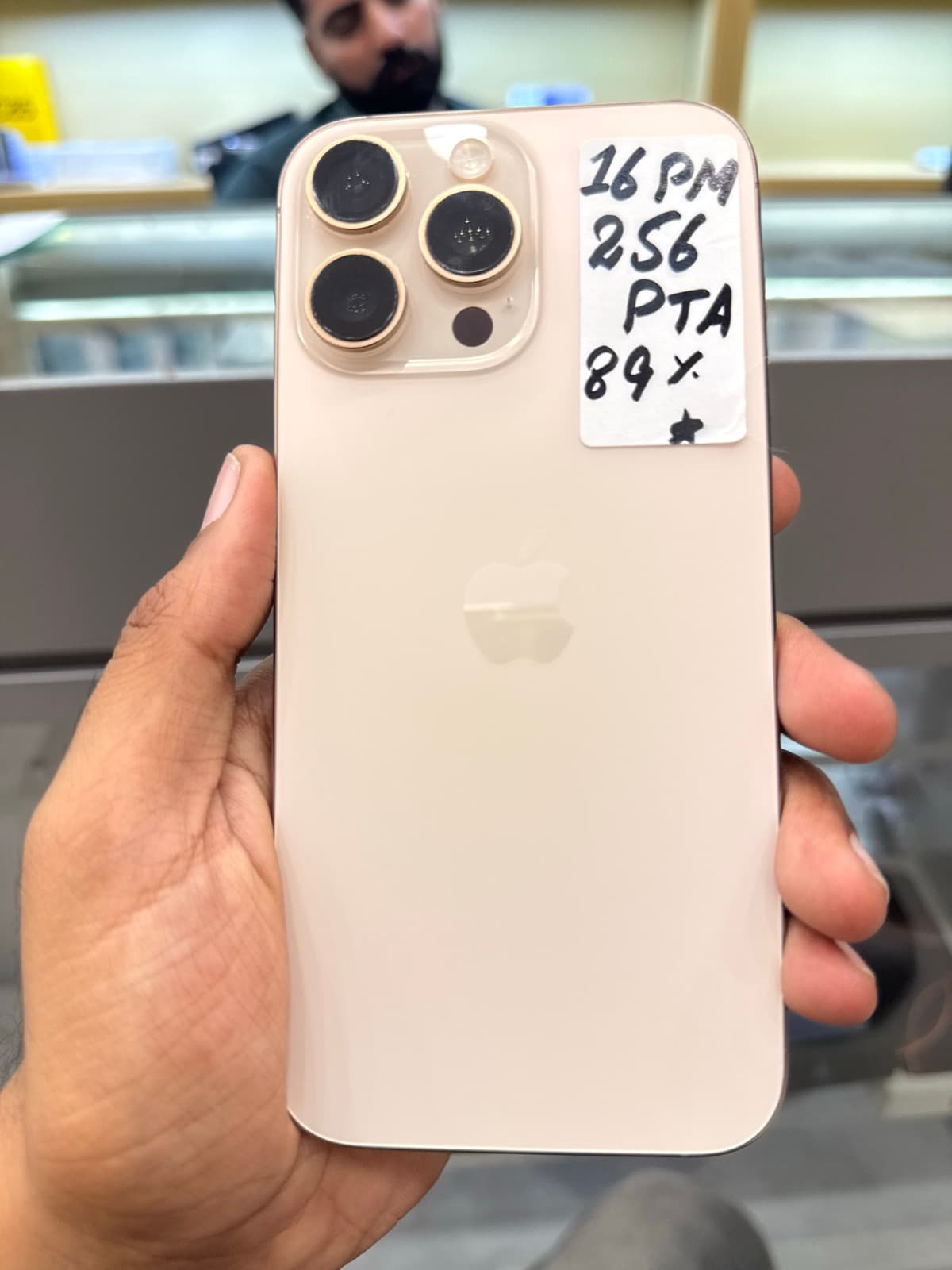
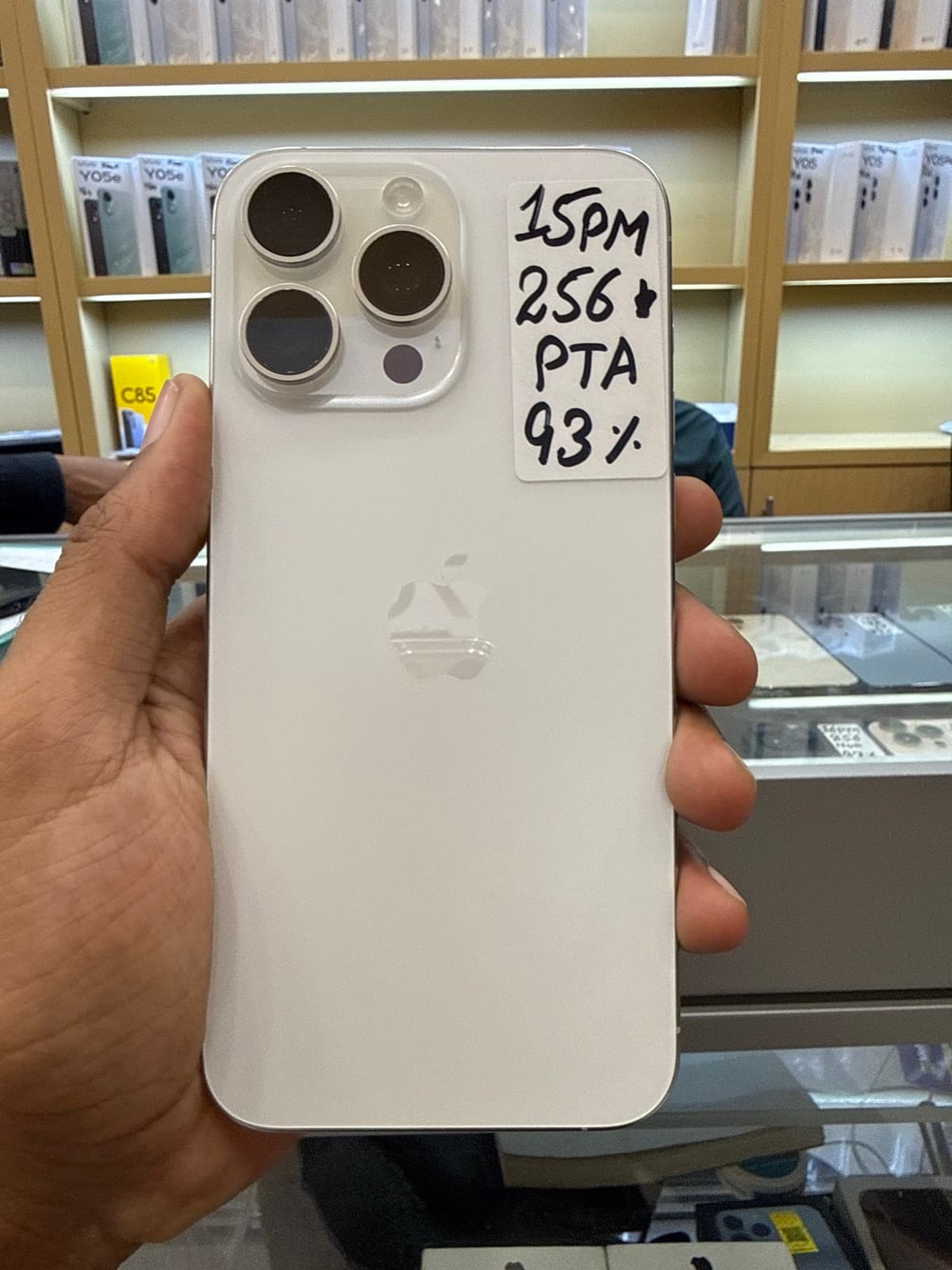
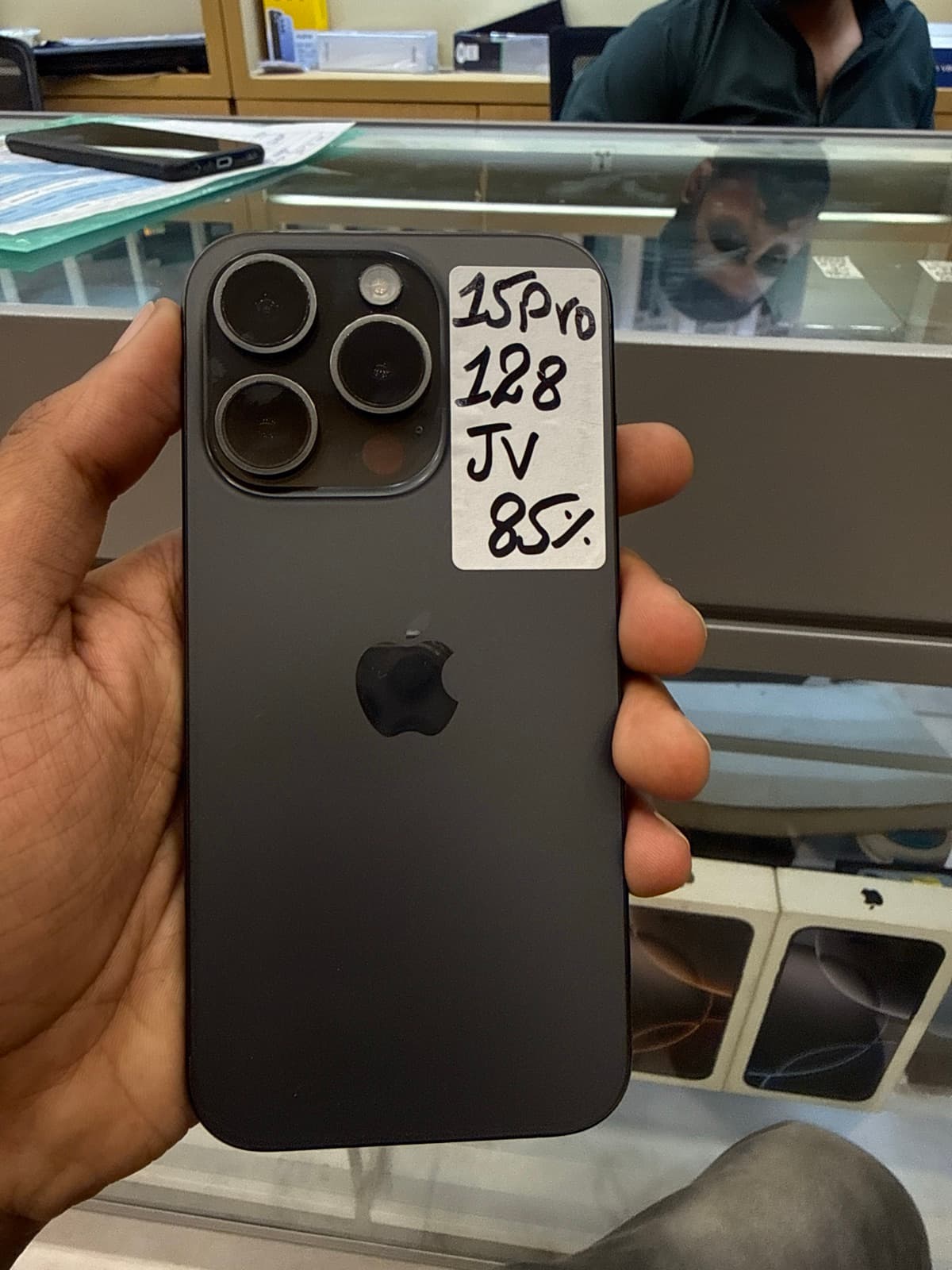
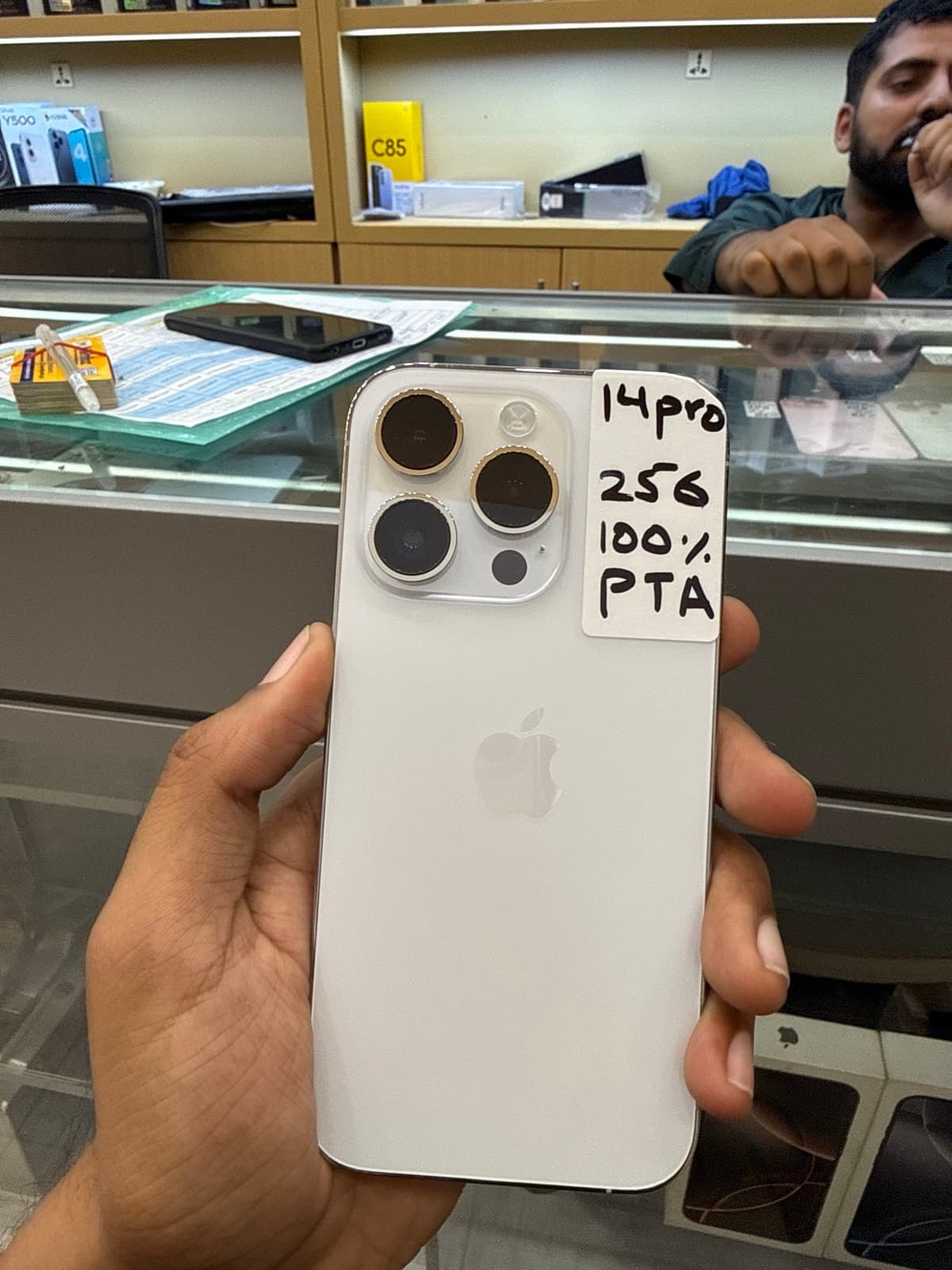
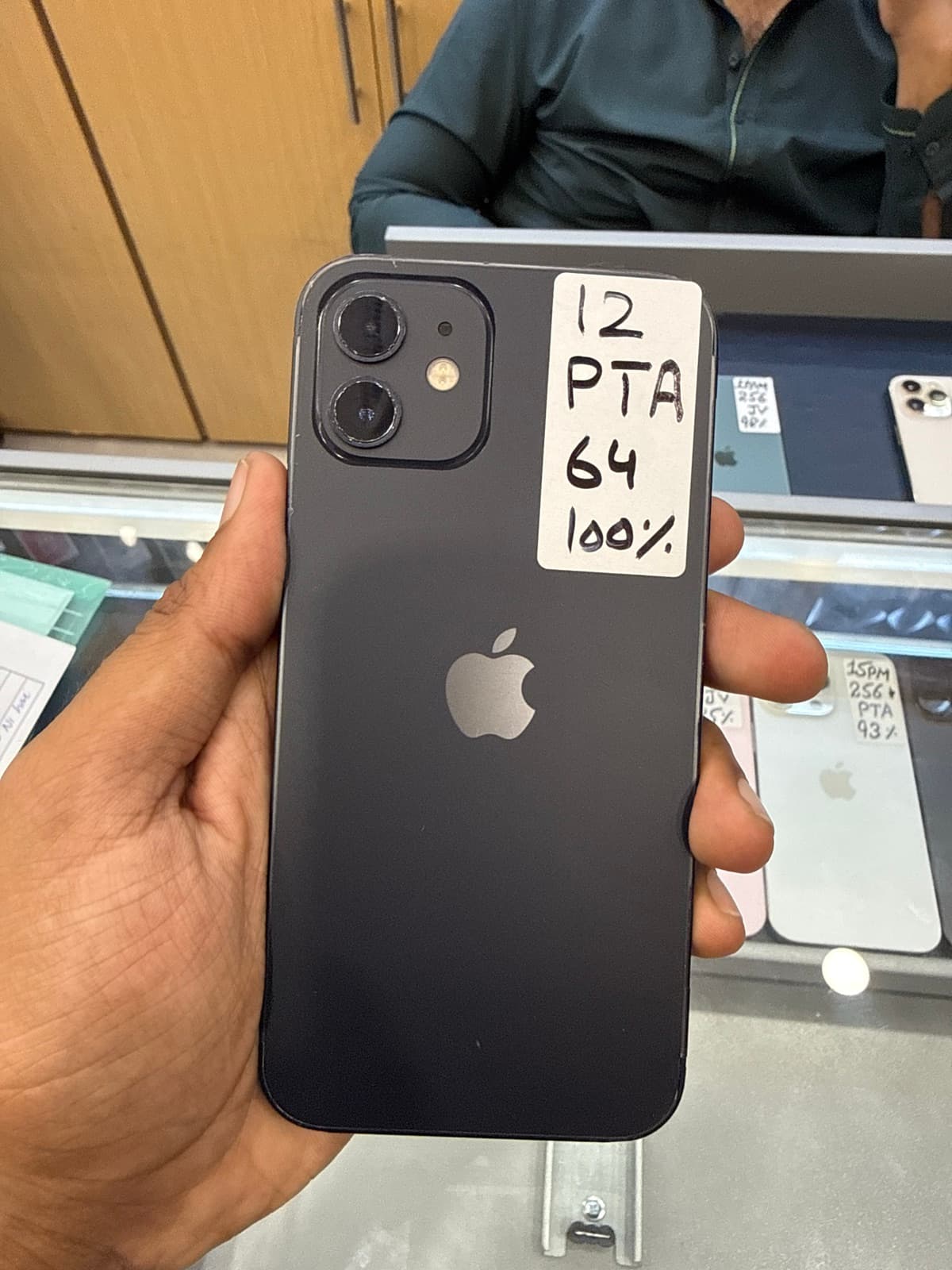
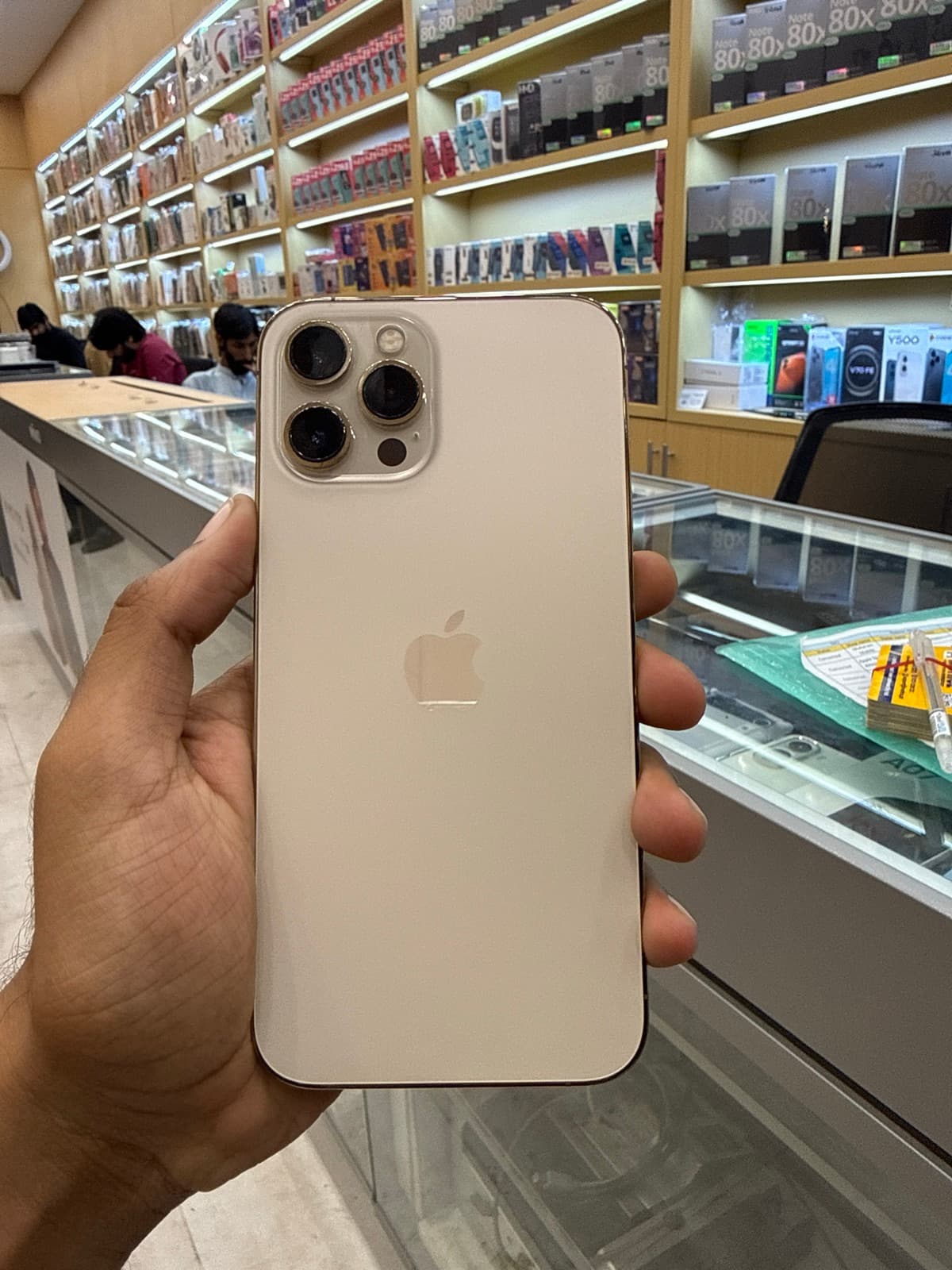
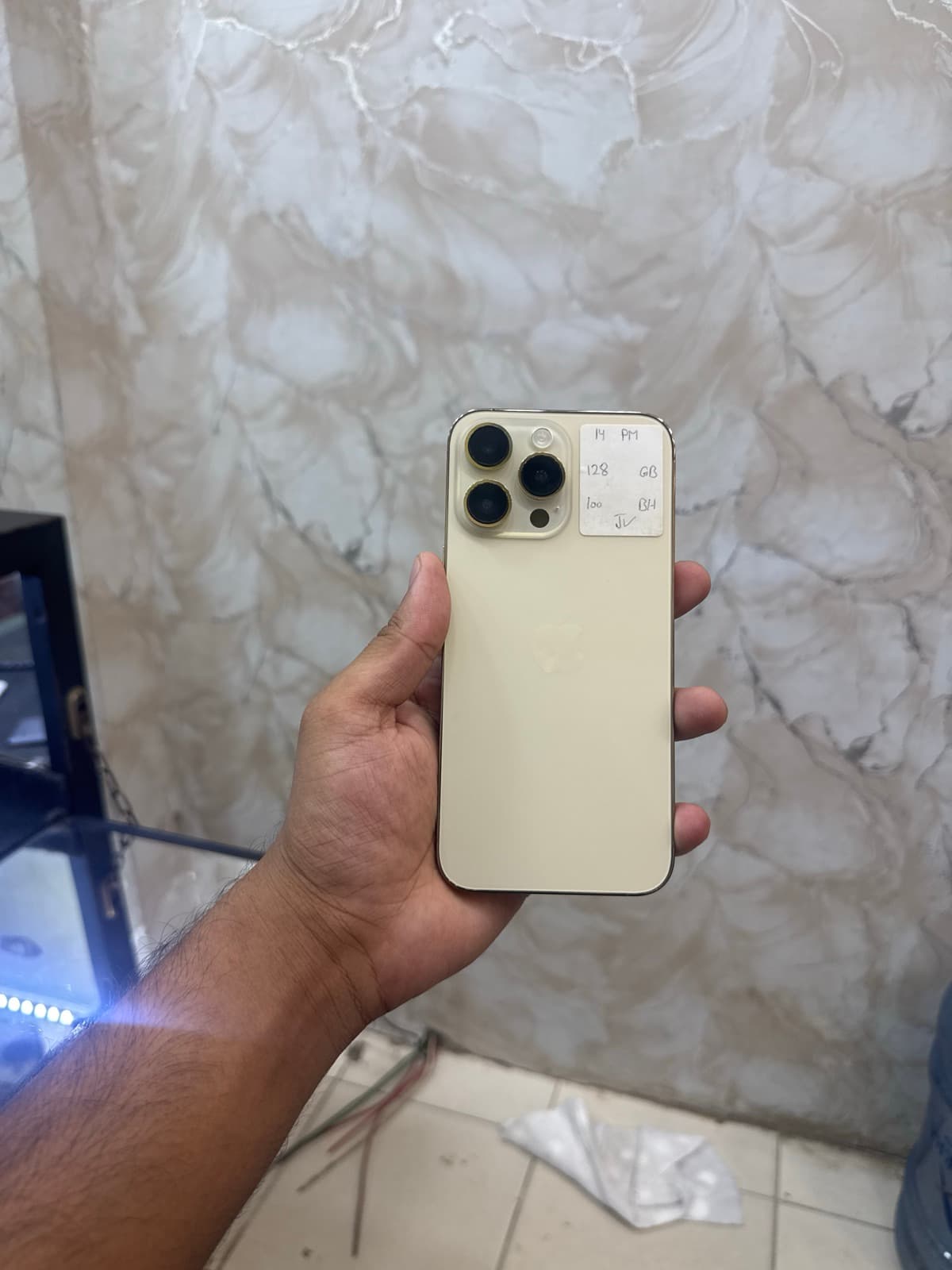
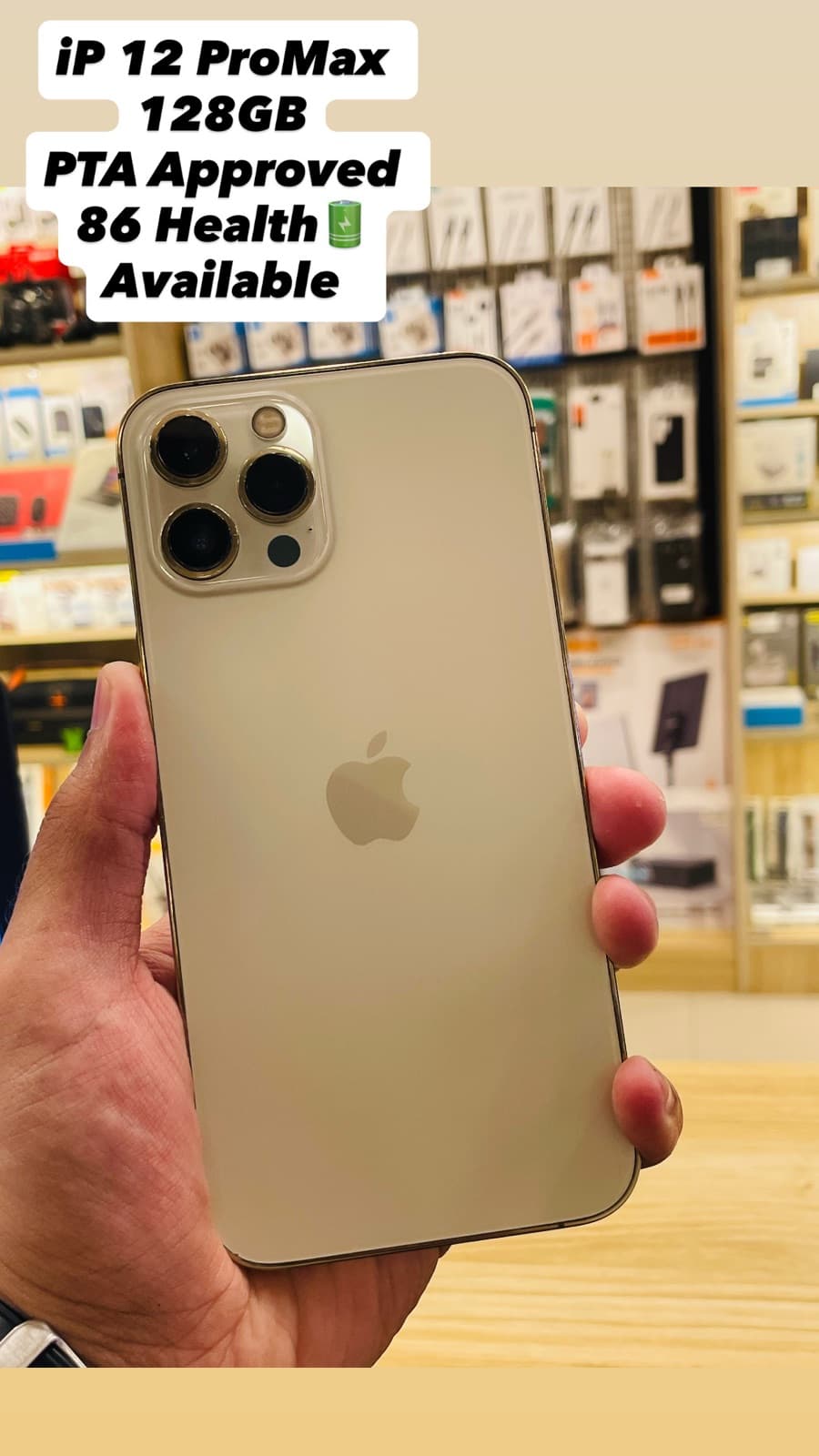

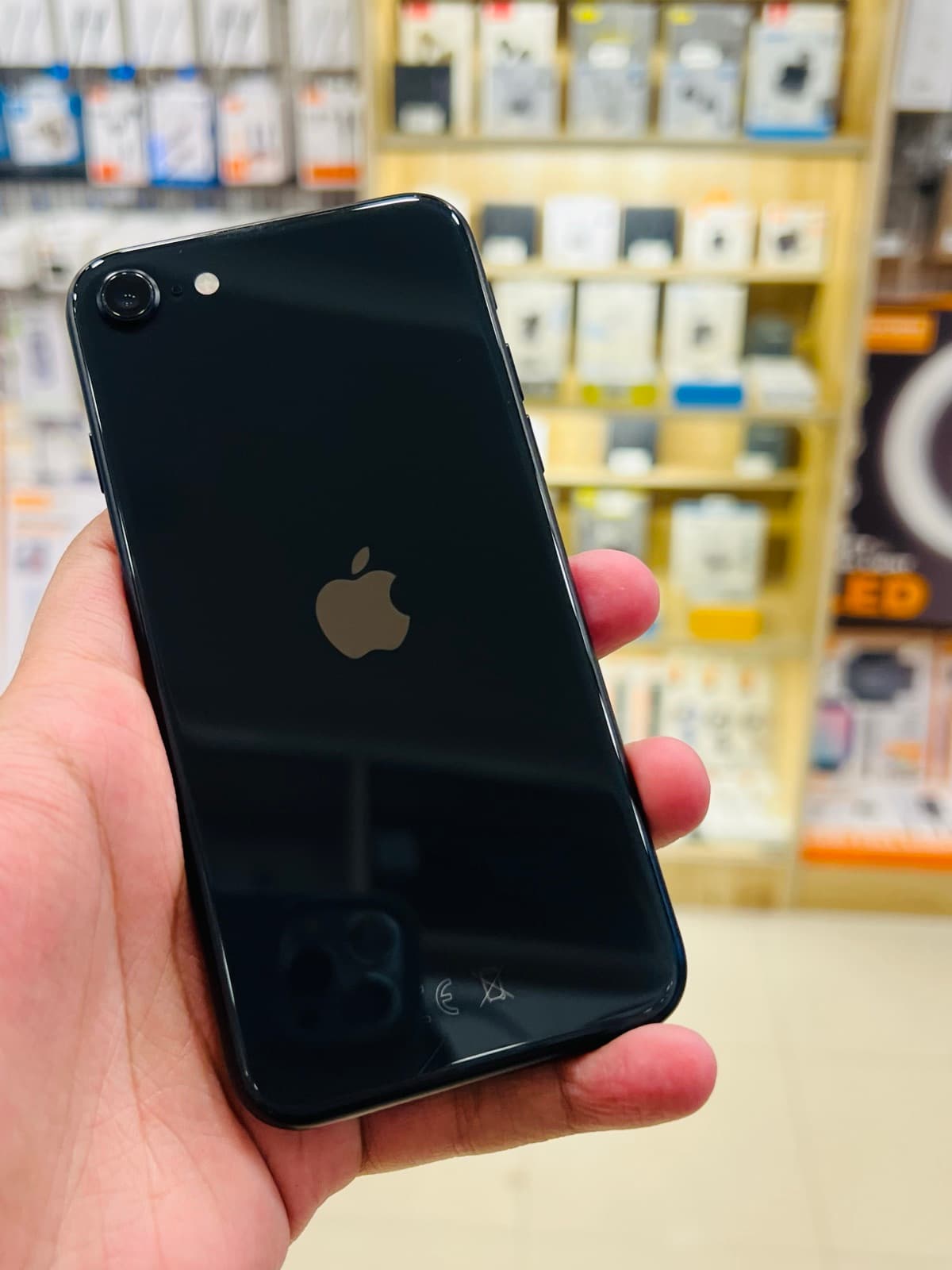
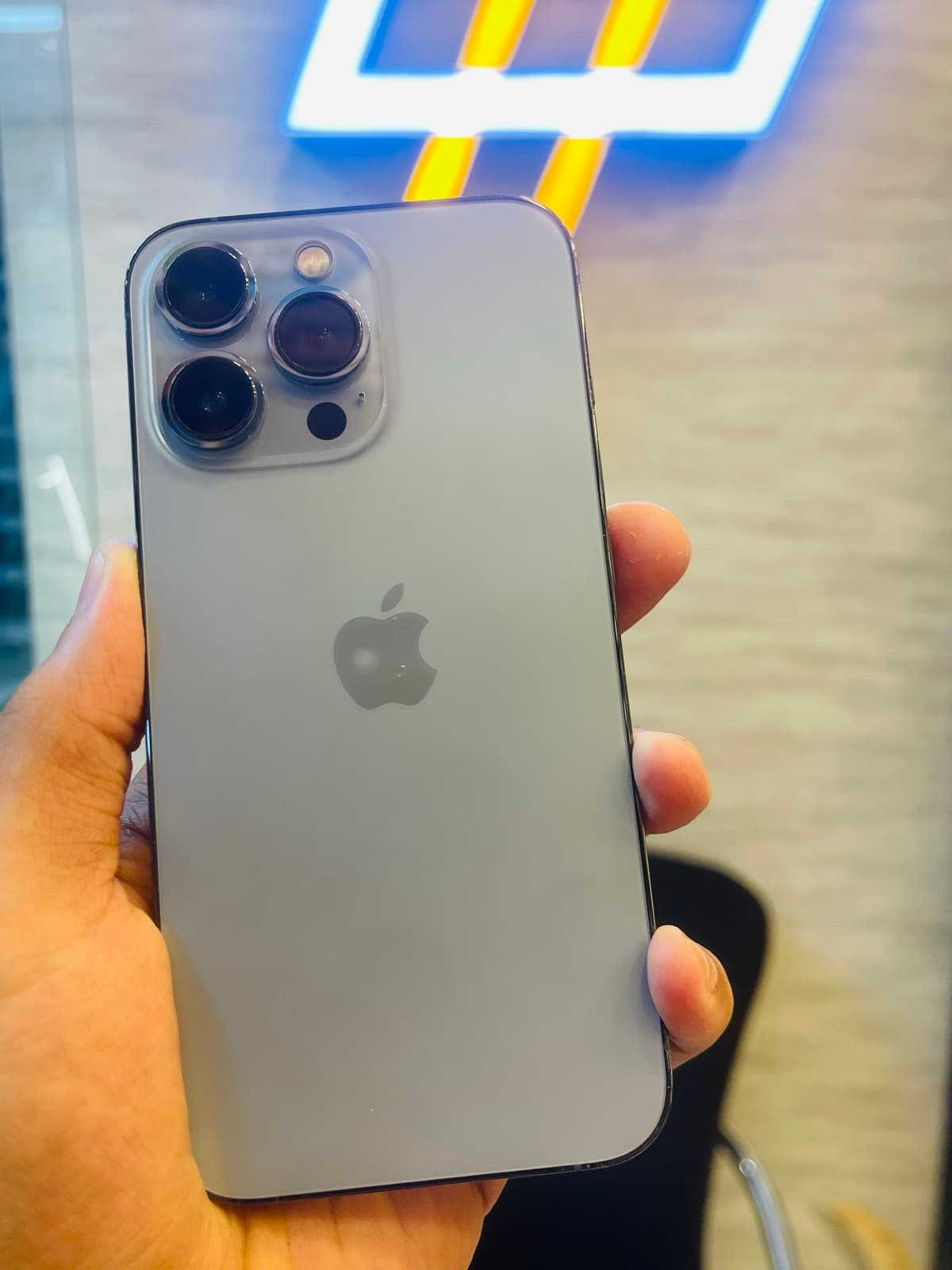
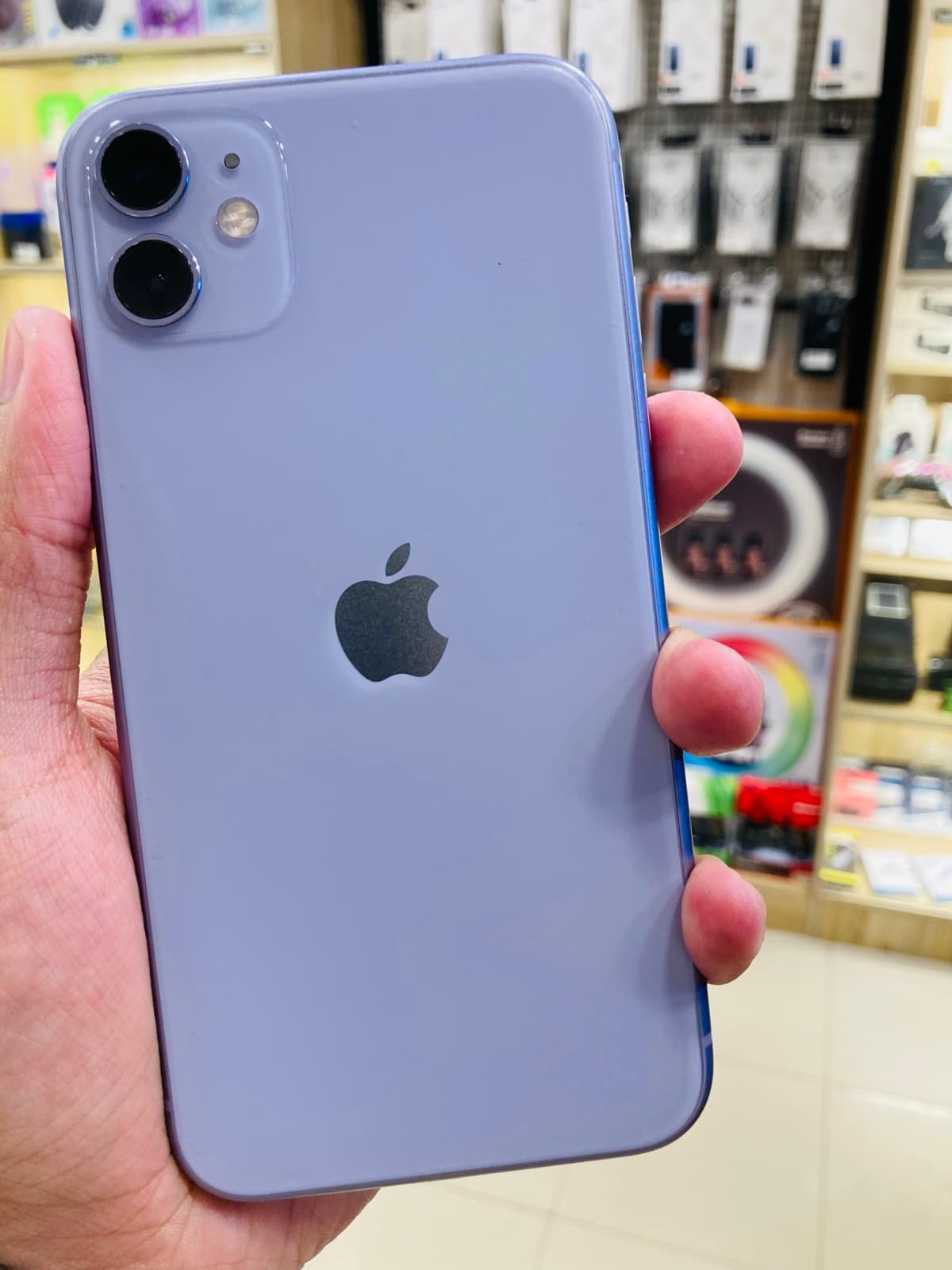

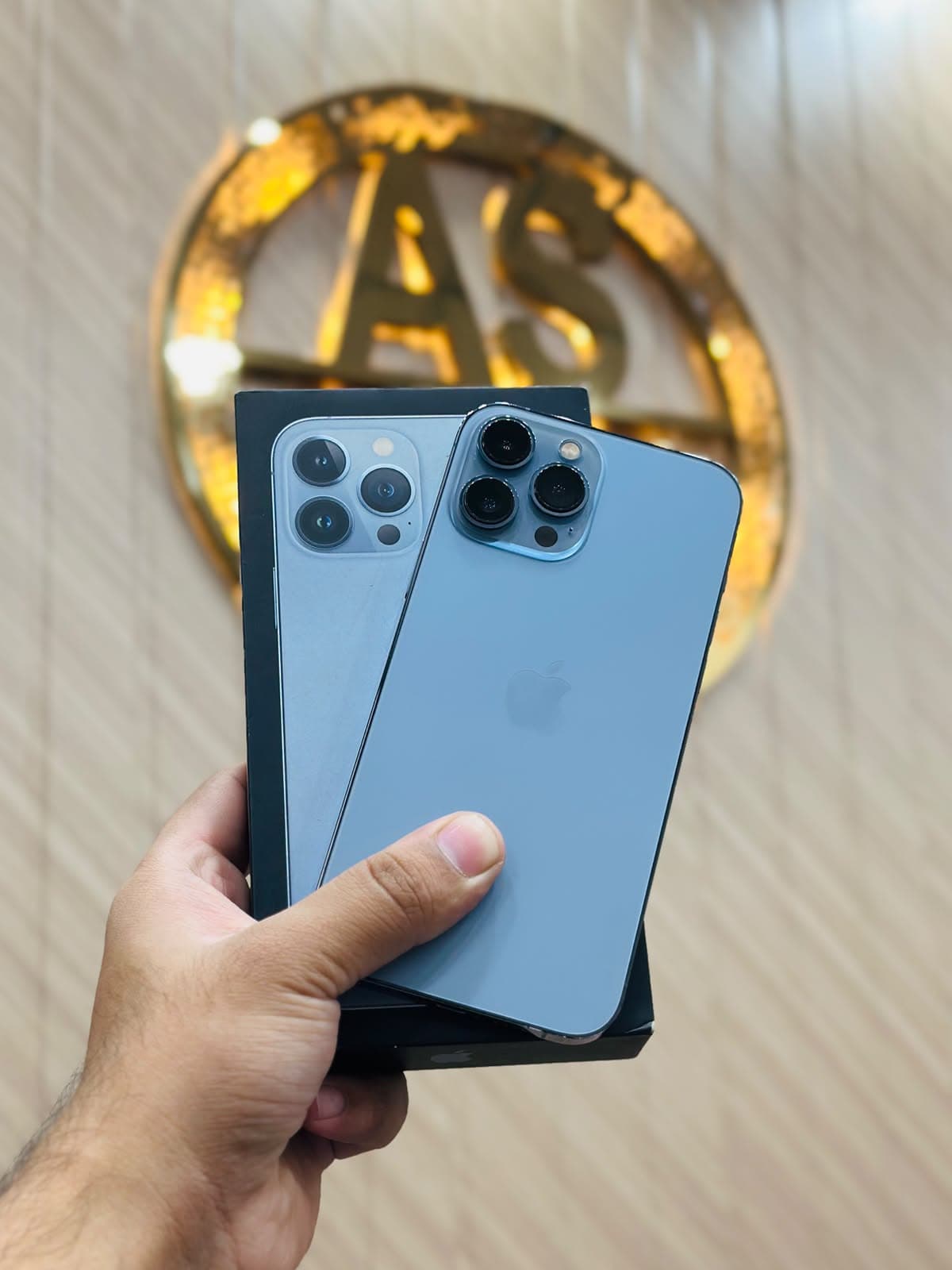

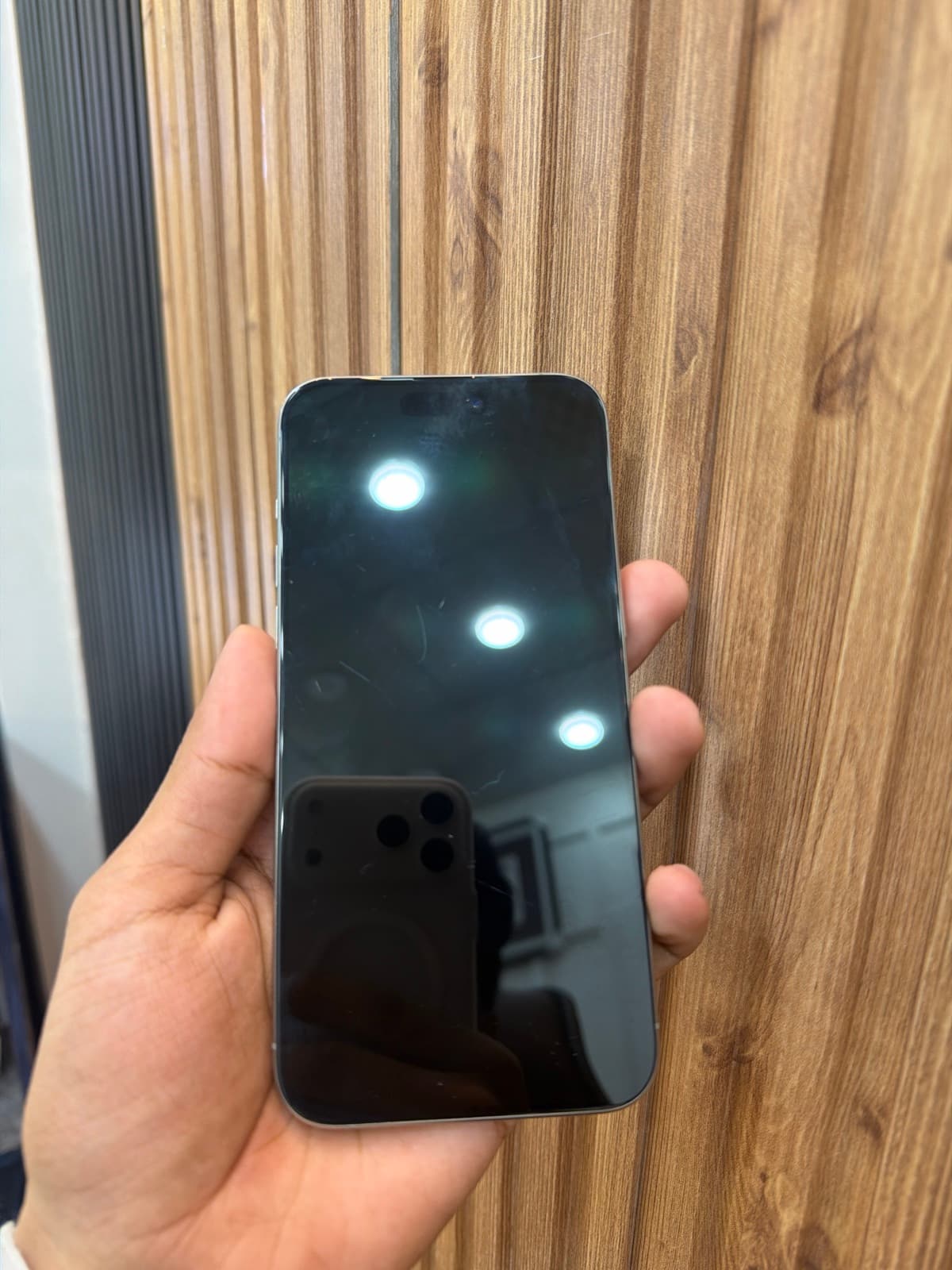
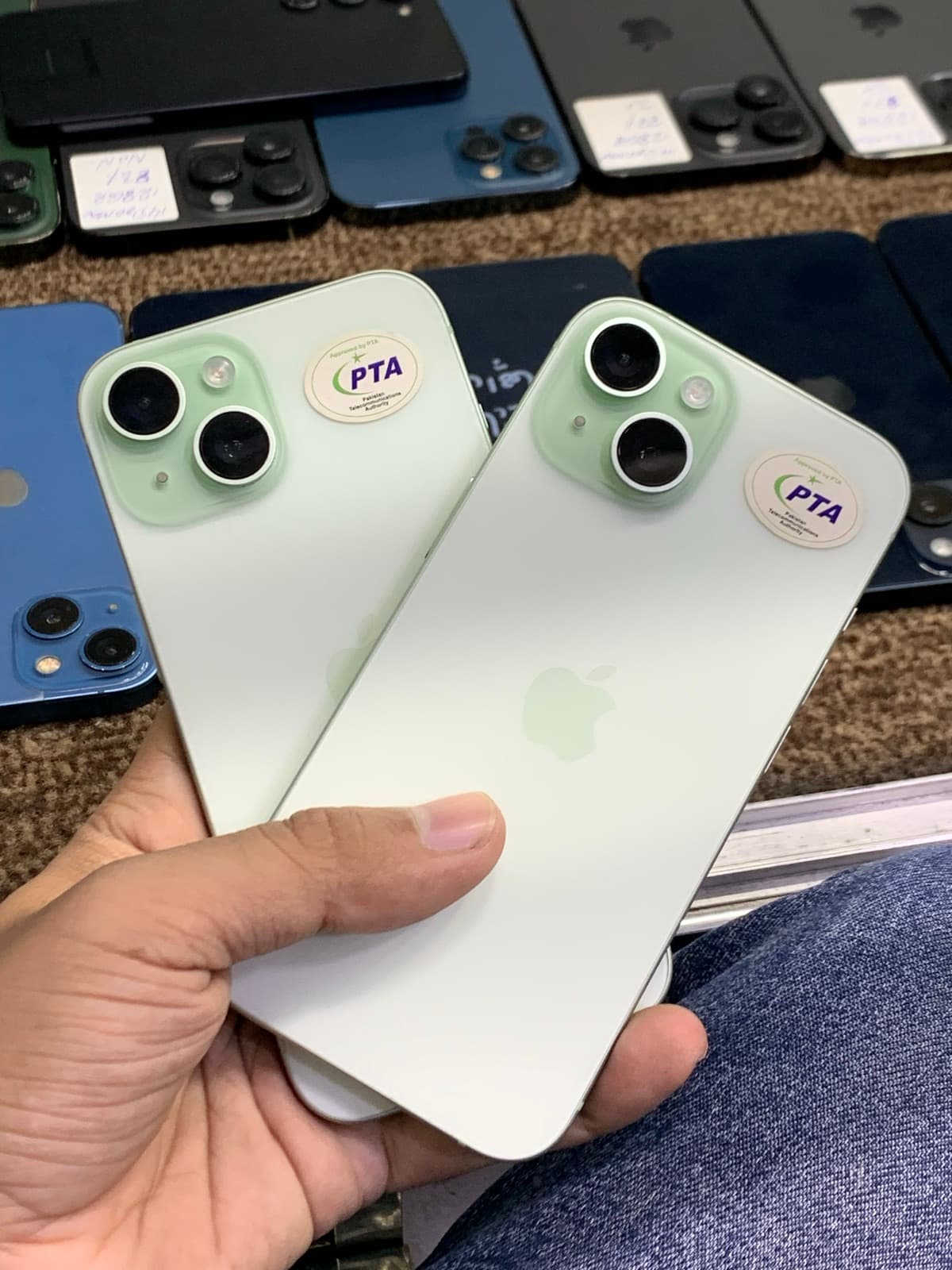
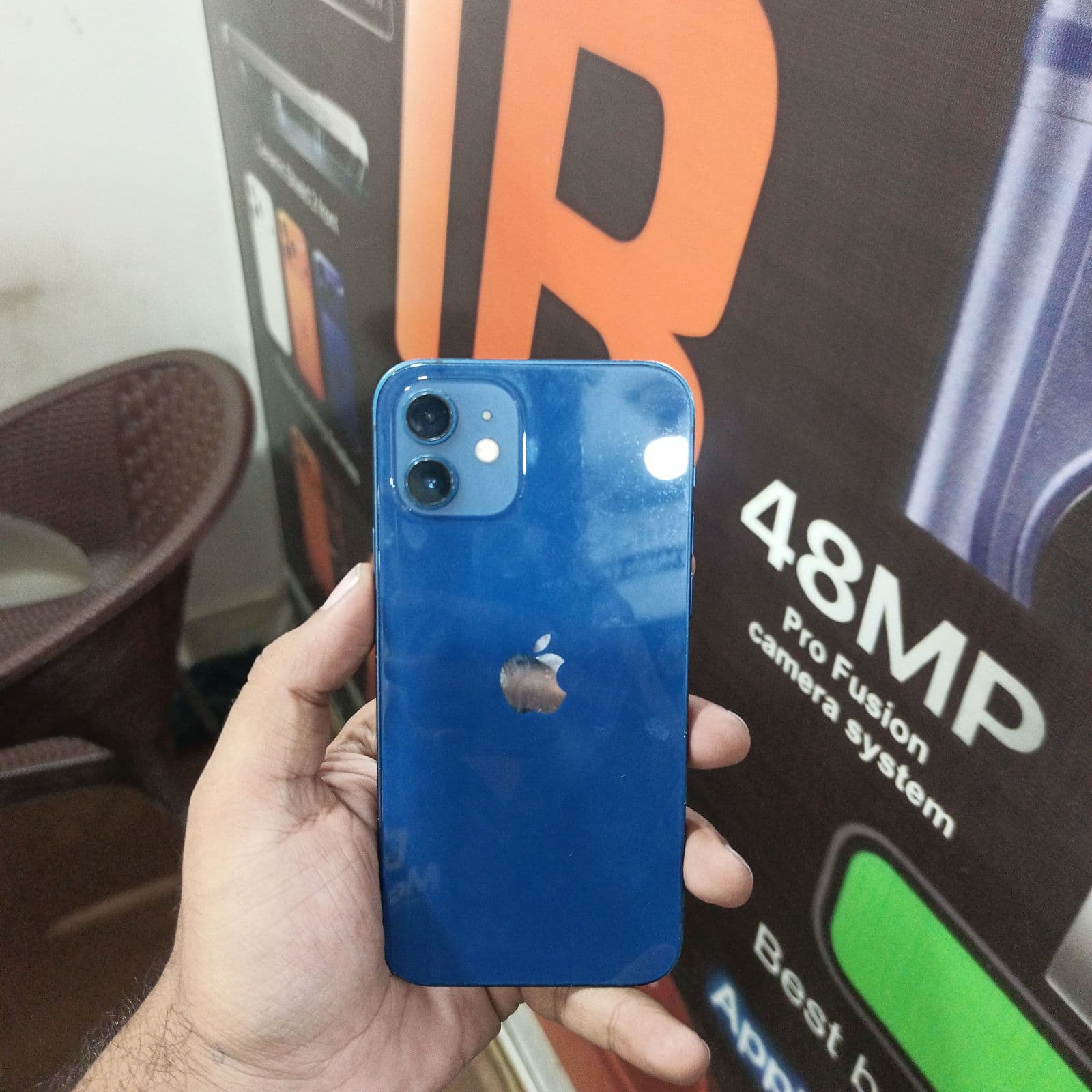
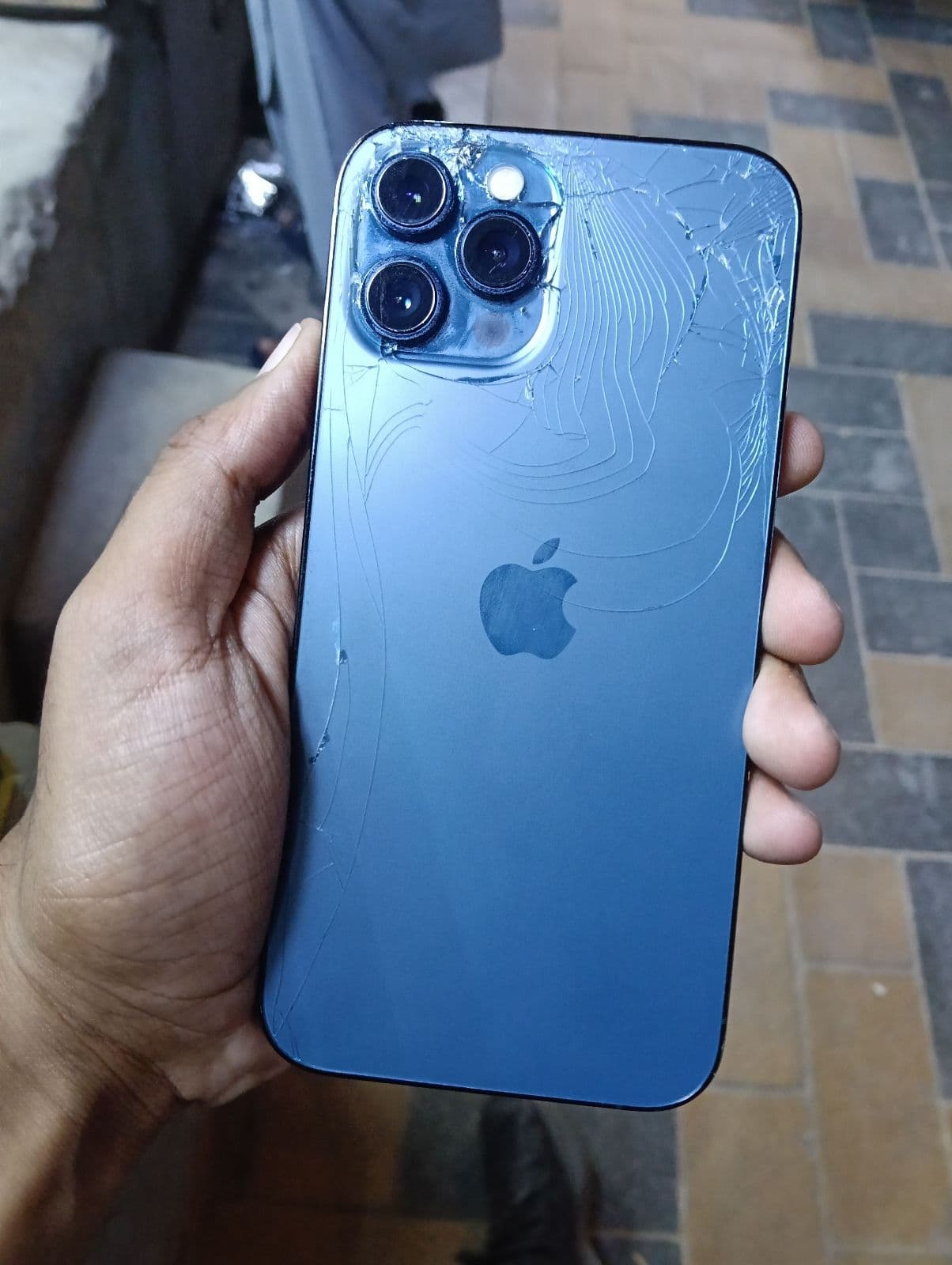
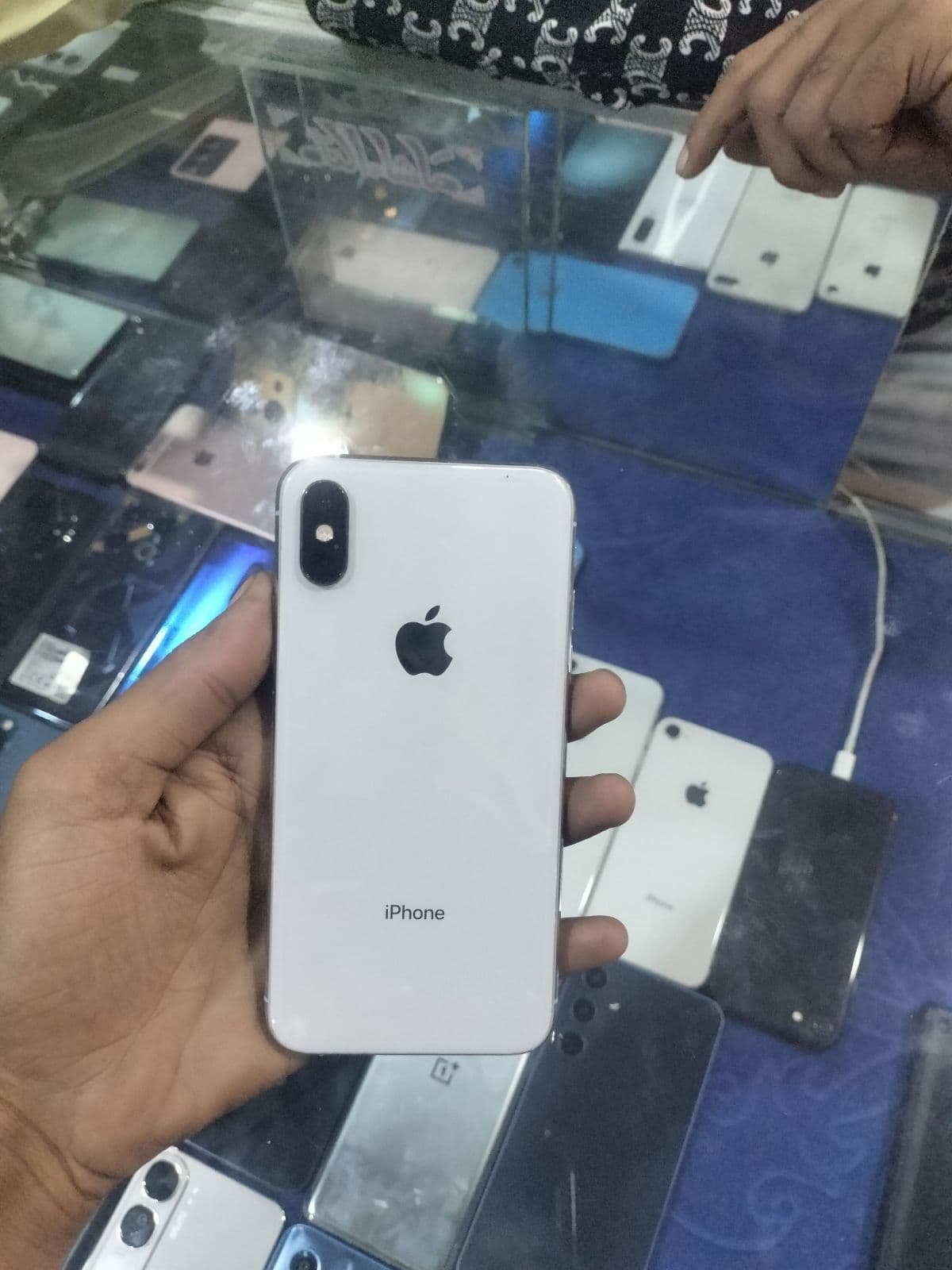
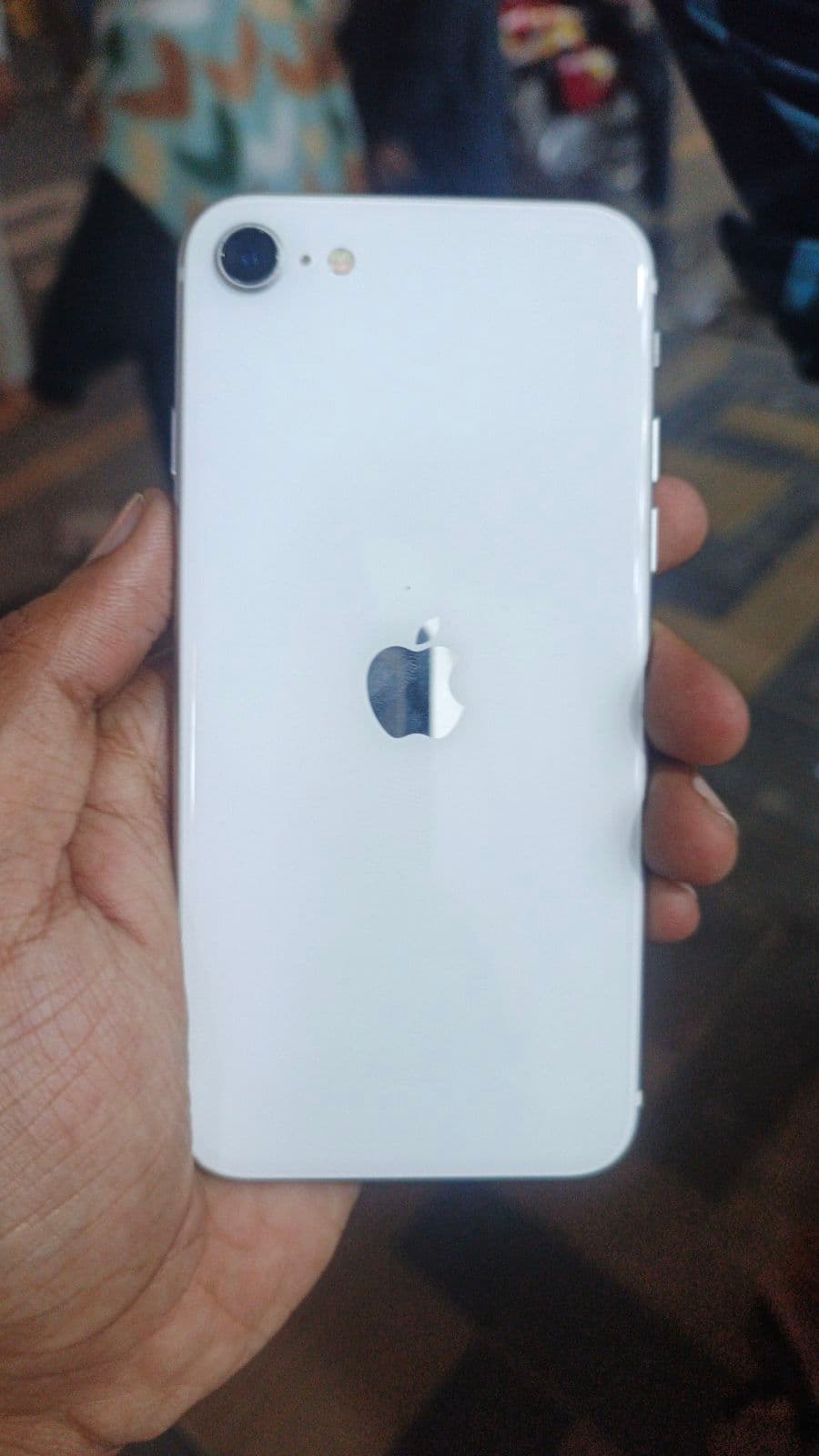

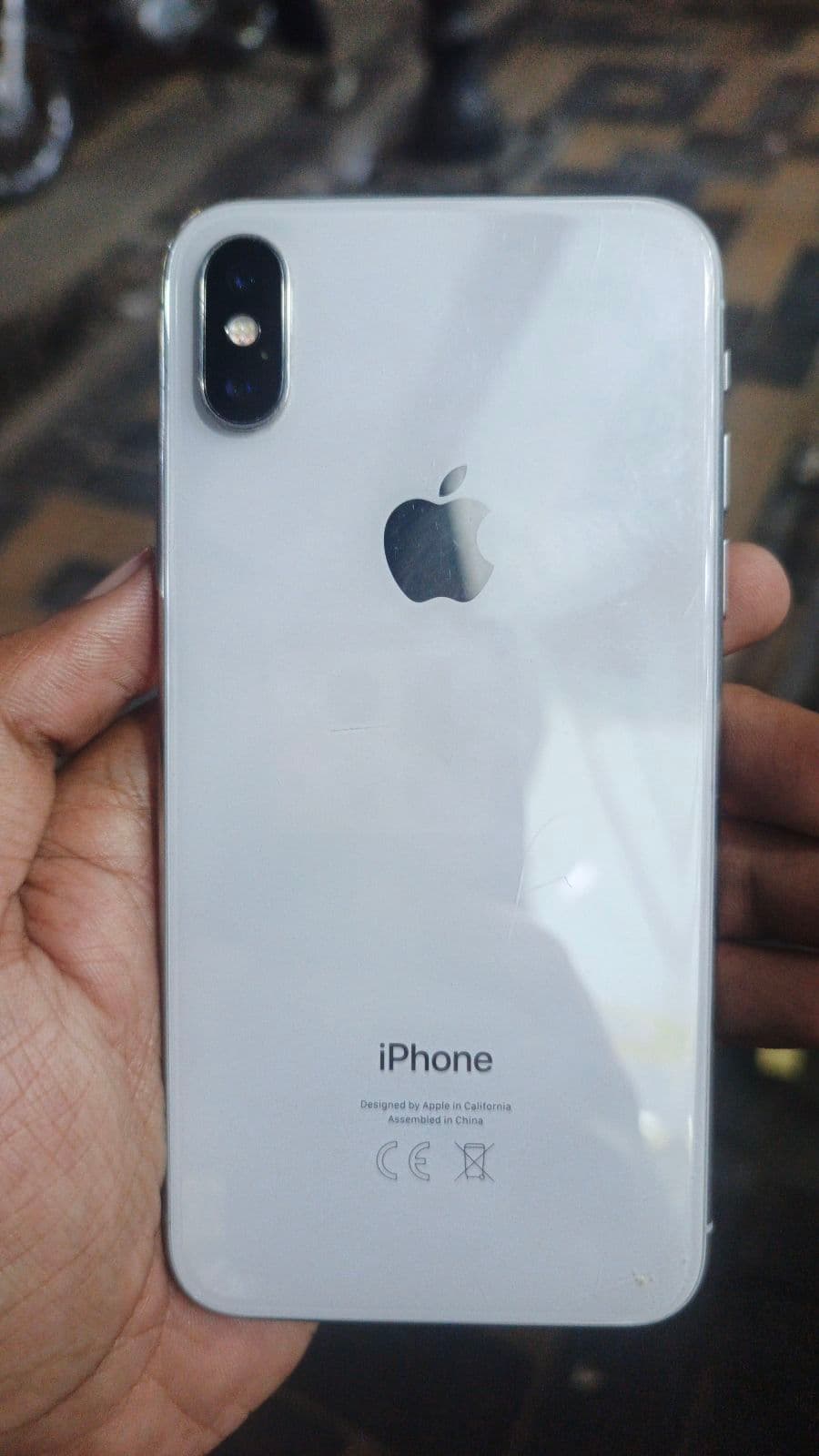
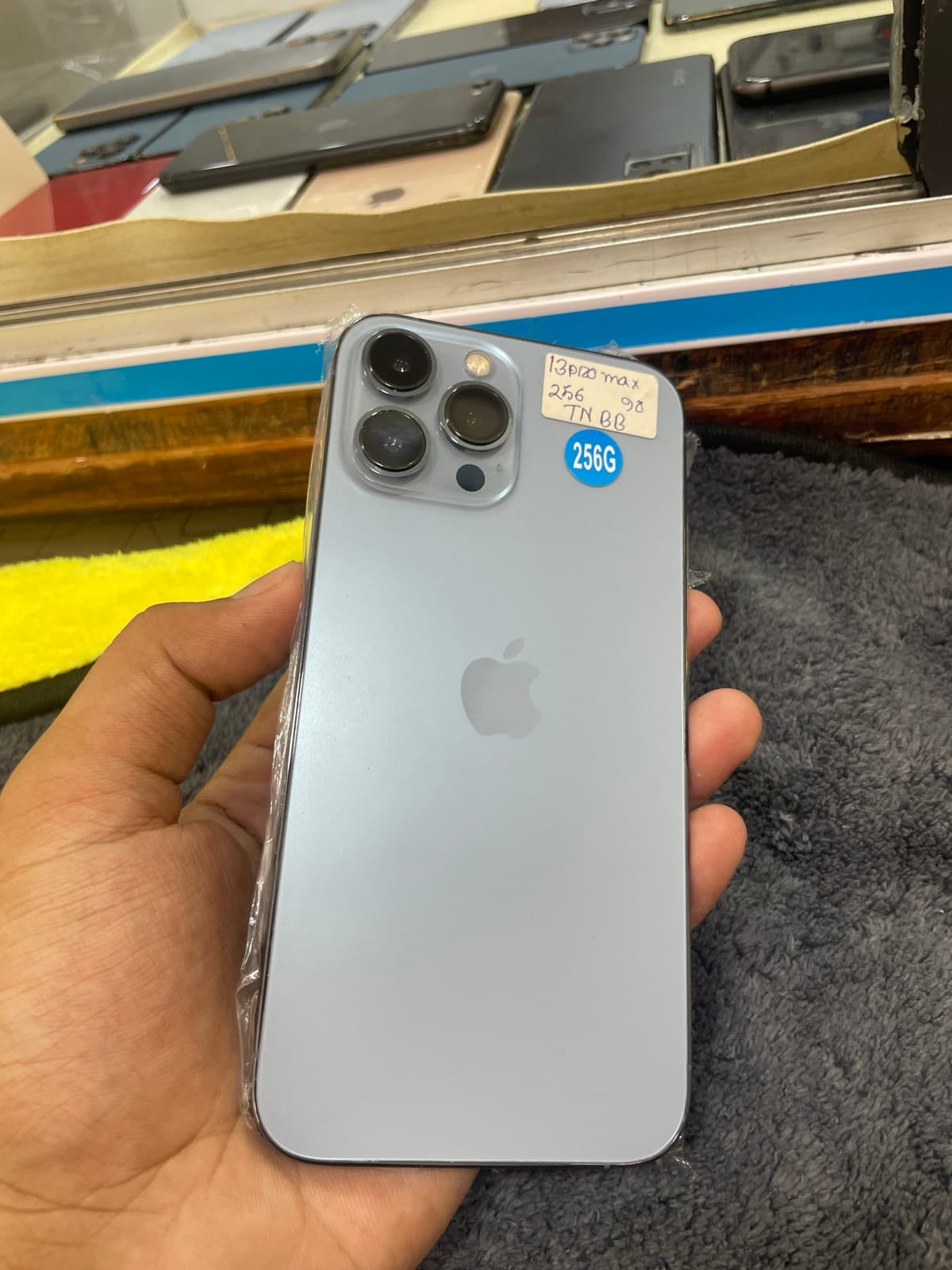
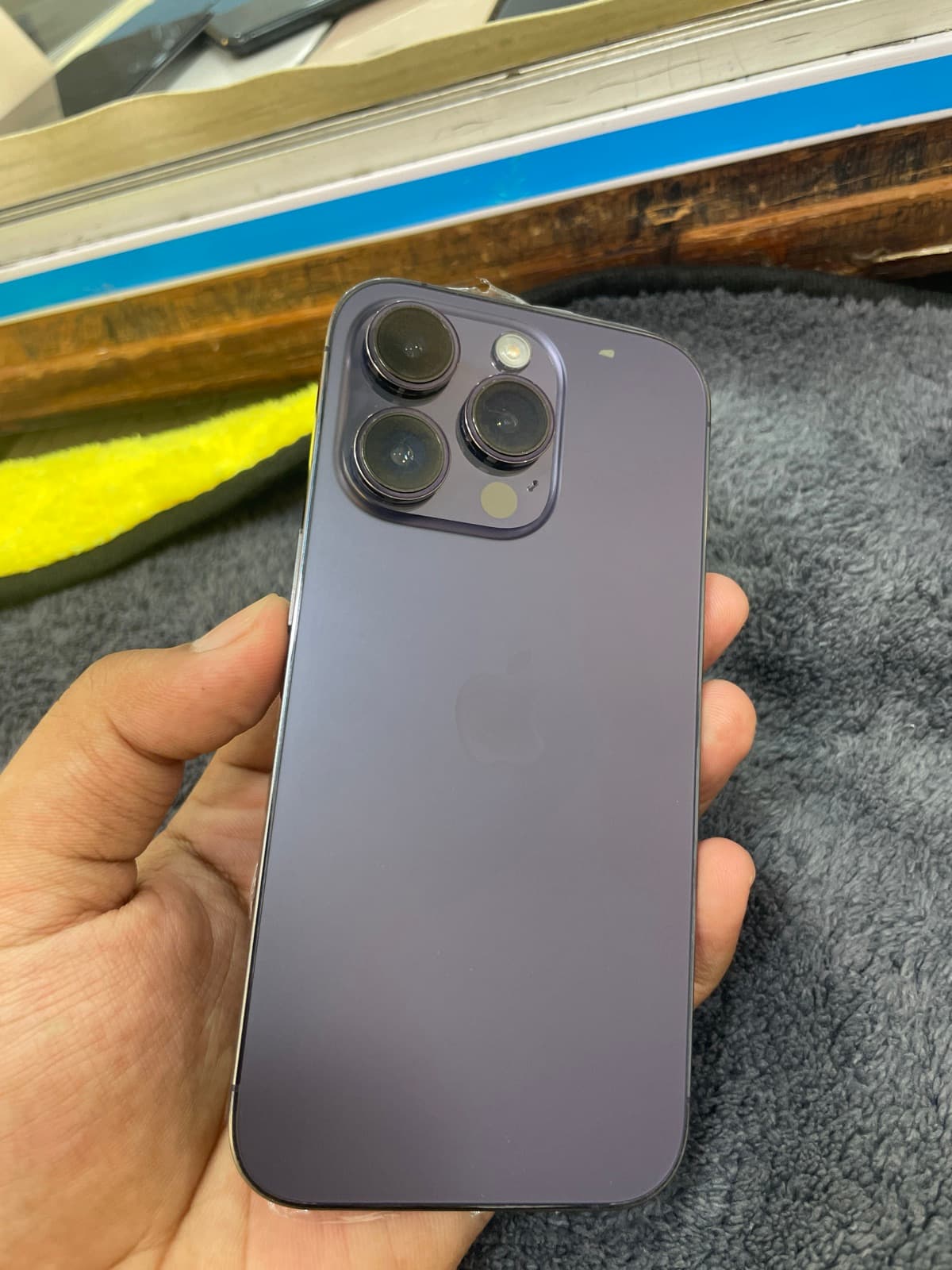
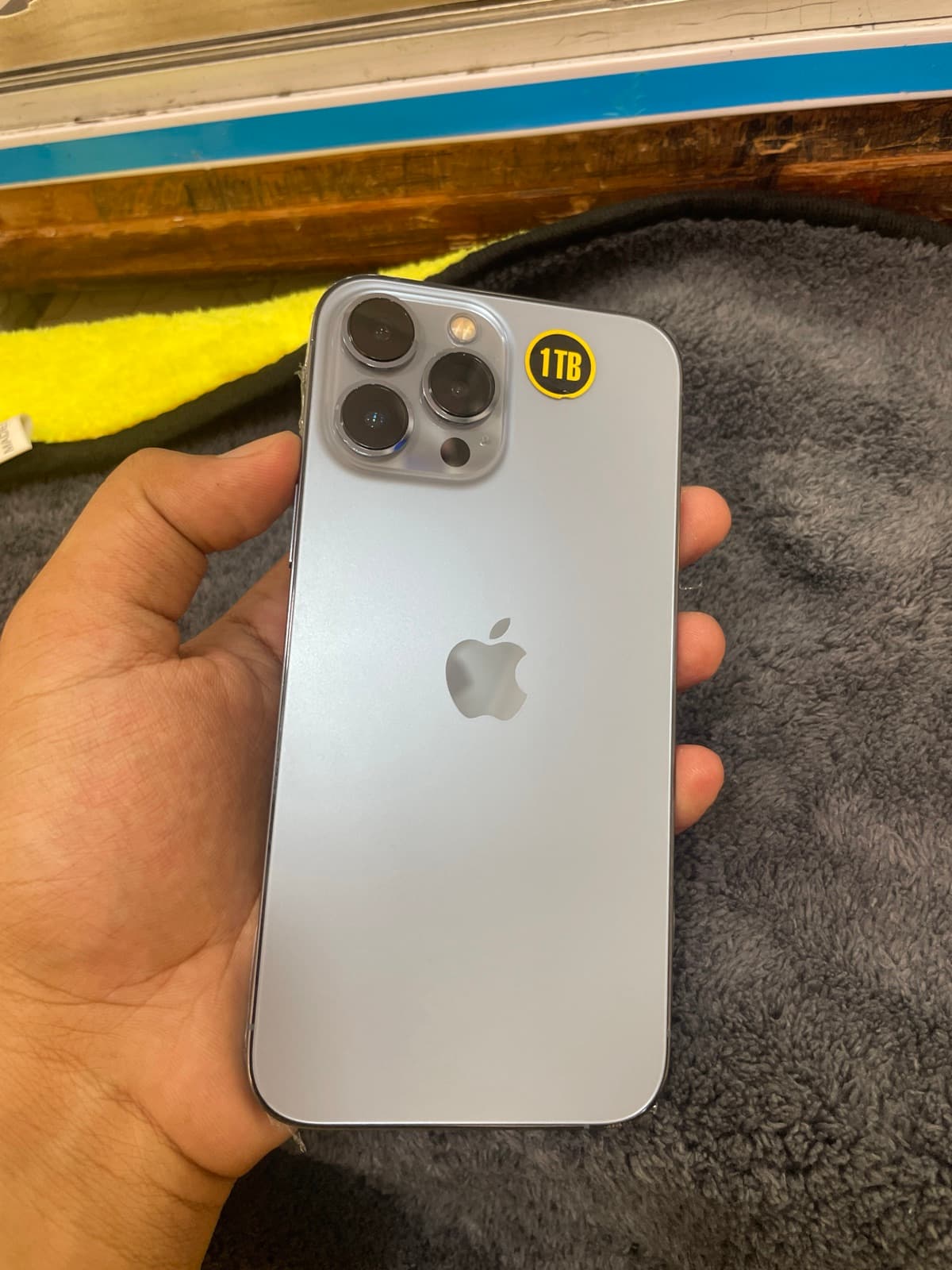
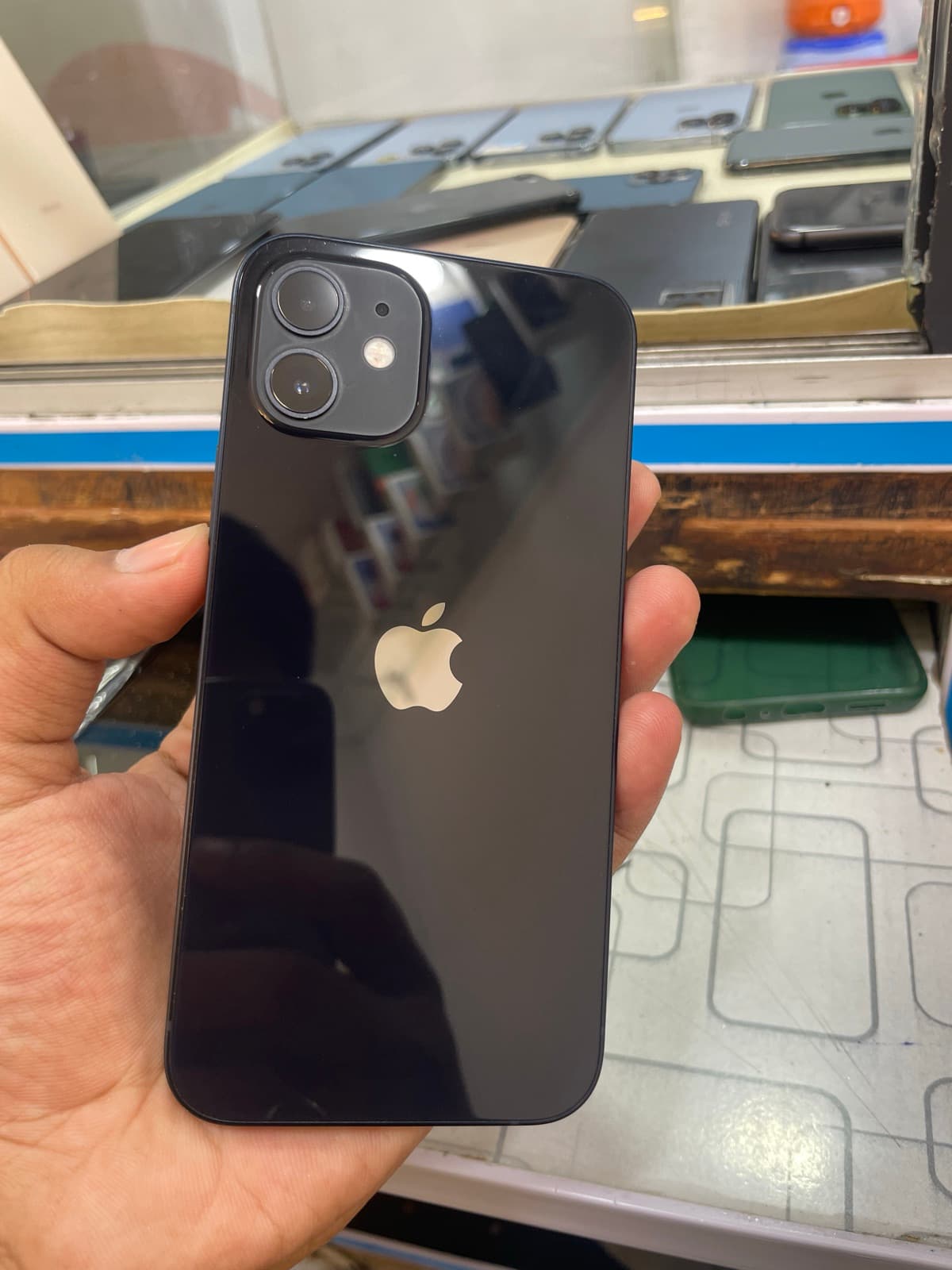

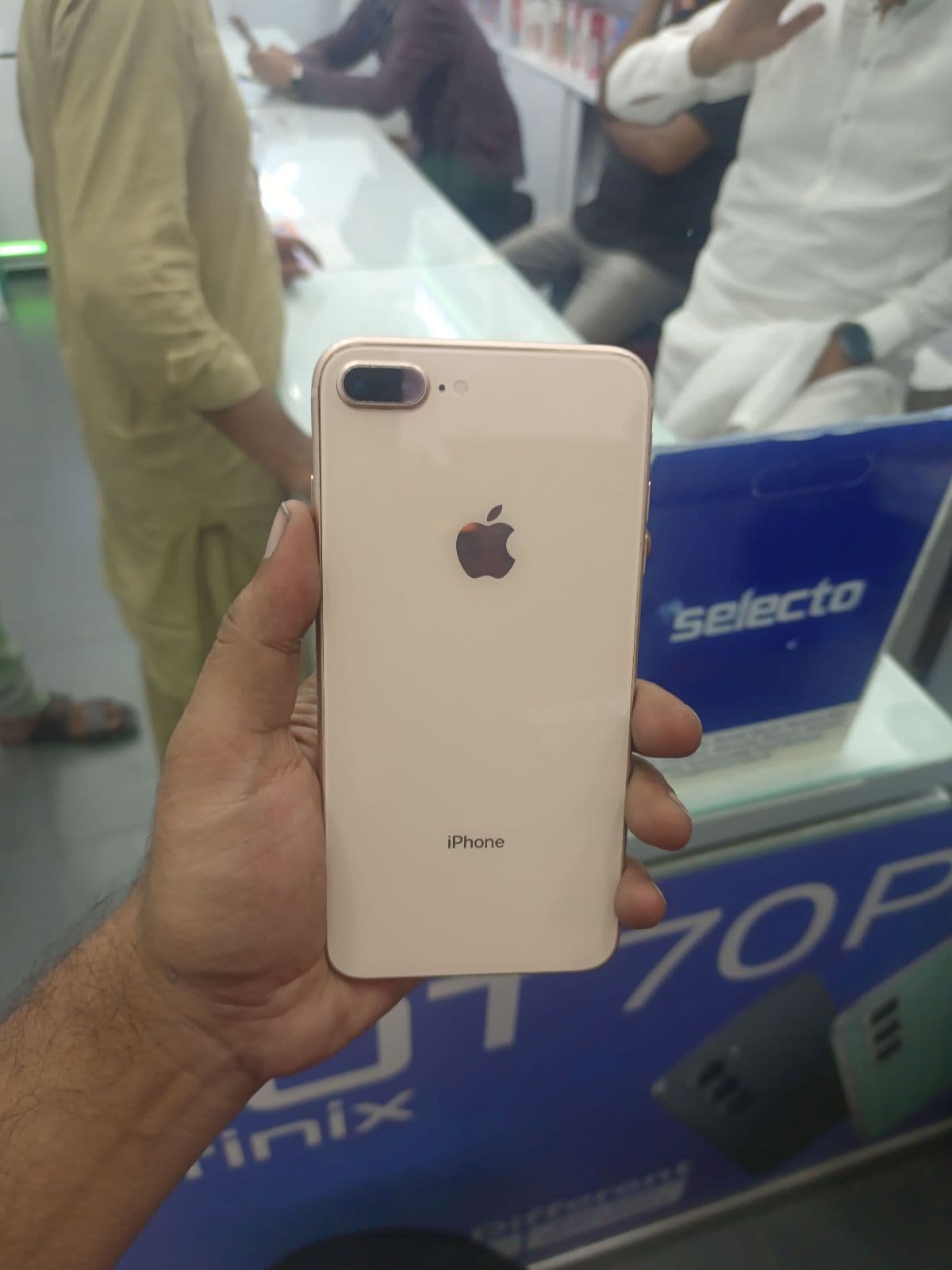

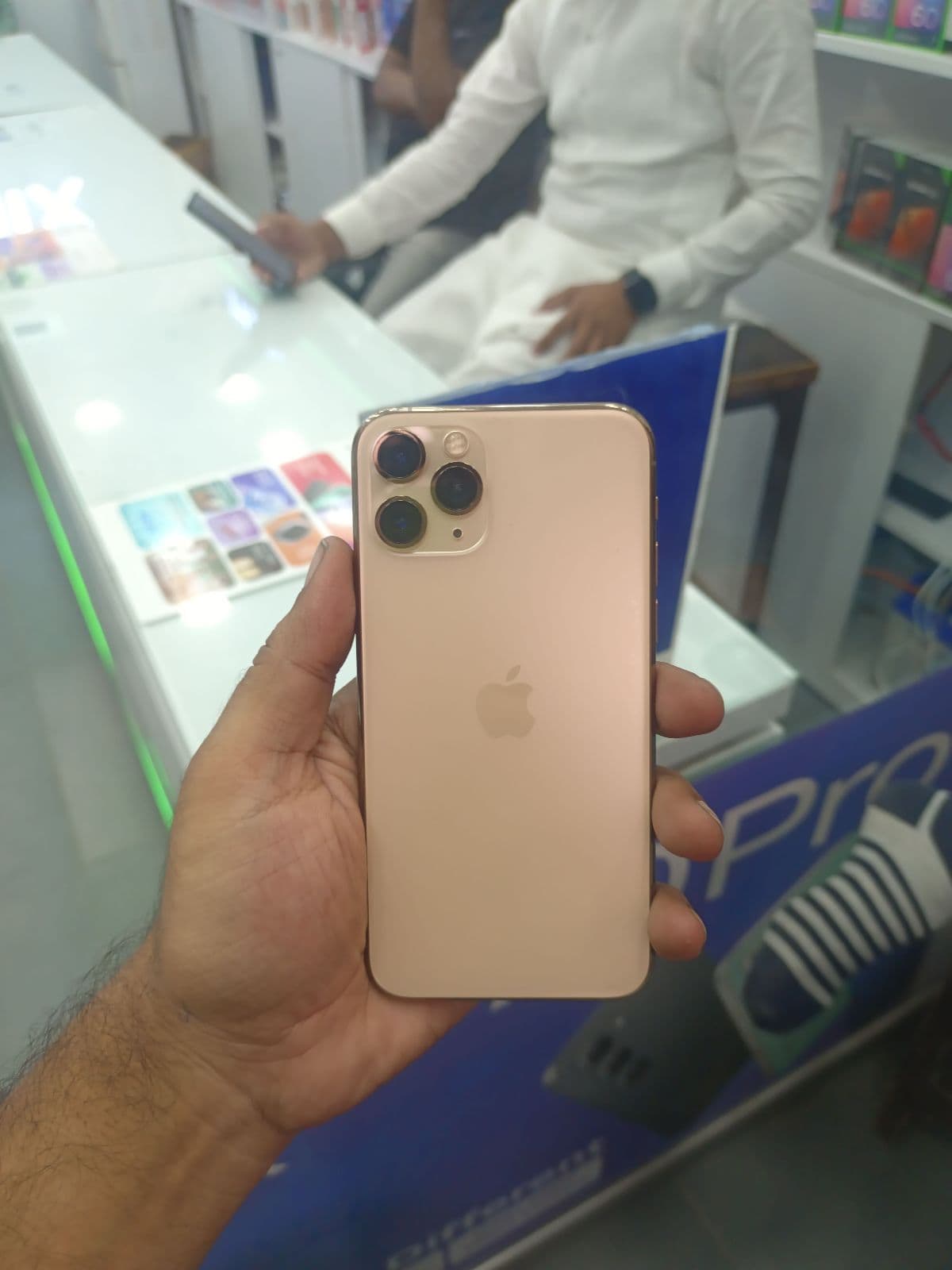
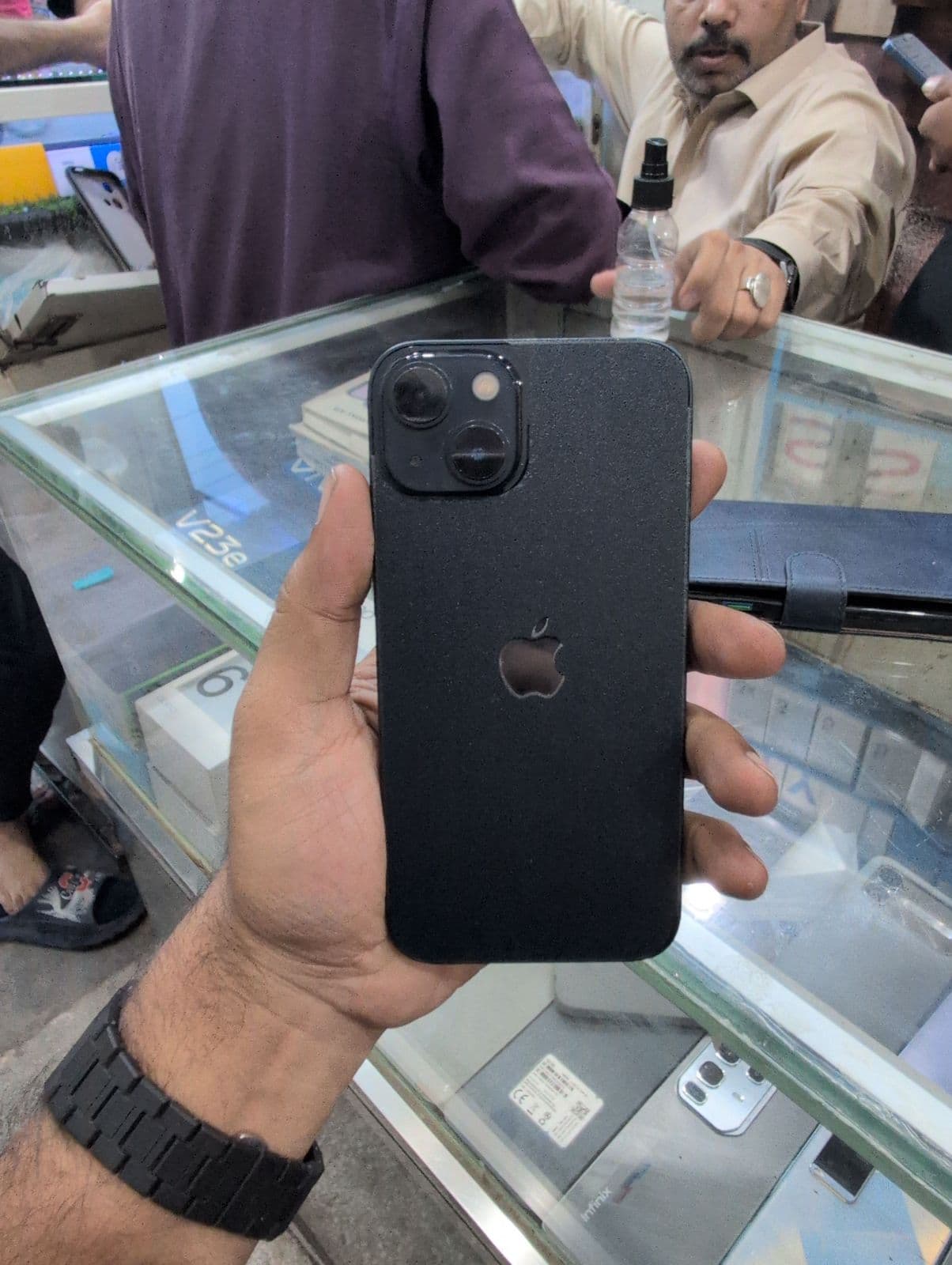
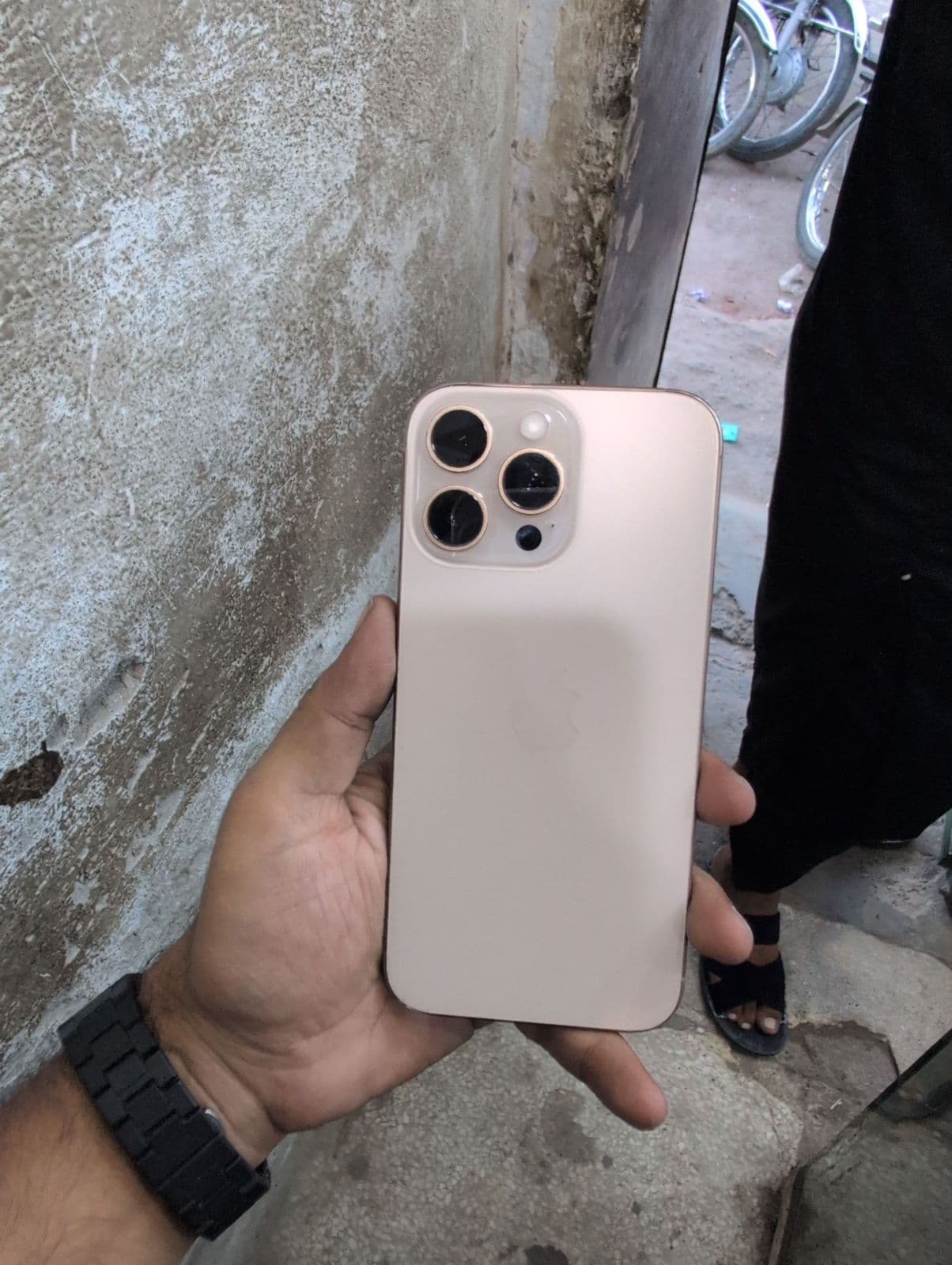
Why choose a PTA approved iPhone
For most buyers the approved route is the least stressful, and the reasons add up quickly.
- ✓No SIM block — it accepts any local SIM and keeps working with no grace-period countdown.
- ✓No surprise tax — the DIRBS registration is already done, so there is nothing extra to pay later.
- ✓Easier resale — approved iPhones are simpler to sell on and usually hold their value better.
- ✓Peace of mind — no risk of your number going dead because a registration deadline passed.
Still check the iPhone itself
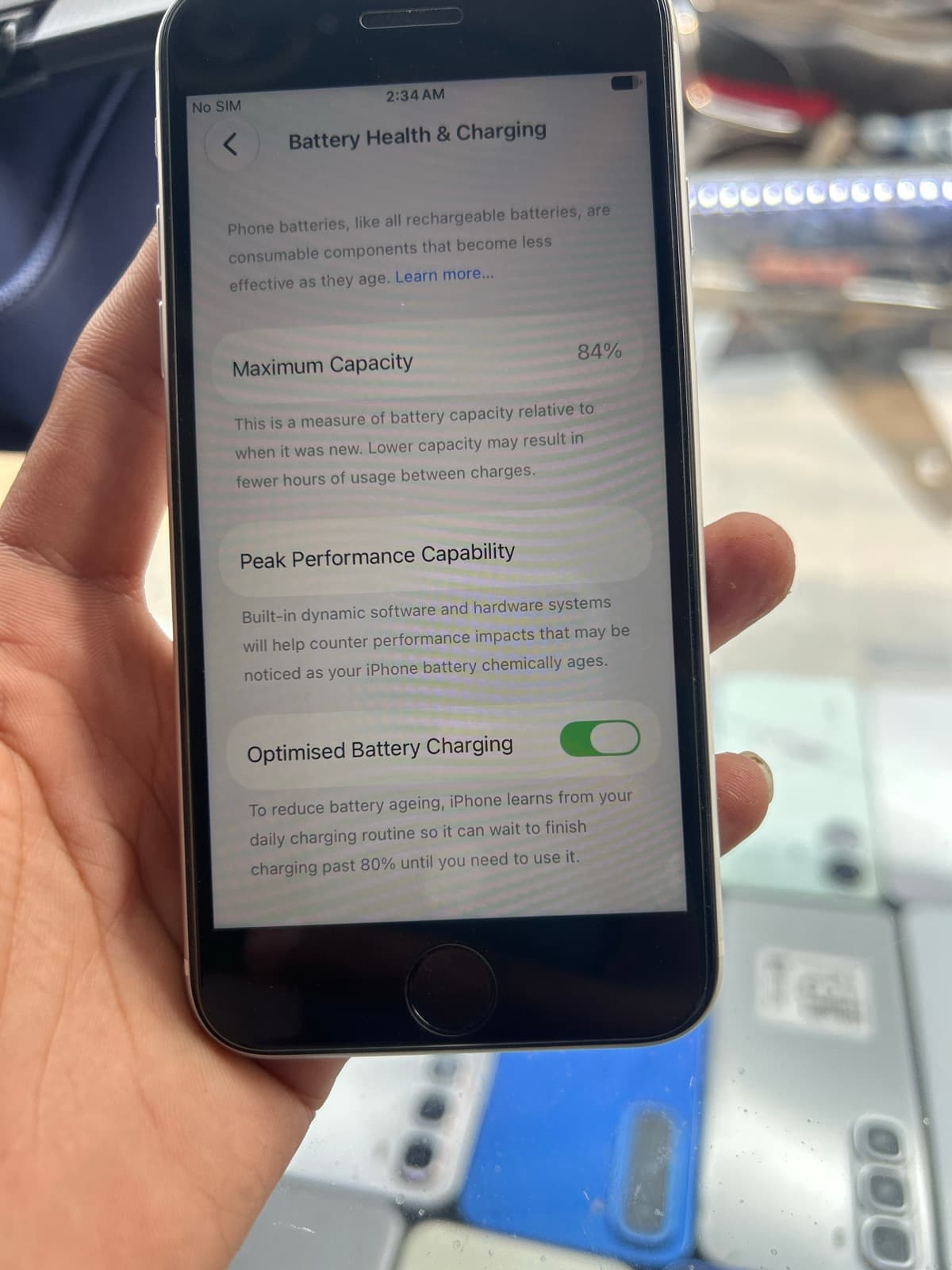
Approved status confirms the network side, but you should still check the hardware like any used iPhone. Open Settings → Battery → Battery Health and aim for around 85% or above, or price in a replacement. Confirm Face ID or Touch ID works, and that True Tone is present — a missing True Tone can indicate a replaced screen. Test the cameras, and make sure the iPhone is signed out of the previous Apple ID with Find My off, so there is no Activation Lock waiting to lock you out.
How to confirm approved status yourself
Even when a listing says approved, it is worth verifying. Dial *#06# to get the IMEI, then check it on the official PTA DIRBS portal or send it to 8484 to confirm the status shows as approved and the device is not blocked or reported. On Mehfoz the PTA status is shown on every listing, but doing this quick check yourself is the safest final step before you pay.
Buying safely in Faisalabad
A PTA approved iPhone removes the network worry, and Mehfoz’s tools remove the rest. Where a listing supports it, request an inspection so a trained inspector checks the device before you pay, and use Buy with Protection on eligible deals so your money is safer until you confirm the phone. Buying from a Verified Seller in Faisalabad adds further confidence, with battery, condition and PTA details clear on every listing.