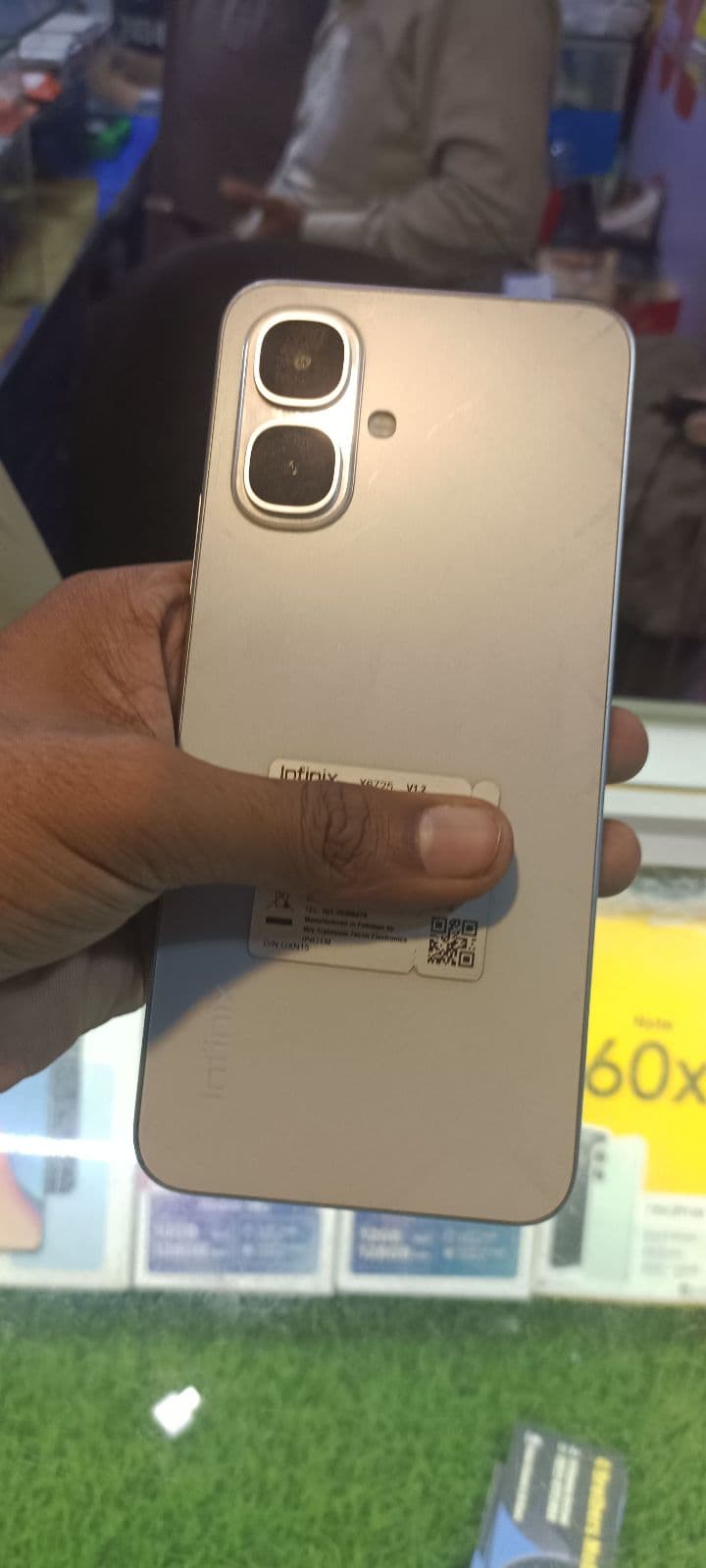
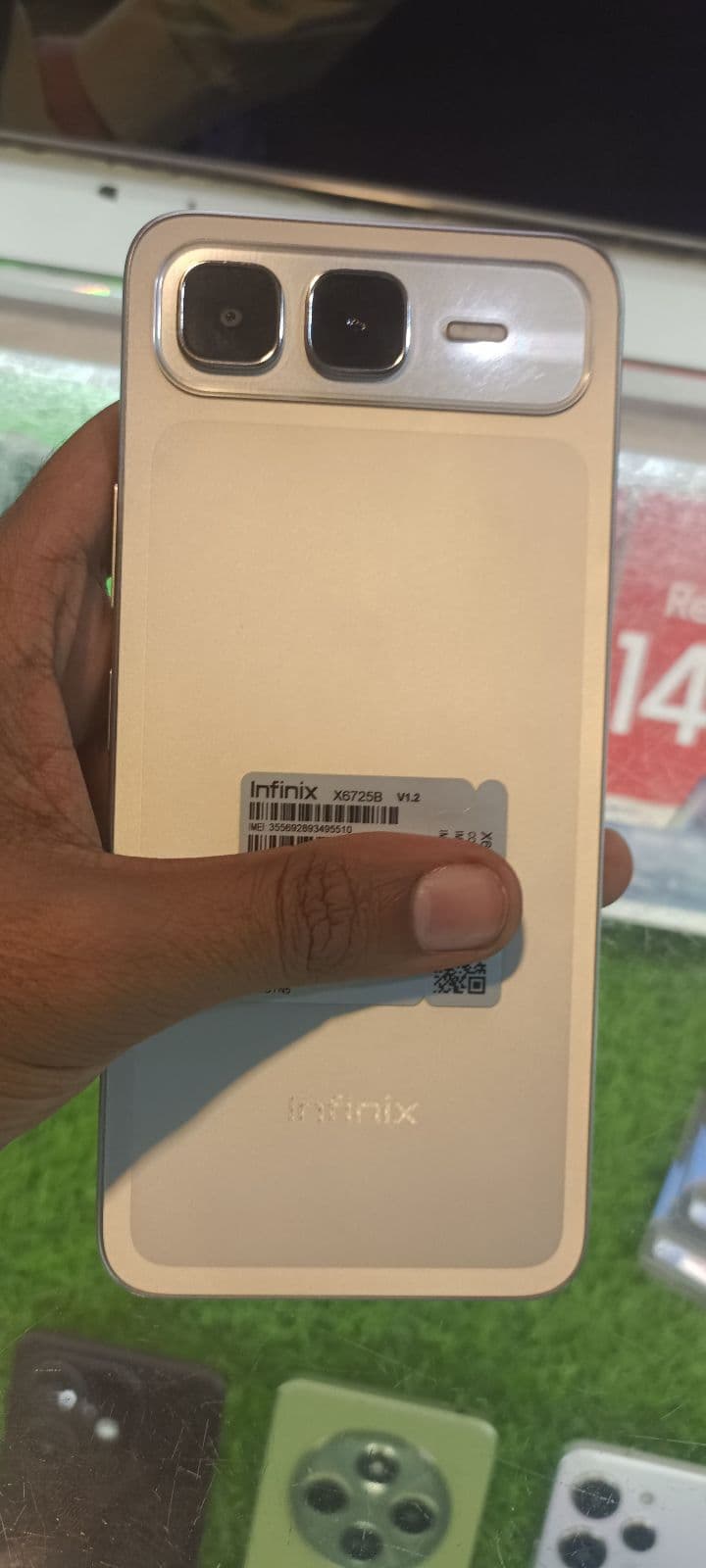

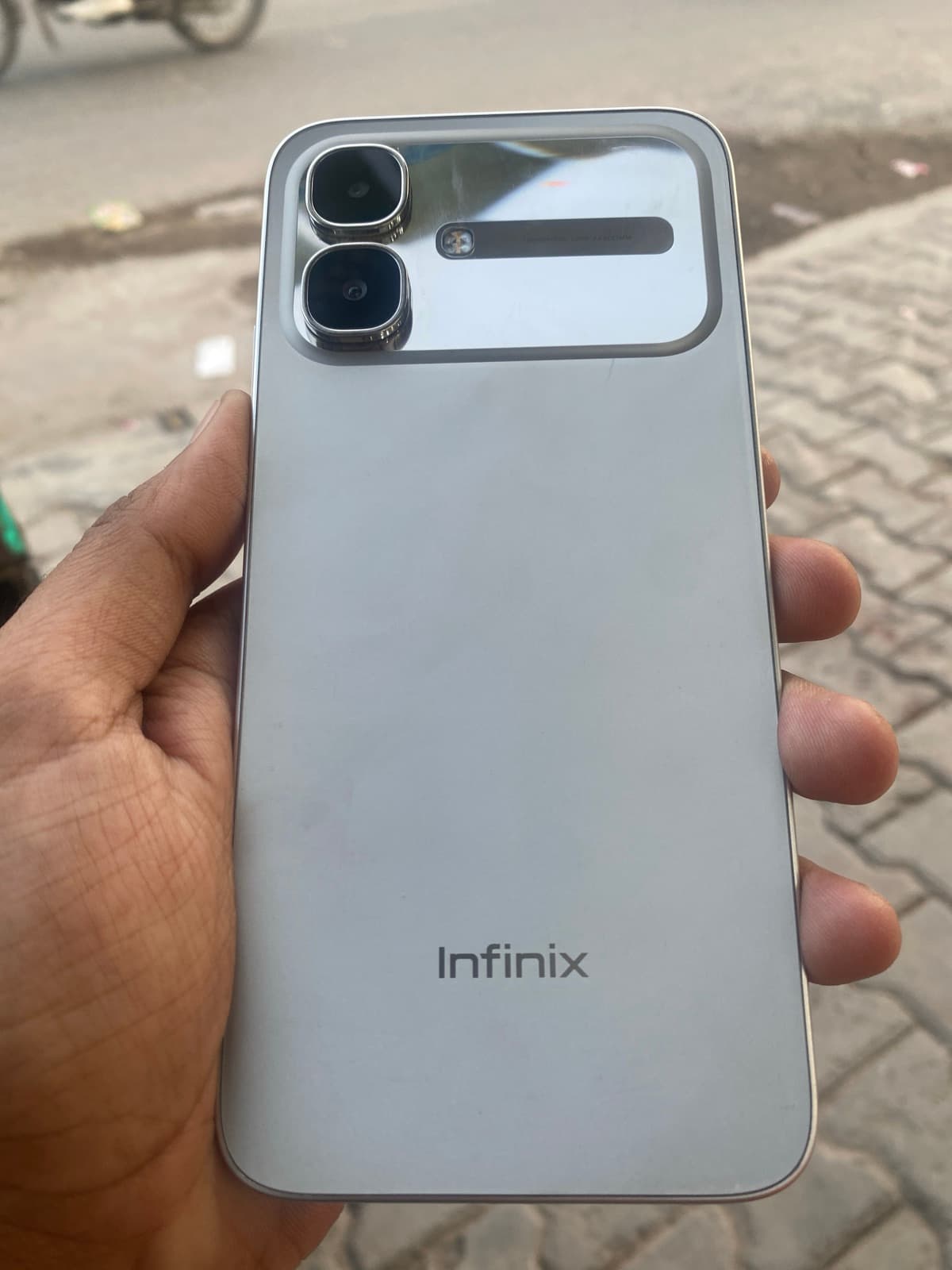
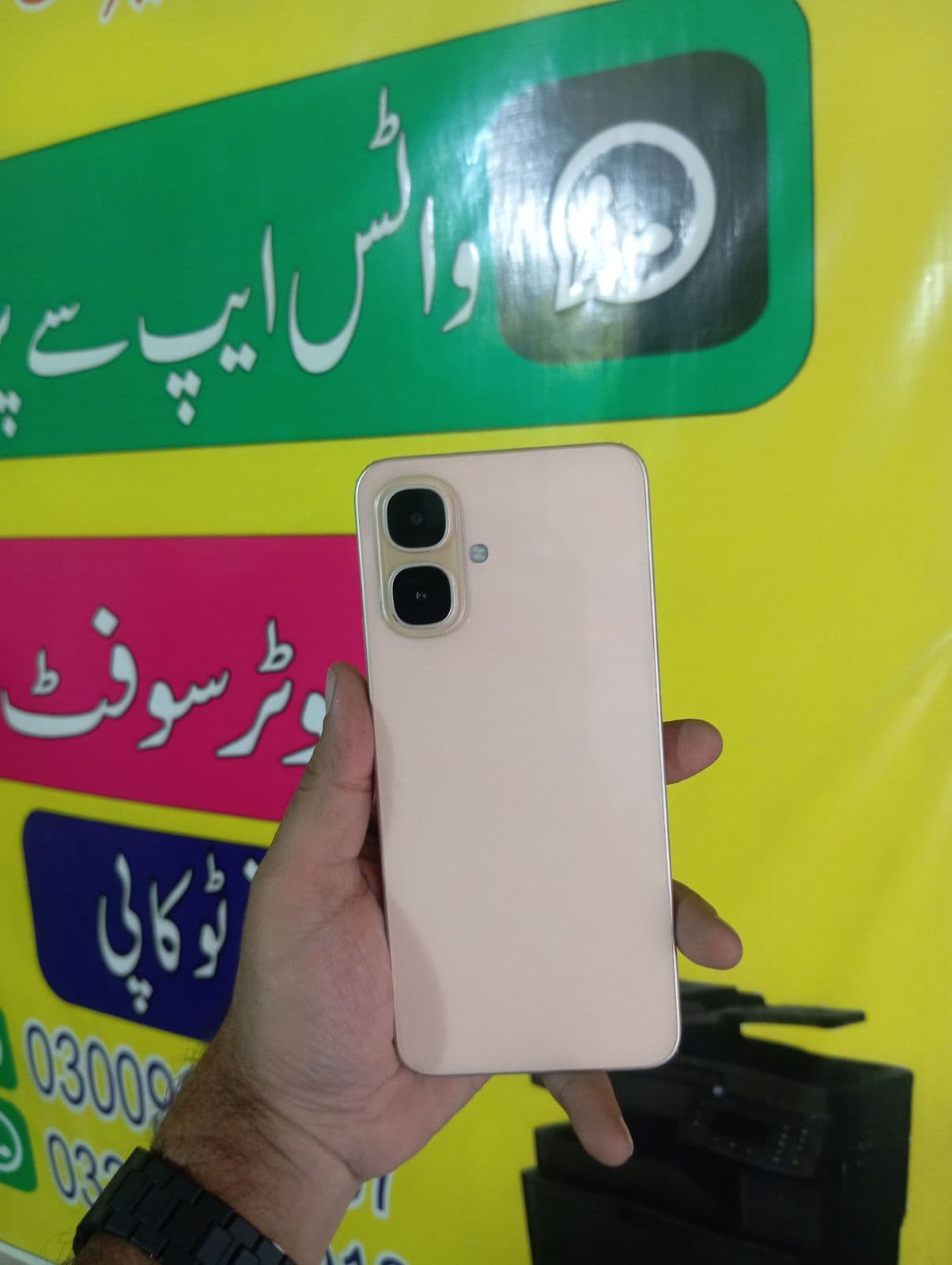
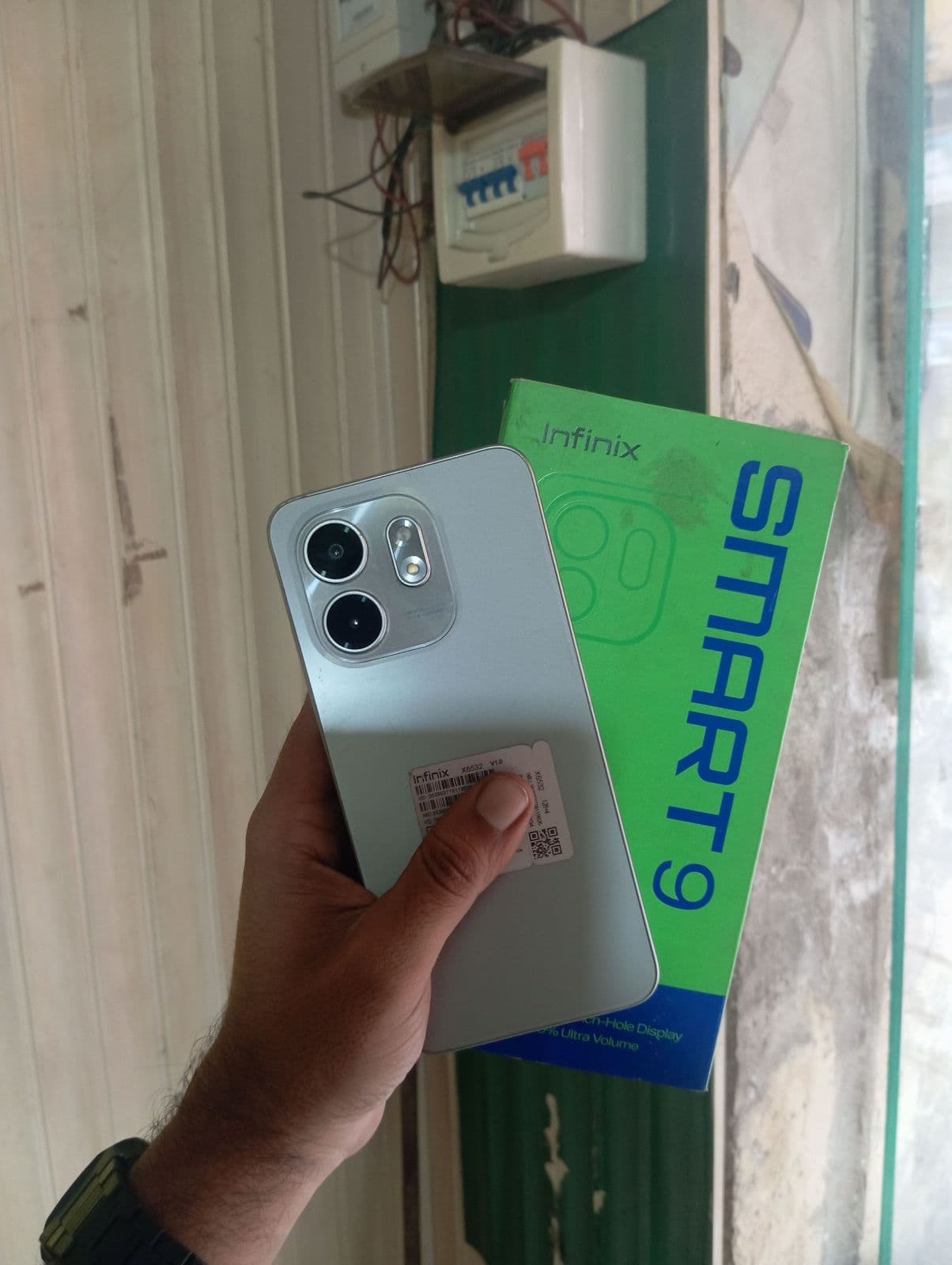
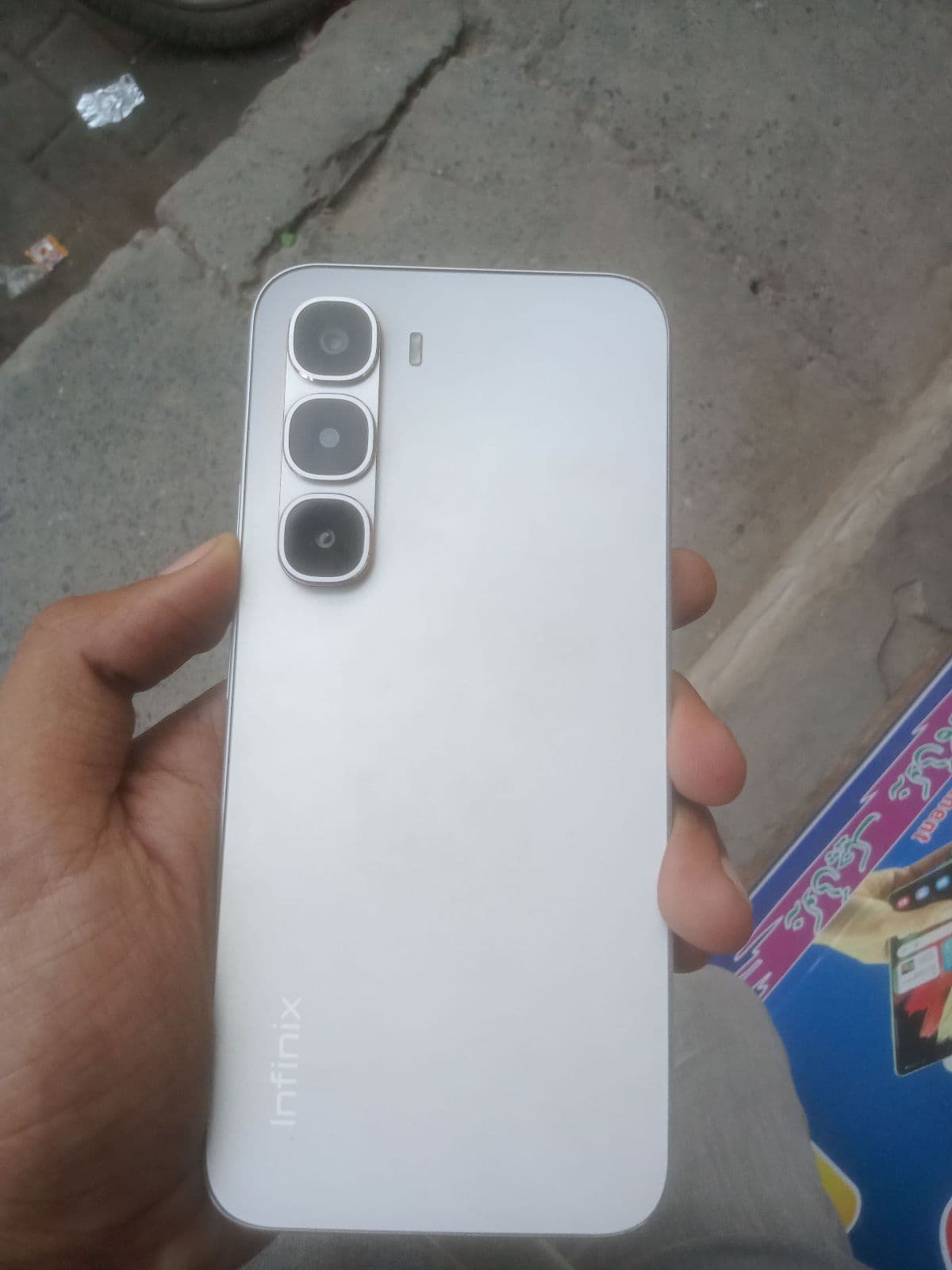
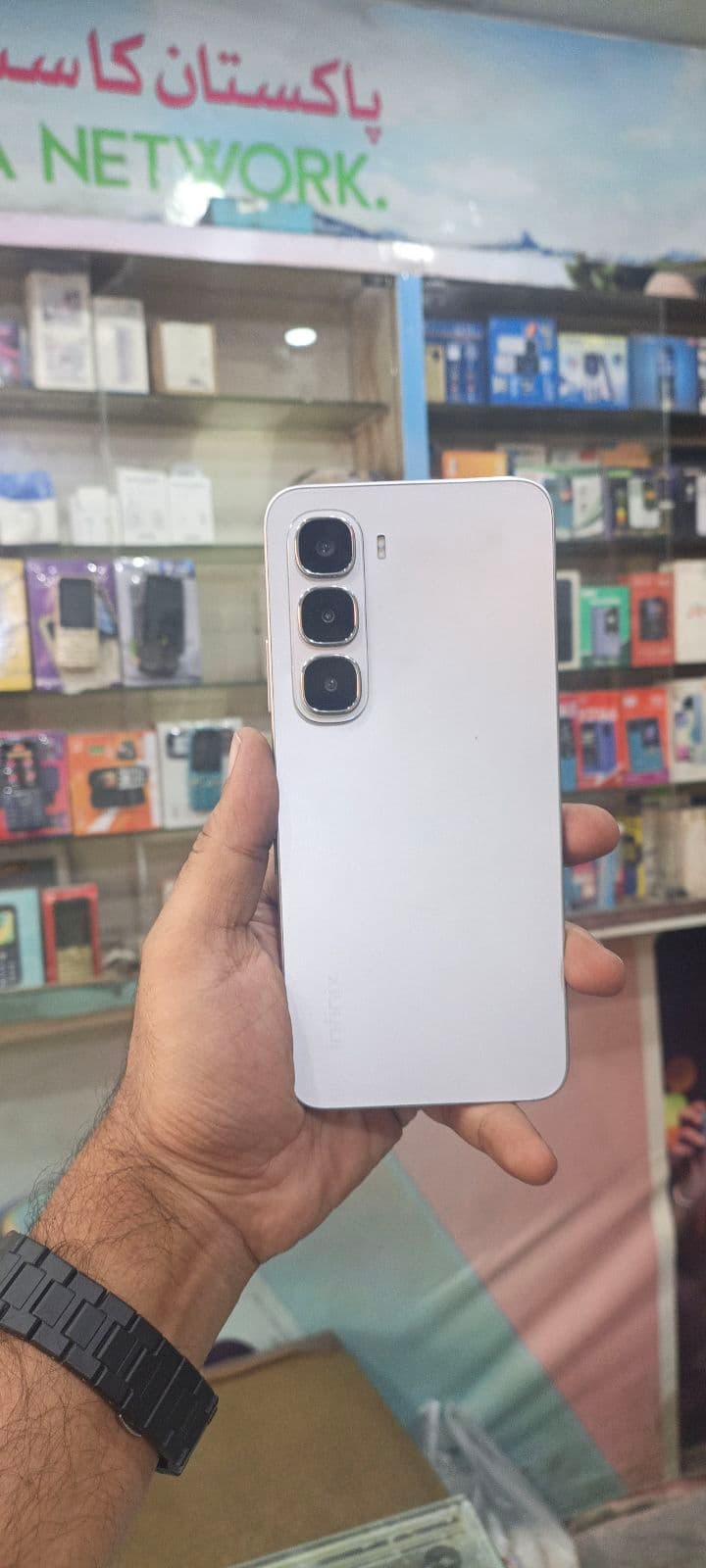
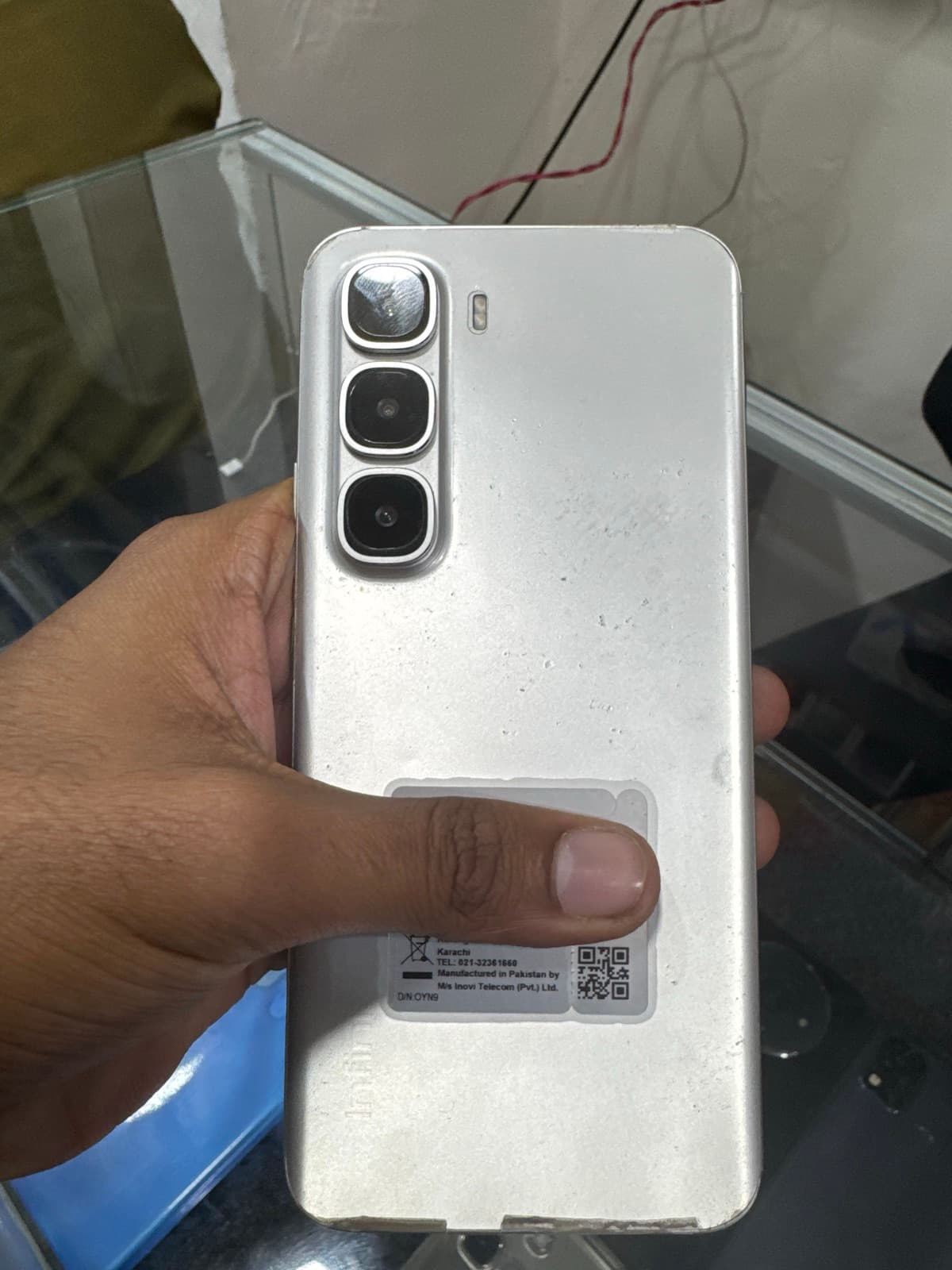
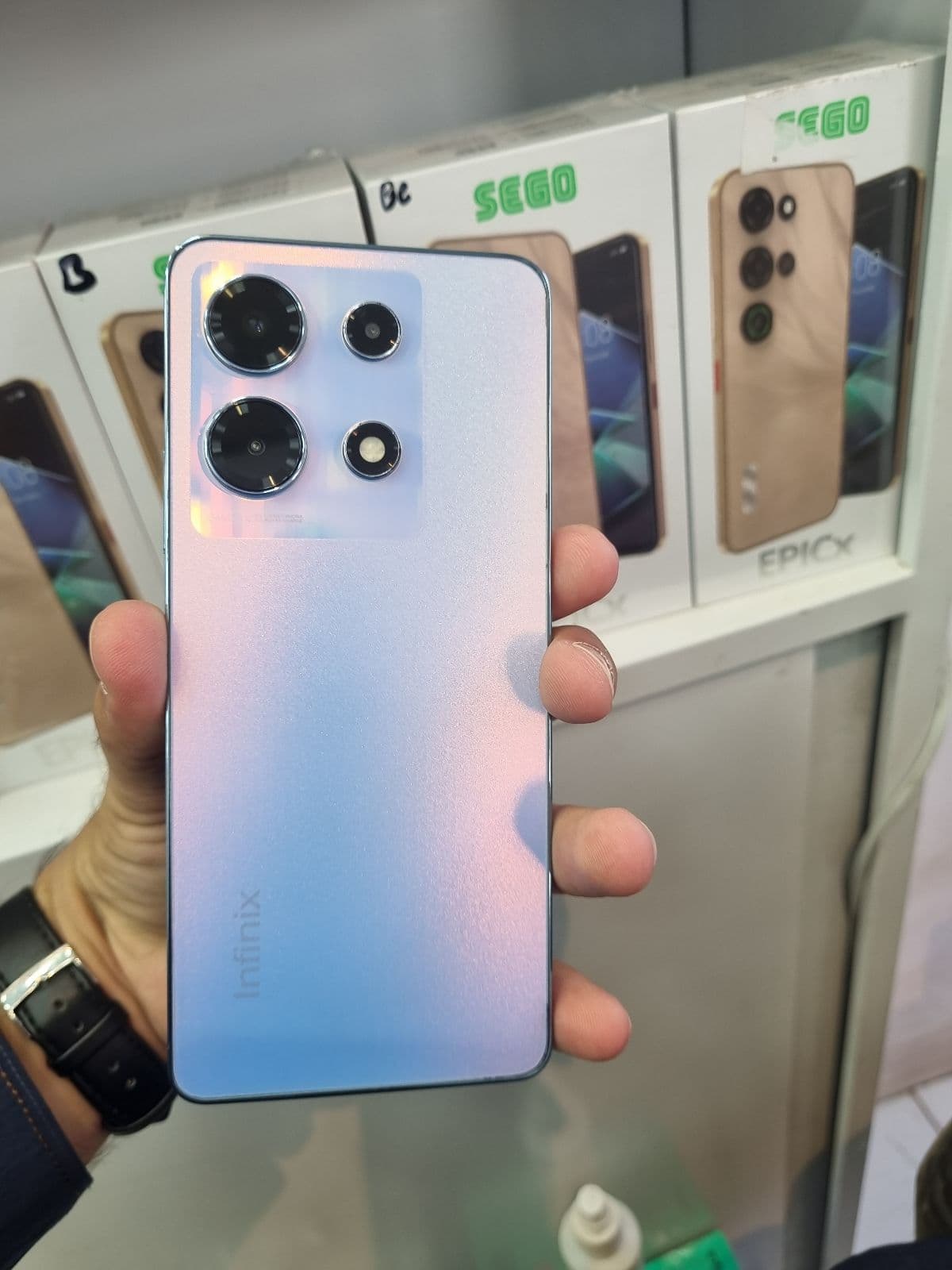
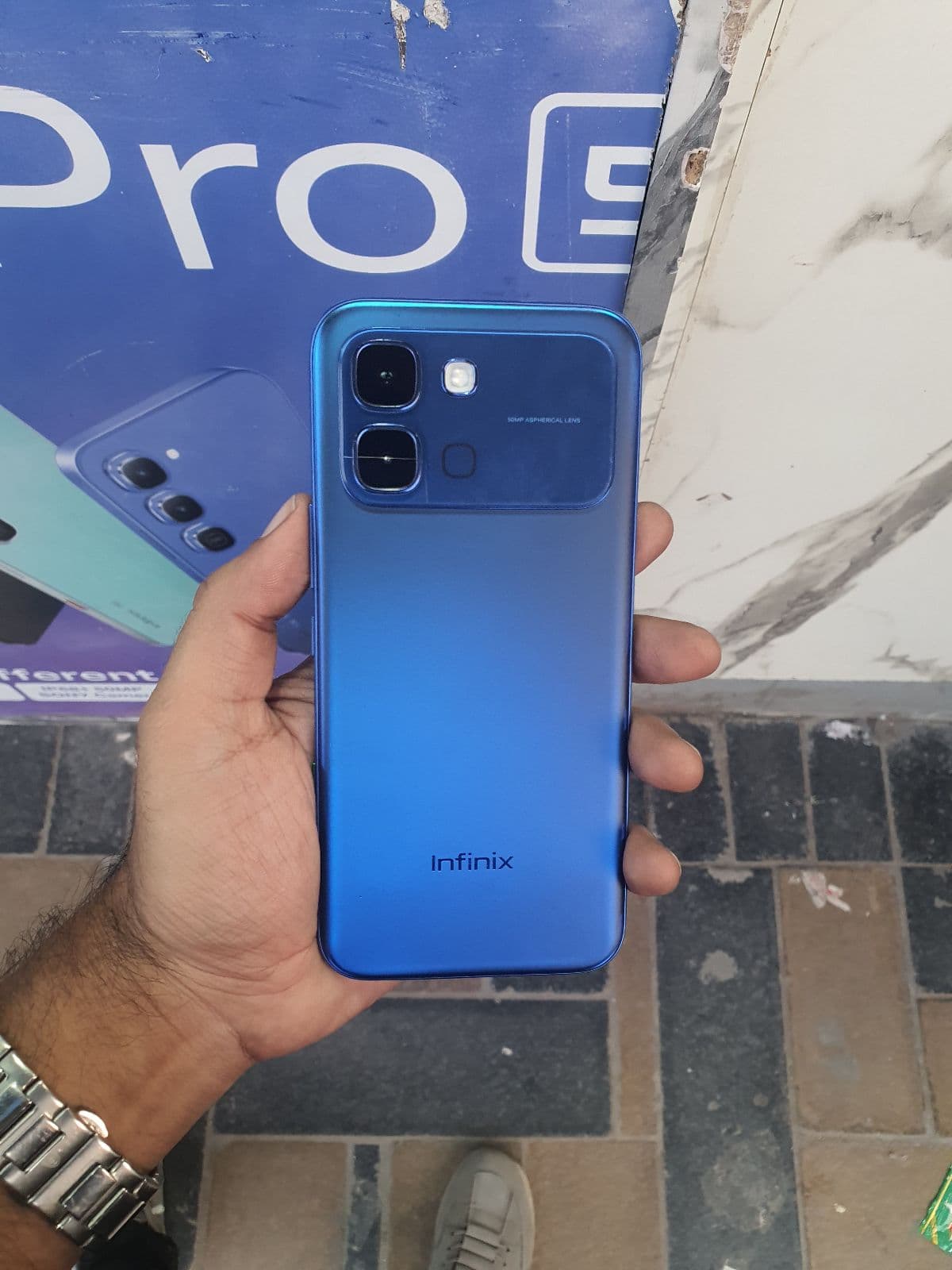
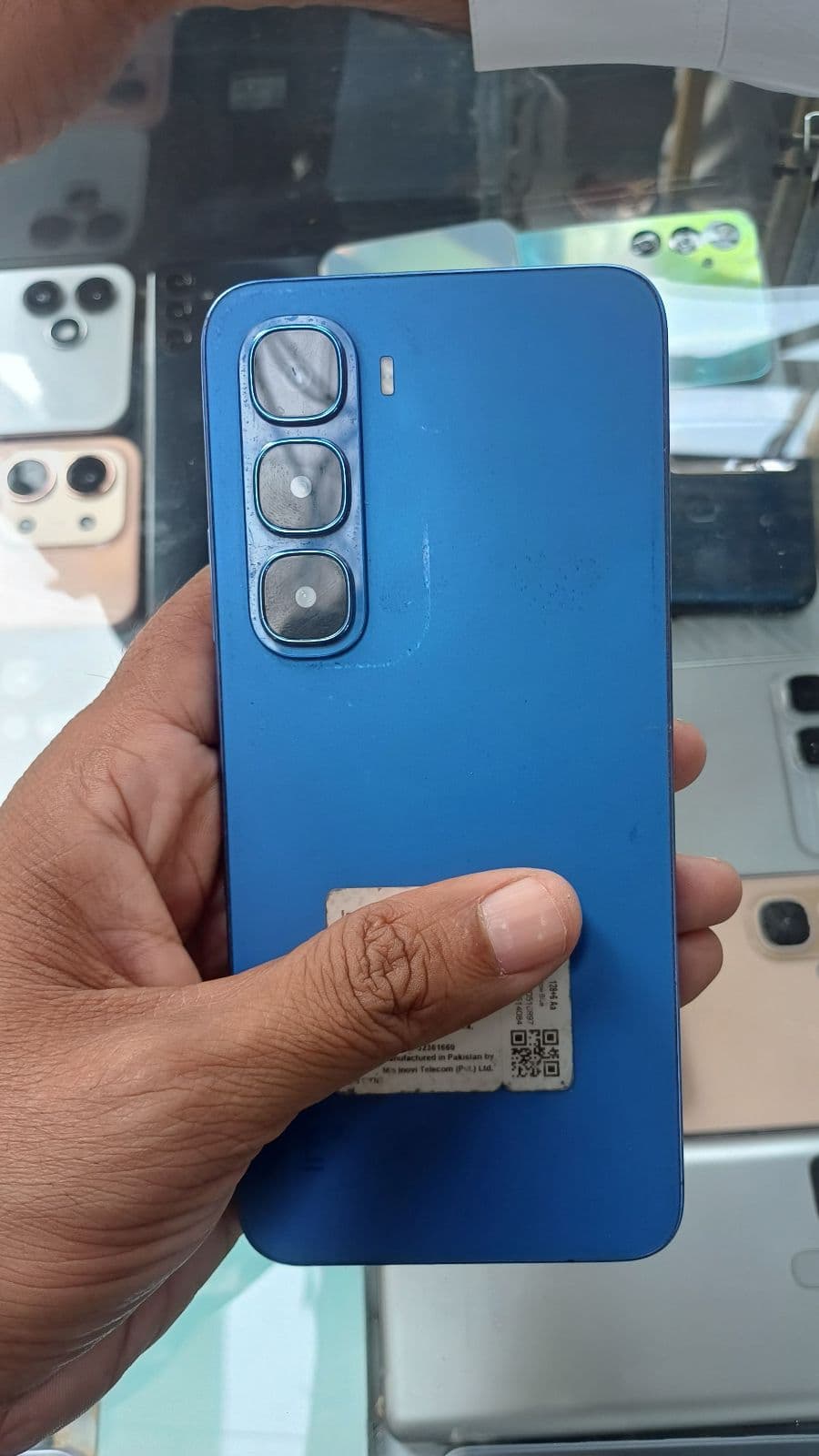
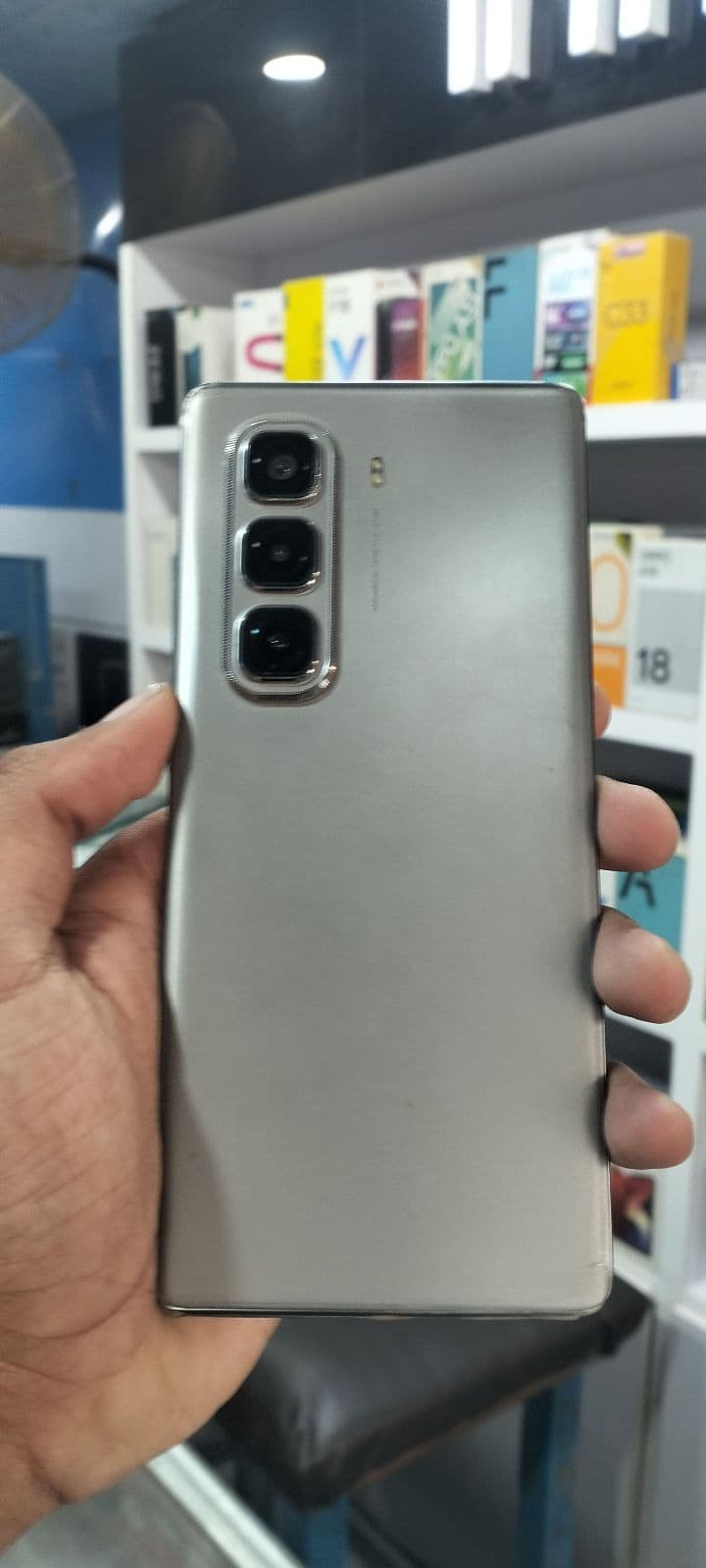
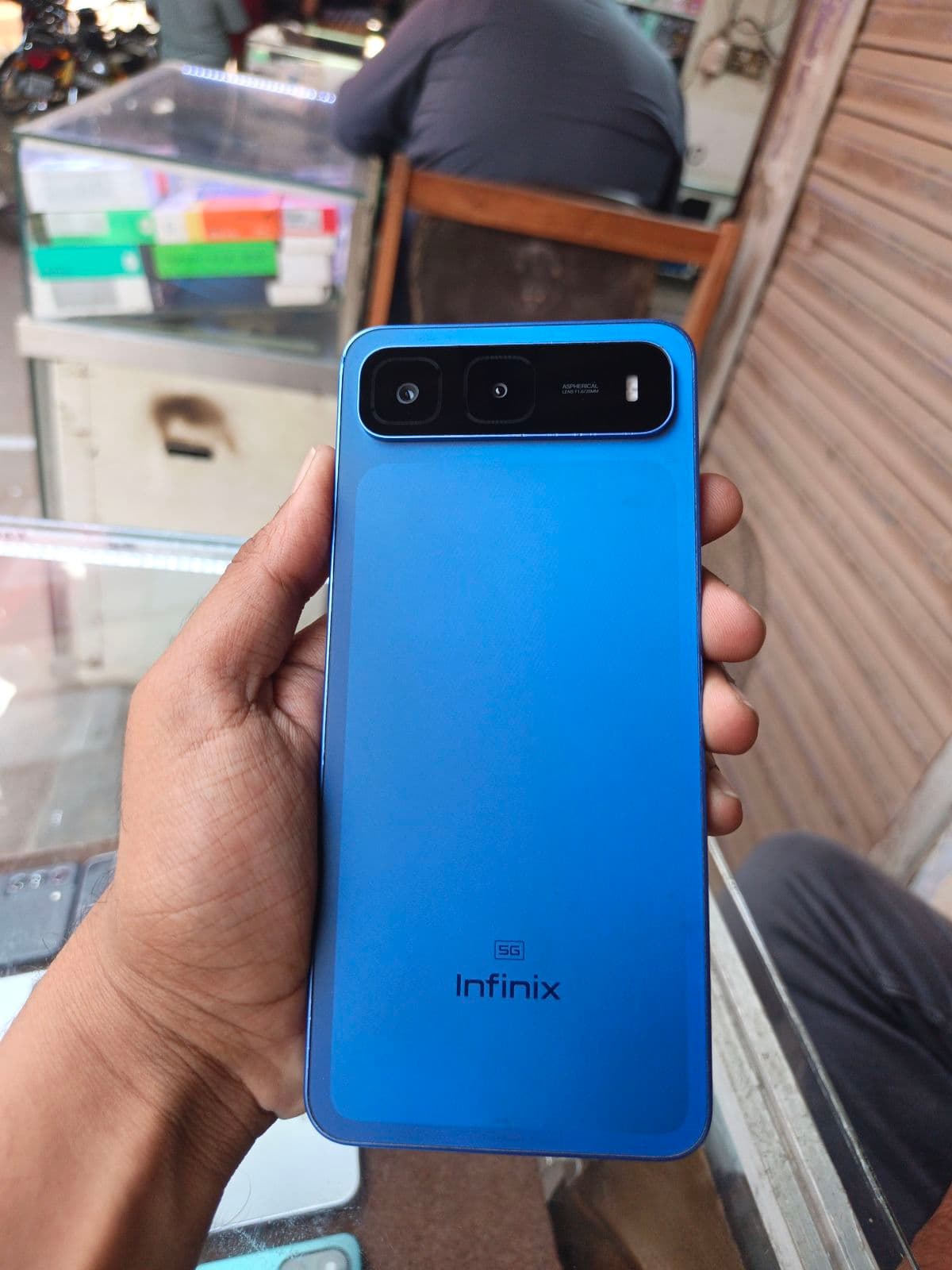
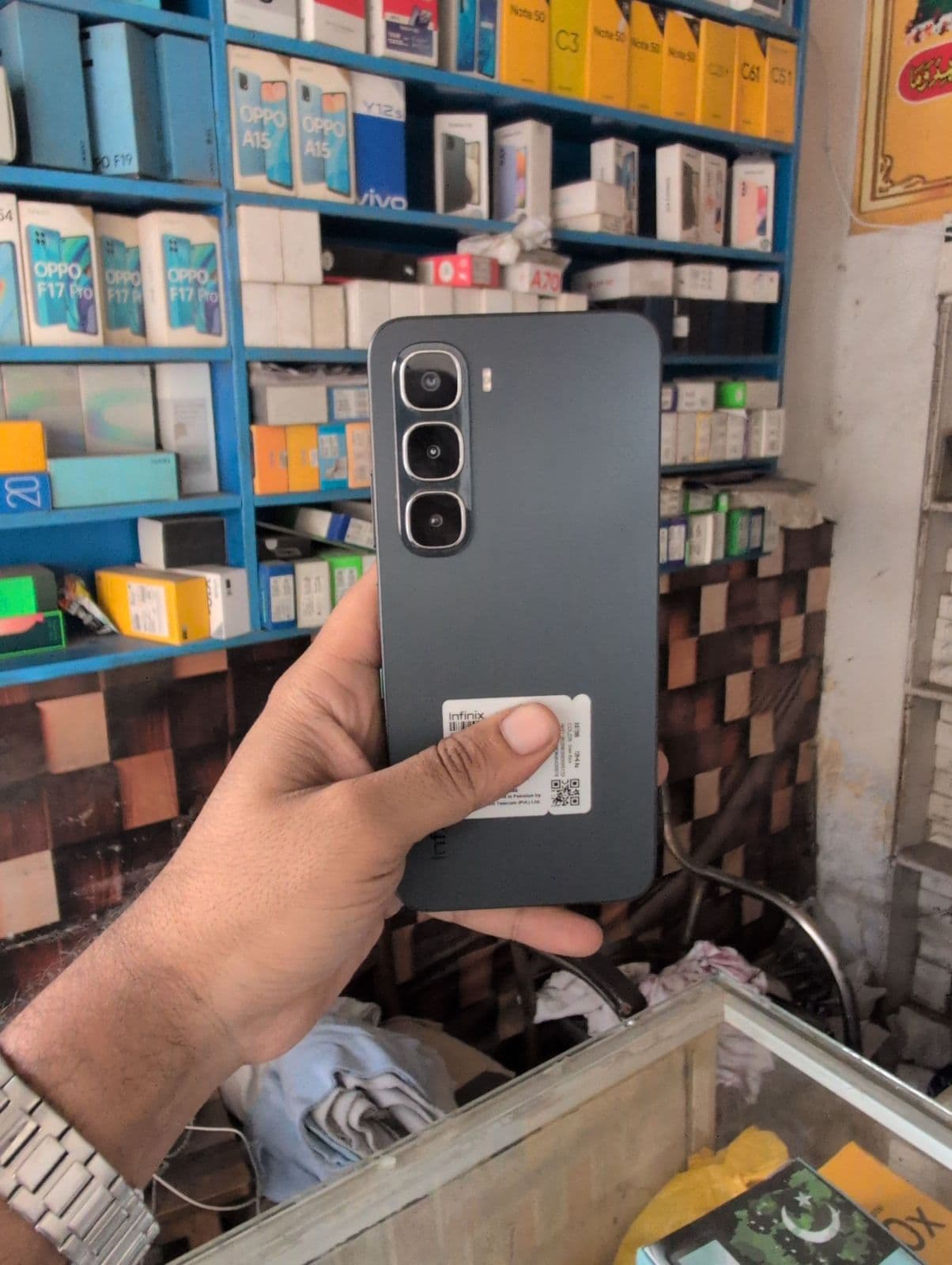

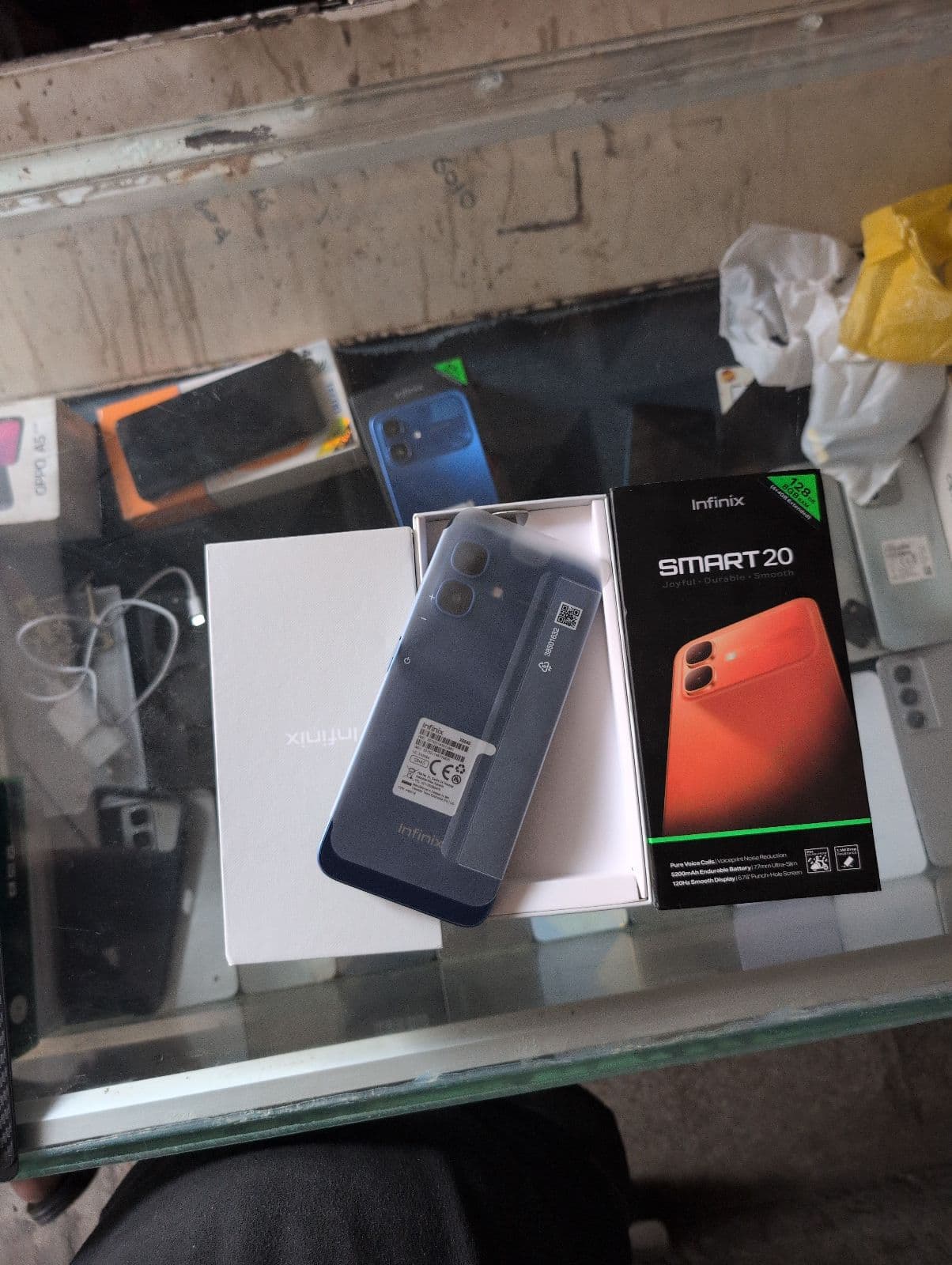




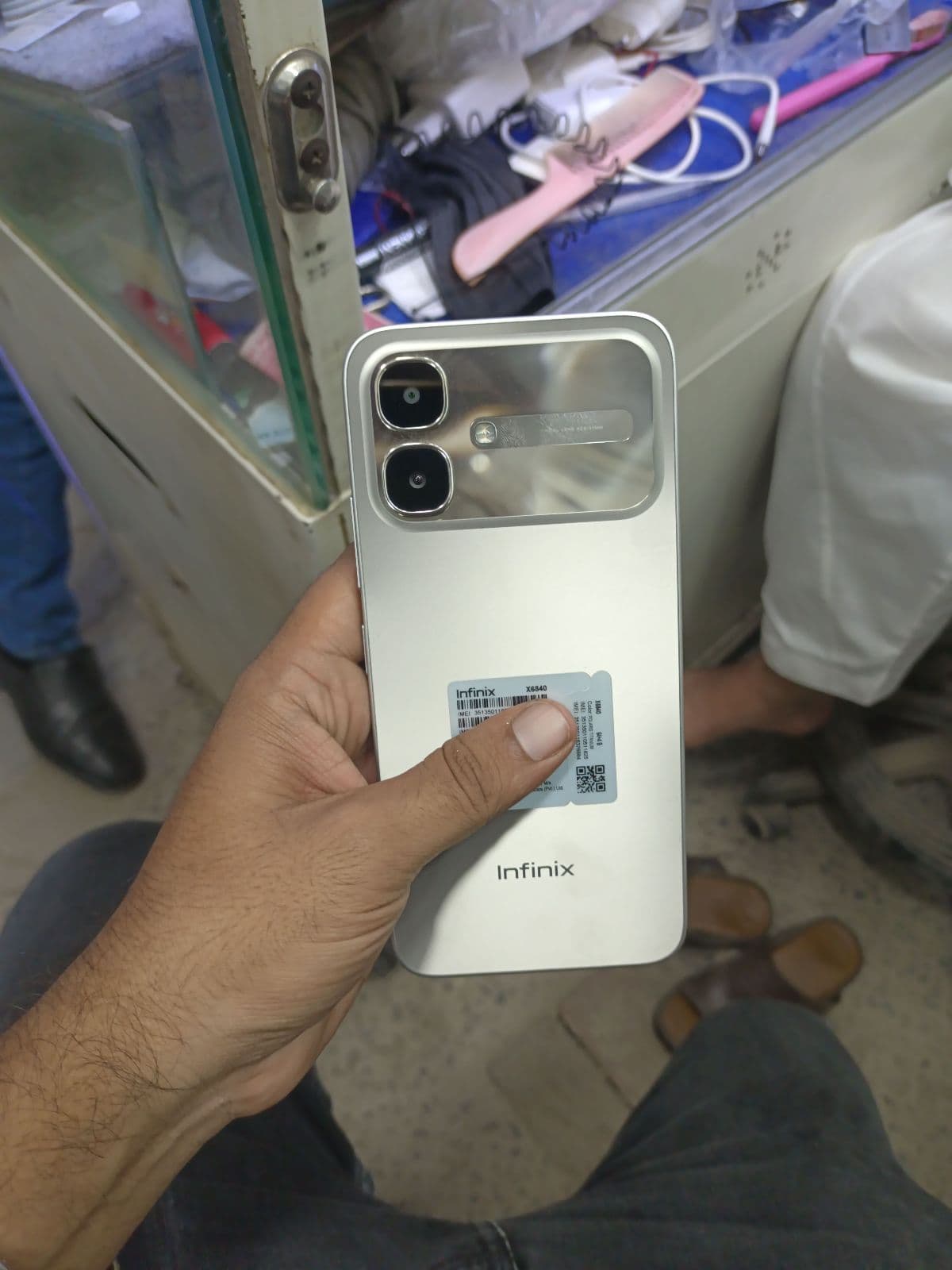


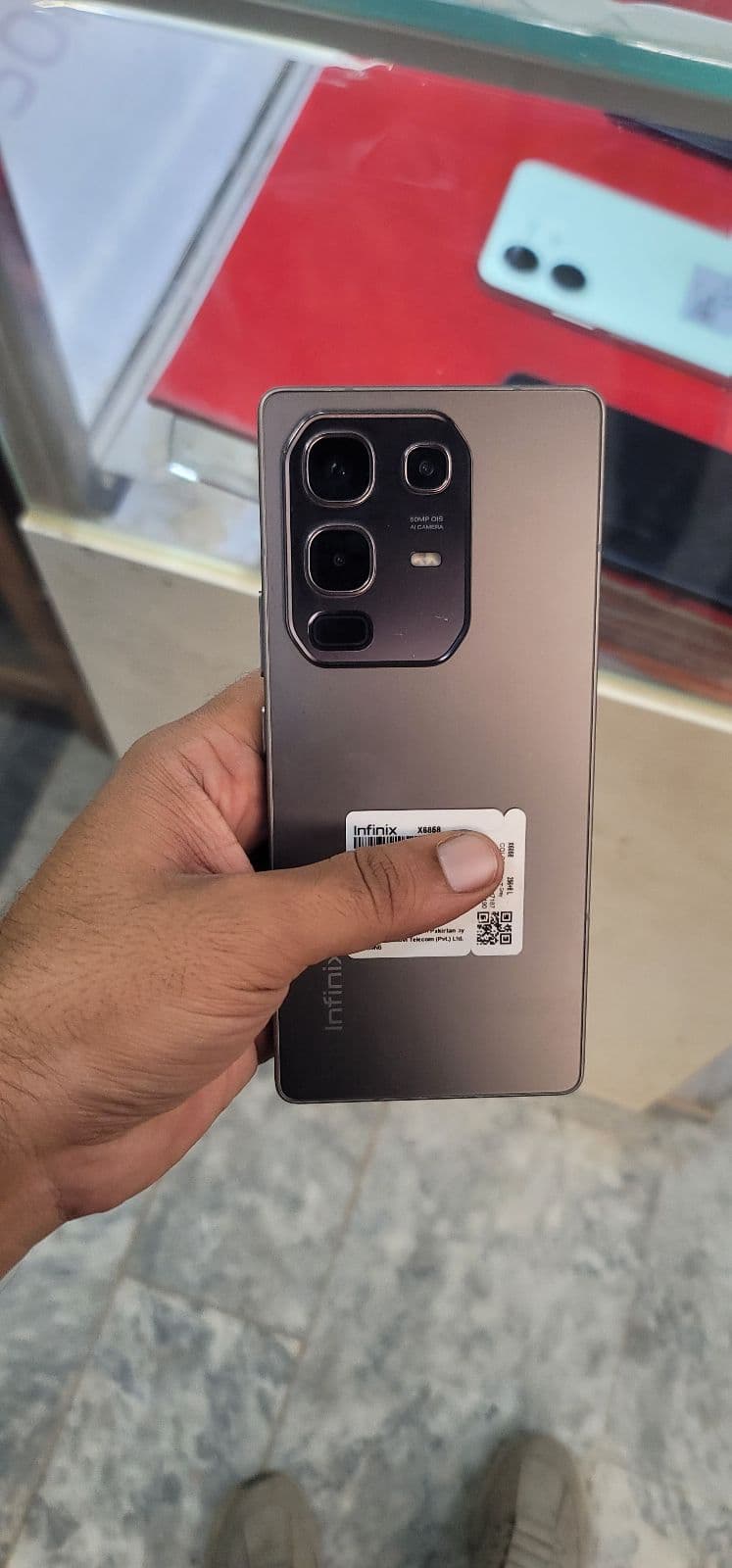


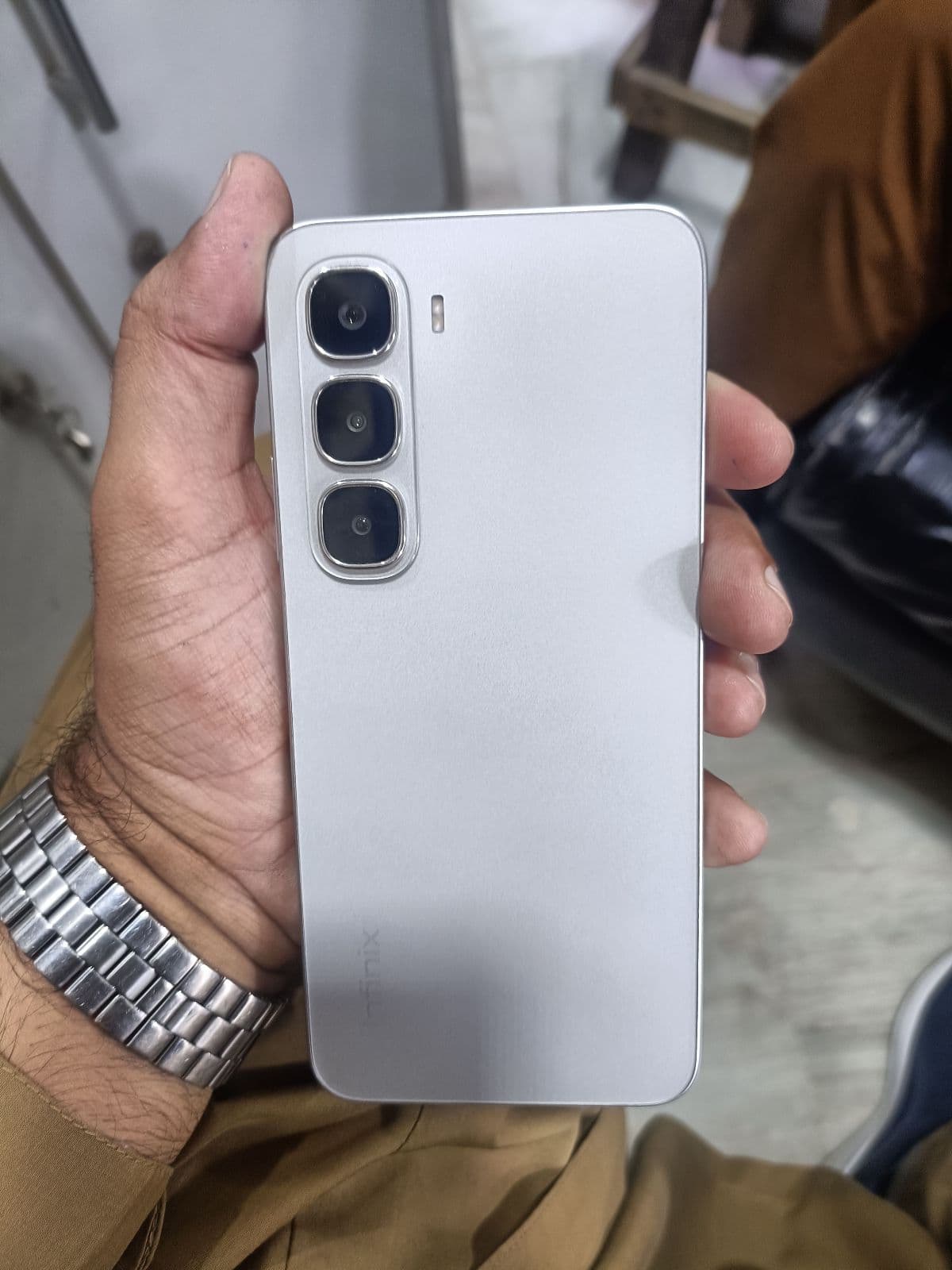
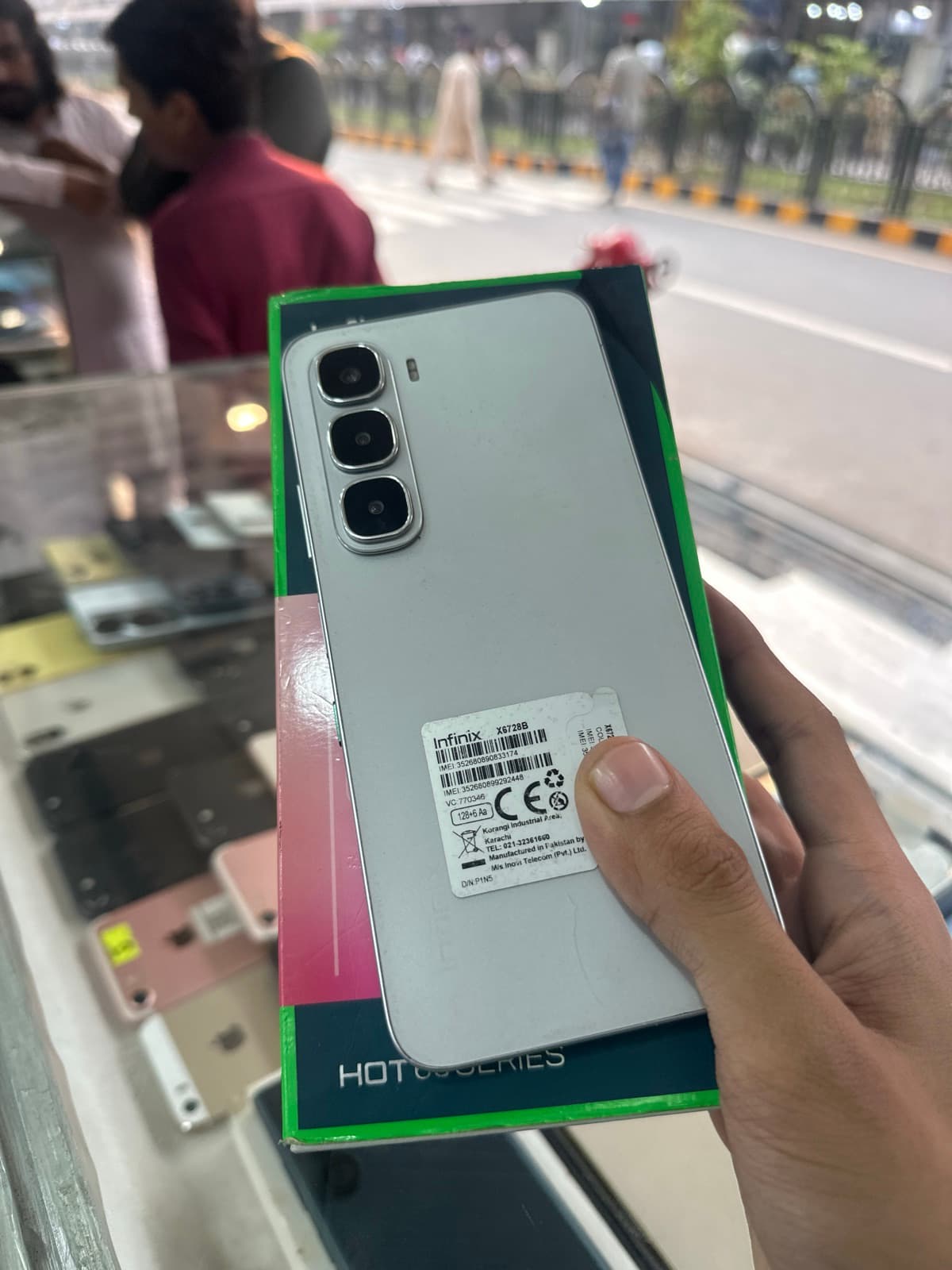
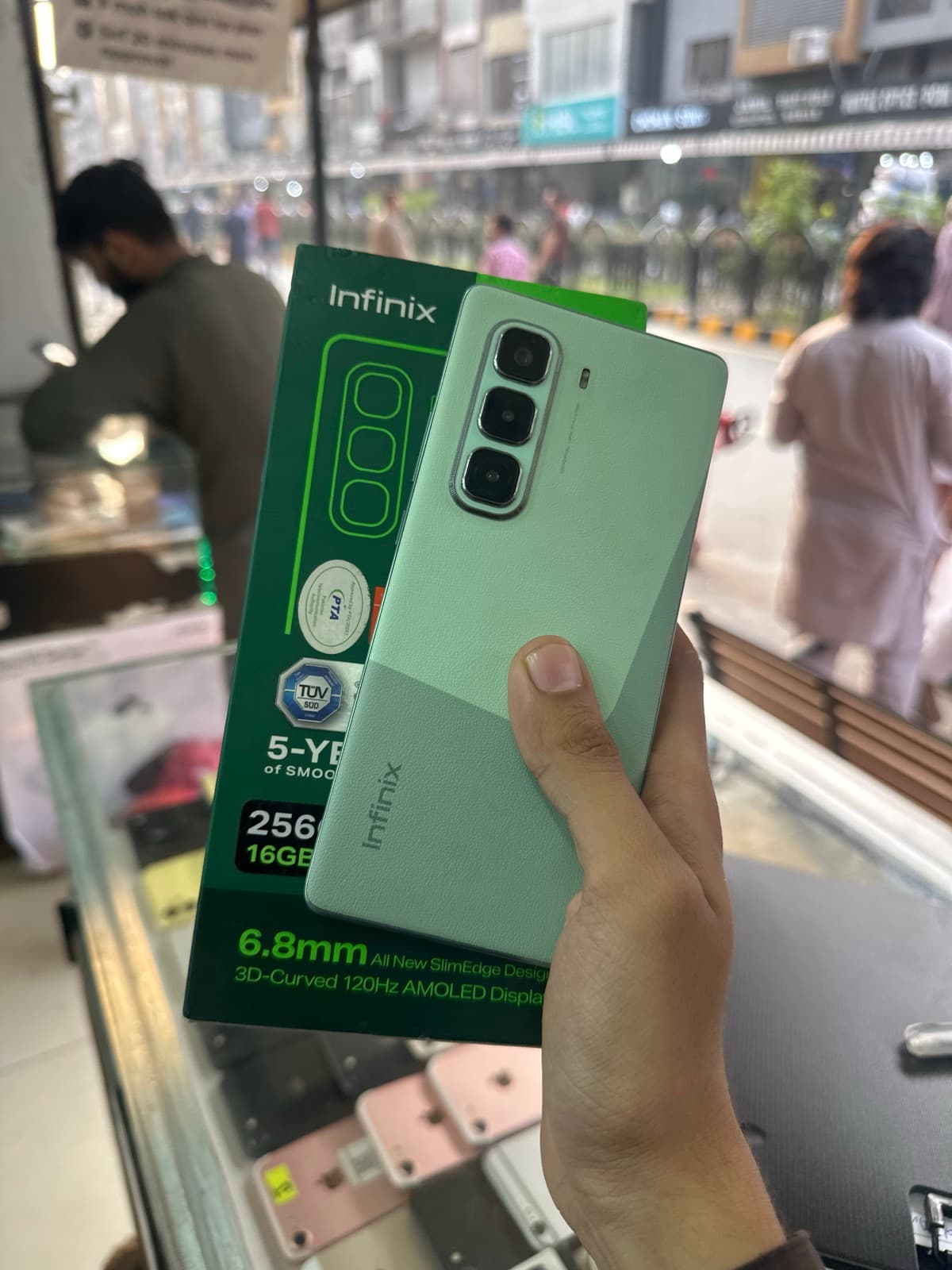
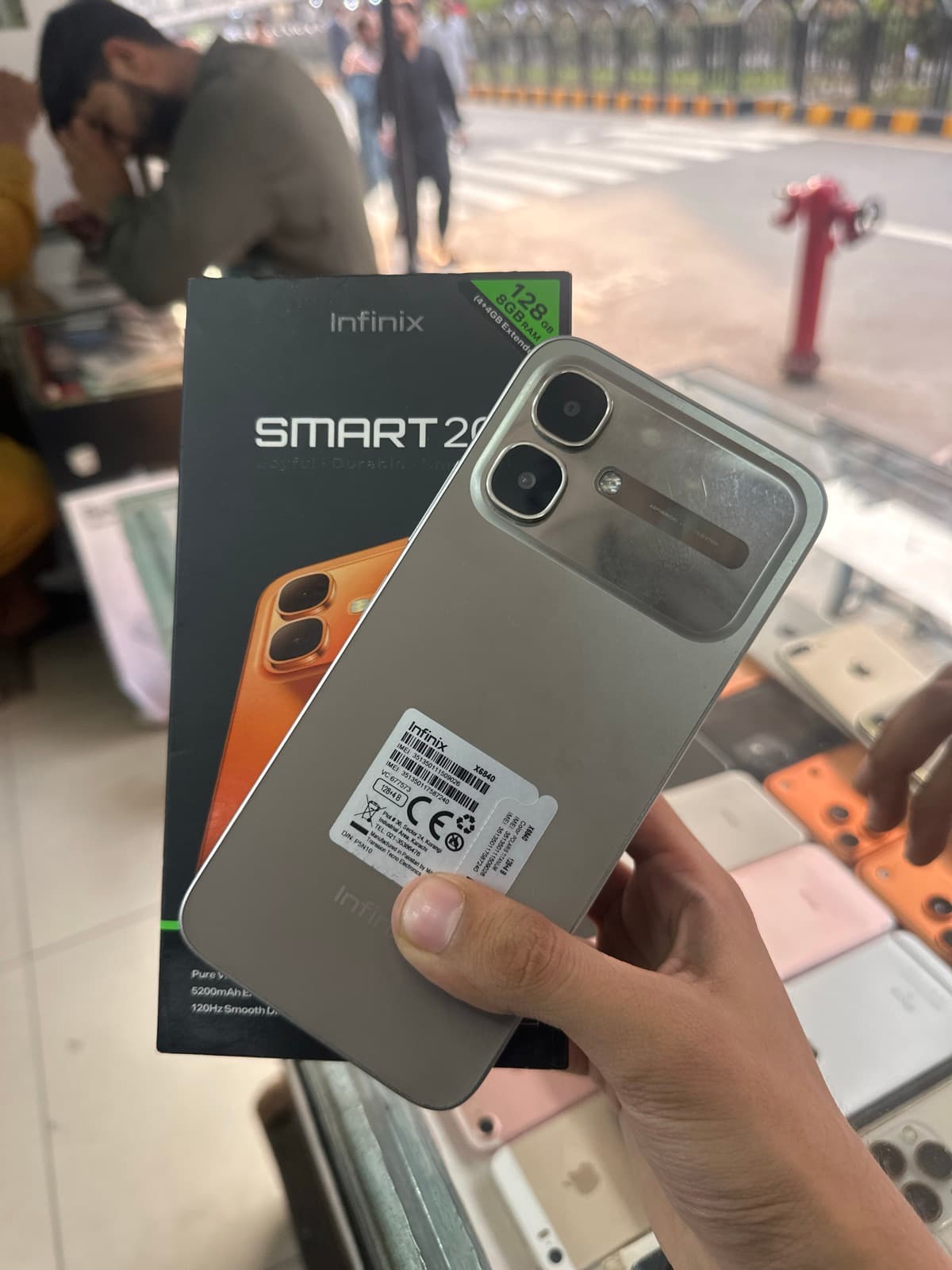
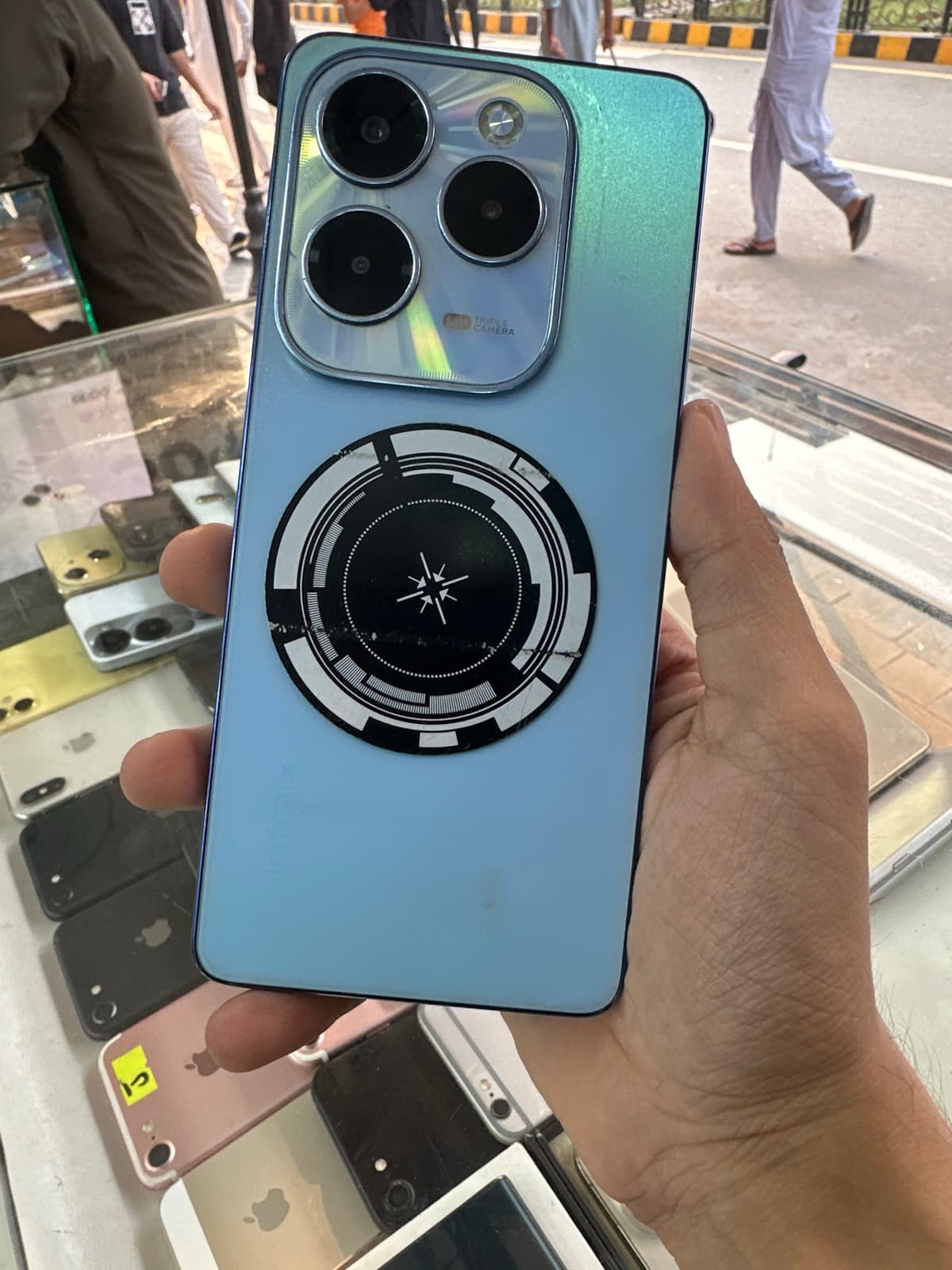
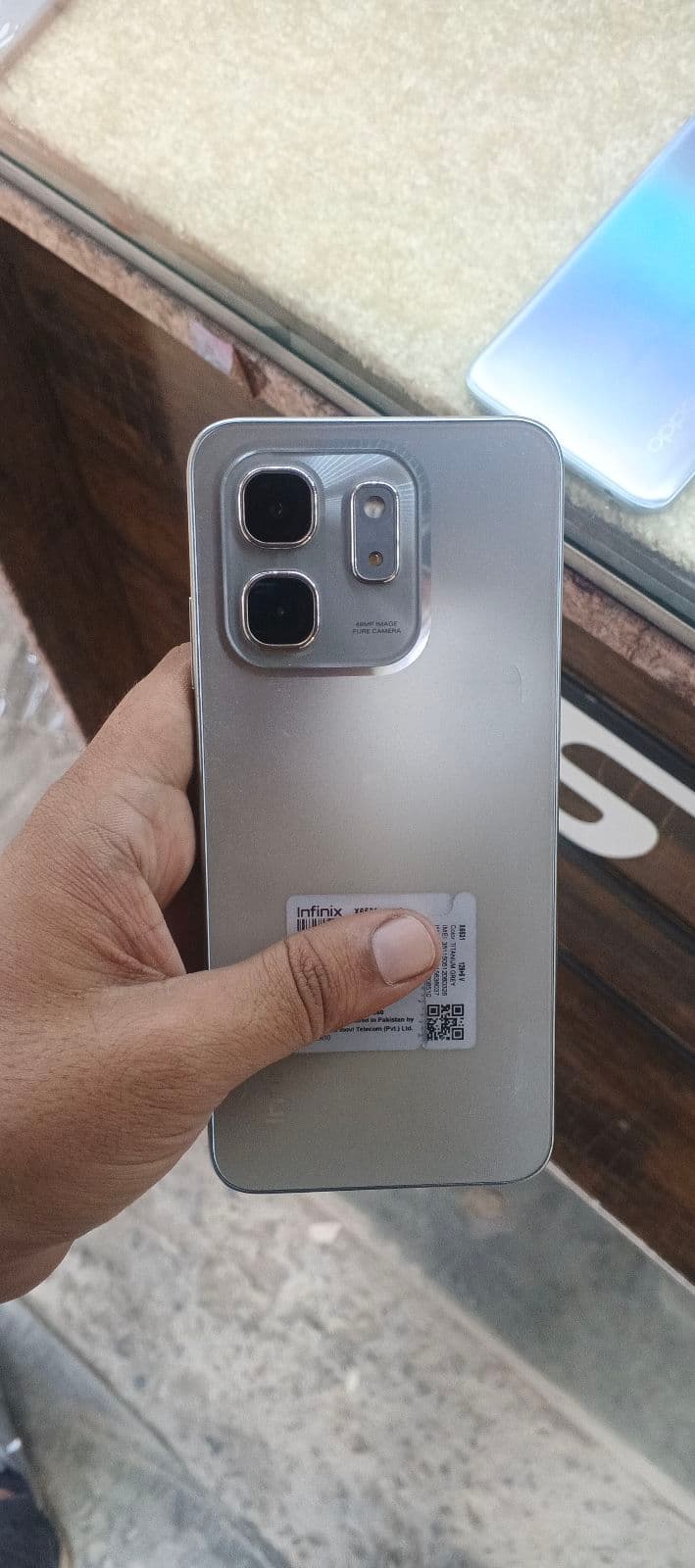


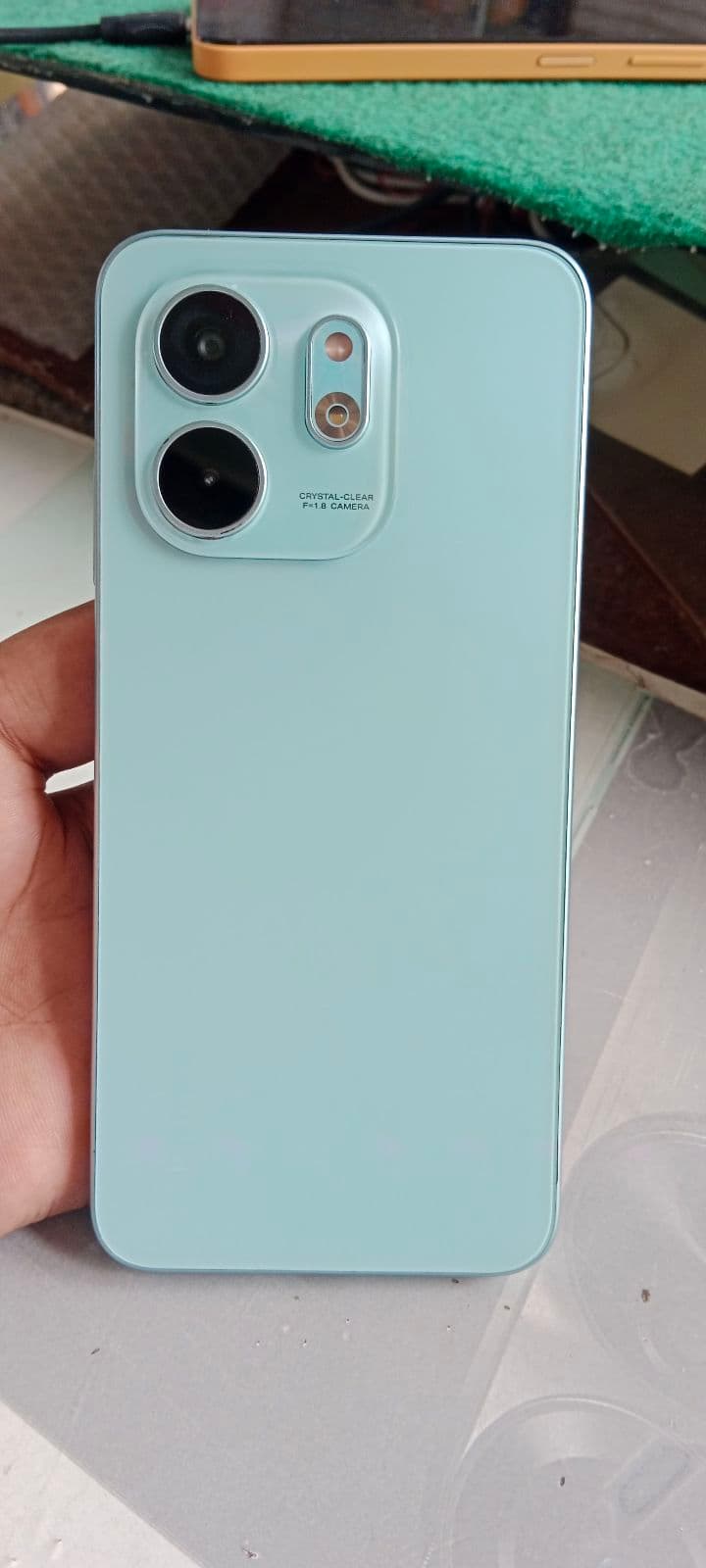
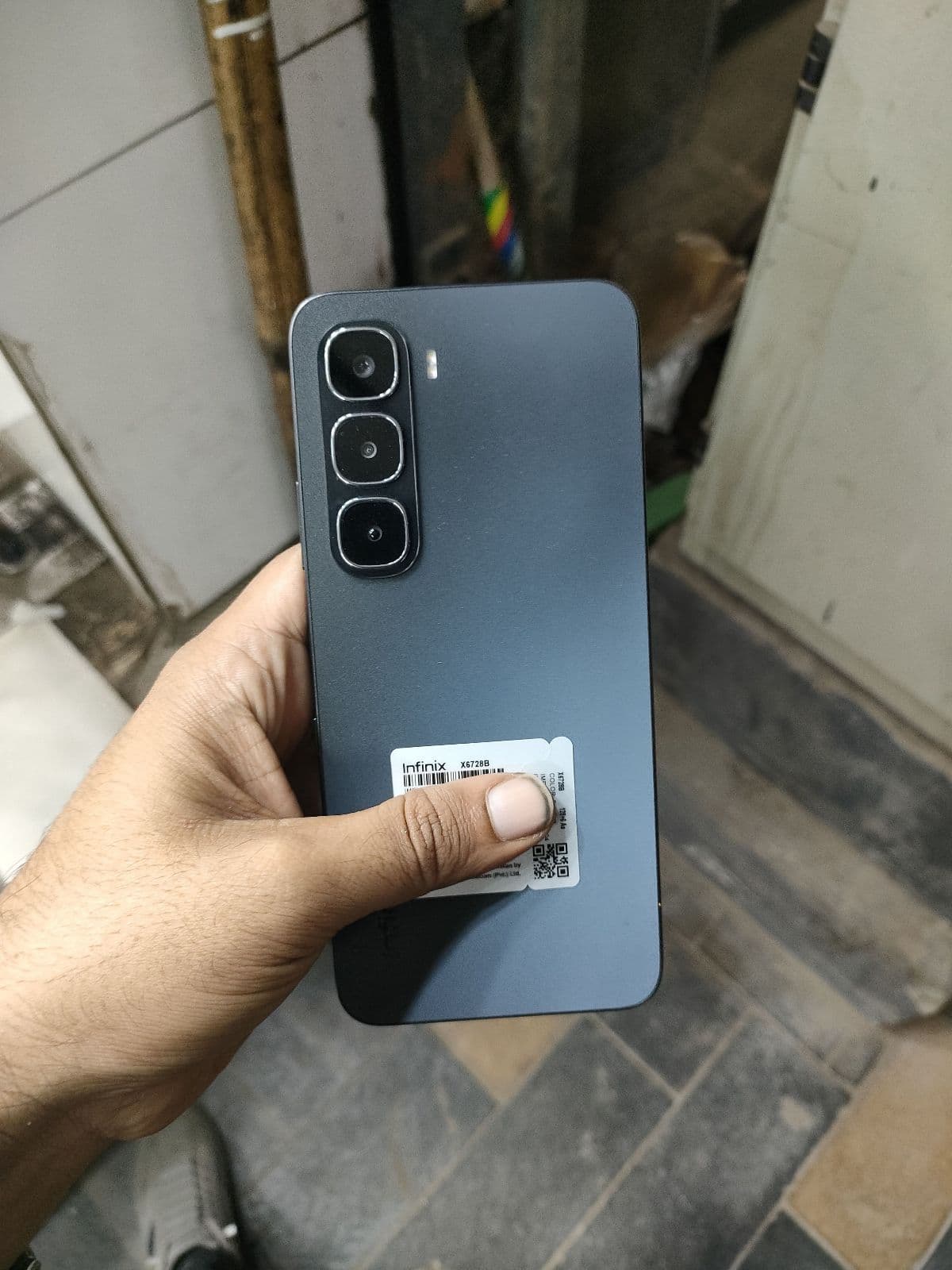
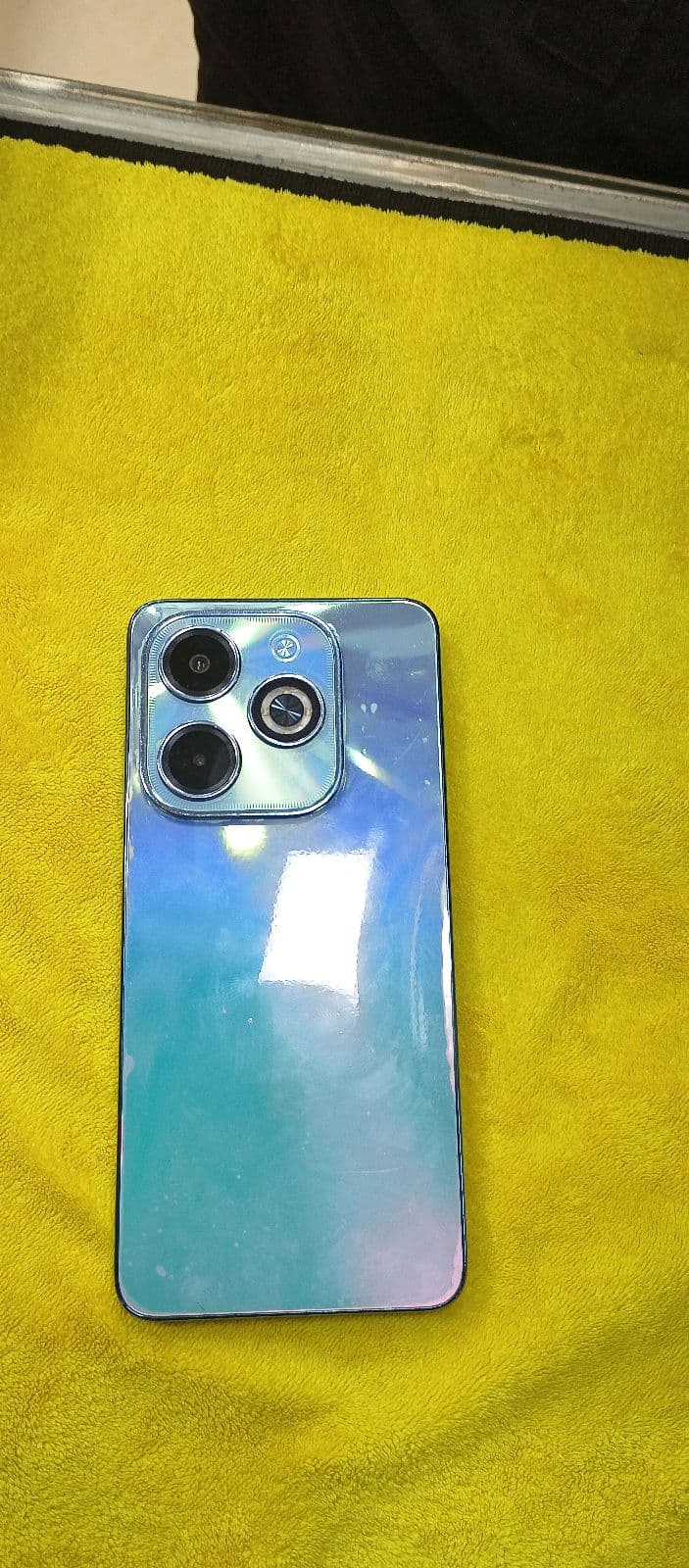
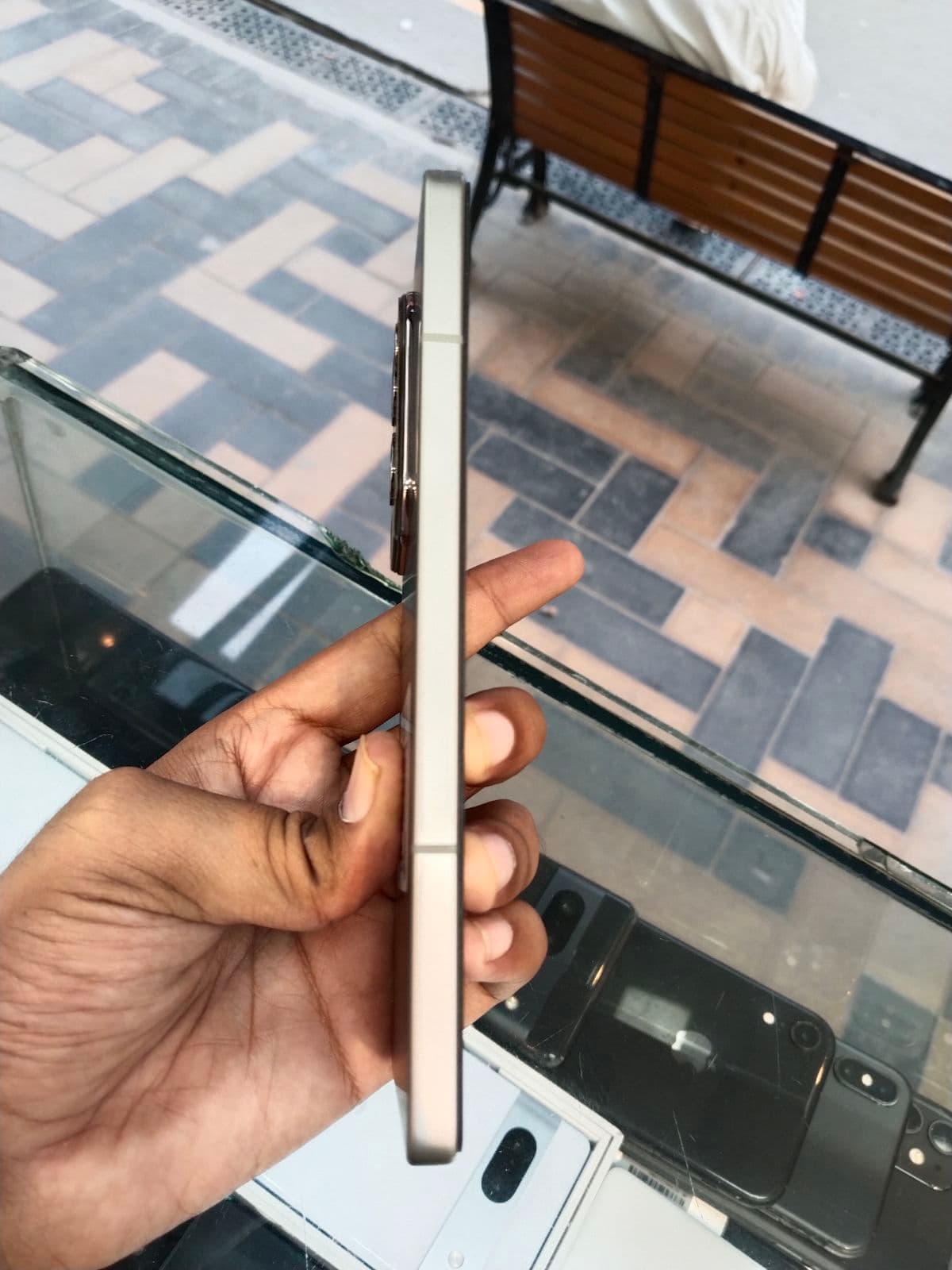


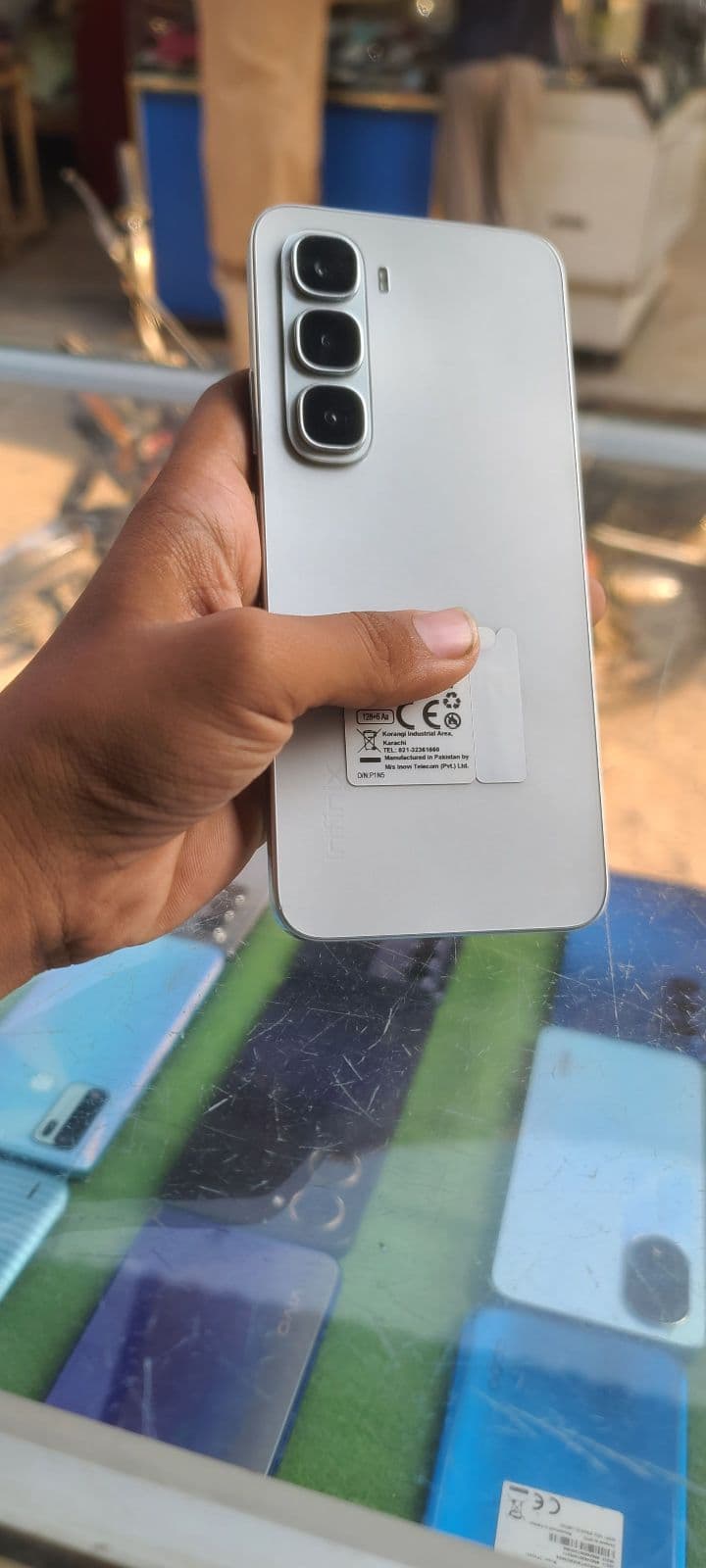
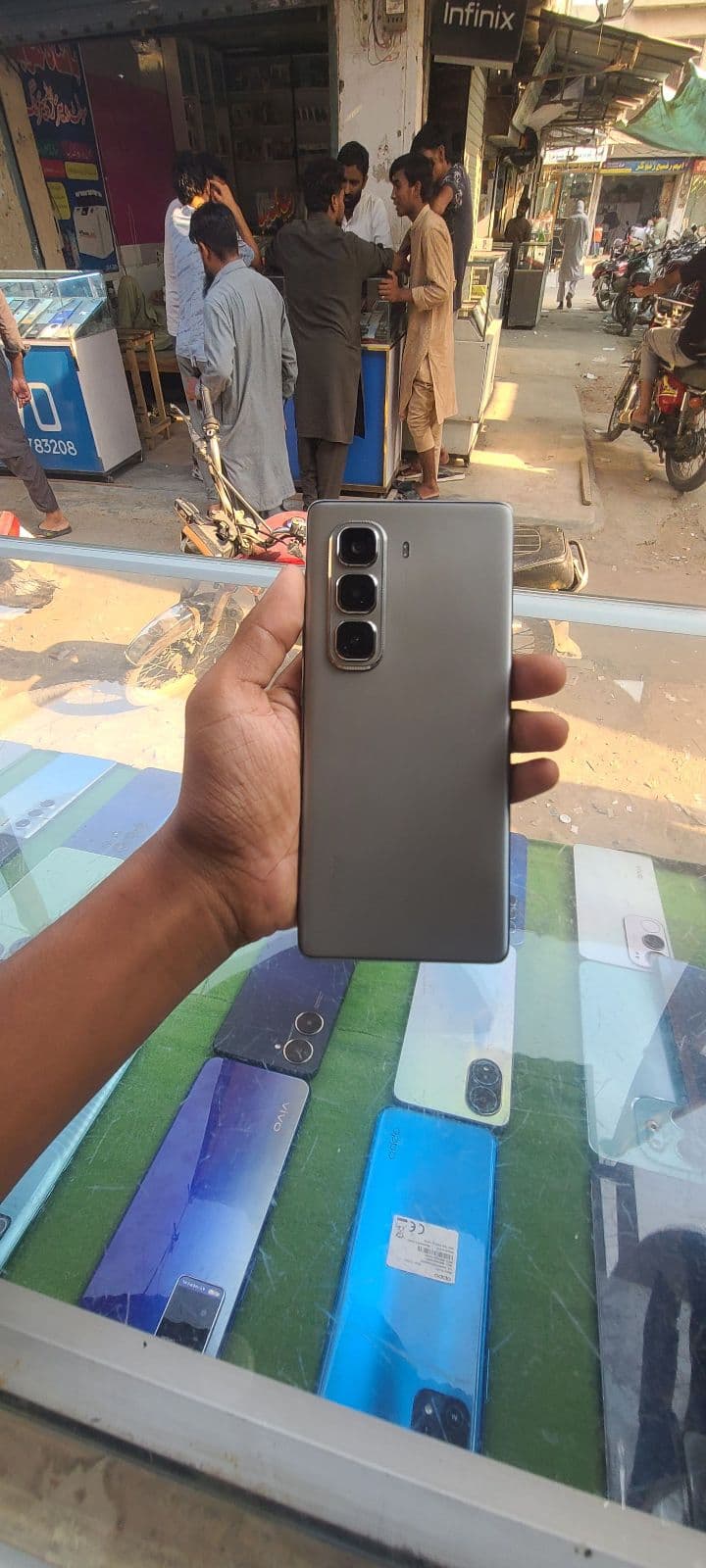
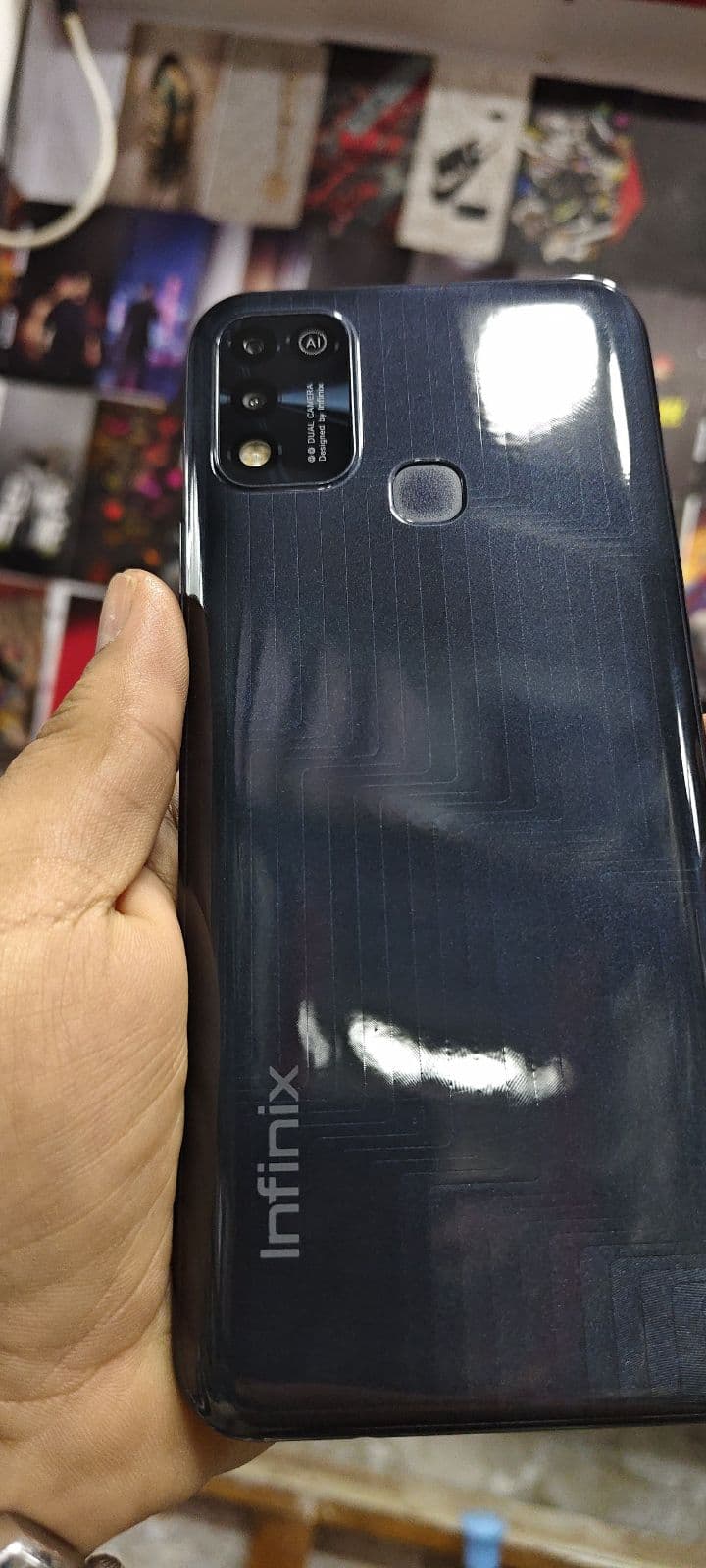


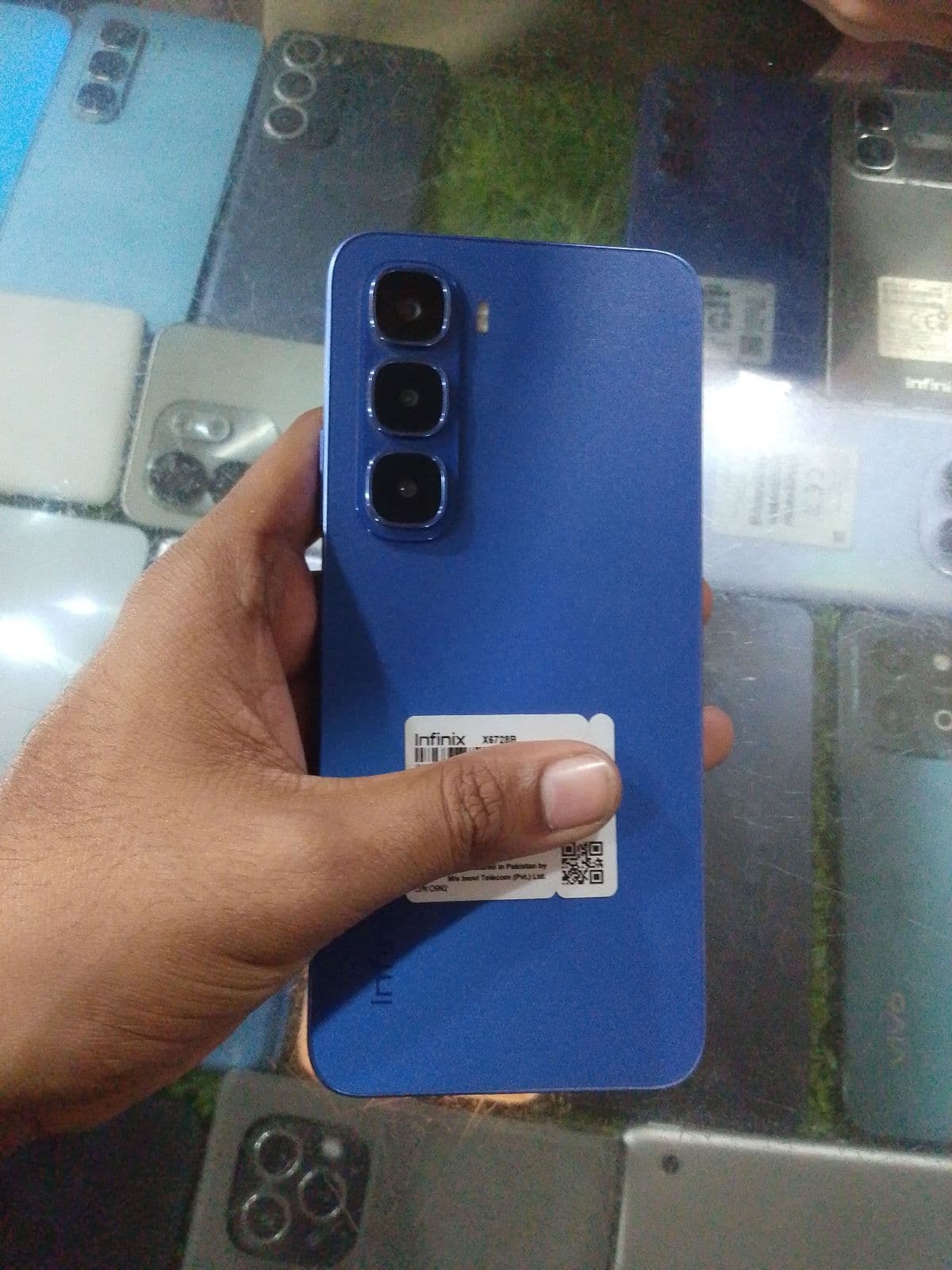
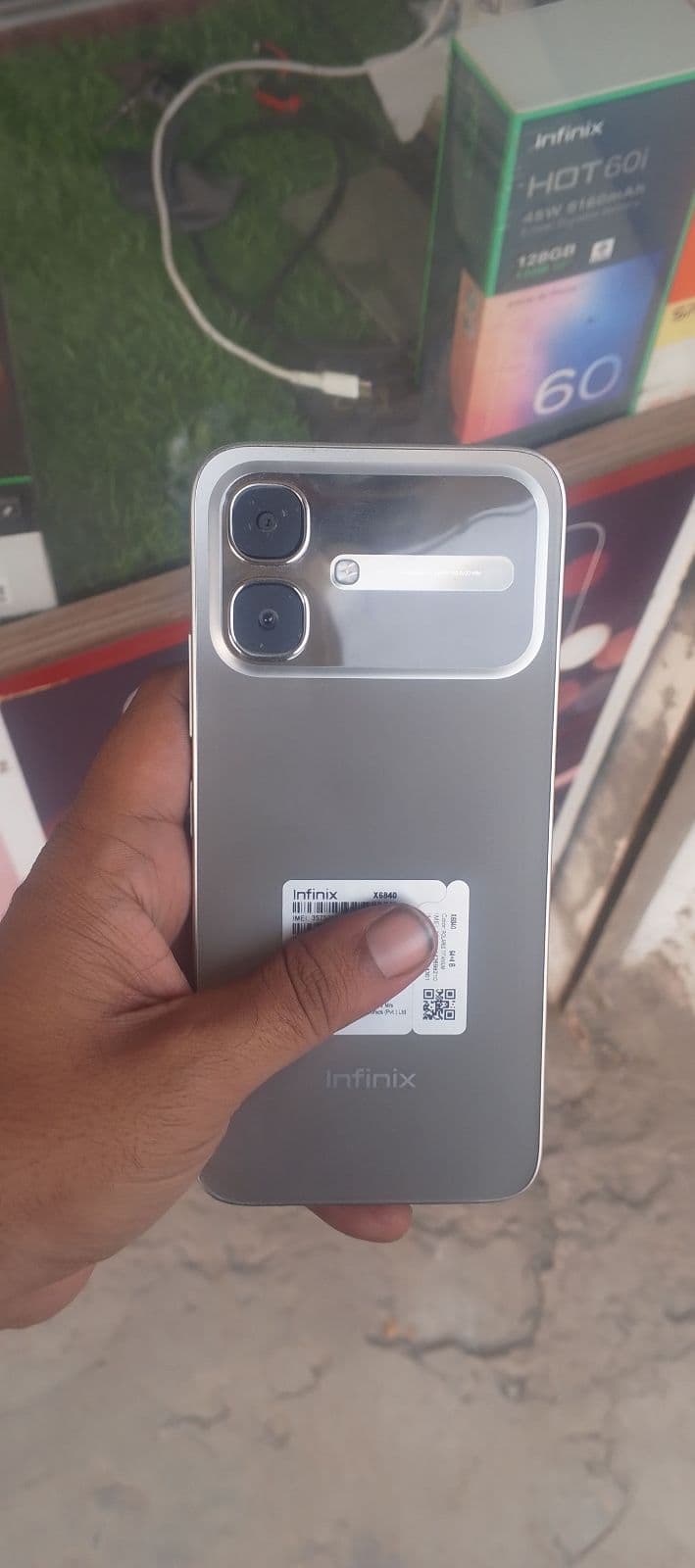

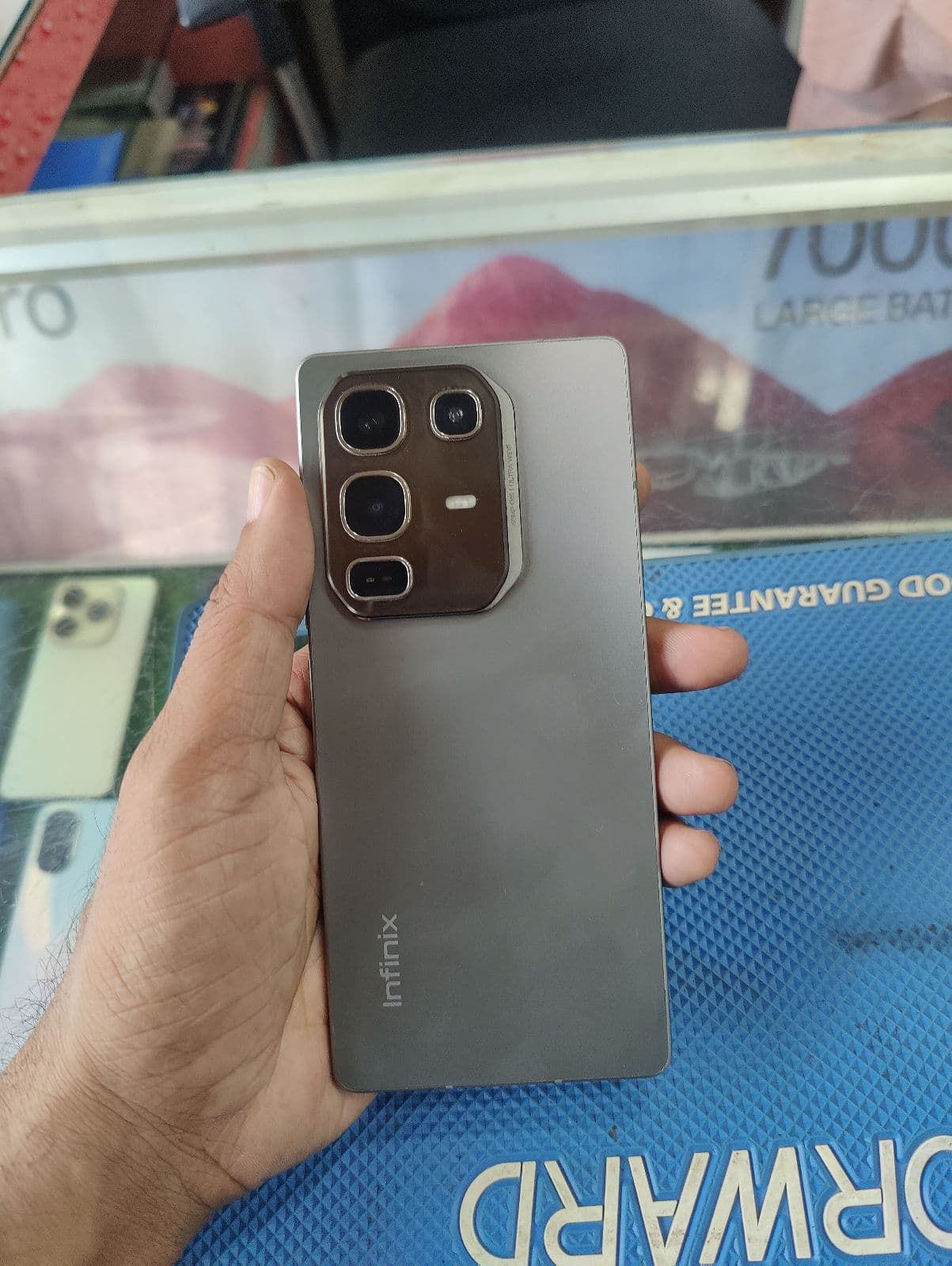

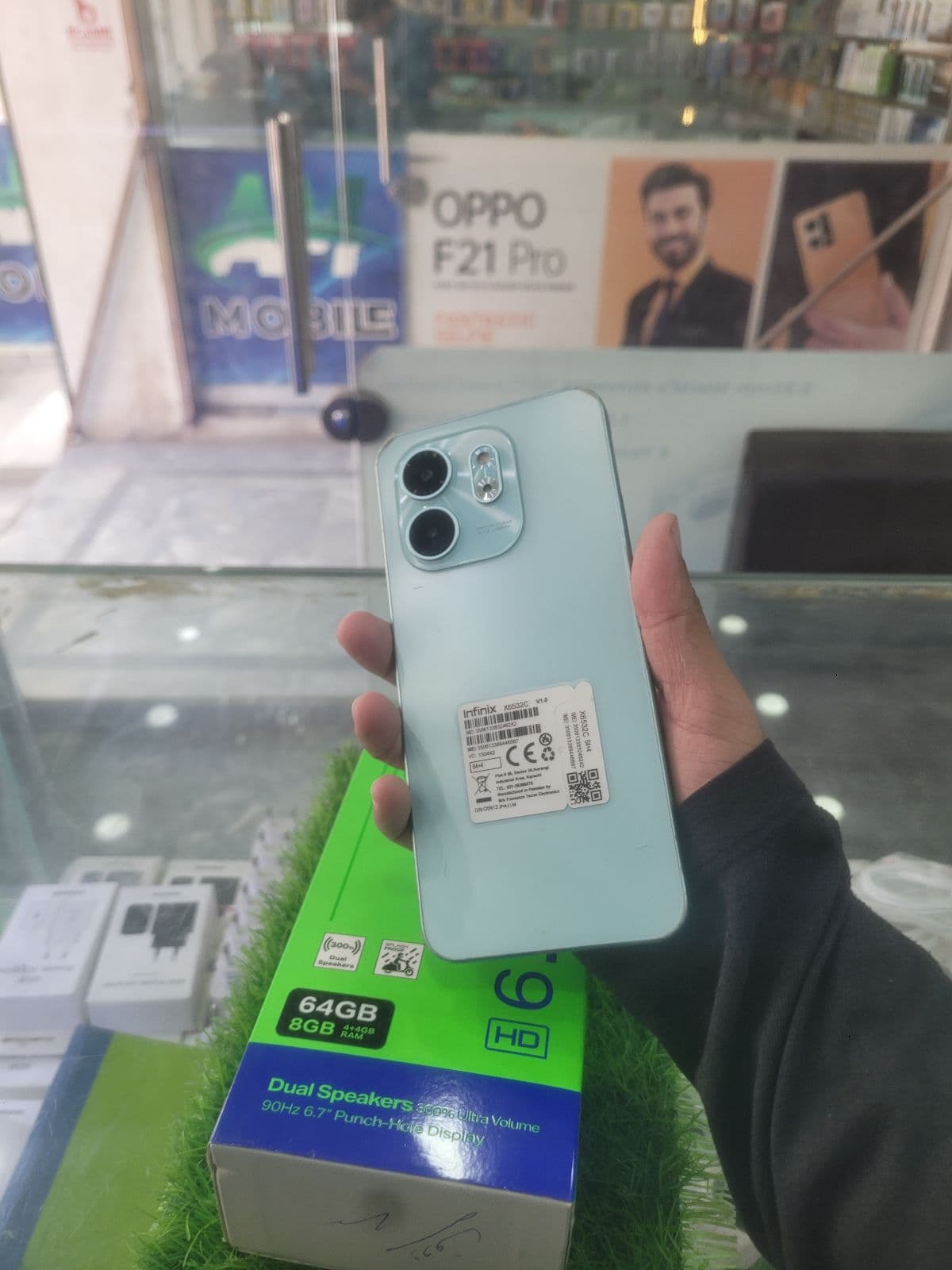




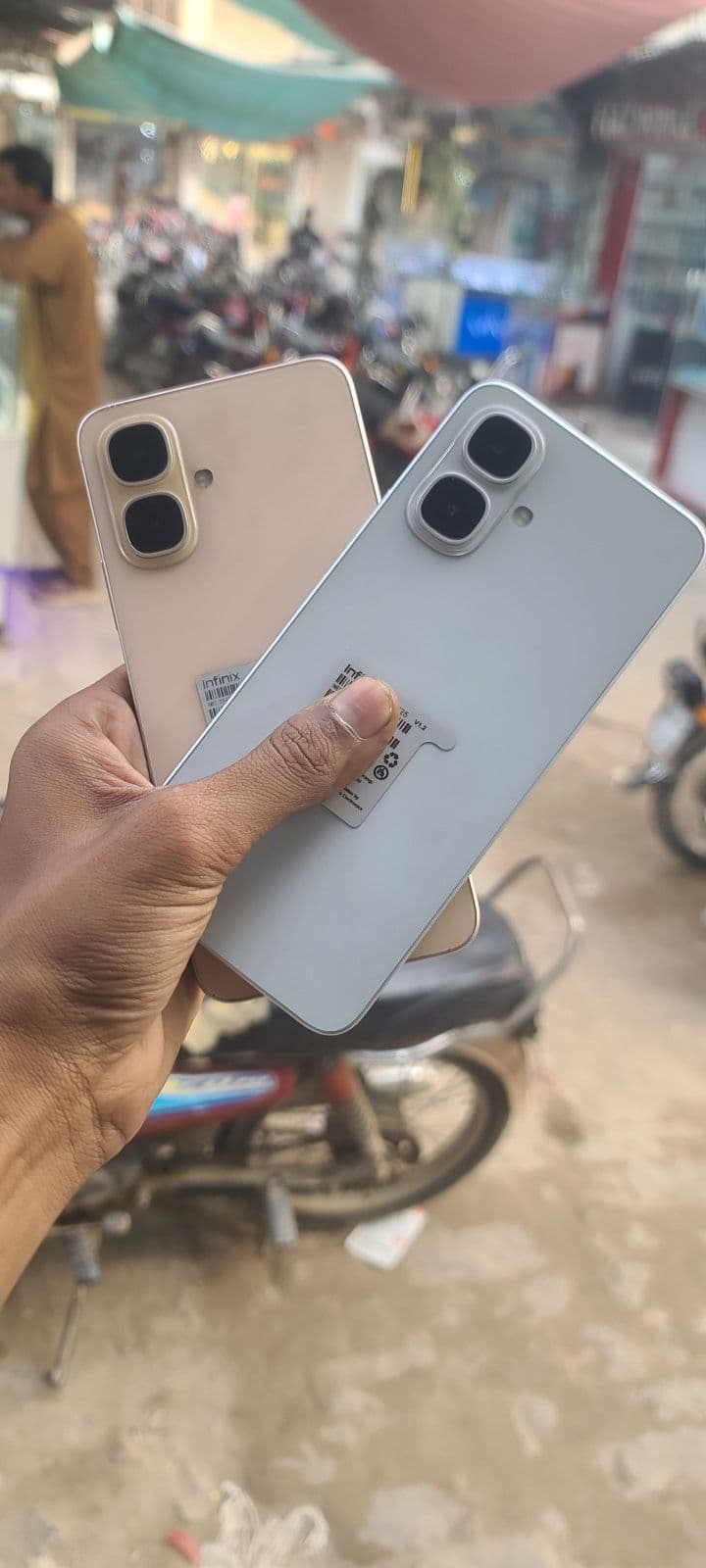

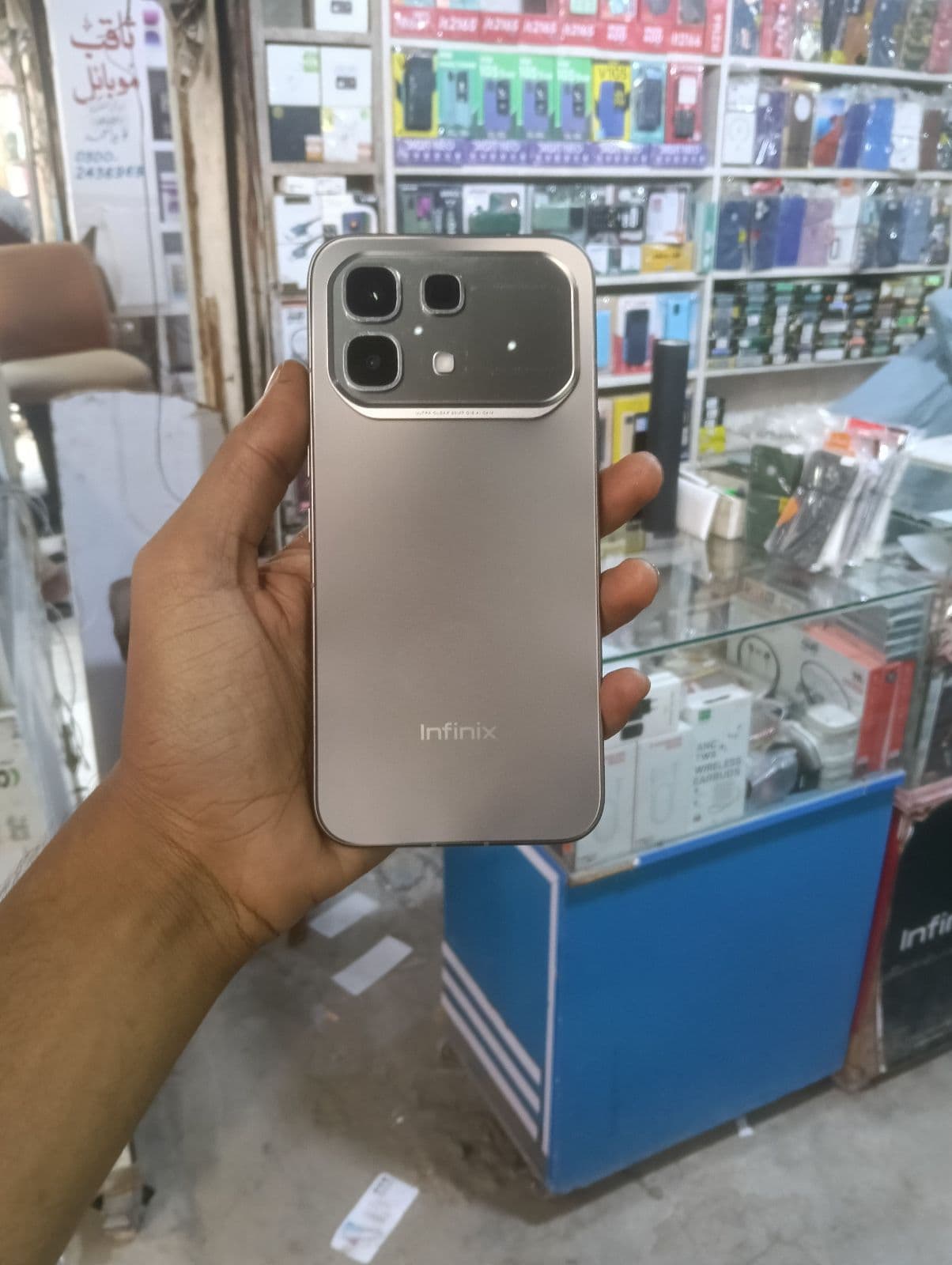
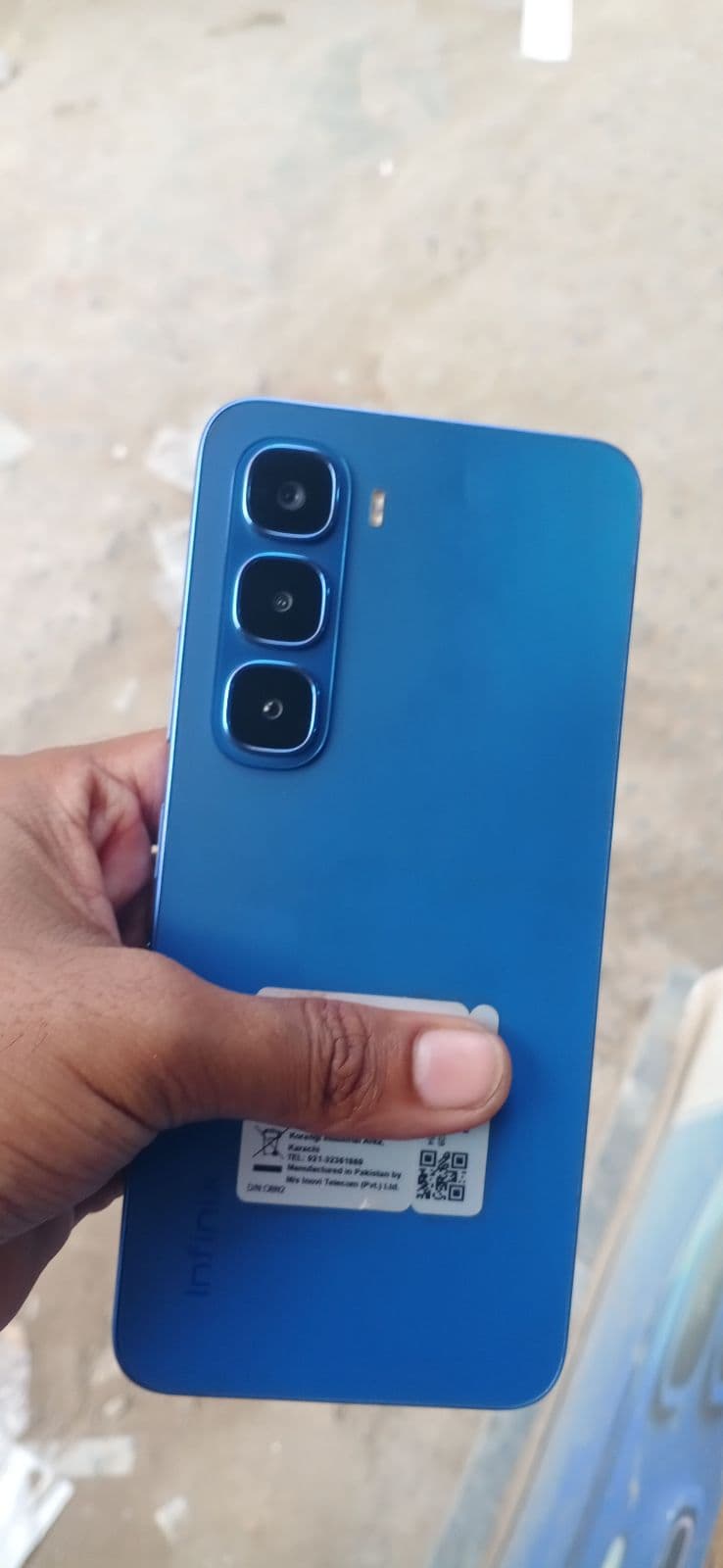

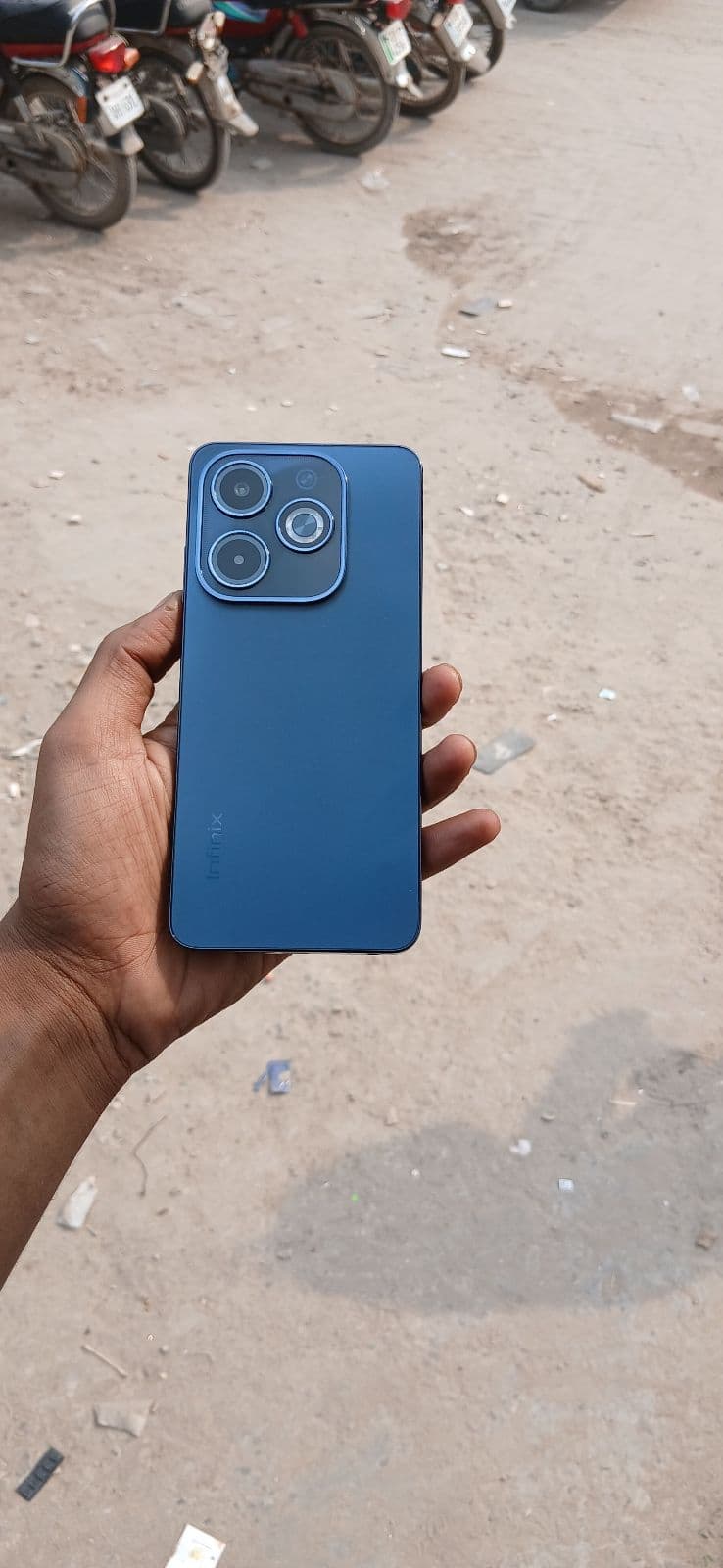









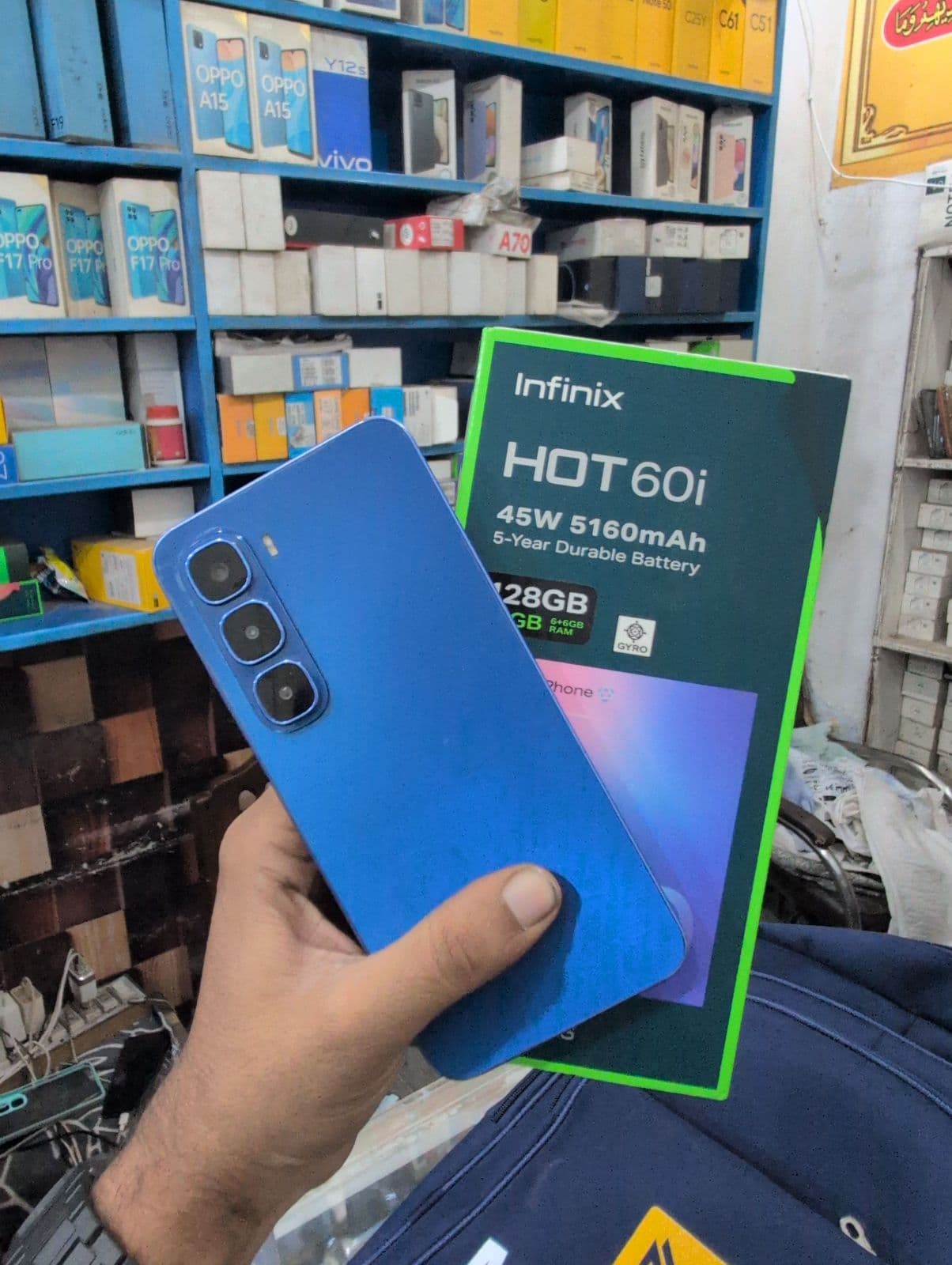
Infinix series and which one suits you
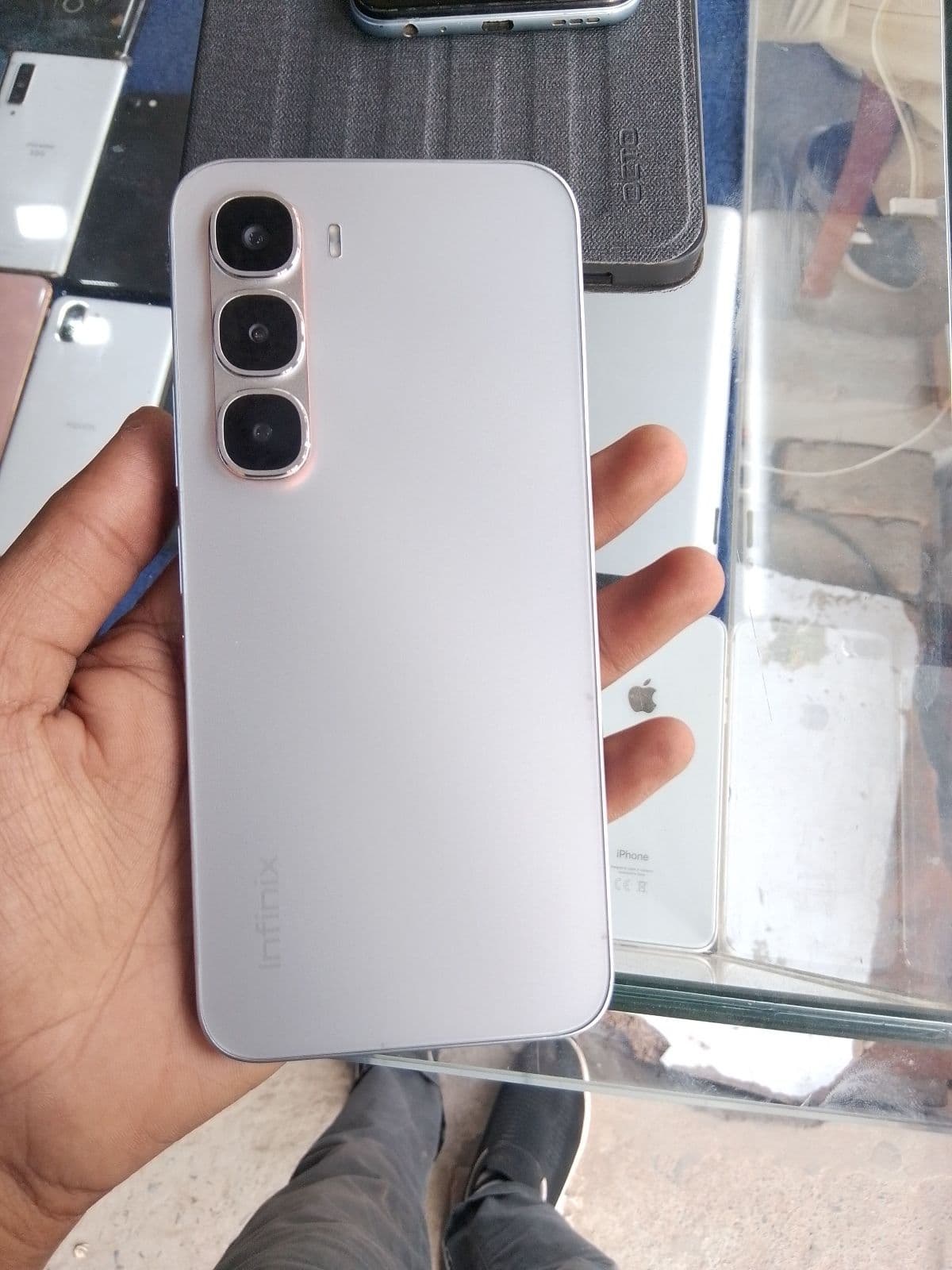
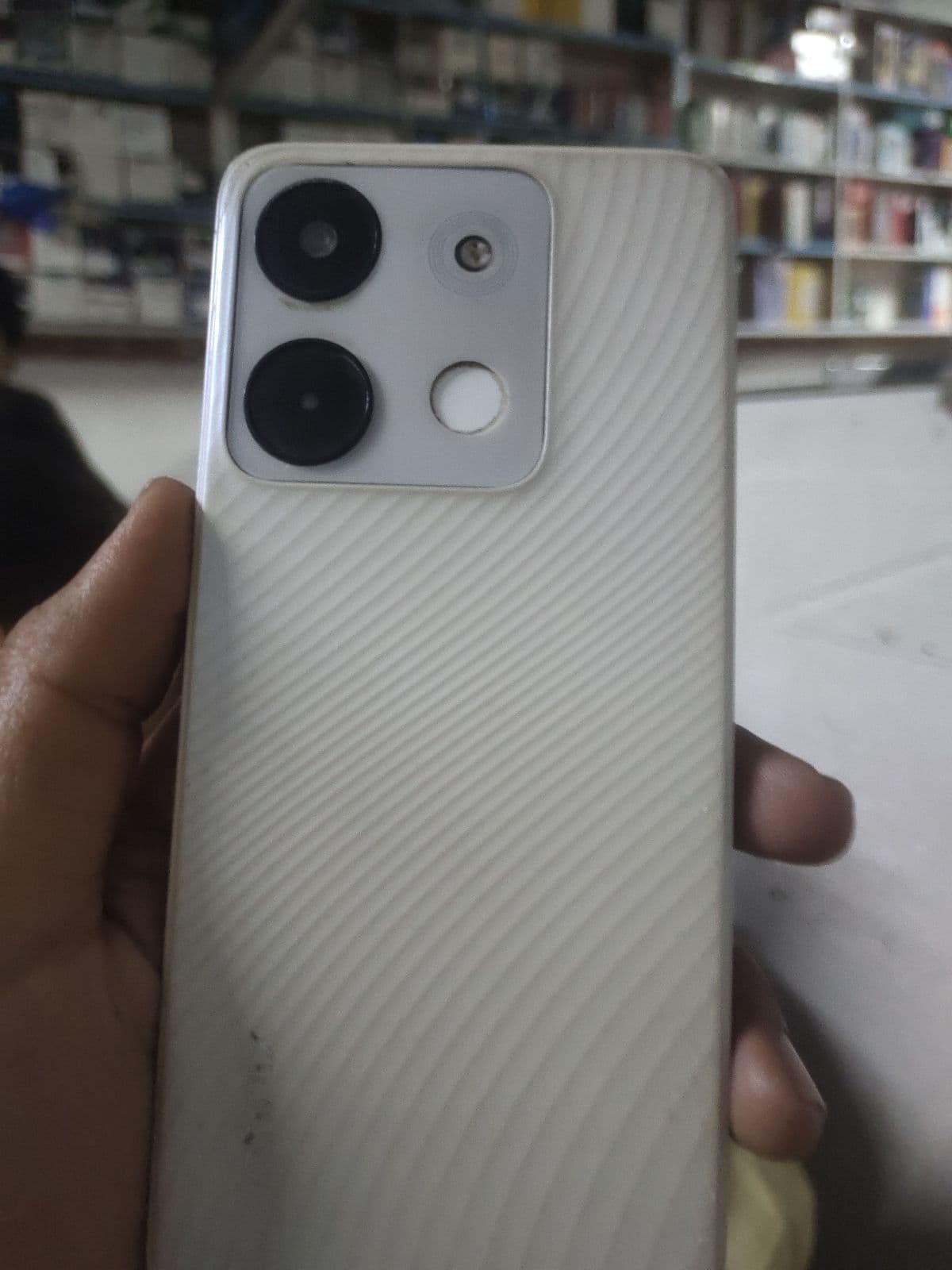
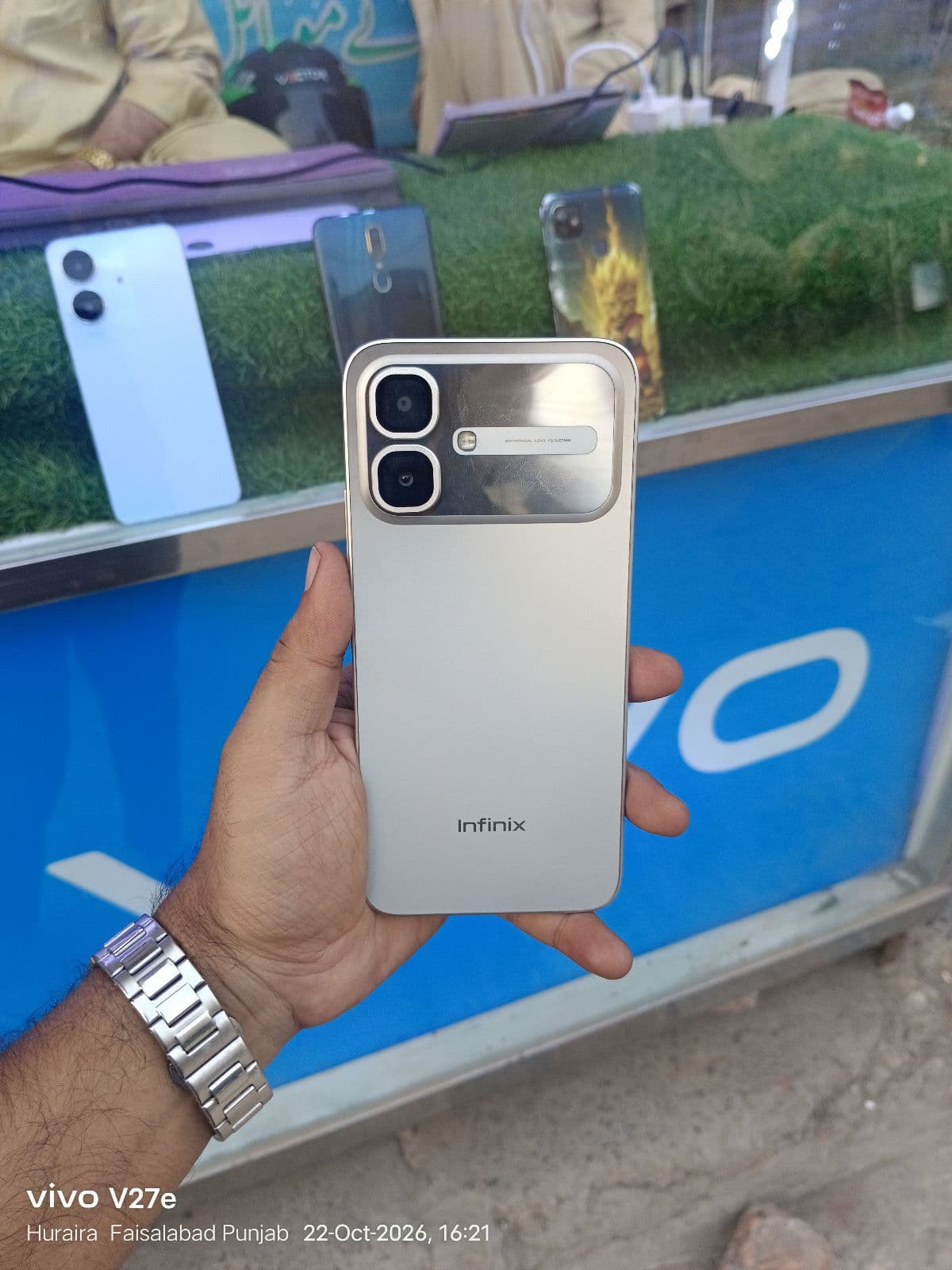
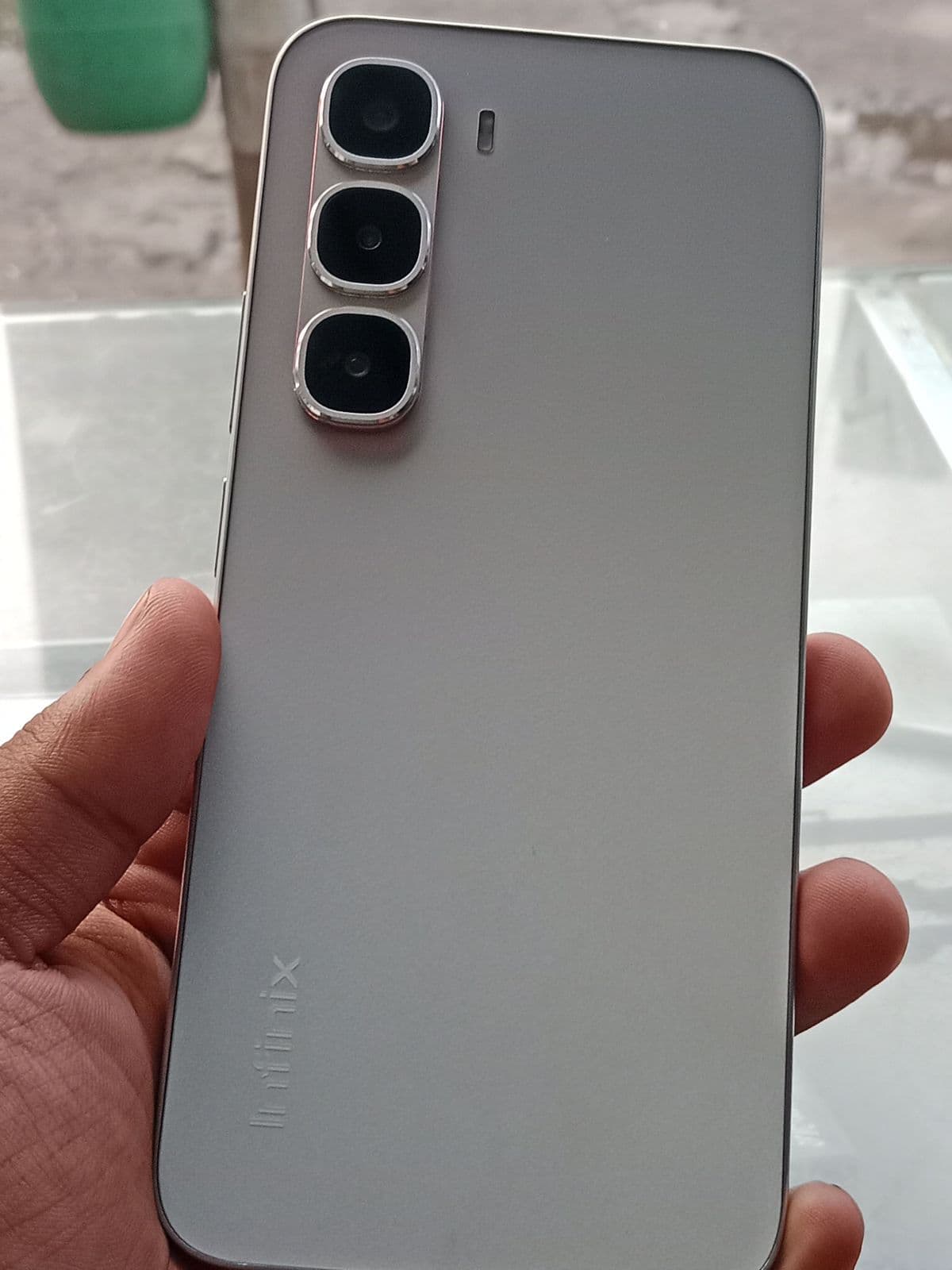
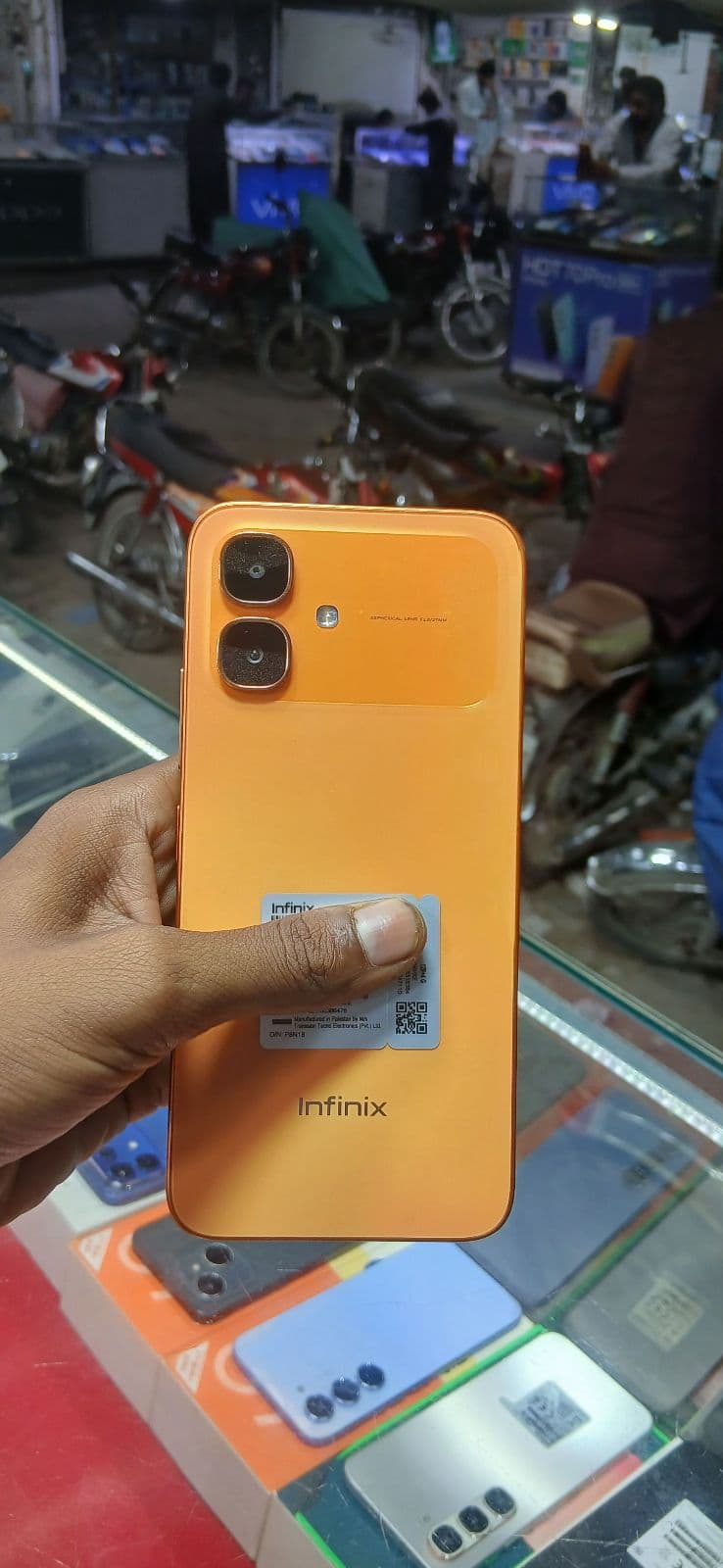
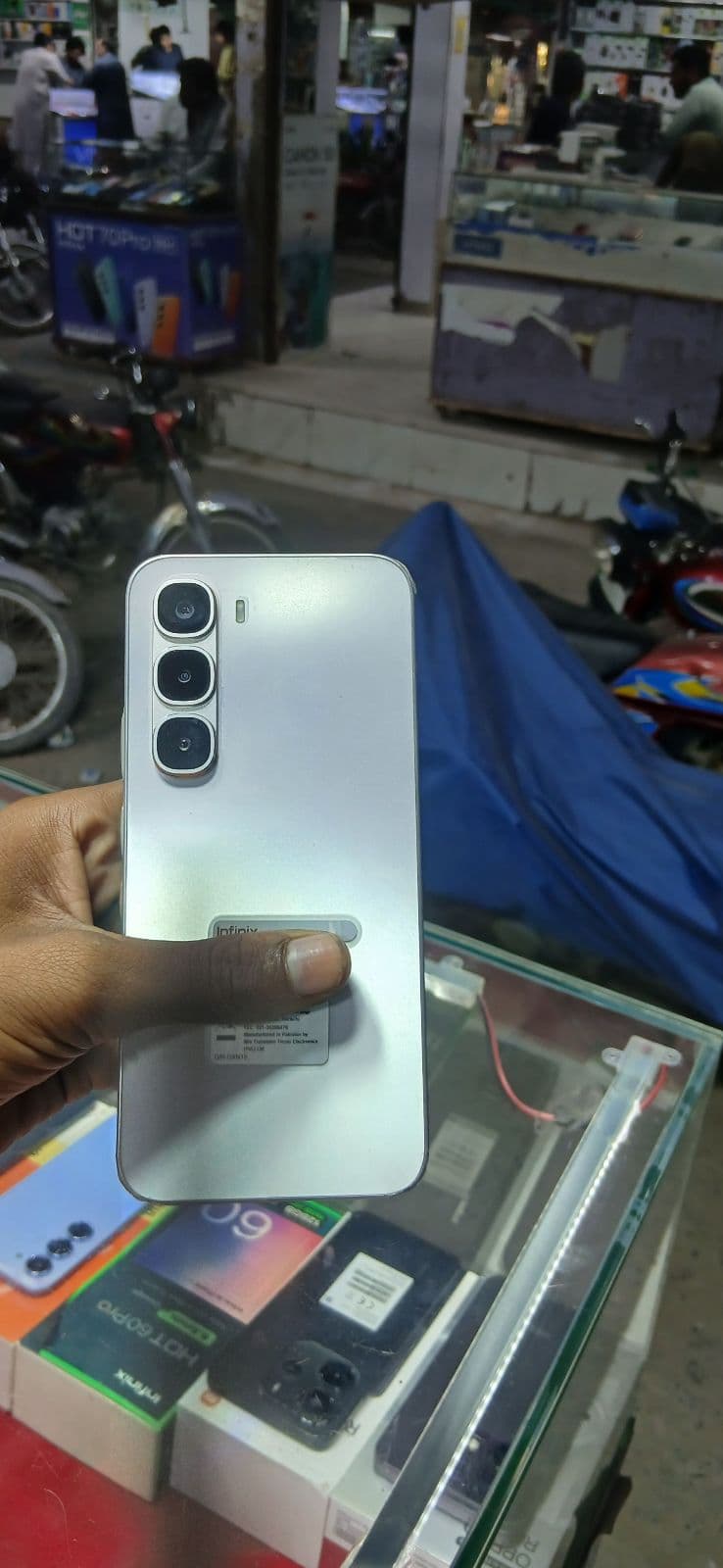
Infinix keeps its line-up simple, so matching the series to your budget and needs makes used shopping easier.
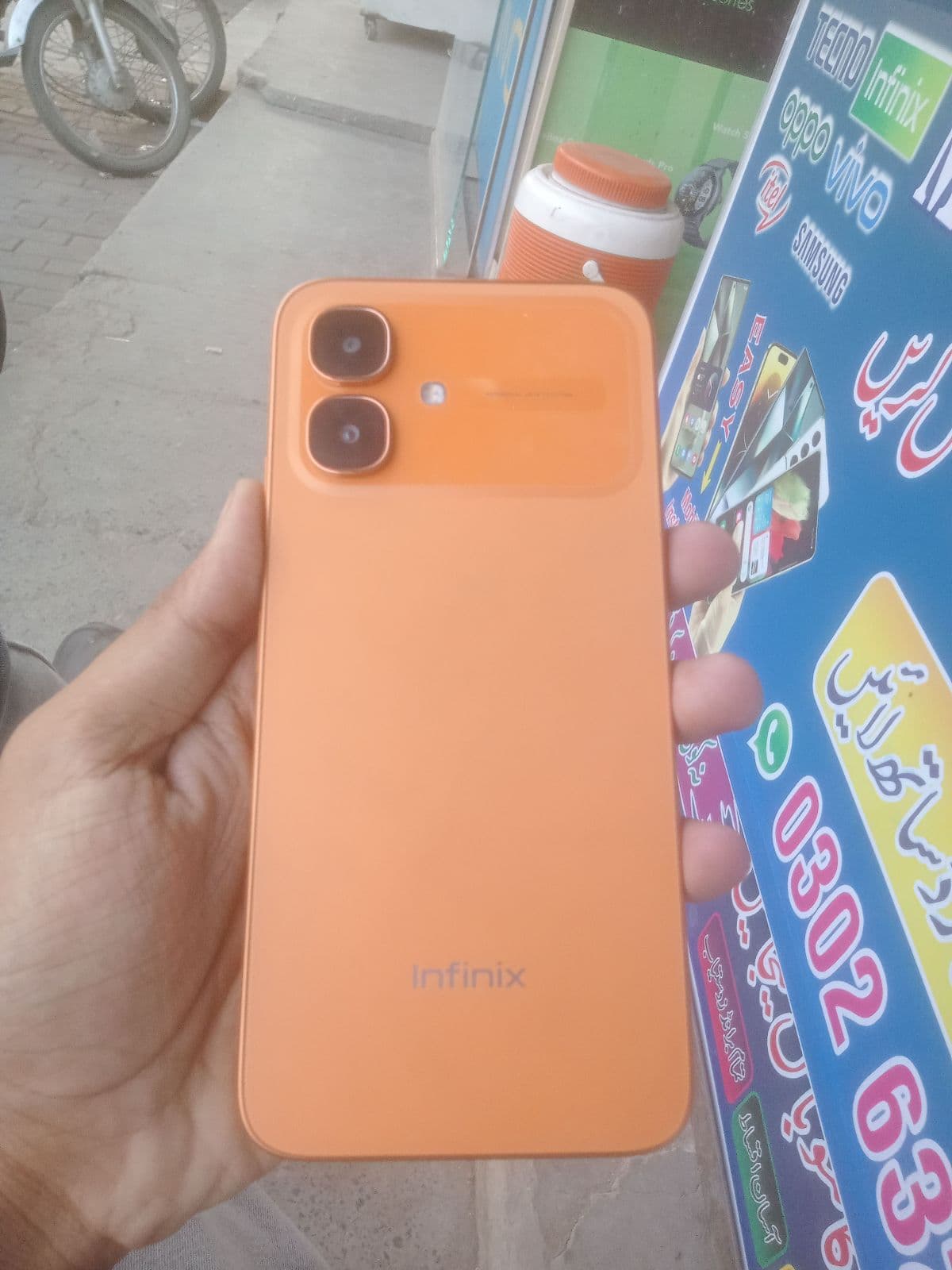
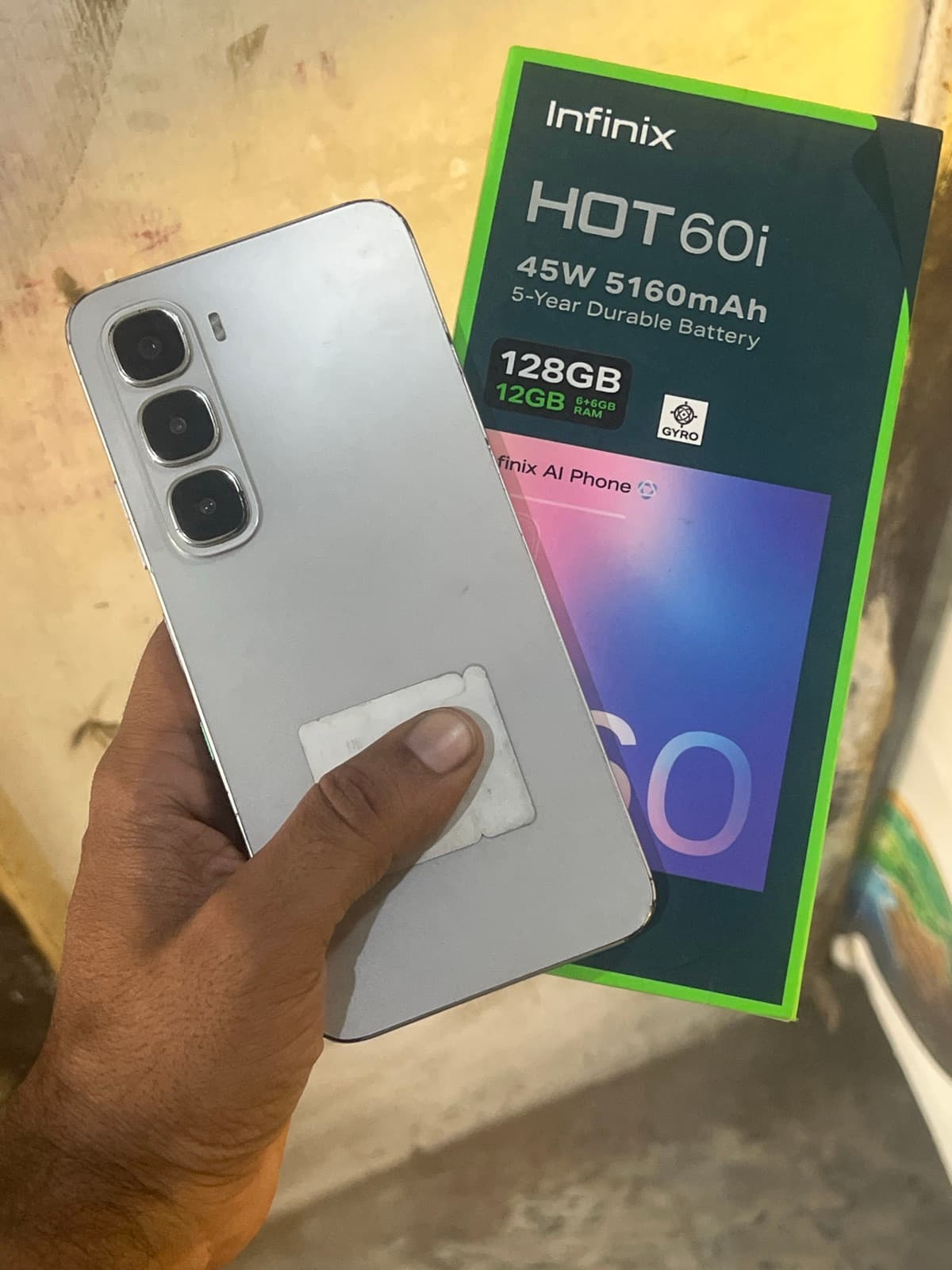
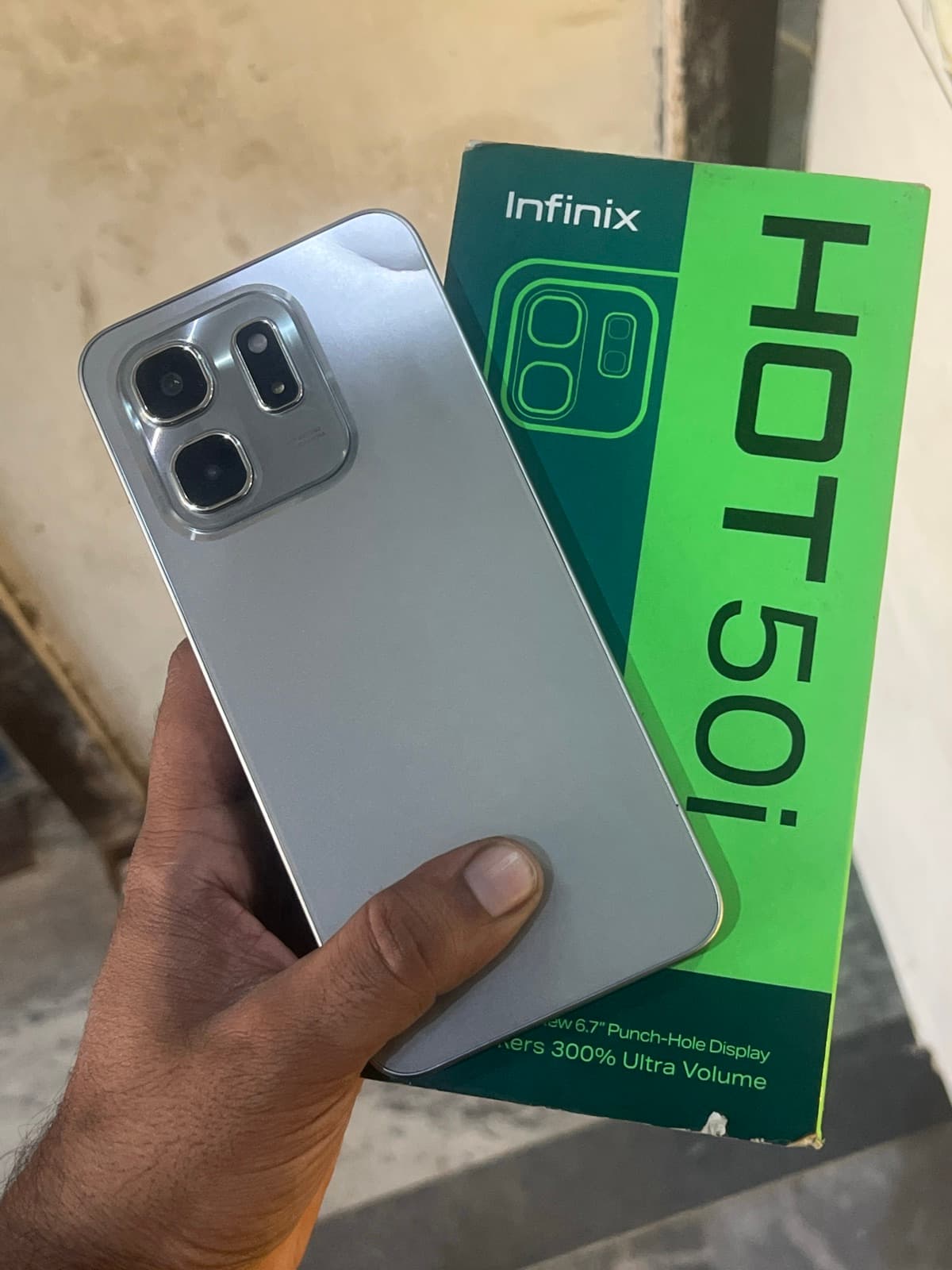
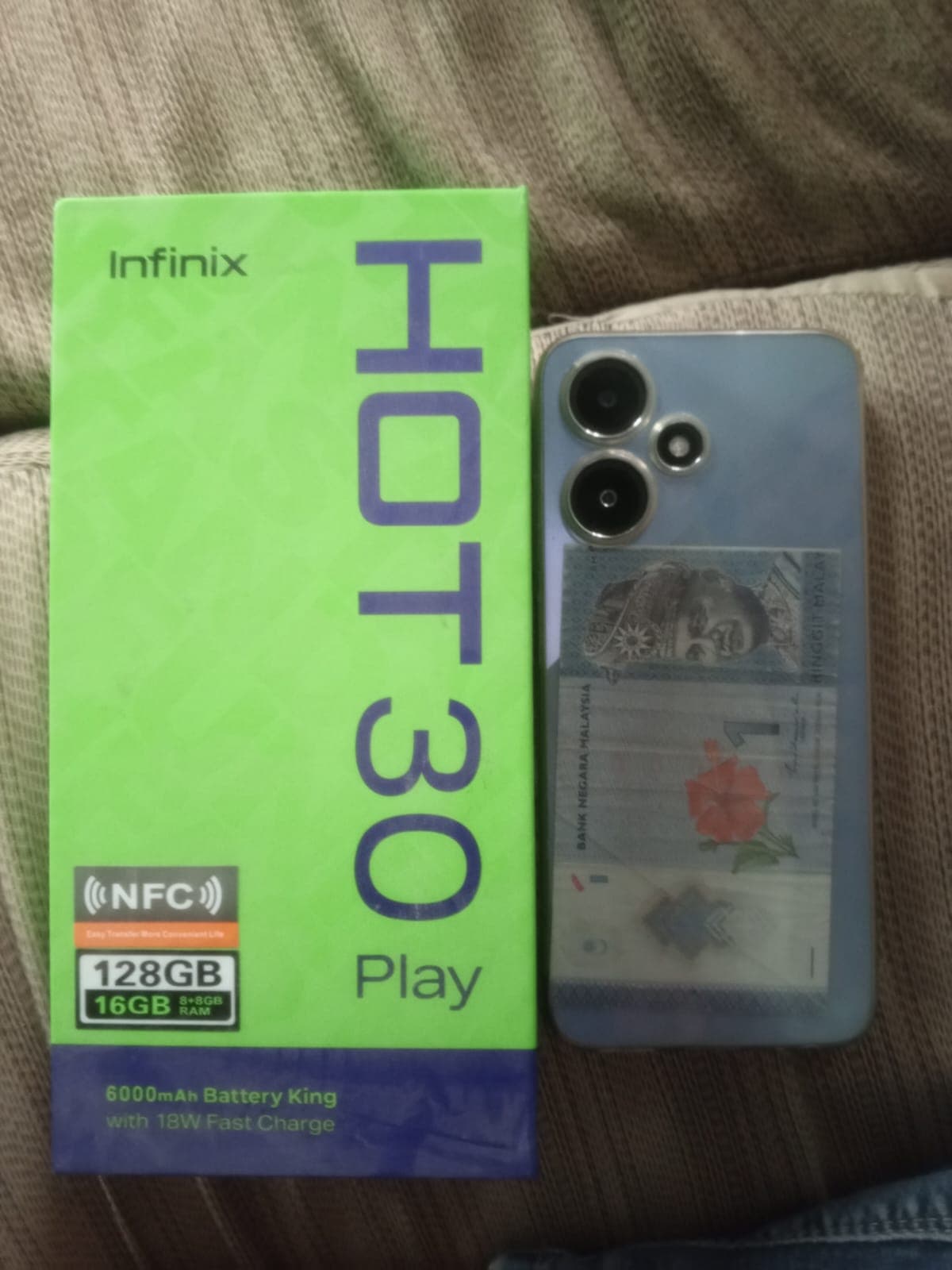
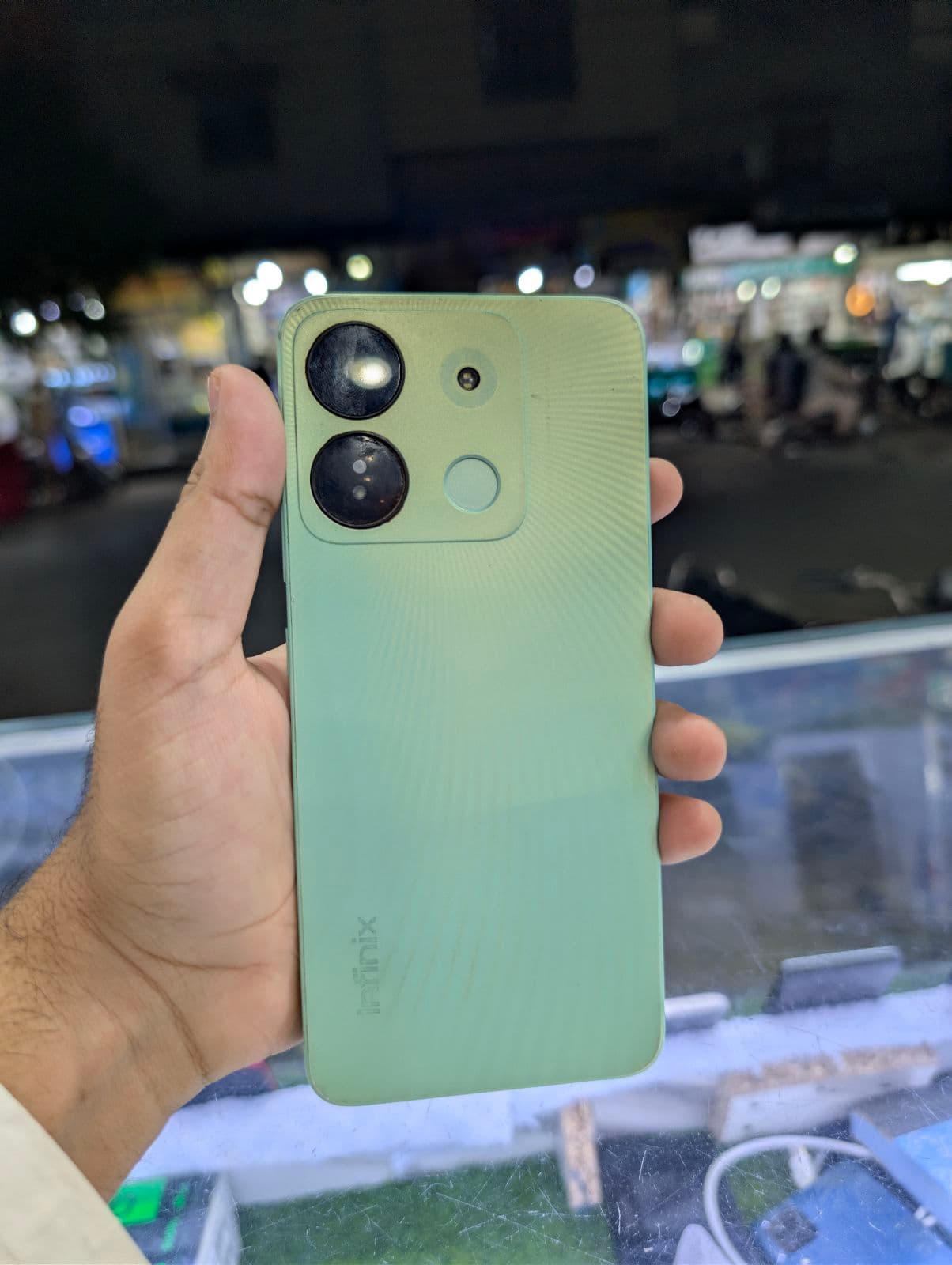
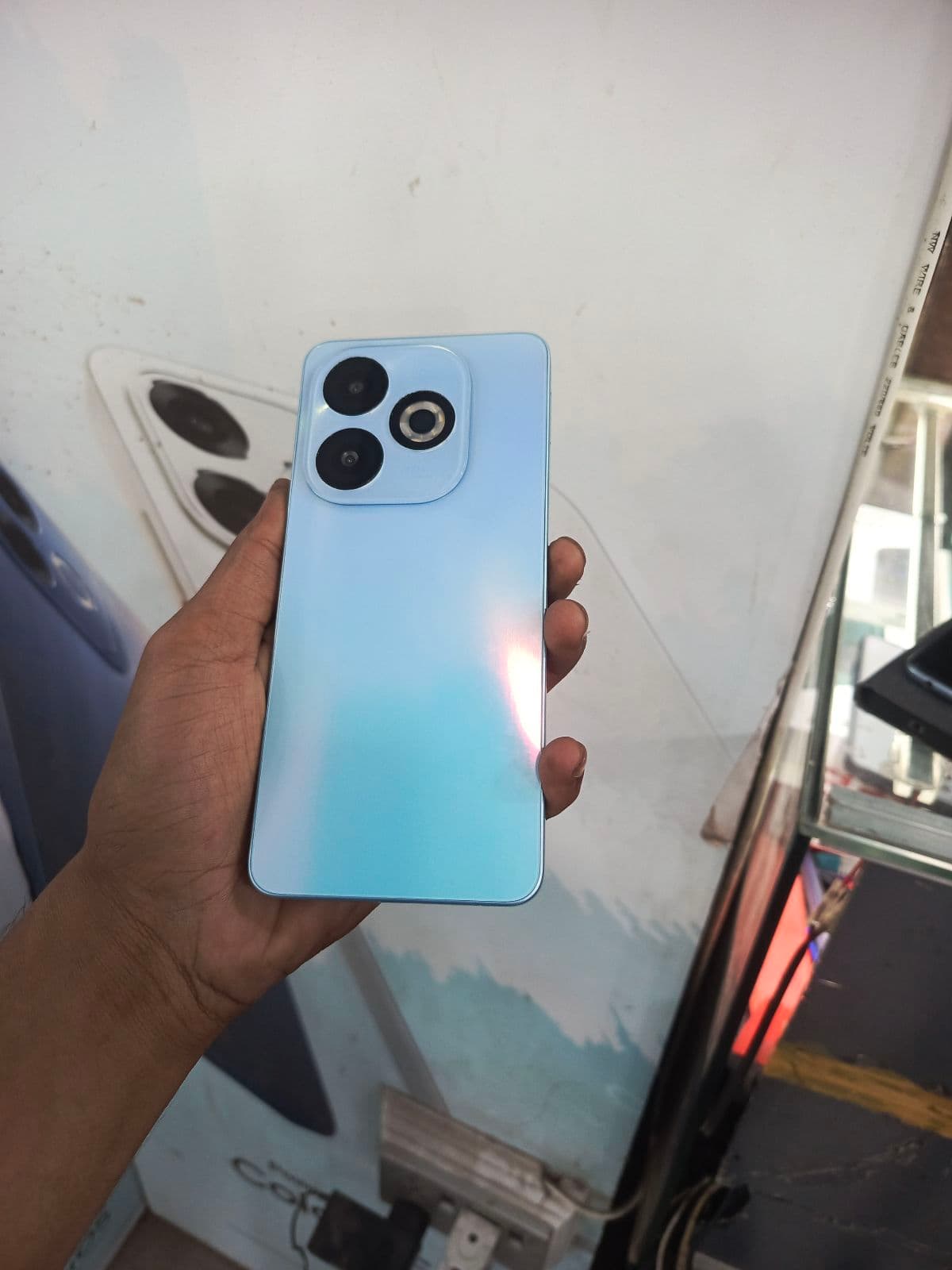
- ✓Hot series — the most affordable everyday phones with big batteries and large screens; the Hot 60, Hot 40 and Hot 30 are common used picks.
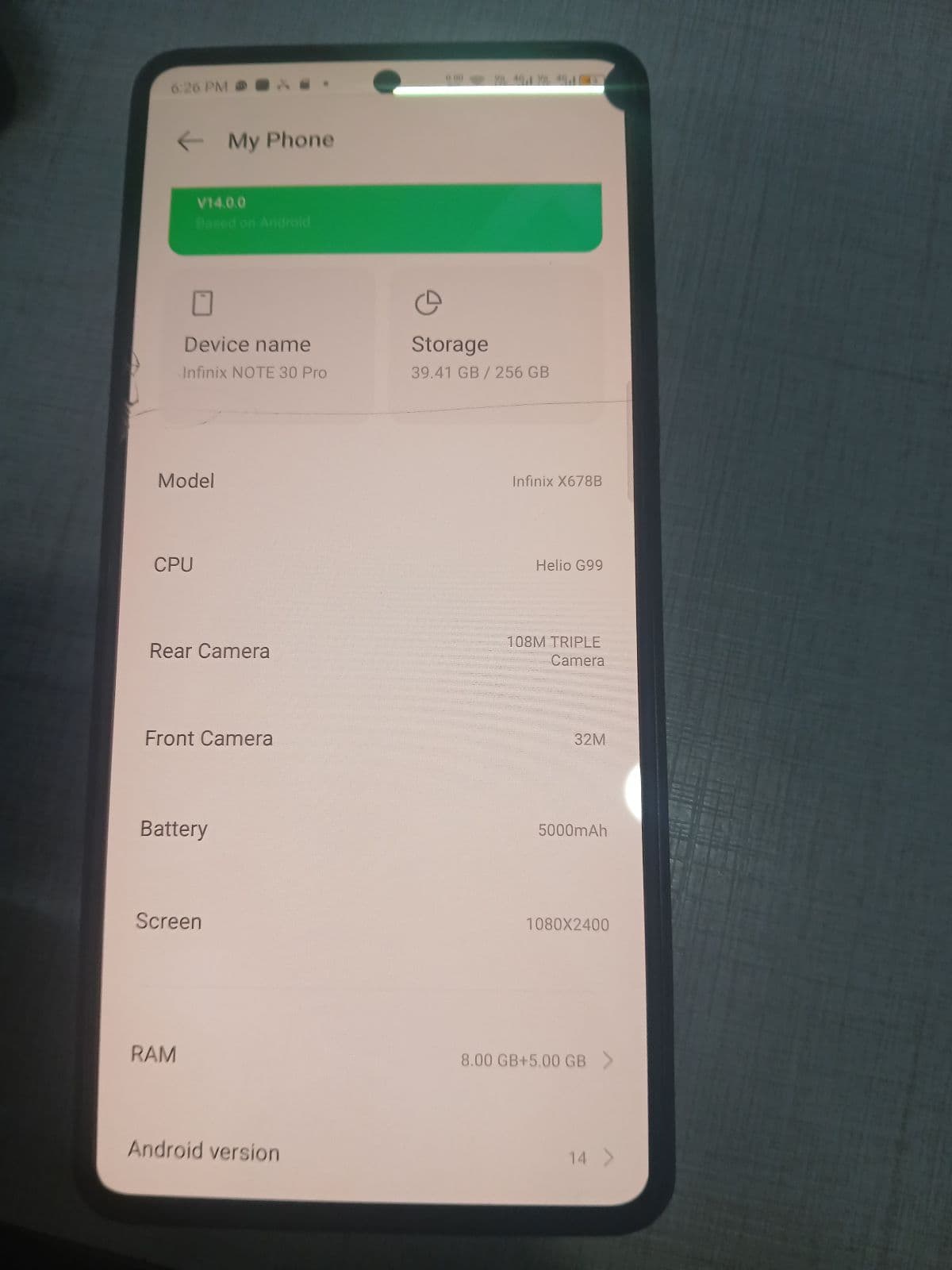
- ✓Note series — larger, better-specced phones for media and multitasking, such as the Note 40 and Note 30, often with faster charging.
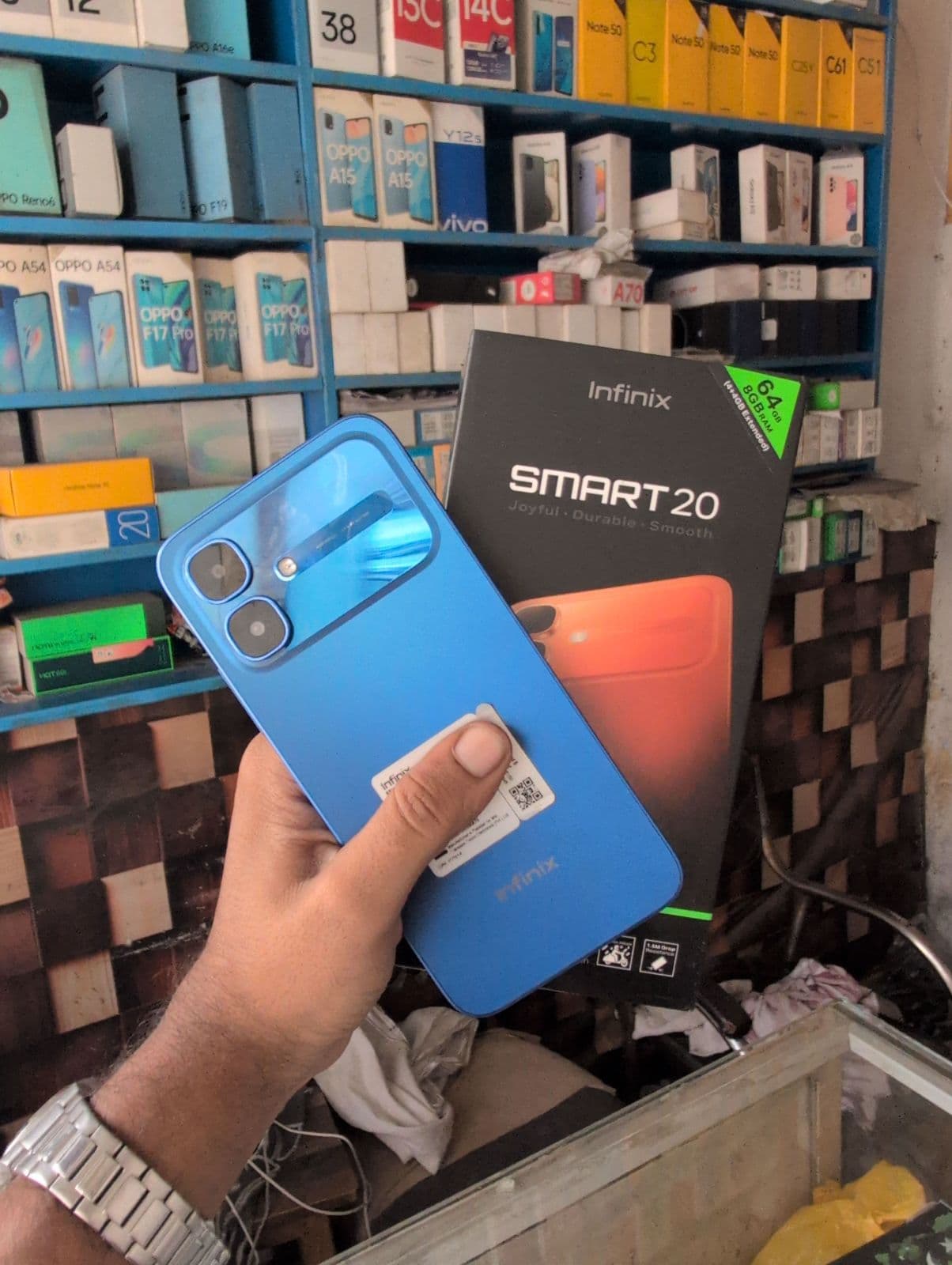
- ✓Smart series — entry-level budget phones like the Smart 10 and Smart 8 for basic use, calls and light apps.
- ✓Zero and GT series — Infinix’s premium and gaming-focused phones with sharper cameras or performance; less common used but good value if found in clean condition.
XOS software experience
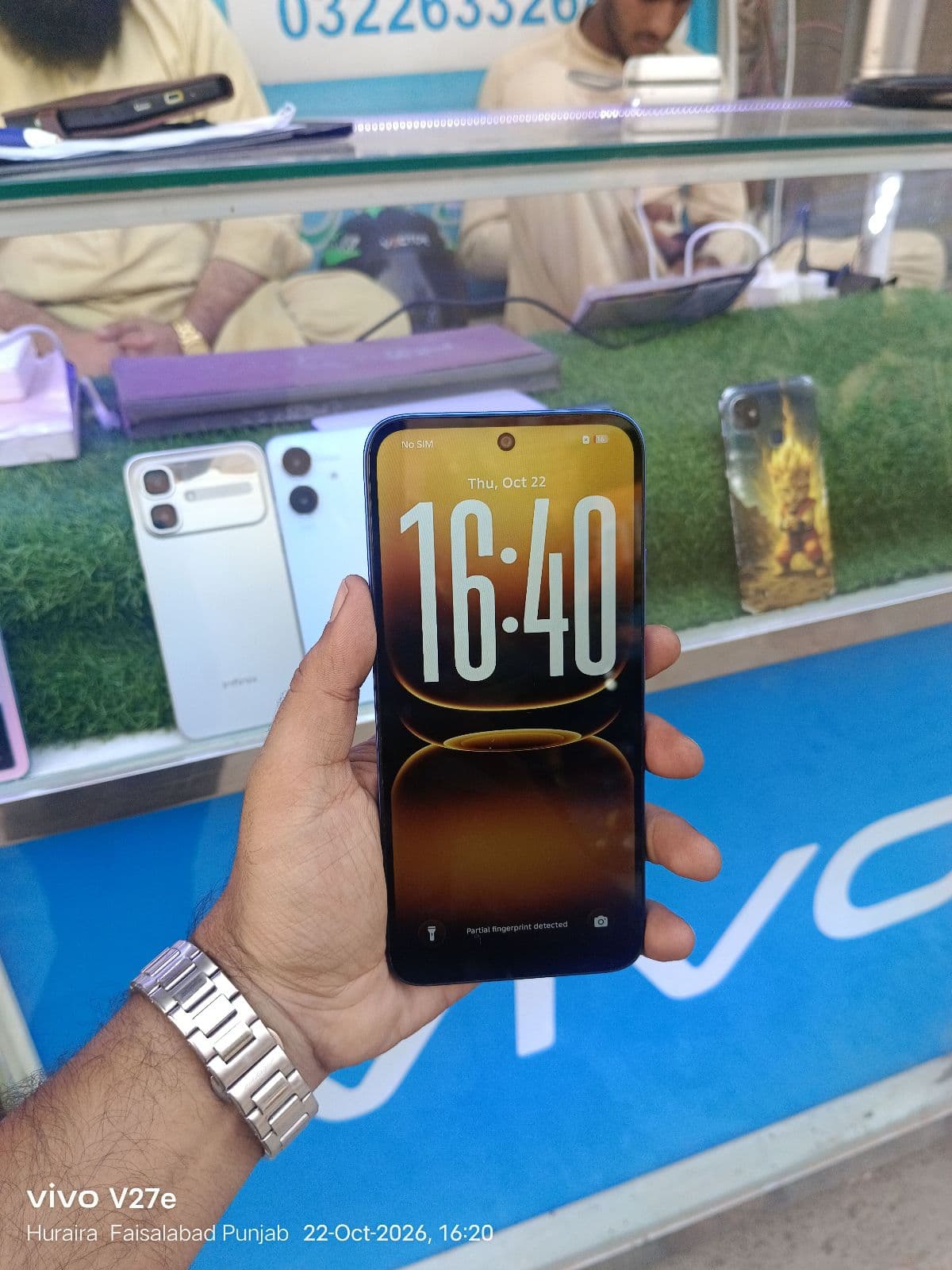
Infinix phones run XOS over Android, a feature-heavy interface with plenty of customisation. On a used Infinix, open Settings to check the current XOS and Android version so you understand how up to date the software is, since budget models usually receive fewer major updates. Make sure the phone is signed out of the previous owner’s Google and Infinix accounts, confirm the app drawer, themes and gestures work normally, and watch for heavy pre-installed apps or ads that can affect day-to-day use on lower-end models.
Big batteries and charging
Large batteries are one of Infinix’s biggest strengths, with many Hot and Note models offering long screen-on time. Test that the battery holds a reasonable charge through the day and that the phone charges normally without excessive heat. Higher Note and GT models support faster charging, so ask whether the original charger and cable are included to get the rated speed. For a budget phone that will be used heavily, a healthy battery is one of the most important things to confirm before you buy.
What to check on a used Infinix
A focused set of checks helps you avoid the most common budget-phone problems.
- ✓Battery health — heavy daily use can wear budget batteries, so confirm it still lasts a full day.
- ✓Display — look for dead spots, tint or a replaced panel, especially on larger Note screens.
- ✓Charging port and speed — test that it charges properly and, where supported, at the rated fast-charge speed.
- ✓Cameras and fingerprint — check the rear and selfie cameras and the fingerprint or face unlock work reliably.
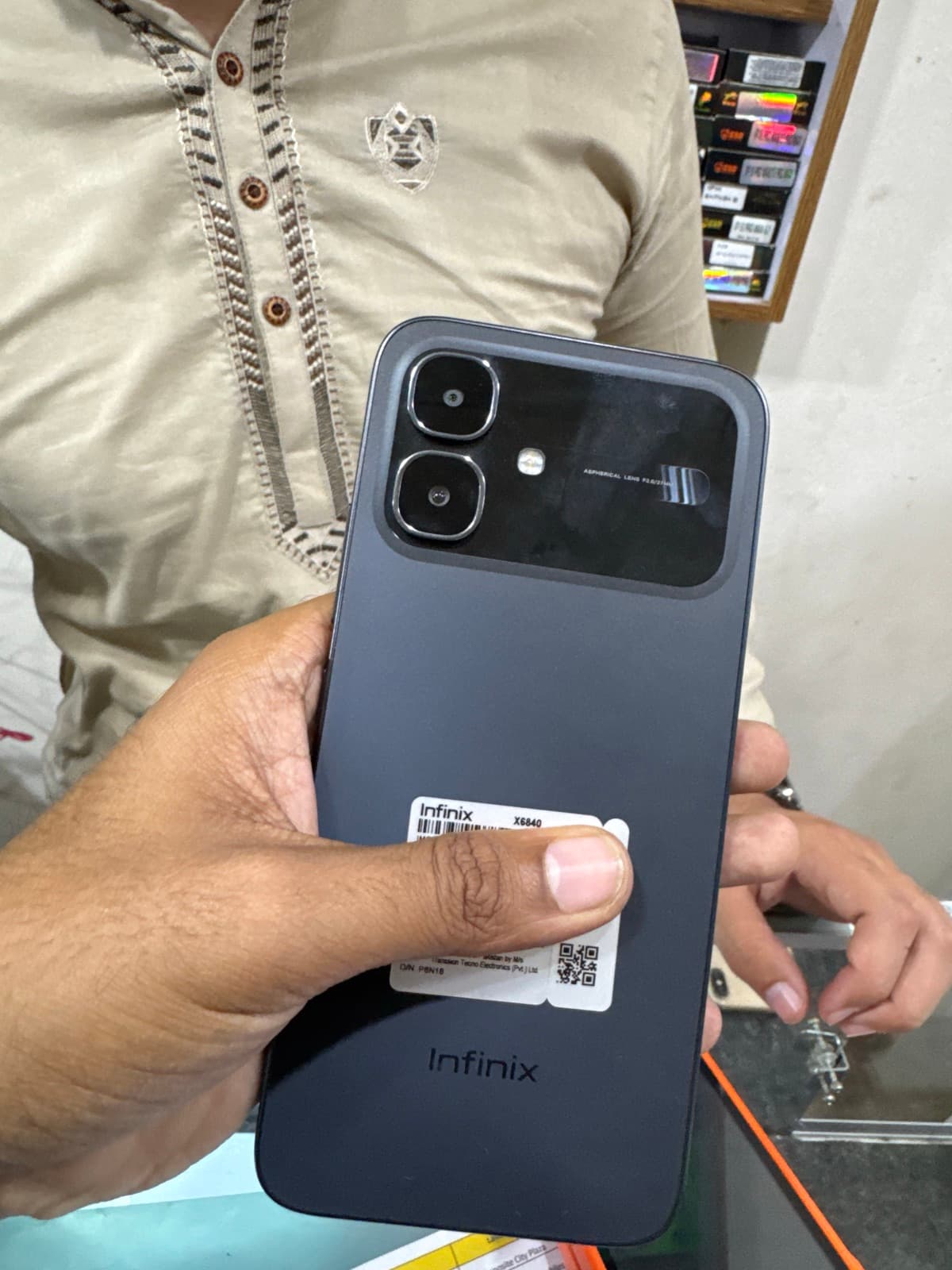
- ✓IMEI and PTA status — verify the IMEI on the PTA DIRBS portal to confirm approval or any pending tax.
Value for money and PTA status in Faisalabad
Infinix phones sell well in Faisalabad because they offer large screens and big batteries at low prices, making them sensible everyday and first smartphones. Before buying, confirm the PTA status: an approved Infinix works on Jazz, Zong, Telenor and Ufone without restrictions, while a non-PTA unit is cheaper but may need DIRBS tax to keep accepting local SIMs. Compare a few similar listings on Mehfoz to judge a fair price, and include any pending tax so you know your real total cost.